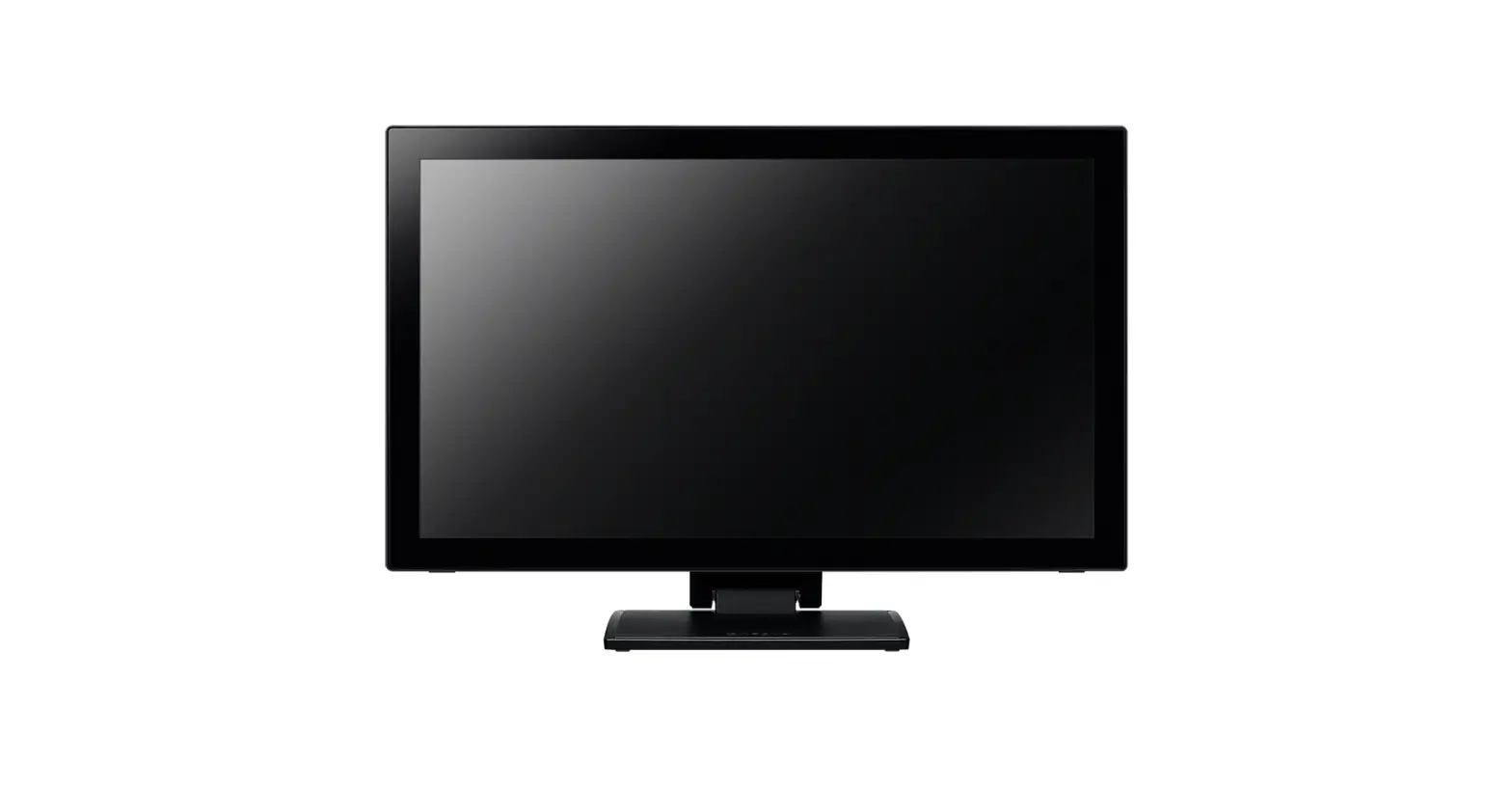
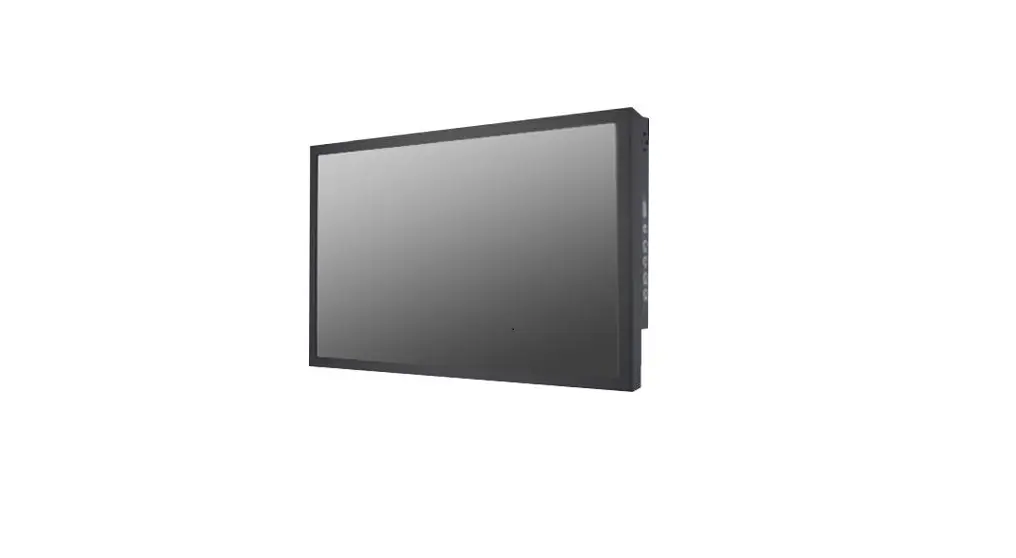
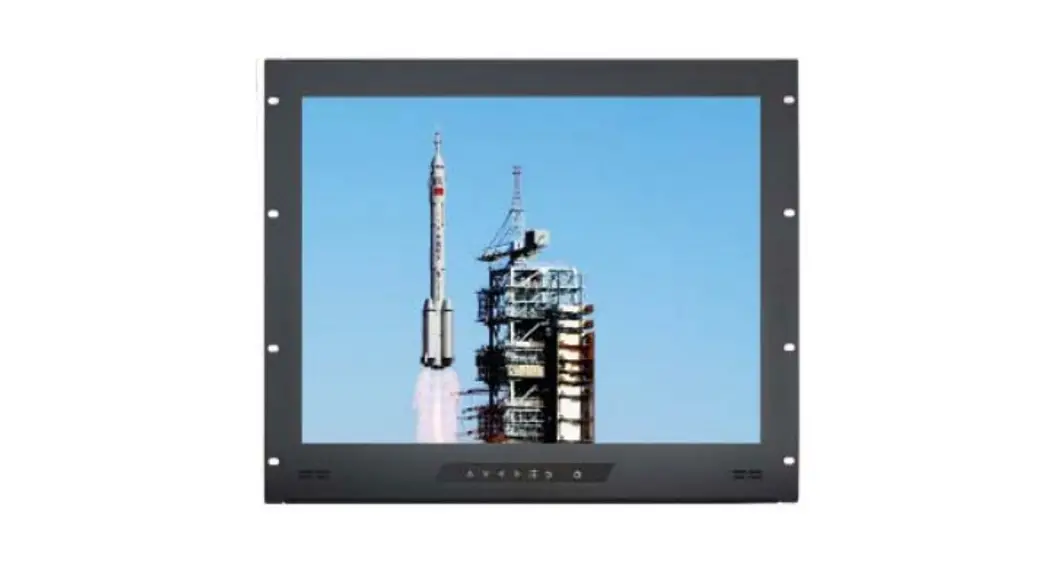
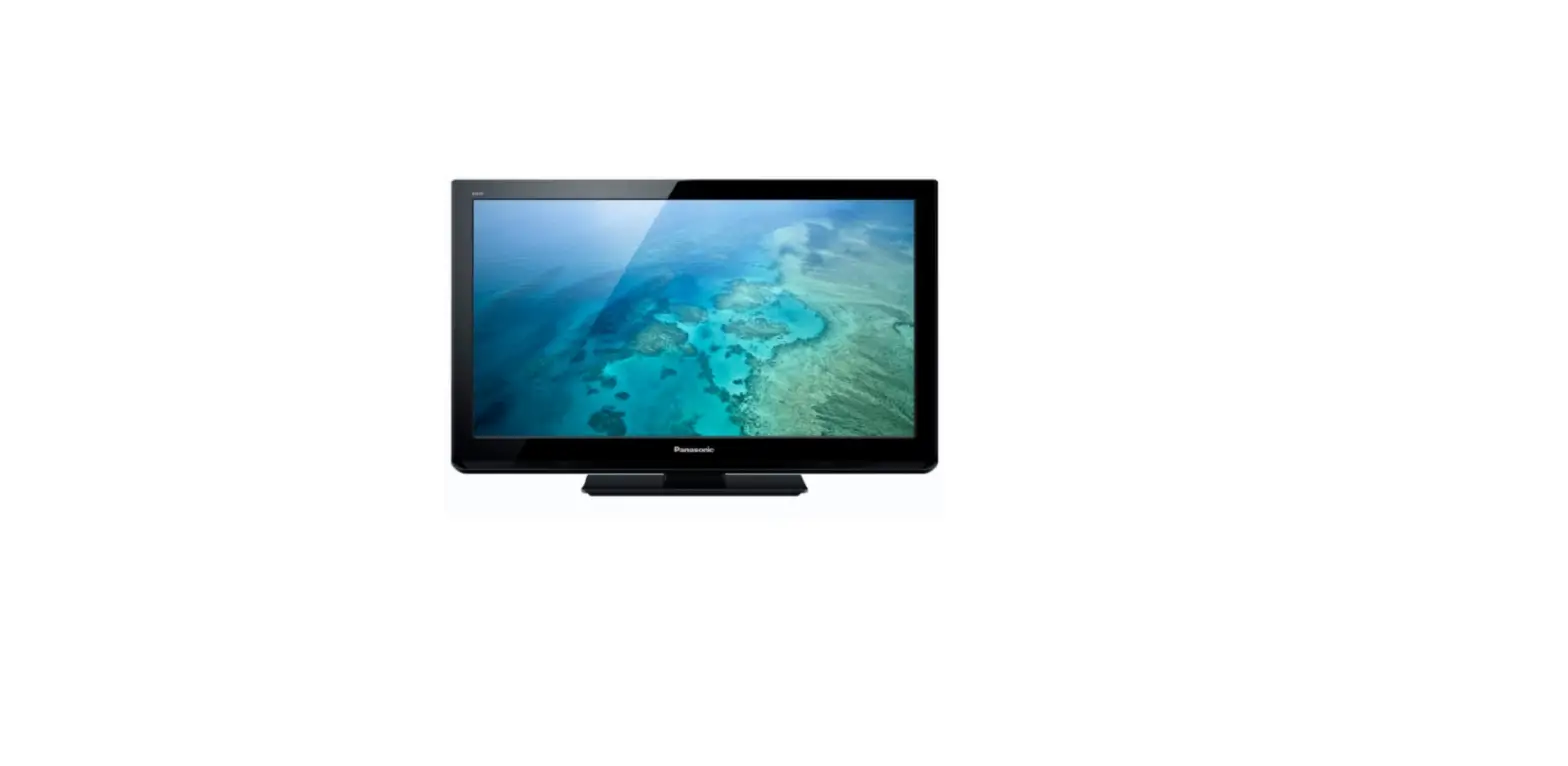
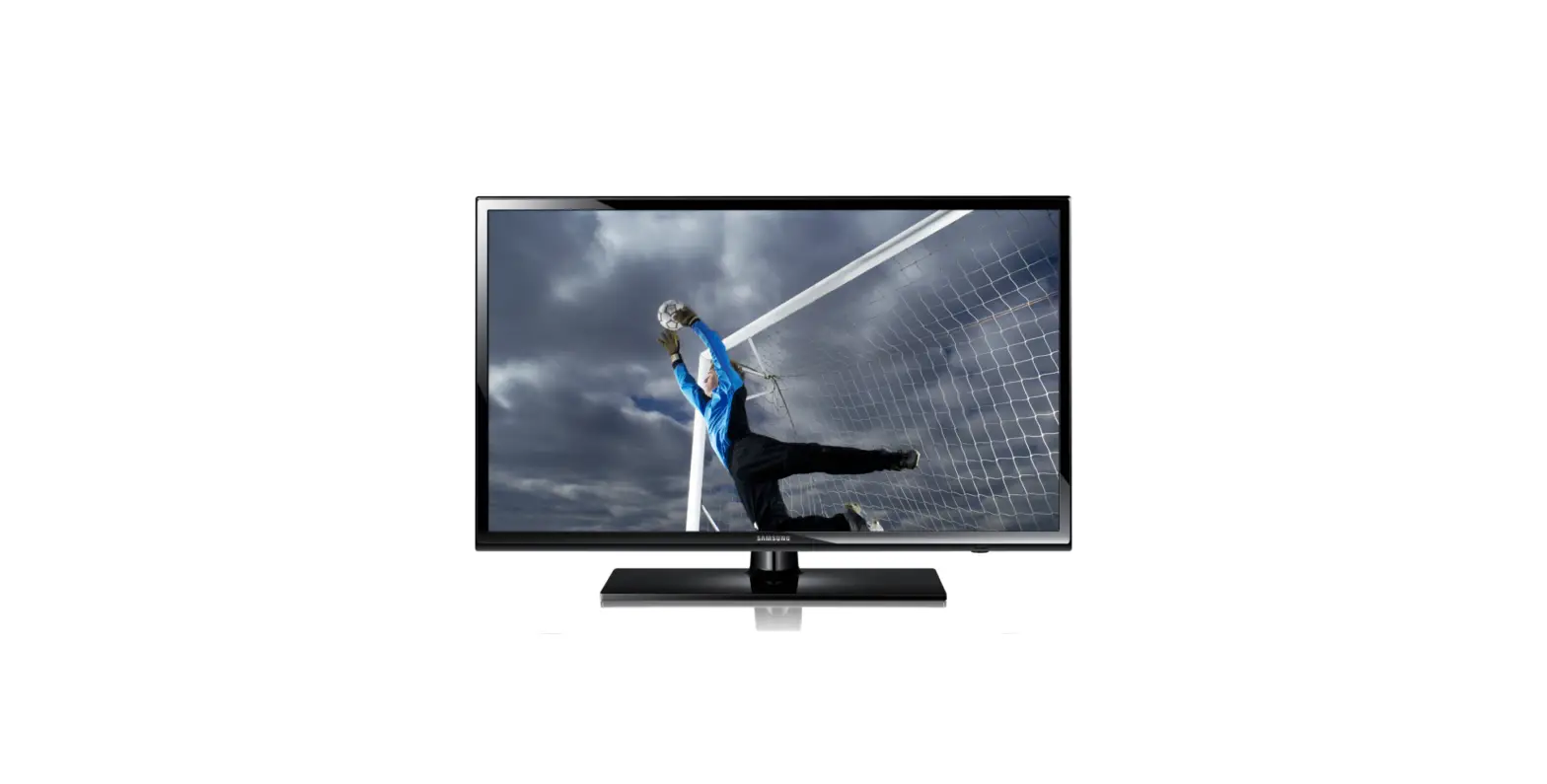
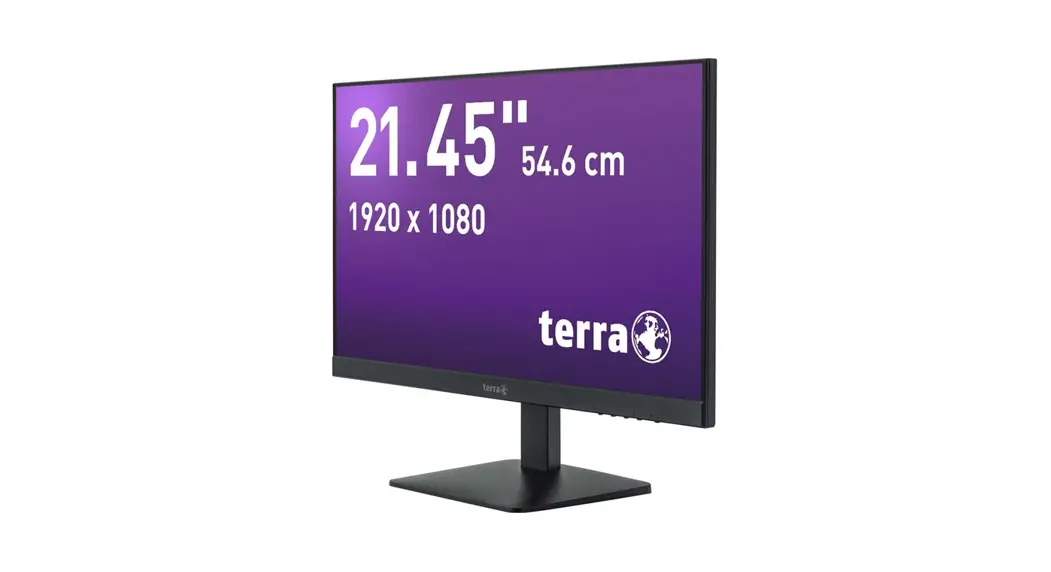
ZT-134 55 Inch LCD Screen
Product Information
Product Name: Zenty Professional A/V Solution Provider
Contact Information:
– Phone: (844) 200-1945
– Email: [email protected]
Address: 9807 Emily Lane, Stafford, TX 77477
Support Email: [email protected]
Specifications
| Model No. | LCD Size | Panel Type | Panel Check Standard | Light Source | Resolution | Brightness |
|---|---|---|---|---|---|---|
| [Model No.] | [LCD Size] | [Panel Type] | [Panel Check Standard] | [Light Source] | [Resolution] | [Brightness] |
| Contrast Ratio | Pixel Pitch | Frame Rate | Viewing Angle | Life | Color Saturability | Display Area |
|---|---|---|---|---|---|---|
| [Contrast Ratio] | [Pixel Pitch] | [Frame Rate] | [Viewing Angle] | [Life] | [Color Saturability] | [Display Area] |
| Color Degree | Power | Max. Power Consumption |
|---|---|---|
| [Color Degree] | [Power] | [Max. Power Consumption] |
Product Usage Instructions
Please follow the instructions below to use the Zenty
Professional A/V Solution Provider:
- Connect the power cable to the device and plug it into a power
outlet. - Connect the necessary audio and video cables to the device and
your desired output devices (e.g., TV, projector, speakers). - Turn on the Zenty Professional A/V Solution Provider using the
power button. - Use the provided remote control or the buttons on the device to
navigate through the menu and select your desired audio/video
settings. - Adjust the brightness, contrast, and other display settings
according to your preferences. - Connect any additional devices or peripherals (e.g., USB
drives, HDMI inputs) as needed. - Enjoy your enhanced audio and visual experience with the Zenty
Professional A/V Solution Provider!
Zenty | Professional A/V Solution Provider
(844) 200-1945 | [email protected]
Page 1 of 12
ZENTY ®
9807 EMILY LANE STAFFORD, TX 77477
(844) 200-1945 [email protected]
Copyright © Zenty AV
(844) 200-1945 | [email protected]
Page 2 of 12
Copyright © Zenty AV
· Support online software upgrade by USB · Embedded software for enlarging more LCD video wall units to one-big LCD screen display or
multi-screen display by remote control and RS232 · Support logo start up online · Interfaces: USB/HDMI/DVI/RS232 · Panel type: Manufacturer original · Double bezel seam: 3.5mm · Resolution: 1920×1080 · Brightness: 500cd/m²(typ.) · Enlarge LCD video walls by HDMI matrix or video wall processor is optional
Specifications Panel Power
Model No. LCD Size Panel Type Panel Check Standard Light Source Resolution Brightness
Contrast Ratio Pixel Pitch Frame Rate Viewing Angle Life Color Saturability Display Area Color Degree Power Max. Power Consumption
ZT-DS55-35-500 54.64 LD550DUN-TKB2 A LED back-light 1920 x 1080 500 (TBD) cd/m2 (Center 1point, Typ.) 1400:1 (typ.) 0.63mm x 0.63mm 60Hz 178° (H) / 178° (V) 50,000 hrs. (min.) 72% 1029.6mm (H) x 680.4 mm (V) 1.06B 100 ~ 240V, 50 ~ 60Hz <220W
(844) 200-1945 | [email protected]
Page 3 of 12
Copyright © Zenty AV
Environment
In Interface Control Structure
Language
Stand-by Power Working Temperature Storage Temperature Working Humidity
Storage Humidity
Display Mode Working Hours USB Interface HDMI Interface DVI Interface RS232 Net Weight Gross Weight Bare Dimensions Package Size
Shell Material Shell Color Bezel Seam OSD
<0.5W 0°C ~ 40°C -20°C ~ 60°C 10% ~ 90% RH (Noncondensing) 20% ~ 85~ RH (Noncondensing) Standard, Soft, User, Vivid 24 Hours 1 1 1 RS232 In x 1; RS232 Out x 2 21.5 ±1kg 49 ±1kg (two in one) 1213.4 x 684.2 x 88.1 mm 1285 x 315 x 760mm (2pcs pack / carton) Metal case Black 3.5mm English / Chinese
(844) 200-1945 | [email protected]
Page 4 of 12
Copyright © Zenty AV
(844) 200-1945 | [email protected]
Page 5 of 12
Copyright © Zenty AV
(844) 200-1945 | [email protected]
Page 6 of 12
Copyright © Zenty AV
Specifications Accessories
Type
Pot Hook
4
Metal Handrail
2
RS232 Cable
1
RJ45 to RS232 Transfer
1
CK-LINK CAT 5E LAN Cable
1
Power Cord
1
Remote Control
1
Parameters
(844) 200-1945 | [email protected]
Page 7 of 12
Copyright © Zenty AV
(844) 200-1945 | [email protected]
Page 8 of 12
Copyright © Zenty AV
(844) 200-1945 | [email protected]
Page 9 of 12
Copyright © Zenty AV
(844) 200-1945 | [email protected]
Page 10 of 12
Copyright © Zenty AV
Clean this unit with a soft, dry cloth. Never use alcohol, paint thinner, or benzine to clean.
If your product does not work properly because of a defect in materials of workmanship, our company (referred to as “the warrantor”) will, for the length of the period indicated as below, “Parts and Labor (5) Years”, which starts with the date of original purchase (“Limited Warranty period”), at its option either (a) repair your product with new or refurbished parts, or (b) replace it with a new or a refurbished product. The decision to repair or replace will be made by the warrantor.
During the “Labor” limited warranty period, there will be no charge for labor. During the “Parts” warranty period, there will be no charge for parts. You must mail-in your product during the warranty period. This Limited Warranty is extended only to the original purchaser and only covers products purchased as new. A purchase receipt or other proof of original purchase date is required for Limited Warranty service.
When shipping the unit, carefully pack and send it prepaid, adequately insured, and preferably in the original carton. Include a letter detailing the complaint and provide a day time phone and/or email address where you can be reached.
This Limited Warranty ONLY COVERS failures due to defects in material or workmanship, and DOES NOT COVER normal wear and tear or cosmetic damage. The Limited Warranty ALSO DOES NOT COVER damages which occurred in shipment, or failures which are caused by products not supplied by warrantor, or failures which result from accidents, misuse, abuse, neglect, mishandling, misapplication, alteration, faulty installation, set-up adjustments, mis-adjustment of consumer controls, improper maintenance, power line surge, lightning damage, modification, or service by anyone other than a Factory Service center or other Authorized Servicer, or damage that is attributed to acts of God.
THERE ARE NO EXPRESS WARRANTIES EXCEPT AS LISTED UNDER “LIMITED WARRANTY COVERAGE”. THE WARRANTOR IS NOT LIABLE FOR INCIDENTAL OR CONSEQUENTAIL DAMAGES RESULTING FROM THE USE OF THIS PRODUCT, OR ARISING OUT OF ANY BREACH OF THIS WARRANTY. (As examples, this excludes damages for lost time, cost of having someone remove or re-install an installed unit if applicable, travel to and from the service, loss of or damage to media or images, data or other recorded content. The items listed are not exclusive, but are for illustration only.) PARTS AND SERVICE, WHICH ARE NOT COVERED BY THIS LIMITED WARRANTY, ARE YOUR RESPONSIBILITY.
(844) 200-1945 | [email protected]
Page 11 of 12
Copyright © Zenty AV
WWW.ZENTY.COM 9807 EMILY LANE STAFFORD, TX 77477
(844) 200-1945 [email protected]
[email protected]
(844) 200-1945 | [email protected]
Page 12 of 12
Copyright © Zenty AV
 Zenty - The AV Technology Leader