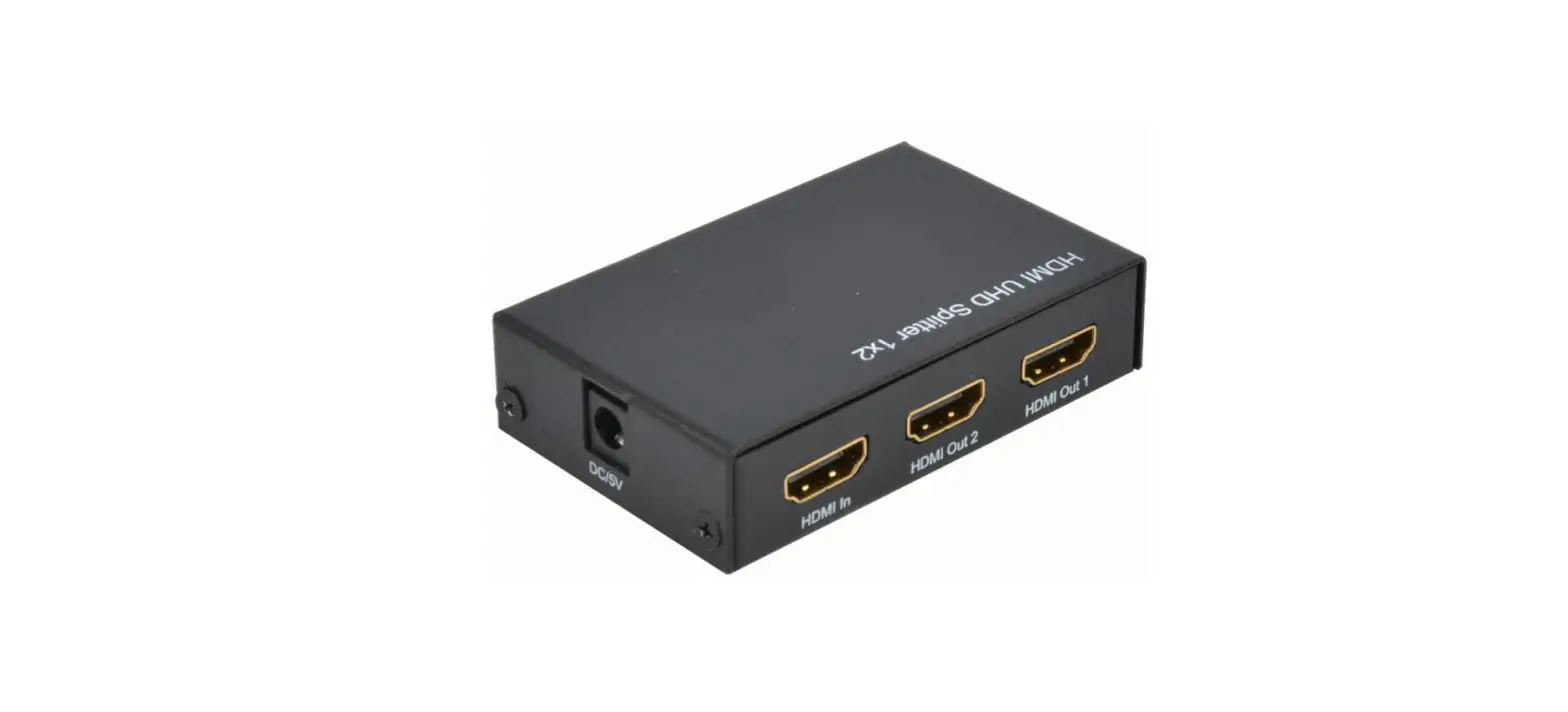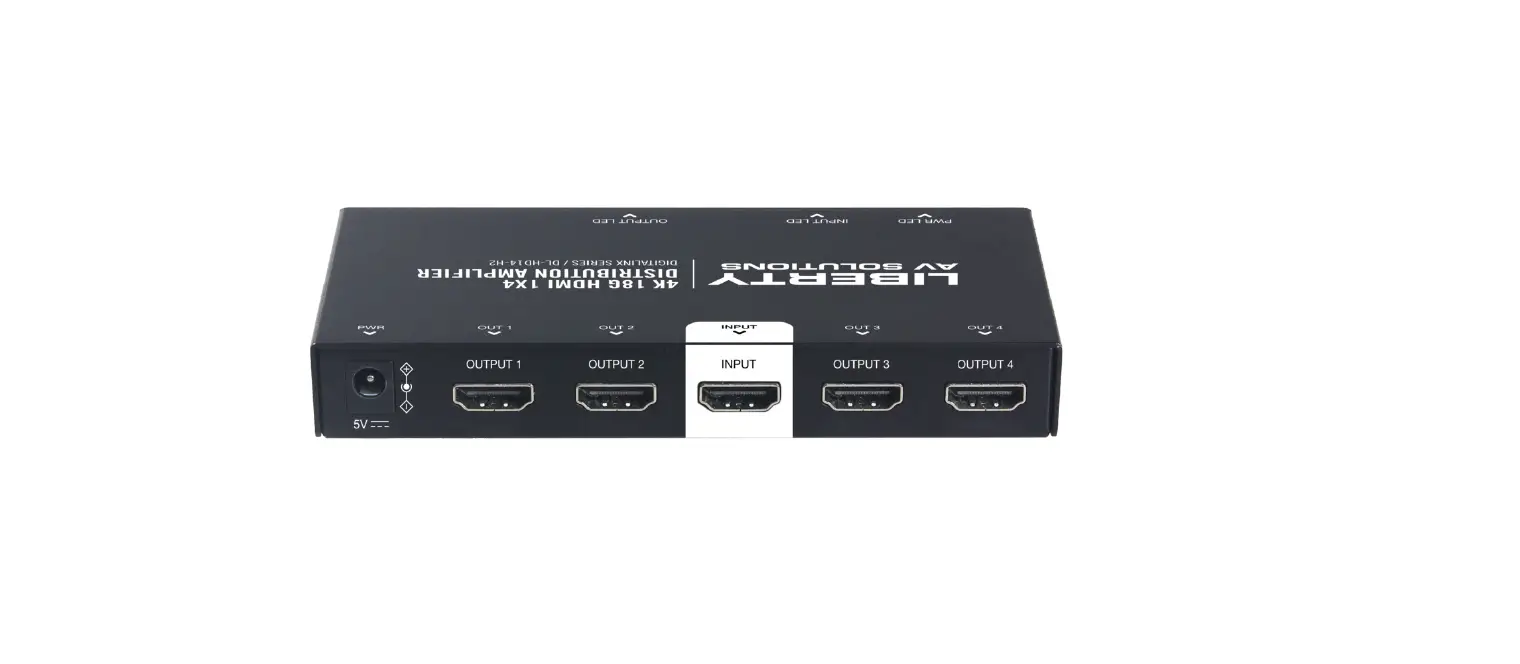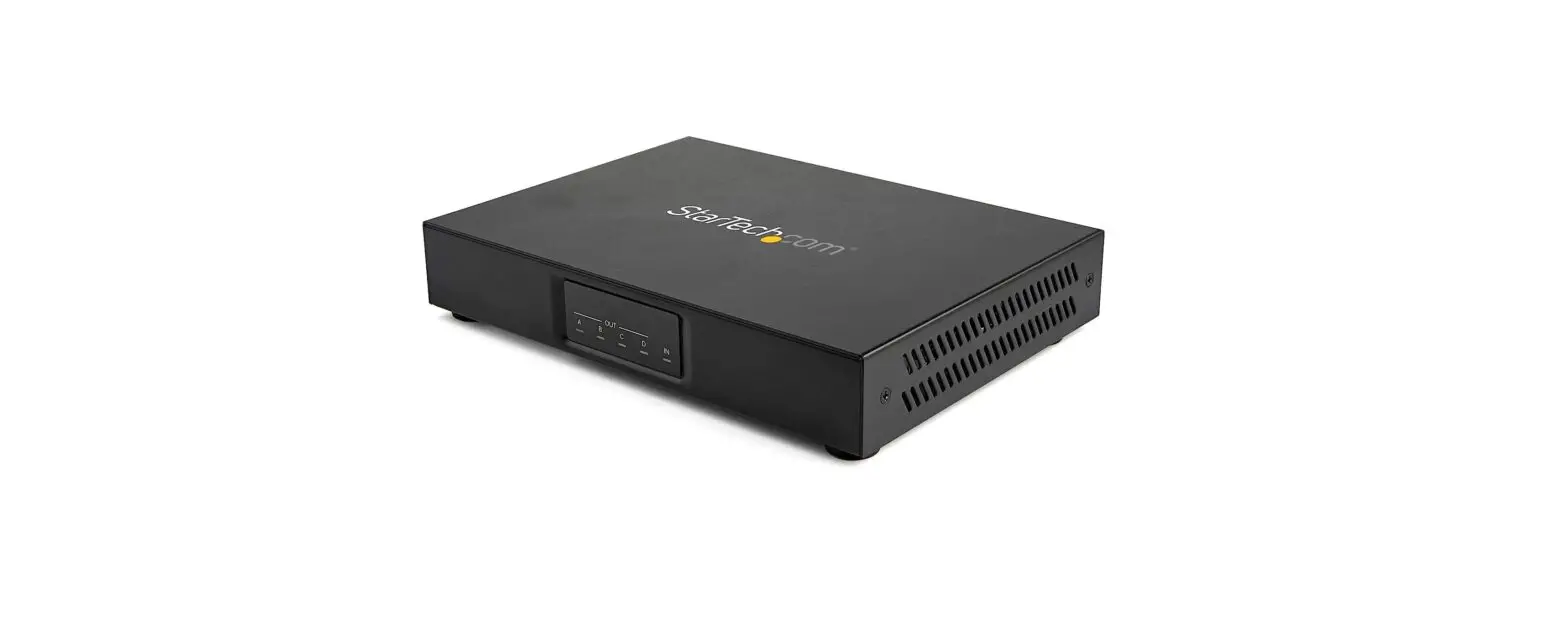

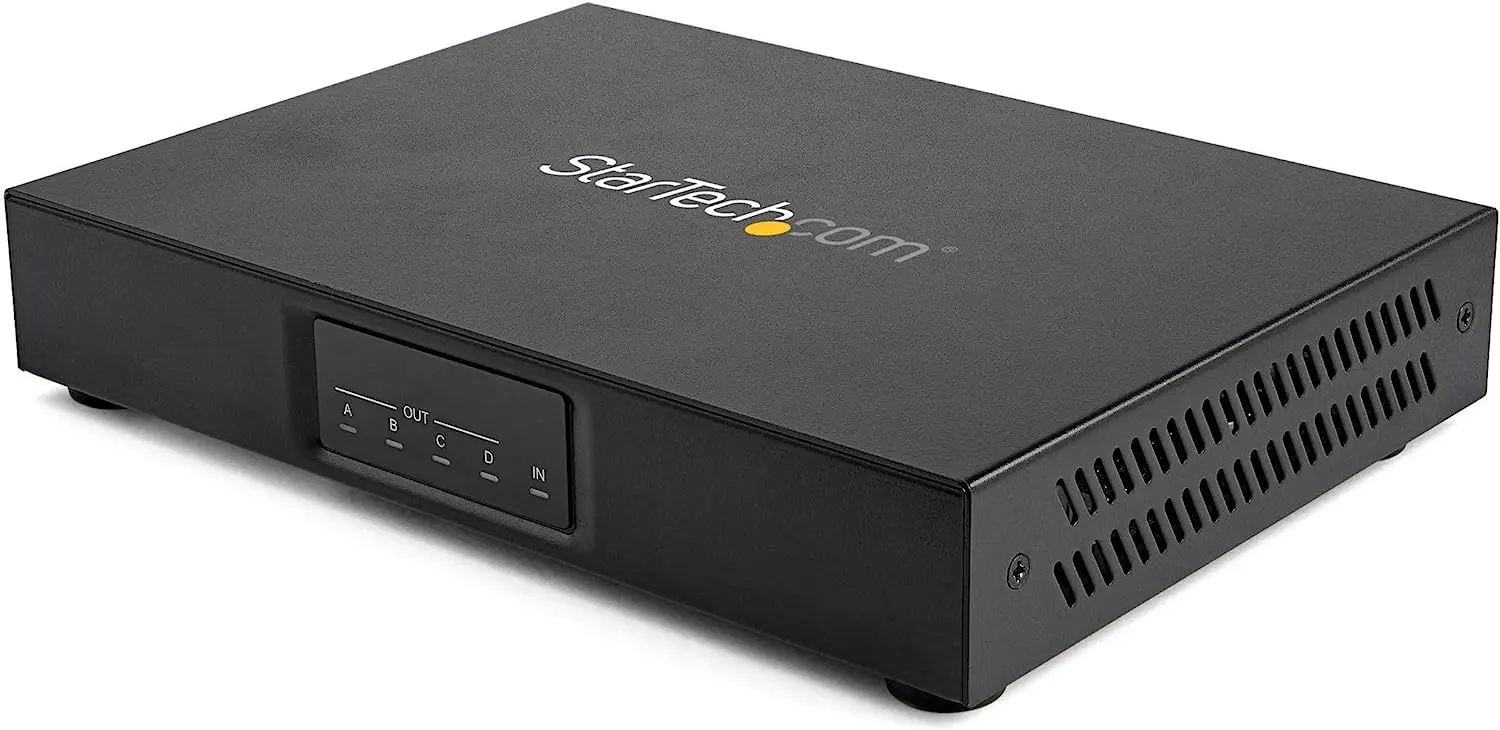
StarTech.com ST124HDVW Video Wall Splitter
Compliance Statements
FCC Compliance Statement
This equipment has been tested and found to comply with the limits for a Class B digital device, pursuant to part 15 of the FCC Rules. These limits are designed to provide reasonable protection against harmful interference in a residential installation. This equipment generates, uses, and can radiate radio frequency energy and, if not installed and used in accordance with the instructions, may cause harmful interference to radio communications. However, there is no guarantee that interference will not occur in a particular installation. If this equipment does cause harmful interference to radio or television reception, which can be determined by turning the equipment off and on, the user is encouraged to try to correct the interference by one or more of the following measures:
- Reorient or relocate the receiving antenna
- Increase the separation between the equipment and the receiver
- Connect the equipment to an outlet on a circuit different from that to which the receiver is connected
- Consult the dealer or an experienced radio/TV technician for help
Industry Canada Statement
This Class B digital apparatus complies with Canadian ICES-003. CAN ICES-3 (B)/NMB-3(B)
Use of Trademarks, Registered Trademarks, and Other Protected Names and Symbols
This manual may make reference to trademarks, registered trademarks, and other protected names and/or symbols of third-party companies not related in any way to StarTech.com. Where they occur these references are for illustrative purposes only and do not represent an endorsement of a product or service by StarTech.com, or an endorsement of the product(s) to which this manual applies by the third-party company in question. Regardless of any direct acknowledgment elsewhere in the body of this document, StarTech.com hereby acknowledges that all trademarks, registered trademarks, service marks, and other protected names and/or symbols contained in this manual and related documents are the property of their respective holders.
Safety Statements
Safety Measures
- Wiring terminations should not be made with the product and/or electric lines under power.
- Cables (including power and charging cables) should be placed and routed to avoid creating electric, tripping, or safety hazards.
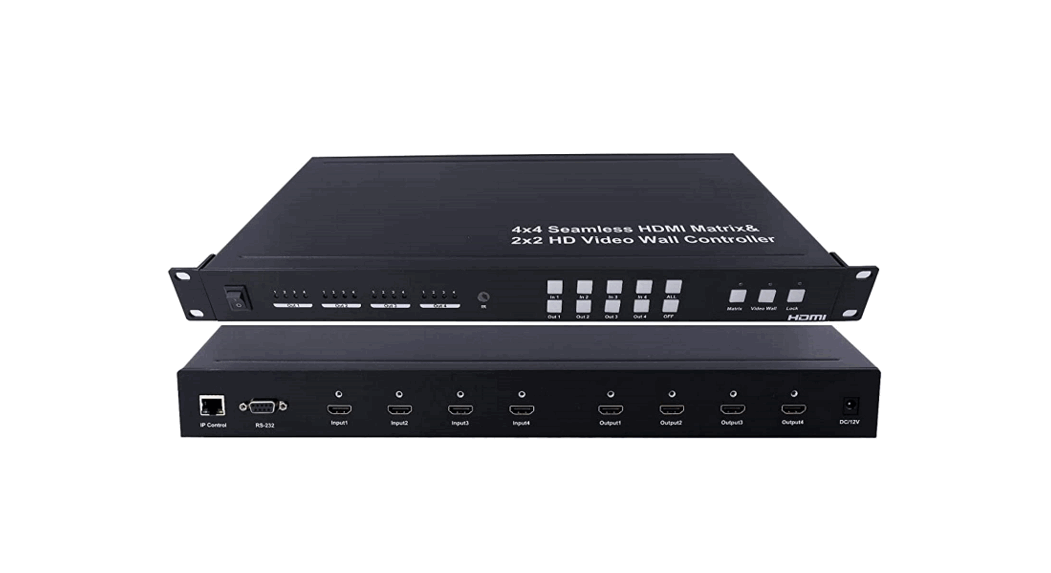
Product Diagram
Front View
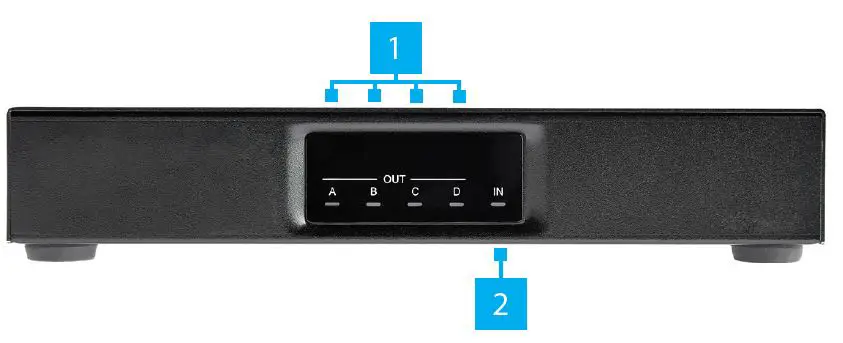
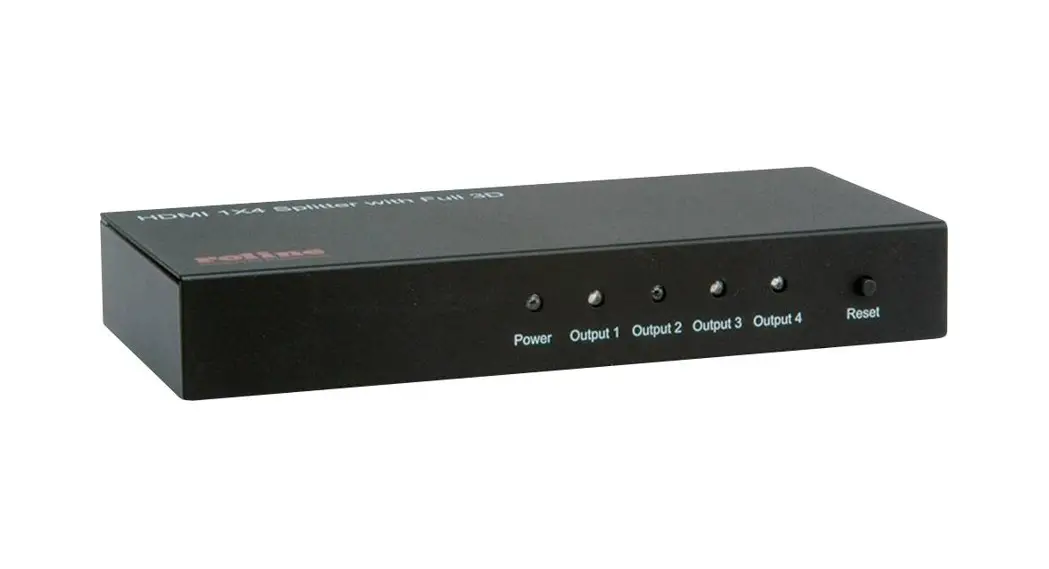
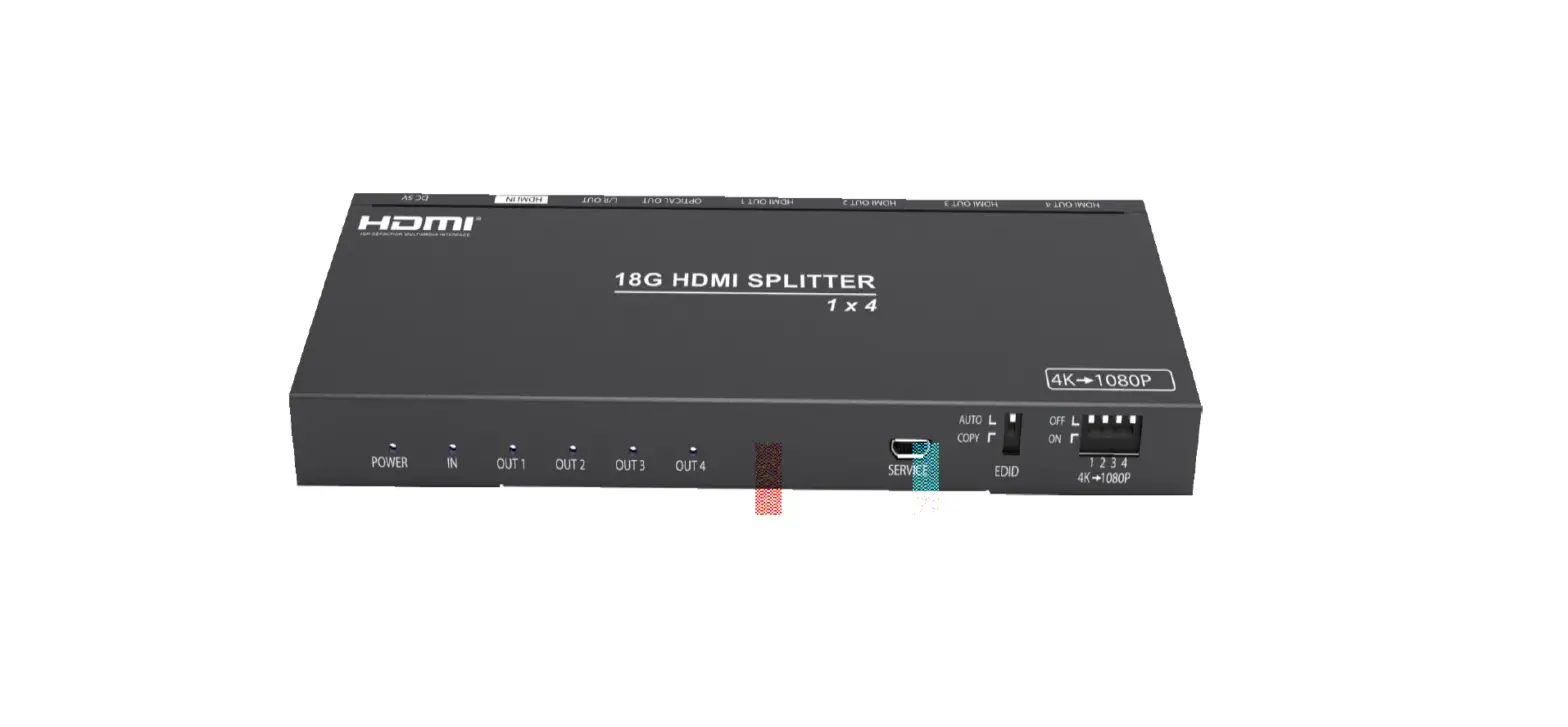
| 1 | HDMI Display Device LED Indicators | • Solid Green when an HDMI Display Device is detected |
| 2 | HDMI Source Device LED Indicator | • Solid Green when an HDMI Source Device is detected |
Rear View
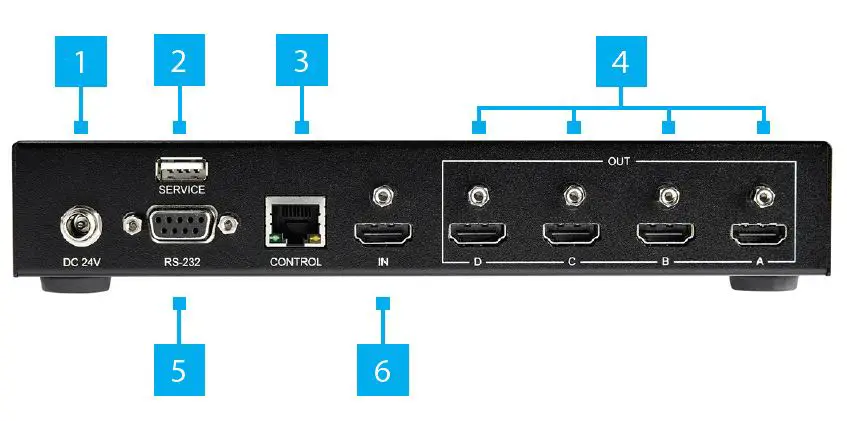
| 1 | DC 24V Power Port | • Connect a Power Source |
| 2 | Service Port | • For manufacturer use only |
| 3 | Network Control Port | • Connect to a Computer directly, or through a Network Switch using a Network Cable |
| 4 | HDMI Output Port | • Connect four HDMI Display Devices using HDMI M/M Cables |
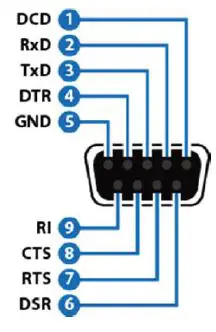
| 5 | RS-232 Control Port | • Connect to a Computer using a Serial Cable for Serial Control |
| 6 | HDMI Input Port | • Connect an HDMI Source Device using an HDMI M/M Cable |
Connection Guide
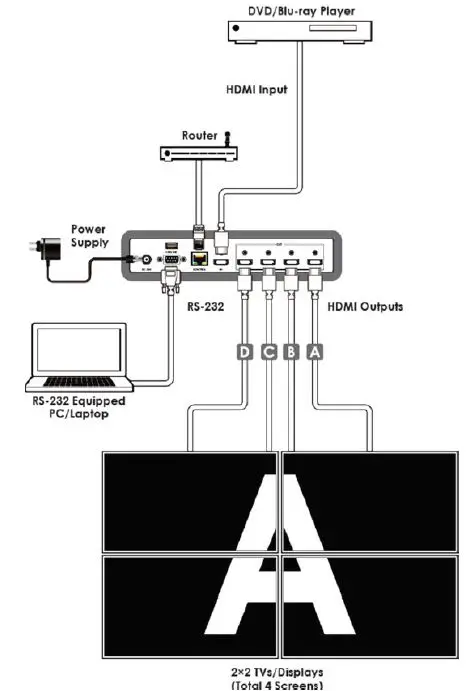
Requirements
For the latest requirements and to view the full User Manual, please visit www.startech.com/ST124HDVW.
- HDMI Source Device x 1
- HDMI Display Device x 4
- HDMI M/M Cables (sold separately) x 5
- RS-232 Enabled Computer x 1
- RS-232 Cable x 1
- Network Device (ex. router, network switch) x 1
- Network Cable x 1
- (Optional) HDMI Locks x 4
FREQUENTLY ASKED QUESTIONS
DOWNLOAD THE PDF LINK: StarTech.com ST124HDVW Video Wall Splitter User Manual