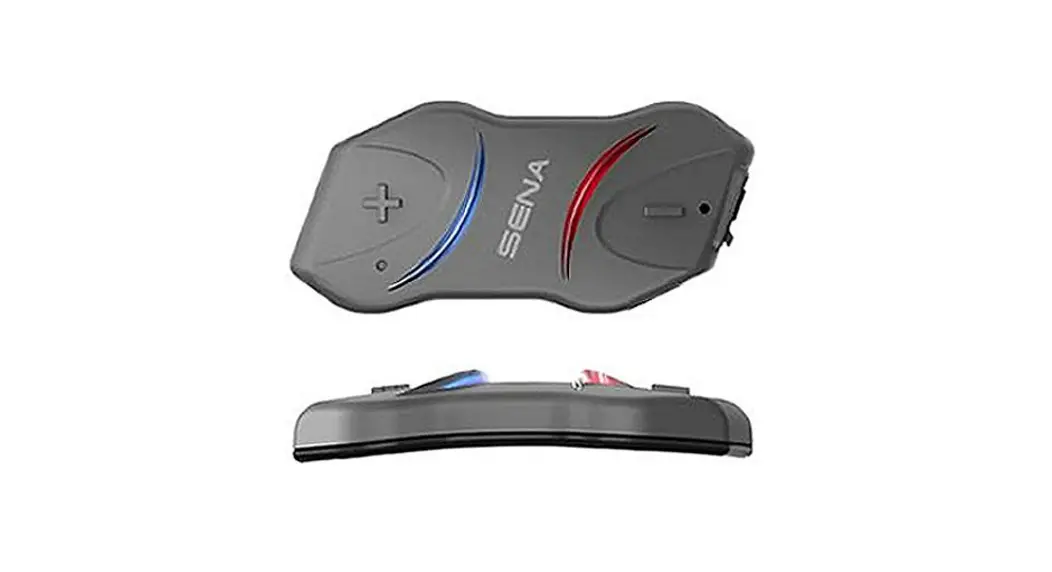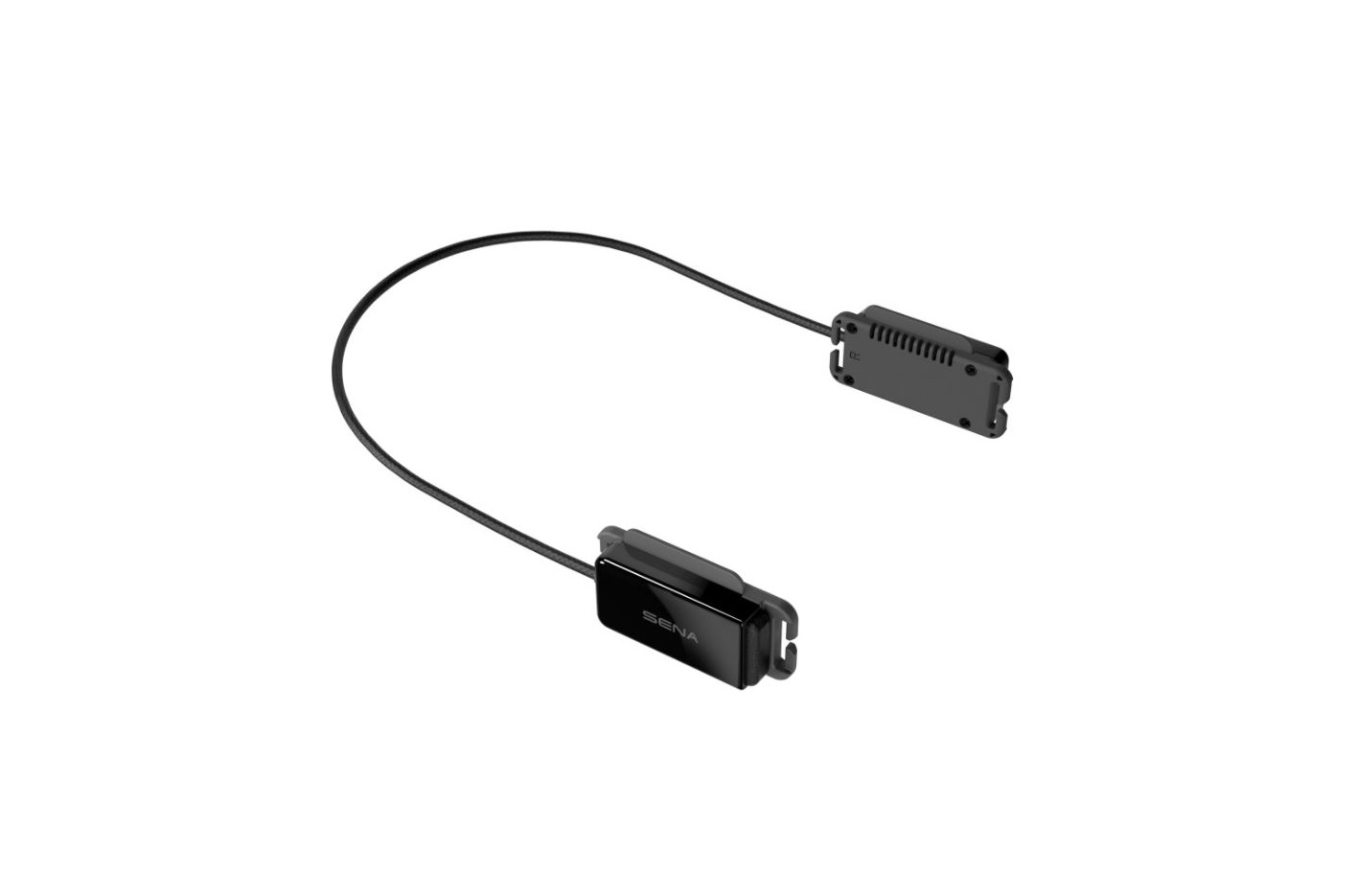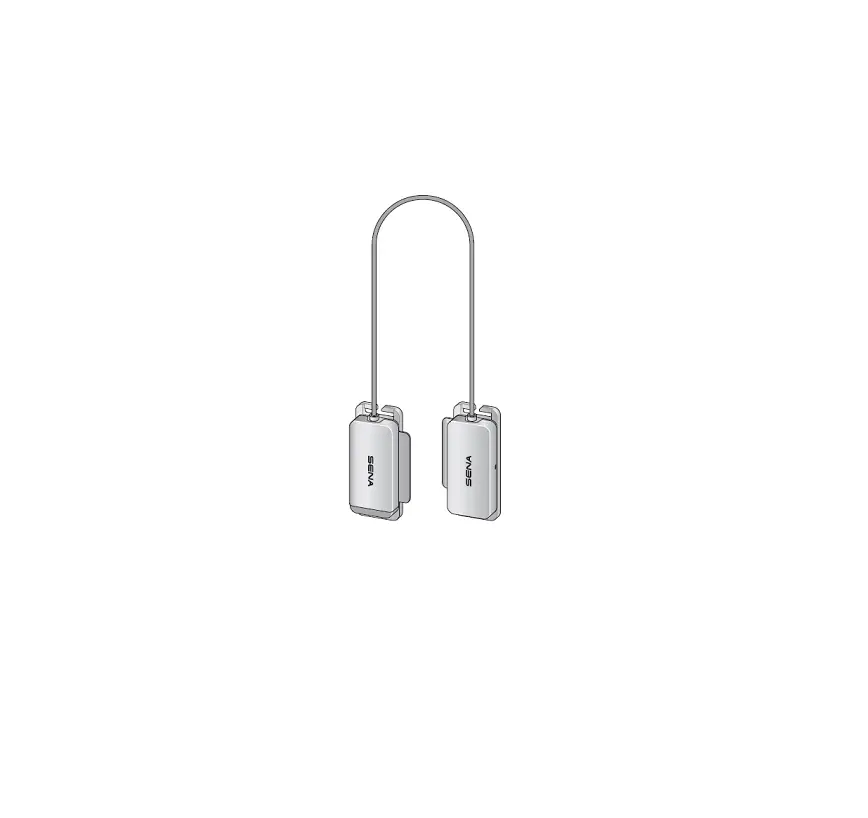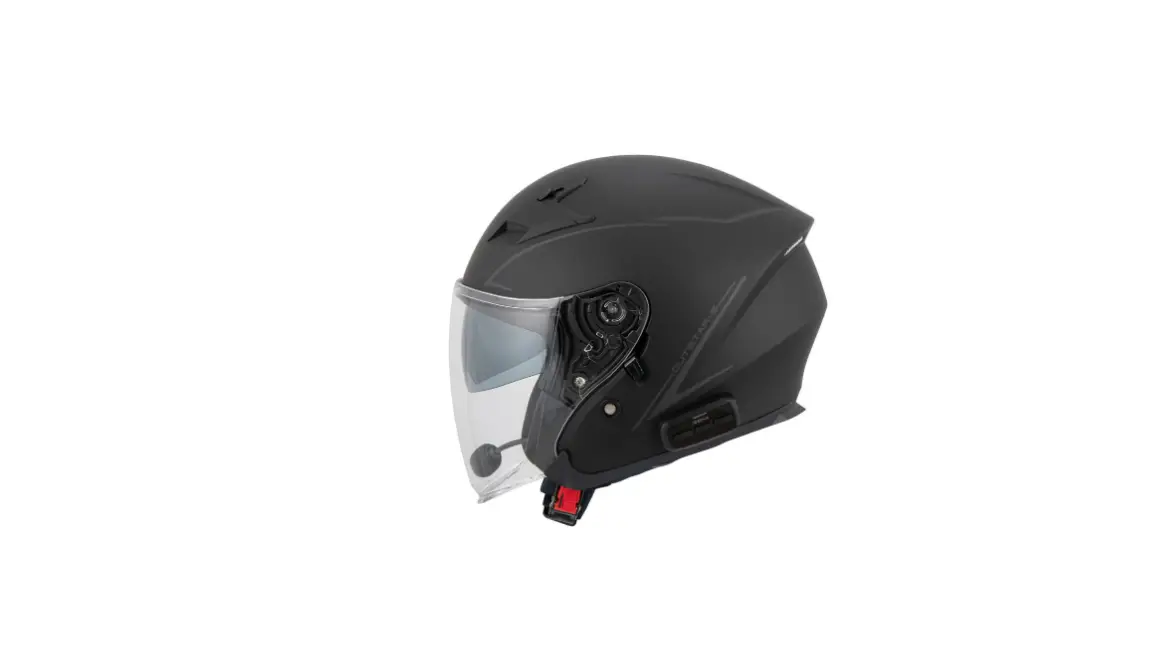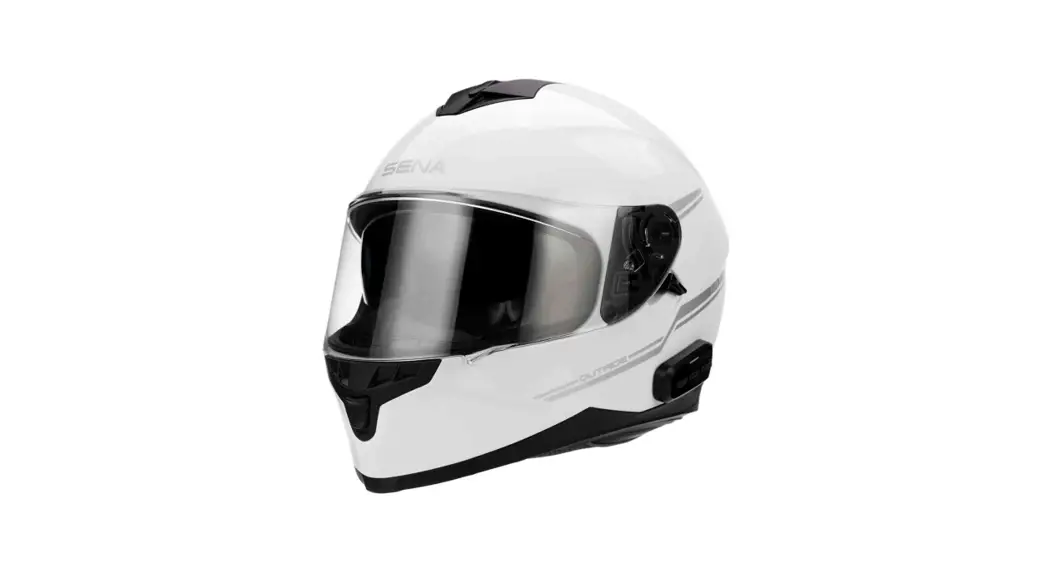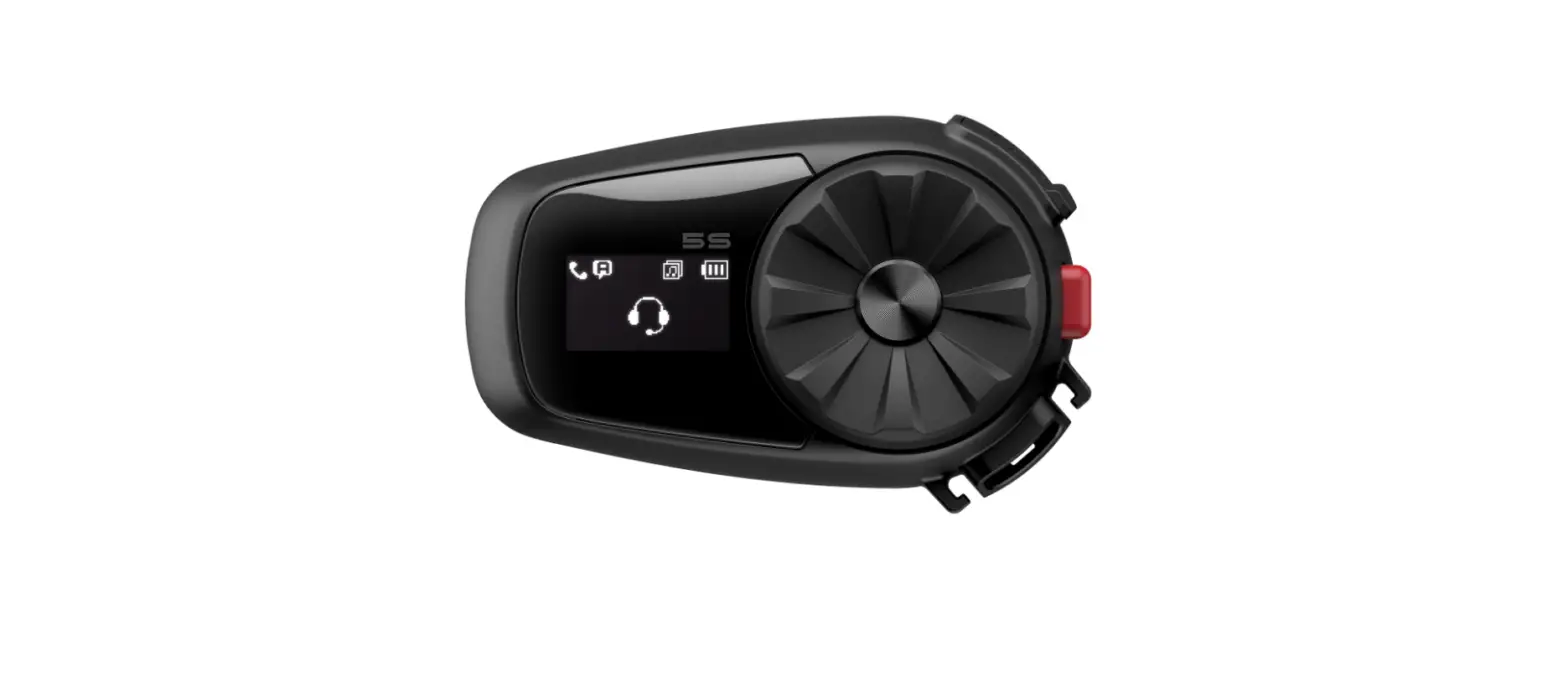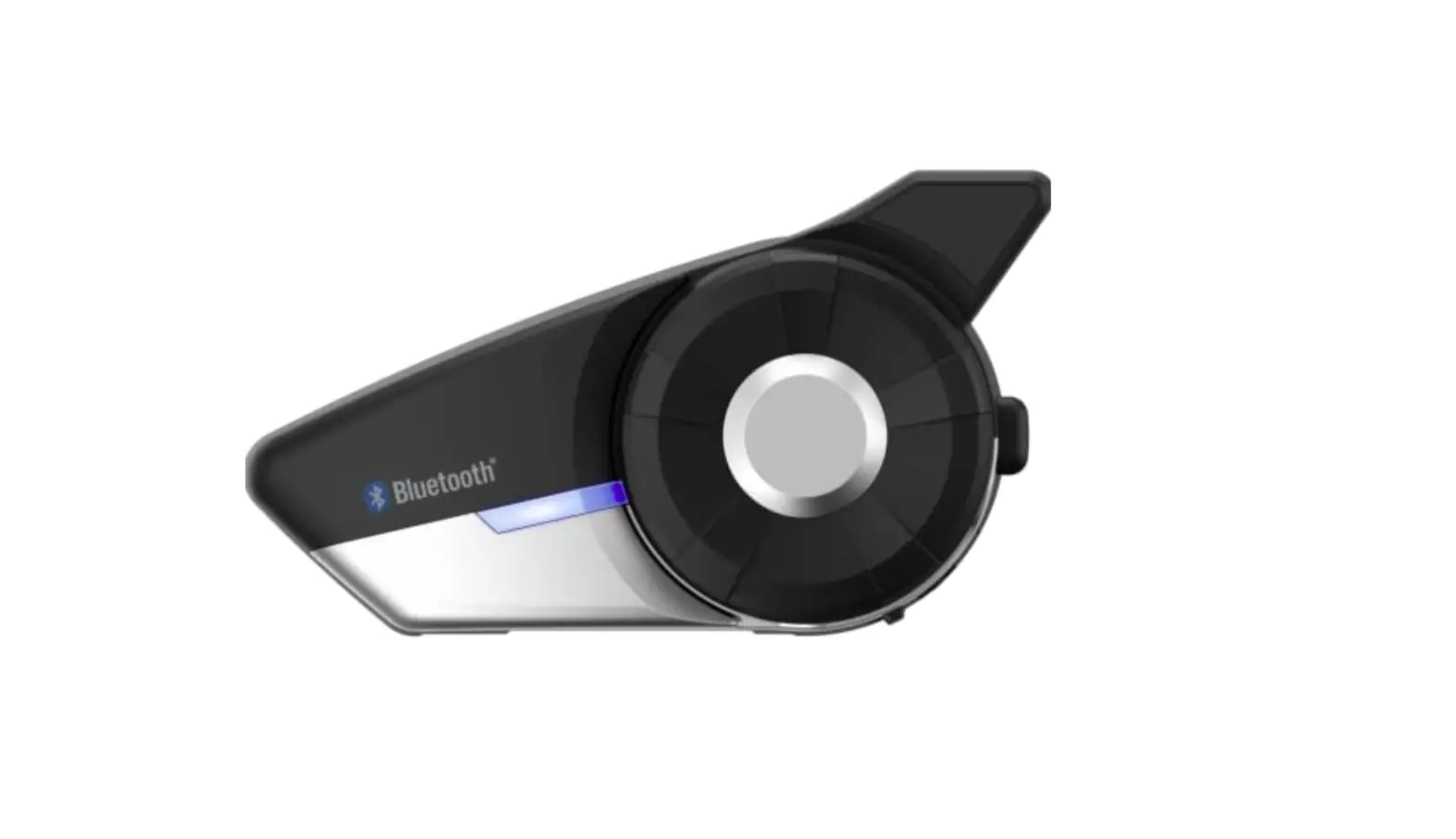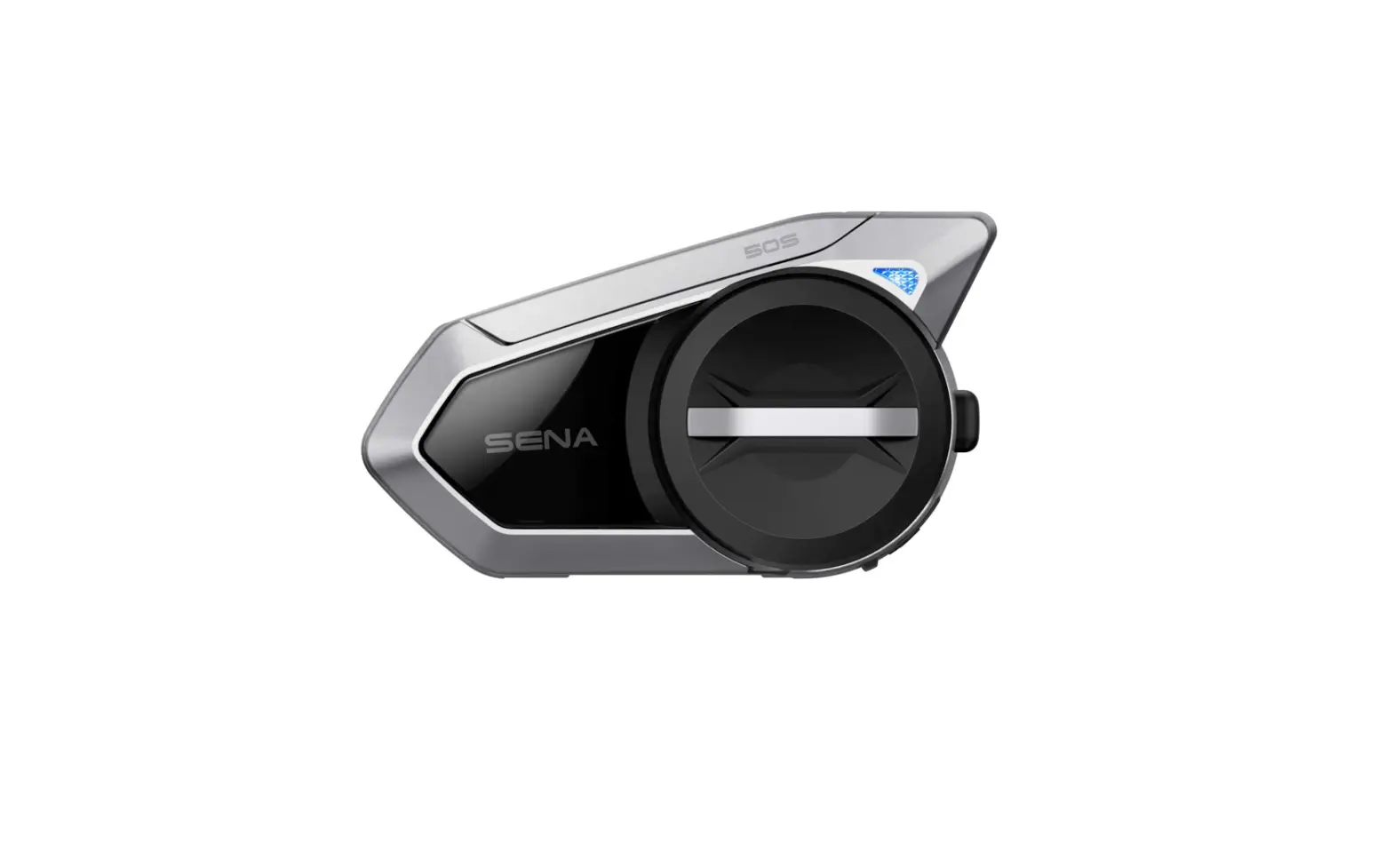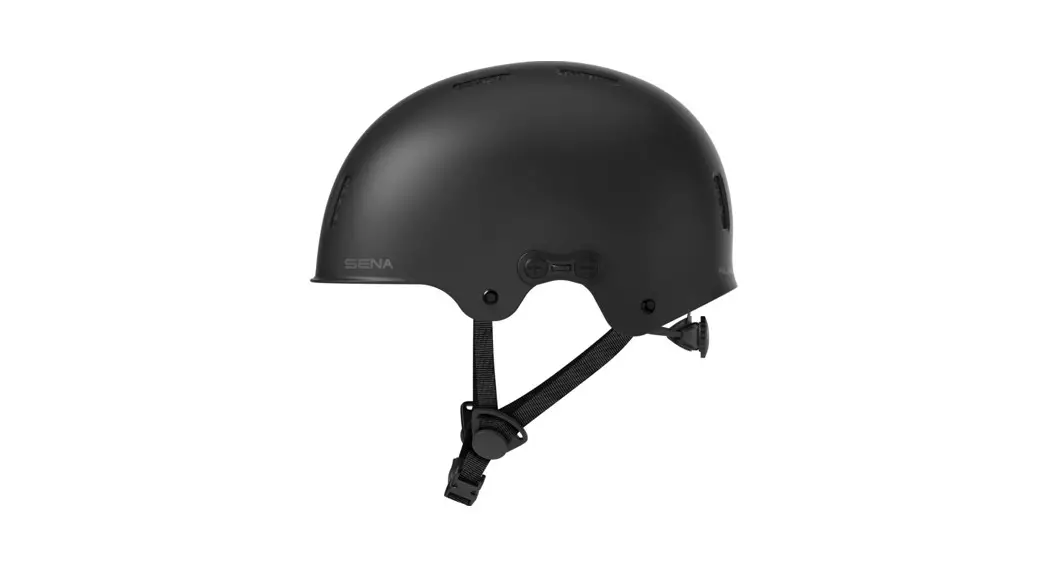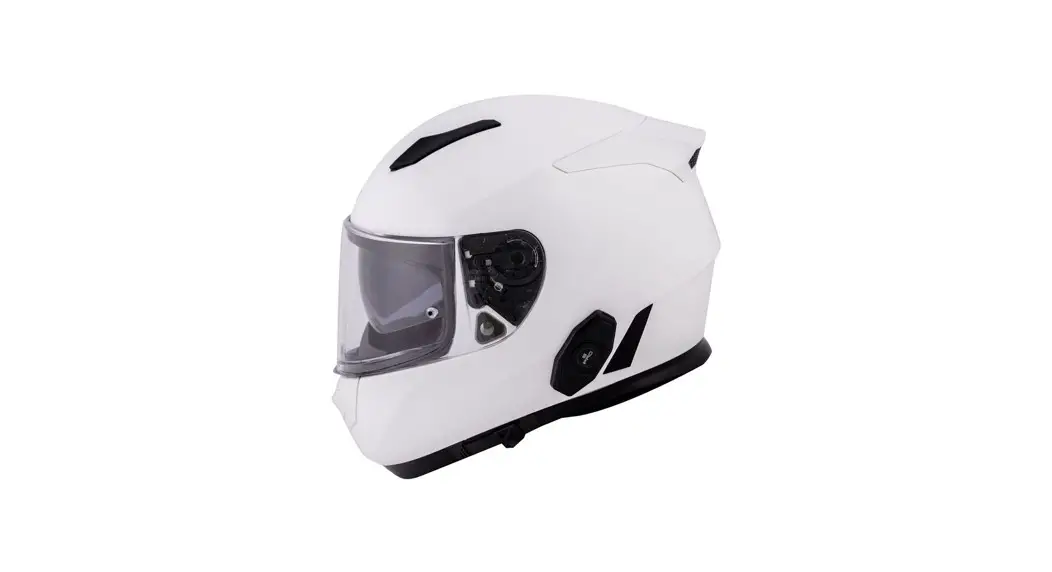
 DWO-6 Bluetooth Helmet Headset by
  Quick Start Guide
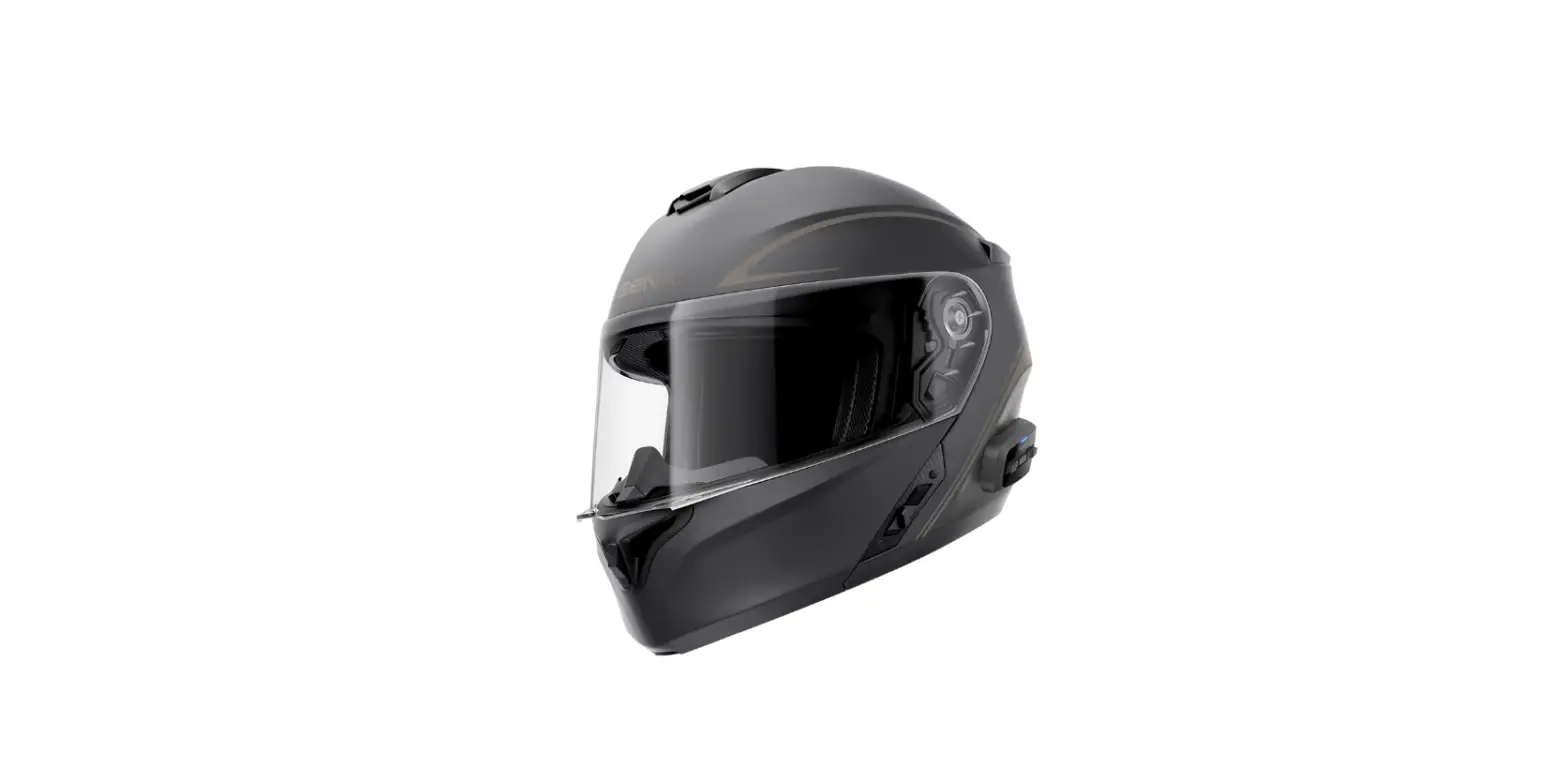
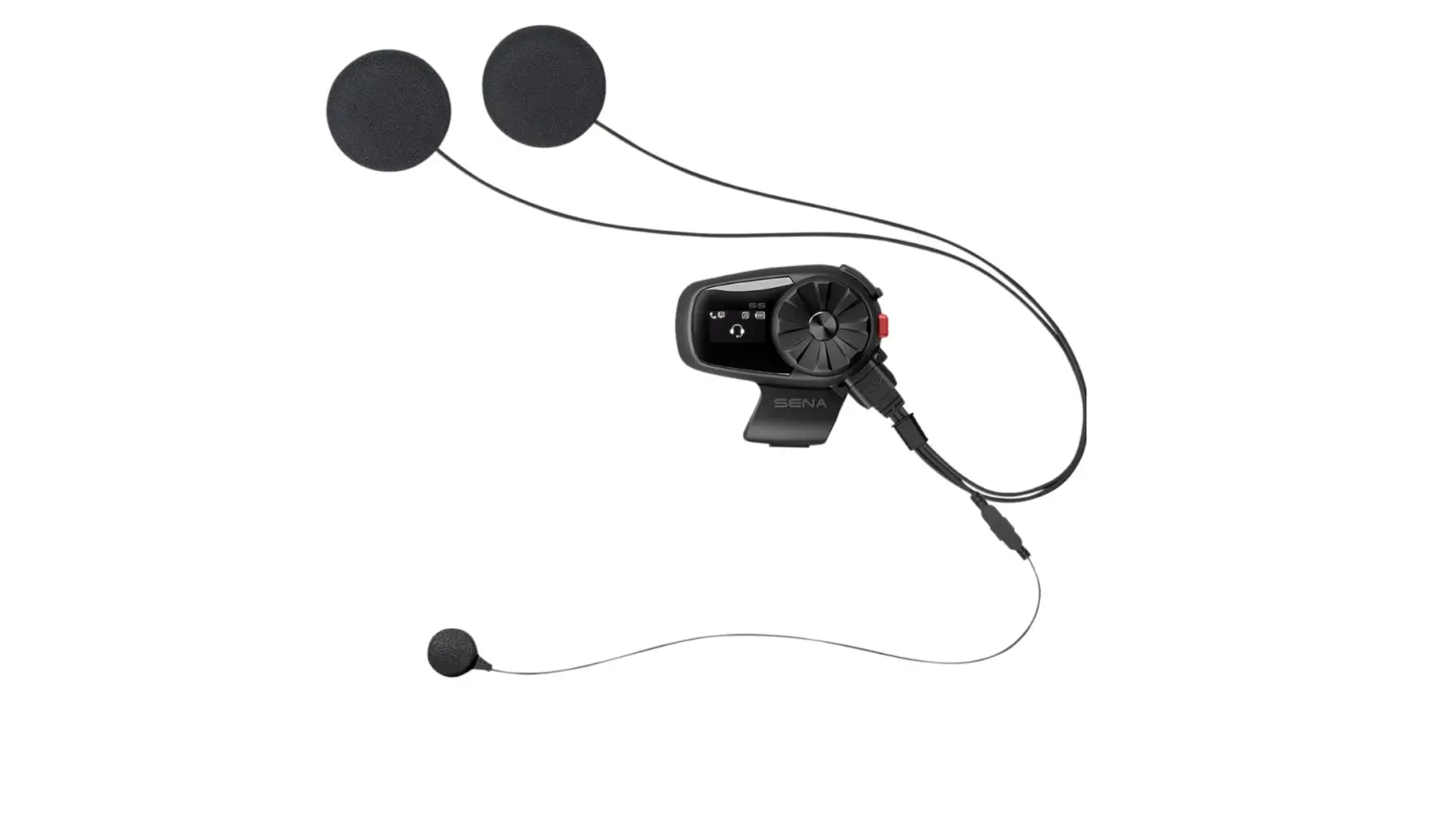
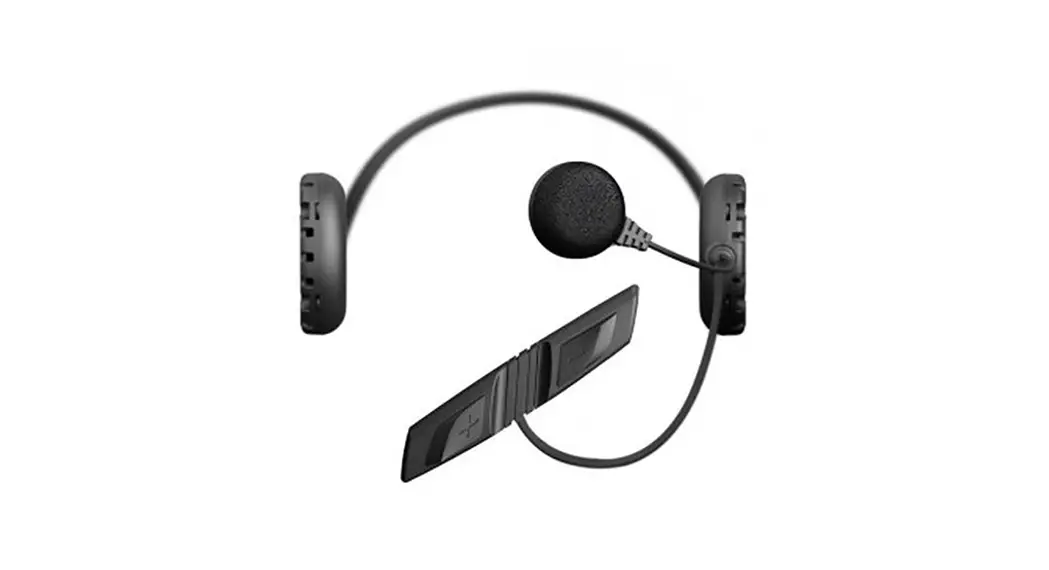
DWO-6 Bluetooth Helmet Headset
Ride Connected
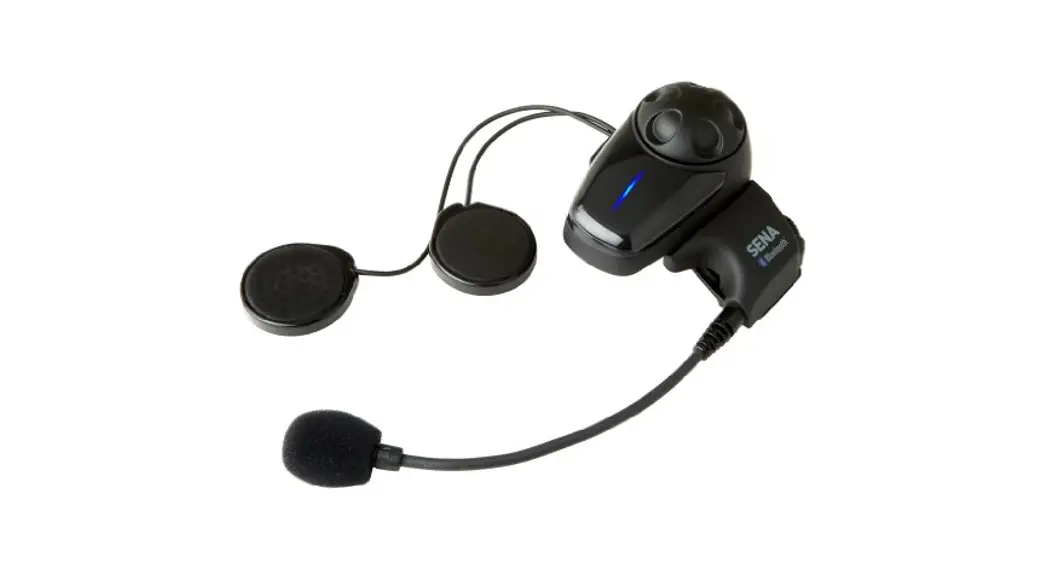
Blast your favorite tunes, talk over the intercom with your buddies, hear directions from your GPS and more, all through your headset. With built-in Bluetooth capabilities, HD speakers and a microphone using Advanced Noise Control™, technology has never felt so minimal or freeing.
Getting Started
- This product comes with a Quick Start Guide, which is a basic version of the User’s Guide. A FULL VERSION OF THE USER’S GUIDE CAN BE DOWNLOADED AT oem.sena.com/cyclegear .
- Update this product for free with the latest firmware to fully enjoy the new advanced features built into this product. Visit oem.sena.com/cyclegear to see how to update your product.
 | Cycle Gear www.cyclegear.com |
 | Revzilla www.revzilla.com |
 | J&P Cycles www.jpcycles.com |
 Power On/Off
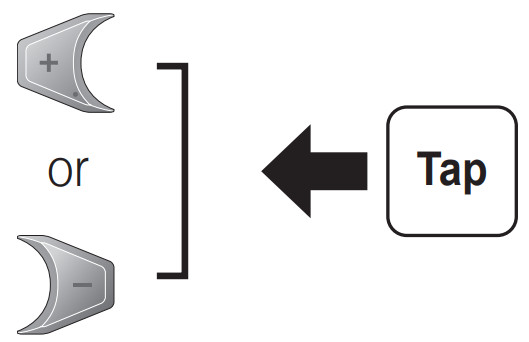
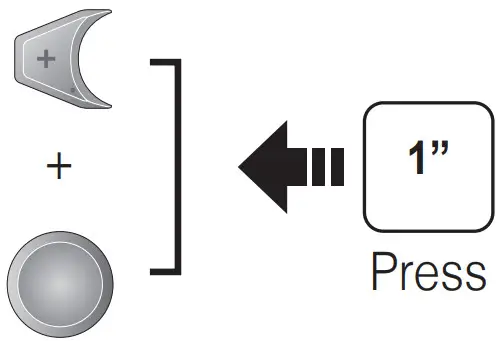 Volume Adjustment
Bluetooth Pairing
Phone, MP3 and GPS
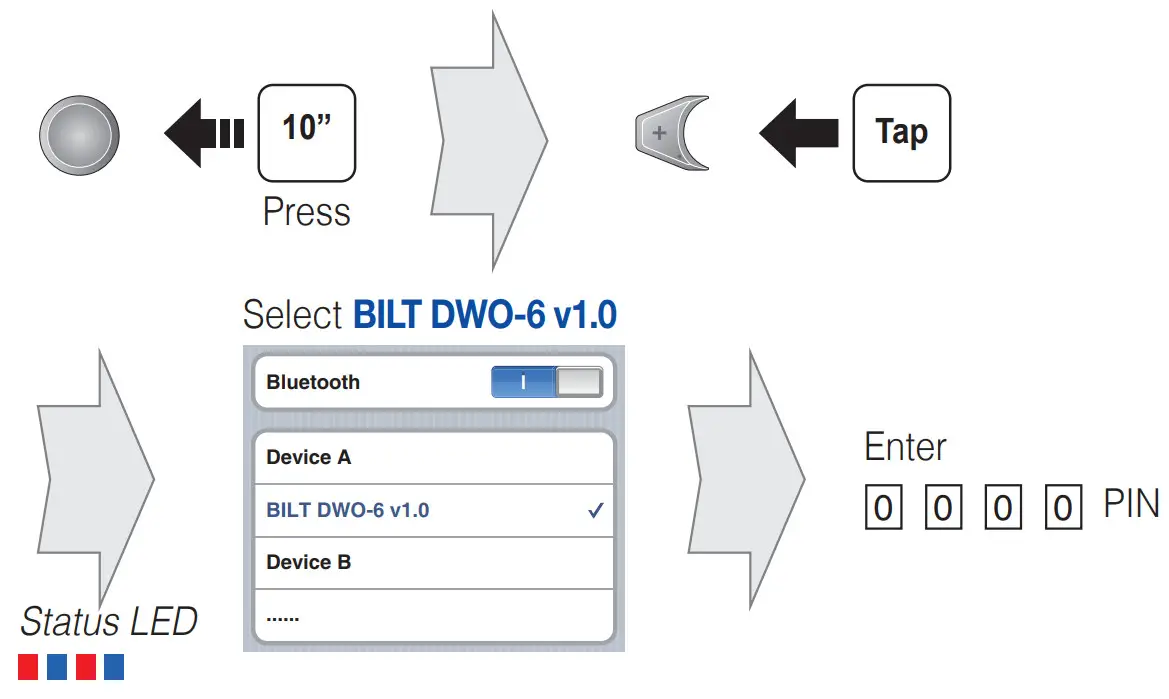
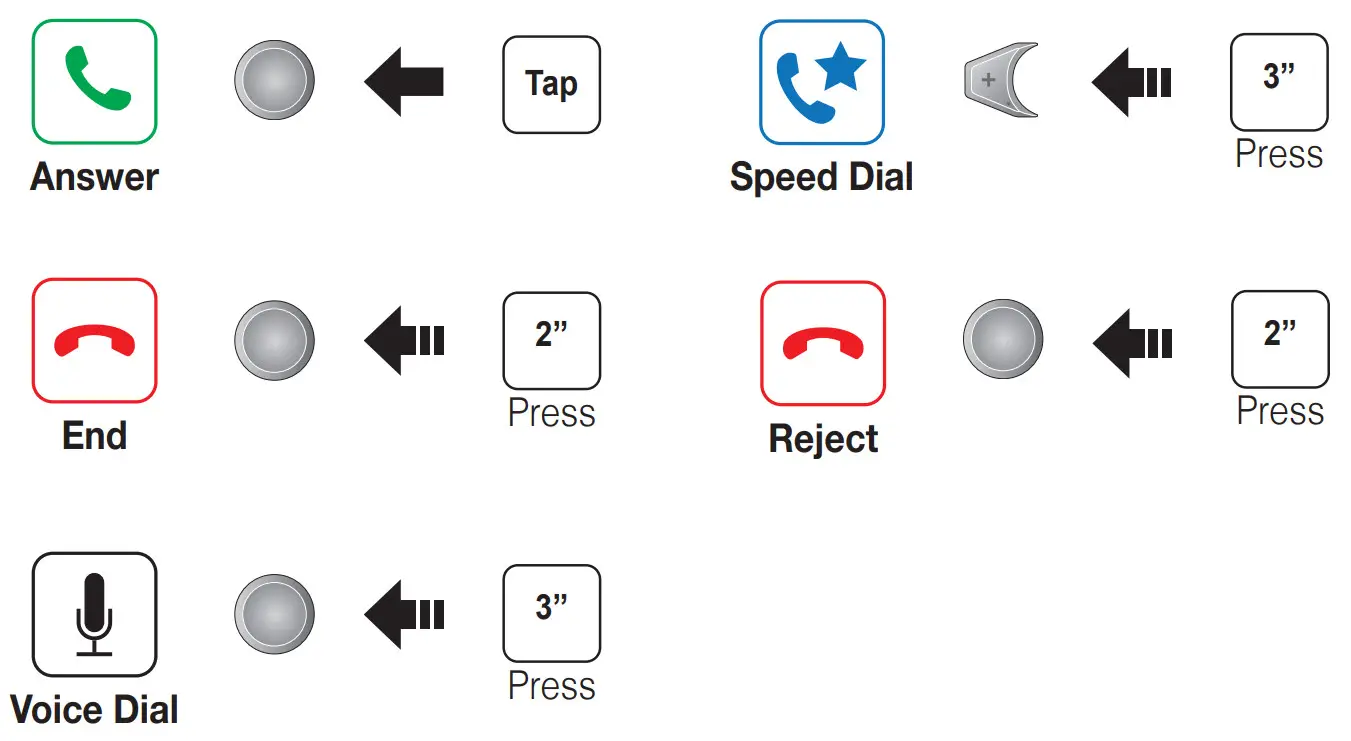
Mobile Phone
Call Making and Answering
Music
Intercom
Headset Pairing
 Start/End
Radio
On/Off
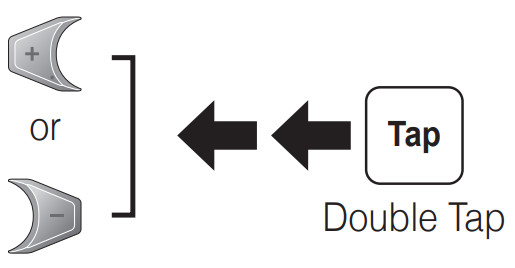
 Seek Stations
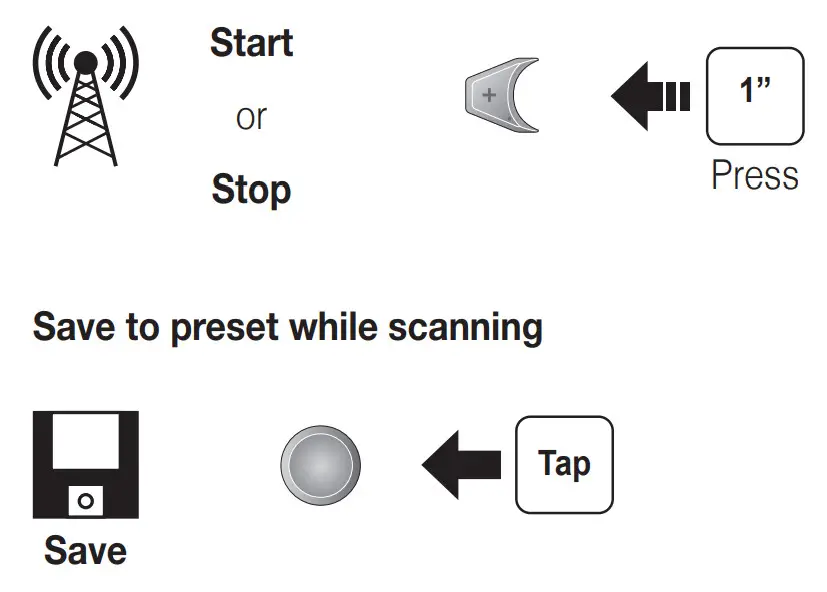
 Scan Up FM Band
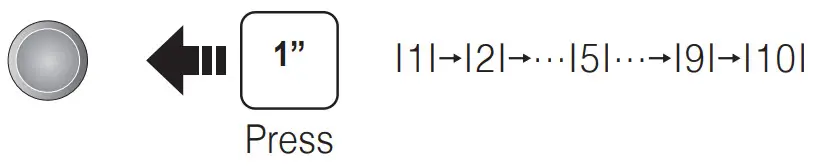
 Move to Preset Station
 Save or Delete Preset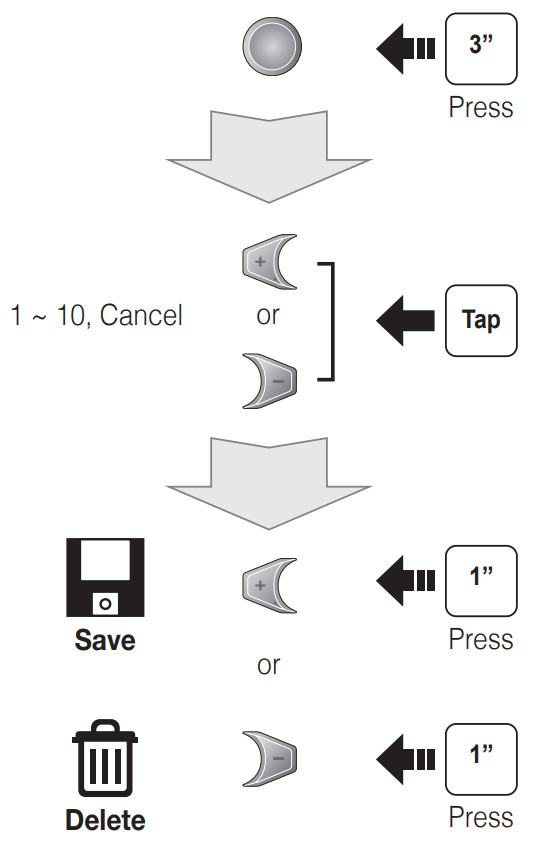
Setting
Configuration Menu
 Using the Cycle Gear Device Manager
The Cycle Gear Device Manager allows you to upgrade the firmware and configure the device settings directly from your PC. It is available for both Windows and Mac. For more information on downloading the Device Manager, please visit oem.sena.com/cyclegear.
Using the Sena Motorcycles App
The Sena Motorcycles App allows you to configure device settings and read the User’s Guide and the Quick Start Guide. Download the Sena Motorcycles App for Android phone or iPhone from Google Play or App Store.
Troubleshooting
Factory Reset
If you want to restore the headset to factory default settings, use the Factory Reset in the configuration menu. The headset automatically restores the default settings and turns off.
Fault Reset
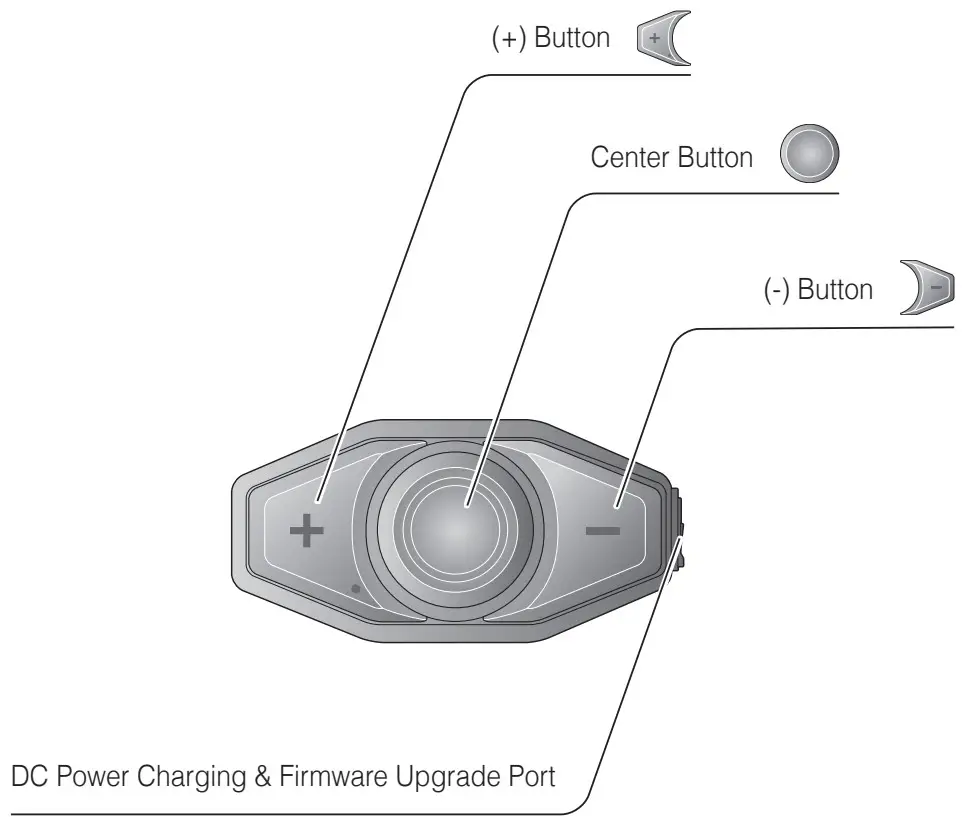
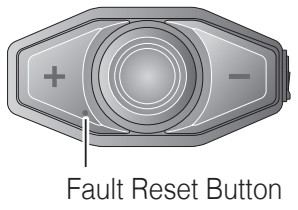 If the headset is not working properly for any reason, reset by gently pushing the pin-hole reset button located below the (+) button.
Quick Reference
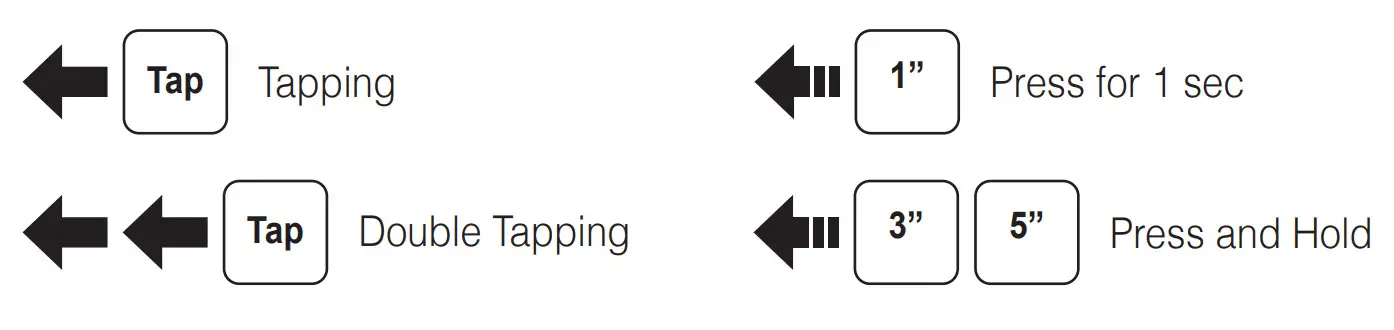
| Type | Operation | Button Command |
| Basic Function | Power on | Press and hold the Center Button and the (+) Button for 1 second |
| Power off | Tap the Center Button and the (+) Button | |
| Volume up/down | Tap the (+) Button or the (-) Button | |
| Mobile Phone | Answer mobile phone call | Tap the Center Button |
| End mobile phone call | Press and hold the Center Button for 2 seconds | |
| Voice dial | Press and hold the Center Button for 3 seconds | |
| Speed dial | Press and hold the (+) Button for 3 seconds | |
| Reject incoming call | Press and hold the Center Button for 2 seconds | |
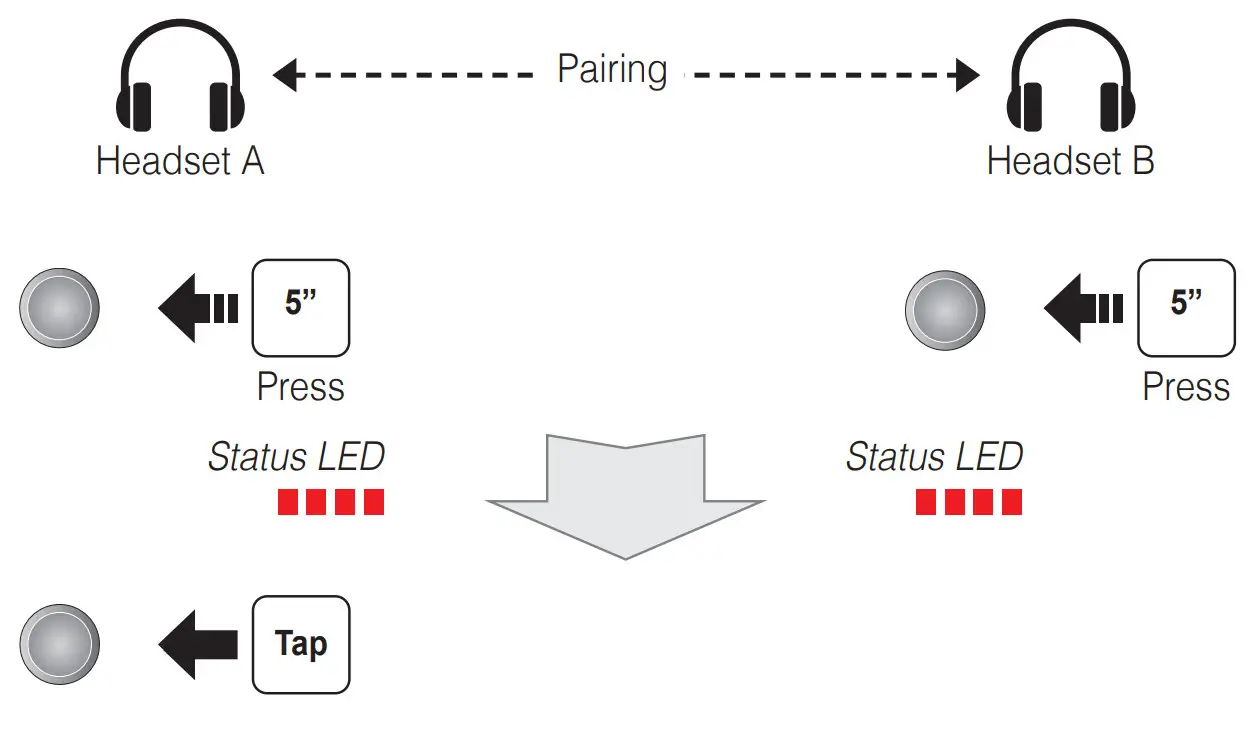
| Intercom | Intercom pairing | Press and hold the Center Button for 5 seconds |
| Tap the Center Button of any one of the two headsets | ||
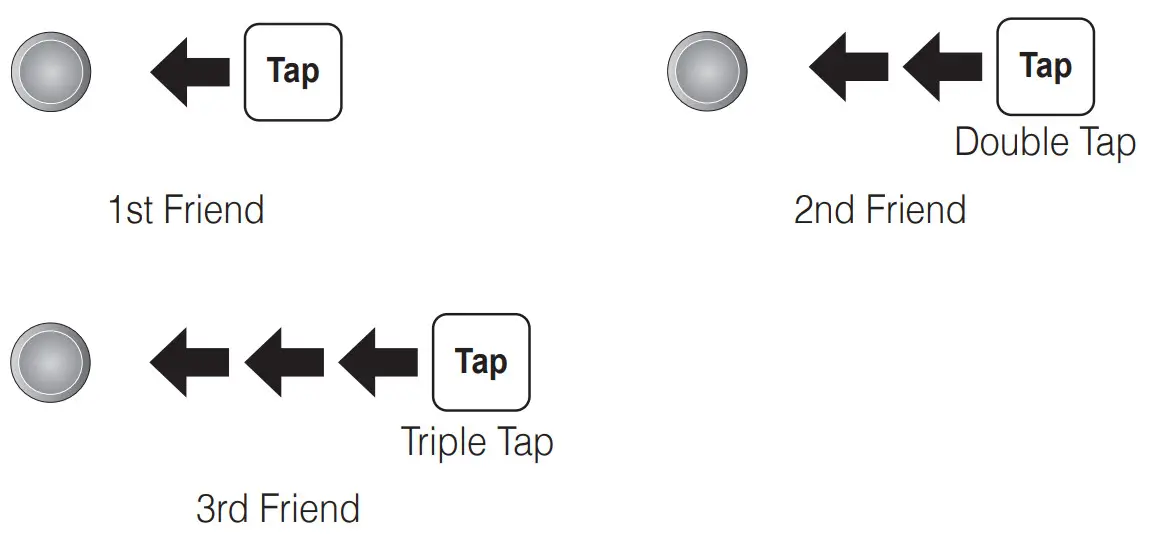
| Start/End intercom | Tap the Center Button | |
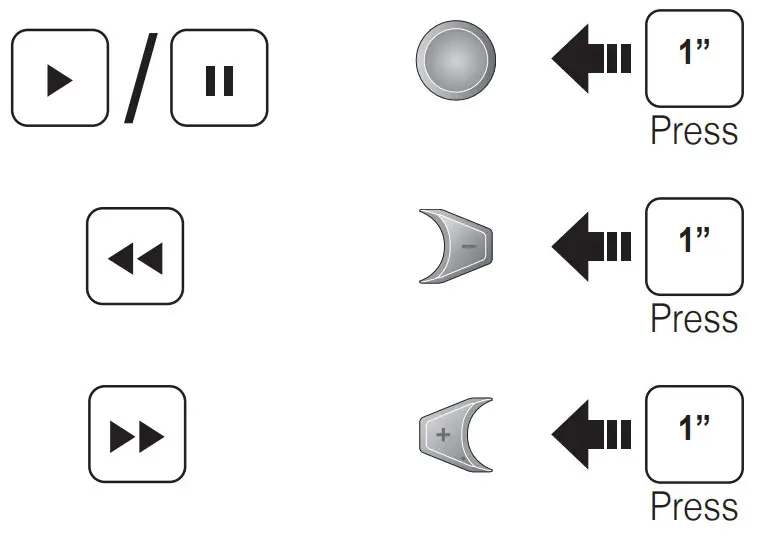
| Music | Play/Pause music | Press and hold the Center Button for 1 second |
| Track forward/back | Press and hold the (+) Button or the (-) Button for 1 second | |
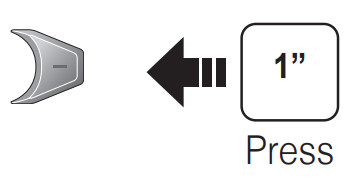
| FM Radio | FM radio on/off | Press and hold the (-) Button for 1 second |
| Select preset | Press and hold the Center Button for 1 second | |
| Seek stations | Double tap the (+) Button or the (-) Button | |
| Scan up FM band/stop scanning | Press and hold the (+) Button for 1 second |
 CycleGear OEM
 Motorcycle Gear | Shop Online & Stores Near You! - Cycle Gear
 Motorcycle Gear & Parts Online | J&P Cycles For Aftermarket Accessories | JPCycles.com
 Motorcycle Gear, Free Shipping & HD Video Reviews Online - RevZilla