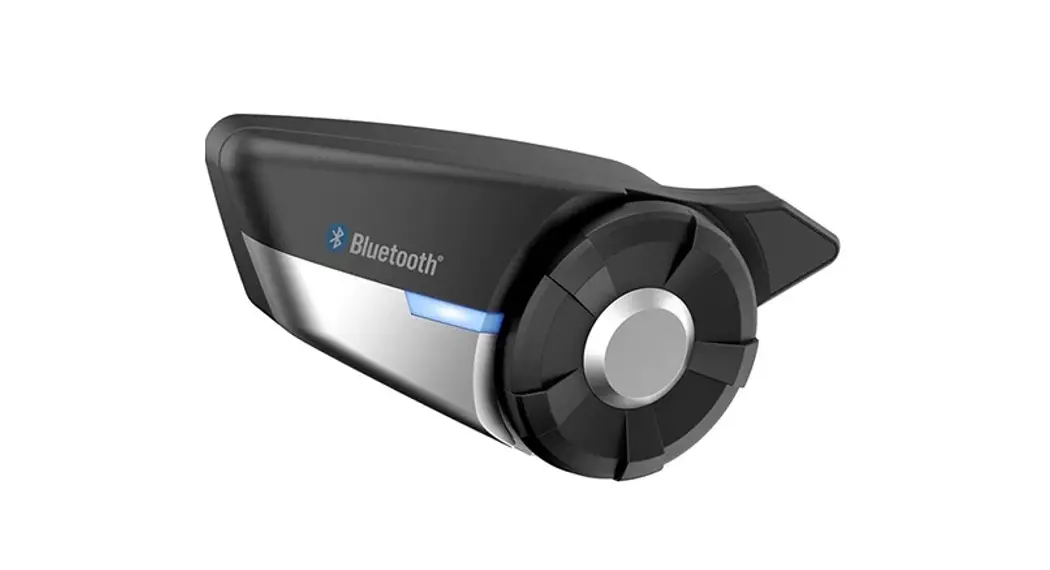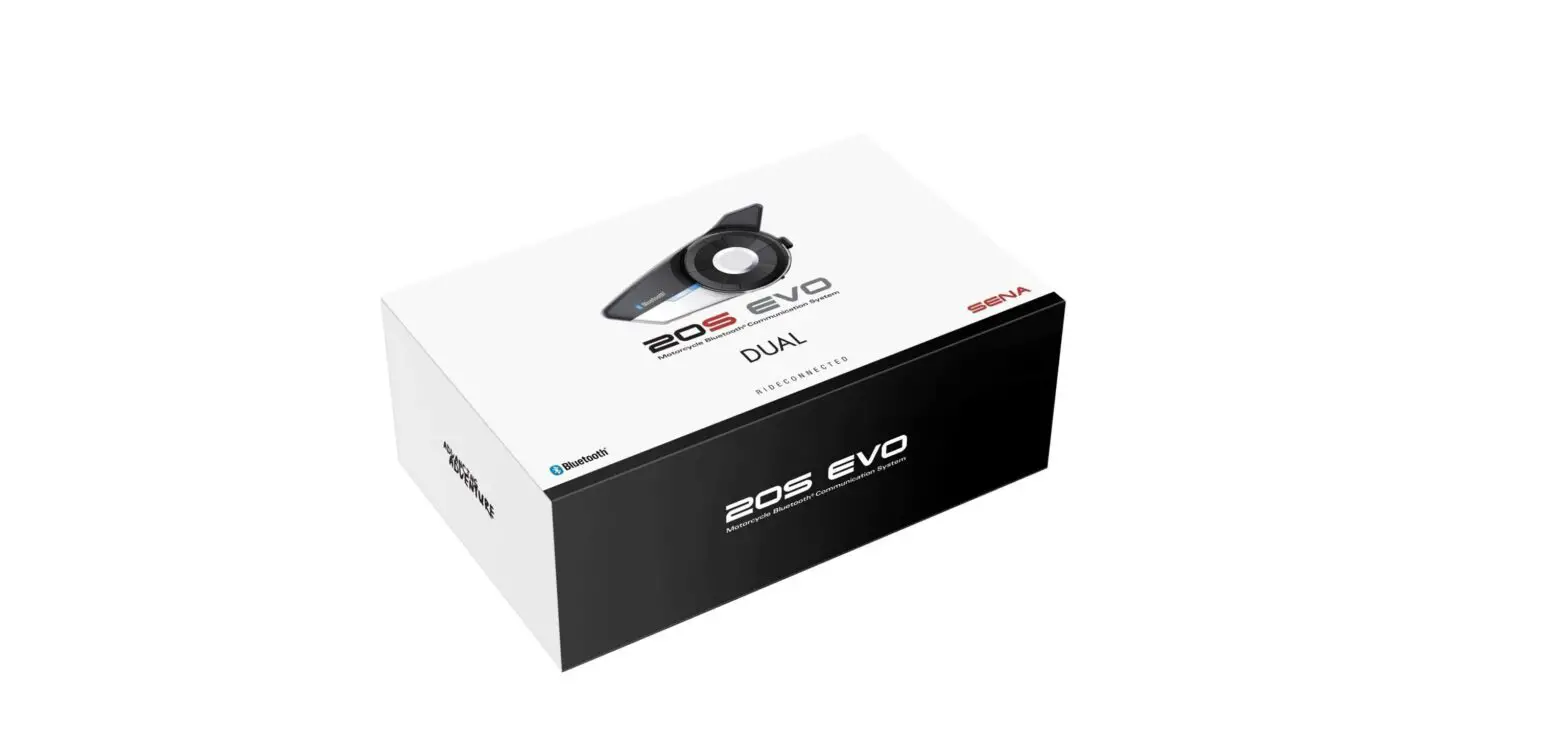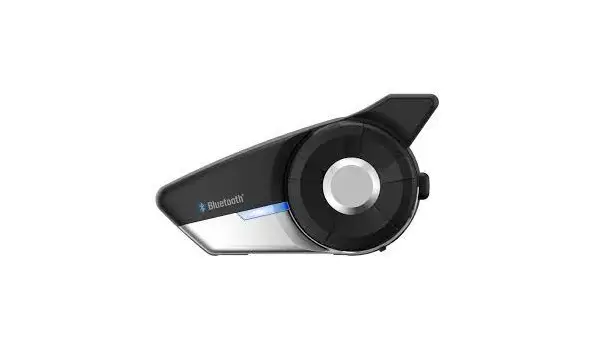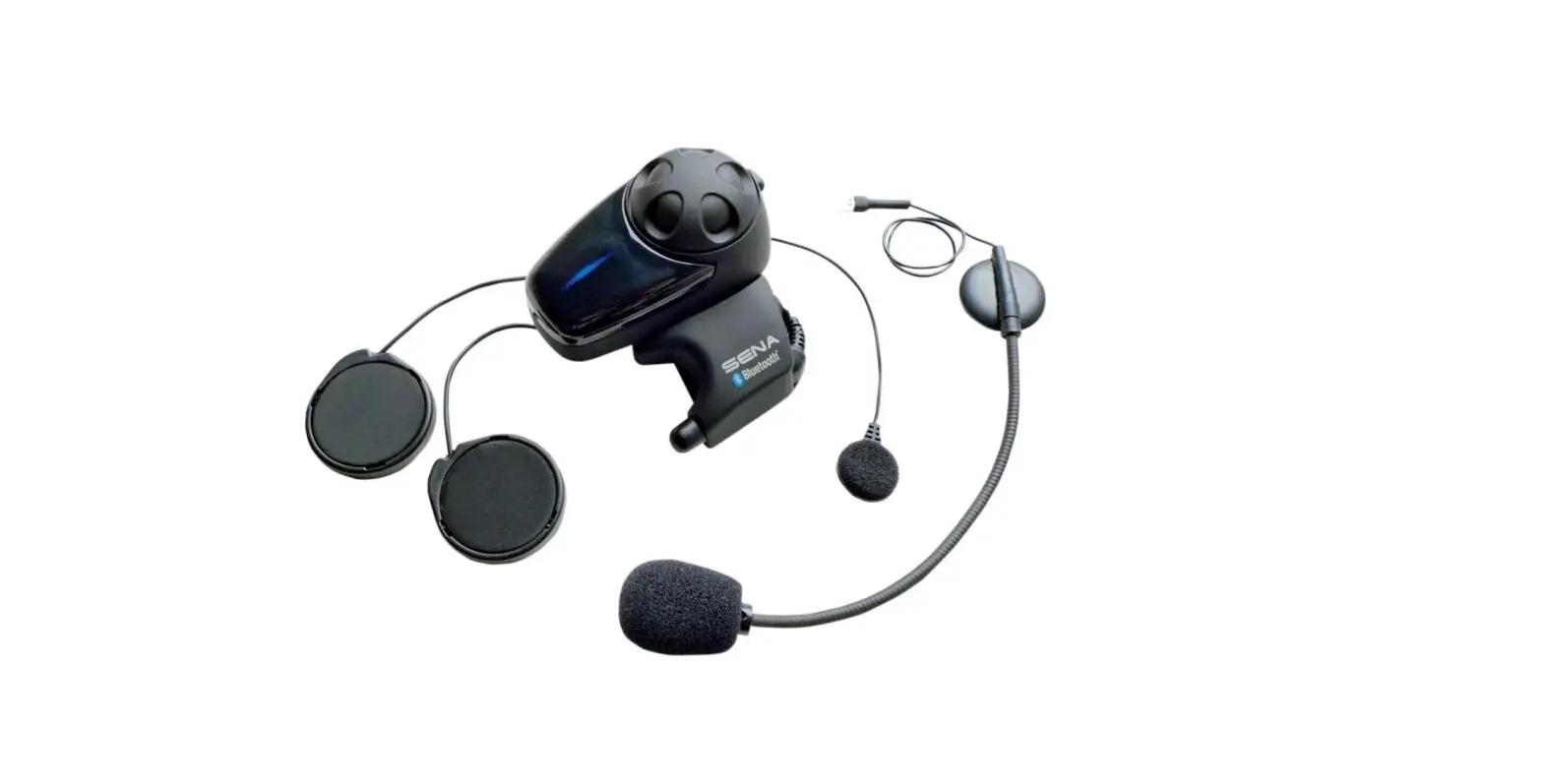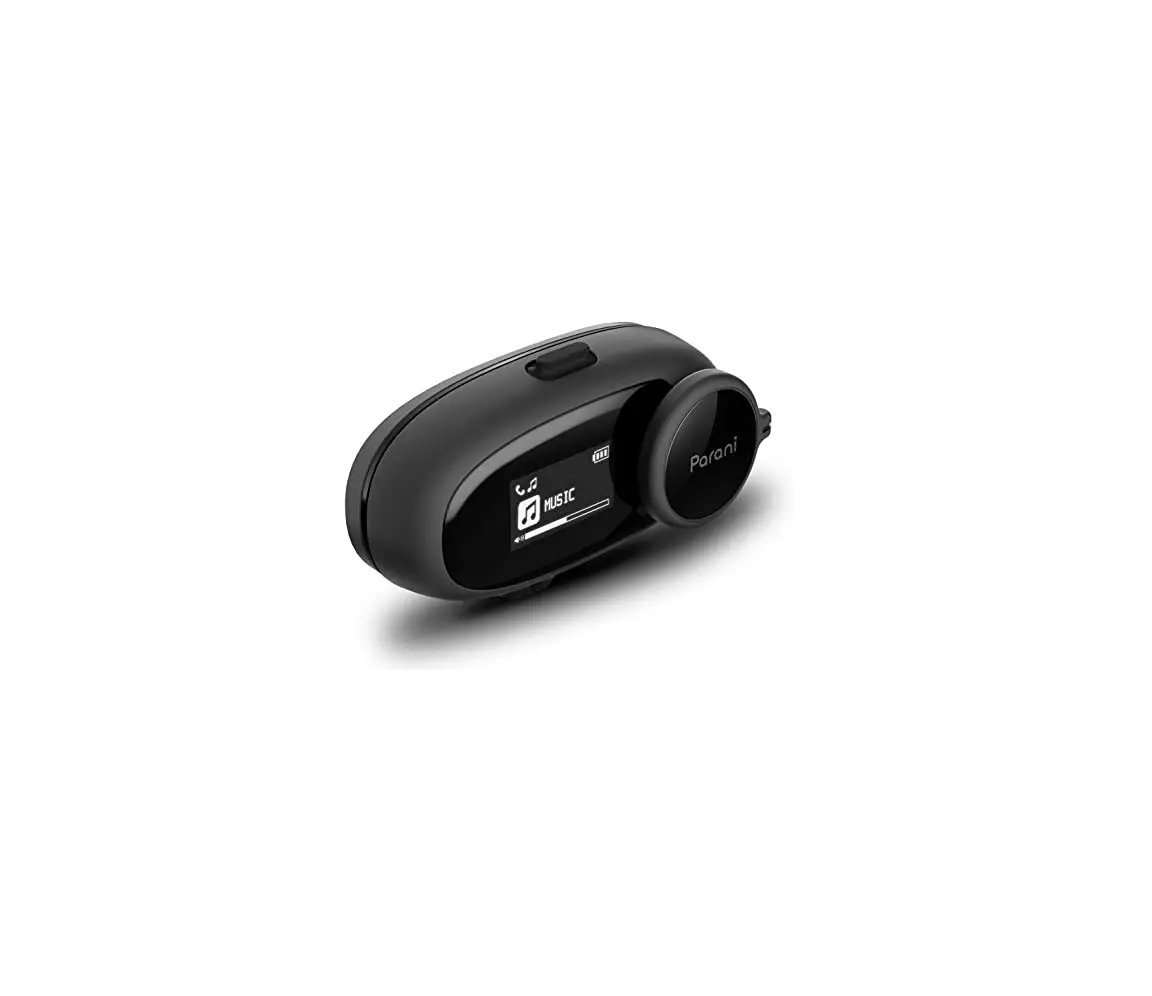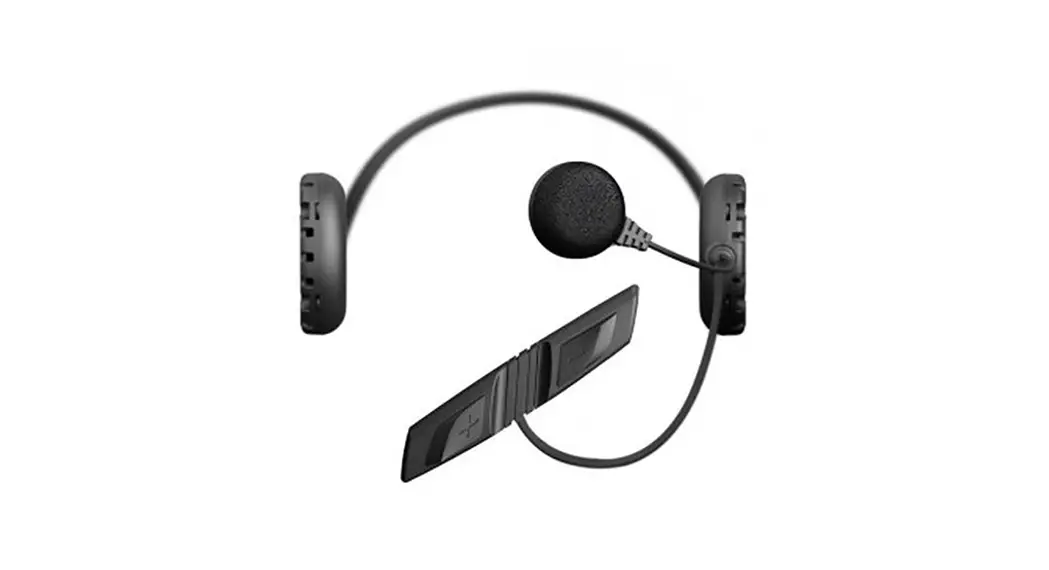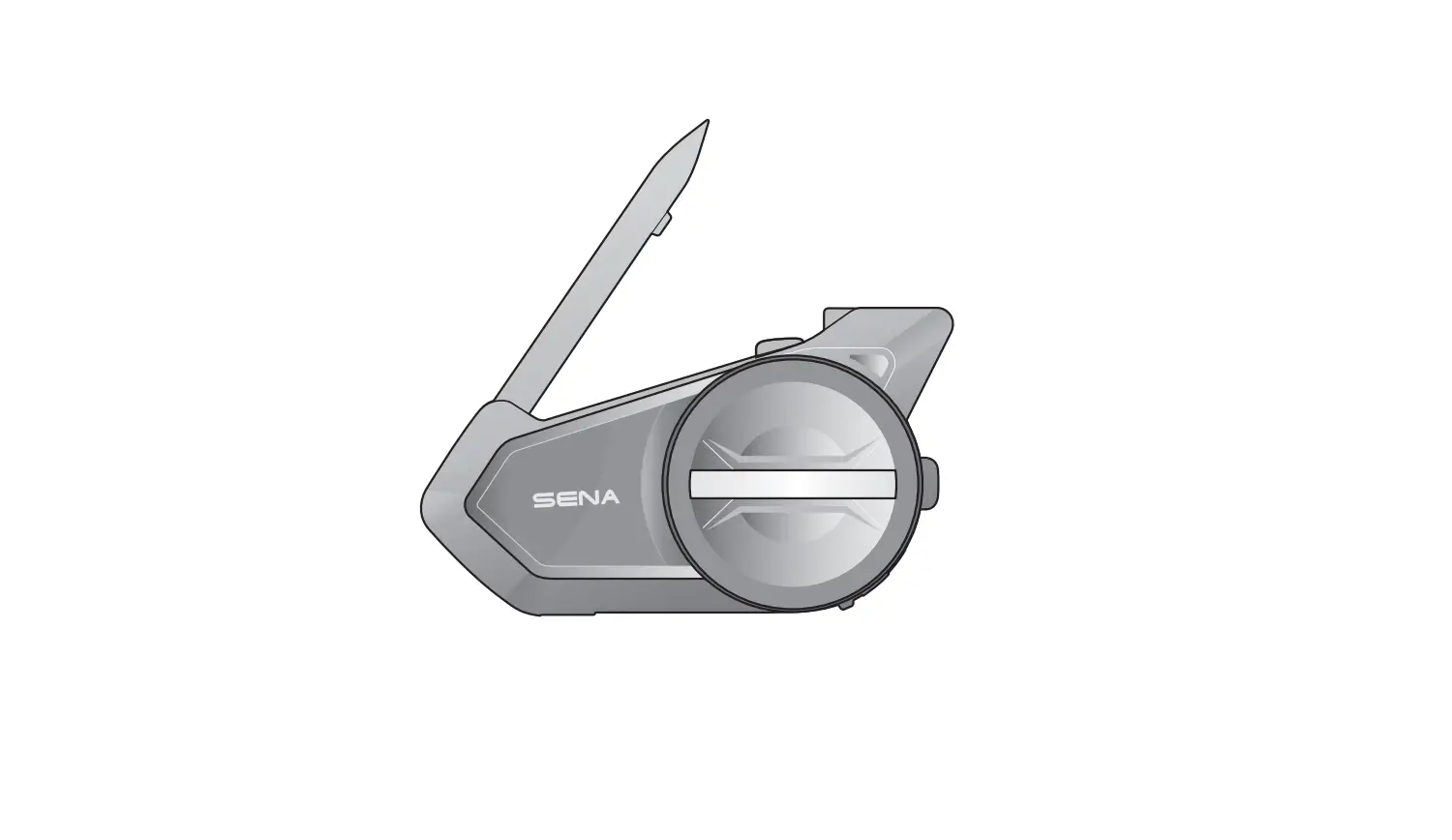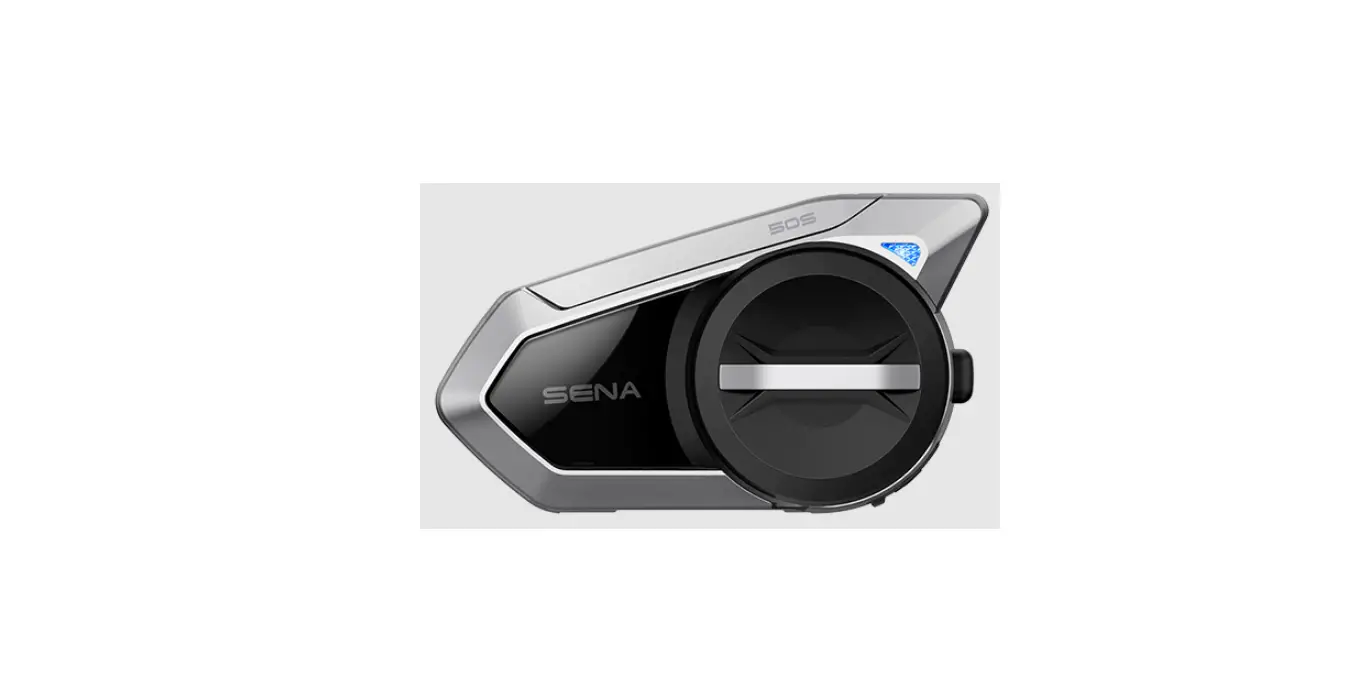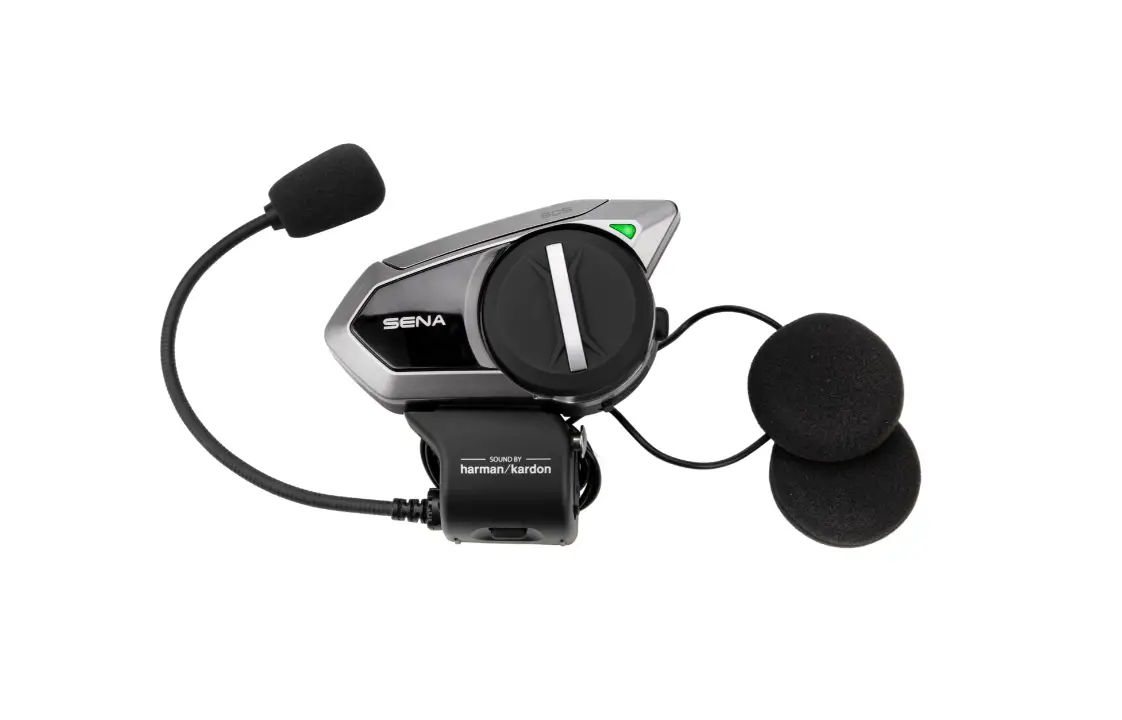
SENA 20S EVO Motorcycle Bluetooth Headset User Guide
Contents hide
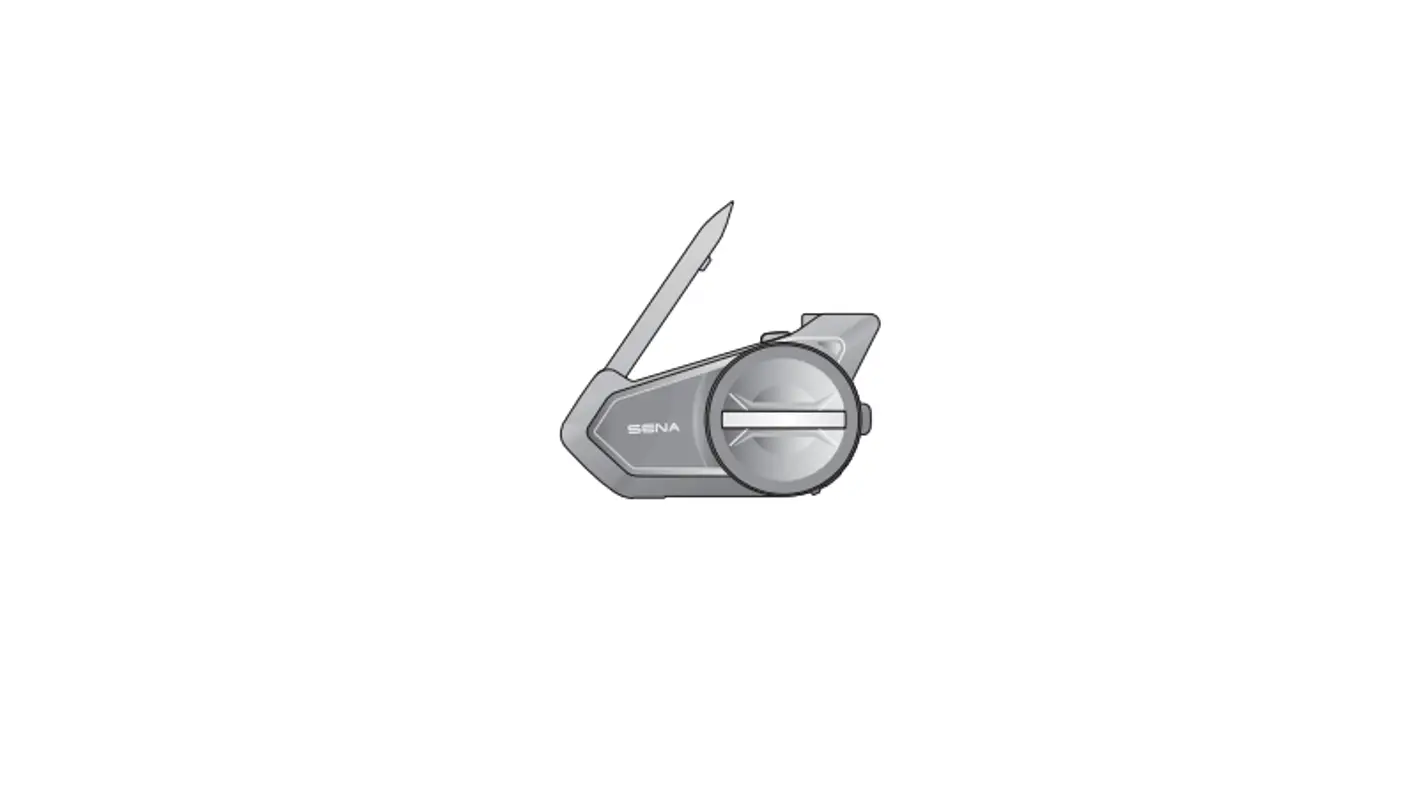
Installation
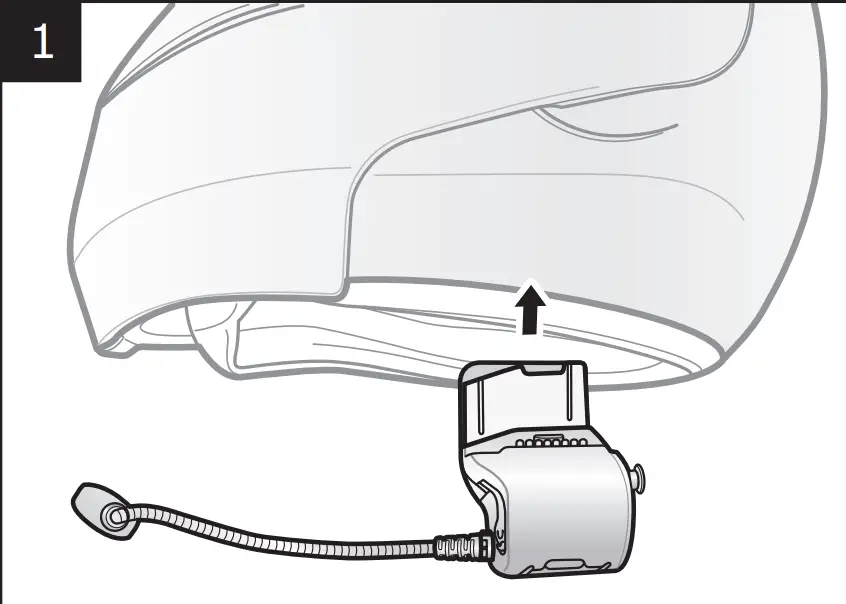
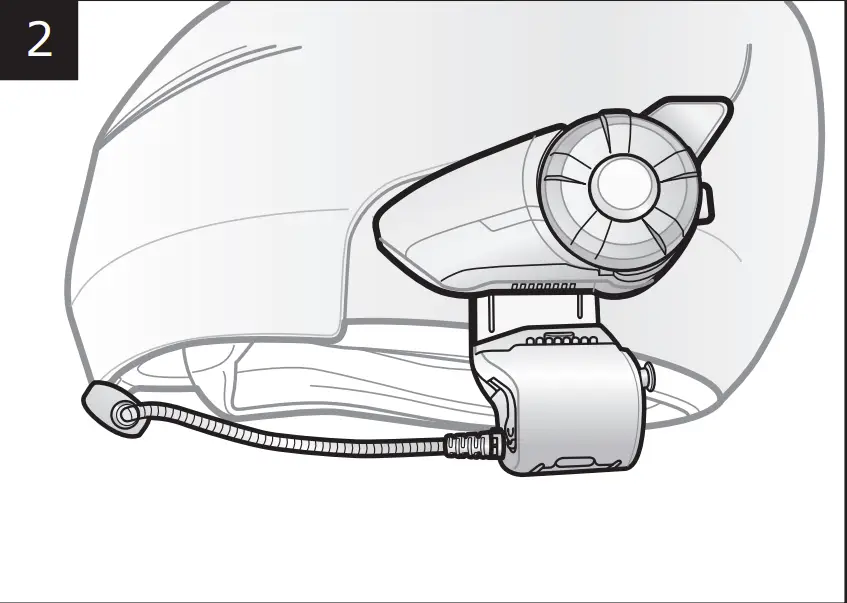
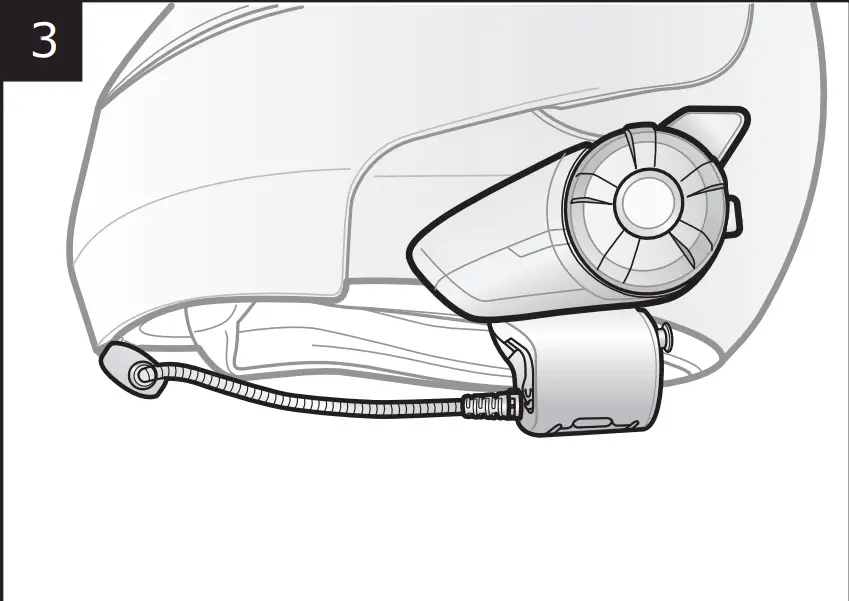
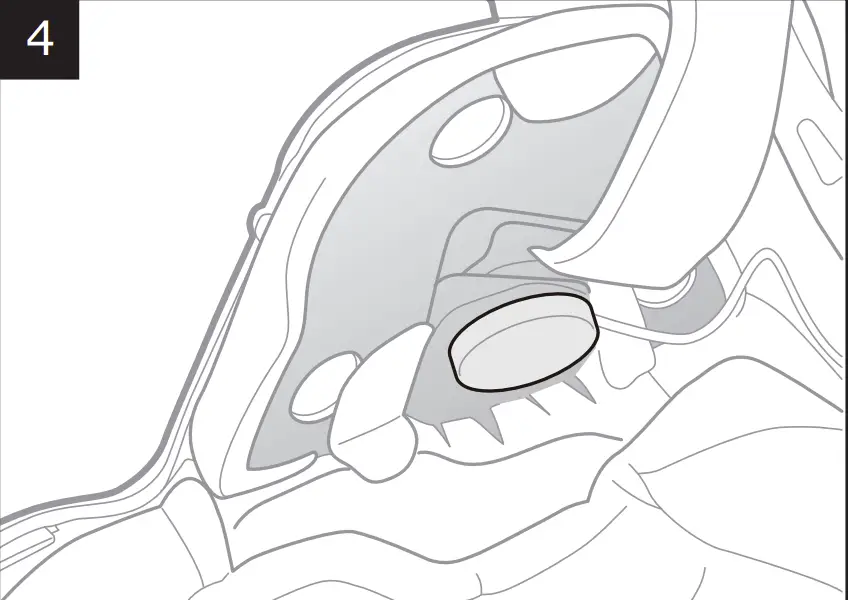
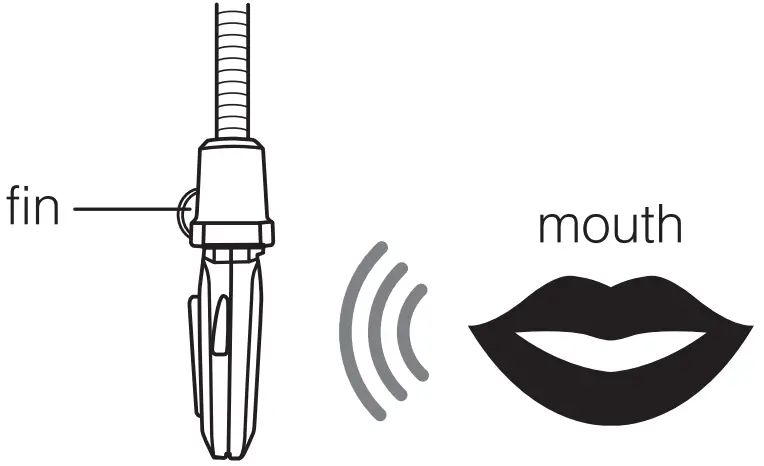
Microphone Direction
Sena Motorcycles App
Download
- Android: Google Play Store > Sena Motorcycles
- iOS: App Store > Sena Motorcycles
Sena Device Manager
The Sena Device Manager ALLOWS YOU TO UPGRADE THE FRM WAREAND CONFGURE
ITSSETTINGSDIRECTLYFROMYOUR0#OR!PPLECOMPUTER$OWNLOADTHE Sena Device Manager FROM sena.com.
Tapping

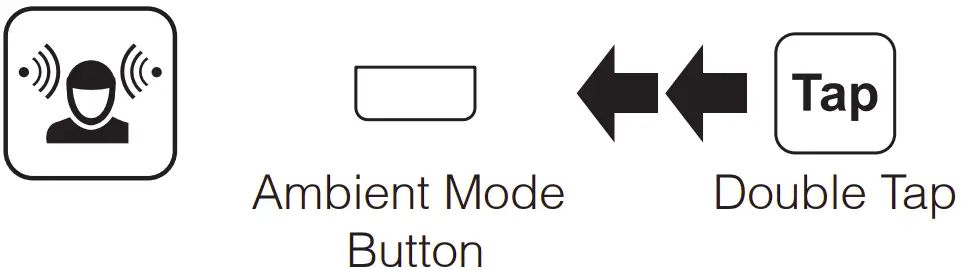
Double Tapping

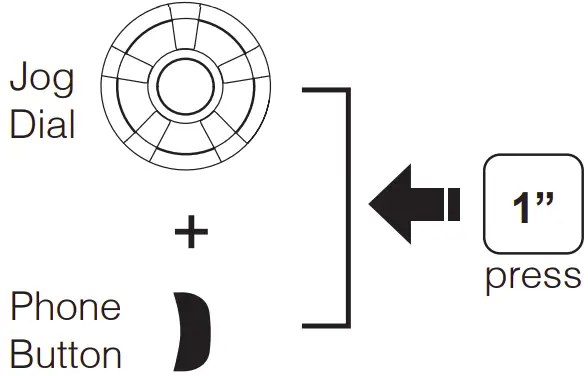
Press for 1 sec

Press and Hold

Power On/Off
Ambient Mode
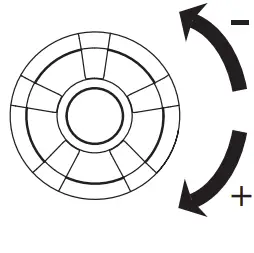
Volume Adjustment
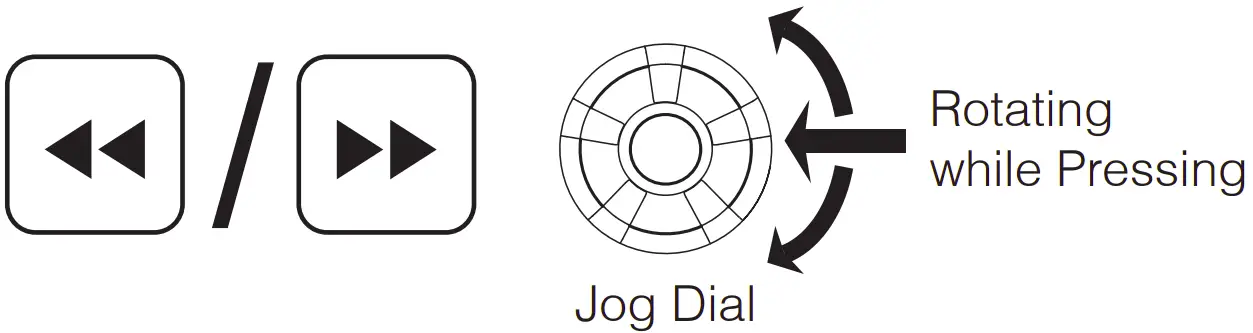
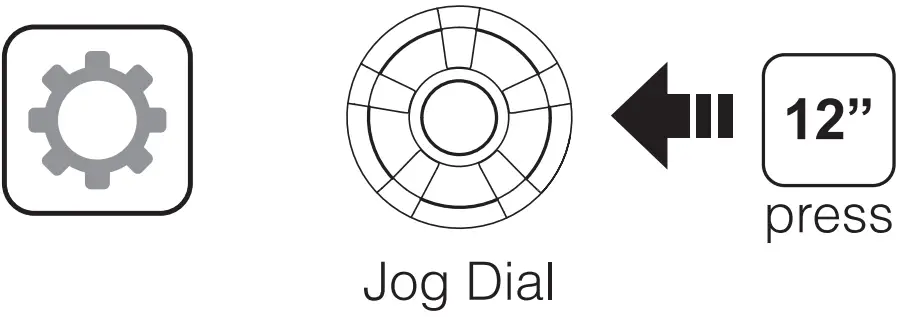
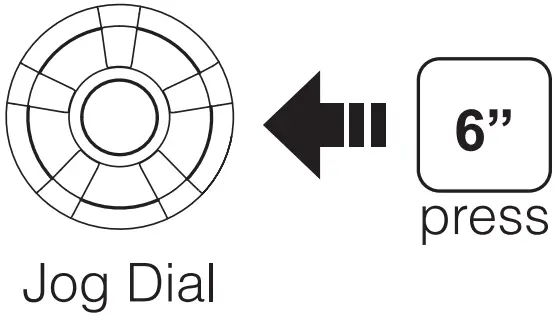
Jog Dial
Bluetooth Pairing Phone, MP3 and GPS 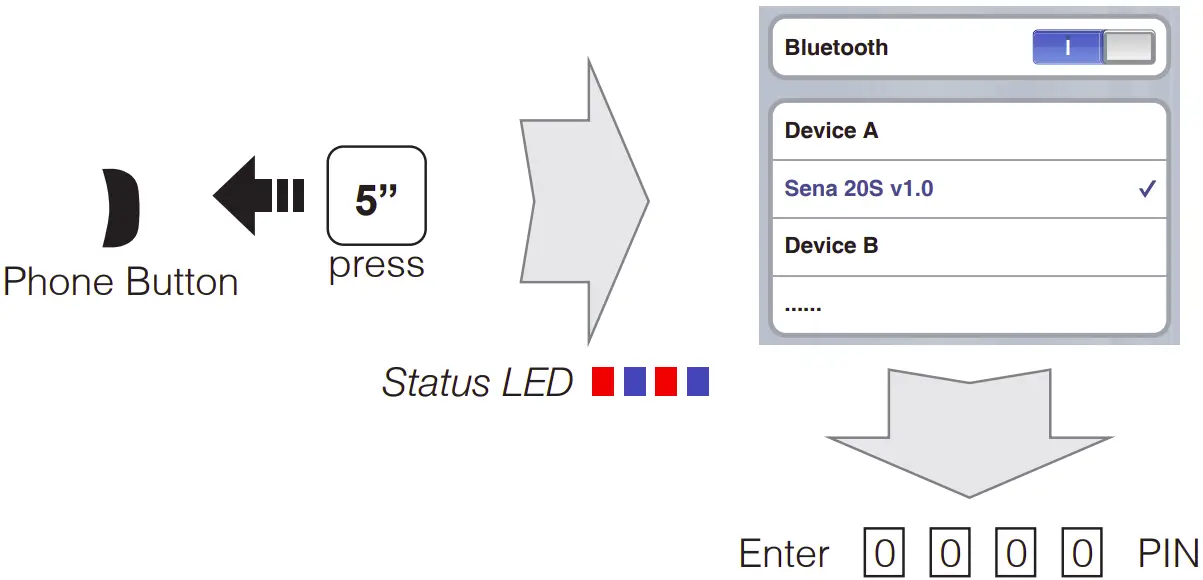
Mobile Phone
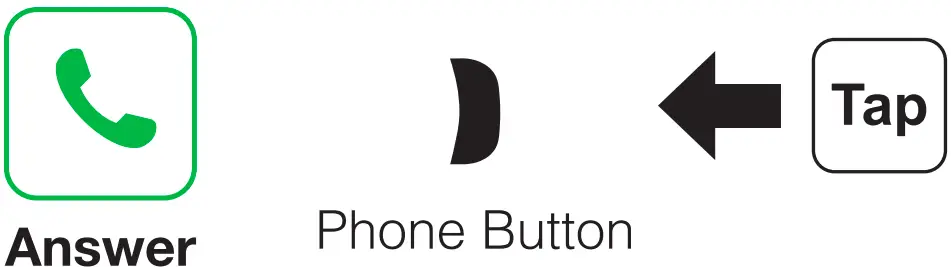
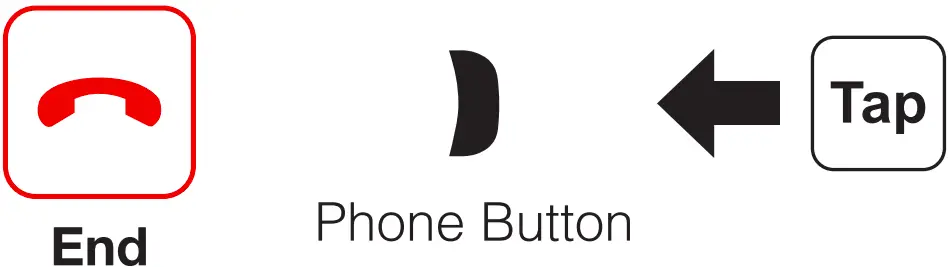
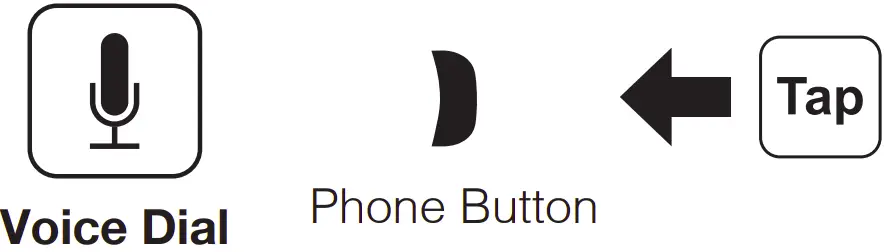
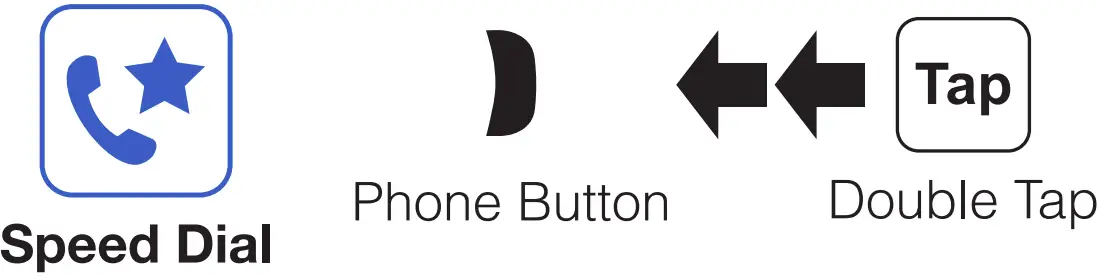
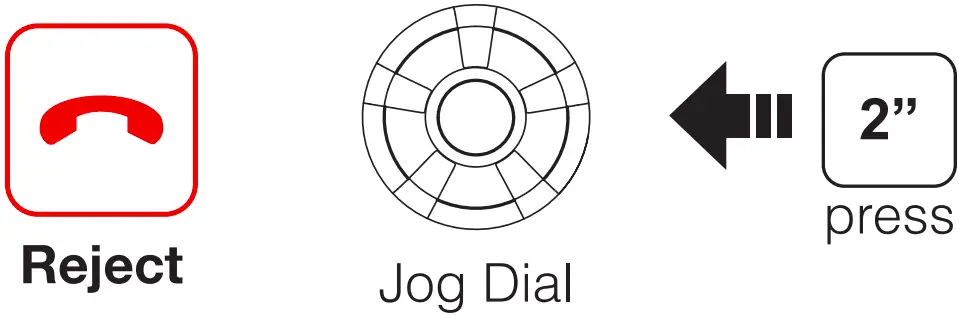
press Call Transfer
Phone Button
Music

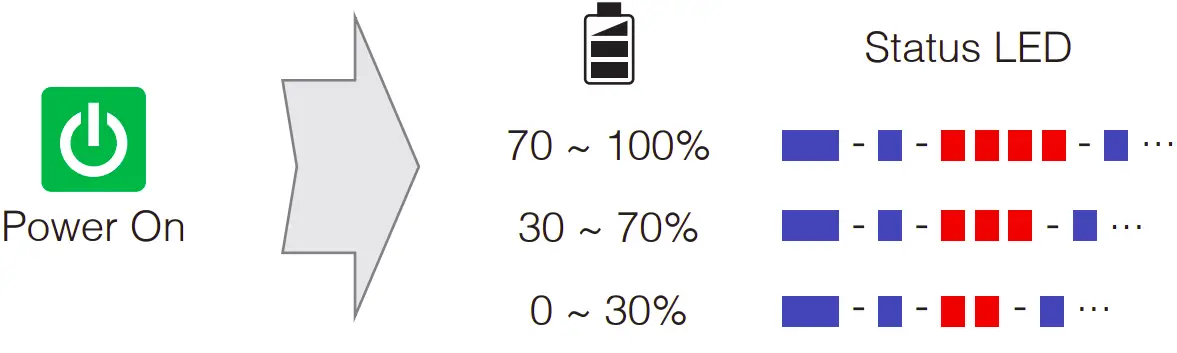
Battery Check
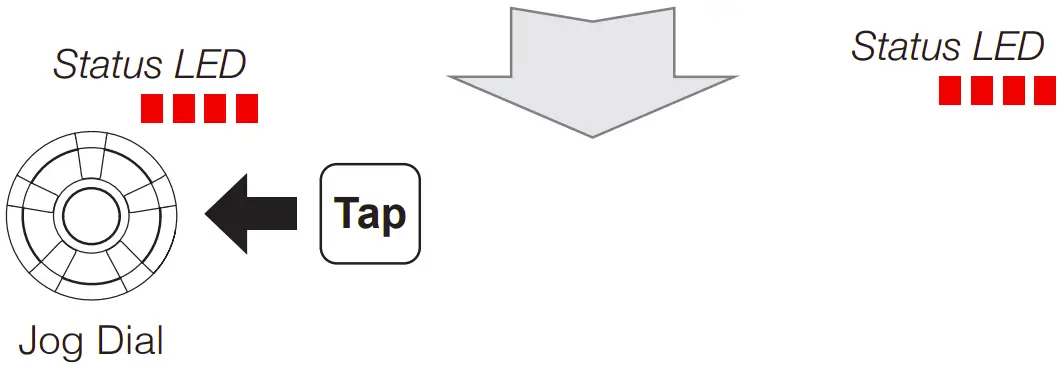
There is Universal Intercom Pairing in the Configuration Menu.
Normal Pairing Intercom

Start / End Intercom
1st Friend
2nd Friend
3rd Friend and above

Start / End Group Intercom
Ambient Mode Button
Voice Command
Ambient Mode Button
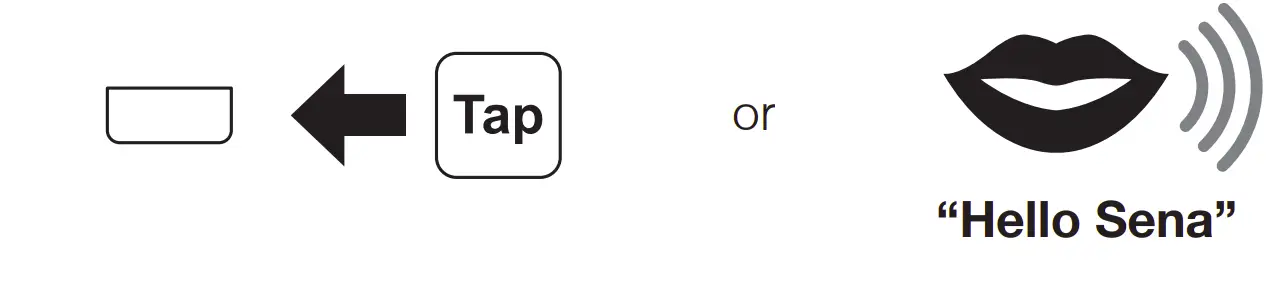

Voice Command | Function |
| “Music” | Music play/pause |
| “Intercom [one, two, … , nine]” | Start/End each intercom |
| “Speed dial [one, two, three]” | Speed dialing |
A full version of the manual is downloadable at www.sena.com.
SENA Technologies, Inc. #USTOMER3UPPORTsena.com

 The Best Motorcycle & Action Sport Bluetooth Devices | Sena
 The Best Motorcycle & Action Sport Bluetooth Devices | Sena