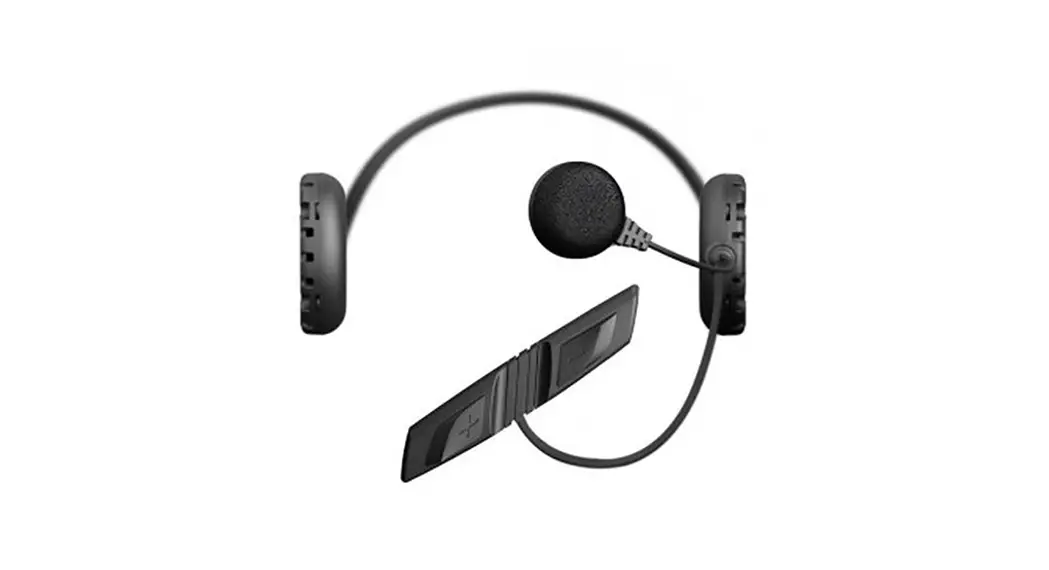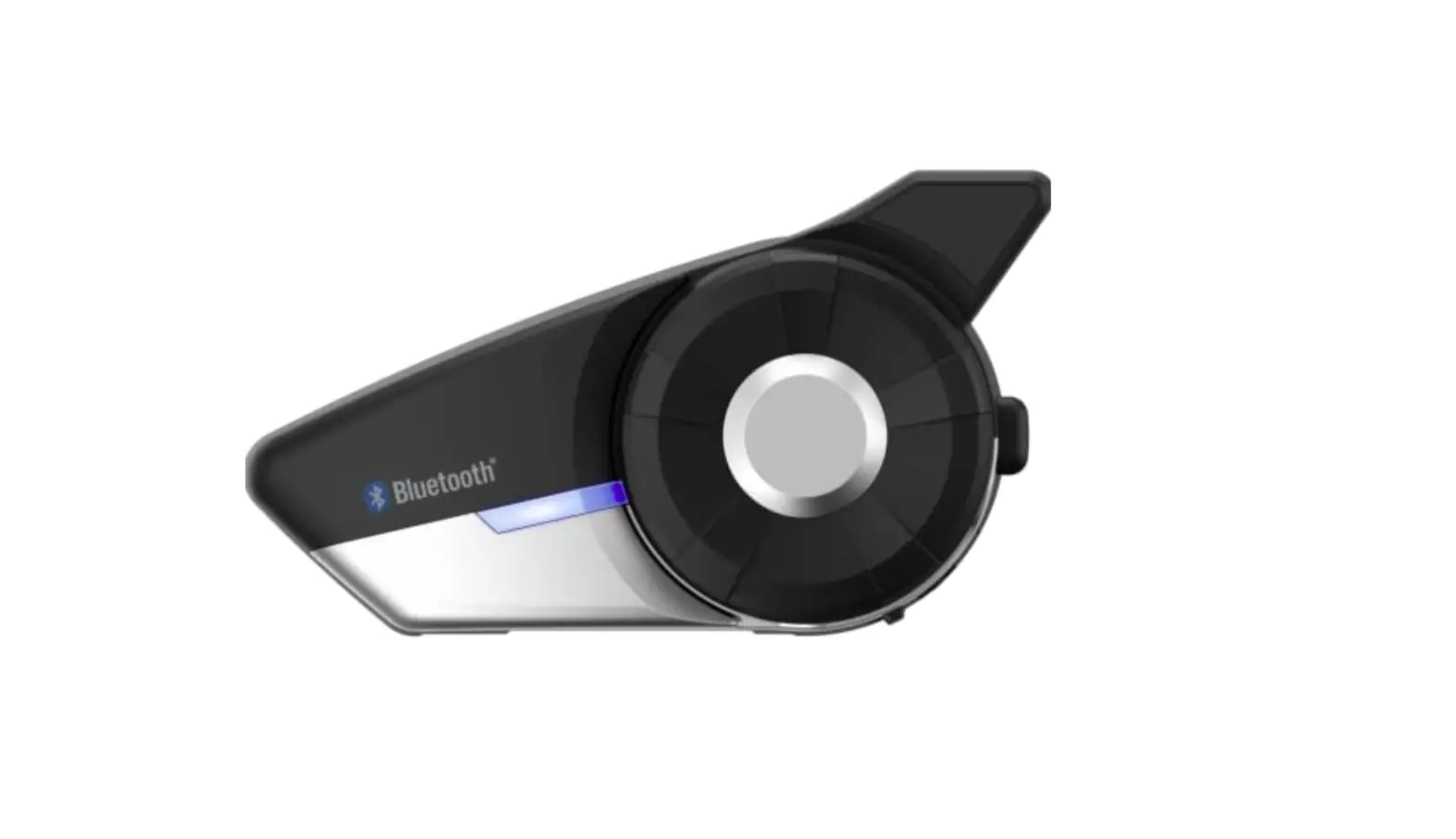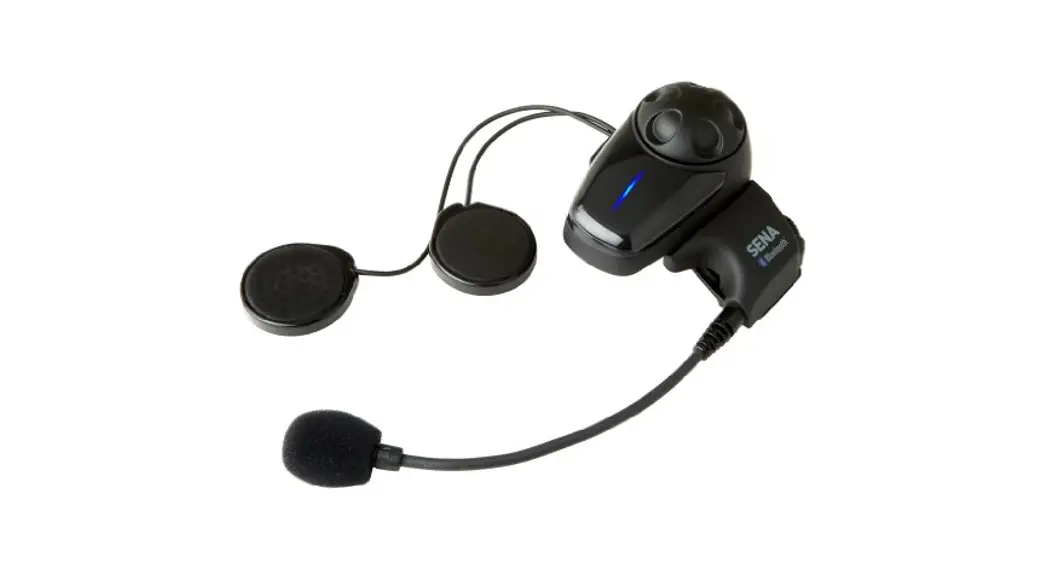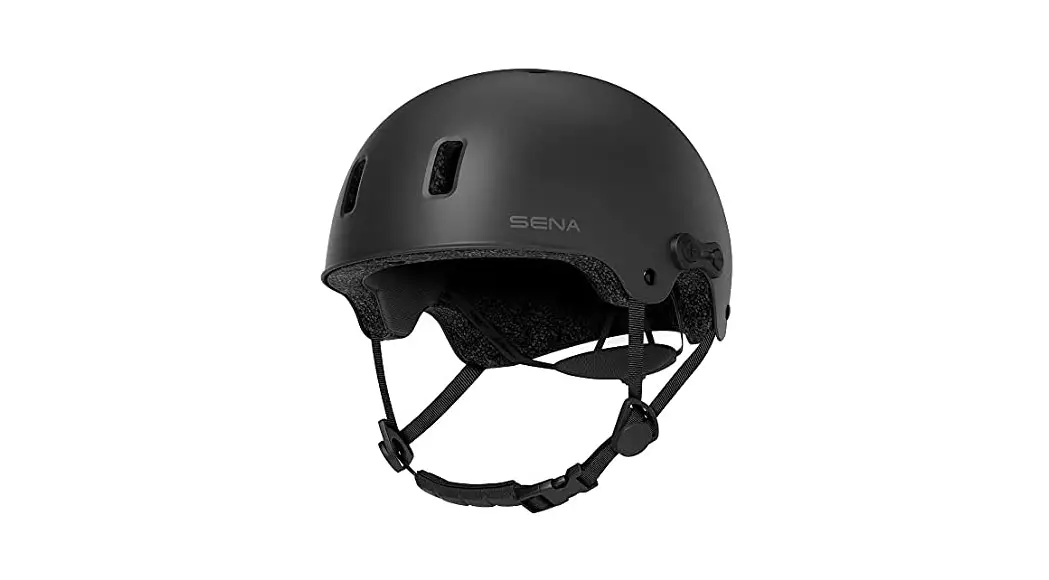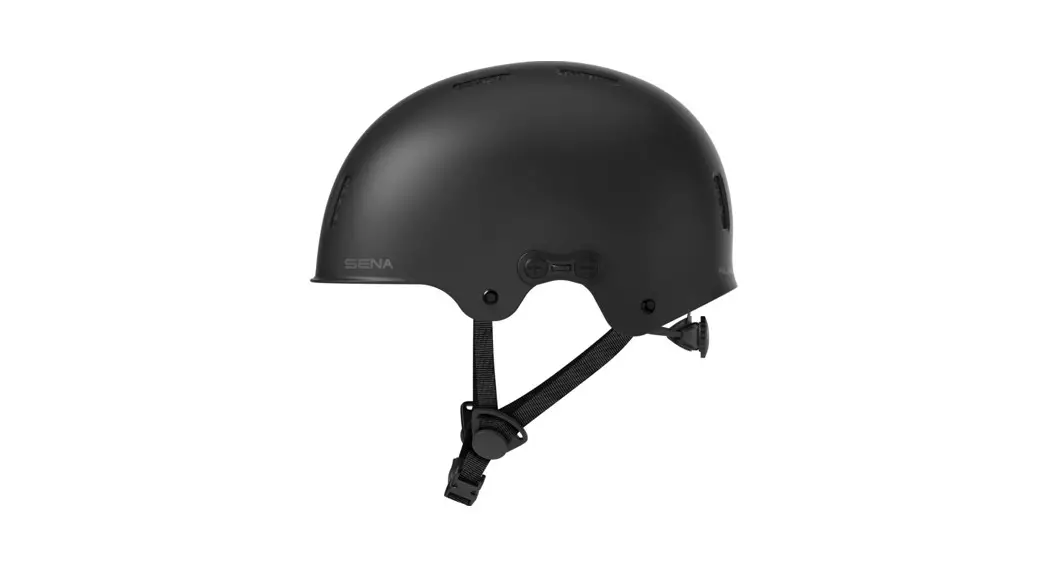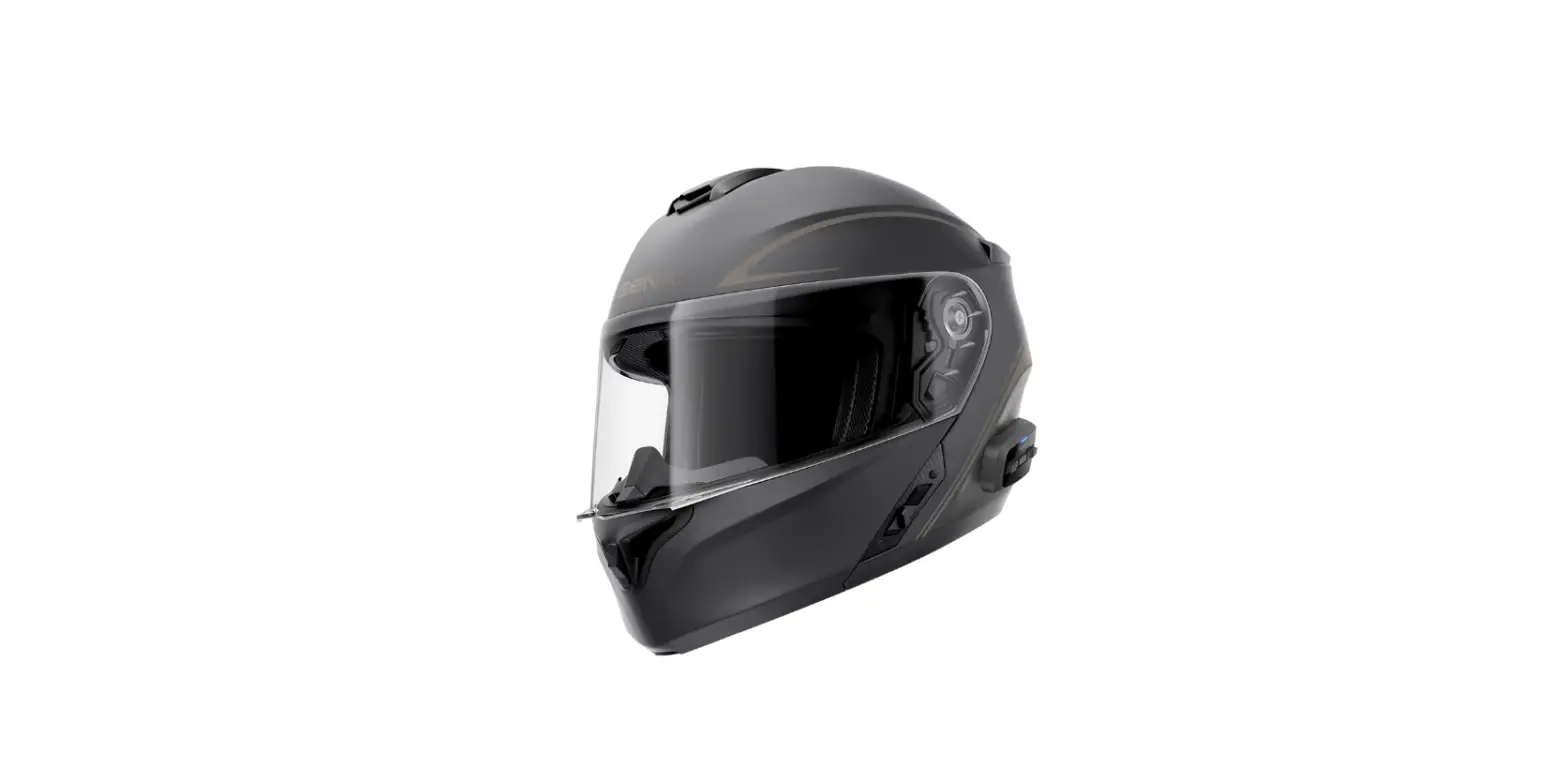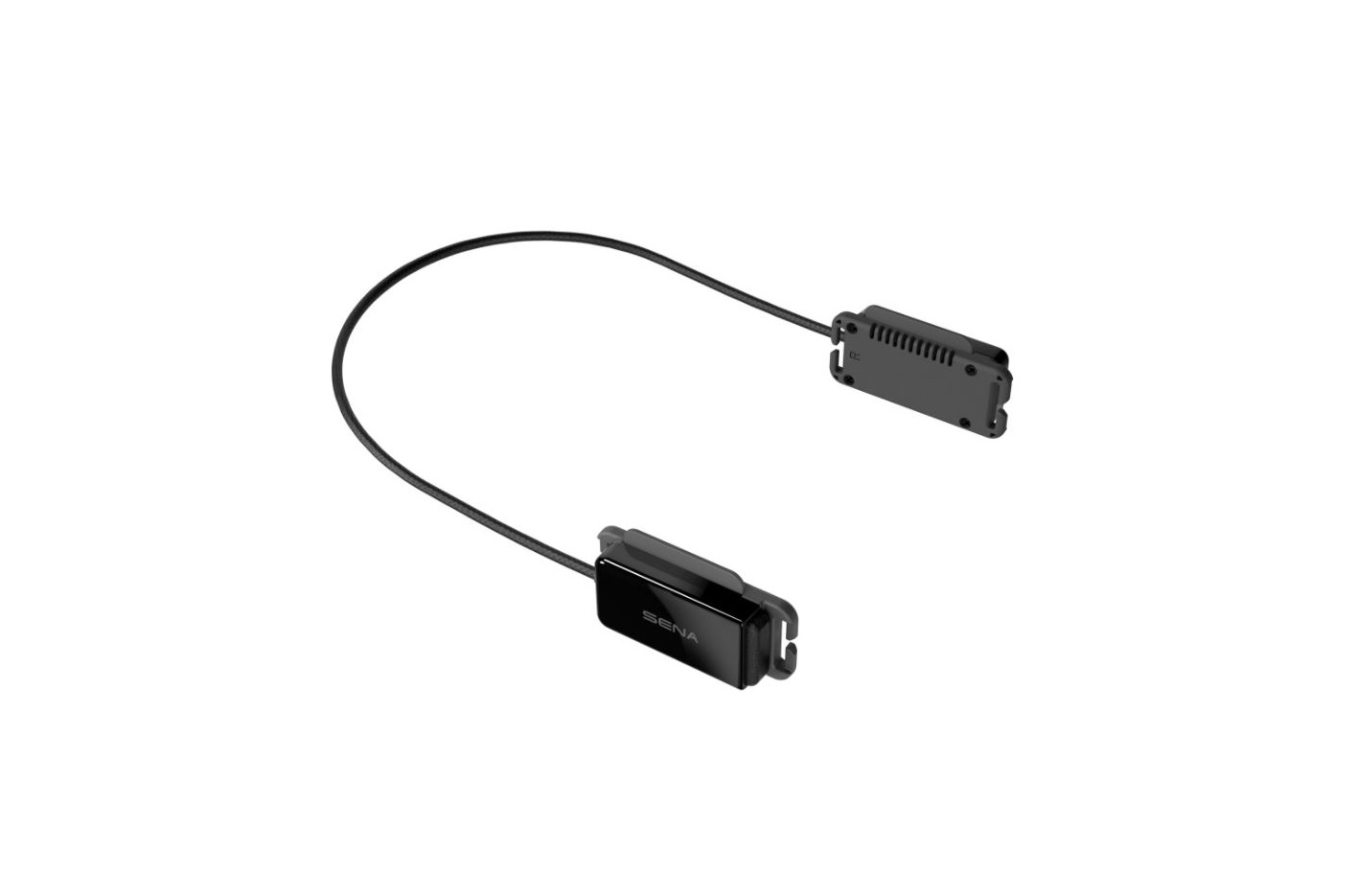
SENA Pi Bluetooth Communication Headset
 for Helmet User Guide
Downloadable Sena Software
Download the Sena Utility App at Google Play Store or App Store.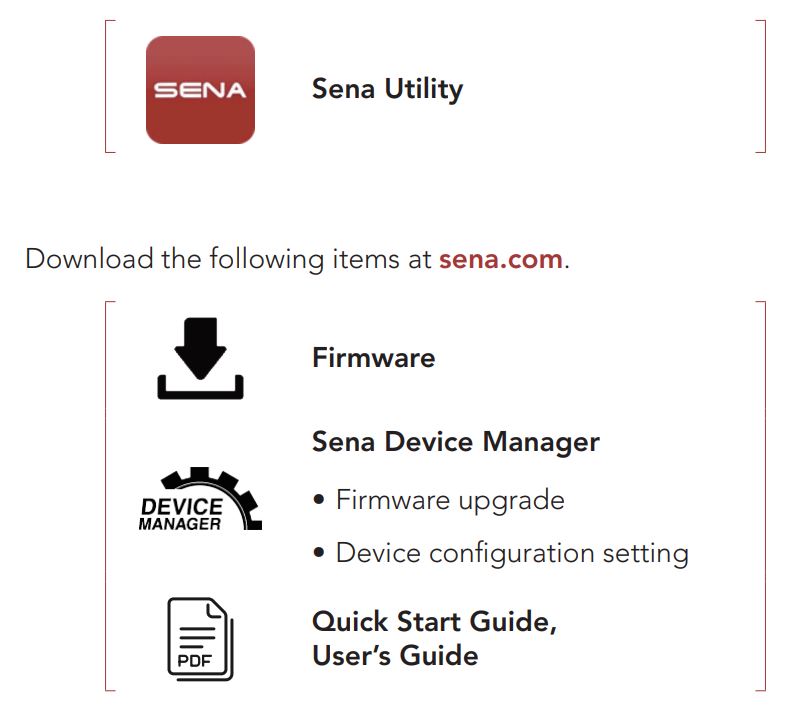
sena.com
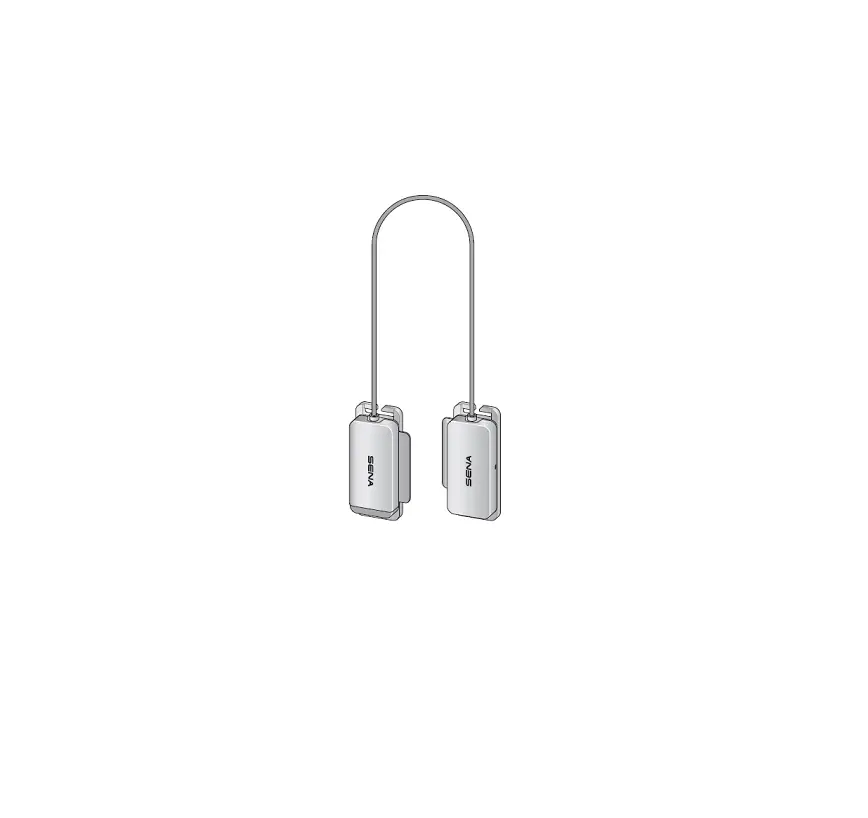
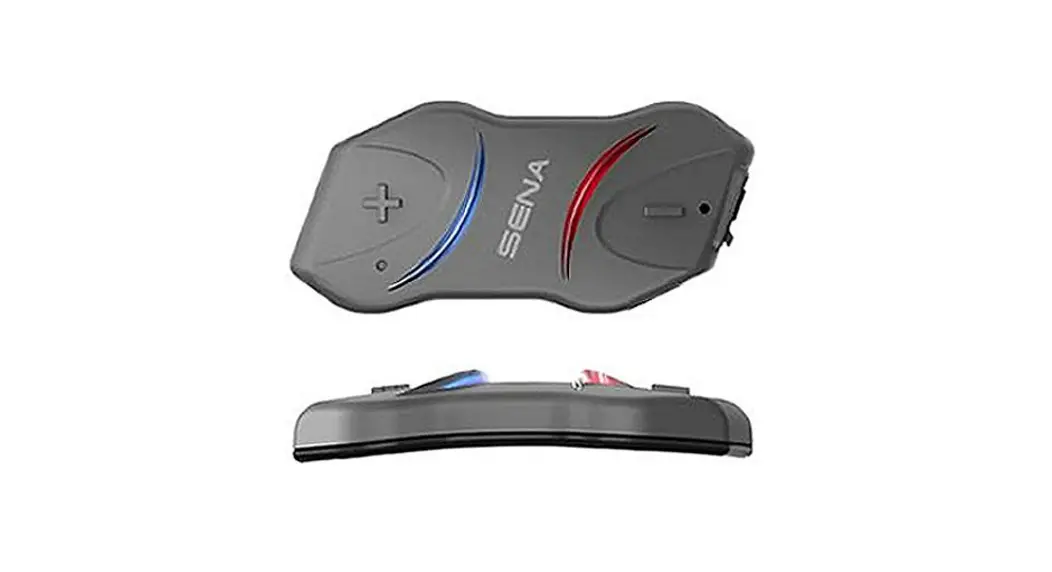
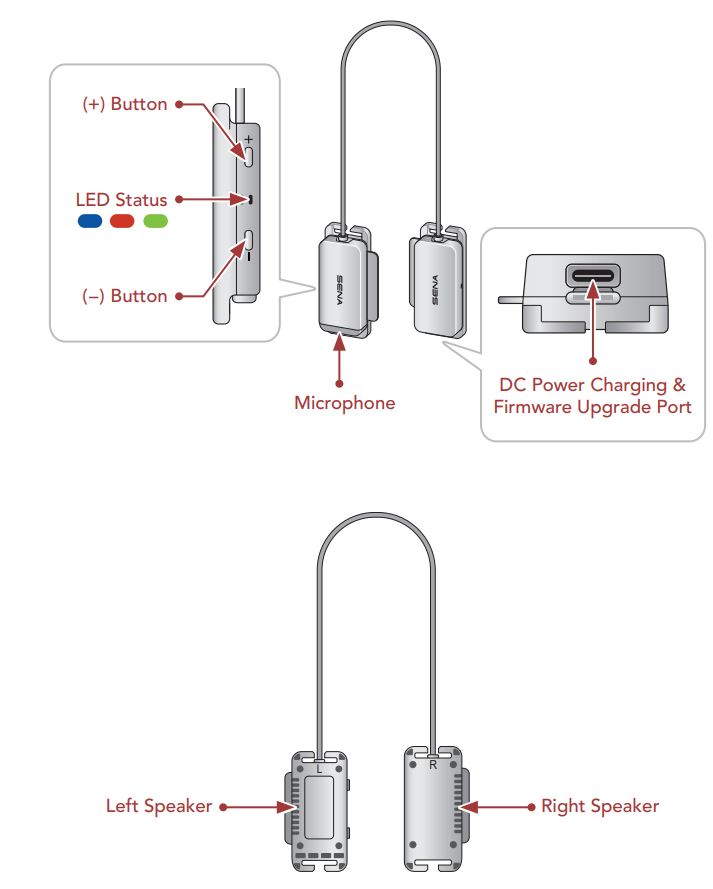
Product Details
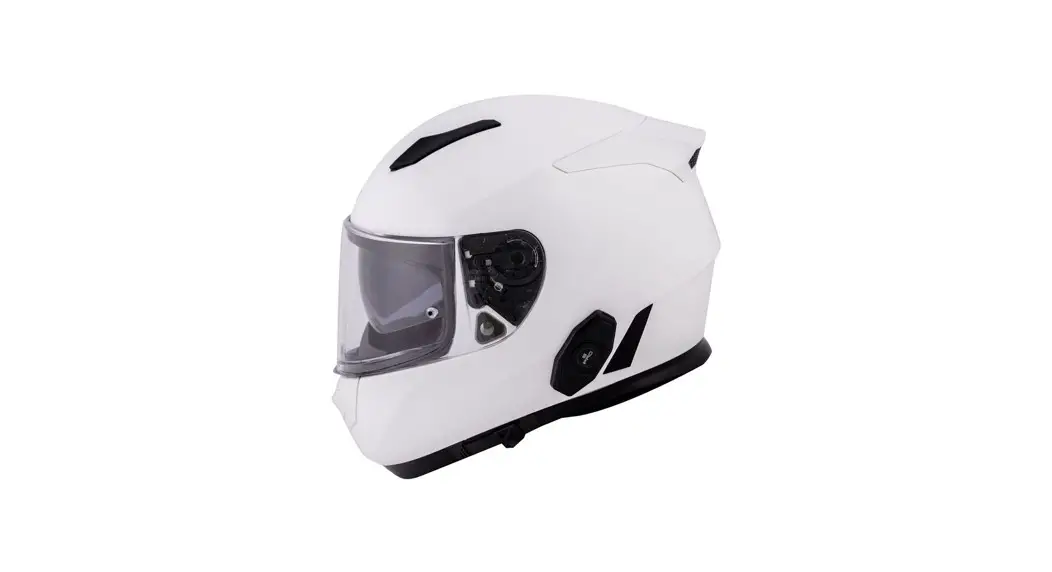
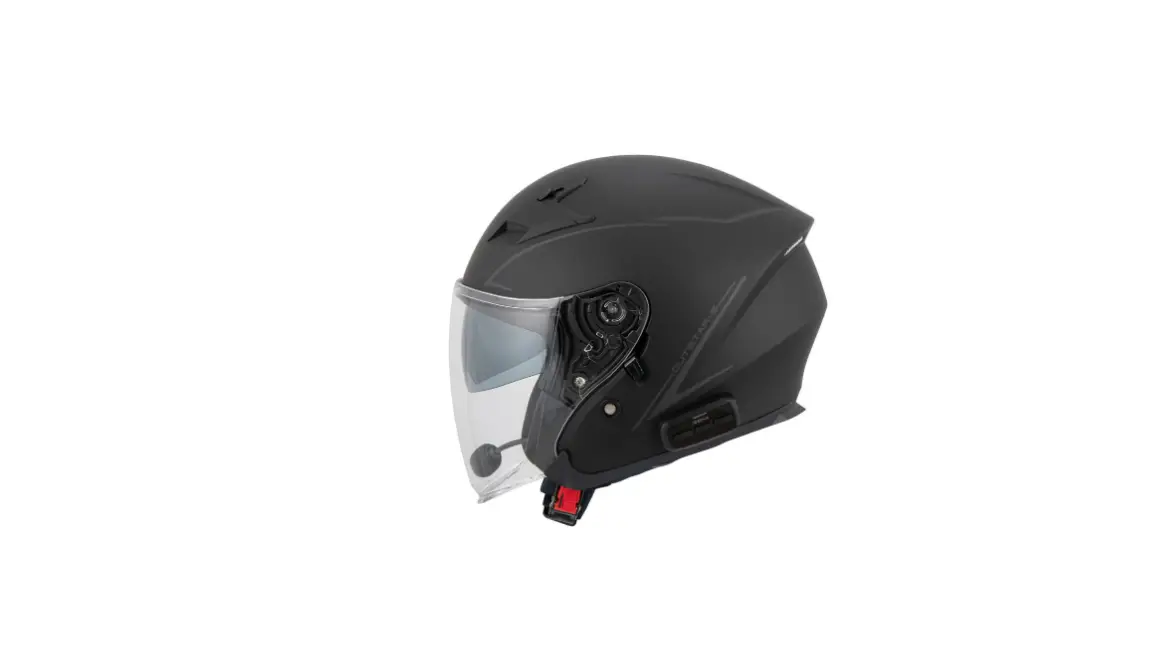
Installation
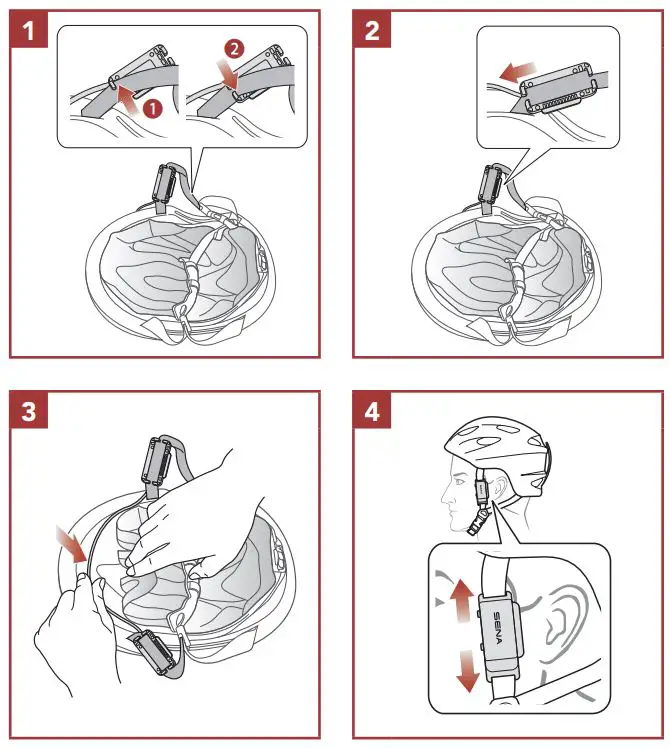
- For more information about installation, refer to the User’s Guide.
Basic Operations
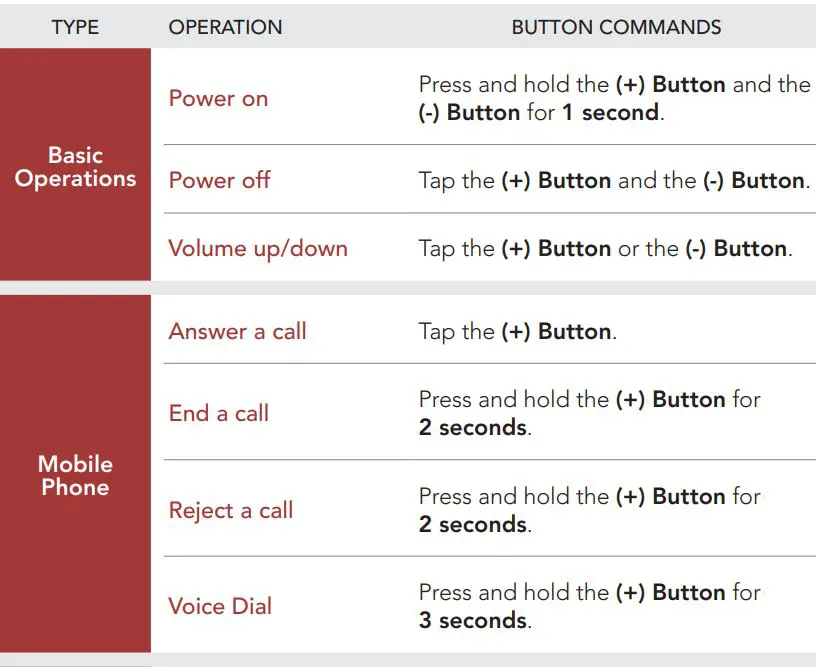
Powering On
- Press and hold the (+) Button and the (-) Button for 1 second.
Powering Off
- Tap the (+) Button and the (-) Button.
Volume Up/Down
- Tap the (+) Button or the (-) Button.
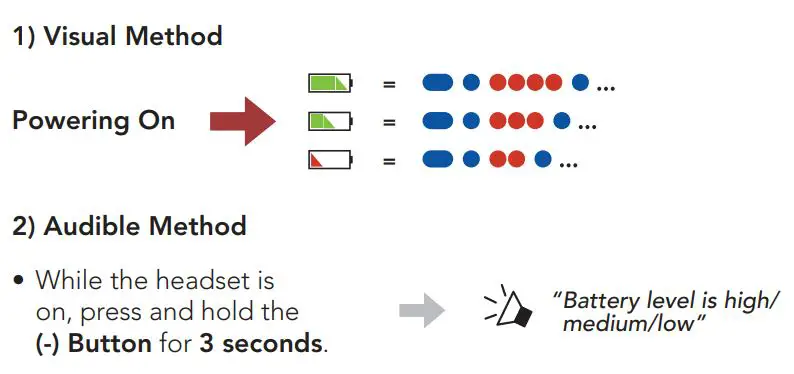
Checking the Battery Level
Phone Pairing
When you initially turn on the headset:
(1) Press and hold the (+) Button and the (-) Button for 1 second.
(2) Select pi in the list of Bluetooth devices detected.
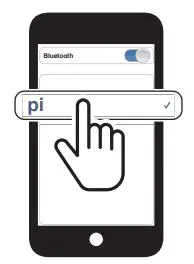
- For more information on phone pairing, refer to the User’s Guide.
Mobile Phone
Answer a Call
- Tap the (+) Button.
End a Call
- Press and hold the (+) Button for 2 seconds.
Reject a Call
- Press and hold the (+) Button for 2 seconds.
Voice Dial
- Press and hold the (+) Button for 3 seconds in stand-by mode.
Music Control
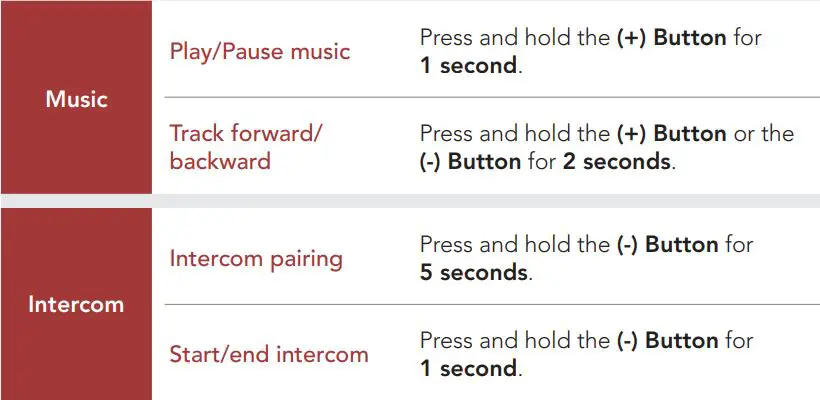
Play/Pause
- Press and hold the (+) Button for 1 second.
Track Forward
- Press and hold the (+) Button for 2 seconds.
Track Backward
- Press and hold the (-) Button for 2 seconds.
Bluetooth Intercom
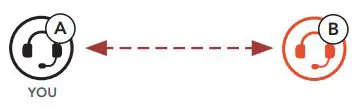
The headset can be paired with another headset for Bluetooth intercom conversation.
Intercom Pairing
There are two ways to pair the headset.
Using the Smart Intercom Pairing (SIP)
SIP allows you to quickly pair with your friends for intercom communication by scanning the QR code on the Sena Utility App without remembering the button operation.
(1)Pair the mobile phone with the headset.
(2) Open the Sena Utility App.
(3)Click the Smart Intercom Pairing Menu.
(4)Click the Add Button to open the QR scanning screen.
(5)Scan the QR code displayed on your friend (B)’s mobile phone.
- Your friend (B) can display the QR code on the mobile phone by opening the Sena Utility App and clicking the Smart Intercom Pairing Menu.
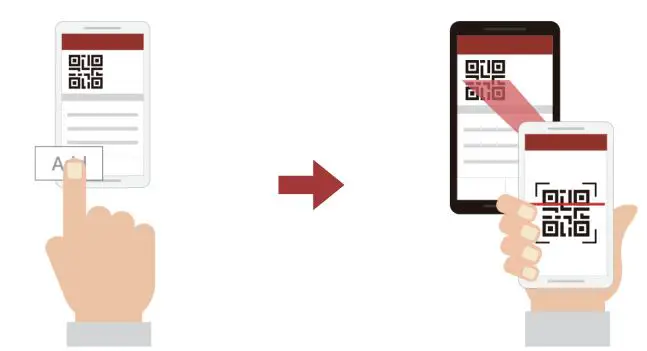
(6)Click the Confirm Button and check that your friend (B) is paired with you (A) correctly.
Note: The Smart Intercom Pairing (SIP) is not compatible with Sena products that use Bluetooth 3.0 or below.
Using the Button
 Two-way Intercom
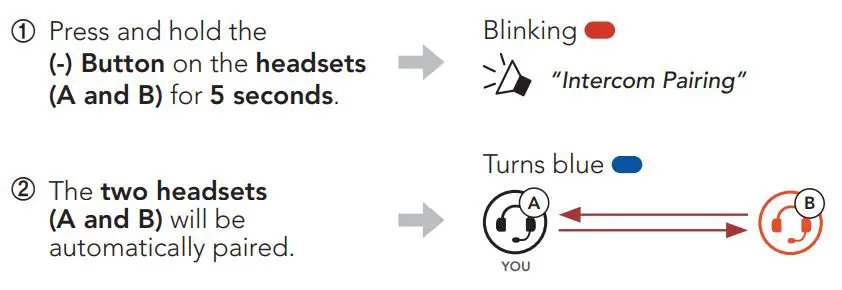 Two-way Intercom
Start/End Conversation with the Intercom Friend
- Press and hold the (-) Button for 1 second.

Navigating Between Menu Options
- Tap the (+) Button.
Execute Menu Options
- Tap the (-) Button.
Troubleshooting
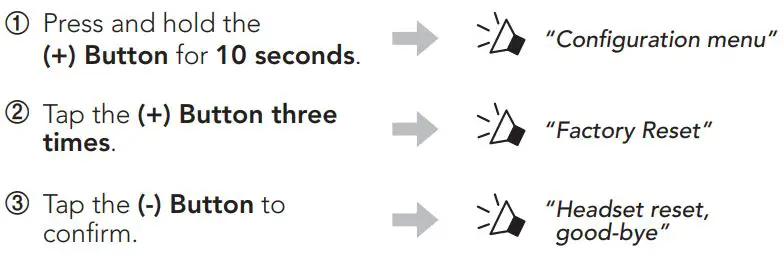
Factory Reset
Fault Reset
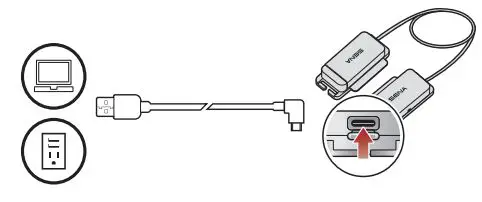
Note: Fault Reset will not restore the headset to the factory default settings.
Quick Reference
Follow us on Facebook, YouTube, Twitter and Instagram to check the latest information and helpful tips.

SENA Technologies, Inc.
Customer Support: sena.com


 The Best Motorcycle & Action Sport Bluetooth Devices | Sena