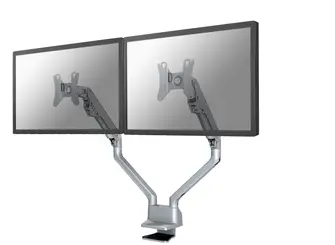
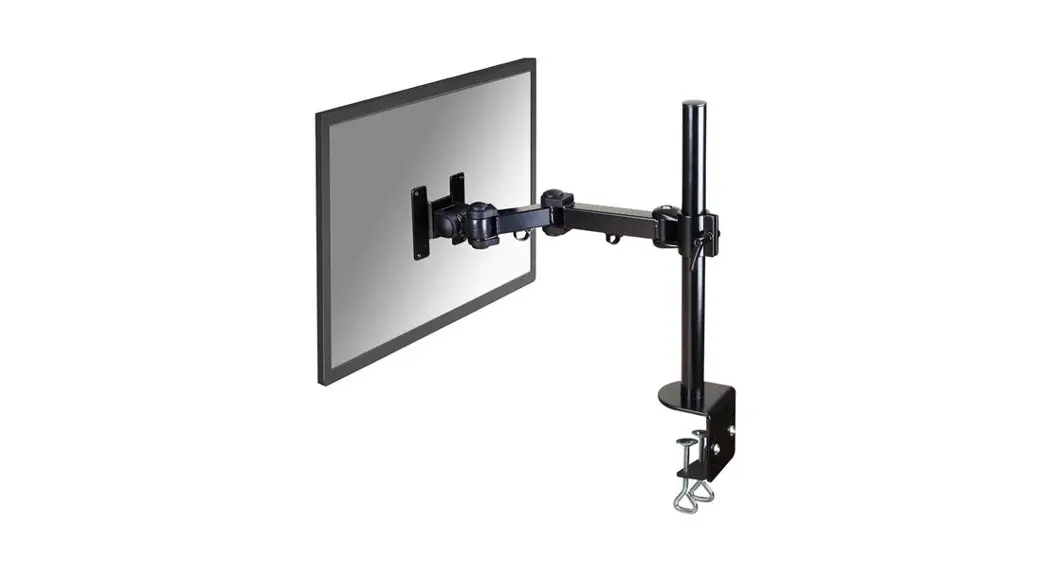
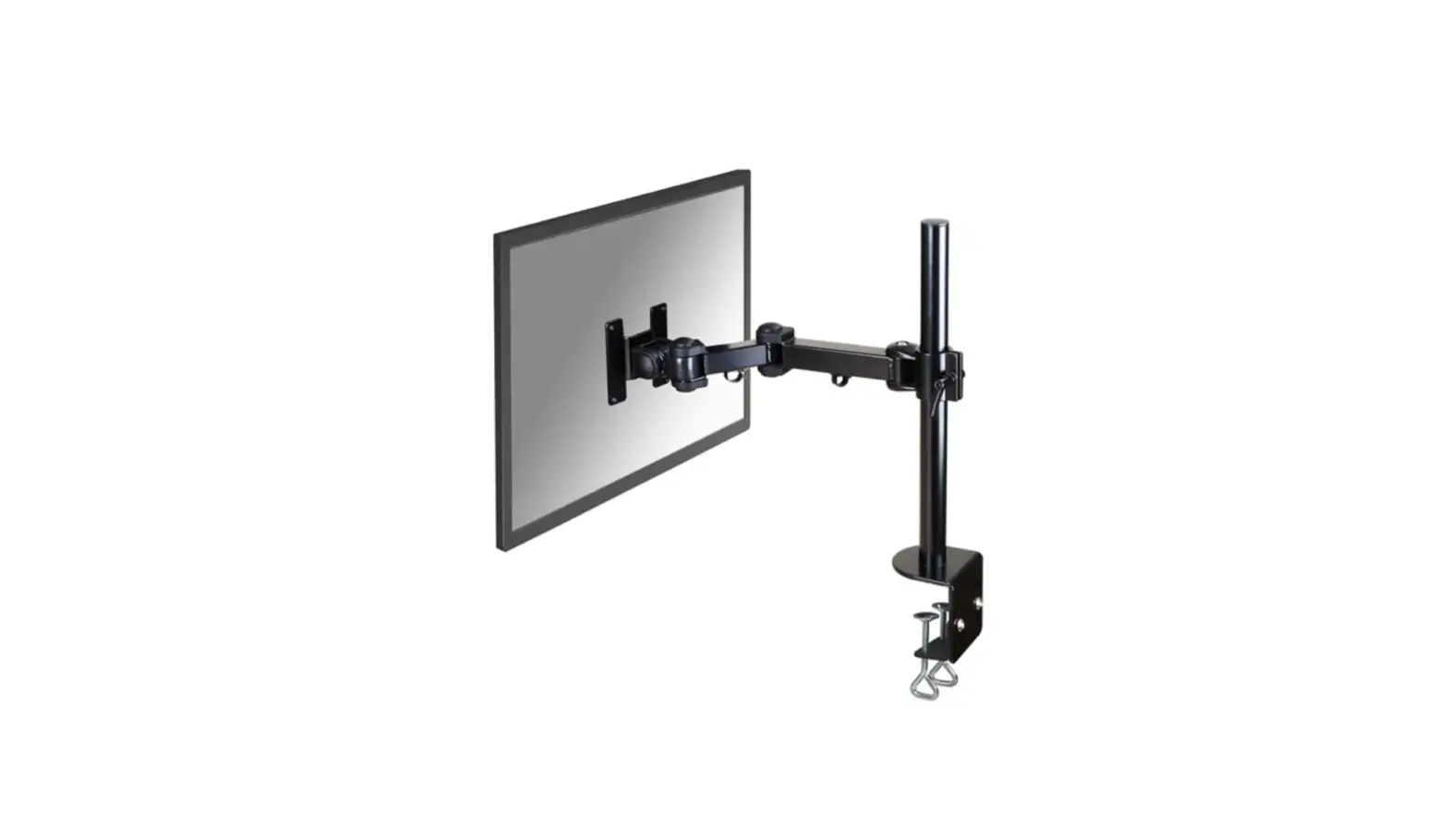
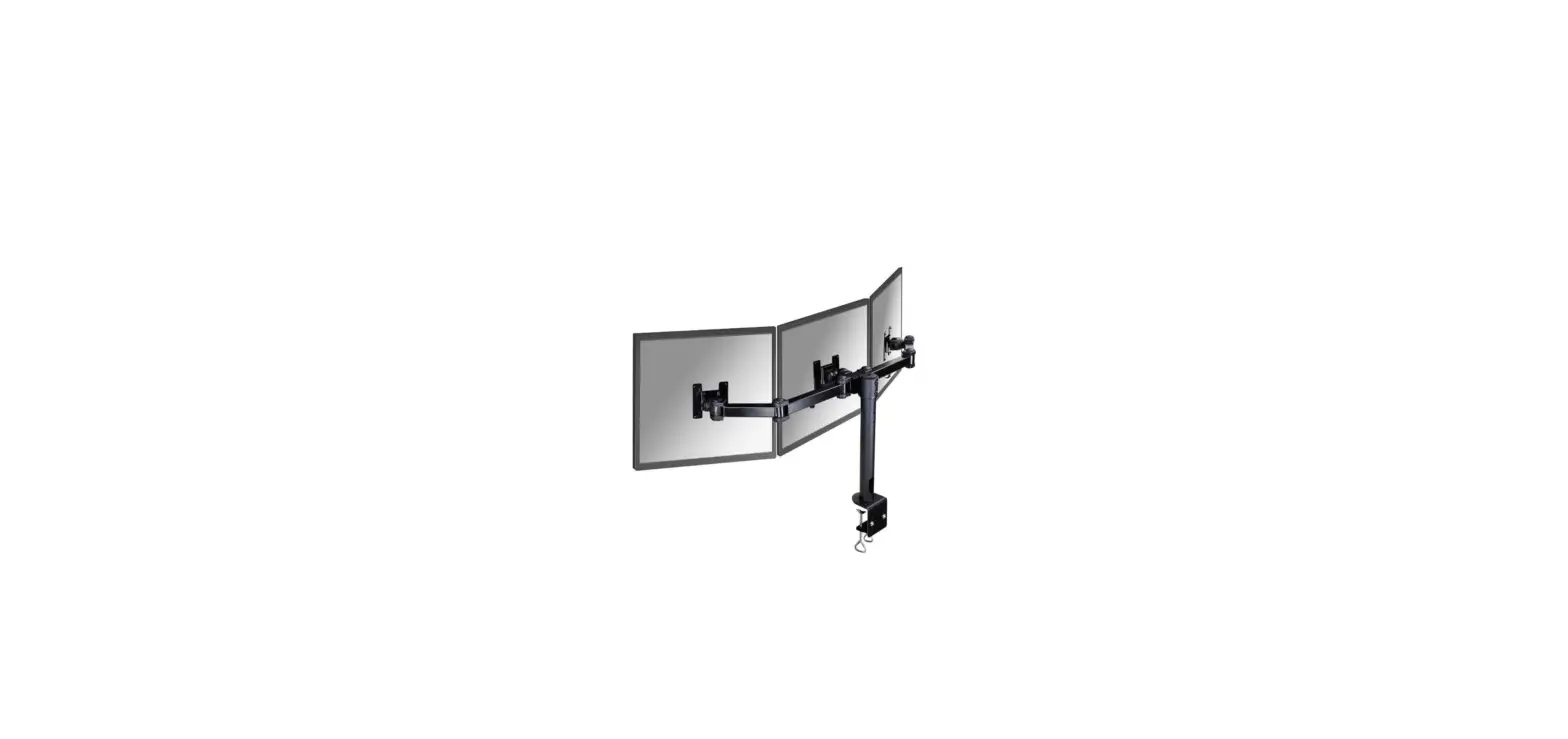
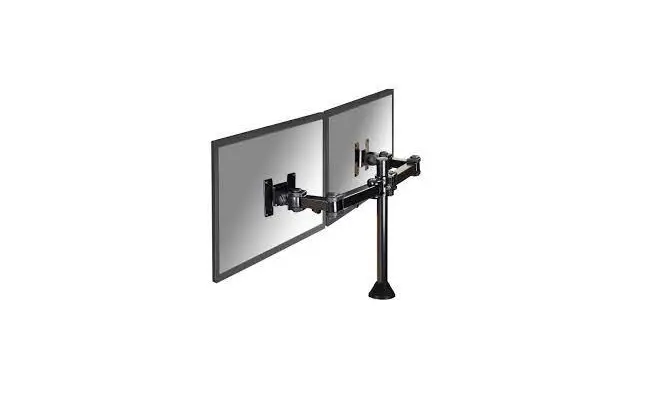
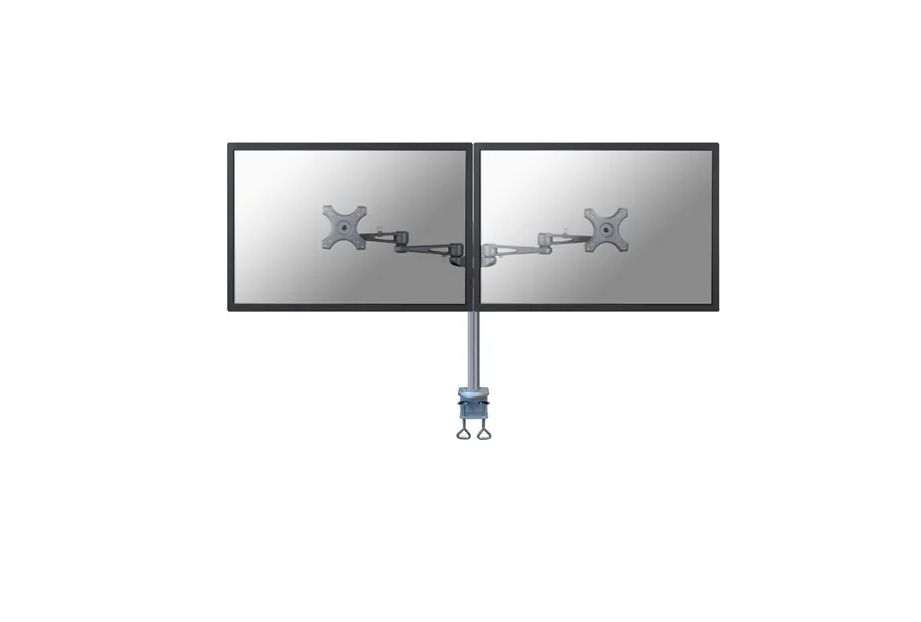
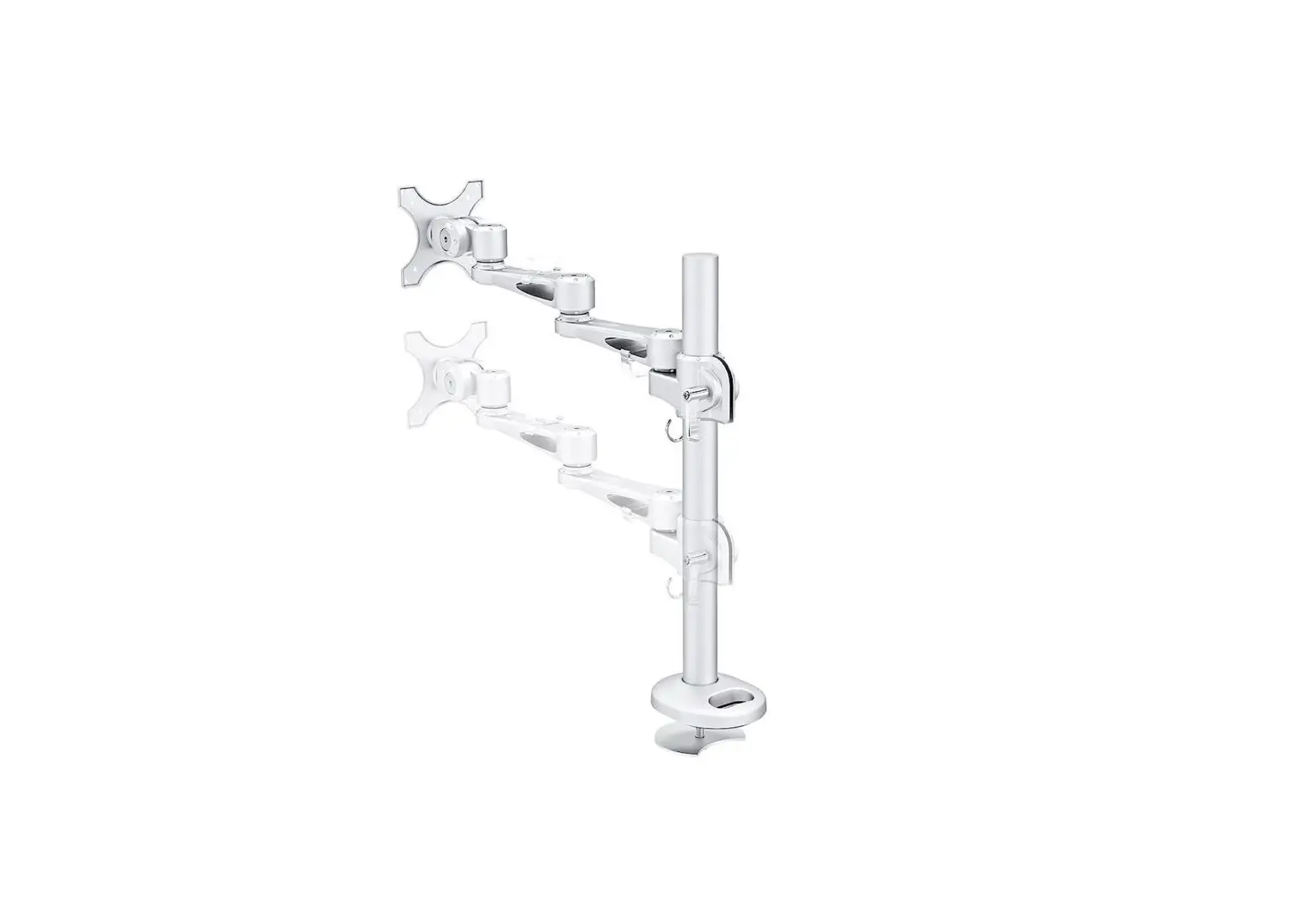
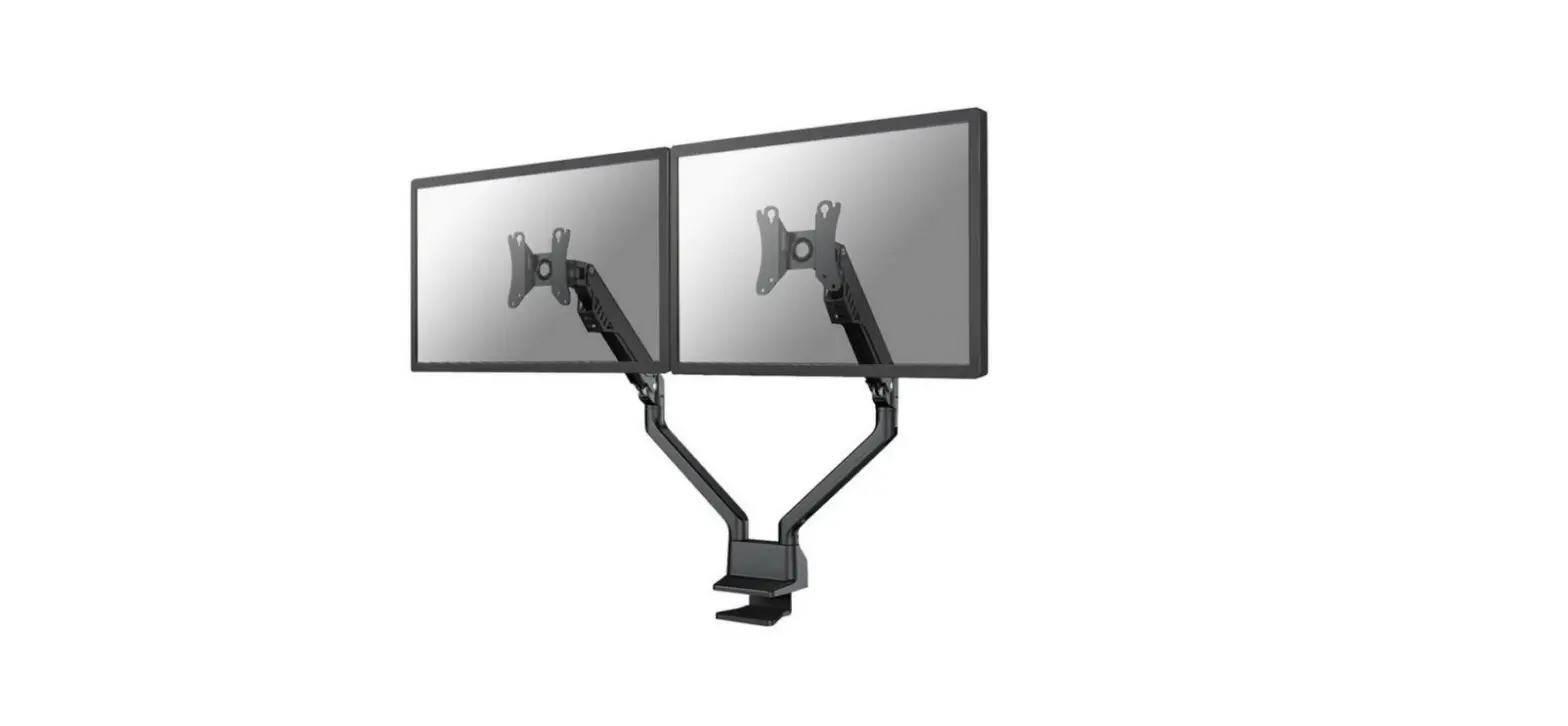
FPMA-D500KEYB Monitor Arm Desk Mount
Product Information
The product is the FPMA-D500KEYB, a mounting system for a
monitor and keyboard. It is designed to be installed on a desk or
table.
The product features an articulated arm that allows for
adjustable positioning of the monitor and keyboard. It also
includes a clamp and grommet for secure installation, a keyboard
holder, and a decorative cover.
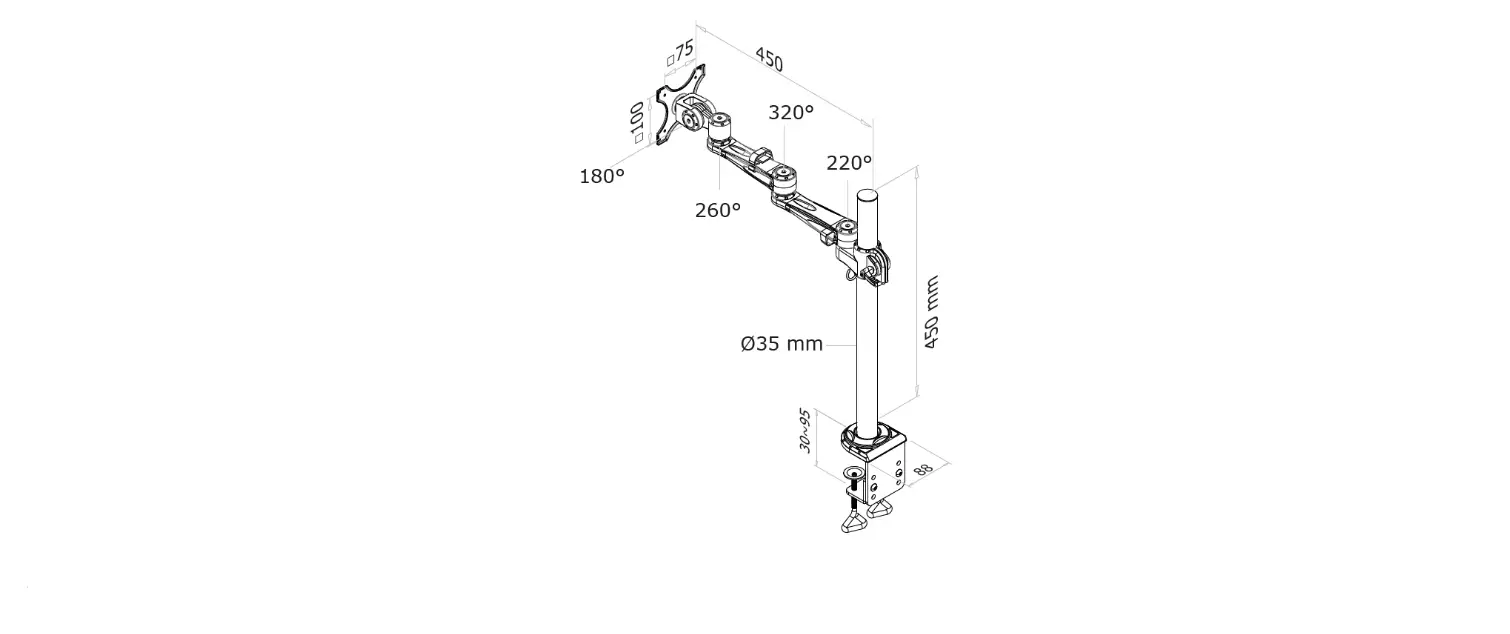
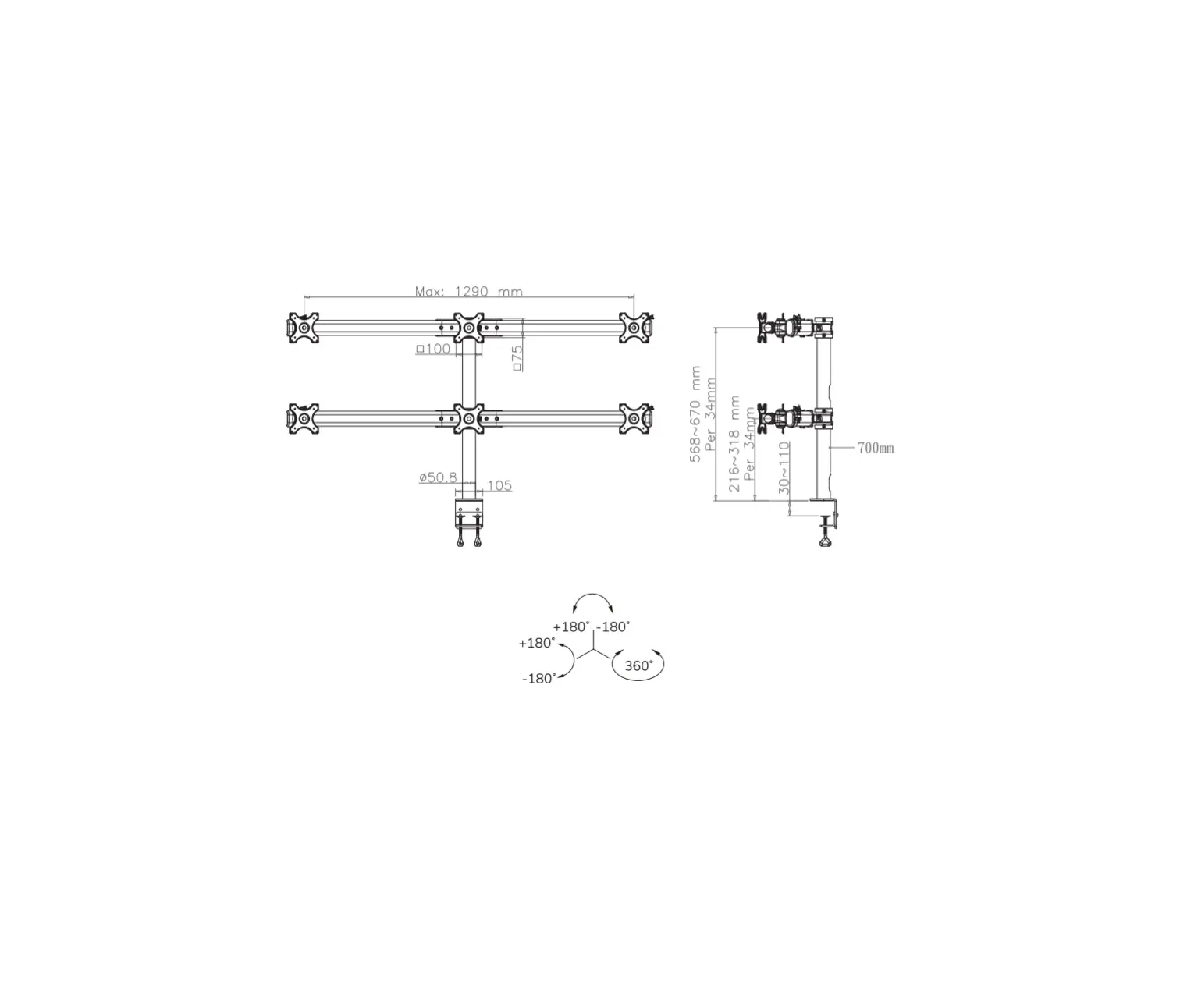
The product is compatible with monitors that have VESA mounting
patterns of 75x75mm and 100x100mm. It has a weight capacity of 0-9
kg.
Product Usage Instructions
- Step 1A: Mount the clamp to the rod and install it to the
desk. - Step 1B: Mount the grommet to the rod and install it through
the desk. - Step 2: Remove the collar and cable clip from the rod.
- Step 3: Install the articulated arm and place the collar and
cable clip back on the rod. - Step 4: Install the keyboard holder to the bracket.
- Step 5: Install the monitor by screwing it onto the VESA
plate. - Step 6: Attach the arm to the rod and place the decorative
cover. - Step 7: Adjust the height by tightening the screws.
- Step 8: Fold the dustcatcher for storing cables.
- Step 9: Adjust the torque for secure positioning.
Please note that some parts may not be included with the product
and may need to be purchased separately.
INSTRUCTION MANUAL
min260mm-max312mm 65mm
Ø35mm
180°
115mm 100mm 75mm
+90° -90°
75mm 100mm 115mm
min295mm-max347mm 215mm
180°
211mm
180°
650mm
min0mm-max780mm min400mm-max977mm
810mm
min0mm-max92mm
min10mm-max85mm
100mm
FPMA-D500KEYB
EN Monitor desk mount NL Monitor bureausteun DE Monitor Tischhalterung FR Support moniteur de bureau IT Supporto da scrivania per monitor ES Soporte de escritorio para monitor PT Suporte de mesa para monitor DK Bordbeslag skærm
NO Bordstativ til skjerm SE Skrivbordsfäste för bildskärm FI Näytön pöytäteline PL Uchwyt nabiurkowy do monitora CS Stolní drzák monitoru SK Drziak na monitor RO Suport de birou pentru monitor
WWW.NEOMOUNTS.COM
FPMA-D500KEYB PARTS
Tool
75×75 100×100 mm
0-9 kg
A. (x1)
B. (x1)
C. (x1)
D. (x1)
E. (x1)
F. (x1)
G. (x5)
H. (x1)
I. 3mm (x1)
J. 6mm (x1)
STEP 1 A Clamp
EN Mount the clamp to the rod and install to the desk NL Monteer de klem aan de stang en installeer aan het
bureau DE Befestigen Sie die Klemme an der Stange und instal-
lieren Sie sie auf dem Schreibtisch FR Montez la pince sur la barre et installez-la sur le bureau IT Montare il morsetto sulla barra e installarlo sulla
scrivania ES Monte la abrazadera en la barra e instálela en el
escritorio PT Montar a braçadeira na barra e instalar na secretária PL Zamontuj zacisk na prcie i zainstaluj na biurku
K. (x4)
L. (x1)
G E
C
M. (x1)
M-A. M4x14 (x4)
M-B. M5x14 (x4)
M-C. D5 (x4)
I
STEP 1 B Grommet
EN Mount the grommet to the rod and install through the desk
NL Monteer de doorvoer aan de stang en installeer in het bureau E
DE Befestigen Sie die Tülle an der Stange und installieren Sie sie im Schreibtisch
FR Montez le passe-fil sur la tige et installez-le dans le bureau
IT Montare il gommino sull’asta e installarlo nella scrivania ES Monte el pasacables en la varilla e instálelo en el escri-
torio PT Montar a argola na vara e instalar na secretária PL Zamontuj przelotk na prcie i zainstaluj w biurku
C I
F
H
STEP 2
EN Remove the collar and cable clip from the rod
NL Verwijder de kraag en de kabelclip van de stang
DE Entfernen Sie den Kragen und die Kabelklemme
I
von der Stange
FR Retirez le collier et le clip de maintien des câbles
de la colonne
IT Rimuovere il colletto e la clip del cavo dall’asta
ES Retire la arandela y el clip del vástago
PT Remova a anilha e o clipe da haste
PL Zdj obejm i organizator kabla z prta
STEP 3
EN Install the articulated arm and place the collar and cable clip back on the rod
NL Installeer de scharnierarm en plaats de kabelclip en de kraag terug op de stang
DE Installieren Sie den Gelenkarm und bringen Sie den Kragen und die Kabelklemme wieder an
FR Installez le bras articulé et replacez le collier et le clip sur la colonne
IT Installare il braccio articolato e posizionare il colletto e la clip del cavo sull’asta
ES Instale el brazo articulado y coloque la arandela y el clip en el vástago
PT Instale o braço articulado e coloque a anilha e o clipe na haste
PL Zamontuj rami przegubowe i ponownie umie obejm i organizartor kabla na wsporniku
B I
STEP 4
EN Install the keyboard holder to the bracket NL Installeer de toetsenbordhouder aan de beugel DE Installieren Sie den Tastaturhalter an die Halterung FR Installez le support de clavier sur le support IT Installare il supporto per tastiera sulla staffa ES Instale el soporte del teclado en el soporte PT Instale o suporte do teclado no suporte PL Zainstaluj uchwyt klawiatury na wsporniku
D
K L
STEP 5
EN Install the monitor NL Installeer de monitor DE Installation des Monitors FR Vissez le moniteur sur la plaque VESA IT Installazione del Monitor ES Instalar el monitor PT Instalar o monitor PL Zainstaluj monitor
* Not Included
M-C M-A M-B
STEP 6
EN Attach the arm to the rod and place the decorative cover
NL Bevestig de arm aan de stang en plaats het decoratieve
afdekkapje
DE Befestigen Sie den Arm an der Stange und bringen Sie
M
die dekorative Abdeckung an
FR Fixez le bras à la tige et placez le couvercle décoratif
IT Fissare il braccio all’asta e posizionare la copertura deco-
rativa
ES Fije el brazo a la varilla y coloque la cubierta decorativa
PT Fixar o braço à haste e colocar a tampa decorativa
PL Przymocuj rami do prta i umie oslon dekoracyjn
STEP 7
EN Adjust the height and tighten the screw NL Stel de juiste hoogte in en draai de schroef vast DE Höhe einstellen und fixieren mit der Schraube FR Réglez la hauteur des 2 bras sur la colonne et les fixer
en serrant les vis IT Regolazione dell’altezza e stringere nuovamente la vite ES Ajuste Altura y vuelva a apretar el tornillo PT Ajuste Altura e aperte novamente os parafuso PL Regulacja wysokoci i ponownie dokrci rub
I
STEP 8
EN Route the cable(s) through the cable clips NL Geleid de kabel(s) door de kabelclips DE Führen Sie das/die Kabel durch die Kabelklemmen FR Faire passer le(s) câble(s) dans les attaches de câble IT Far passare il/i cavo/i attraverso i fermacavi ES Pase el cable o los cables por las abrazaderas PT Guiar o(s) cabo(s) através dos clipes do cabo PL Przeló kabel (kable) przez uchwyty kablowe
FOLD 3 DUSTCATCHER
STEP 9
EN Loosen or tighten the adjustment knob if necessary NL Draai de stelknop zo nodig losser of vaster DE Fixieren oder Lockern des Drehknopfs wenn notwendig FR Desserrez ou serrez le bouton de réglage selon la dureté
d’articulation désirée IT Allentare o serrare la manopola di regolazione se
necessario ES Afloje o ajuste la perilla de ajuste si es necesario PT Afrouxe ou aperte o botão de ajuste, se necessário PL Poluzuj lub dokr pokrtlo regulacyjne, jeli to
konieczne
J 1
2
STEP 10
EN Adjust the torque NL Stel het koppel in DE Einstellen des Drehmoments FR Ajustez les couples de serrage IT Regolazione della coppia ES Ajuste el tornillo PT Ajuste os parafusos PL Ustawi momenty obrotowe
+90° -90°
J
STEP 11
EN Adjust the mount to the desired position NL Stel de steun in op de gewenste positie DE Positionieren die Halterung in die gewünschte Position FR Ajustez le support à la position souhaitée IT Regolare il supporto nella posizione desiderata ES Ajuste el soporte a la posición deseada PT Ajuste o suporte na posição desejada PL Dostosuj pozycj uchwytu do twoich wymaga
180°
360°
 Neomounts