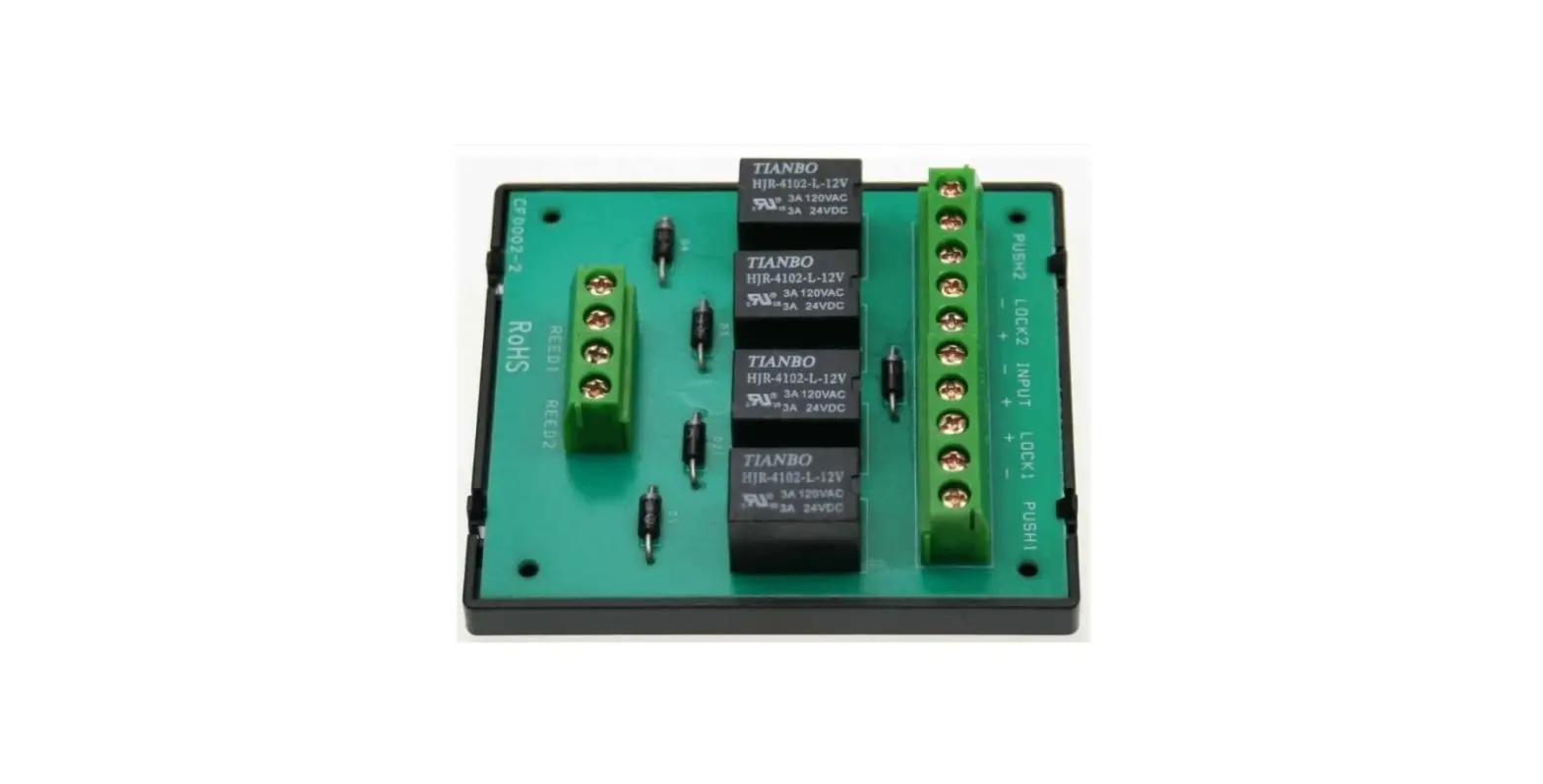

Gianni Industries Mod-ad500db Interlock Module Instruction Manual

Gianni Industries Mod-ad500db Interlock Module Instruction Manual

GIANNI-INDUSTRIES-logo

GIANNI INDUSTRIES MOD-AD500DB Interlock Module
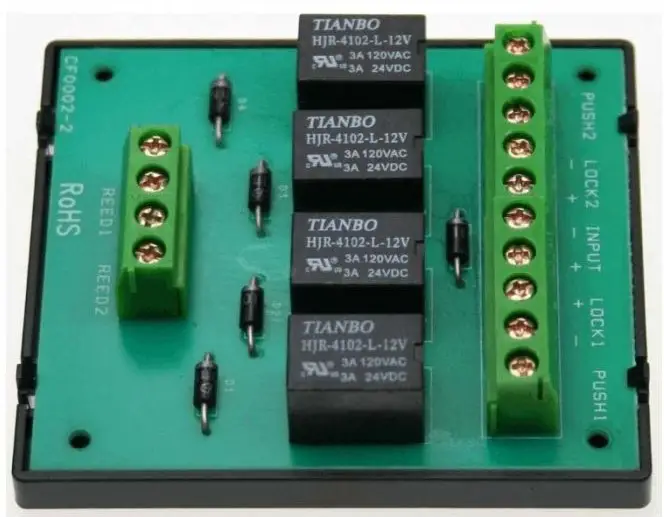
GIANNI-INDUSTRIES-MOD-AD500DB-Interlock-Module-fig-1

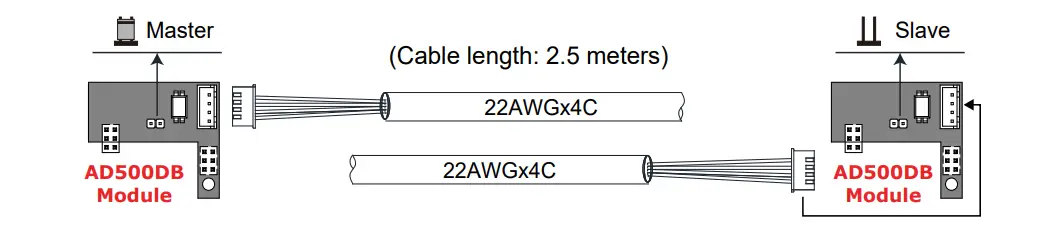
Jumper Setting

GIANNI-INDUSTRIES-MOD-AD500DB-Interlock-Module-fig-2

Instructions

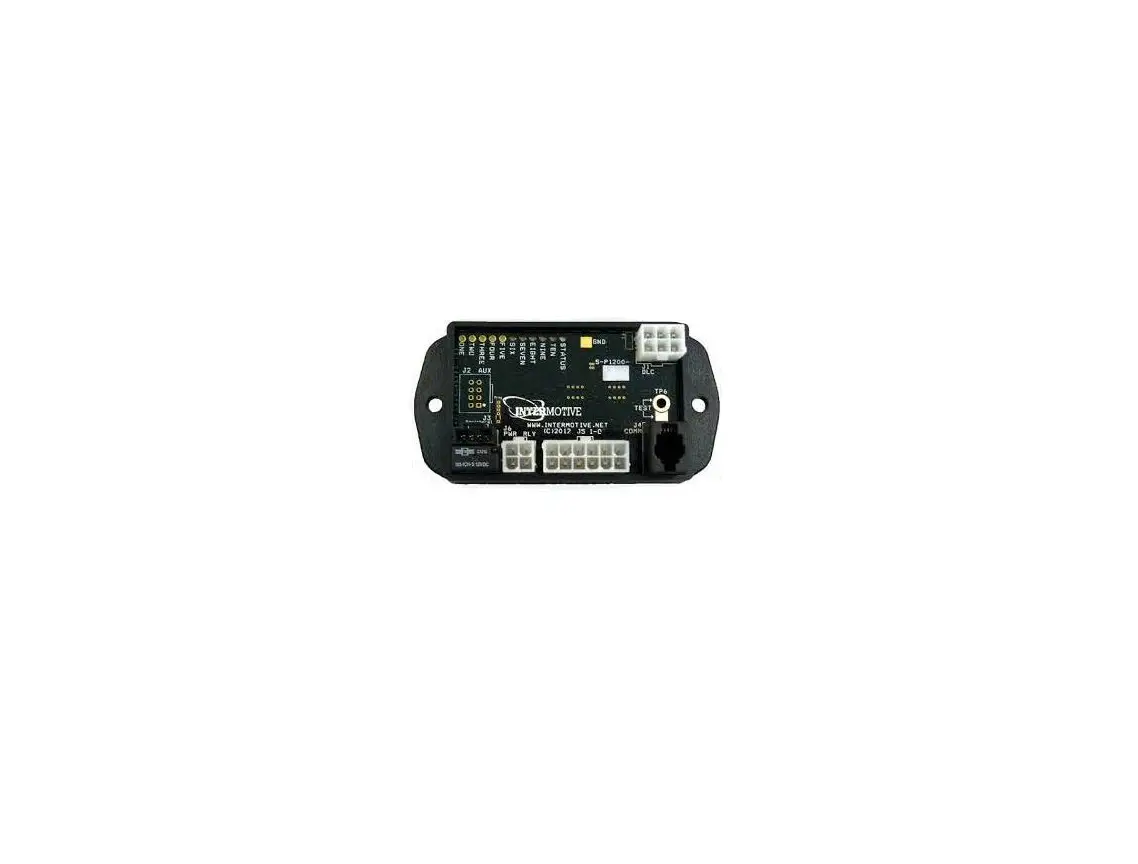
Install the AD500DB Interlock Module on the AD500 Control Unit per shown in the diagram. Configure ‘Master’ and ‘Slave’ through jumper setting for the system to reconise the order in which the doors will open.

  1. Master door opens first

    GIANNI-INDUSTRIES-MOD-AD500DB-Interlock-Module-fig-3

  2. Once master door opens, slave door follows.

    GIANNI-INDUSTRIES-MOD-AD500DB-Interlock-Module-fig-4

  3. Slave door closes first.

    GIANNI-INDUSTRIES-MOD-AD500DB-Interlock-Module-fig-5

  4. slave door is closed, master door will start to close.

    GIANNI-INDUSTRIES-MOD-AD500DB-Interlock-Module-fig-6

Documents / Resouces

Download manual
Here you can download full pdf version of manual, it may contain additional safety instructions, warranty information, FCC rules, etc.


Related Manuals