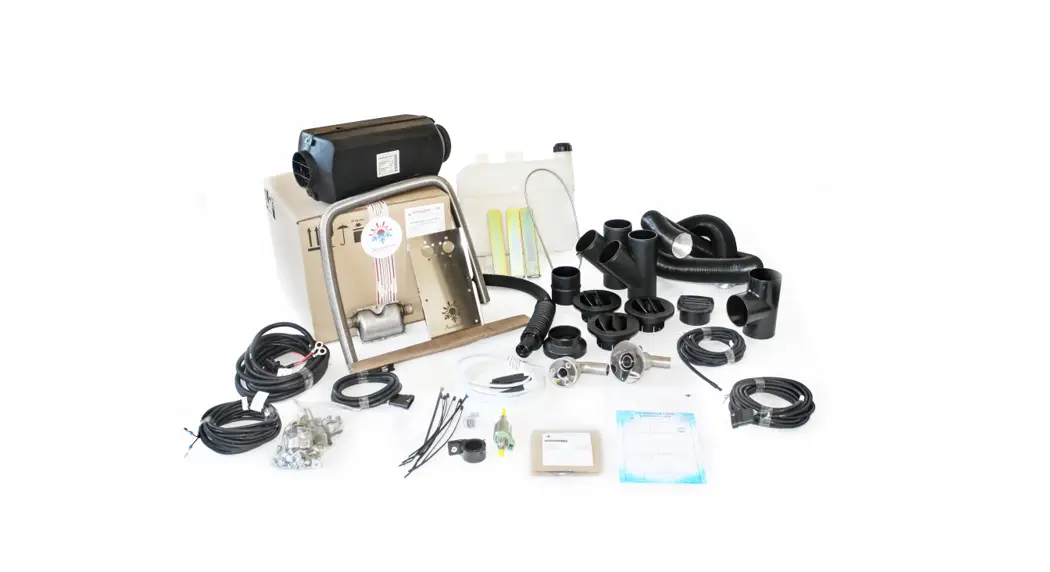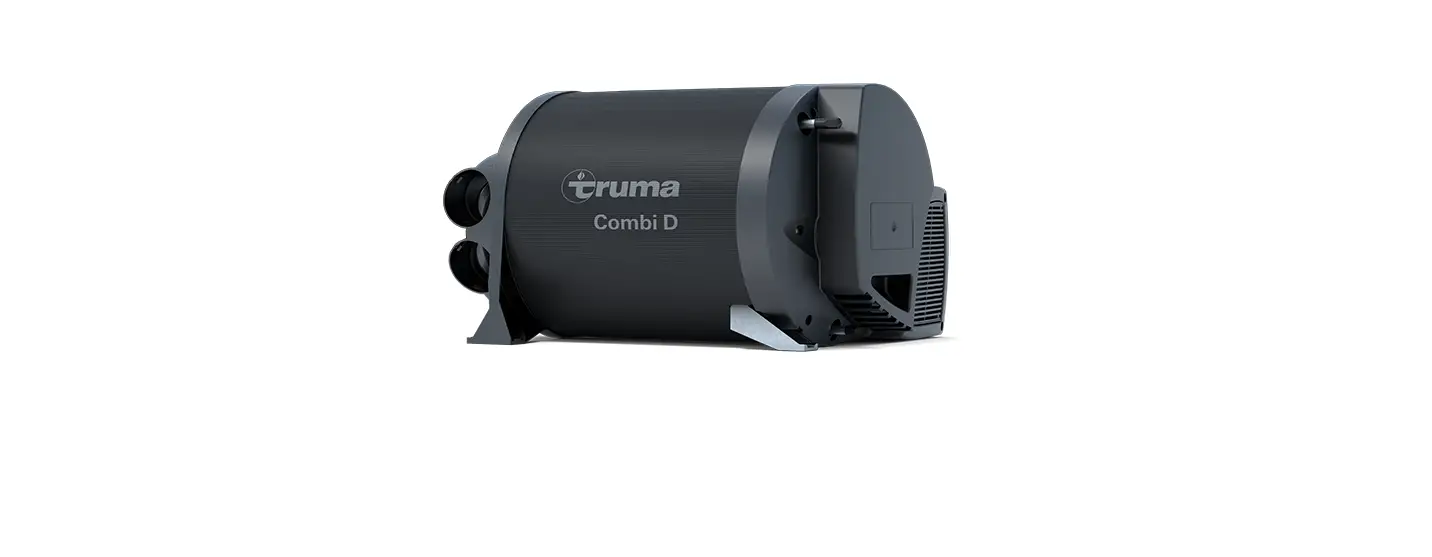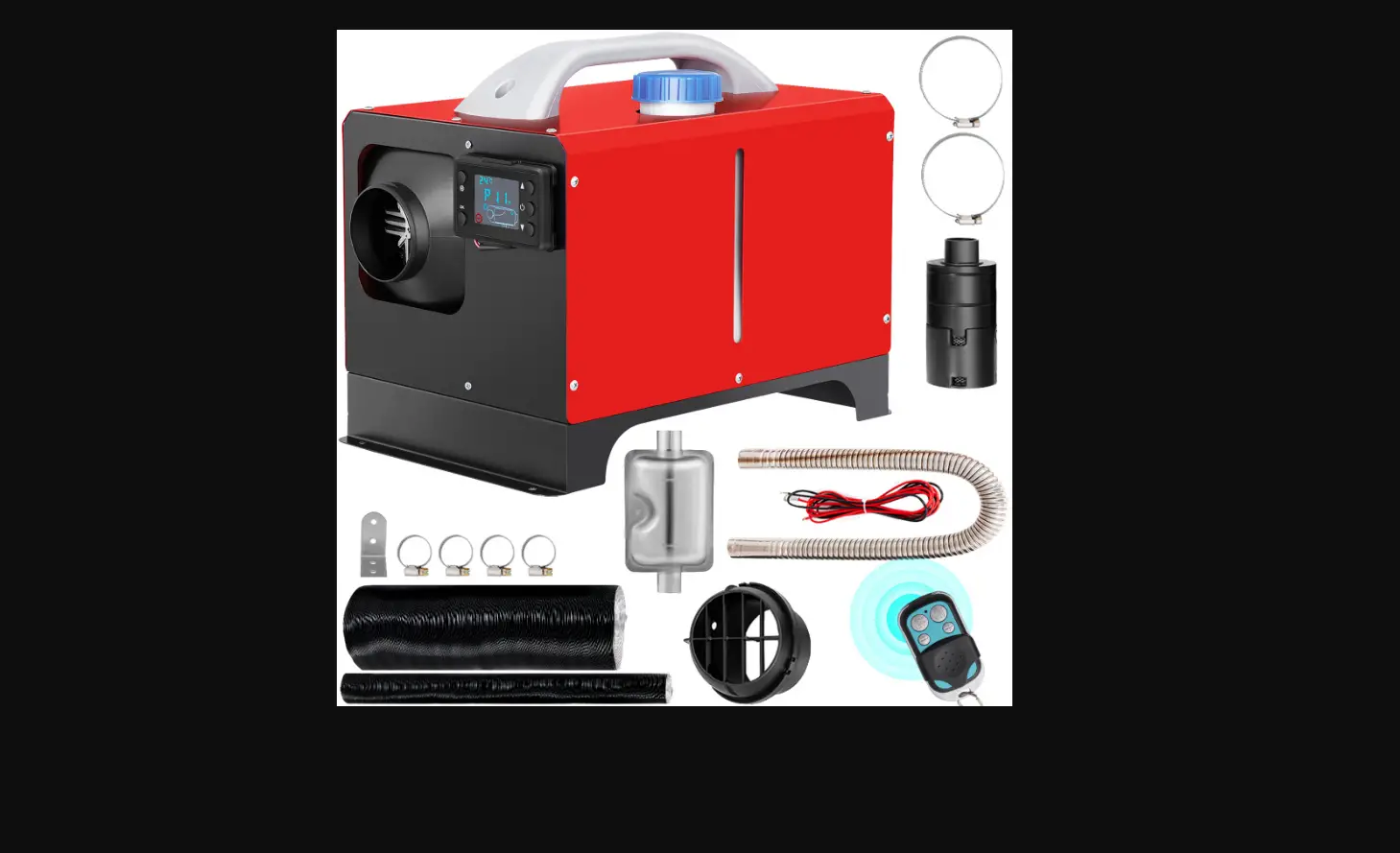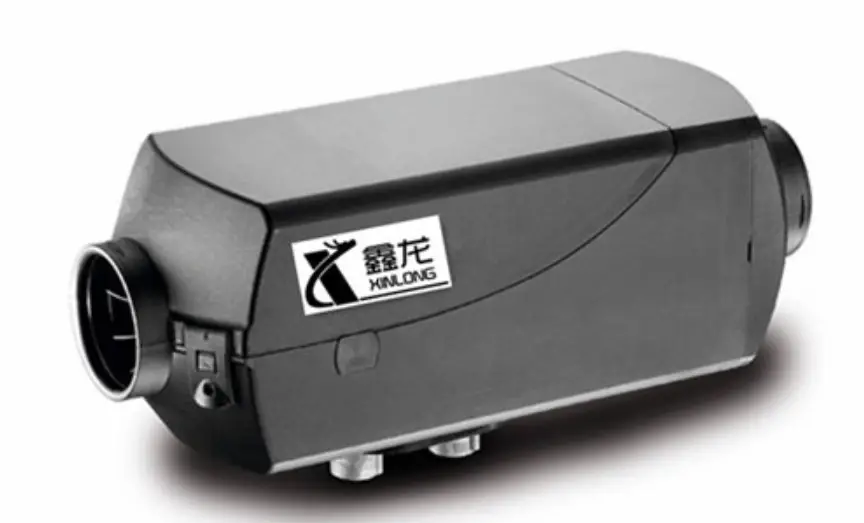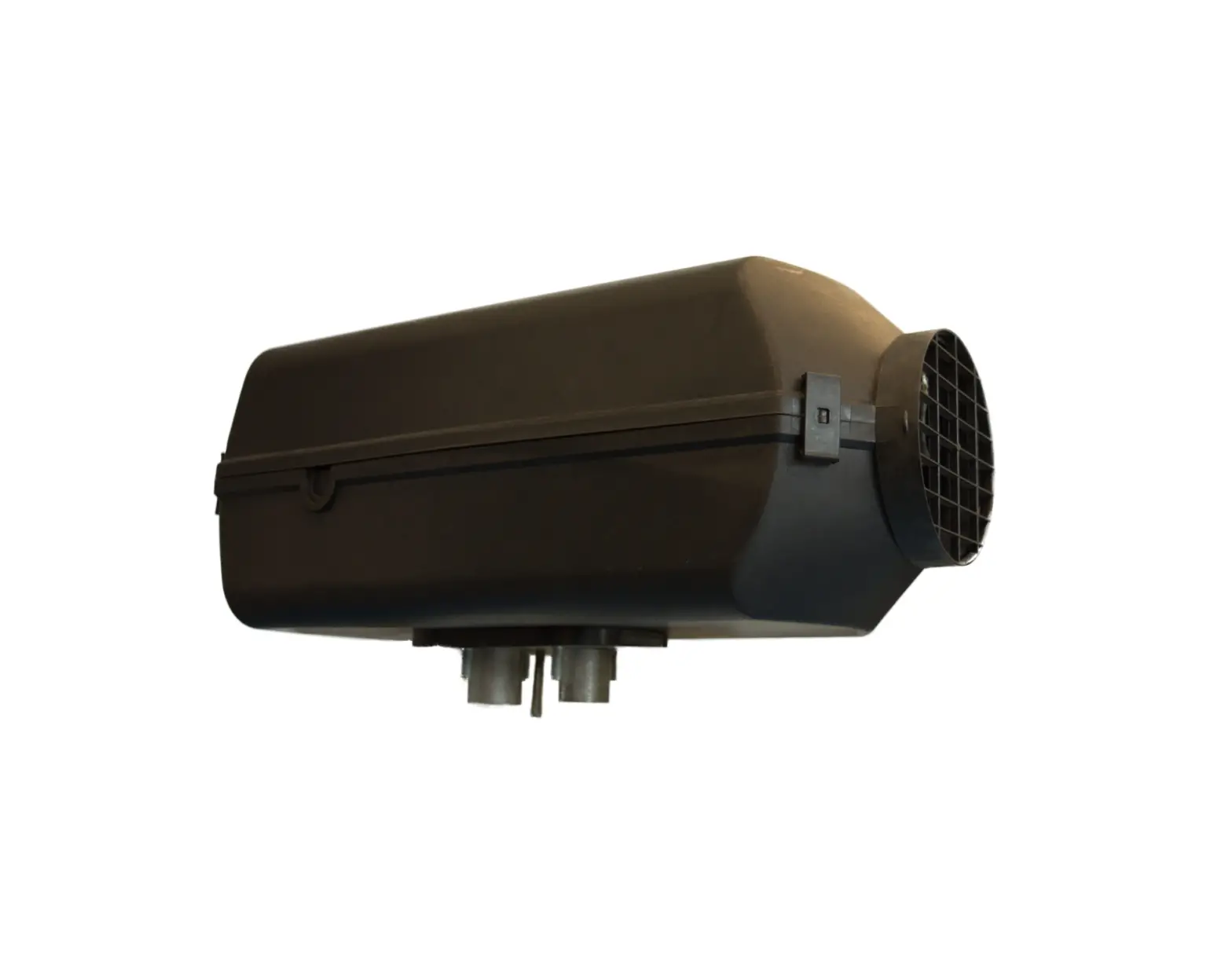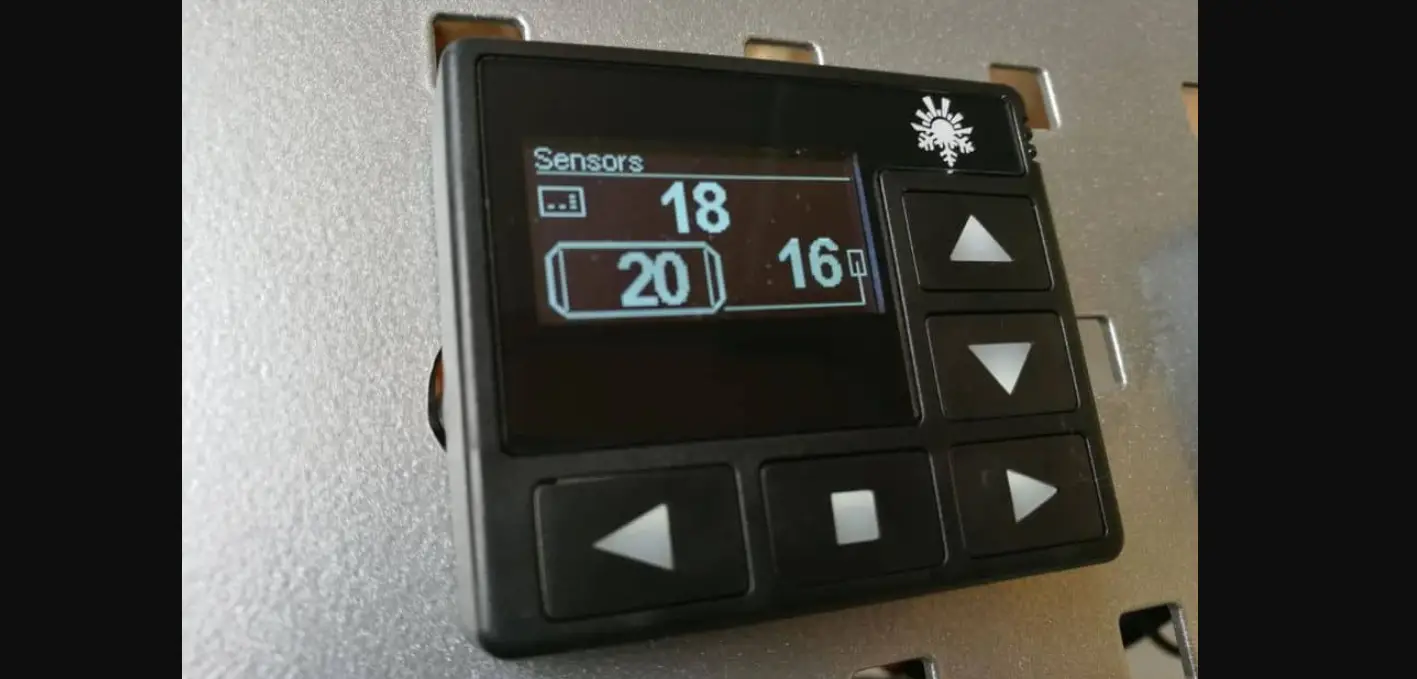

PU-27 Autoterm Diesel Air Heater
Introduction
This Operating Manual is part of the documentation for hydronic pre-heaters and air heaters (hereinafter referred as the product). The Manual contains information for the user on safe maintenance of the product.
This control panel is compatible with the following products:
pre-heaters:
- Flow-14D
- Flow-5
air heaters:
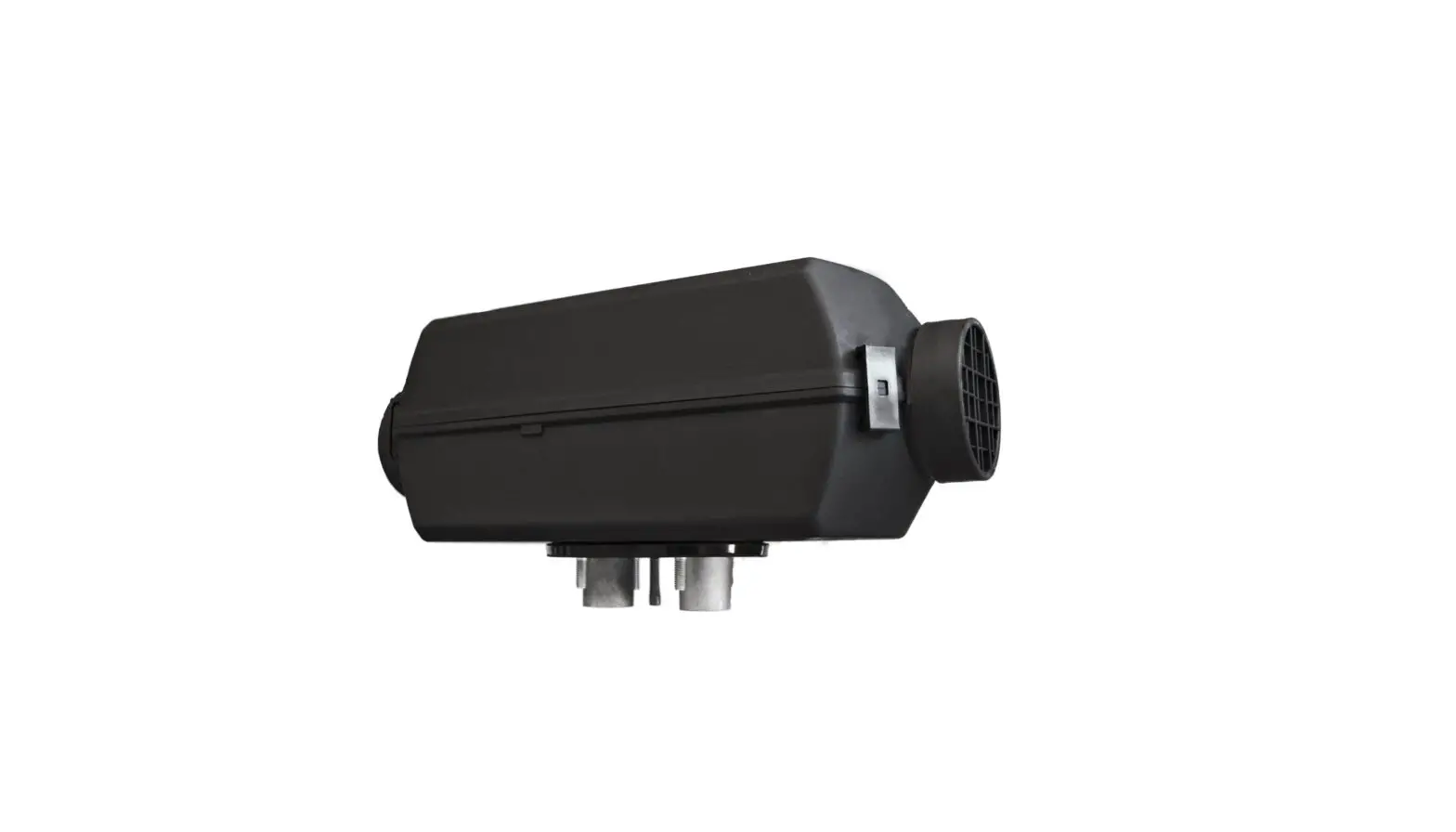
- Air 2D
- Air 4D
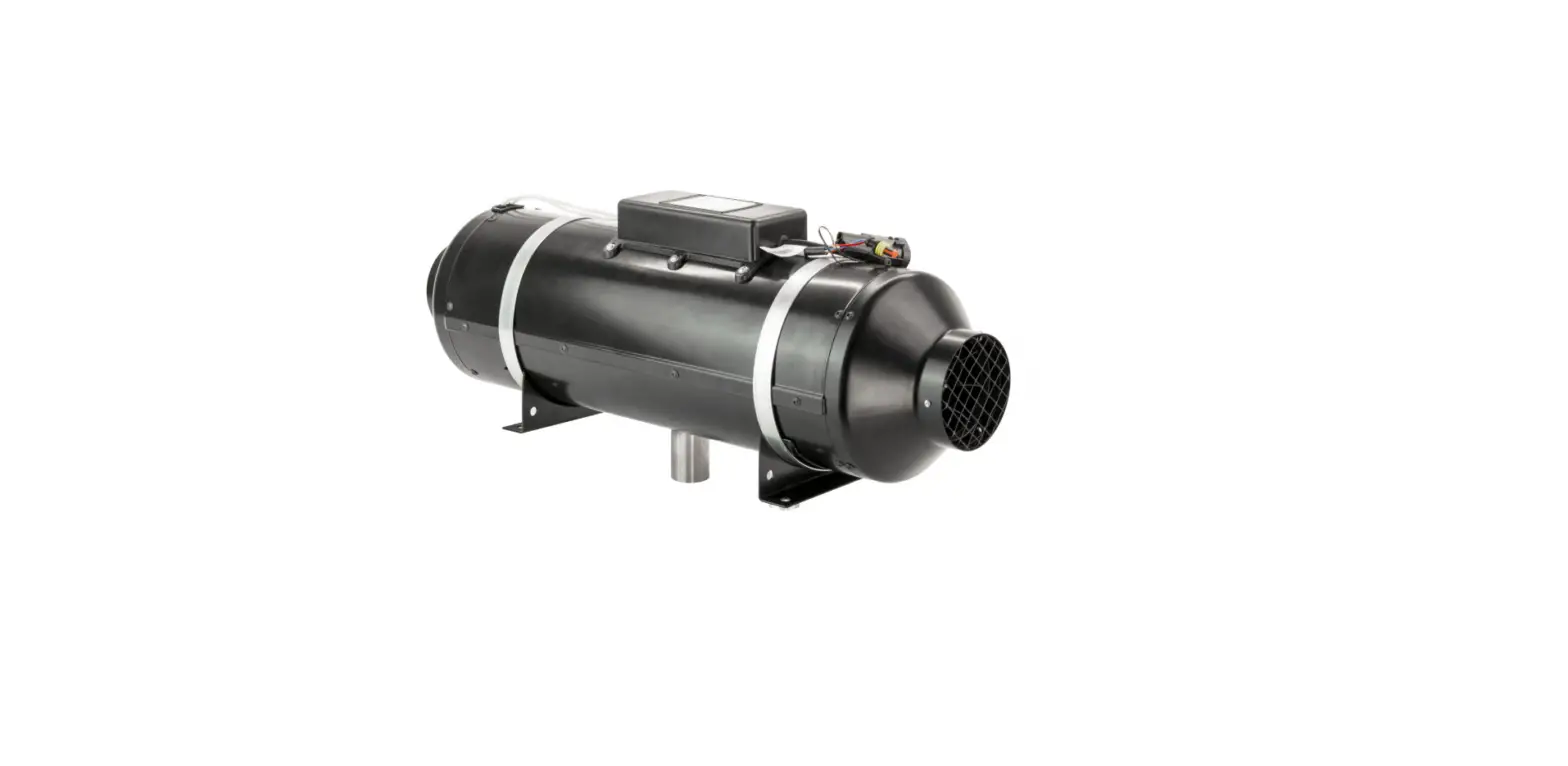
- Air 8D
- Air 9D
For detailed information on product models supported, please visit www.autoterm.com. In case of any problems, we strongly recommend that you contact authorized service centers, the addresses and phone numbers of which you can obtain from the seller or on the www.autoterm.com website.
Before operating the pre-heater, read this operating manual and the pre-heater (heater) operating manual.
Warranty and liability
The manufacturer will not be liable for defects and damage caused by failure to follow the product installation and maintenance instructions.
- The control panel can only be used to control products from the list of compatible products.
- Do not connect and disconnect the control panel connector while the product is operating.
- After the product is switched off, it should not be switched on again for at least 5–10 seconds.
- For safe product operation, after two unsuccessful attempts to start the product in a row, contact the service department for troubleshooting information.
- The warranty operating period of the control panel is 24 months from the date of sale, provided the operation, transportation and storage rules are followed by the consumer.
- The warranty storage period is 24 months from the product packing date.
- In the absence of a company stamp indicating the sale date, the warranty period is calculated from the date of manufacture.
This warranty does not cover defects appearing as a result of:- force majeure circumstances, including lightning strike, fire, flood, impermissible voltage surges or traffic accidents;
- failure to follow the rules for installation, operation, storage, and transportation specified in the Operating Manual;
- use of the control panel for purposes other than intended.
Safety
Do not switch on and operate the product in locations where combustible vapors or gases or large amounts of dust can form and accumulate (for example, filling stations or petroleum, fuel, coal, timber or grain storage facilities). Explosion hazard.
Do not switch on and operate the product if combustible materials or fluids are present in the exhaust gas. Fire hazard.
Do not switch on and operate the product in enclosed or non-ventilated premises. Hazard of poisoning and asphyxiation by exhaust gases.
Do not use a faulty product. Injury hazard due to use of faulty device.
Purpose
The control panel is designed for:
- manual start and shutoff of the product;
- manual start and shutoff of the pump (for the pre-heater);
- manual start and shutoff of ventilation (for the heater);
- fluid temperature display (for the pre-heater)
- power supply voltage display;
- current time and operating time display;
- activation of the product startup timer;
- economy mode activation (for the pre-heater);
- additional heater operation mode selection (for the pre-heater);
- display of malfunction code in case of product malfunctions; display of control panel and control unit software version.
The control panel interface depends on the product it is connected to.
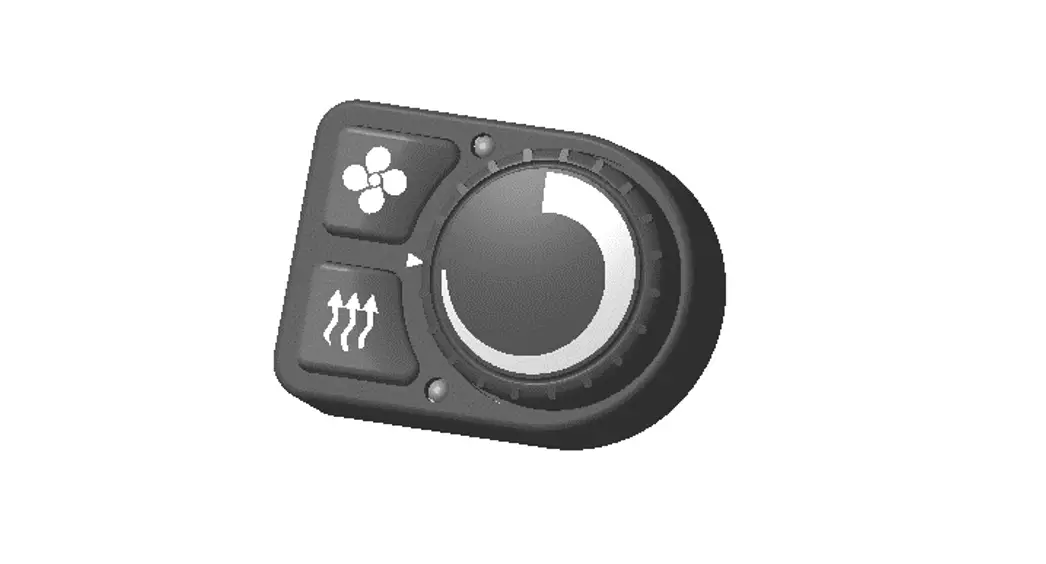
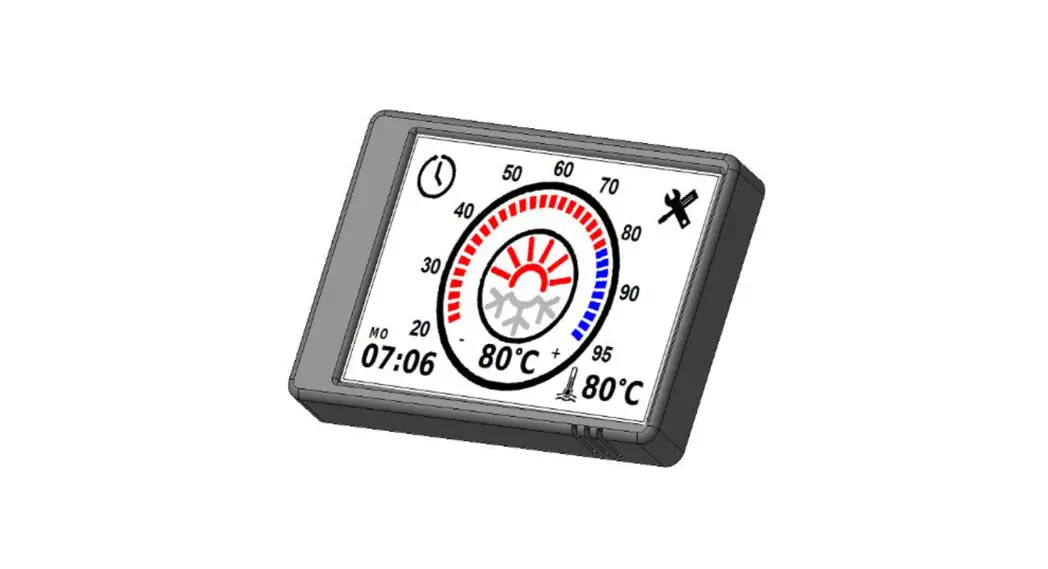
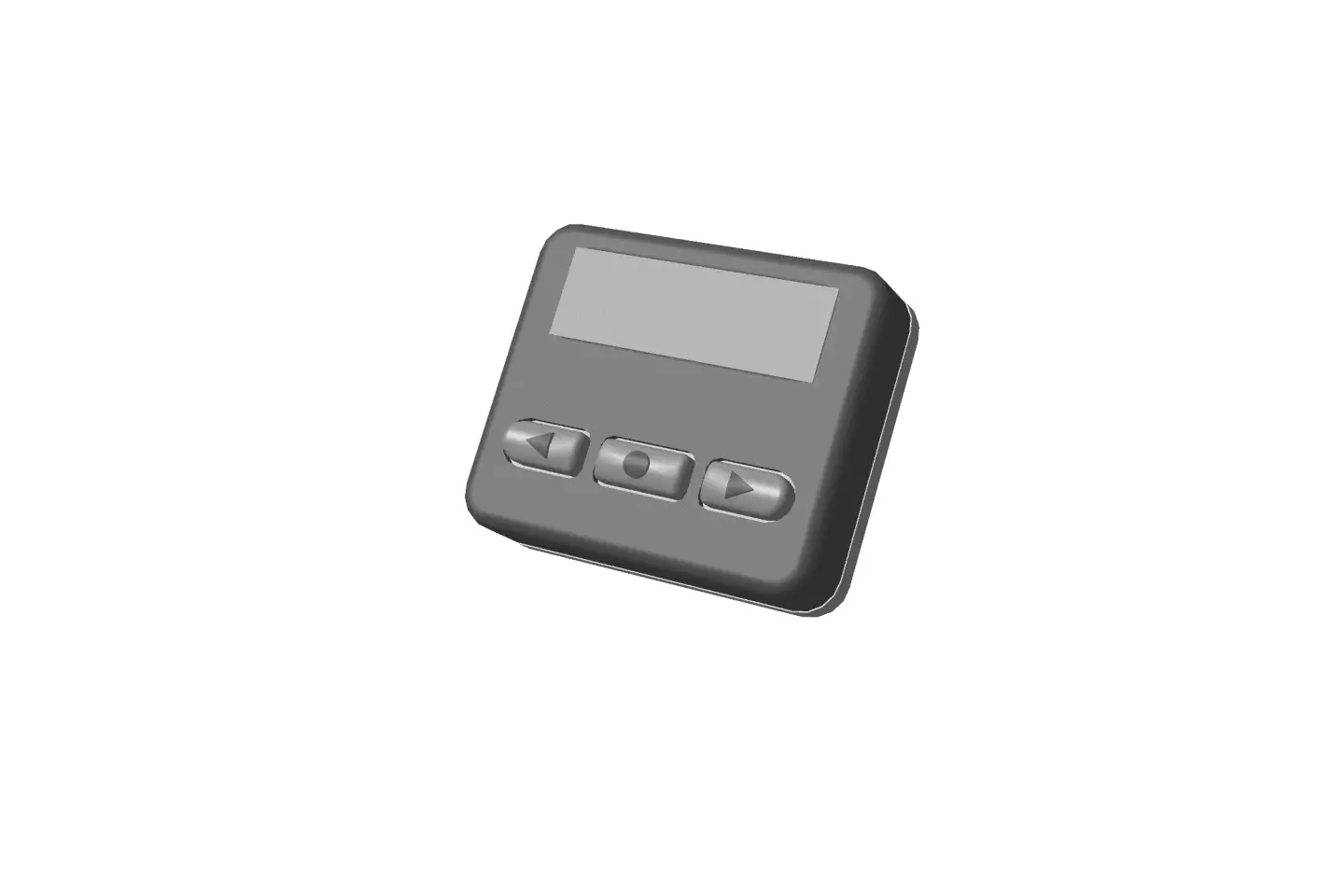
Control panel external view
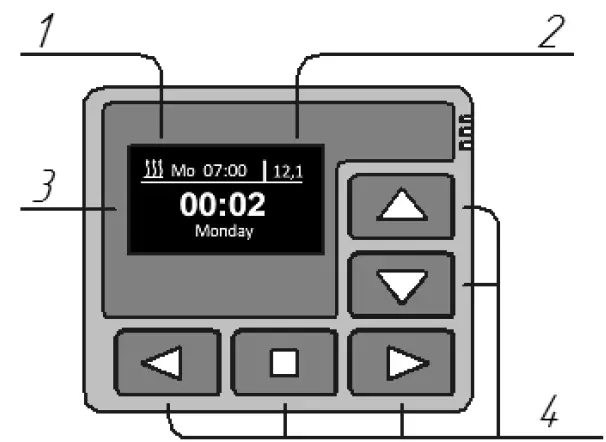
- activated startup timer.
- power supply voltage.
- LED indicator.
- control keys.
Starting control panel operation
After connecting the control panel to the product, the control panel software version and the process of establishing connection with the product will be displayed.
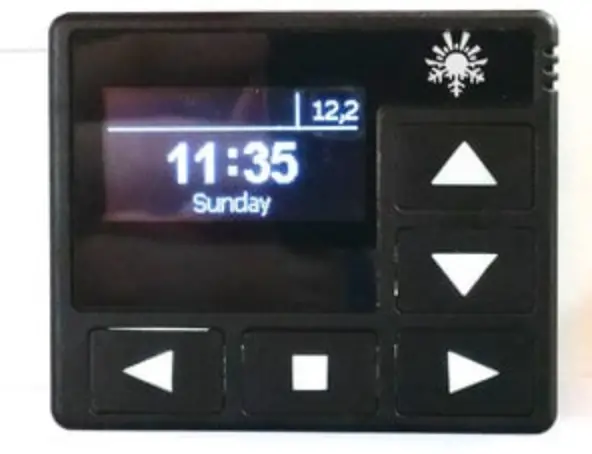
After the connection is established, the main screen (current time, day of week and power supply voltage) will be displayed.
| Action of keys in the main screen: | |
| Keys | Action |
 | Navigation between the main screen and temperature sensors screen. |
 | Enter the main menu. |
 | Start product. |
Switch to the main menu from the main screen by clicking the ◀OR▶ key.
| Action of keys in the main screen: | |
| Keys | Action |
| Activation of selected menu item |
| Activation of selected menu item |
| Exit from the main menu to the main screen |
| Menu icon | Description |
 | Startup timers menu. |
 | Product operating parameters setting menu. (*this menu cannot be used for products without settings). |
 | Control panel settings menu. |
 | Current time and day settings menu. |
 | Language settings menu. |
 | Software version display menu. |
 | Pre-heater operating time setting menu. (*this menu cannot be used for air heaters). |
| Action of the Timers menu keys: | |
| Keys | Action |
| Navigation through the menu items |
| Change menu item value |
| Exit from this menu to the main screen |
The control panel allows the startup timers to be programmed. For startup timer setting, the following data must be indicated:
- startup time in 24-hour format;
- day of week (Monday – Sunday) or select daily startup (ED);
- activated timer:
- activated

- non-activated –
- activated

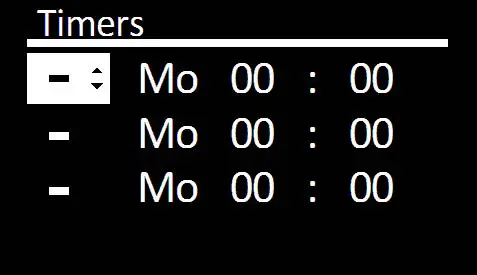
Only a single timer can be activated. After editing of the timers is completed, press the key to switch to the main screen.
When the timer is activated, the activated timer icon, day of week and startup time will appear in the upper left corner of the main screen. 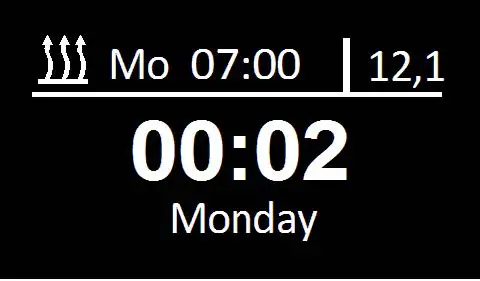 In case of product power loss, timer settings are saved and timer activation is reset.
If the heater runs by timer it will work only for 2 hours. If you press any button on the control panel during these 2 hours the heater will switch to the unlimited work time.
For fast access to the timer activation menu from the control panel main screen, press and hold the ◀key.
This menu is only intended for timer activation.
Timers cannot be edited in this menu.
| Action of timers activation menu keys: | |
| Keys | Action |
| Navigation between timers. |
| Timer activation / deactivation. |
| Exit from this menu to the main screen |
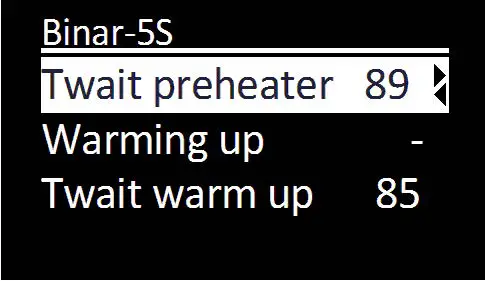
FLOW-5 heater settings menu:
| Action of Settings menu keys: | |
| Keys | Action |
| Navigation through the menu items |
| Exit from menu to the main screen |
| Change menu item value |
| “Settings” menu items: | ||
| Twait preheater | Fluid temperature at which the pre-heater switches to standby mode (heater shuts off and pump continues to operate). When the fluid temperature drops, the pre-heater exits standby mode (the heater starts again). The default value for the switch to standby mode is +88 °C. The temperature for the switch to standby mode can be set in the +20 to +95 °С range. | |
| Warming up | In the additional heater mode, the pre-heater operates with the engine and maintains the set fluid temperature. | |
| – | Additional heater mode is OFF. | |
| А | Additional heater automatic operation. If the pre-heater is off, after the vehicle engine starts, the pre-heater will start automatically. After the engine stops, the pre-heater will shut off automatically. If the pre-heater is on, after the vehicle engine starts it will switch to additional heater mode automatically. | |
| Р | Additional heater manual operation. If the pre-heater is off, after the vehicle engine starts, the pre-heater will not start automatically (manual start is required). If the pre-heater is on, after the vehicle engine starts it will switch to additional heater mode automatically. | |
| Twait warm up | Additional heater temperature setting. The required temperature value can be set in the +75 to +95 °С range. The default temperature is +85 °C. | |
| Wait Mode pump | Setting pump operation in standby mode. In the additional heater mode, after the heater switches to standby mode, the pre-heater shuts off and the pump continues to operate. Depending on this setting: | |
| – | The pump operates continuously (from the moment of start to the moment of pre-heater shutoff). | |
| ü | The pump operates simultaneously with the pre-heater and does not operate in standby mode. | |
| Vehicle | Setting of interior heater activation (provided the relay harness is connected to the heater). | |
| – | The interior heater is not activated while the pre-heater is on. | |
| ü | While the pre-heater is on, the interior heater starts automatically, depending on the fluid temperature. | |
| Vehicle | Setting of interior heater activation temperature. The required temperature value can be set in the +30 to + 60 °С range. The default temperature of relay activation is + 40 °C. | |
| Pump with engine | Setting of pump activation when the engine starts. The pump, operating together with the heater, can be used for additional circulation of coolant during vehicle engine operation. The pump will activate automatically after the engine starts and will switch off after engine shutoff. | |
| – | The pump will not start. | |
| ü | The pump will start when the engine starts. | |
| Pump type | Pump selection depending on configuration, pre-heater | |
| – | Bosch pump | |
| Sign channel | Setting of pre-heater control with the alarm channel. (provided the pre- heater is connected to the alarm system and a free channel is available). | |
| – | Pre-heater control OFF | |
| ü | Control ON. | |
| Fact settings | Reset pre-heater settings to default values. | |
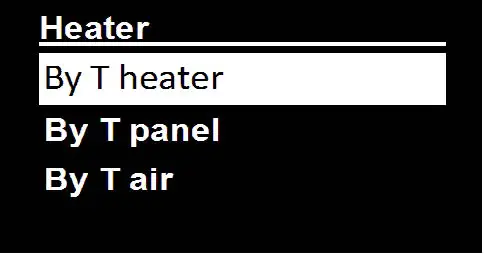
Air heater settings menu:
| Action of Settings menu keys: | |
| Keys | Action |
| Navigation through the menu items |
| Exit from this menu to the main screen |
| Change menu item value |
| “Settings” menu items: | ||
| By T heater | In the “heater T based” mode, the “Set temperature” of the temperature sensor located in the heater is used for operation. | |
| By T panel | In the “control panel T based” mode, the “Set temperature” of the temperature sensor located in the control panel is used for operation. | |
| By T air | In the “exterior T based” mode, the “Set temperature” of the exterior temperature sensor is used for operation. | |
| By power | In the “Power based” mode, the “Set power” is used for operation. | |
| Power value | Heater power value in the 0 to 9 range, where 0 is minimum and 9 is maximum power. | |
| T setpoint | The value at which the heater will switch to standby mode. The heater will switch from standby mode when the temperature of the sensor used to control heater operation drops 5 °C below the “Set temperature” value. | |
| Ventilation | Ventilation mode ON setting | |
| – | Ventilation mode OFF. Heater will maintain set temperature by reducing the heating power, without shutting off the combustion process. | |
|
ü | Ventilation mode ON. Heater will operate till the temperature is reached 3°C above the set temperature, shut off the combustion process and start to ventilate till the temperature drops 3°C below the set temperature. When temperature drops, heating starts again. | |
Parameters settings
This menu is intended for setting control panel parameters. 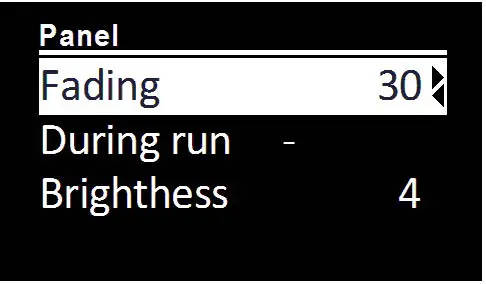
| Action of Parameters menu keys: | |
| Keys | Action |
| Navigation through the menu items |
| Change menu item value |
| Exit from this menu to the main screen |
| Parameters menu items: | ||
|
Fading | Setting of indicator lighting time. By default, the control panel indicator lighting time is 30 seconds. The light duration can be set in the 10 to 120 sec. range with a 1 sec. step, or to set continuous lighting; in the latter case, the “-“ sign will appear on the display. | |
| During run | Setting of indicator lighting during operation. | |
| – | the indicator is dimmed while the pre-heater is on. | |
| ü | the indicator is constantly lit while the pre-heater is on | |
| Brightness | Setting of indicator light brightness. Indicator light brightness is set in the 0 to 4 range. The brightness default value is 4. | |
| Short hit start | Setting of start by clicking key for pre-heater/heater start. | |
| – | Click – pump/ventilation start. Press and hold – pre-heater start. | |
| ü | Click – pre-heater start. Press and hold – pump/ventilation start. | |
| Time correction | Setting clock adjustment. The clock accuracy may vary slightly due to low temperatures. The required adjustment can be set in the -59 to +59 seconds per day range. The correction default time is 0. | |
| Keys lighting | Keys lighting setting.
| |
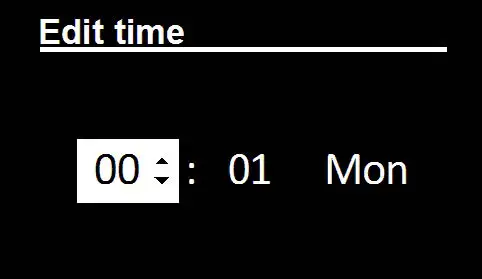
Time settings menu
Current time is set and displayed in a 24-hour format. When the control panel power is shut off, the current time is set to zero and the day is reset to Monday.
| Action of Time menu keys: | |
| Keys | Action |
| Navigation through the menu items |
| Change menu item value |
| Save changes and exit from this menu to the main screen |
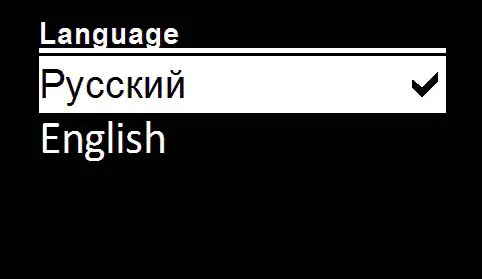
This menu is intended for interface language selection.
| Action of Language menu keys: | |
| Keys | Action |
| Navigation through the menu items |
| Confirmation of language selection and exit from this menu to the main screen |
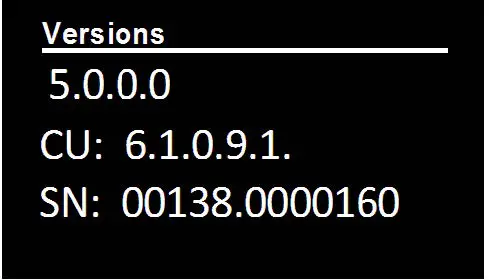
Software version display menu
In this menu, the information on software versions is displayed.
- control panel software version;
- product control unit software version;
- Product serial number.
Press any key to exit.
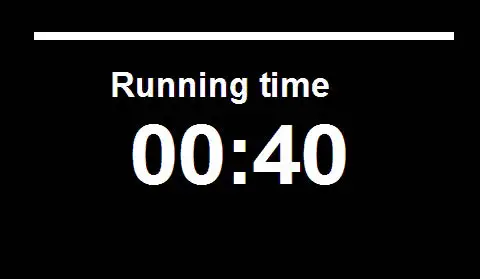
Operating Time settings menu
This menu is intended for setting pre-heater operating time with a 5 minute step. The operating time setting range depends on the product the control panel is connected to.
| Action of Operating Time menu keys: | |
| Keys | Action |
| Value editing. |
| Confirmation of set value and exit from this menu to the main screen |
Hydronic pre-heater start
Start of pre-heater from the main screen or from the temperature sensors screen. The indicator will appear as follows. The pre-heater operating time count will be started.
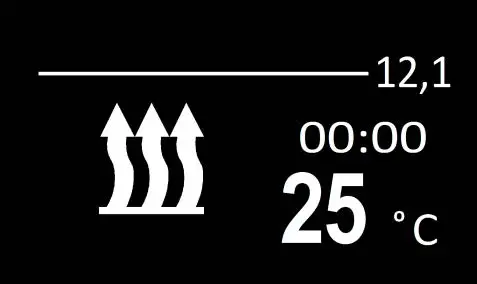
Full-screen display of current coolant temperature and power supply voltage. 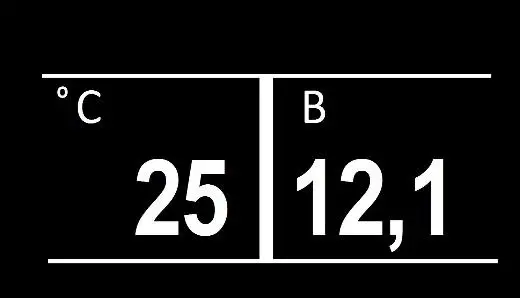
When the pre-heater is operating, enter the pre-heater operating time editing menu. 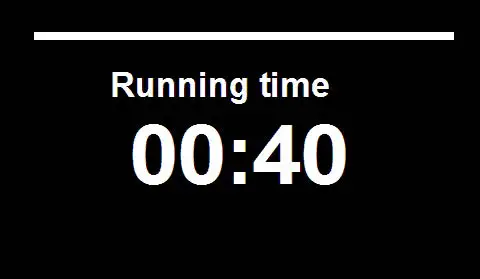
Economy mode ON / OFF.
(for Flow 14D) 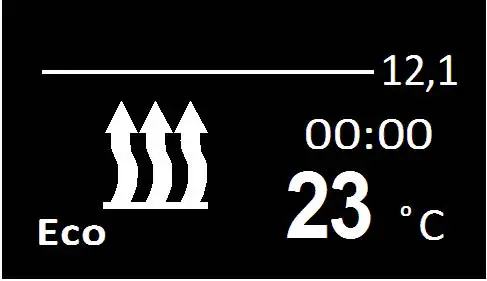 Pre-heater shutoff.
Air heater start
Start of heater from the main screen or from the temperature sensors screen. The indicator will appear as follows.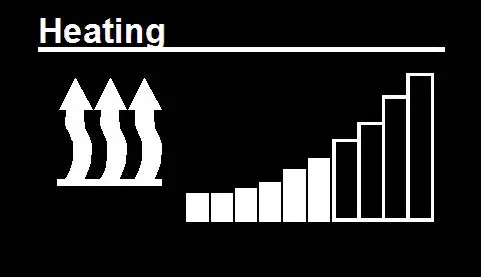
Press and hold more then 2 seconds for starting ventilation* (without heating).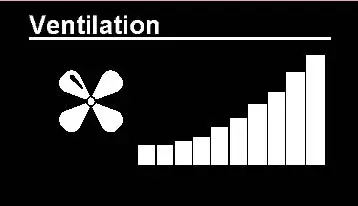
Temperature sensors display. 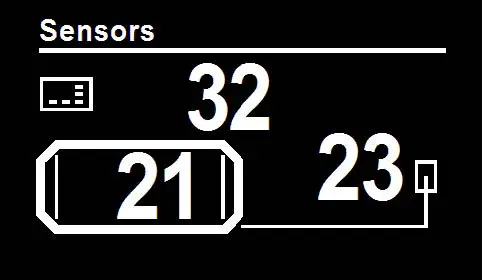
When the air-heater is operating, enter the air-heater operating time editing menu. 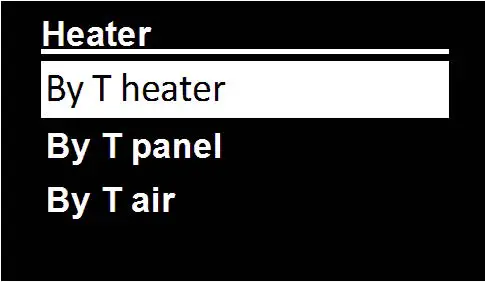
Heater shutoff.  *only for Air
Malfunctions
Malfunctions occurring during pre-heater operation are coded and automatically displayed on the control panel display. For malfunction reset, press any key. The malfunction codes depend on the product the control panel is connected to. See malfunction code descriptions in the product operating manual. 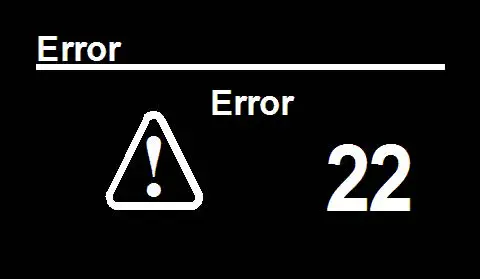
ATTENTION!
Maintenance and repair should only be performed by trained, qualified personnel!
Acceptance and packing certificate
PU-27 control panel, serial number _________________
Is manufactured and accepted in accordance with the applicable technical documentation and found suitable for operation.
Packing performed _____________________ _____________
Surname signature
Production date Department ________________________ Stamp Here QC
Production
Autoterm LLC
Sales
Autoterm LLC
Paleju street 72, Marupe, Latvia
LV-2167
+371 20110229
Е-mail: [email protected]
Service
Autoterm LLC
Paleju street 72, Marupe, Latvia
LV-2167
+371 25529999
Е-mail: [email protected]
 Autoterm.com - Homepage