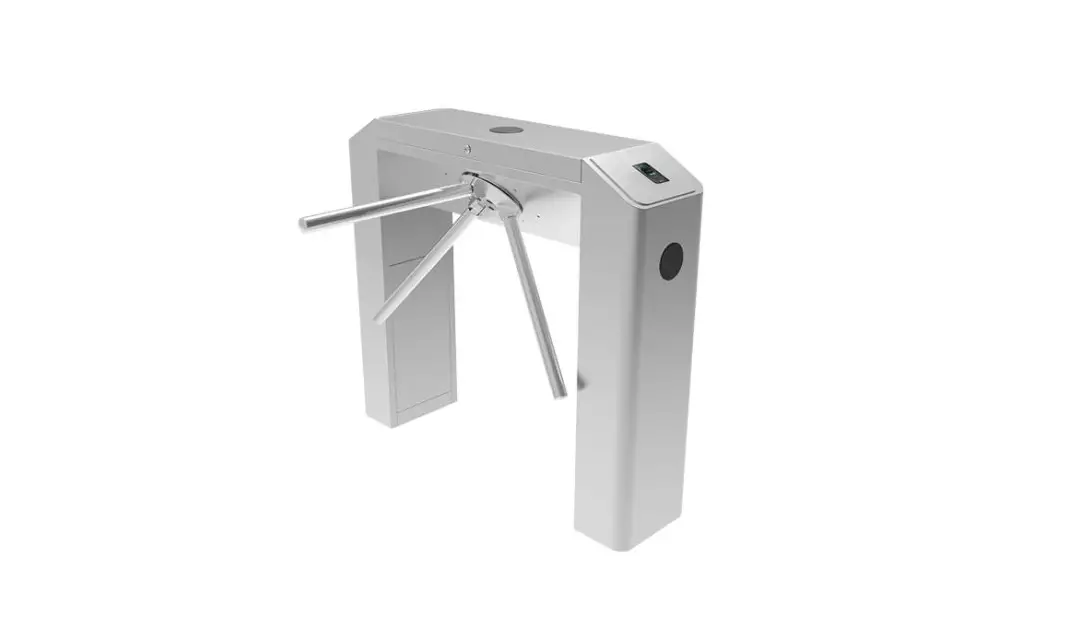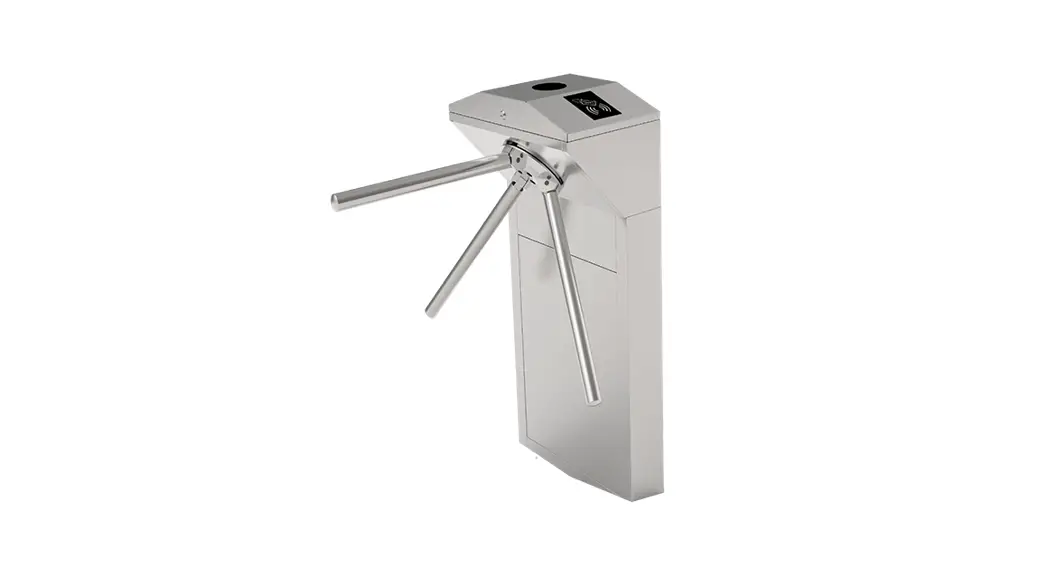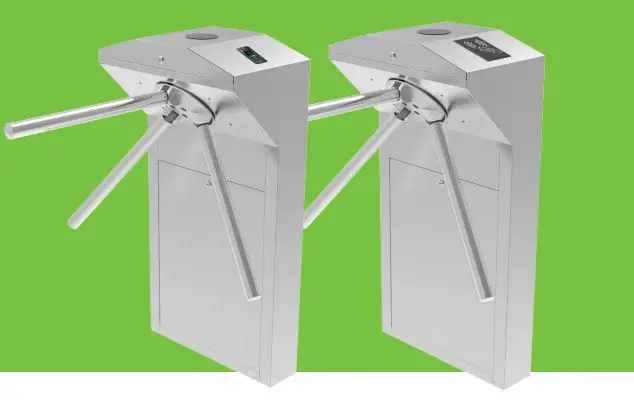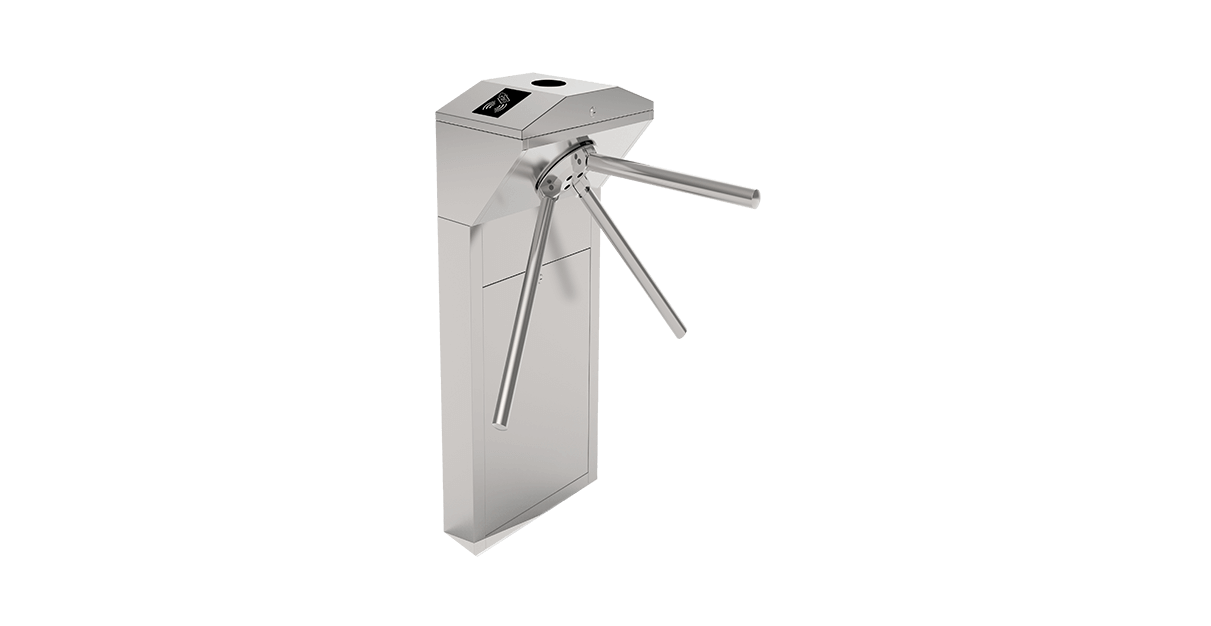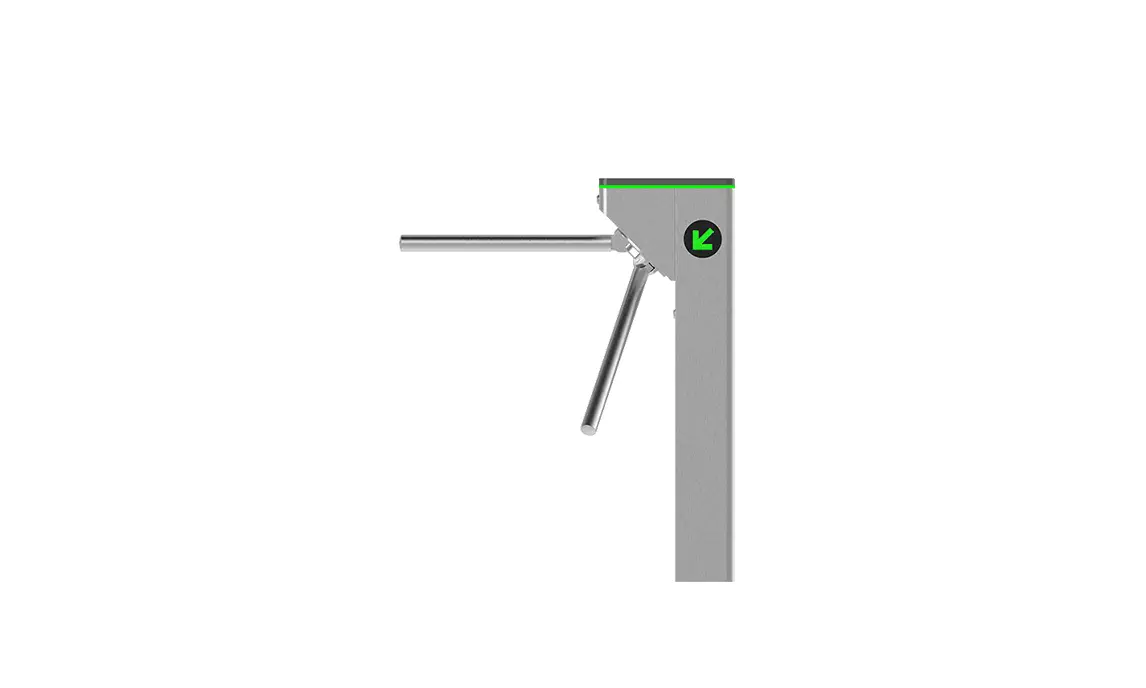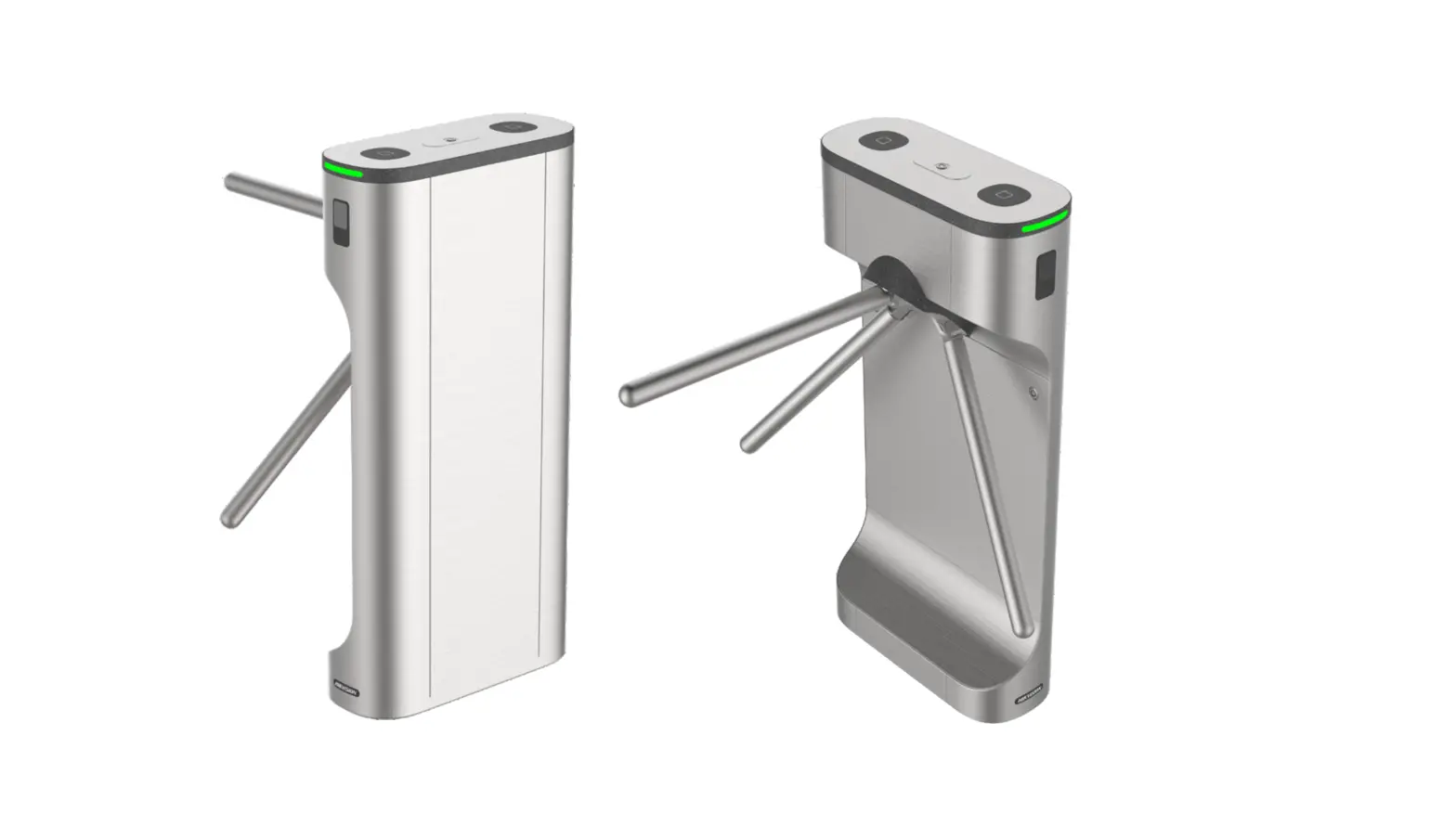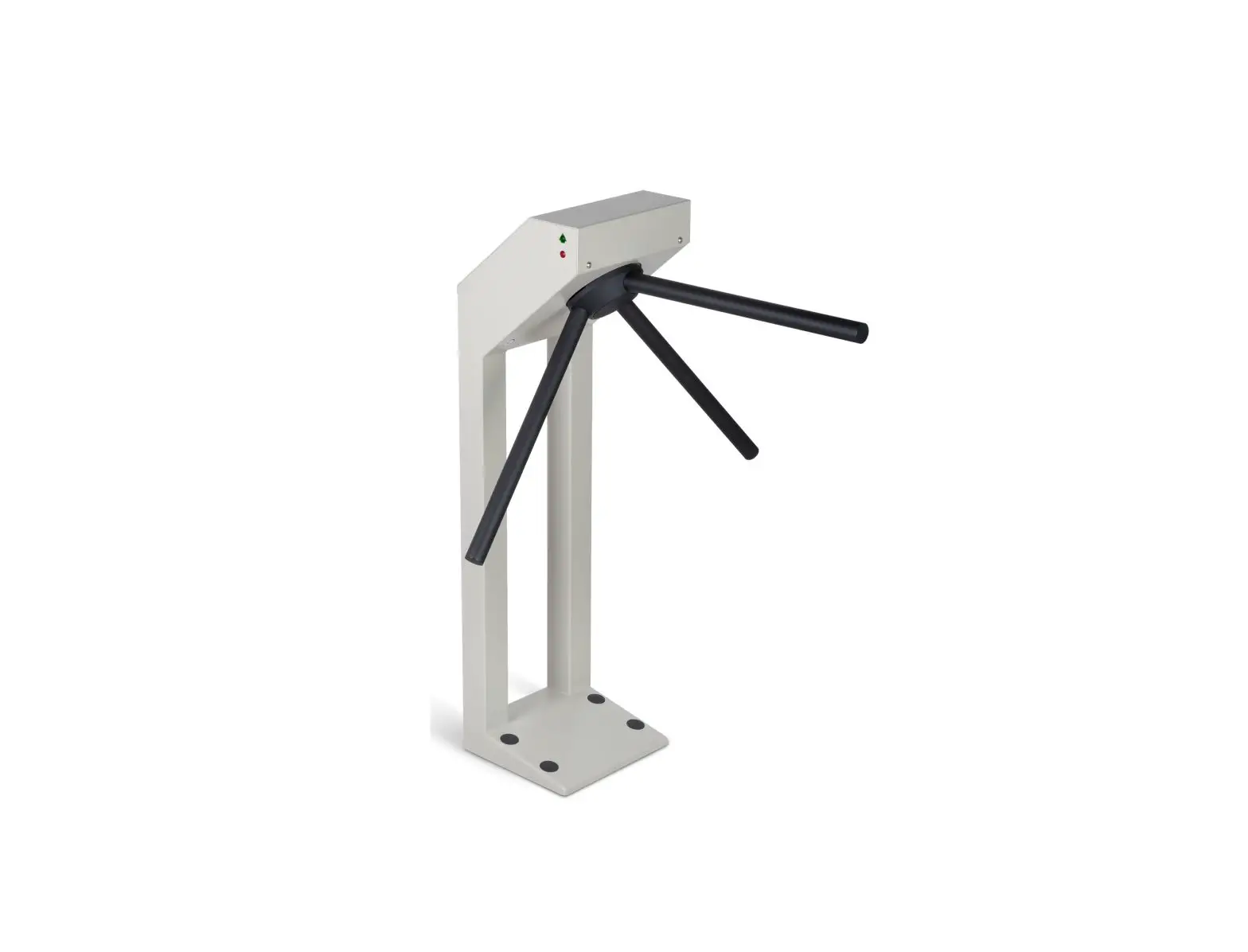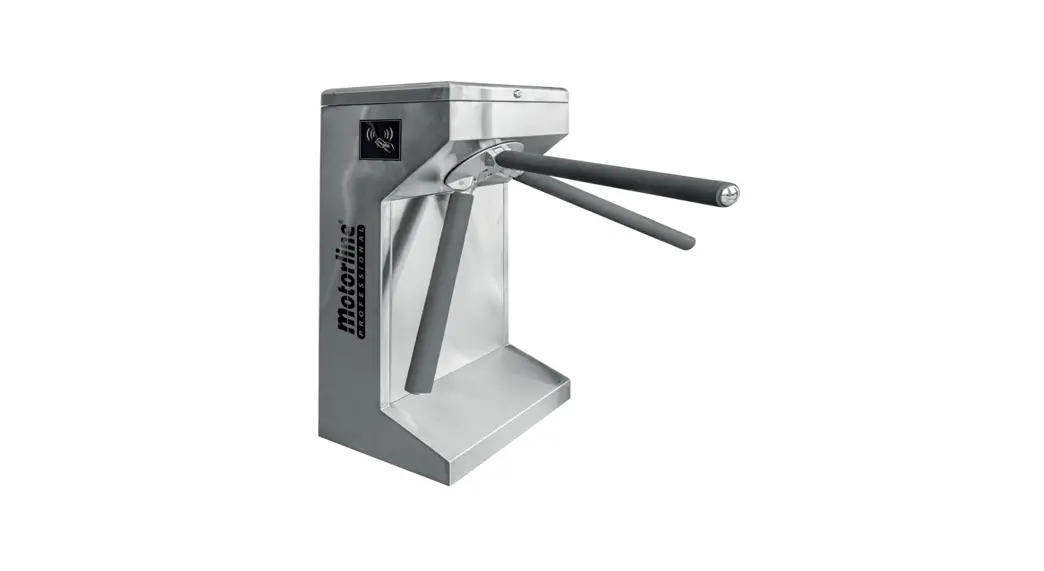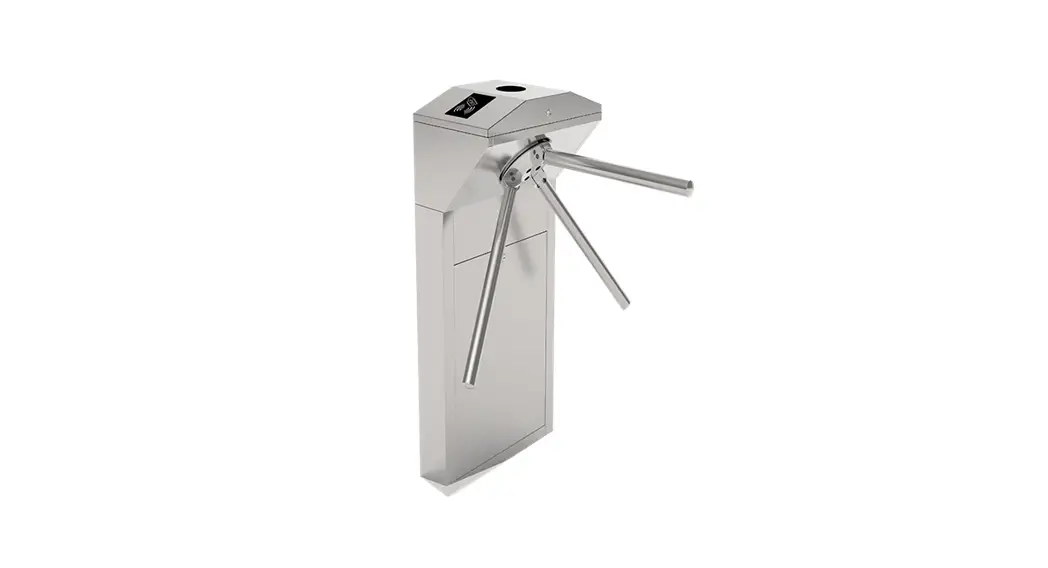

TS 1000-2000 Pro series Tripod Turnstile
Installation Guide
Installation Guide
Applicable Models: TS 1000/2000 Pro series Tripod Turnstile
Version: 1.1
Due to regular upgrades of systems and products, ZKTeco could not guarantee exact consistency between the actual product and the written information in this manual.
Installation
1.1 Installation Conditions
When installing the tripod turnstile against the wall, please reserve at least 100 mm space for opening the cover. As shown in Figure 1-1.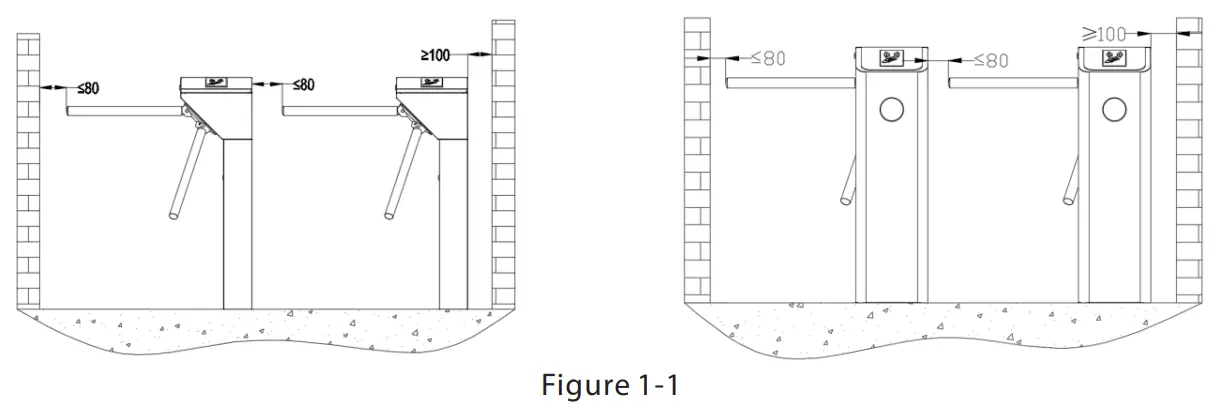 1.2 Cabling
Power supply and communication wire suggested to deployed underground then into the cabinet of device.
1.3 Drilling Holes
Drill holes based on the locations of the screw holes.
1.4 Fix the Device
Fix the device on the ground by 4 expansion screws.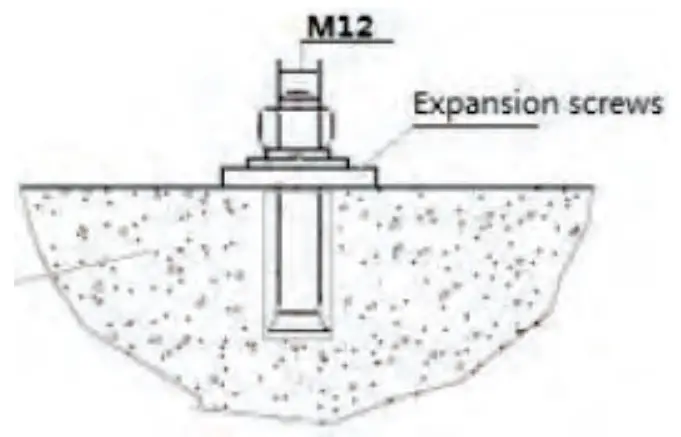 Note: The tripod turnstile must be connected to the Ground (earth), there is a wiring interface near the power switch.
Installation Notes
In order to keep the arm won’t be damaged during transportation. The arm wasn’t installed on the device.
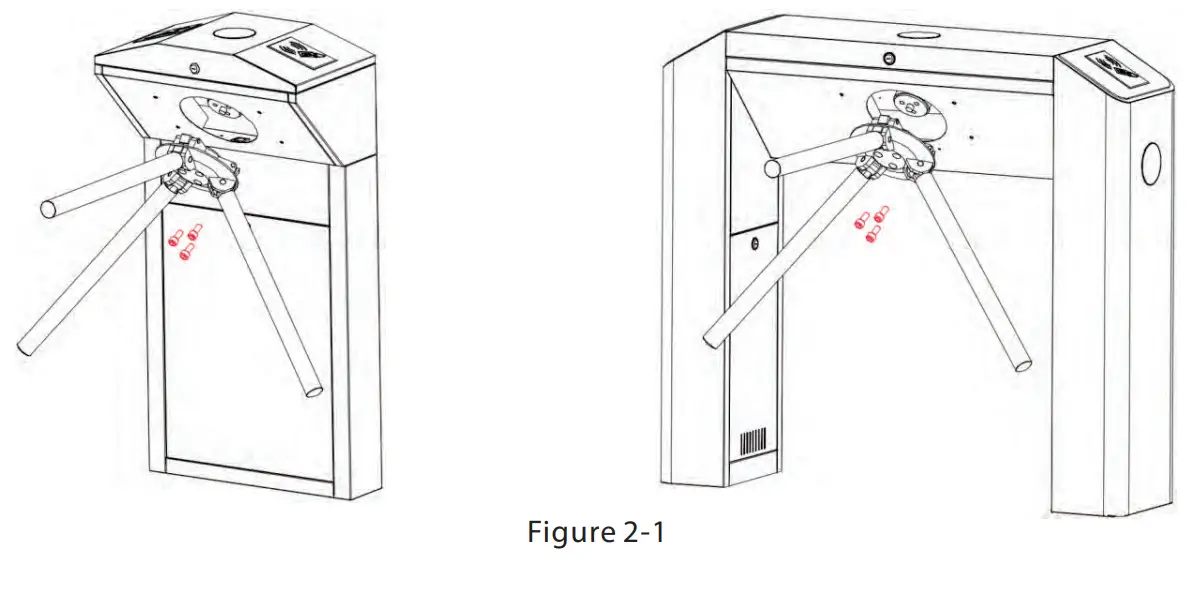
- Put arm kit into the hole of the cabinet, make sure the screw holes match with the mechanism core, then tighten 3 hex screws, as shown in Figures 2-1.
 Please make sure that the power requirements are strictly met to avoid permanent damage to the unit. Input voltage: AC 100~120V/200~240V.3.
- Power on and wait for 30s for the tripod turnstile to finish the self-check program.
- . Lift the arm manually, as shown in Figures 2-2.
 Please make sure that the power requirements are strictly met to avoid permanent damage to the unit. Input voltage: AC 100~120V/200~240V.3.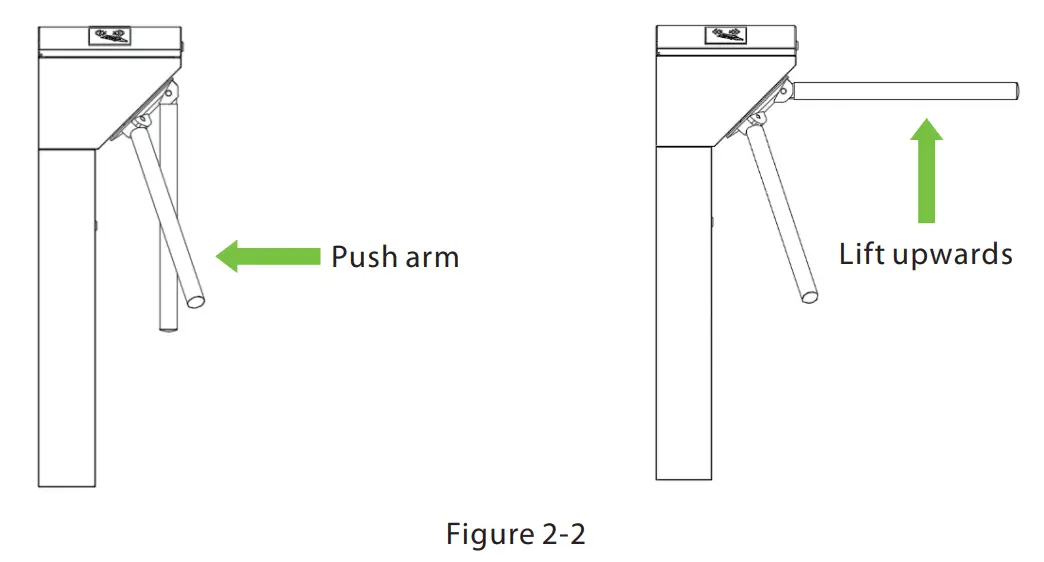
Figure 2-2 Note: If the arm can not be lifted, please push the arm to close to the cabinet direction first, then lift the arm manually.
Control Board Introduction
3.1 Function Description of the Turnstile Control Board
If you are using the standard device without RFID or Fingerprint reader, you need to connect the access control system to the mainboard, please check the content in this chapter carefully. The turnstile control board’s diagram is shown in Figure3-1.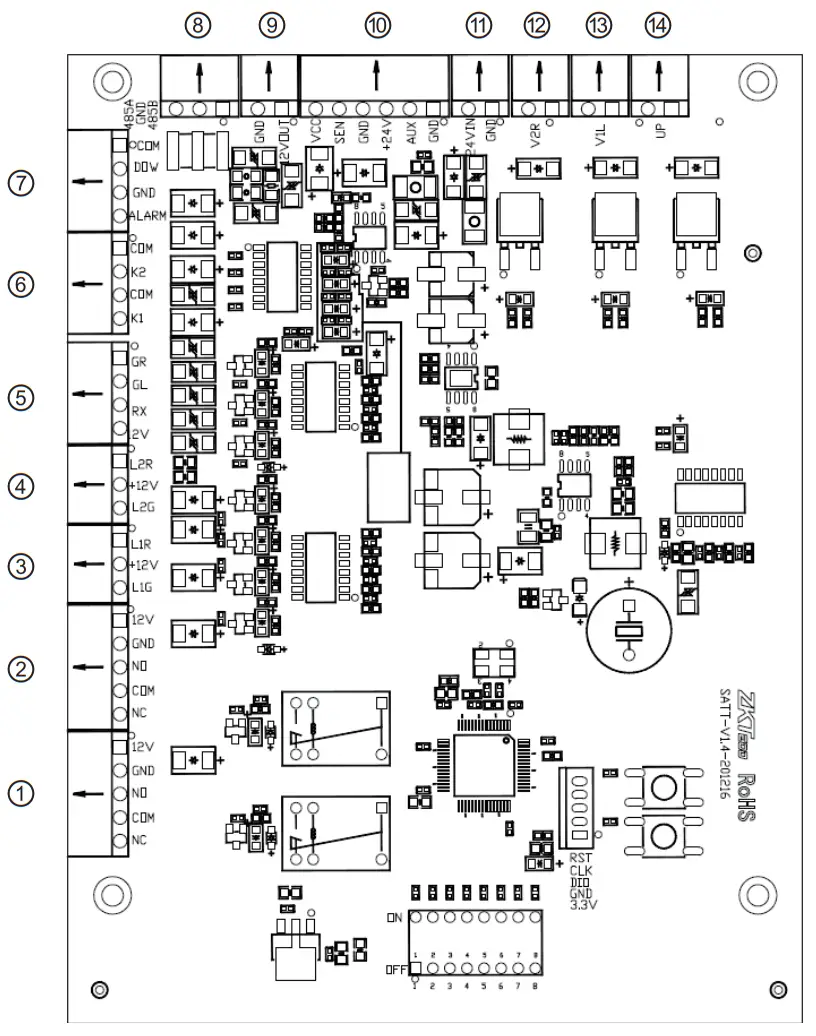
| Counter Right direction indicator External alarm & drop arm Proximity sensor signal input Left solenoid | Counter Passing indicator RS485 port 24V DC input Drop arm solenoid | Left direction indicator Opening signal input 12V DC output Right solenoid |
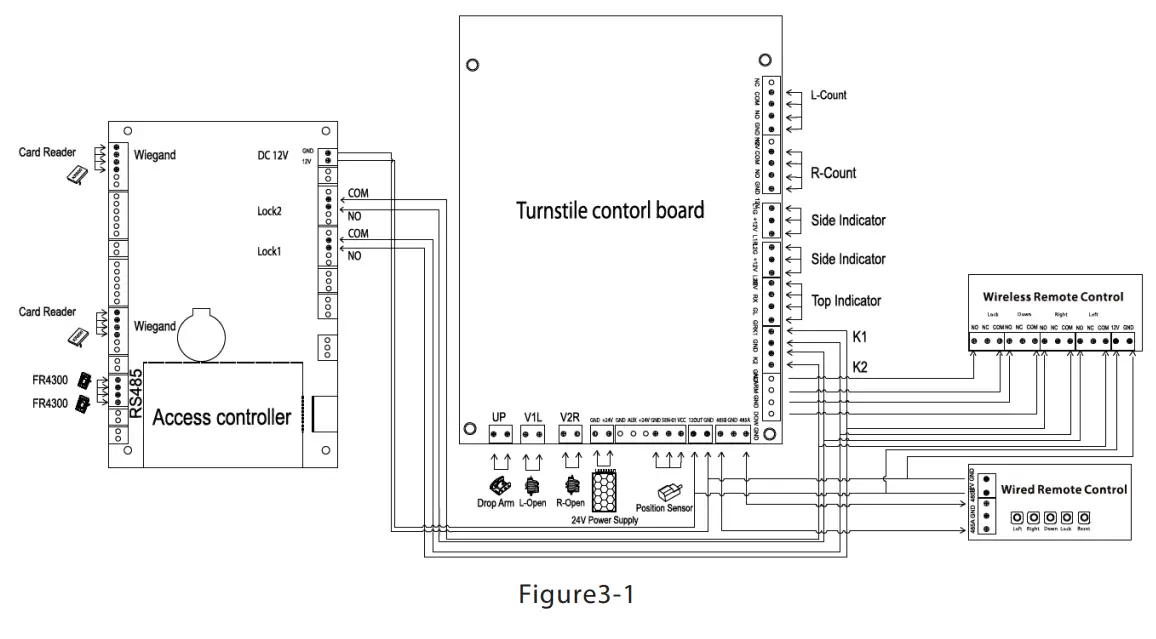
Figure3-1 Note: The third-party access control system lock relay trigger time should be 1 second or less than 1 second.
3.2 Connection Diagram of the Access Controller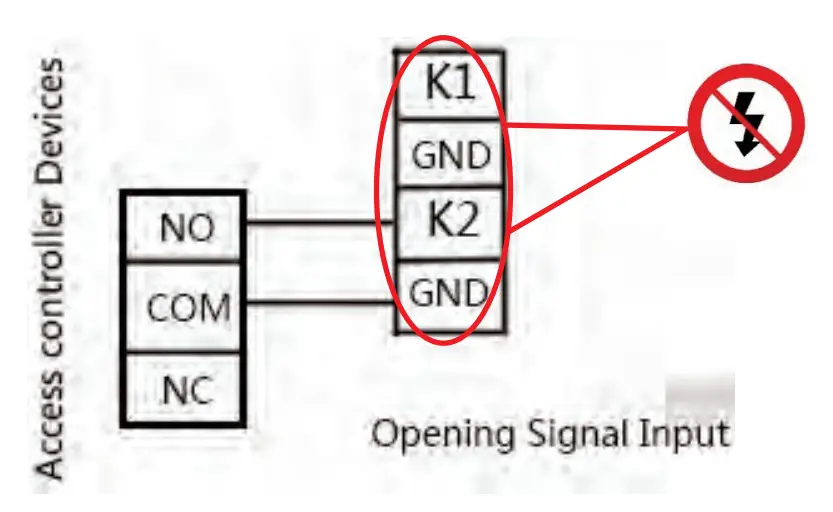 Note: The lock relay duration of the access control device needs to be set to 1s. Forbidden using electrically charged objects to connect to the port of Opening Signal Input, otherwise will damage the control board.
Maintenance
Forming maintenance consciousness
The tripod turnstile needs to be maintained regularly and repaired once it is damaged. It is recommended that warning signs be placed at conspicuous positions for prompting passers-by to pass in a proper way and in good order. Reasonable maintenance consciousness helps to guarantee long-term usage of the tripod turnstile.
Regular maintenance
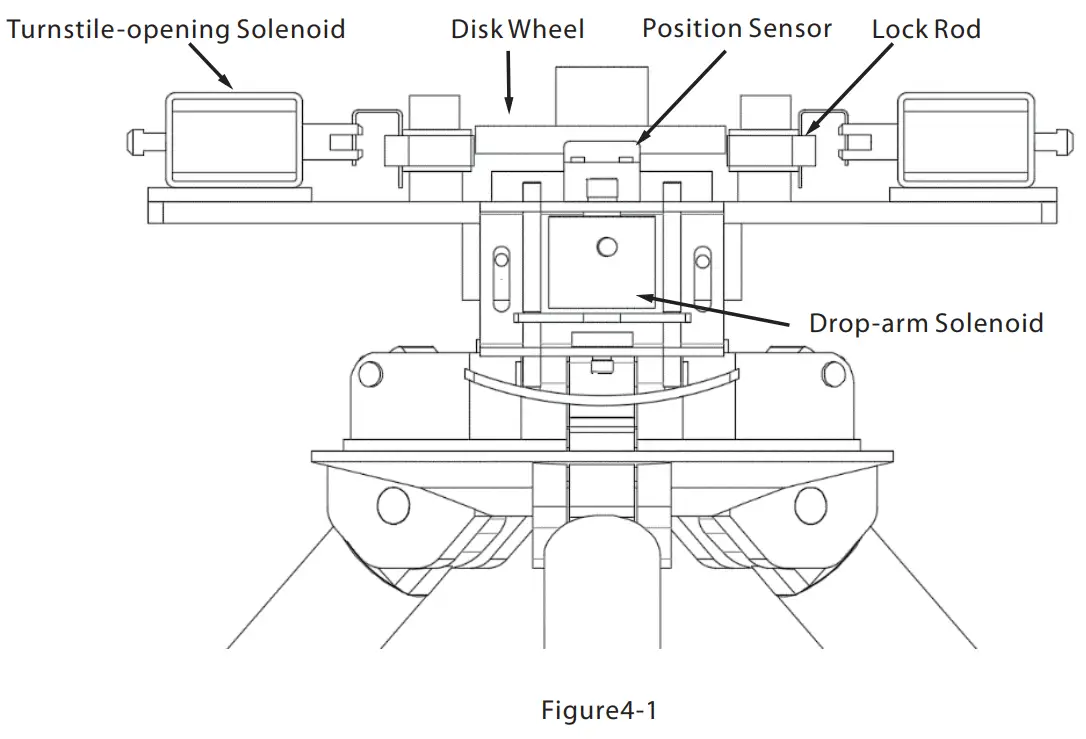
A cleaning and protection liquid dedicated for stainless steel is recommended to wipe the outer shell of the equipment regularly. The tripod turnstile used outdoors or in an environment with lots of dust must be maintained once a year at least, for example, clean up the dust and add appropriate lubricating oil to Disk Wheel. Note regular maintenance should be performed after powering off the equipment, as shown in Figure4-1.
Turnstile-opening Solenoid
 Troubleshooting
 Troubleshooting
| Symptom | Troubleshooting |
| The indicator is not lighted when the equipment is powered on. | It may be caused by the power supply or circuit. Check whether the connection cable and power cable between are damaged, or the wiring is loose. |
| The arms of the tripod turnstile cannot be lifted manually after the equipment is powered on. | It may be caused by the problem of relative components or drop-arm solenoid. Check whether the drop-arm solenoid is operating, and check the work status of the solenoid, as shown in Figure 4-1. |
| The tripod turnstile does not open after authentication. | It may be caused by a lack of permission or a circuit problem. 1. Check whether the user has permission to open the turnstile. 2. Use a multimeter to check whether the NO and COM ports of the access control system has a relay signal output. 3. Short-circuit the ports “Kl, GND” and “K2, GND”, if the turnstile is successfully opened, it would be a problem of the controller. |
| The turnstile allows people to continue passing one-way side during use. | 1. Check the Turnstile-opening Solenoid. 2. Check the access controller ‘Lock driving duration’, whether set to 1 s. 3. Check whether the Turnstile-opening solenoid is operating and check whether the Turnstile-opening solenoid is stuck, as shown in Figure 4-1. |
ZKTeco Industrial Park, No. 32, Industrial Road,
Tangxia Town, Dongguan, China.
Phone : +86 769 – 82109991
Fax : +86 755 – 89602394

www.zkteco.com
Copyright 2021 ZKTECO CO., LTD. All Rights Reserved.
 ZKTeco | Home Page