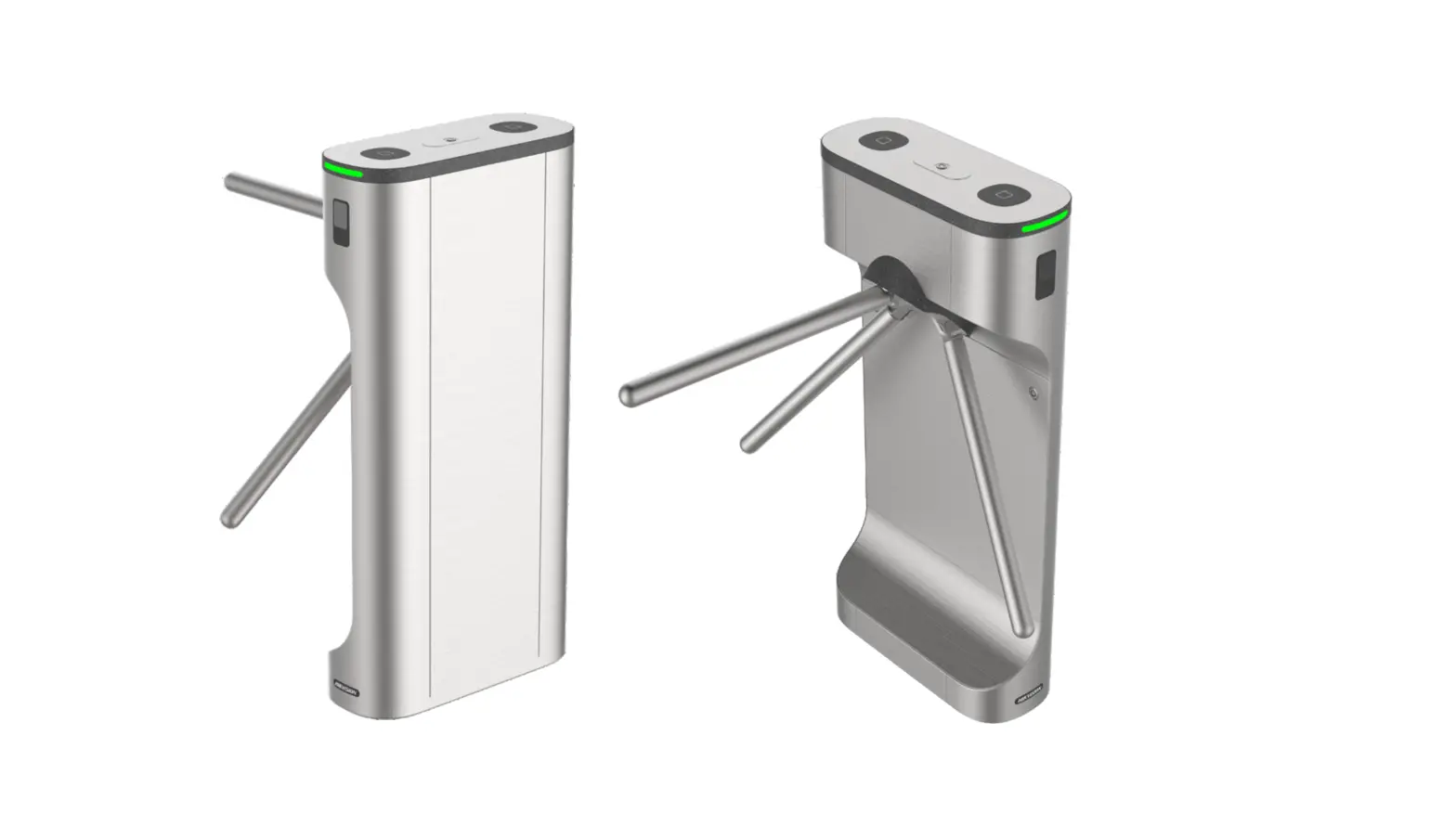
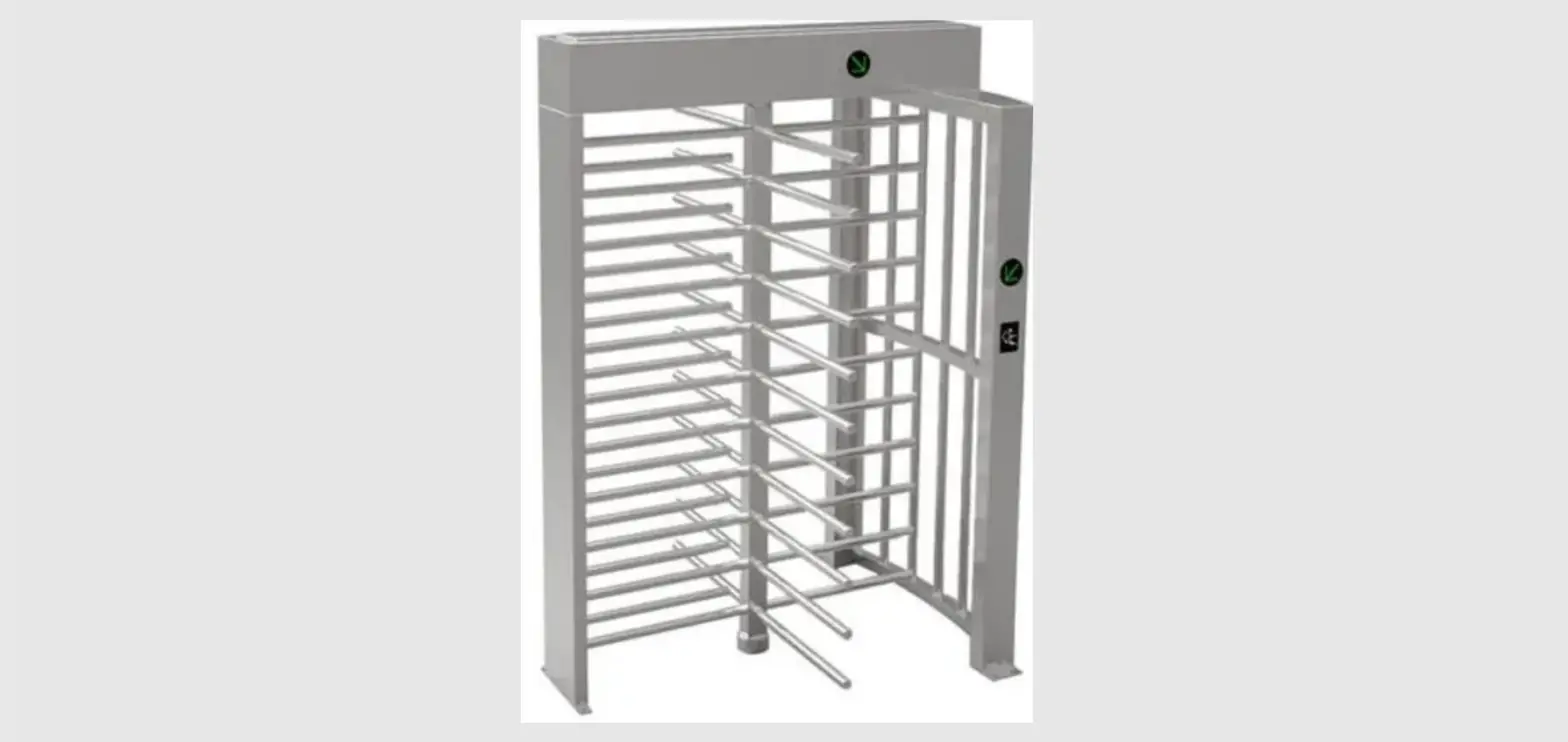
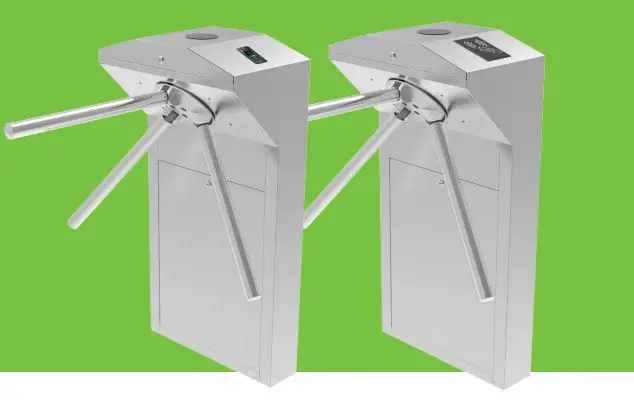
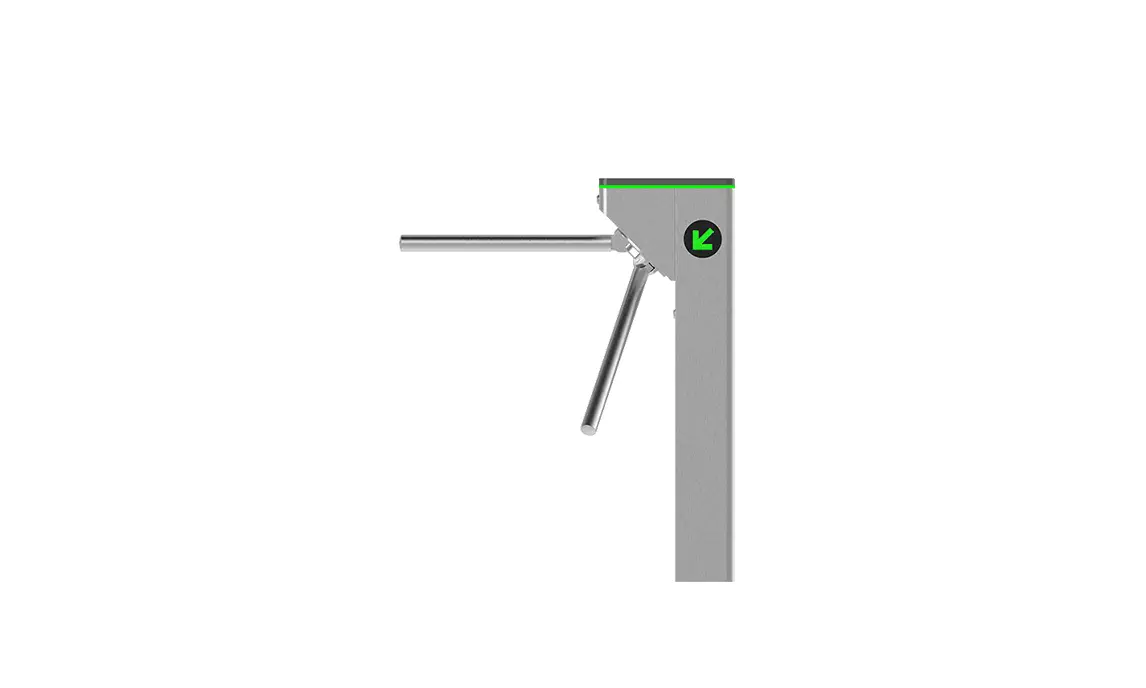
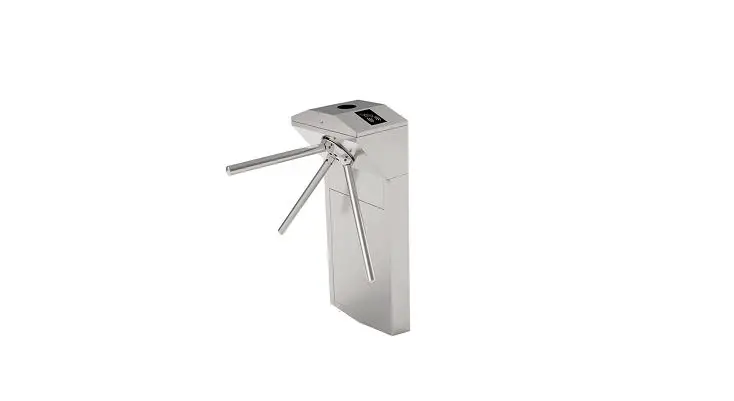
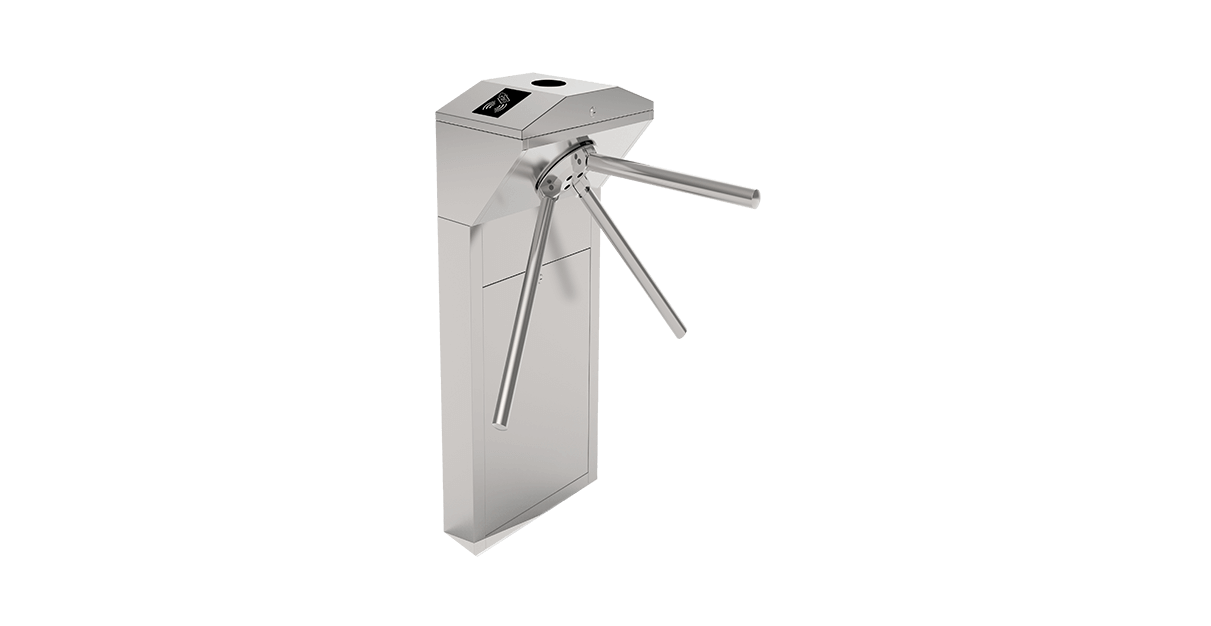
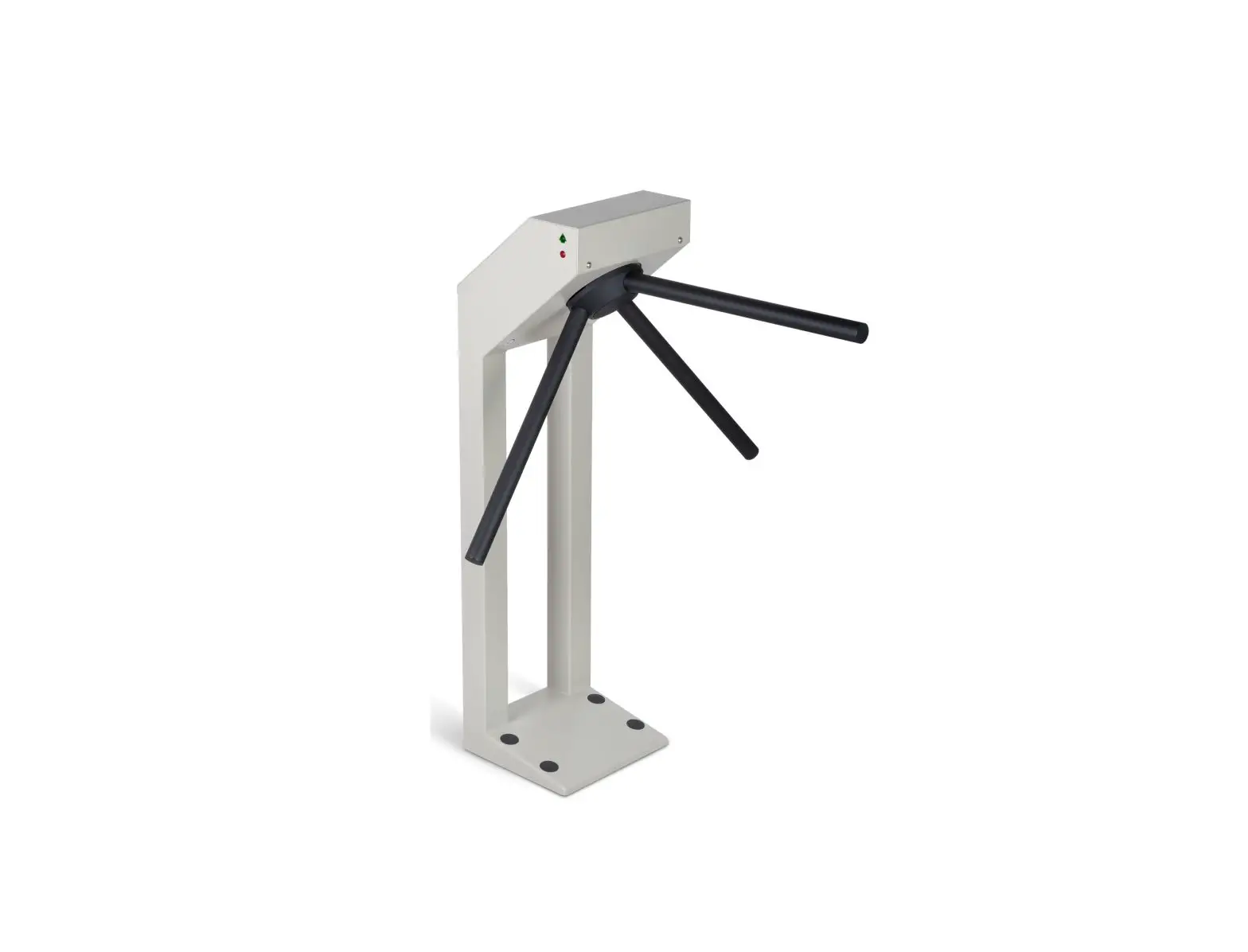
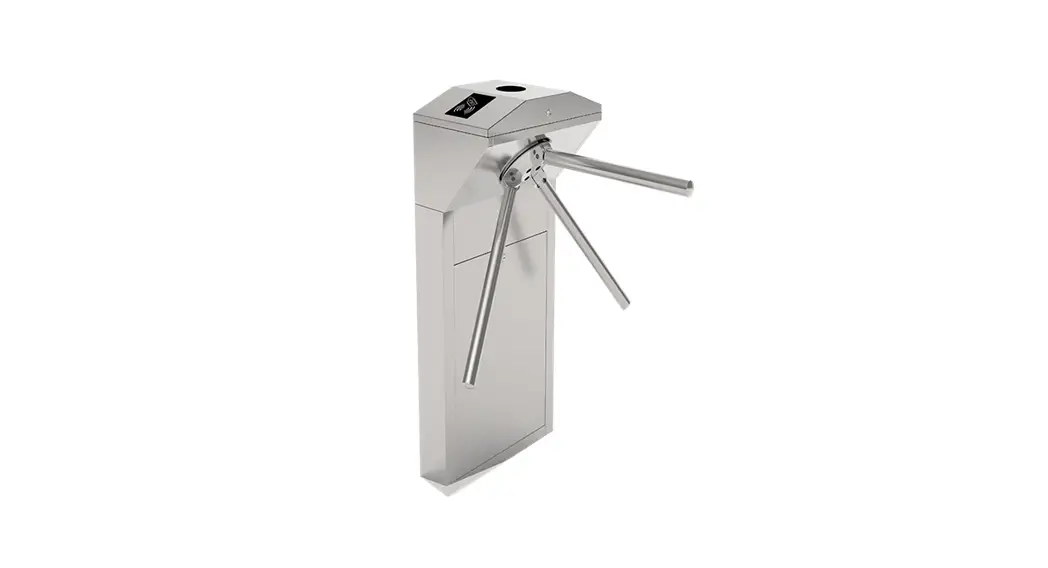
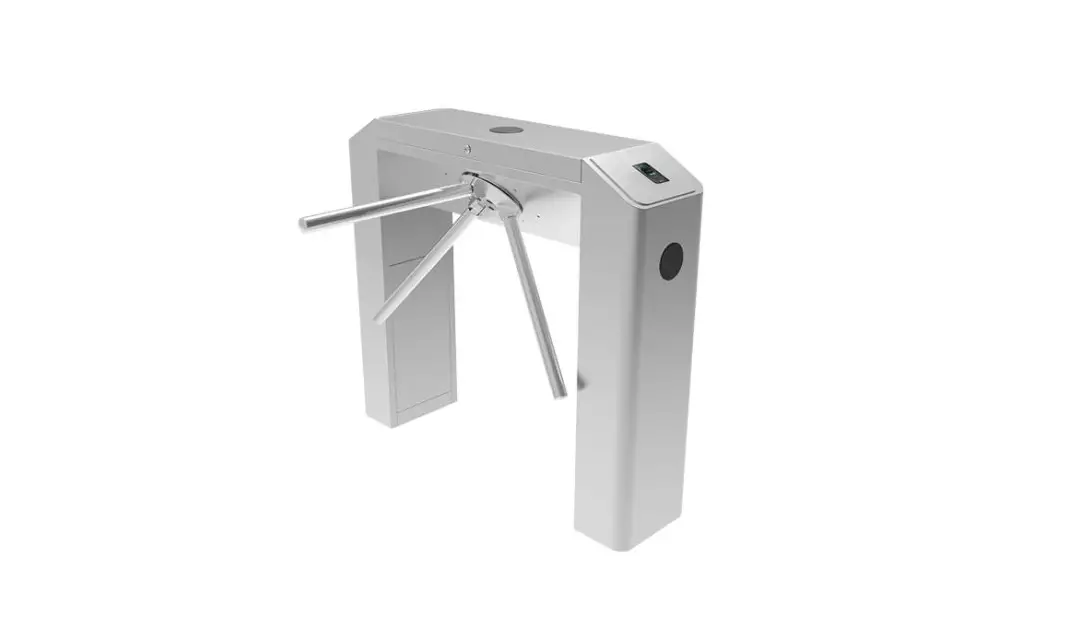
D-FORCE INOX ST 6000 Tripod Turnstile
Operating Instructions
Tripod Turnstile D-FORCE INOX ST 6000
Note: Before operating this unit, please read this instruction
completely. Thank you for choosing tripod turnstile; this is a
product with high technology, so please read this manual carefully
before operation. Please keep this manual for future reference.
Only trained professionals who understand electric and
mechanical risk of product are qualified to install and operate
gate system so as to avoid unnecessary dangers caused by
misoperation.
All rights to improve and perfect our products are reserved. We
can’t promise this manual is in full accord with the product you
receive, but we will check and revise the manual at regular
interval. No further notification will be sent in the case of any
modifications to the manual.
1. Product Introduction
1.2 Technical Parameter
| Item | Description |
|---|---|
| House | 304 stainless steel |
| Reliability of the core | 3 million, no fault |
| Weight | 55Kg (bridge type) |
| Arm length | 510(mm) |
| Max thrust capacity | 60Kg |
| Driving force of arms | 3Kg digital |
| Driving mode | Unidirectional/ Bidirectional (controllable) |
| Direction of rotation | Indicator lamp |
| Power supply for core | AC100~220V |
| Operational voltage | 0.2 seconds |
| Voltage of indicator lamp | 30~45 persons/min |
| Power consumption | Working environment |
| Working temperature | Humidity |
| Waterproof | Installation interfaces for card readers |
| Control interface | Time needed for opening |
| Passing speed | 0.2 seconds |
1.3 Product Structure
The structure of the product is mainly composed of mechanical
and electric control system.
Note: Configure the mechanism type according to the product
series and model…
The electric control system consists of access control device,
control board, direction indicator, position sensor, SF solenoid,
damper, power supply.
| Name | Function |
|---|---|
| Access control device reader | IC/ID card access control, fingerprint, face recognition, code |
| Control board | The control center of the system, when receiving the access control device delay signal, it control solenoid open, the direction indicator light turns green. The arm can be pushed to 120 degree, the solenoid will lock immediately when receiving closing signal from mechanism position sensor. |
| Indicator | Display the current channel status |
| Position sensor | Detects and controls the opening and closing position of the gate |
| Square solenoid | Control shatf close or open |
| Circular solenoid | Falling and upper arm |
| Damper | Makes the shaft run smoothly(match) |
| Power Supply | Power supply to control board |
2. Equipment Installations
2.1 Installation Notes
- Ensure the installation location and the system composition,
prepare to install after carrying out the system planning. - Make well of installation of equipment foundation.
- Mark the fixing position of expansion bolts according to fixing
plate on the bottom of each turnstile. - Drill hole by impact drill, fix Expansion screws.
- Fix arm: Before delivery, we will dismantle three arm bar, so
before using turnstile you should assemble arm bar like following
picture.
Operating Instructions
Tripod Turnstile D-FORCE INOX ST 6000
Note: Before operating this unit, please read this instruction completely.
Thank you for choosing tripod turnstile; this is a product with high technology, so please read this manual carefully before operation. Please keep this manual for future reference.
Only trained professionals who understand electric and mechanical risk of product are qualified to install and operate gate system so as to avoid unnecessary dangers caused by misoperation.
All rights to improve and perfect our products are reserved. We can’t promise this manual is in full accord with the product you receive, but we will check and revise the manual at regular interval. No further notification will be sent in the case of any modifications to the manual.
1.Product introduction
1.1 Function Features (1) Standard signal input port, can be connected with most of the access control board, fingerprint device and scanner other equipment; (2) Automatic reset function, if people swipe the authorized card, but don’t pass through within the settled time, it need to swipe card again for entry; (3) Card-reading Recording function (4) Automatic opening after emergency fire signal input (5) Anti following : prevent illegal passing (6) High light LED indicator , displaying passing status. (7) Normal open can be also controlled via external button or manual key unlock .(8) Arm will automatically fall down when power failure
1.2 Technical parameter
Item House Reliability of the core Weight Arm length Max thrust capacity Driving force of arms Driving mode Direction of rotation Indicator lamp Power supply for core
Description 304 stainless steel 3million, no fault 55Kg(bridge type) 510(mm) 60Kg 3Kg digital Unidirectional/ Bidirectional (controllable) Green means passage AC100~220V
1
Operational voltage Voltage of indicator lamp Power consumption Working environment Working temperature Humidity Waterproof Installation interfaces for card readers Control interface Time needed for opening Passing speed
1.3 Product structure
DC 24V ±5 DC12V ±5(standard) 30W Indoors or outdoors(outdoor is optional) -3060 590 IP31 2 relay signal input
0.2 seconds 30~45 persons/min
The structure of the product is mainly composed of mechanical and electric control system.
Note: Configurethe mechanism type according to the product series and model…
The electric control system
consists of access control device, control board, direction indicator, position sensor,
SFsolenoid, damper,power supply.
NO
Name
Function
IC/ID card access control, fingerprint, face recognition, code
1 Access control device reader, access control device send delay signal to the turnstile board door signalIt is available according to actual use
The control center of the system, when receiving the access
control device delay signal, it control solenoid open ,the direction
2
Control board
indicator light turns green, The arm can be pushed to 120
degree ,the solenoid will lock immediately when receiving
closing signal from mechanism position sensor.
3
Indicator
Display the current channel status
4
Position sensor Detects and controls the opening and closing position of the gate
2
5
Square solenoid Control shatf close or open
6
Circular solenoid Falling and upper arm
7
Damper
Makes the shaft run smoothly(match)
8
Power Supply
power supply to control board
2 Equipment Installations
2.1 Installation notes
(1)If it tests well before installation, then fixed it; before you install and maintain it, please cut off the power; (2) The product must be earthed, and an earth leakage breaker is necessary on the power supply; (3) The depth of buried PVC tube should be greater than 60mm, and the exposed height above the ground should be greater than 50mm. The exit mouth should be bending back to avoid water dipping inside the tube; (4) Don’t change the inside wire of the turnstile casually; (5) In installation, please make each door of the lane are in alignment; (6) Tighten the mounting screws of the arm ;(7) If you use the turnstile outdoor, it need to add a canopy to protect the turnstile from sun and rain;
2.2 Equipment Installation
1) Tool preparations
1 A set of hexagon spanner
5 Screw driver and other common wiring tool
2 Cross screwdriver 6mm
6 Millimeter
3 Open spanner 17-19mm
7 M10x100 Expansion screws 8pcs
4 Impact drill D14
8 Cable Tester
2) Ensure the installation location and the system composition ,prepare to install after carrying out the system planning; 3)Make well of installation of equipment foundation .4) Mark the fixing position of expansion bolts according to fixing plate on the bottom of each turnstile. 5) Drill hole by impact drill, fix Expansion screws. 6) Fix arm :Before delivery, we will dismantle three arm bar, so before using turnstileYou should assemble arm bar like following picture.
3
7) Tighten the expansion screw after the functional test is completed.
2.3 Connection
1) Connecting AC100~220V power input
2)Connect wire of access control device
Control board
Open signal of access
2.4 Notice of use
Control board
Please keep the control button or remote control far away from the children; (2) Please don’t use the
turnstile under the thunder and lightning condition to get rid of damage to the equipment. (3) Do not
permit children to play on or around a turnstile . If child want to go through the turnstile, the parents
must look after them.
3 Control Board and wiring diagram
3.1 Control Board instruction
No
Port Sign
Instructions
1
+24V
24V input power supply to PCB board(Power in)
2
GND
3
+12V
12V power Output (Reserved 12V port)
4
GND
5
D1Ex
(Reserved port)
6
D2Ex
7
Man1
Entrance direction button for manual opening gate input
8
GND
9
Man2
Exit direction button for manual opening gate input
10
GND
11
A+
485 communication
12
B-
4
13
NO
Entrance relay normally open and normally close interface which also
14
COM
can connect entrance counter
15
NC
16
NO
Exit relay normally open and normally close interface which also can
17
COM
connect exit counter
18
NC
19
+12V
+12 V power supply for arm drop down (circular electromagnt)
20
GND
21
D1
Entrance LED indicator signal input (indicator)
22
D2
Exit LED indicator signal input (indicator)
23
+12V
+12 V power supply for indicator
24
GND
25
Down
Testing for drop down function
26
Test
27
+12V
Position sensor full close in place signal input,once arm turn 120
28
POS
degree , it will give closing gate signal (Position sensor)
29
SW1
Entrance opening signal input, Dry contact signal and Access control
PCB board entry opening relay signal (NO connect SW1, COM connect
30
GND
GND, and the relay time of access control board should be set 0 or 1
31
SW2
Exit opening signal input (The same function with SW1)
32
GND
33
+24V
Output for entrance square solenoid, normally 0 voltage, when board
34
GND
recieve open singal,This port will be 24v output (Square solenoid 1)
35
+24V
Output for exit square solenoid, (Square solenoid 2 the same function
36
GND
with solenoid 1,just opposite direction)
3.2 wiring diagram
5
3.3 DIP switch instructions
NO
DP
123 45678
Factory default 3 4 dial to NO(5 seconds)
1-6 DIP indication Automatic reset times
8 DIP
654321
Times
Swipe card memory
000001
2S
000010
2S
000011
2S
000100
2S
000101
2.5S
000110
3S
Swipe card memory(Default no open)
000111
3.5S
001000
4S
001001
4.5S
001010
5S
001011
5.5S
6
001100
6S
001101
6.5S
001110
7S
001111
7.5S
010000
8S
010001
8.5S
010010
9S
010011
9.5S
010100
10S
010101
10.5S
010110
11S
010111
11.5S
011000
12S
011001
12.5S
011010
13S
with memory function, if swiping valid card 5 times, it can pass five peoples; without
memory function, if swiping valid card 5 times, it only can pass one people.
Warranty Service Statement
Our company products are guaranteed for one year, from date of sale, providing free maintenance based on not being damaged by any man-made. During the warranty period, all faults caused by the product itself can be maintained for free. Please carry the filled warranty card and the purchase invoice to the authorized service centers across the country or return the machine to our company for free repair. Within the period of free maintenance, faults or damages caused by man-made or natural disasters can be maintained with additional charge. Over the period of free maintenance, faults or damages can be maintained with additional charge.
The following conditions are not under warranty: Damages caused by abnormal operation, man-made or natural disasters; Damages after disassembling any portion of the machine (lines, components etc.) ; Damages caused by wrong guide of non-professional technicians; Damages caused by adding other functions with unauthorized modification or installation with other equipment. Note: The warranty card and purchase invoice are used as warranty certificates to maintain the machine. Please reserve them carefully. Lose won’t repair.
7