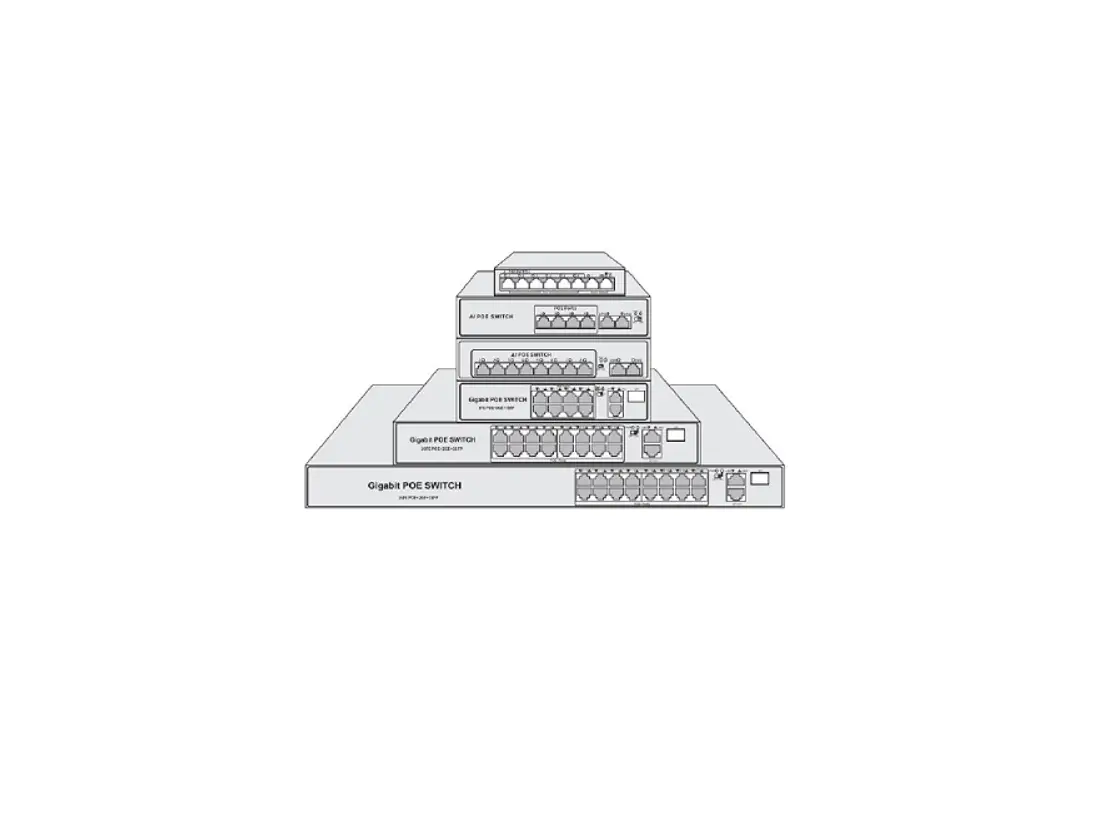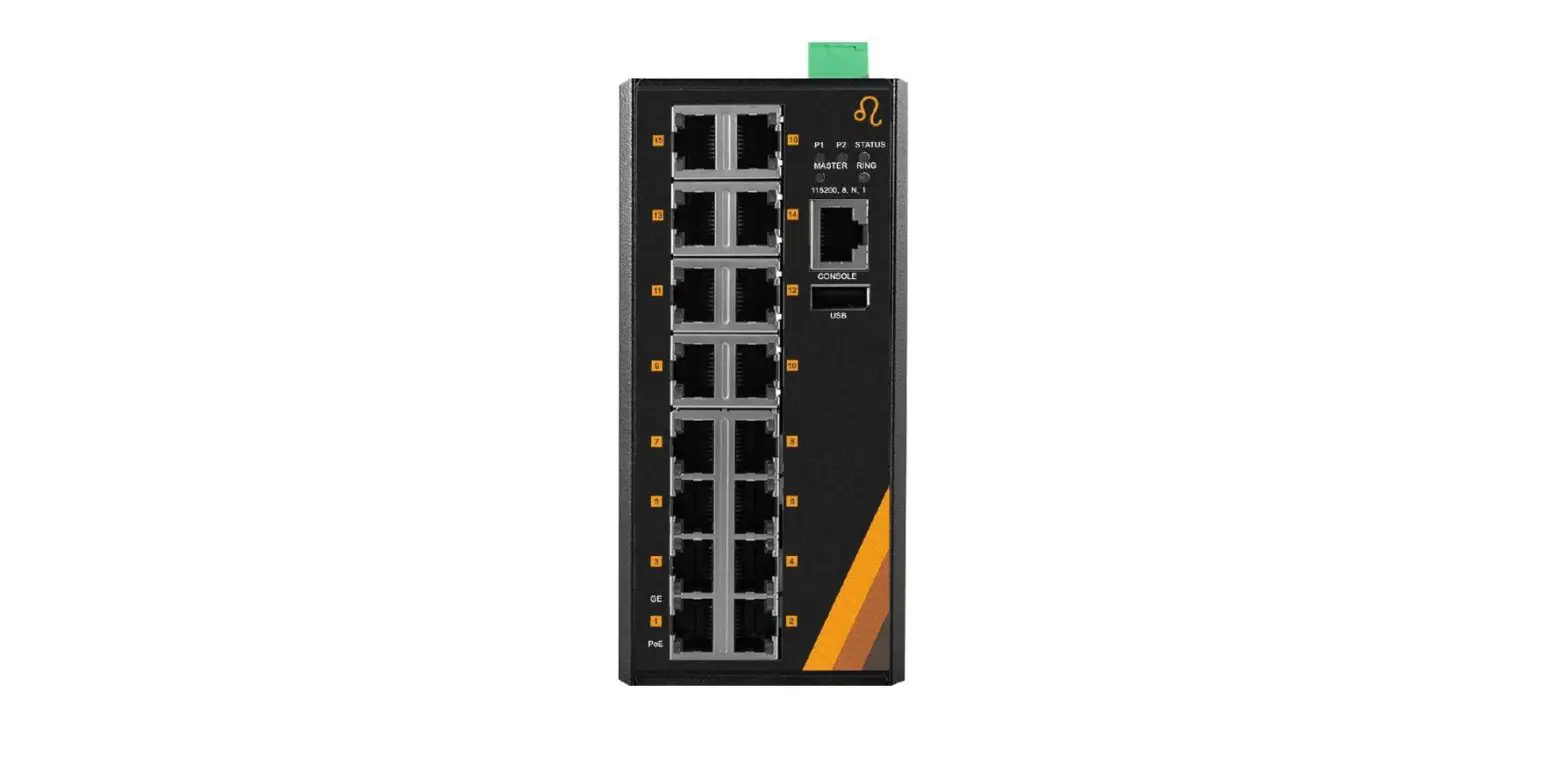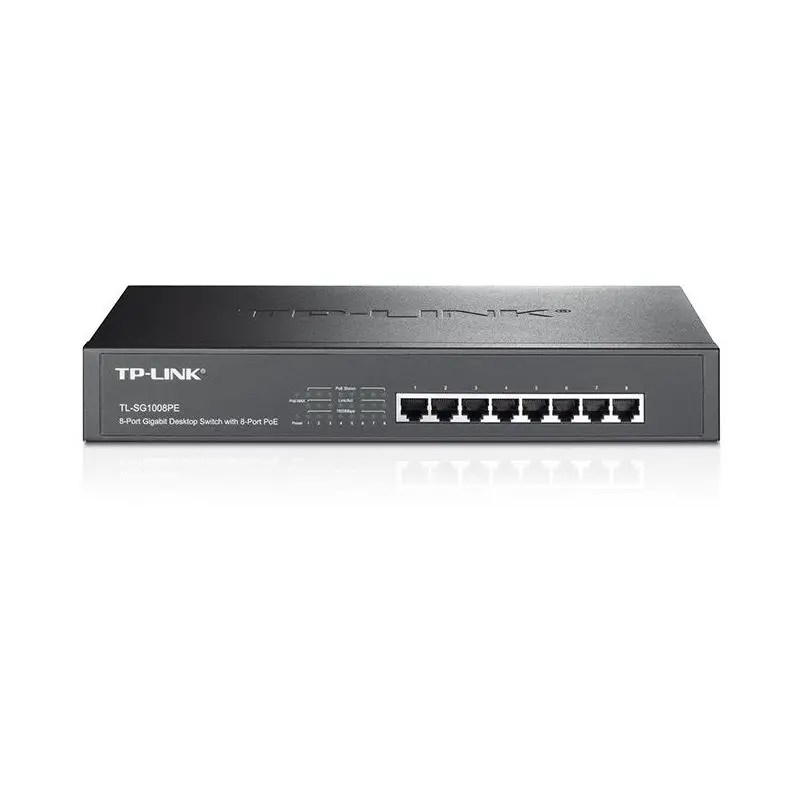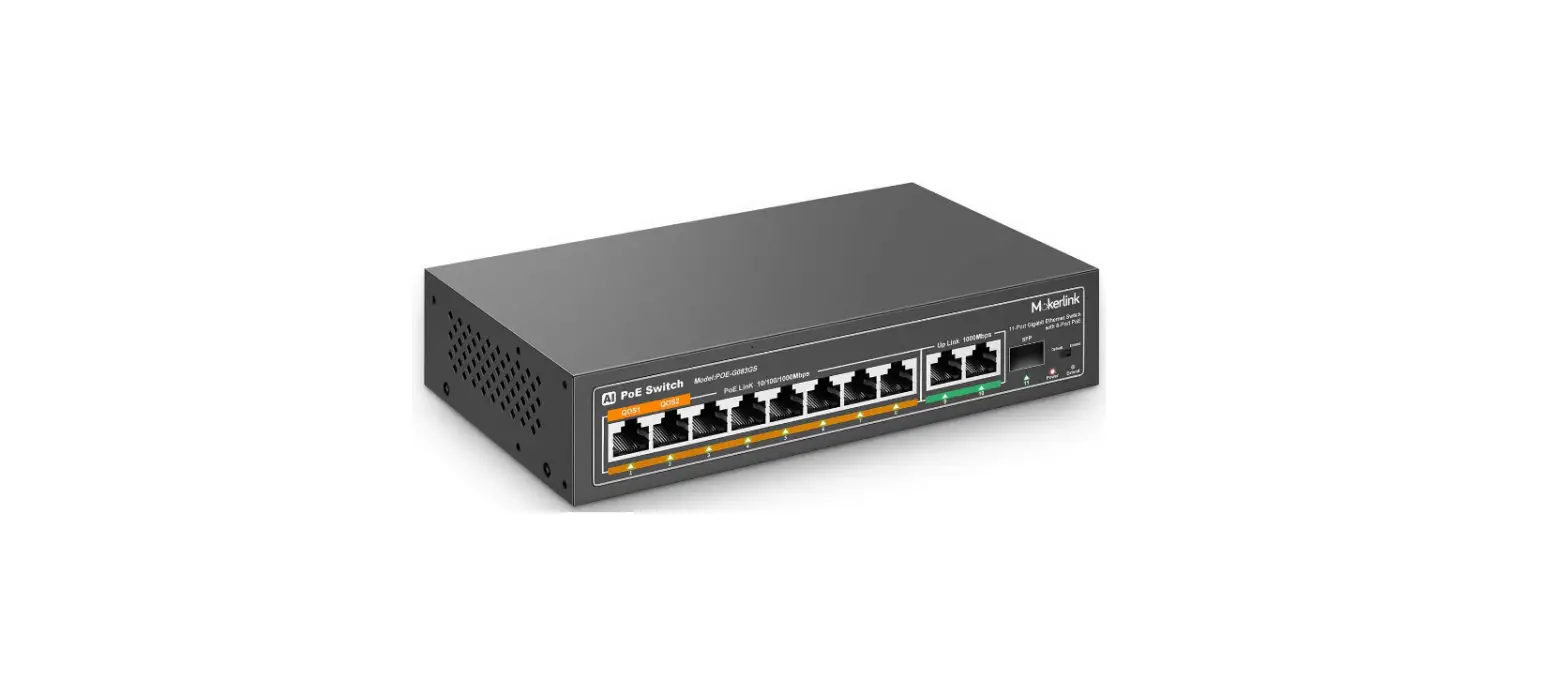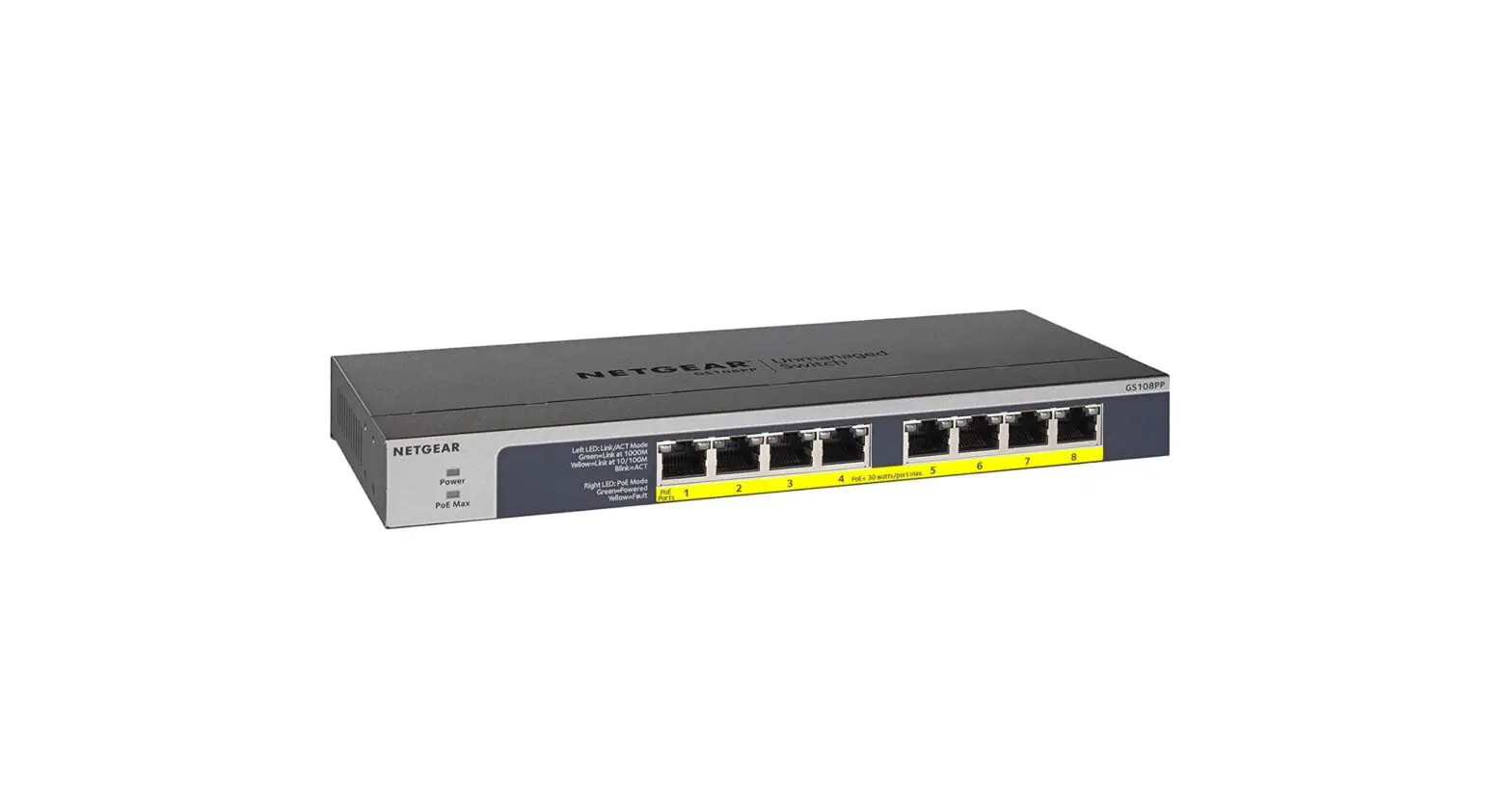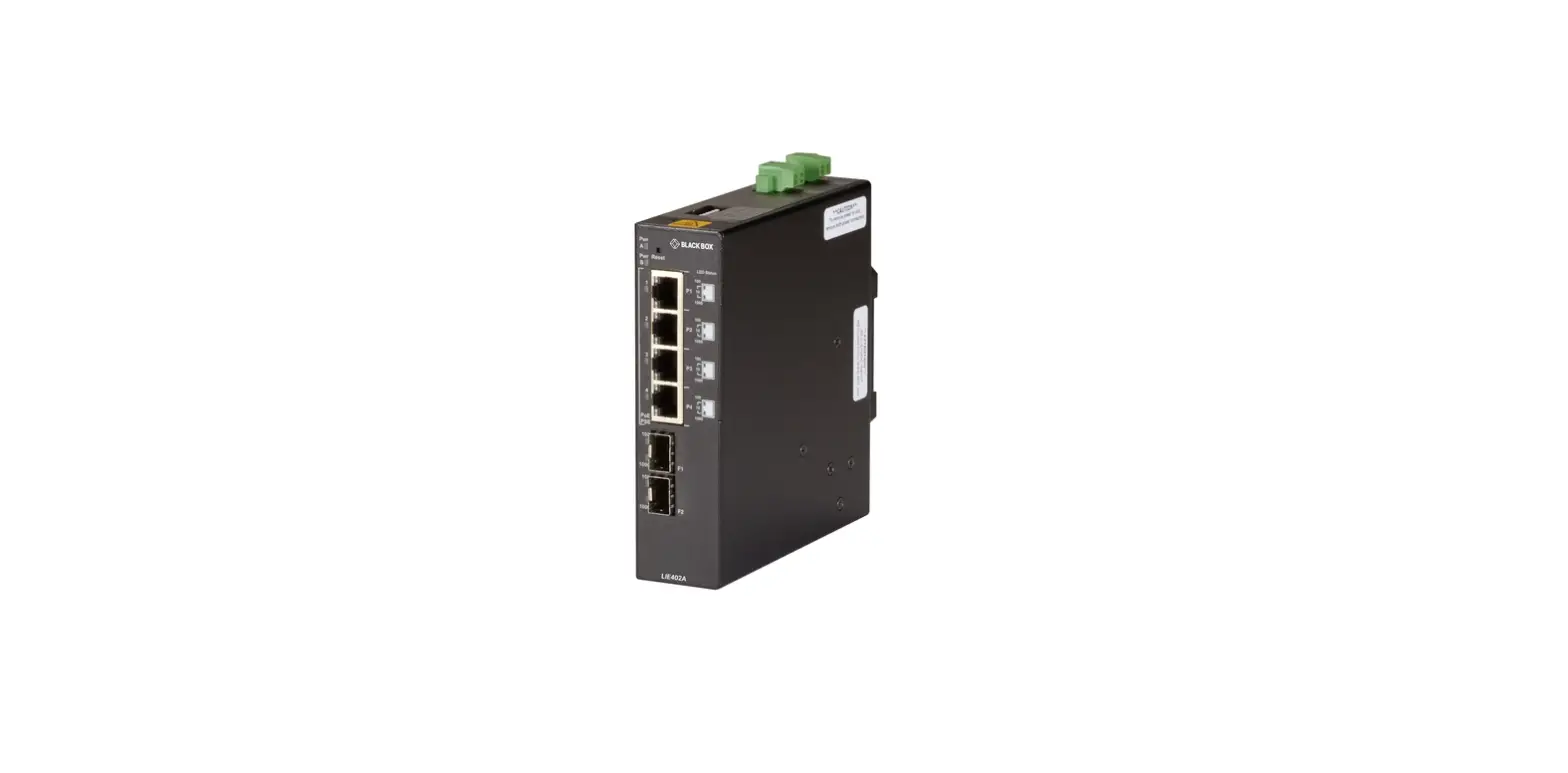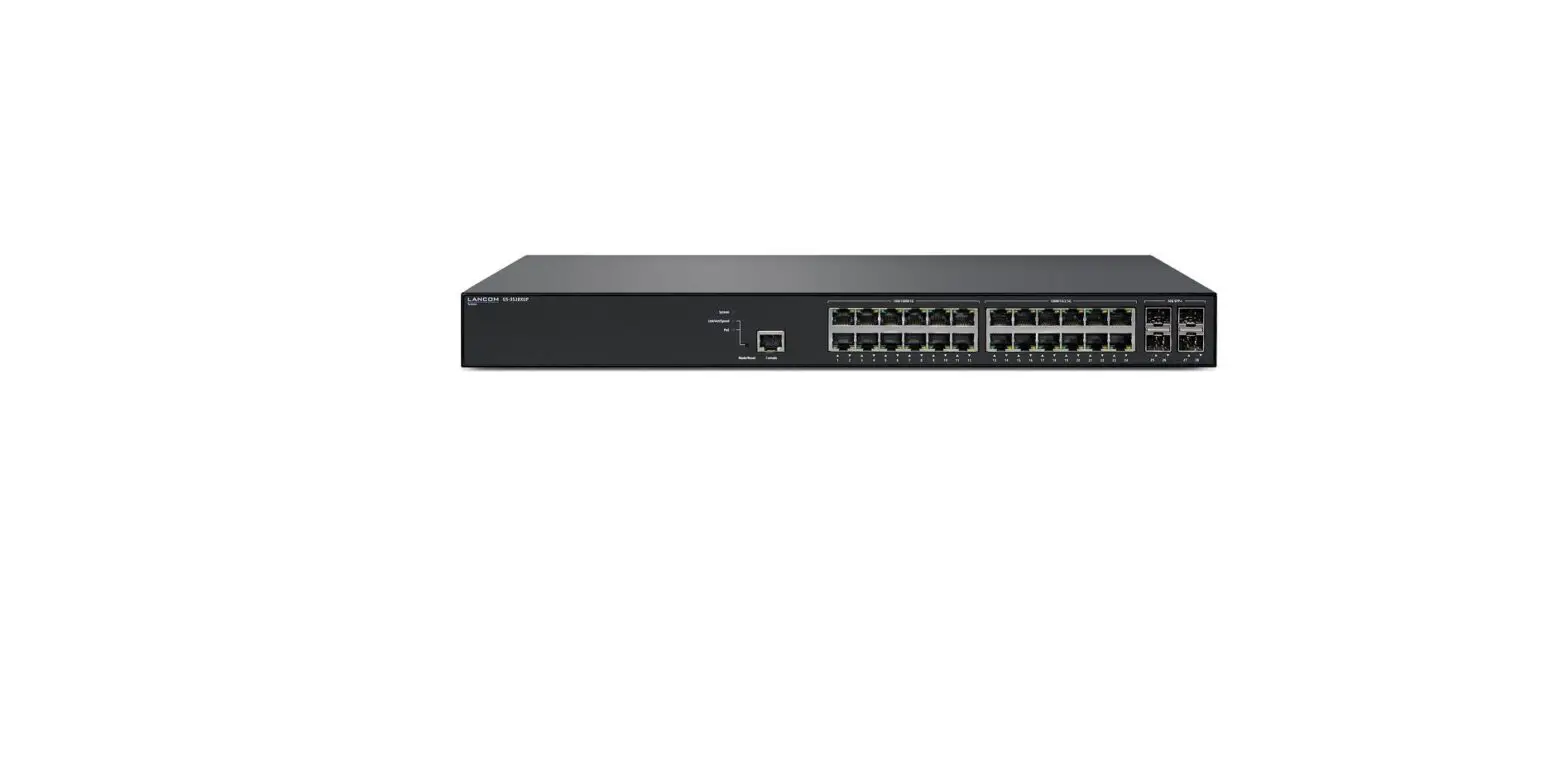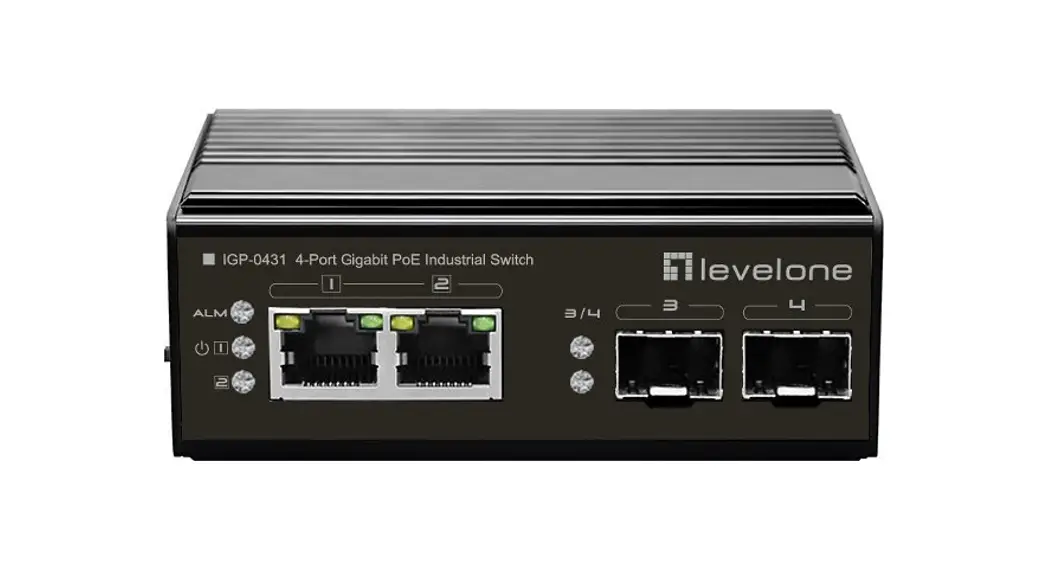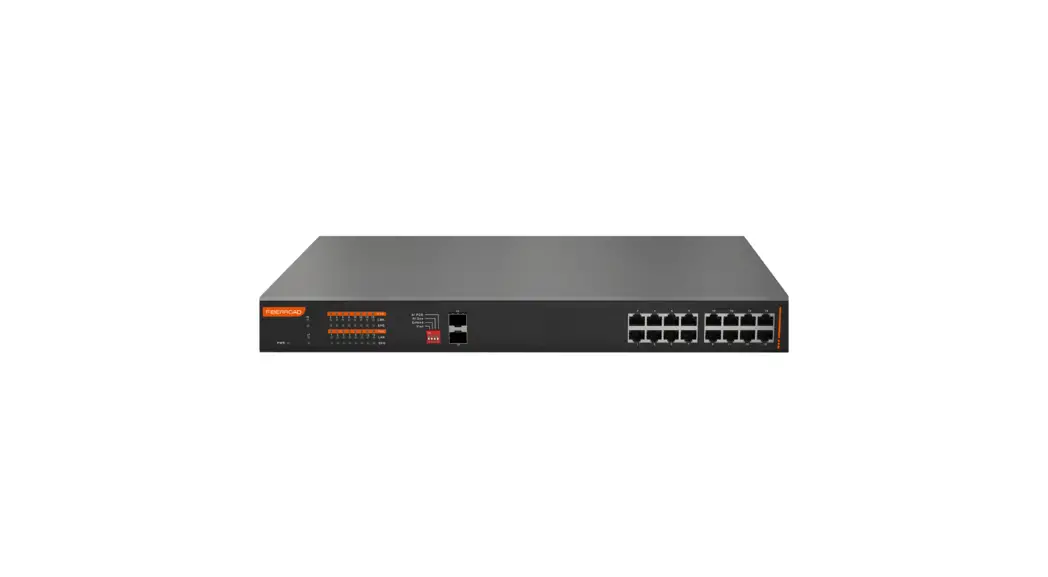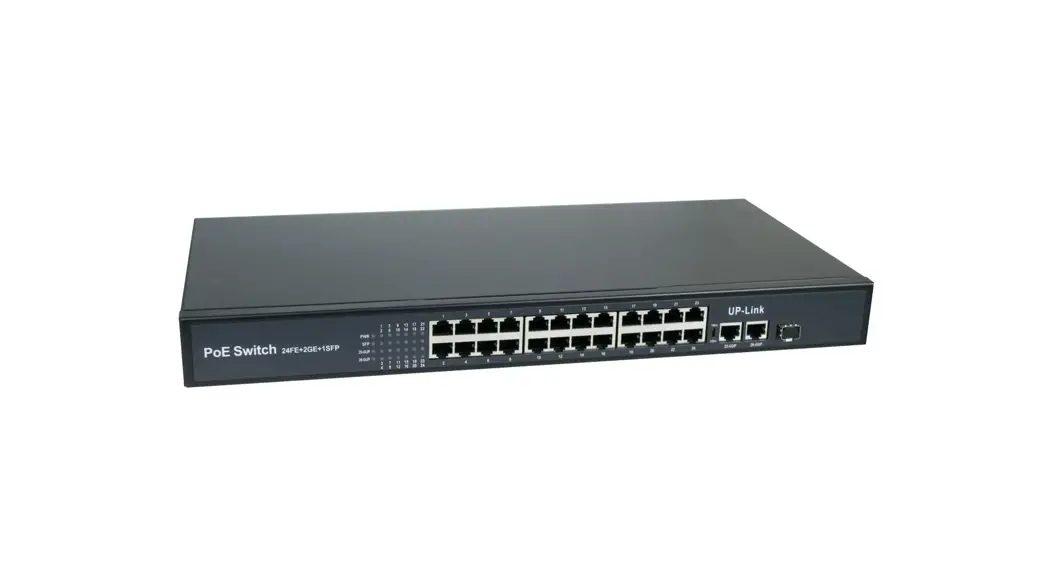
 POE-G484GSM All Gigabit PoE Managed Switch
User Manual
Product introduction
Product overview
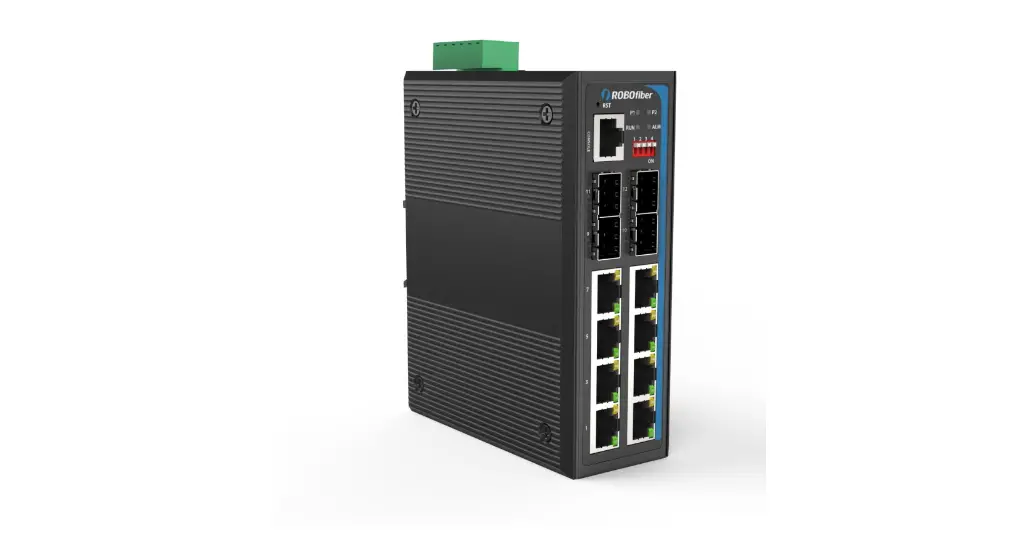
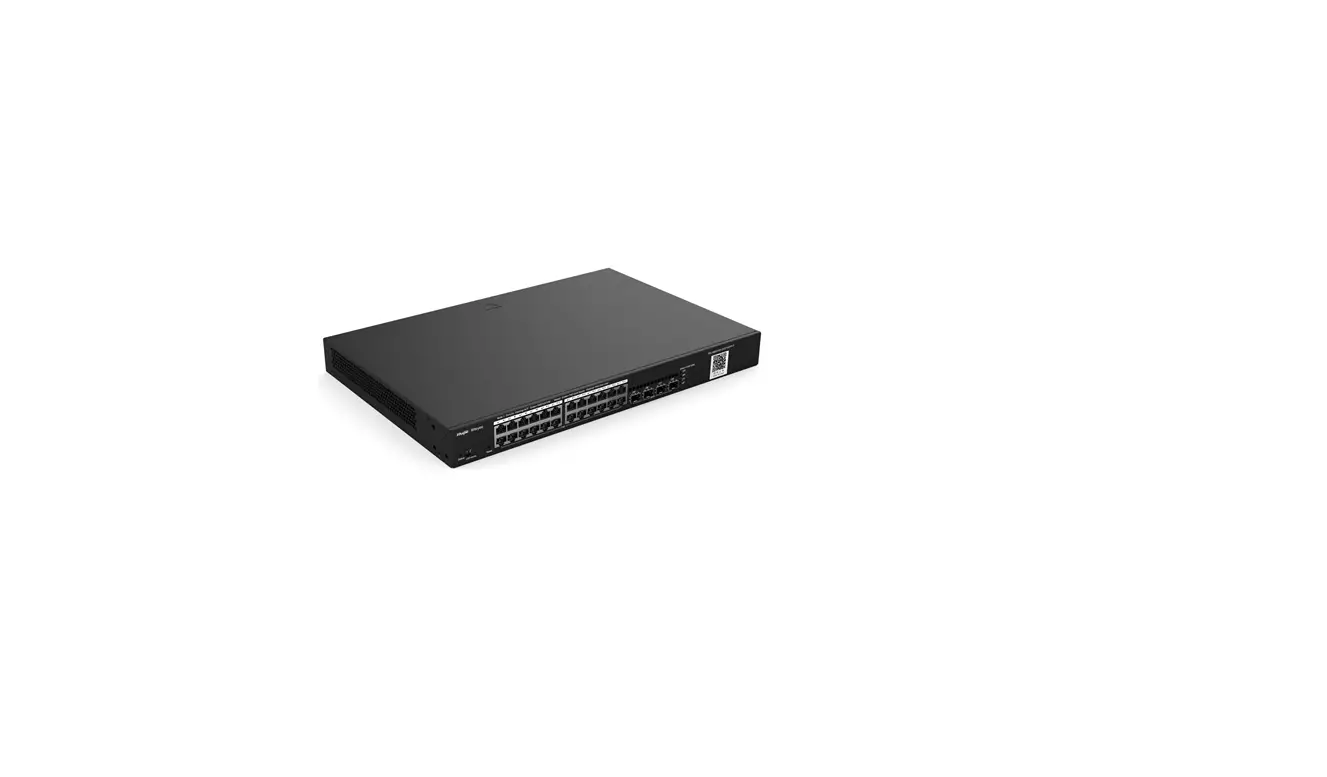
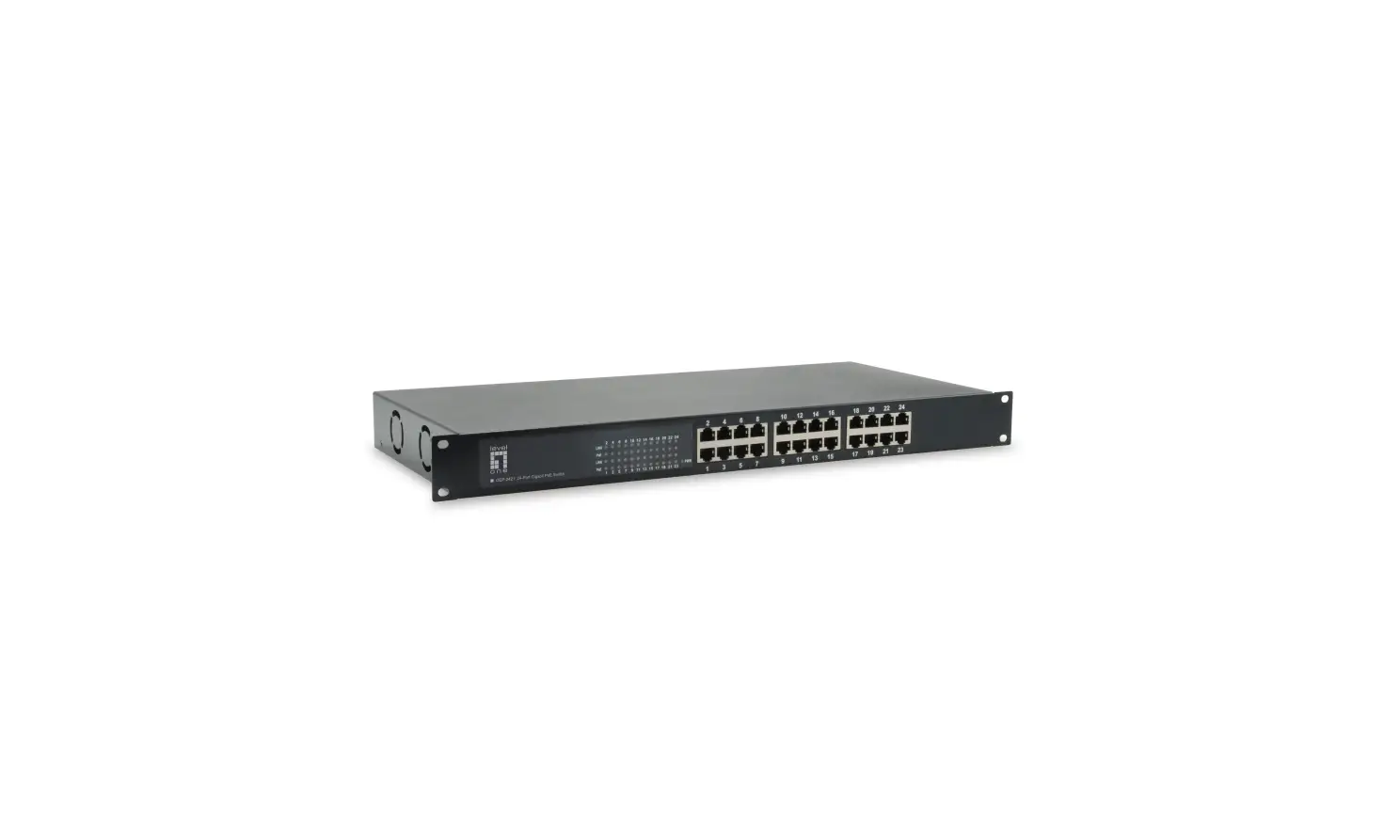
POE-G484GSM L2 multi-functional network PoE management switch independently adopts Realtek’s new generation high-performance platform and new self-developed switch system, and supports flexible network management functions such as 802.1Q VLAN, IGMP, port monitoring, port aggregation, bandwidth control, ring application, etc. This series of switches is specially designed for the construction of high-performance complex network requirements, providing a comprehensive security protection system, perfect qos strategy and rich VLAN functions, simple management and maintenance, and can be applied to the core layer of small and medium-sized enterprises, communities and schools.
Port performance
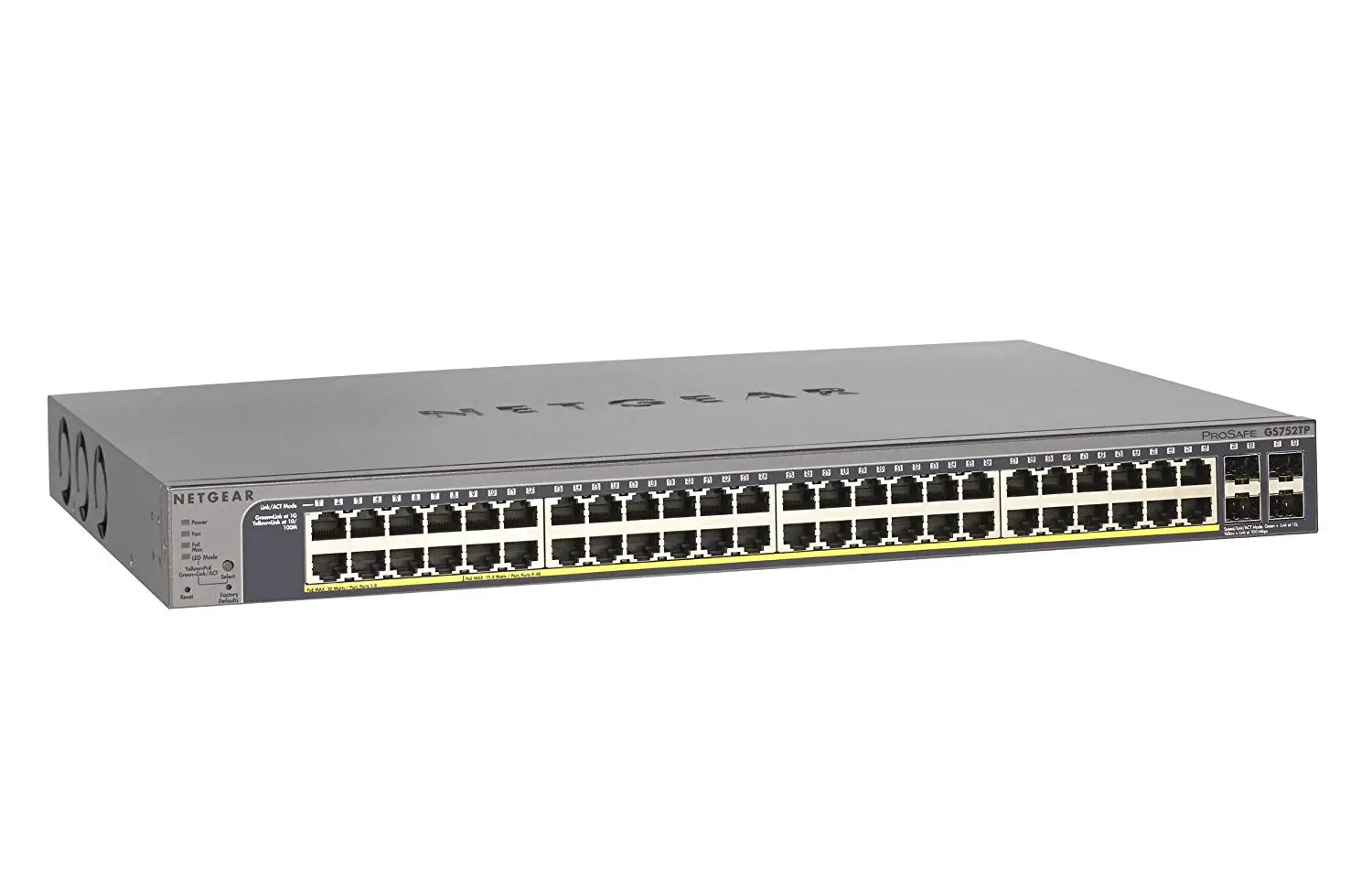
- Supply 48*10/ 100/1000M PoE ports, all of which can realize line speed forwarding.
- Supply 4*SFP uplink ports for high-speed uplink transmission.
- Each port supports MDI/ MDIX auto flip and duplex / rate self negotiation.
- Support IEEE 802.3x full duplex flow control and backpressure half duplex flow control.
PoE Function
- Complied to IEEE80.23af/at/PoE++/BT,whole device PoE output power up to 600W.
- Automatically detect and supply power for PoE devices.
- Advanced PD detection function when PoE is on, the switch can achieve real-time detection on powered devices.And the switch automatically sets the ports and then restores PoE power supplying to make no duty come true.
Functional features
- Add a variety of new applications based on IPv6, easily adapt to modern complex network management applications
- Support IEEE 802.1Q VLAN, users can divide VLAN flexibly according to their needs.
- Support voice VLAN, configure QoS parameters for voice data stream, improve the transmission priority of voice data stream and ensure the call quality.
- It supports QoS, supports port based, 802.1p and DSCP based priority modes to optimize the bandwidth configuration.
- It supports ACL, achieves packet filtering by configuring matching rules, processing operations and time permissions, and provides flexible security access control policies
- Support IGMP V1 / V2 multicast protocol, support IGMP snooping, meet the requirements of multi terminal HD video monitoring and video conference access.
- Support multicast VLAN, multicast filtering, efficient data transmission, save network bandwidth, reduce network load.
- Support port monitoring, copy the data package of monitored port to the monitoring port to realize network monitoring.
- Support the management and maintenance of equipment through web interface.
- It supports port convergence, effectively increases link bandwidth, realizes link backup and improves link reliability.
Security & Protection
- STP / RSTP / MSTP spanning tree protocol is supported to eliminate layer-2 loops and realize link backup.
- Support tree security function, prevent devices in tree network from being attacked by various forms of malicious.
- It supports static aggregation and dynamic aggregation, effectively increases link bandwidth, realizes load balancing, link backup, and improves link reliability.
Running and Maintenance
- Support web management, CLI command line (console, telnet), SNMP (v1/v2/v3) and other diversified management and maintenance methods.
- It supports HTTPS, SSL V3, tlsv1, sshv1/v2 and other encryption methods, and makes management more secure.
- It supports RMON, system log and port traffic statistics to facilitate network optimization and transformation.
- Users can know the working status of the switch through the power indicator (PWR), port status indicator and system status indicator (sys).
Spare parts list

Product display
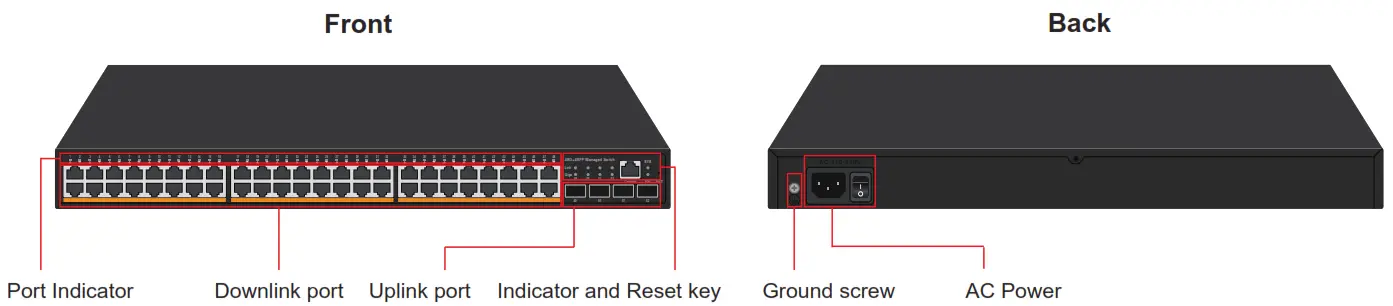
Indicator definition:
| Indicator | Status | Description |
| Power indicator: PW | Green light is always on | Power on normal |
| Always off | No power | |
| SFP indicator: 49~52 【Link】 | Light is on | The corresponding SFP port works at 10/100M speed |
| SFP indicator: 49~52 【Giga】 | Light is on | The corresponding SFP port works at 1000M speed |
| Port indicator: 1~48 | Green light is on | The corresponding port works at 10/100M speed |
| Orange light is on | The corresponding port works at 1000M speed | |
| System indicator:SYS | 1S Slow flash | System is operating normally |
Installation & Points of attention
Checking before installation
- Check whether the accessories are complete. If there is any omission, please contact us.
- Check whether the power supply voltage is consistent with the working voltage of the switch,so as to avoid the equipment burning out due to high voltage.
- Ensure that the installation position of the switch has certain ventilation and heat dissipation conditions.
- Please keep the power off during installation to avoid potential safety hazards.
- Please install the switch on a stable plane to avoid falling and damage.
Port installation and connection
 Insert the data cable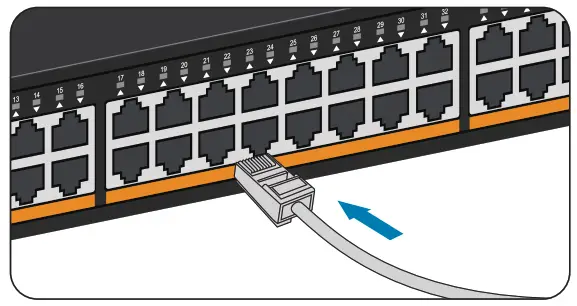
As shown in the figure, insert the crystal head of the data cable into the network port. When you hear a clear click, it indicates that the crystal head is successfully connected with the network port of the switch. Just plug in all the network cables of the network equipment in this way. Install the SFP module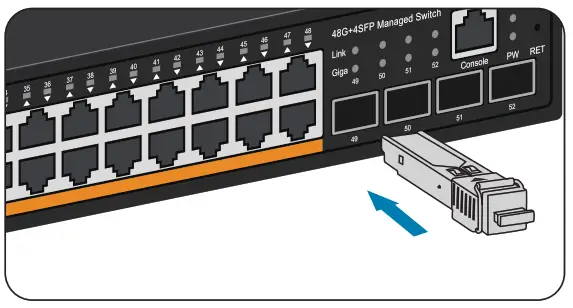 As shown in the figure, align the optical fiber module with the optical port of the SFP and insert it smoothly. When you hear a clear click, it indicates that the optical fiber module is installed successfully. Just install the two optical fiber modules in this way.
Install to desktop Attach the four non slip rubber footmats that came with the device to the bottom corners of the switch.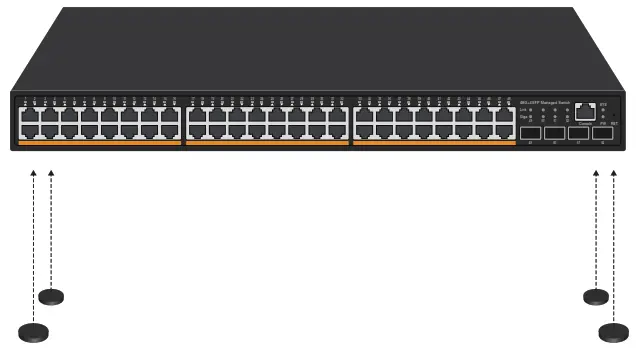
Place the switch on the horizontal desktop in the ventilation area.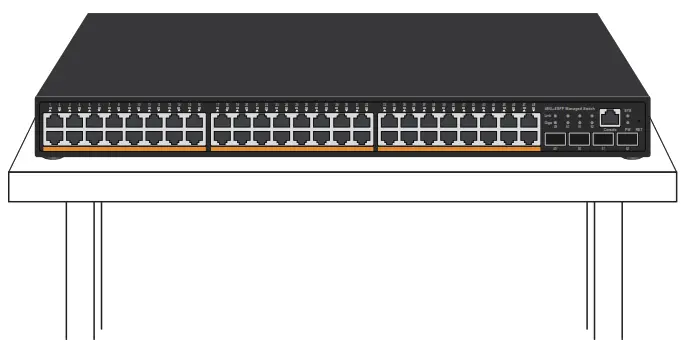
Install to cabinet/Rack
- Install the rack lug attached to the equipment to both sides of the switch with screws

- Install floating nut on cabinet/rack

- Put the switch installed with the lug into the cabinet and screw on the screw to complete the installation.

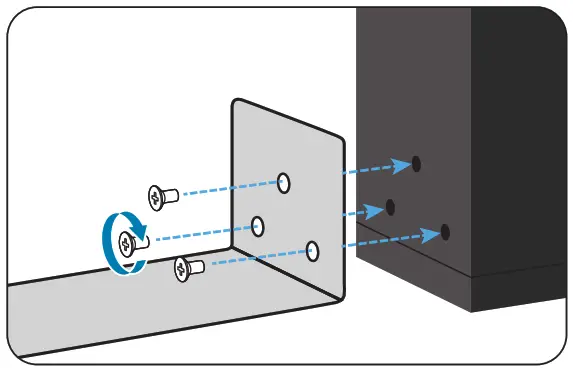
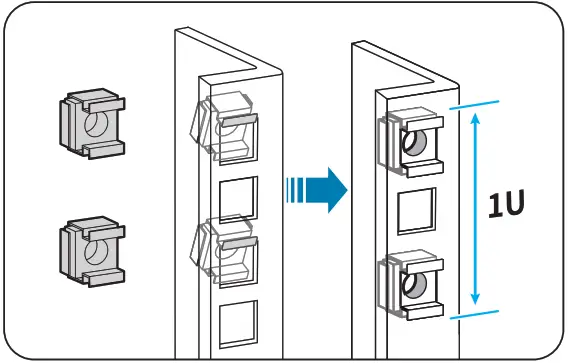
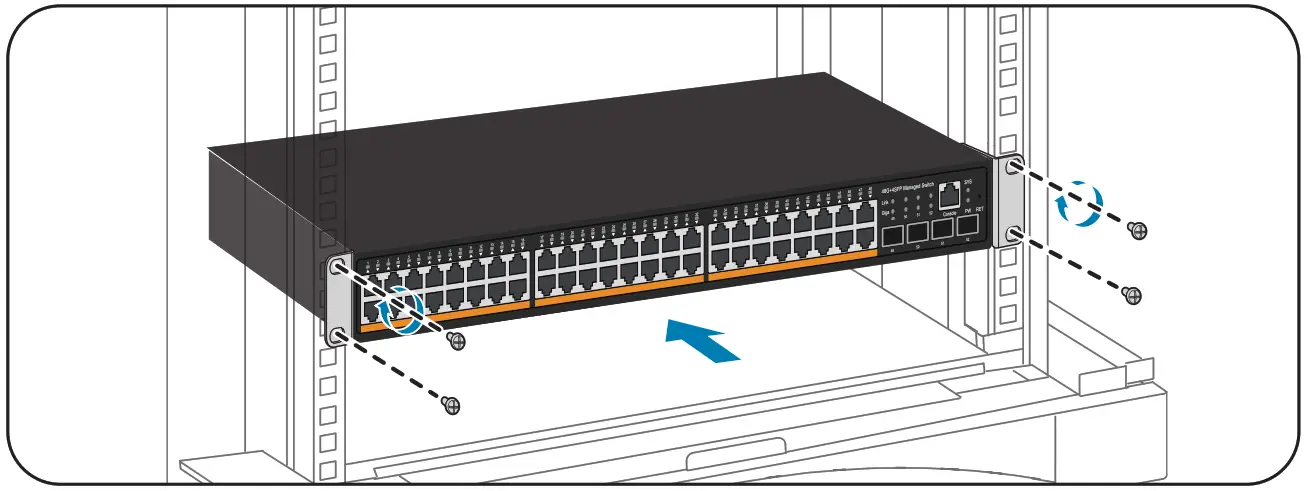
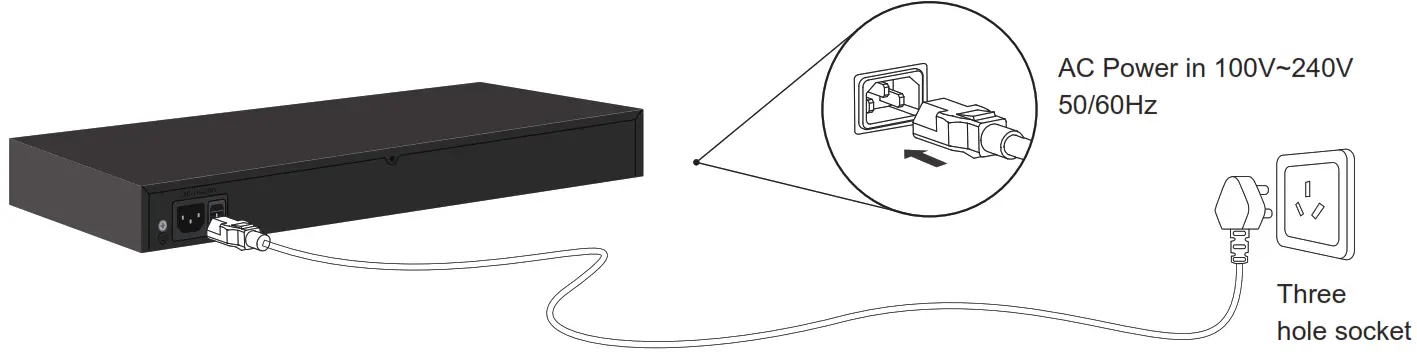
Power on Connected the power
Points of attention
- Do not stack heavy objects on the switch to avoid danger.
- In order to avoid the risk of electric shock, please do not open the machine box when the switch is working, even if it is not powered on, please contact us in case of any problem.
- Before cleaning the switch, pull out the power plug of the switch. Do not wipe it with wet fabric or clean it with liquid.
- If the power adapter is damaged, do not replace it with other power adapters. This switch should be equipped with original power adapter.
Application
VLAN application
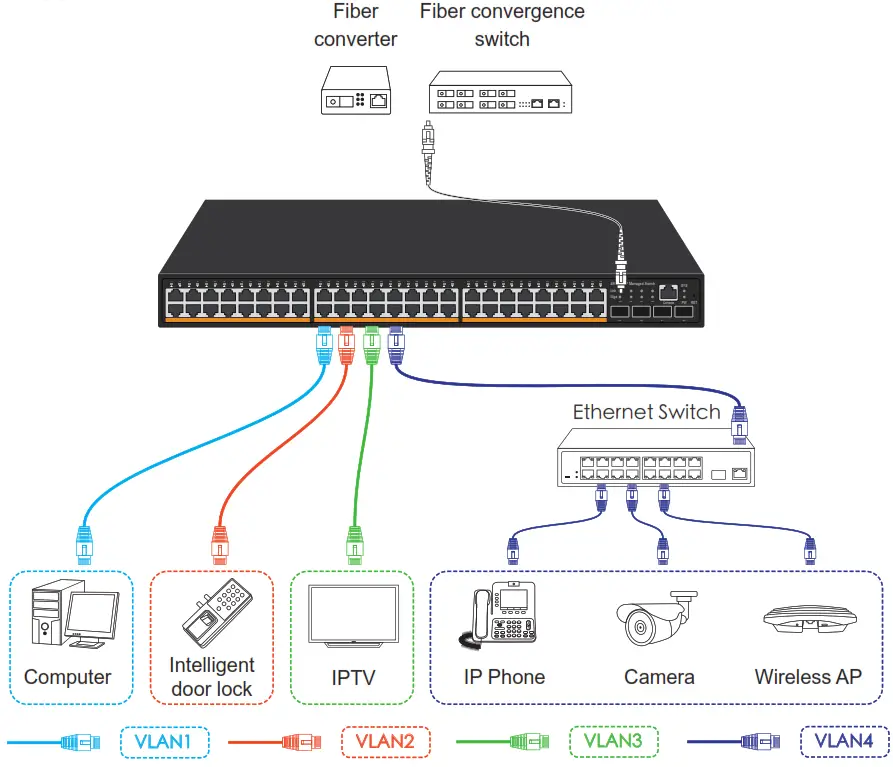
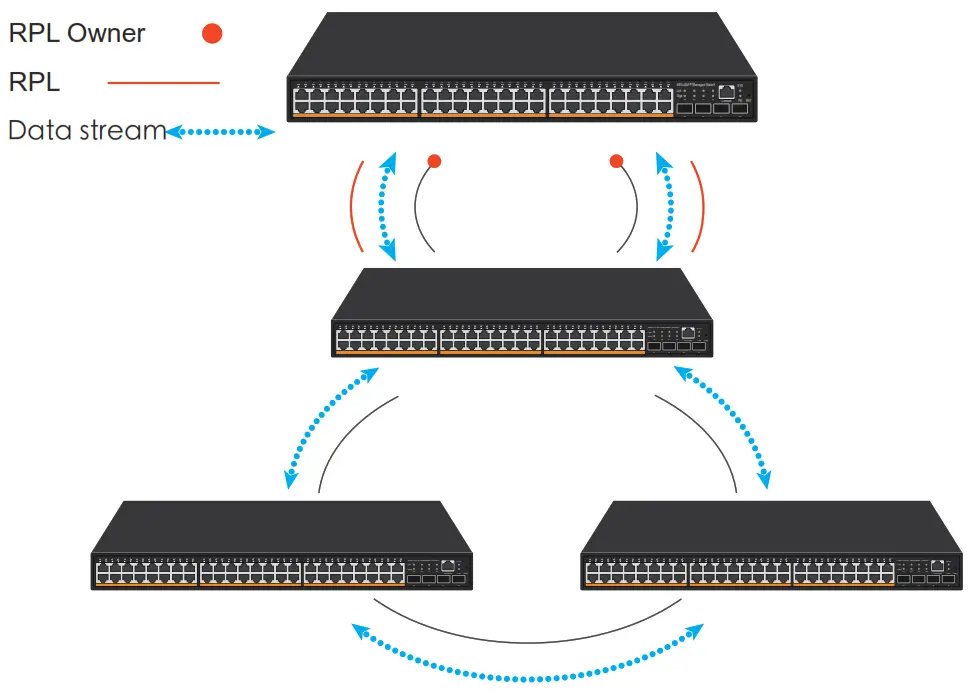
The uplink port can connect routers, servers and other devices. The downlink port can be connected to the switch or directly connected to the network equipment. It also supports port based VLAN, which can be divided into up to 4096 VLANs.Application of ring network
Common troubleshooting
 The PWR indicator is not on after the power is connected
  Check whether the power adapter and plug are connected correctly, whether the power cord is damaged, and whether the power adapter is damaged. Switch cannot communicate after power up Check whether the switch indicator is on. If the indicator is off, the network cable is not connected. If the indicator is on, the communication fault is indicated. Switch network speed suddenly become very slow Take off the plug and restart the switch.
[If the above problems or other switch problems can not be solved, please contact us for technical support]
Product Parameter
| Model | POE-G484GSM |
| Product | 48 Port Gigabit PoE Managed Switch |
| Fixed Port | 48*10/100/1000Base-TX PoE port 4*1000M SFP |
| Console port | 1*console port |
| Reset Key | 1 |
| Network Protocol | IEEE 802.3 IEEE 802.3u 100BASE-TX IEEE 802.3ab1000BASE-T IEEE 802.3x IEEE 802.3z 1000BASE-X IEEE 802.3ad IEEE 802.3q 、IEEE 802.3q/p IEEE 802.1w、IEEE 802.1d 、IEEE 802.1S STP(Spanning Tree Protocol) RSTP/MSTP( Rapid Spanning Tree Protocol) EPPS ring network protocol EAPS ring network protocol |
| Port Specification | 10/100/1000BaseT(X) Auto |
| Transmission Mode | Store and Forward(full wirespeed) |
| PoE Standard | IEEE80.23af/at/PoE++/BT |
| PoE power | 1~2: Max 90W 3~48: Max 30W |
| Bandwidth | 256Gbps |
| Packet Forwarding | 74.88Mpps |
| MAC Address | 16K |
| Buffer | 12M |
| Transmission Distance | 10BASE-T : Cat3,4,5 UTP(≤250 meter) 100BASE-TX : Cat5 or later UTP(≤100 meter) 1000BASE-TX : Cat6 or later UTP(≤1000 meter) 1000BASE-SX:62.5μm/50μm MMF(2m~550m) 1000BASE-LX:62.5μm/50μm MM(2m~550m) or 10μm SMF(2m~5000m) |
| FLASH | 16M |
| RAM | 128M |
| Watt | ≤600W |
| LED Indicator | PWR: Power LED SYS: (System LED) 1~48 Port:(Link LED;1000M LED;PoE LED) 49~52:(SFP LED) |
| Power | Built-in Power AC:100~240V 50-60Hz |
| Operating Temperature/Humidity | -20~+55°C;5%~90% RH Non coagulation |
| Storage Temperature/Humidity | -40~+75°C;5%~95% RH Non coagulation |
| Product size/ package size (L*W*H) | 440mm*290mm*45mm 515mm*375mm*95mm |
| N.W/G.W(kg) | 5.5kg/6.3kg |
| Installation | Rack-mount(optional machine hanger spare parts) |
| Lightning protection/protection level | 3KV 8/20us; IP30 |
| Certificate | 3C; CE mark, commercial; CE/LVD EN60950; FCC Part 15 Class B; RoHS; |
| Warranty | Whole device for 1 year(Accessories not included) |
 Software Function
The followings are main functions not included in all the functions.Please contact with us for more other information! (We support software development for customization requirement)
| Network Protocol | IEEE 802.3x IEEE 802.3、IEEE 802.3u、IEEE 802.3ab、IEEE 802.3z IEEE 802.3ad IEEE 802.3q、IEEE 802.3q/p IEEE 802.1w、IEEE 802.1d、IEEE 802.1S、IEEE 802.1X |
| MAC | Support 16K MAC address,auto aging and learning |
| VLAN Configuration | Support port-based VLAN Up to 4096 VLANs Support Voice VLAN, can configure Qos for voice data 802.1Q |
| Spanning Tree | STP(Spanning tree protocol) RSTP(Rapid spanning tree protocol) MSTP(Rapid spanning tree protocol) EPPS(Ring network protocol) EAPS(Ring network protocol) 802.1x |
| Port Aggregation | Support 8 groups of aggregation, each group support up to 8 ports |
| Port Mirroring | Support many-to-one port mirroring |
| Loop Guard | Support loop protection, real-time detection, quick alram, concise location, Intelligent blocking, automatic recovery |
| Port Isolation | Support downlink ports isolate from each other and communicate with uplink port as well |
| Flow Control | Half duplex based on Back pressure; Full duplex based on PAUSE frame |
| Speed Limitation | Bandwidth management based on port input and output |
| Multicast Control | IGMPv1/2/3 and MLDv1/2 Snooping GMRP protocol registration Multicast address management, multicast VLAN, multicast routing port, static multicast address |
| DHCP | DHCP Snooping |
| Storm Suppression | Support unknown unicast, multicast , unknown multicast, broadcast type storm suppression; Storm suppression based on bandwidth adjustment and storm filtering |
| Security | Support User port+IP address+MAC address ACL based on IP, MAC Support security properties of number of MAC address based on port |
| QOS | 802.1p port queue priority algorithm Cos/Tos,QOS remark WRR(Weighted Round Robin), weighted priority rotation algorithm WRR、SP、WFQ priority scheduling modes |
| Cable Sequence | Auto-MDIX; auto detection on straight-through and cross-over cable |
| Negotiation Mode | Port support auto negotiation function(self-negotiation transmission rate and duplex mode) |
| System maintenance | Upgrade package upload System log viewing WEB recovery factory configuration |
| PoE management | Turn the Port On or Off Standard PoE schedule management Automatic detection of online equipment function(Automatic execution without operation) |
| Network Management | WEB interface management CLI management based on Telnet、TFTIP、Console SNMP V1/V2/V3 management RMONV1/V2 management RMON management |
Wuhan MokerLink Technology Co.,Ltd
Rm10,13/F,Main Building 7,Changhang Lanjing International,
No.116 Gaoxin Ave.,Hongshan Dist.,Wuhan,China
http://www.mokerlink.com
[email protected] For technical support and other information, please visit
http://www.mokerlink.com/support/
 MokerLink Store