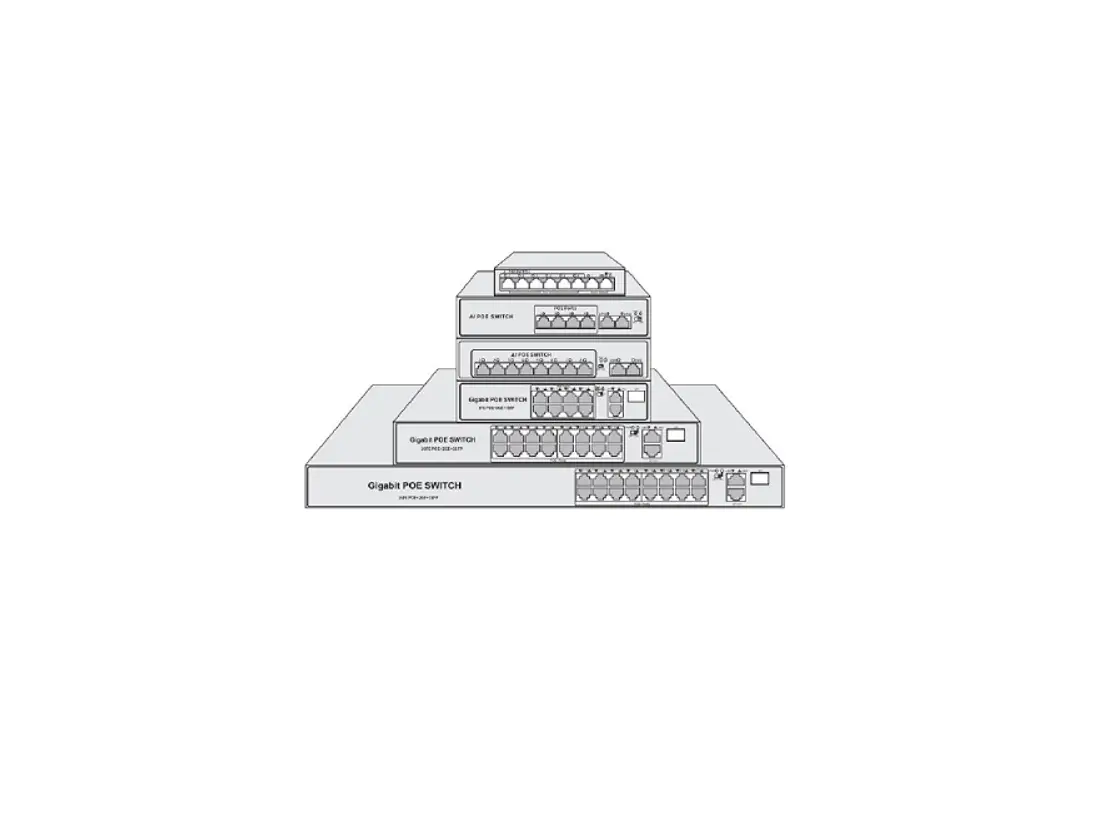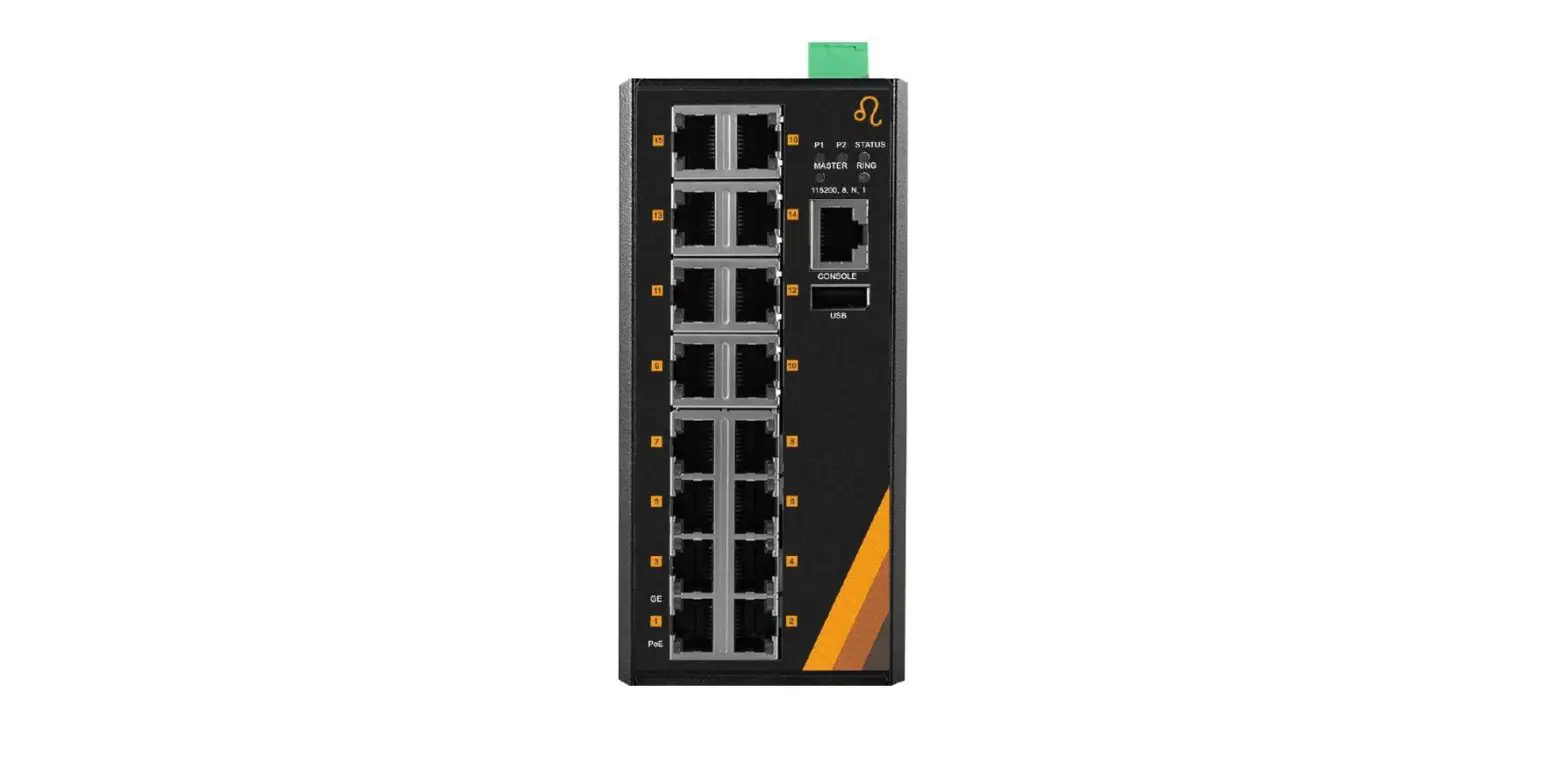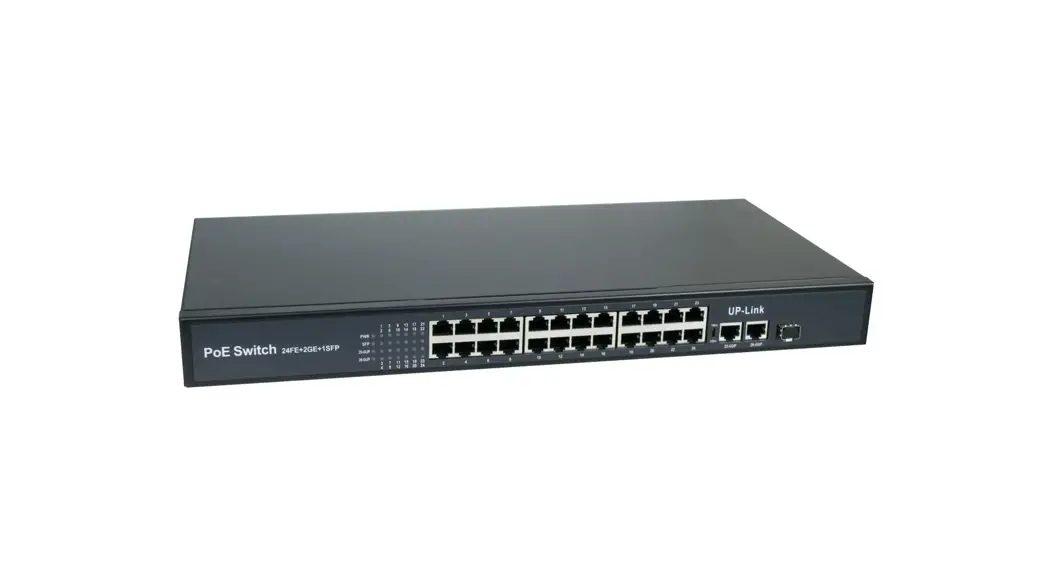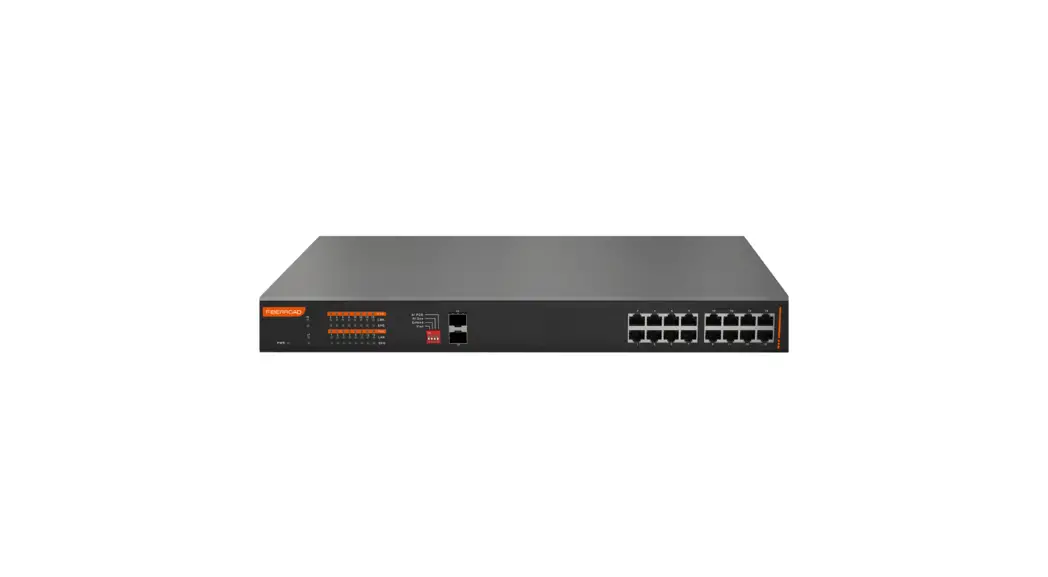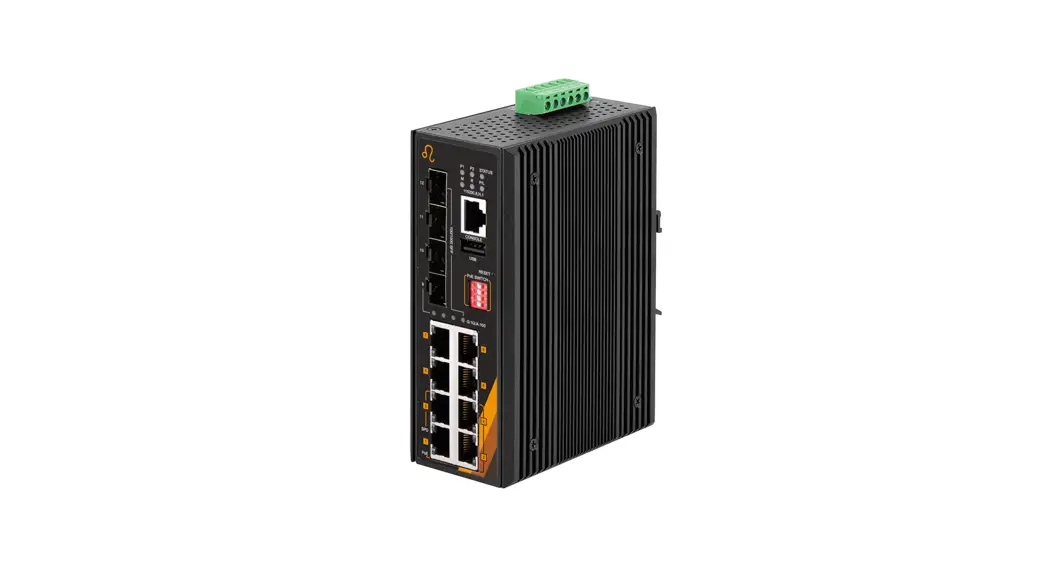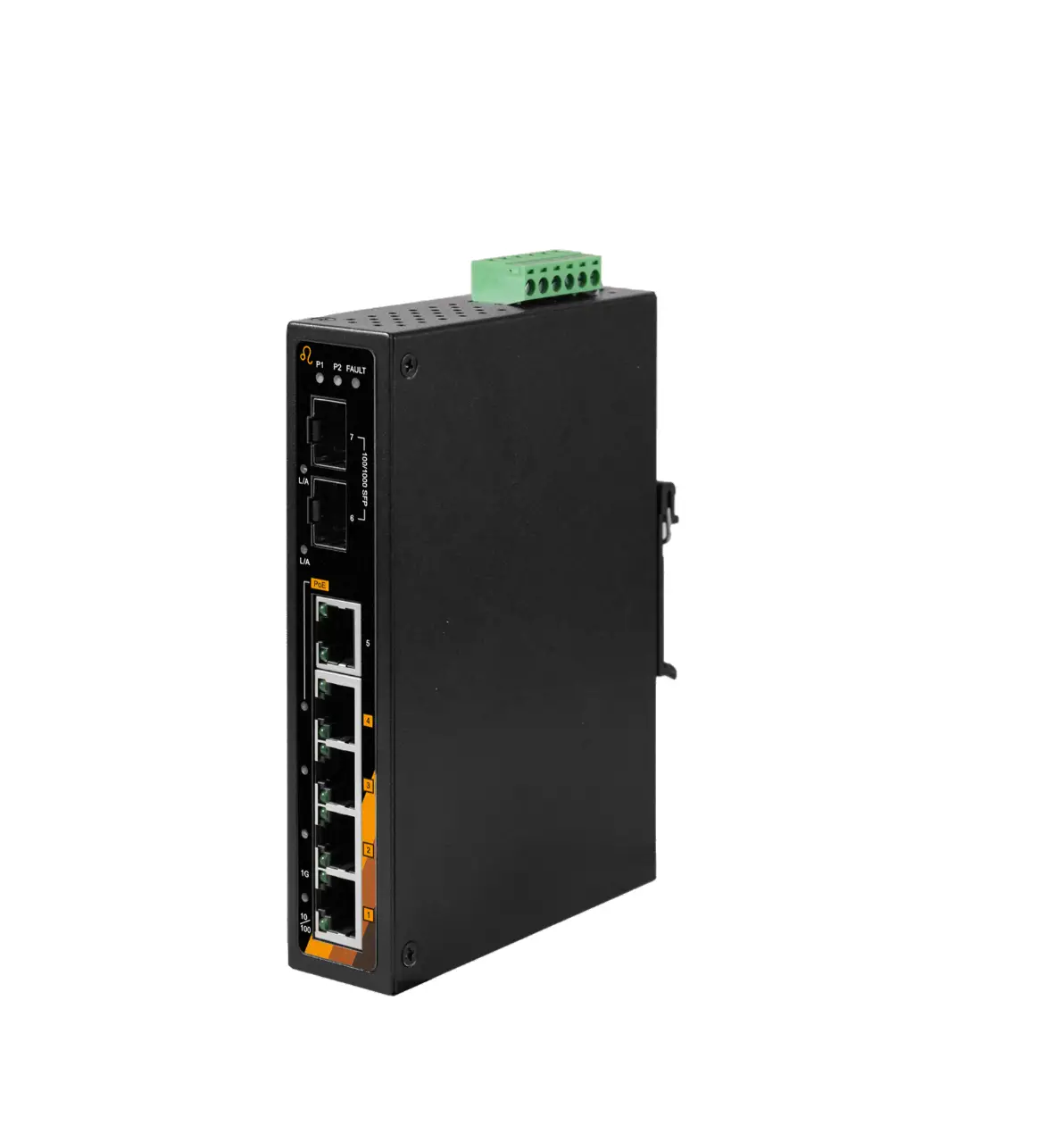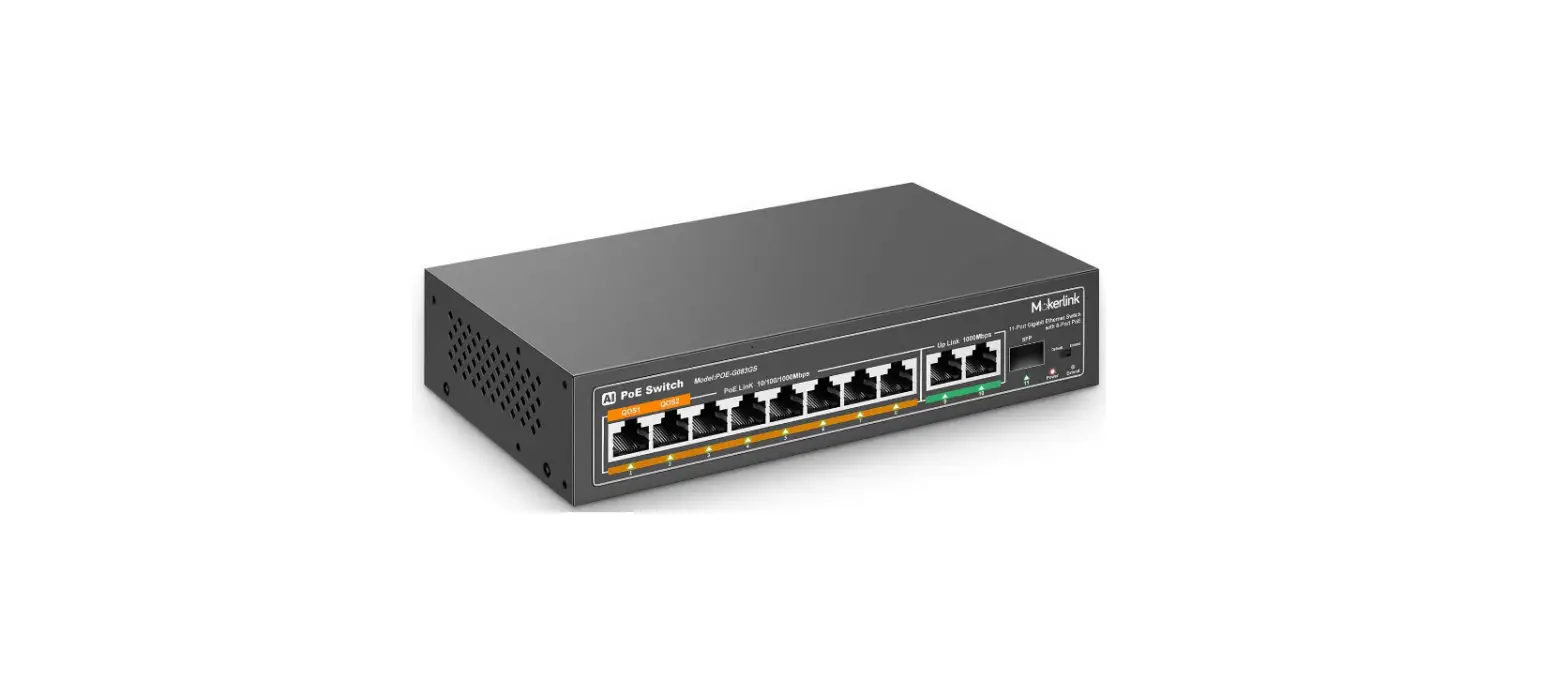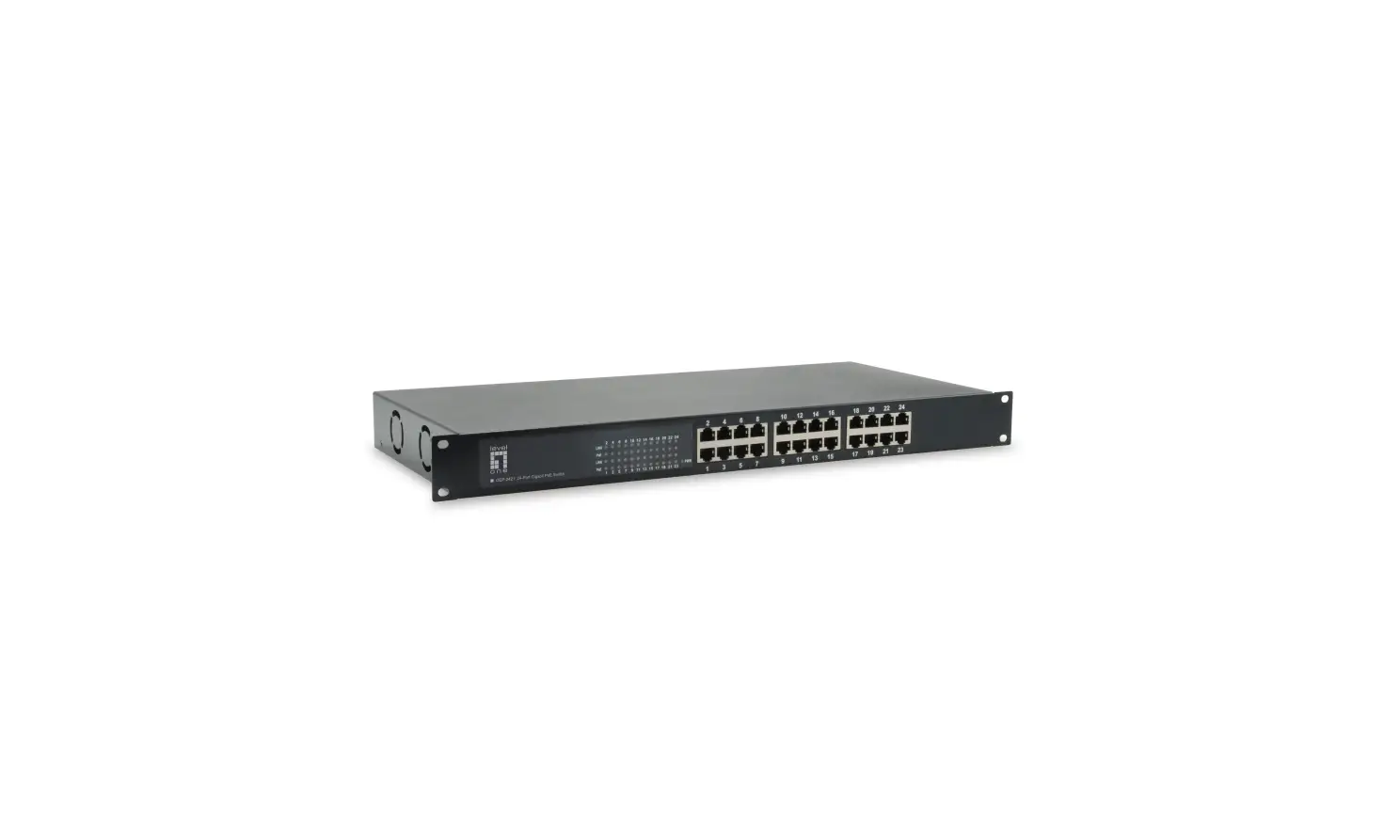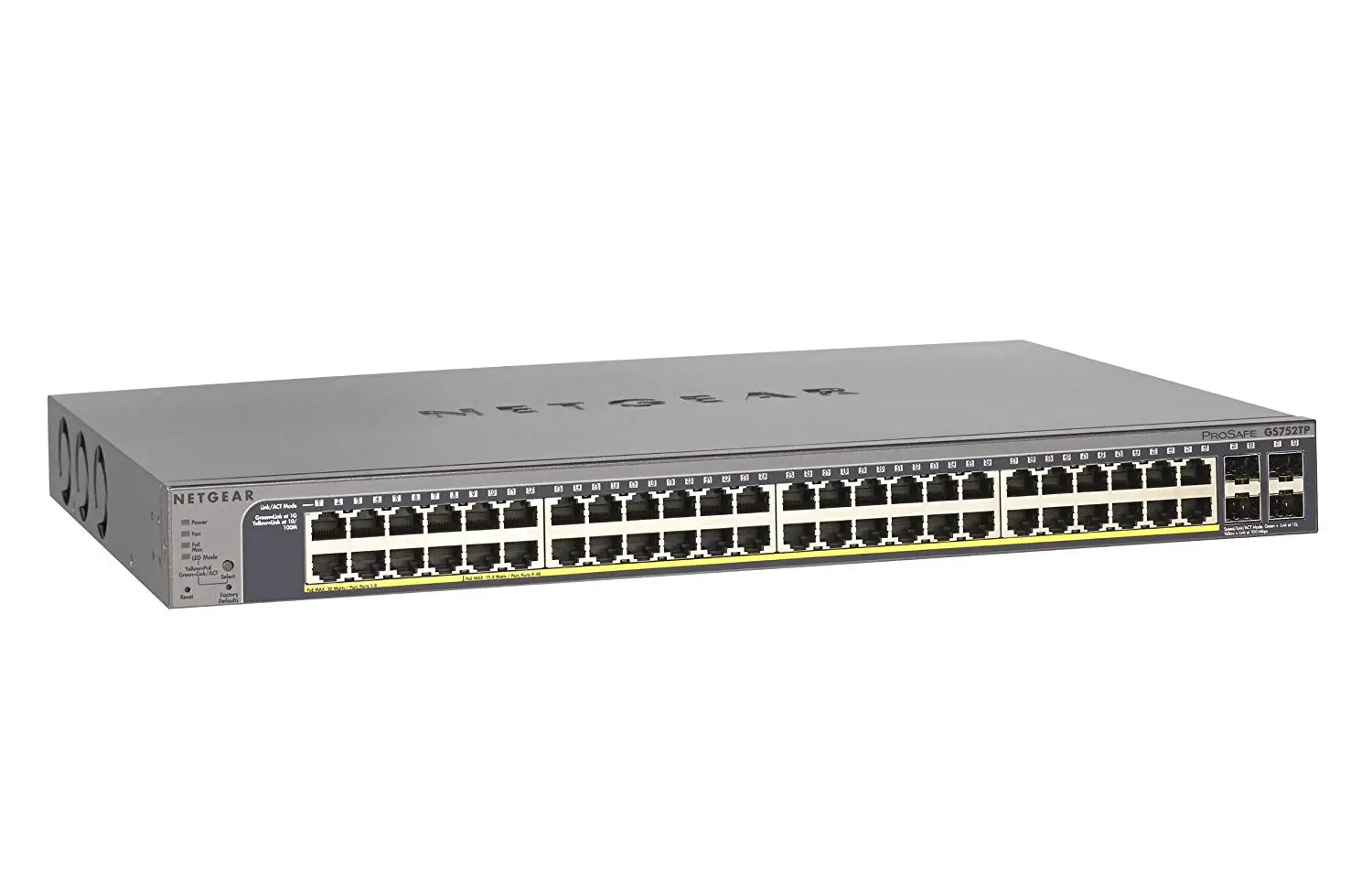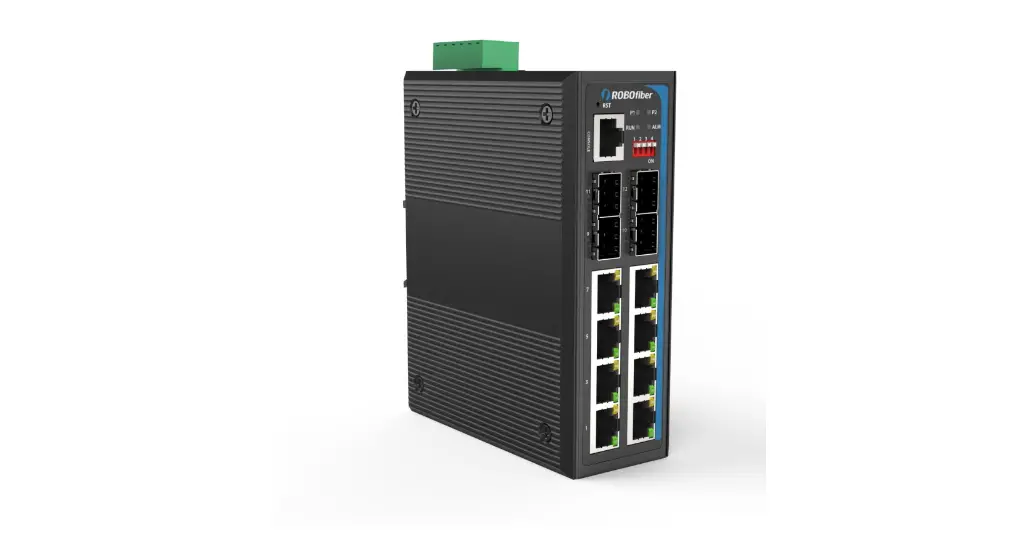

ROBOfiber HGW-804 Series Managed Switches Gigabit Ethernet (PoE included)
To remove unit from rail, please repeat procedure in reverse. Start by pulling out the bottom of unit from the DIN rail.
Wall mounting procedure
All Industrial switches from HGW series have DIN rail bracket mounted from factory to the rear panel of the unit. If Wall mounting is needed, please first remove the pre-installed DIN rail bracket.
Secure the wall mounting brackets to the switch as in the below diagram. You will need 4x M3 screws for the wall mounting brackets (included) and screws for wall securing that should have head diameter larger than 6mm and screw body less than 3.5mm (these screws are not included in the package)
FCC and CE markings
This equipment has been tested and found to comply with the limits for a Class B digital device, pursuant to part 15 of the FCC Rules. These limits are designed to provide reasonable protection against harmful interference in a residential installation. This equipment generates, uses and can radiate radio frequency energy and, if not installed and used in accordance with the instructions, may cause harmful interference to radio communications.
This is a CE class B device, intended to be used in residential, commercial or industrial applications.
Management manual
Please visit www.robofiber.com to download the PDF file management manual for all managed series switches.
Industrial Ethernet
Managed Switches Gigabit Ethernet (PoE included)
HGW-802SM, HGW-802SM-PSE, HGW-802SM-BT HGW-804SM, HGW-804SM-PSE, HGW-804SM-BT
Industrial Ethernet Managed Switches
Ordering Information
HGW-802SM Gigabit Ethernet Switch 8x 10/100/1000Base-Tx +2x 100/1000Base-X SFP slot ports, DIN rail and Wall mount installation console and web managed
HGW-802SM-PSE Gigabit Ethernet Switch 8x 10/100/1000Base-Tx +2x 100/1000Base-X SFP slot ports, DIN rail and Wall mount installation console and web managed, 240W available PoE budget
HGW-802SM-BT Gigabit Ethernet Switch 8x 10/100/1000Base-Tx +2x 100/1000Base-X SFP slot ports, DIN rail and Wall mount installation console and web managed, 480W available PoE budget
HGW-804SM Gigabit Ethernet Switch 8x 10/100/1000Base-Tx +4x 100/1000Base-X SFP slot ports, DIN rail and Wall mount installation console and web managed
HGW-804SM-PSE Gigabit Ethernet Switch 8x 10/100/1000Base-Tx +4x 100/1000Base-X SFP slot ports, DIN rail and Wall mount installation console and web managed, 240W available PoE budget
HGW-804SM-BT Gigabit Ethernet Switch 8x 10/100/1000Base-Tx +4x 100/1000Base-X SFP slot ports, DIN rail and Wall mount installation console and web managed, 480W available PoE budget
Overview
The Industrial Ethernet models listed above are high performance and reliability Ethernet switches. All Industrial models are hardened for -40 to
+75℃ operation and have 6KV surge protection on all ports. Largest configuration of the unmanaged models is 8 copper and 2 fiber ports. All PoE models deliver 30W per each UTP port supporting 802.3at PoE+ standard. Reliability is highly ranked with an MTBF exceeding 120,000 hours. All Industrial Ethernet models listed in this manual have passed IEC standards as described in the Technical Specifications table.
Package includes DIN rail mounting bracket, Wall bracket, screw block power connector and one User Manual.
required by the unit to avoid risk of wires overheating and any risk of fire. This is especially important for the PoE PSE equipment. As general rule, please keep power wiring on a different path from data cables and avoid crossing wires. This will reduce the risk of power surges on data ports.
Rear panel view with DIN rail and wall mounting brackets
(common rear view, may vary with model)

- Models
- HGW-802SM
- HGW-802SM-PSE
- HGW-802SM-BT
- HGW-804SM
- HGW-804SM-PSE
- HGW-804SM-BT
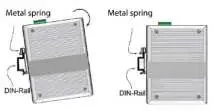
DIN rail mounting procedure
All Industrial switches from HGW series have DIN rail bracket mounted from factory to the rear panel of the unit. If Wall mounting is needed, please first remove the DIN rail bracket. If DIN rail bracket needs to be reattached, please make sure the spring is located on top position when unit is vertical.
- Step 1
Please hold unit as in below image, making sure top of bracket with spring falls onto the top edge of TS-35 DIN rail - Step 2
Rotate and snap the unit onto the DIN rail by pushing the bottom unto the TS-35 DIN rail. Unit will be secured to rail.
Technical specifications by model
| Model | HGW-802SM | HGW-802SM-PSE | HGW-802SM-BT | HGW-804SM | HGW-804SM-PSE | HGW-804SM-BT |
| TP ports (RJ45) | 8 x 10/100/1000 | 8 x 10/100/1000 | 8 x 10/100/1000 | 8 x 10/100/1000 | 8 x 10/100/1000 | 8 x 10/100/1000 |
| SFP slots | 2 x 100/1000 | 2 x 100/1000 | 2 x 100/1000 | 4 x 100/1000 | 4 x 100/1000 | 4 x 100/1000 |
| LEDs | PWR, Fiber LNK/ACT, UTP GRN/YLW | PWR, Fiber LNK/ACT, UTP GRN/YLW | PWR, Fiber LNK/ACT, UTP GRN/YLW, SYS | PWR, Fiber LNK/ACT, UTP GRN/YLW | PWR, Fiber LNK/ACT, UTP GRN/YLW | PWR, Fiber LNK/ACT, UTP GRN/YLW, SYS |
| Network Protocols | CSMA/CD | CSMA/CD | CSMA/CD | CSMA/CD | CSMA/CD | CSMA/CD |
| Bandwidth | 20G | 20G | 20G | 20G | 20G | 20G |
| Packet buffer size | 4M | 4M | 4M | 4M | 4M | 4M |
| Packet max. size (bytes) | 10K | 10K | 10K | 10K | 10K | 10K |
| MAC address table size | 8K | 8K | 8K | 8K | 8K | 8K |
| Safety | CE/LVD EN60950 | CE/LVD EN60950 | CE/LVD EN60950 | CE/LVD EN60950 | CE/LVD EN60950 | CE/LVD EN60950 |
| Power input | DC 9~56V | DC 48~56V | DC 52~56V | DC 9~56V | DC 48~56V | DC 52~56V |
| Reverse Polarity Protection | yes | yes | yes | yes | yes | yes |
| PoE budget | none | 240W | 480W | none | 240W | 480W |
| Max PoE power per port | n/a | 30W | 90W | n/a | 30W | 90W |
| Mounting DIN rail bracket | yes | yes | yes | yes | yes | yes |
| Mounting Wall bracket | yes | yes | yes | yes | yes | yes |
| Operating Temp (℃) | -40 ~ +75 | -40 ~ +75 | -40 ~ +75 | -40 ~ +75 | -40 ~ +75 | -40 ~ +75 |
| Storage Temp (℃) | -50 ~ +85 | -50 ~ +85 | -50 ~ +85 | -50 ~ +85 | -50 ~ +85 | -50 ~ +85 |
| Operating Humidity | 10 ~ 90% non-condensing | |||||
| Dimensions (mm) * | 138x 108x 49 | 138x 108x 49 | 138x 108x 49 | 138x 108x 49 | 138x 108x 49 | 138x 108x 490 |
| Weight (g) | 650 | 750 | 750 | 700 | 800 | 800 |
| MTBF | 120,000 hours | |||||
| Warranty | 3 years | 3 years | 3 years | 3 years | 3 years | 3 years |
| Industrial Compliance | ||||||
| EMI | FCC Part 15 Subpart B Class A, EN 55022 Class A | |||||
| EMS | EN 61000-4-2 (ESD) Level 3 Criteria B, EN 61000-4-3 (RS) Level 3 Criteria A, EN 61000-4-4 (EFT) Level 3 Criteria A, EN 61000-4-5 (Surge) Level 3 Criteria B, EN 61000-4-6 (CS) Level 3 Criteria A, EN 61000-4-8(PFMF, Magnetic Field) Field Strength 300A/m Criteria A | |||||
| Vibration | IEC 60068-2-6 | |||||
| Freefall | IEC 60068-2-32 | |||||
| Shock | IEC 60068-2-27 | |||||
| Rail Traffic | EN 50121-4 | |||||
| Traffic Control | NEMA-TS2 | |||||
* Dimensions are taken with no SFPs inserted, nor power block connectors
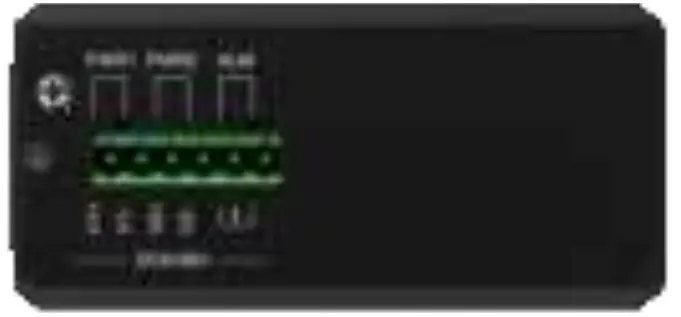
Top panel view
(Common top view, may vary with model)
Models
- HGW-802SM
- HGW-802SM-PSE
- HGW-802SM-BT
- HGW-804SM
- HGW-804SM-PSE
- HGW-804SM-BT
Front DIP Switch
| DIP | State | Description |
| #1 | ON | RSTP Disabled |
| OFF | RSTP Enable | |
| #2 | ON | Port VLAN Enable |
| OFF | Port VLAN Disable | |
| #3 | ON | SFP Port is 100M |
| OFF | SFP Port 100/1000M | |
| #4 | Function Reserve |
NOTE:
- When RSTP switches to the ON position, it indicates RSTP is in disabled status.
- When VLAN switches to the ON position, it indicates VLAN is enabled. All LAN ports can only communicate with the SFP uplinks when this option is enabled.
- To enable the changed configuration of DIP Switch function, please reboot the Ethernet switch after tuning the DIP switch.
Top panel has terminal screw block for PWR1 and PWR2 input as well as Alarm Relay output and M3 grounding screw.
Note: For PSE models 48V input is required.
Alarm Relay wiring

The alarm relay is closed during normal operation. If a Fault is encountered (like power supply input lost) then relay contacts become open until fault is remedied
Power input wiring

There are two independent and redundant power inputs, marked PWR1 and PWR2. Please observe voltage polarity when wiring power to the screw block connector. Please complete wiring without hot wires and with screw block connector disconnected from switch.
Installation warning
Please make sure of proper electrical grounding availability before powering up device. The unit should be grounded using either the M3 grounding screw or making sure the DIN rail installation or wall mount brackets are correctly grounded. Make sure power wires have adequate gauge for the power
Features
- IEEE 802.3 10Base-T, 802.3u 100Base-TX, 802.3z 1000Base-T, 802.3af and 802.3at, 802.3bt support
- Auto-Negotiation and Auto MDI/MDIX
- 6kV Ethernet surge protection on all TP ports
- Full-duplex and Half-duplex flow control modes
- Auto PoE detection for connected PD devices
- 15.4W PoE power for IEEE 802.3af and 30W PoE power for IEEE 802.3at standard, 90W PoE power for iEEE802.3bt for each copper port (PSE models only)
- Store and forward switching mechanism
- Extreme -40 ~ +75 Celsius operating temperature
- DIN rail or Wall mount installation options, IP40 rated housing
- 9-56V DC wide power input (48-56V DC for PoE PSE models)
LED Indicators (markings will vary with models)
| Function | |
| PWR | Off – No power available; On – Power is present |
| Fiber LK/ACT LINK | Off – No link; On – Fiber link OK; Blinking – data traffic present |
| UTP GREEN | Off – 10M/100M; On – 1000M on RJ45 port |
| UTP YELLOW | Off – No link; On – UTP link OK; Blinking – data traffic present |
| SYS | Off – Switch failed; On – Switch operating normally |
Note: Gigabit models require approx. 10 seconds from “Power On” to start operating
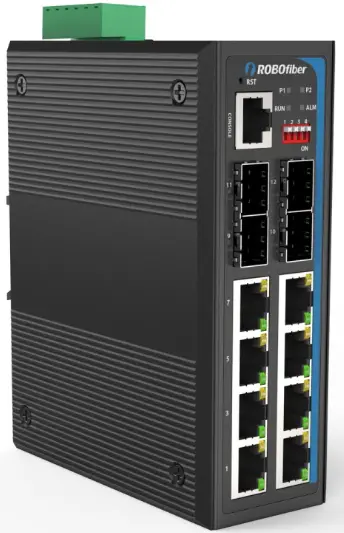
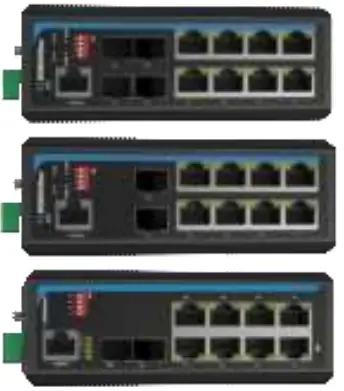
Switch front plate view
(Common front view, may vary with model)
Models
- HGW-804SM
- HGW-804SM-PSE
- HGW-804SM-BT
- HGW-802SM-PSE
- HGW-802SM-BT
- HGW-802SM
 ROBOfiber, Inc.