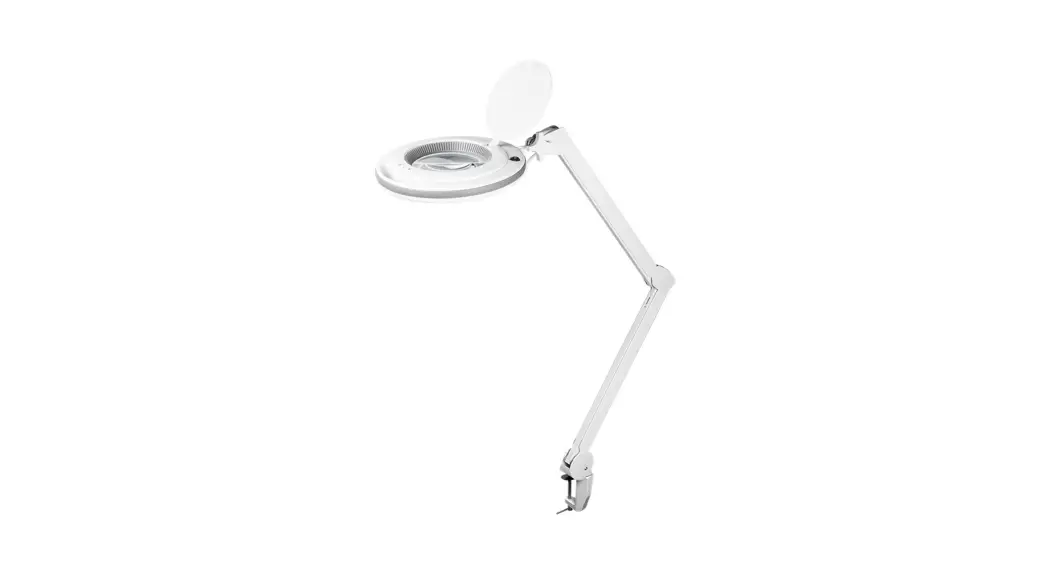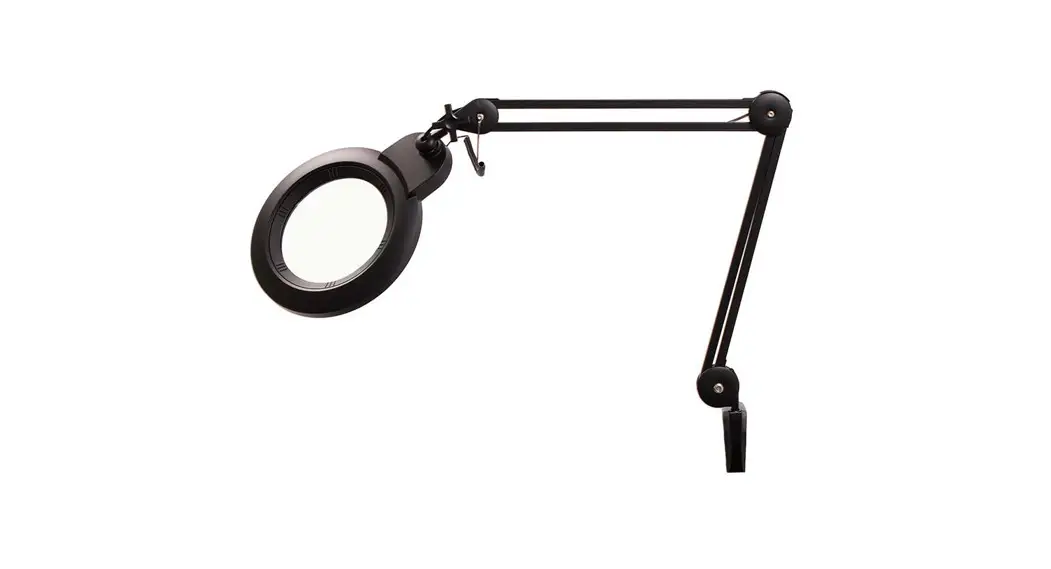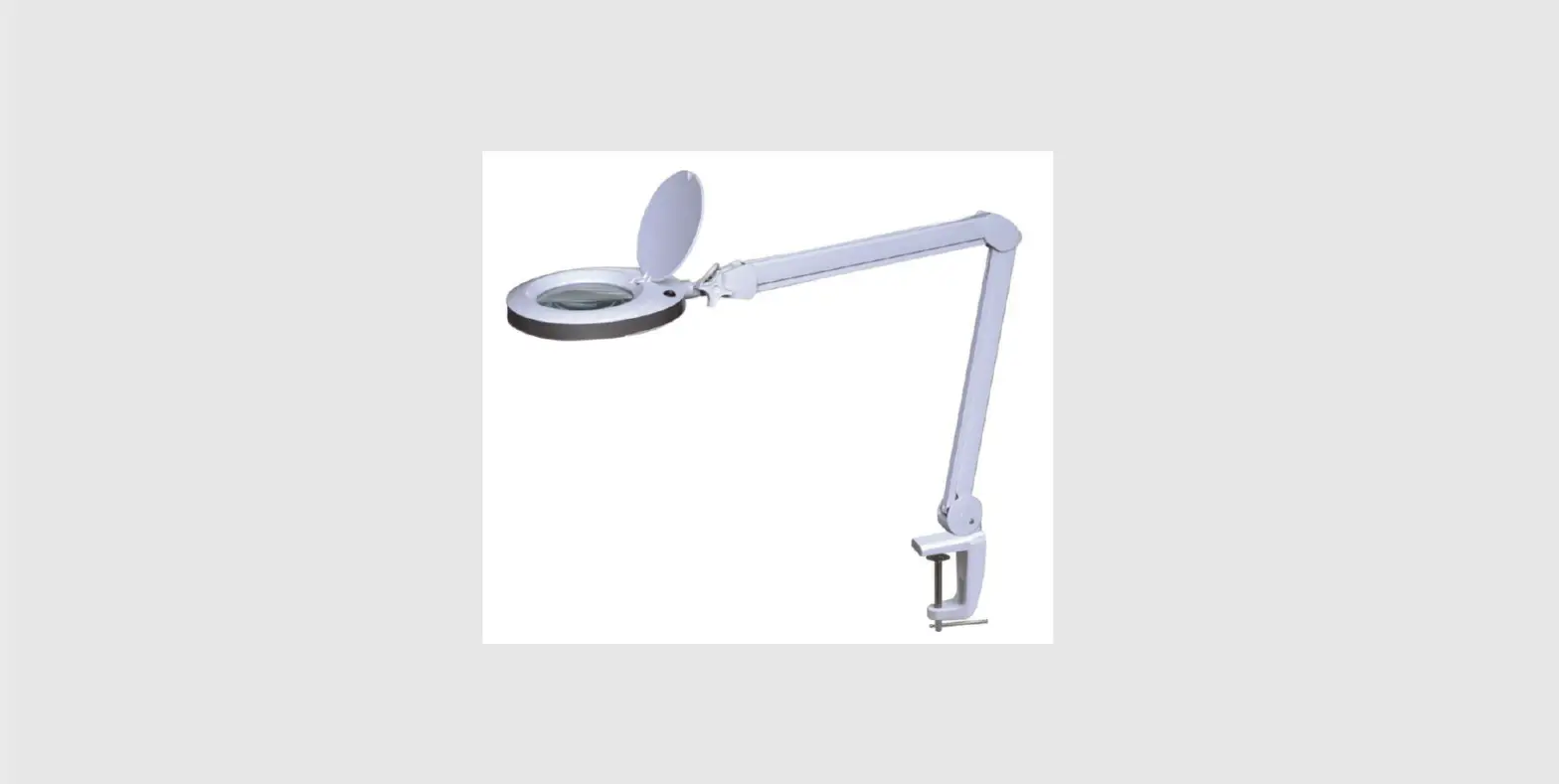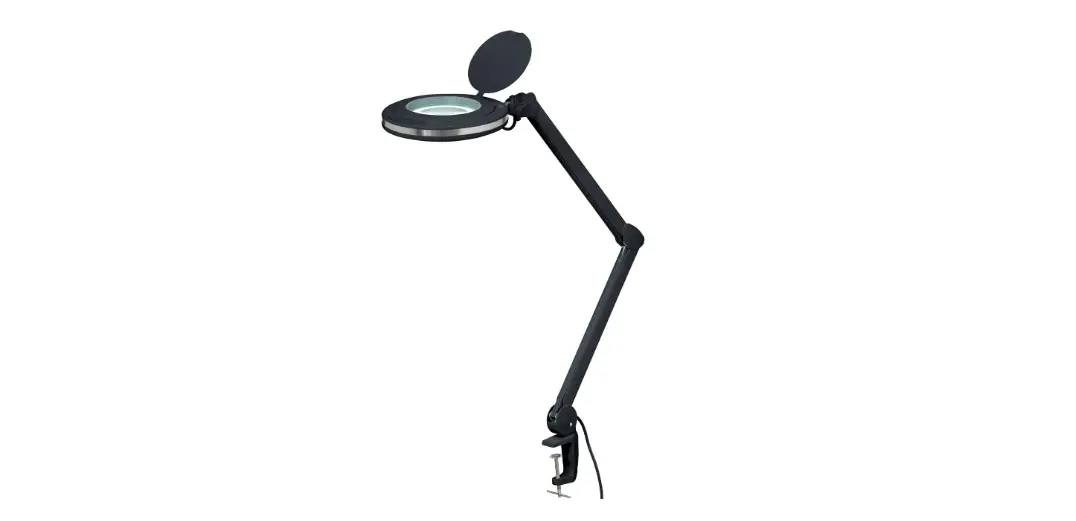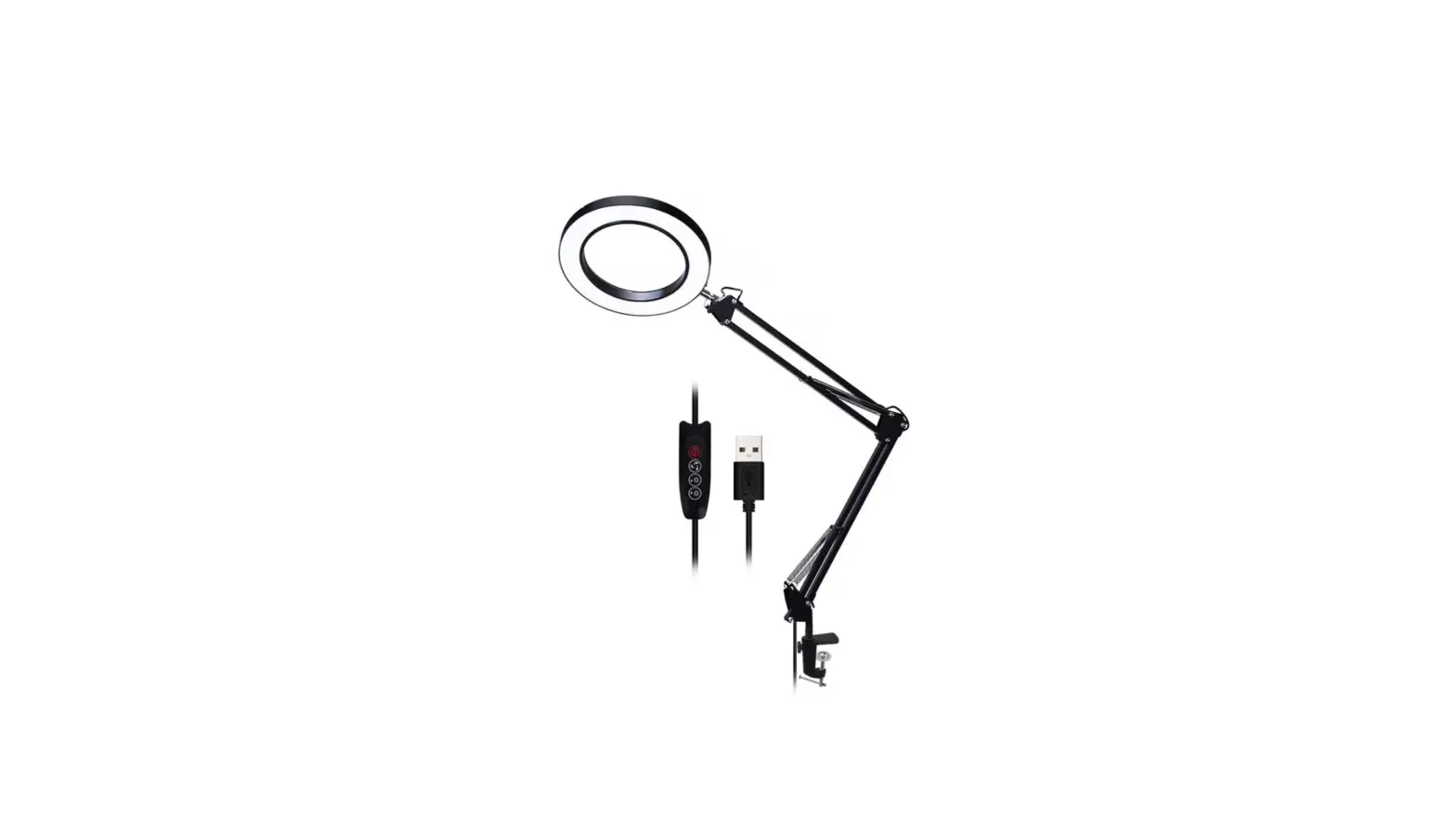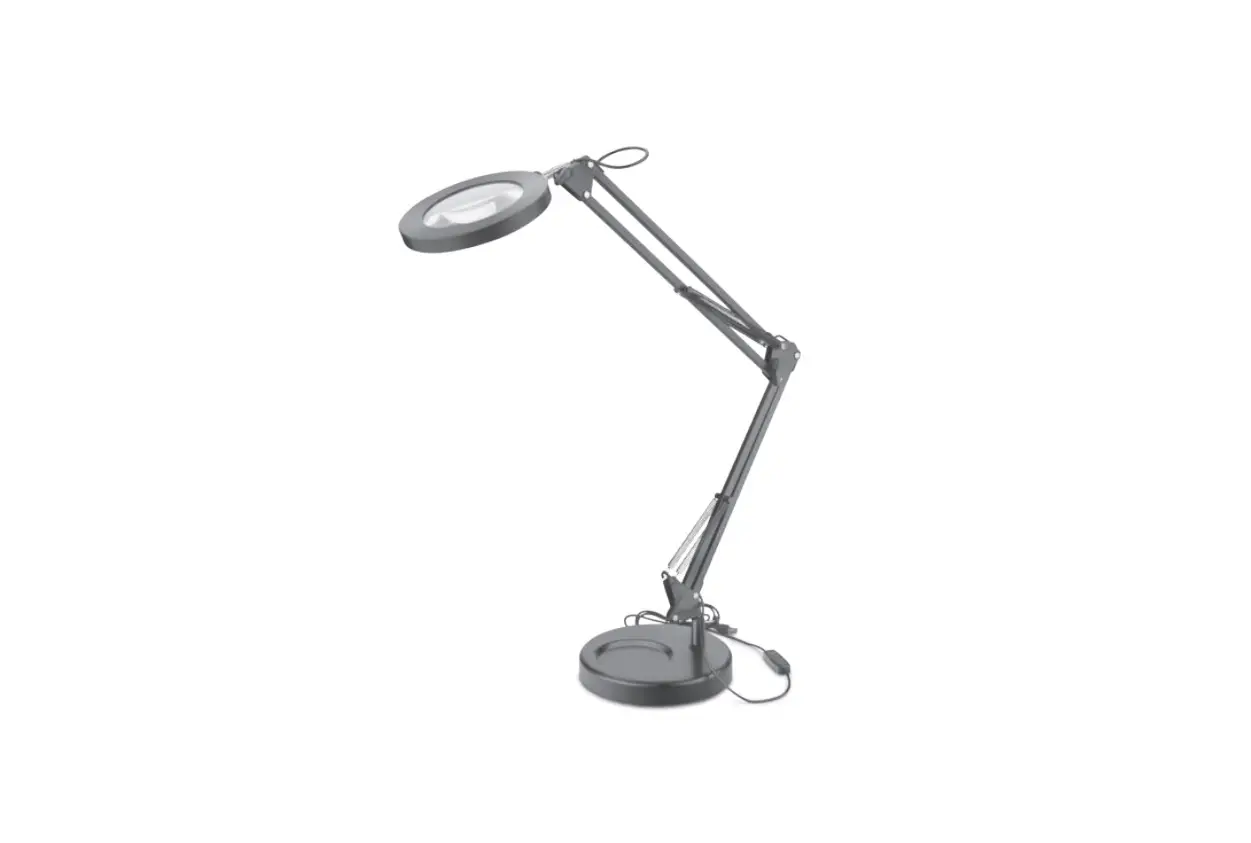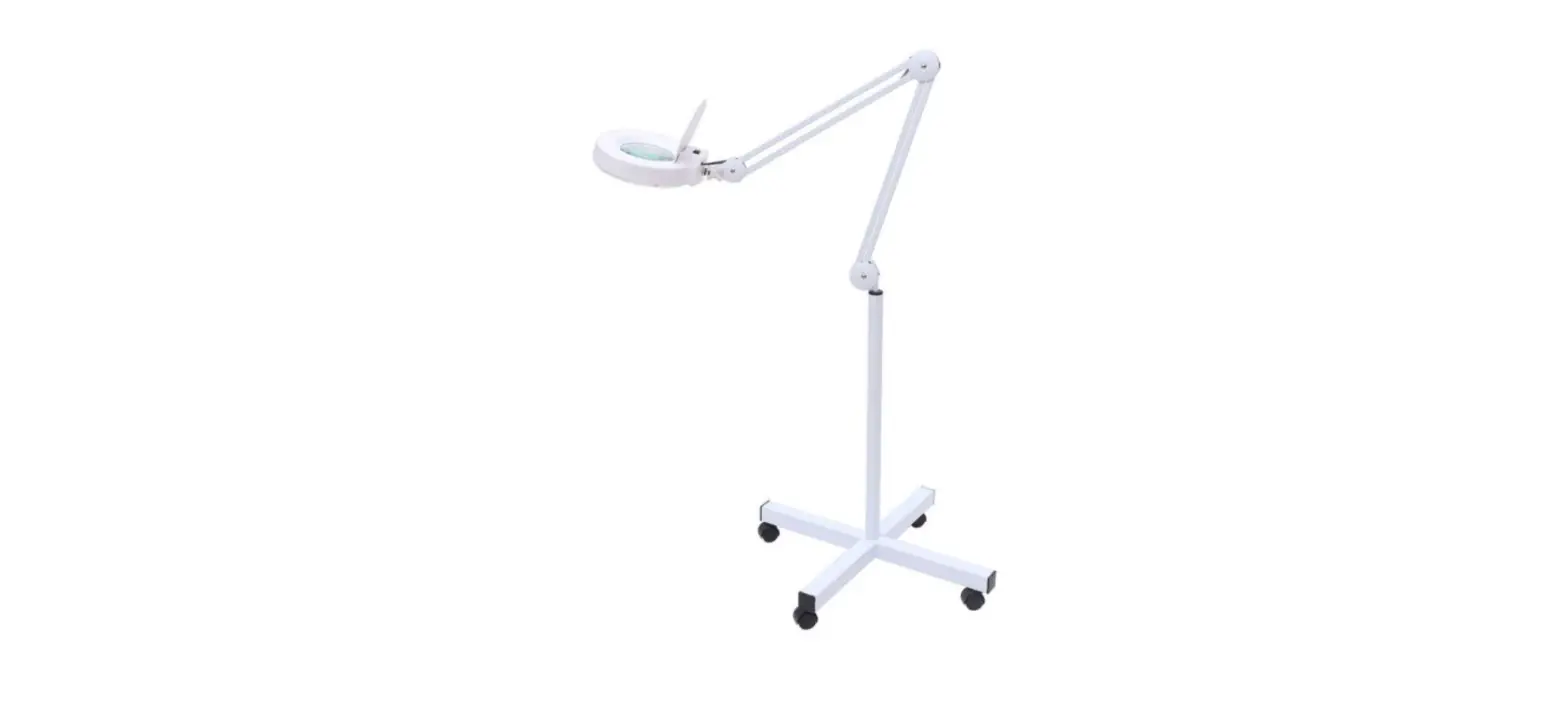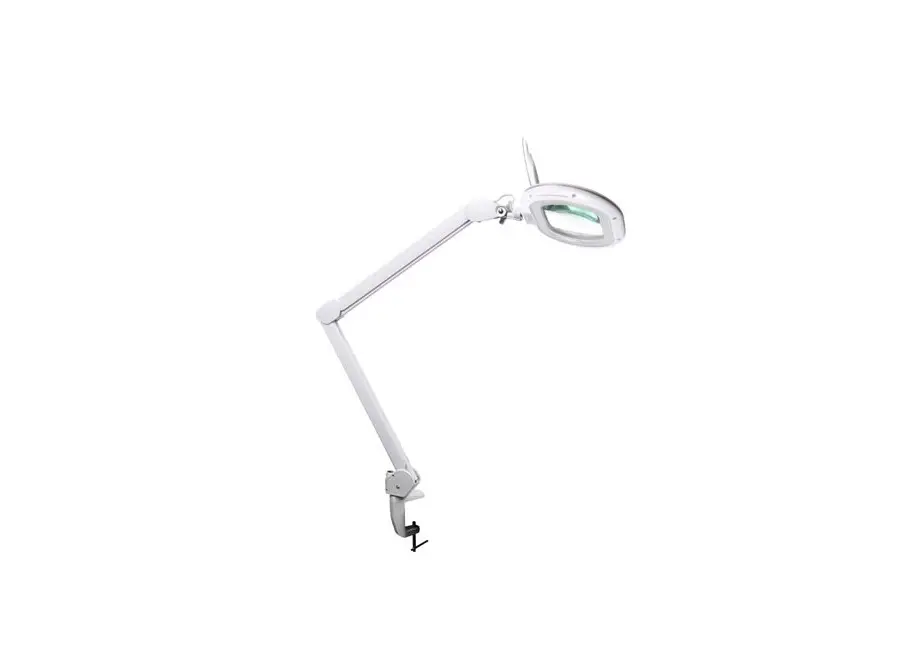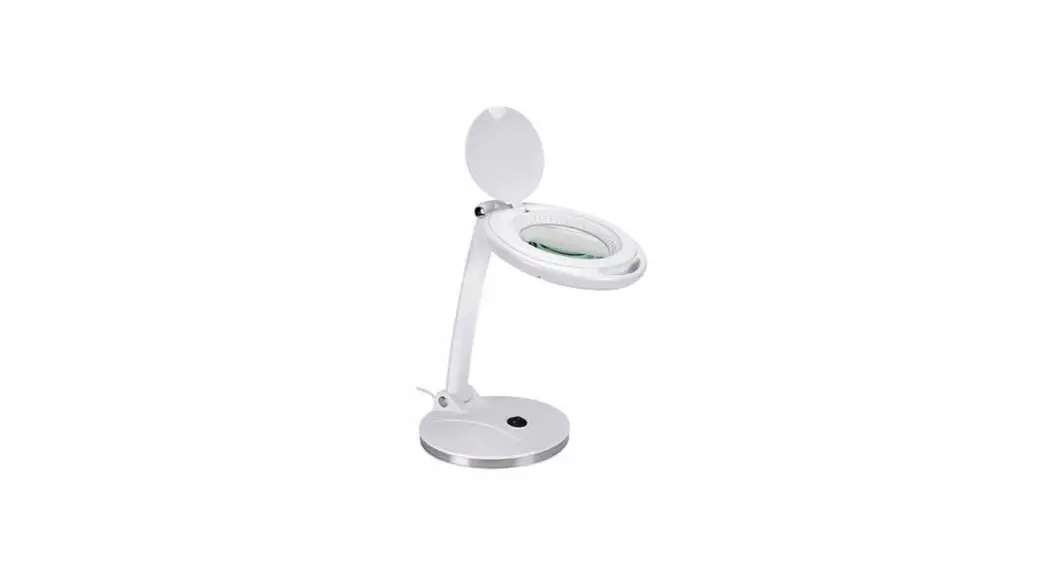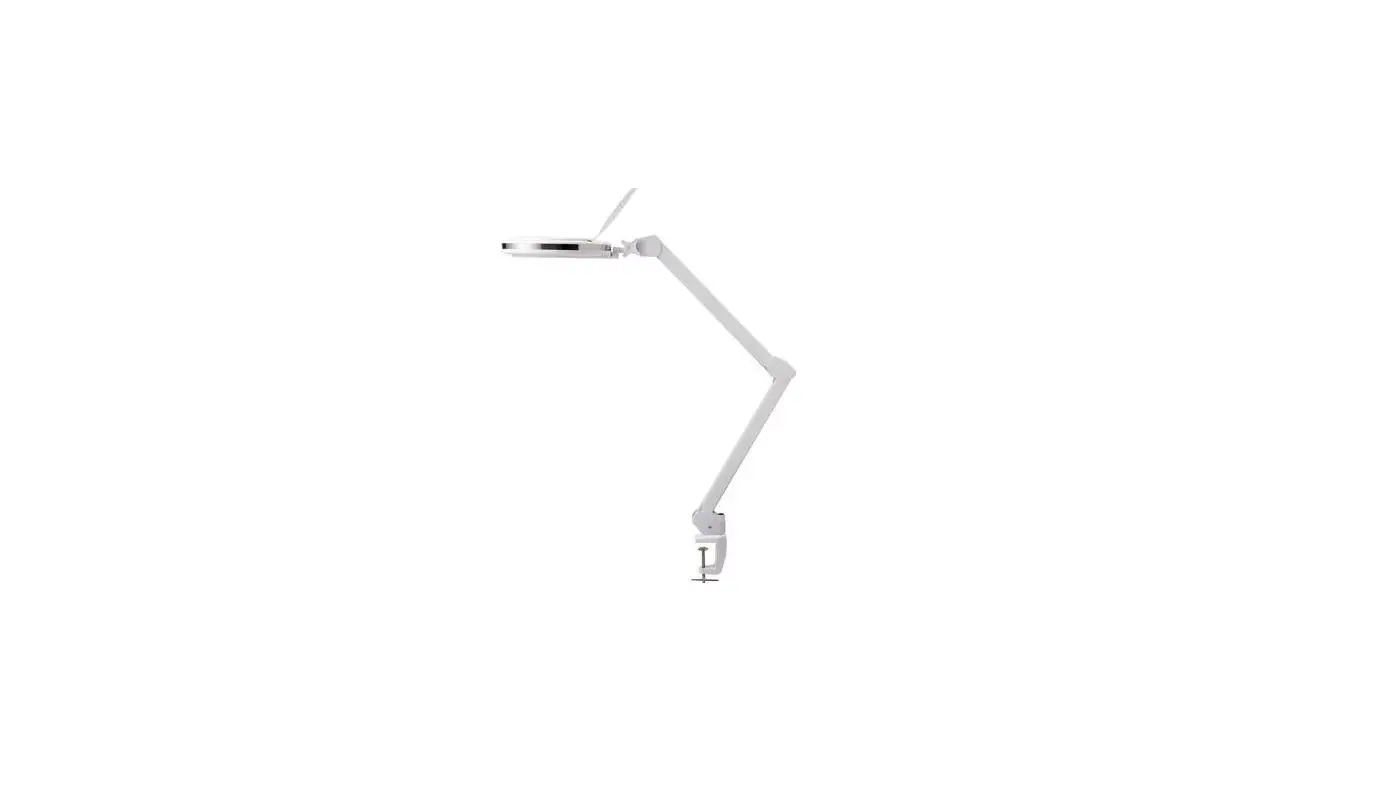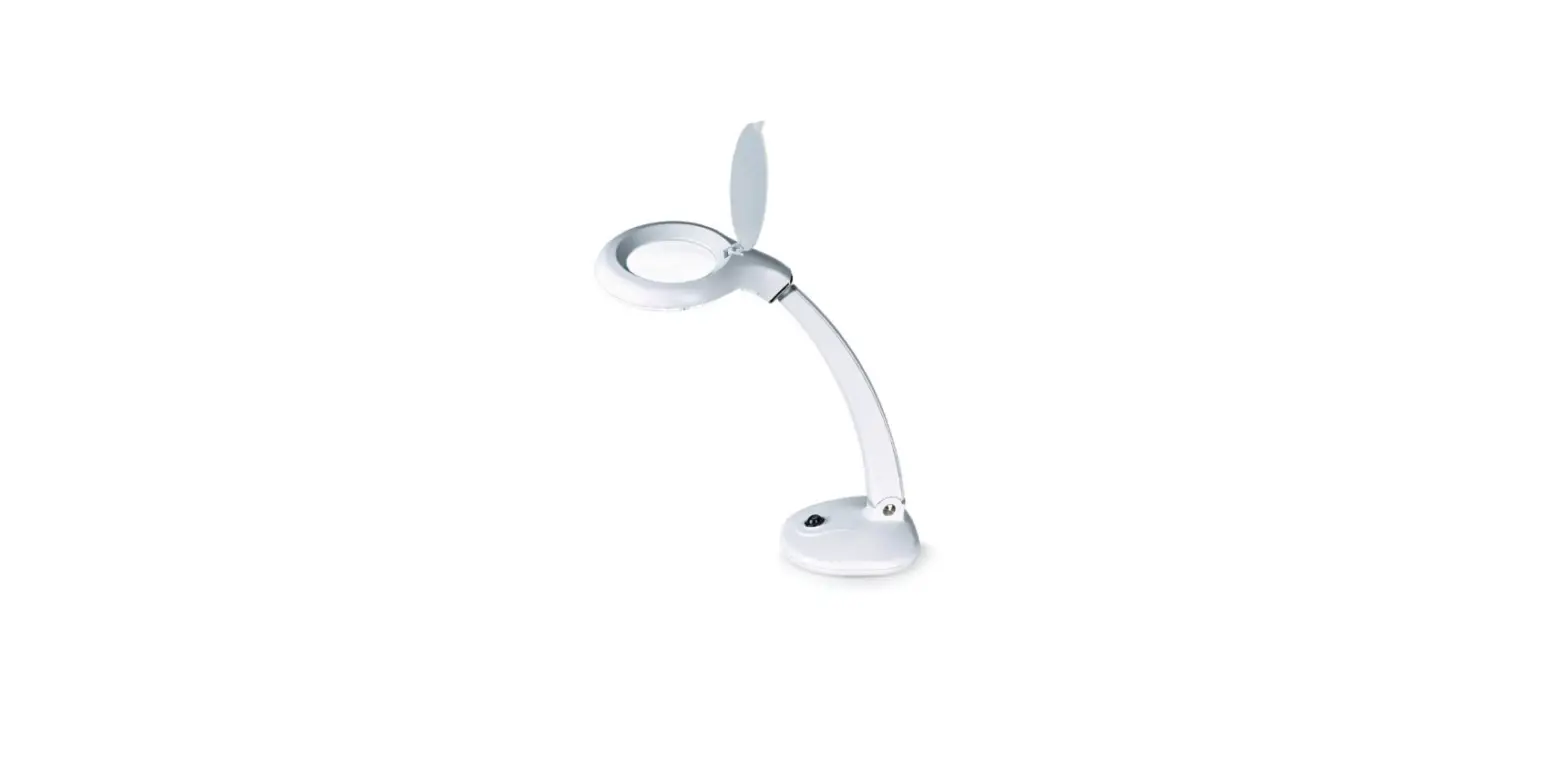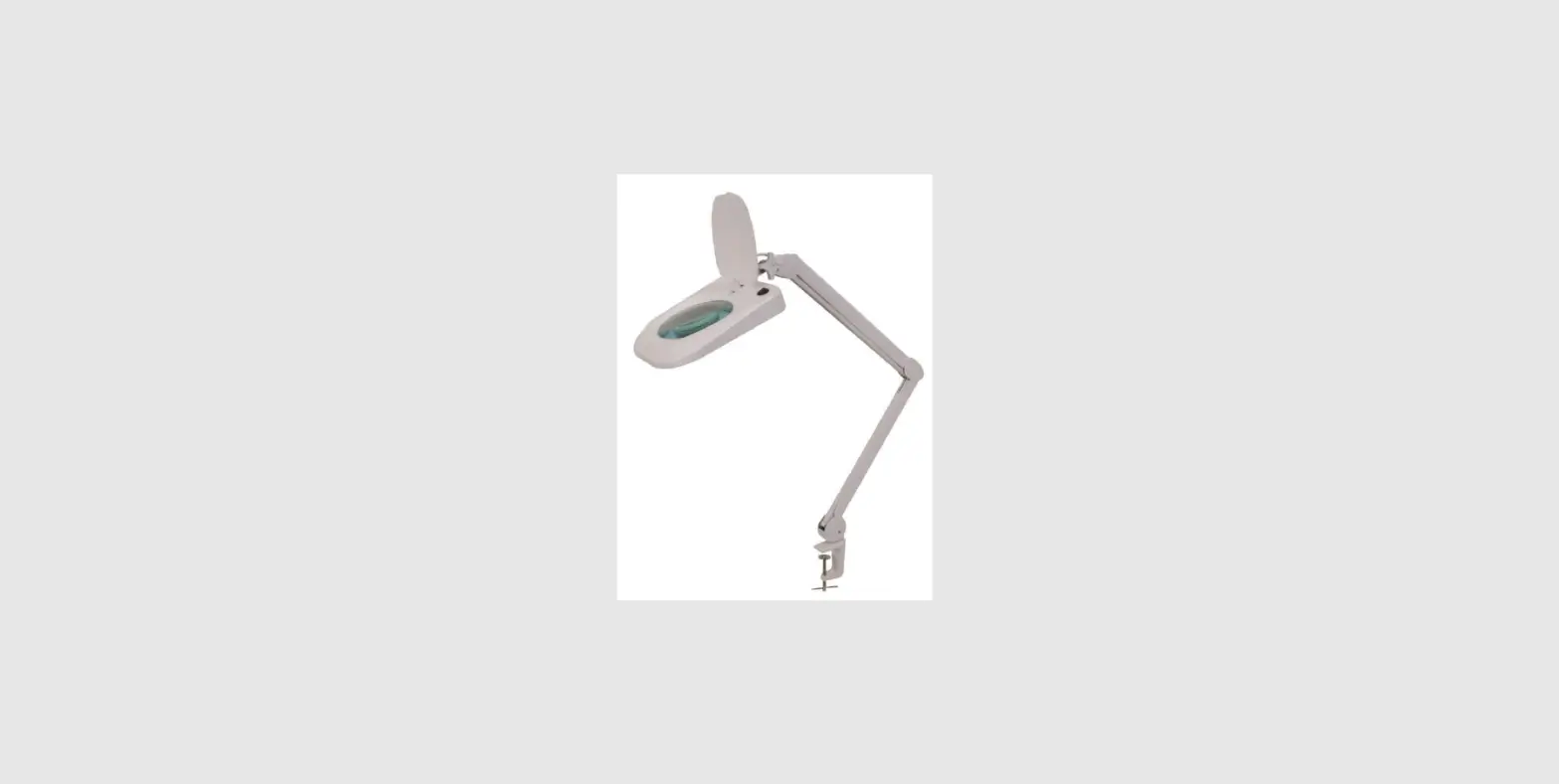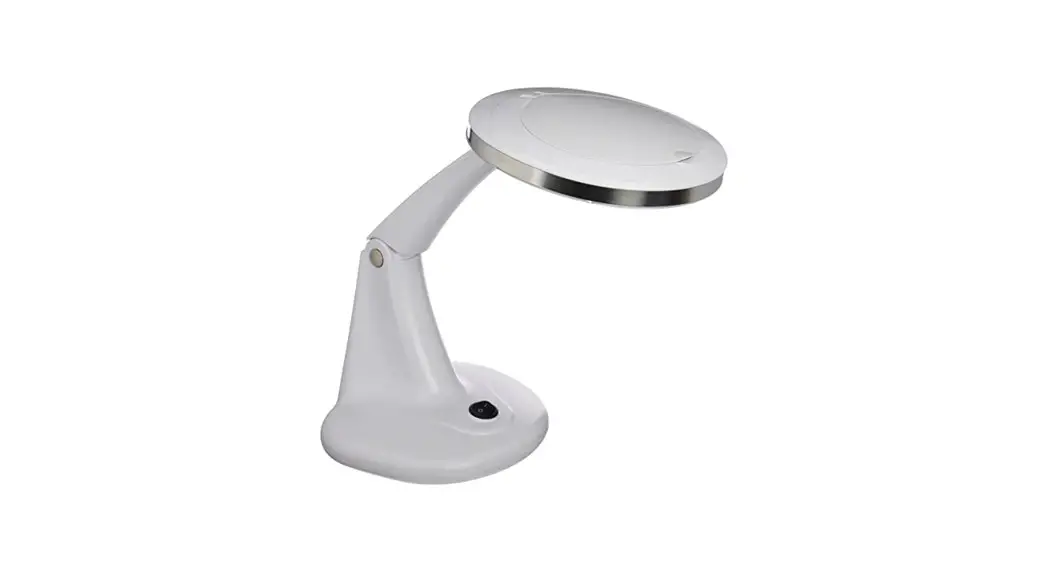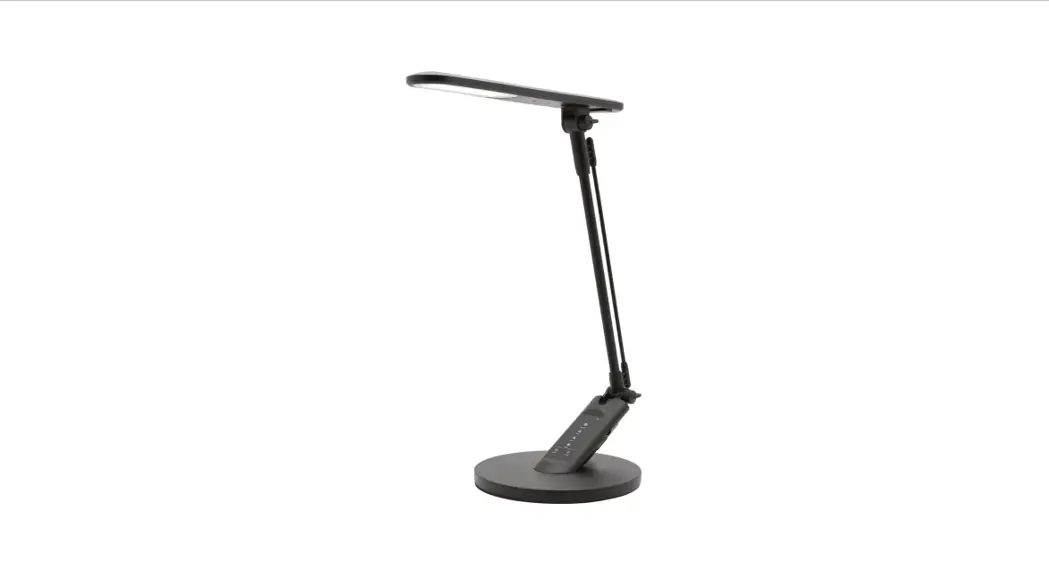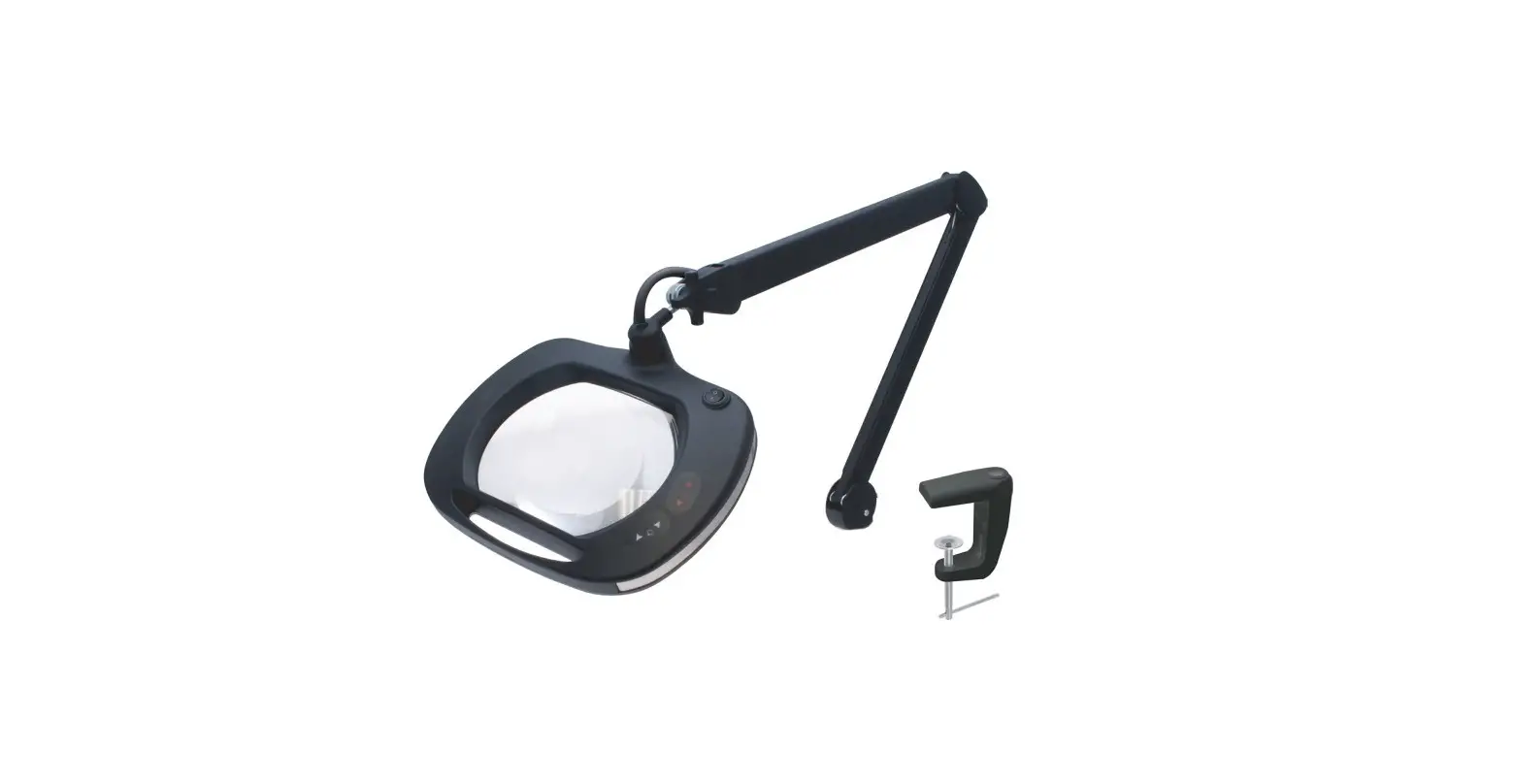
ideal-tek LE-UVWE5D Magnifying LED Lamp User Manual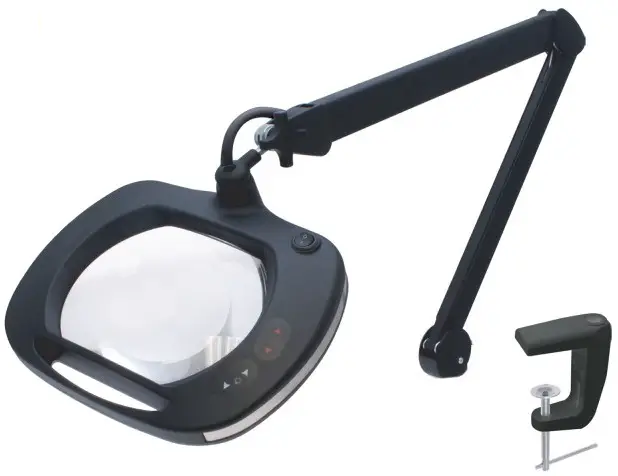
PRODUCT INFORMATION
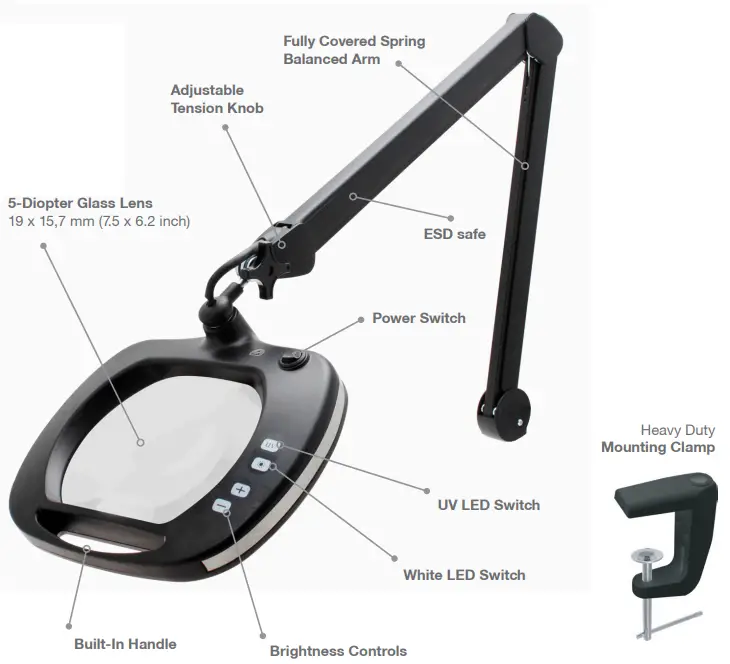
Magnification | 2.25X (5-Diopter) |
| Lens Dimension | 19 x 15,7 mm (7.5” x 6.2”) |
Color | Black |
| Lighting | 48 White LEDs ( 6500K ) 30 UV LEDs ( 400nm ) |
Lumen | Max: 1100Lm |
| ESD safe | Yes |
ASSEMBLY
- LE-UVWE5D package includes the following items:
- LE-UVWE5D unit
- Heavy Duty Mounting Clamp
- Power Supply
- LE-UVWE5D manual
Mounting LE-UVWE5D Magnifying Lamp
- Attach the mounting clamp to the side of your work bench and hand tighten
- Then insert LE-UVWE5D lamp into the hole of the mounting table clamp
HOW TO USE
Using Your LE-UVWE5D Magnifying Lamp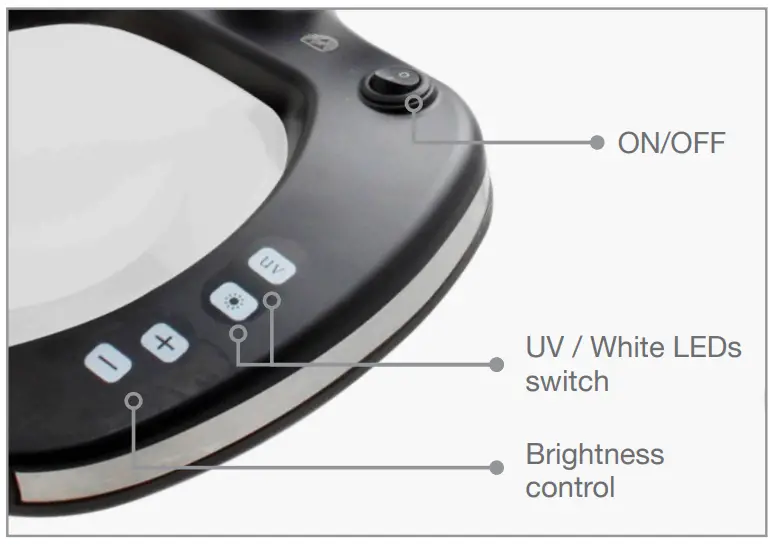
- Connect LE-UVWE5D to a power outlet
- Turn the power ON/OFF by pressing the Power Switch
- Select White LEDs or UV LEDs
- Adjust the brightness with the LED Brightness Control (works with White LEDs only)
Adjusting Arm Position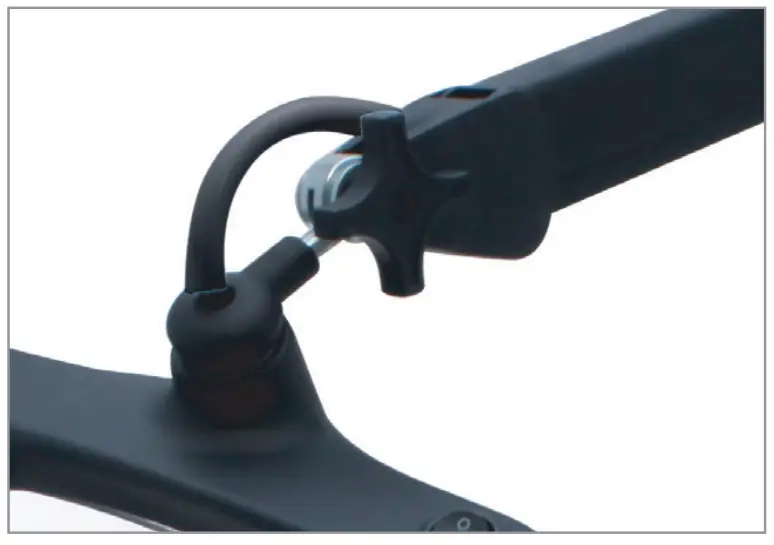
- Loosen the Adjustable Tension Knob
- Set the desired position and lamp head angle, and re-tighten

 Ideal-tek - Swiss High precision tools since 1964