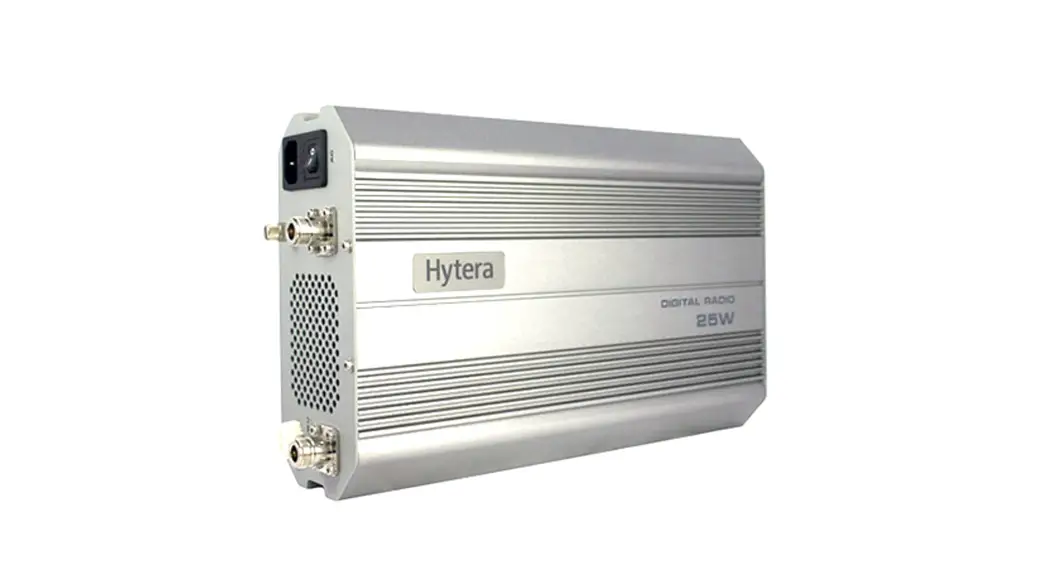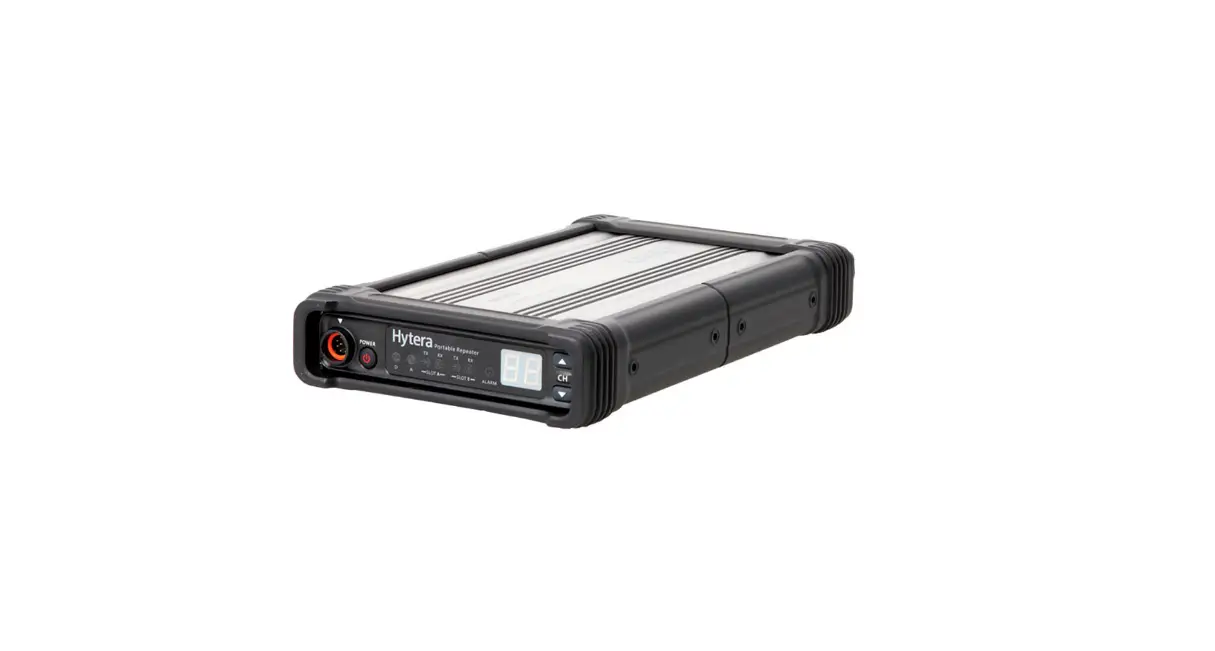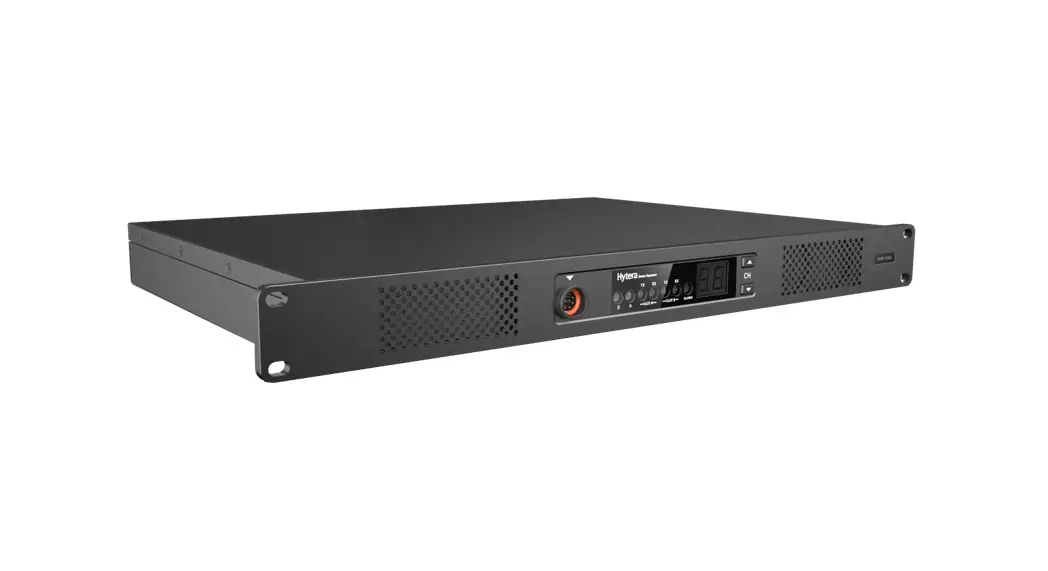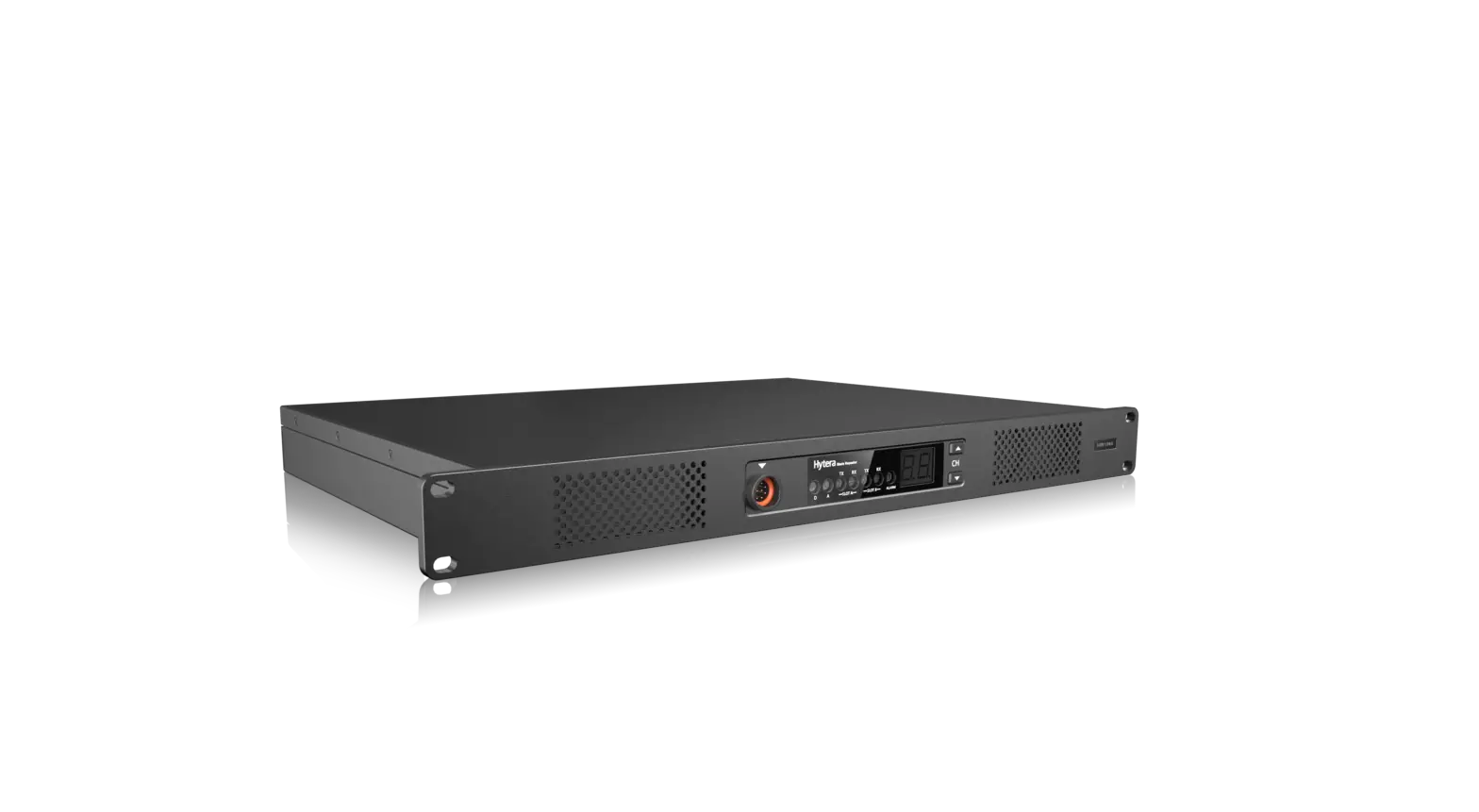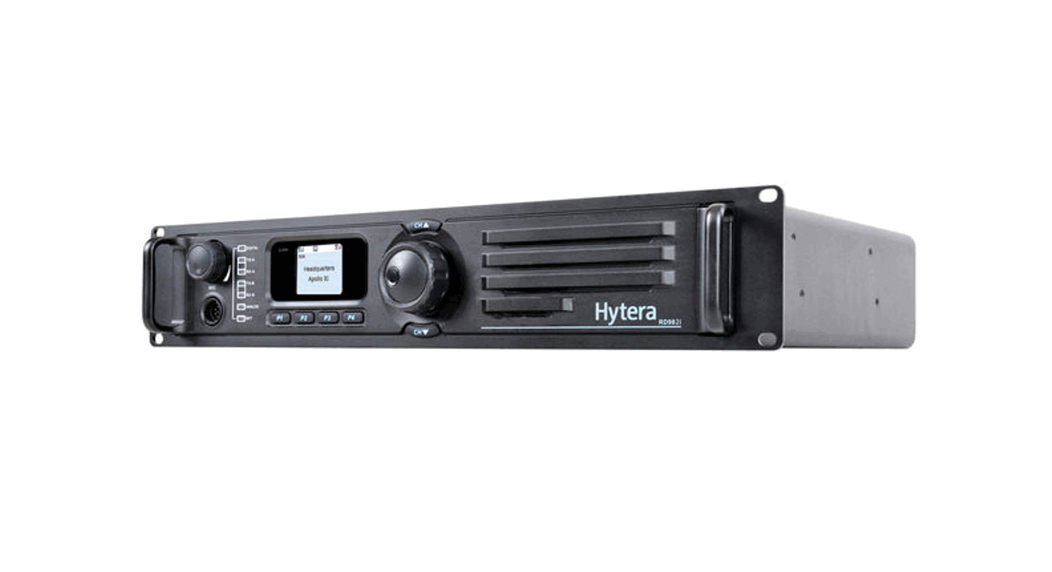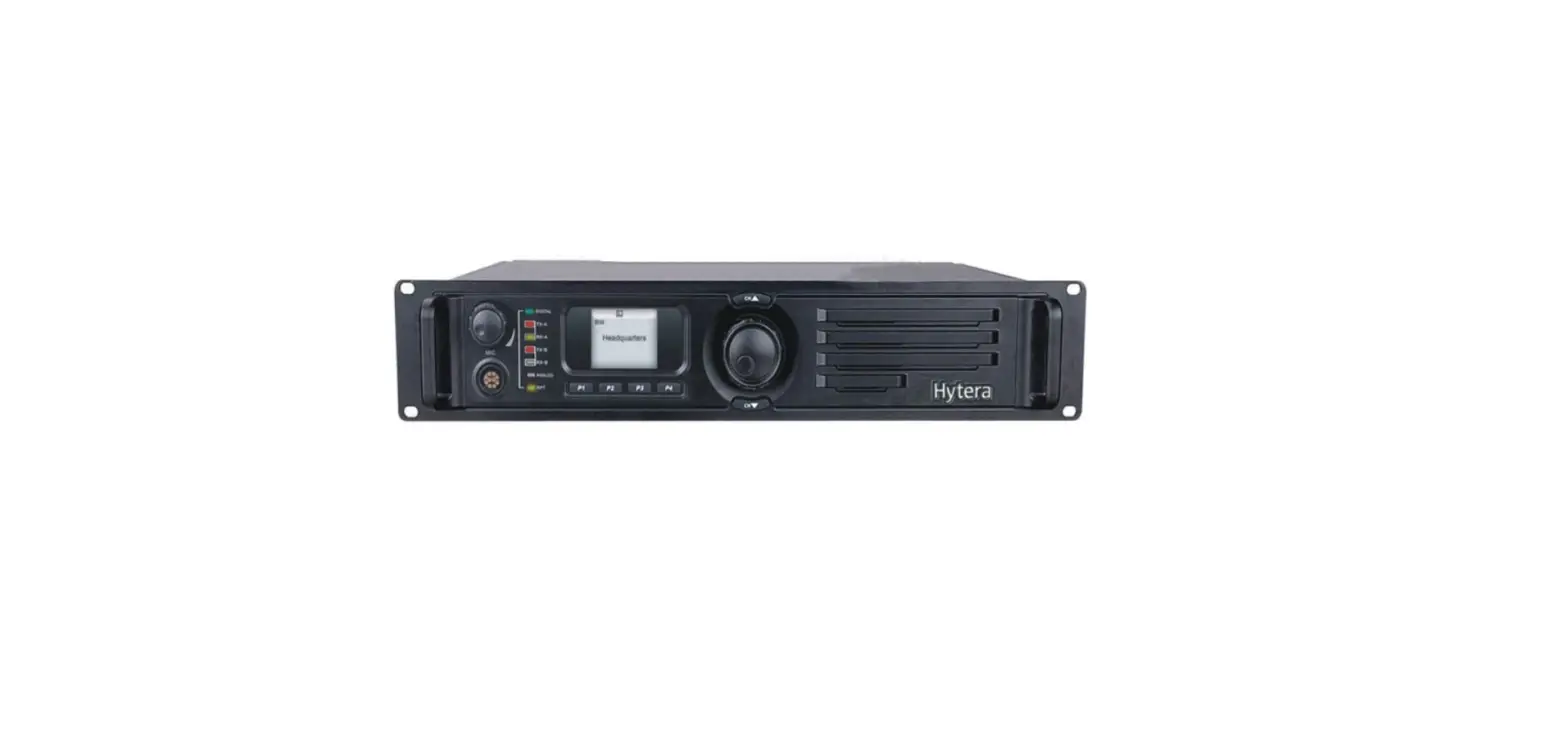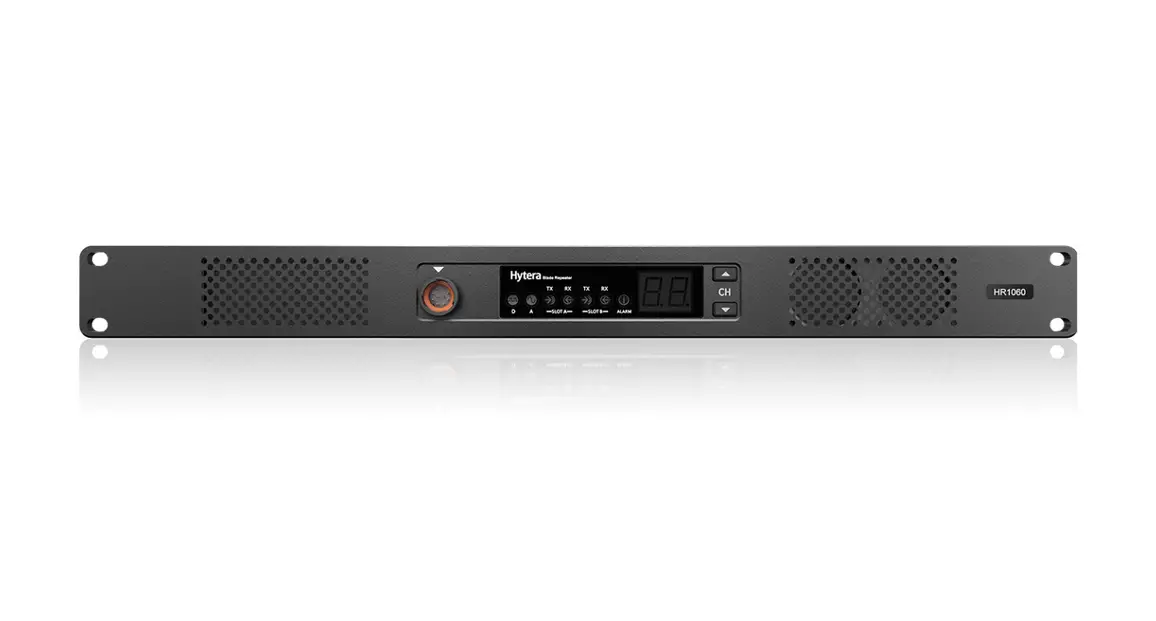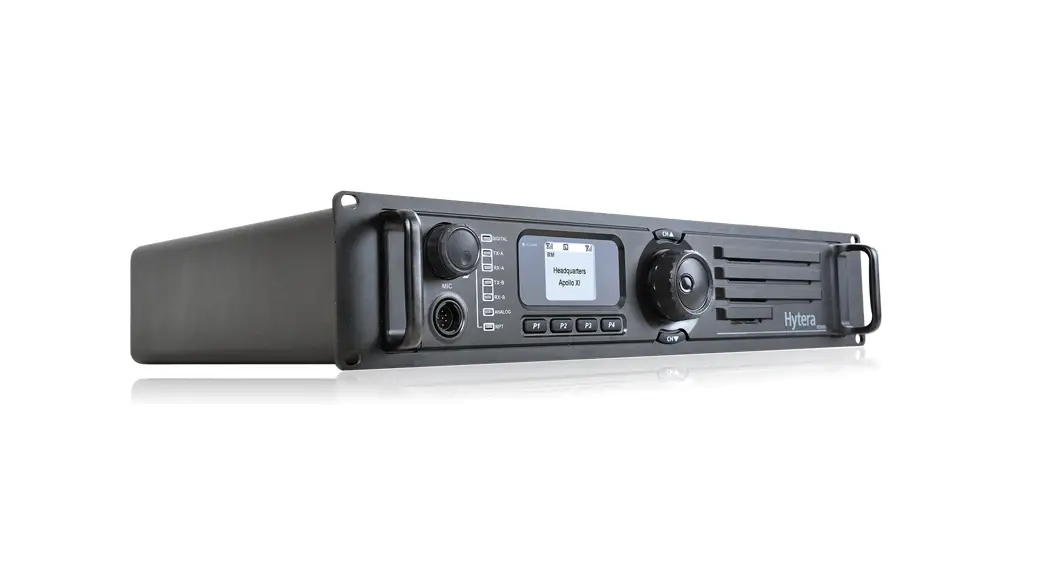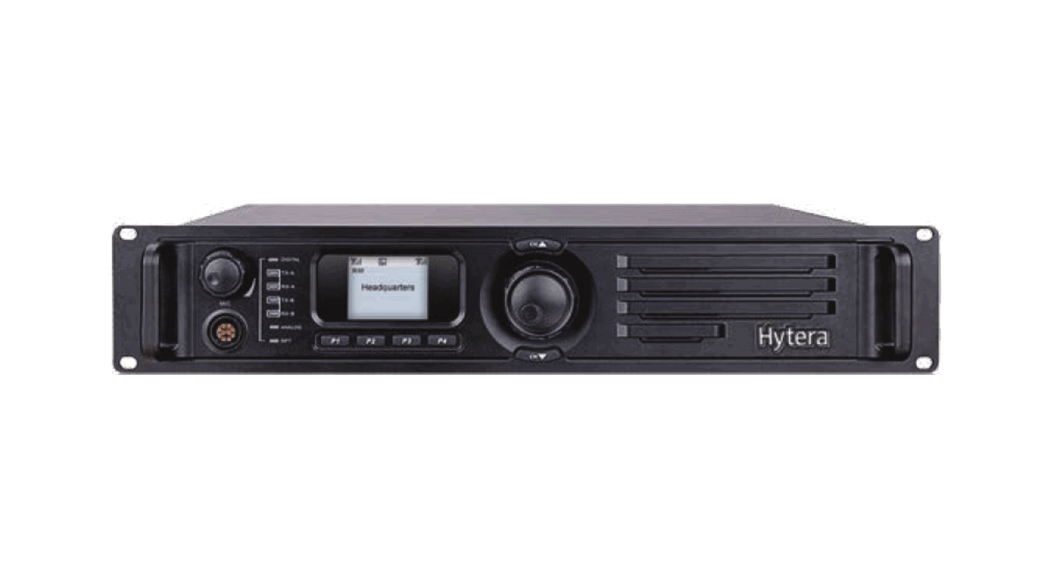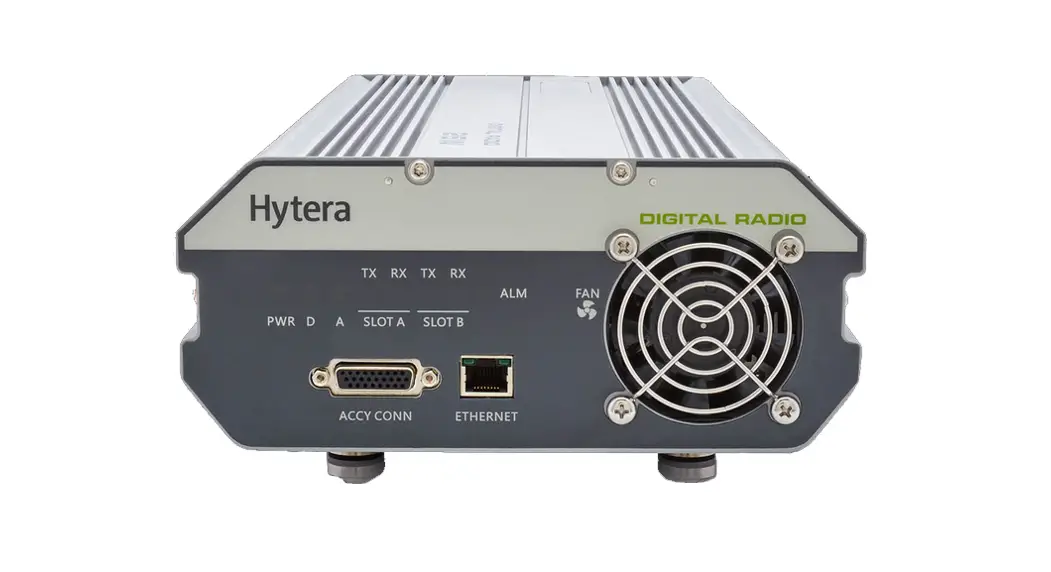

RD625 Digital Wall Mounted Repeater
Owner’s Manual
Preface
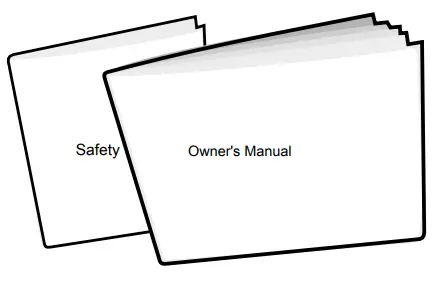
Thanks for your favor in our product. To derive optimum performance from the product, please read this manual and the
Safety Information Booklet carefully before use.
This manual is applicable to the following product:
RD62X Digital Wall-mounted Repeater(X may represent 2, 5, 6, or 8)
Instructional Icons
 Caution: Indicates situations that could cause damage to your product or bodily injury.
 Note: Indicates tips that can help you make better use of your product.
Term Explanation
Voltage Standing Wave Ratio (VSWR)
Voltage Standing Wave Ratio (VSWR) is a value that measures how well a load is impedance-matched to a source.
Copyright Information
Hytera is the trademark or registered trademark of Hytera Communications Co., Ltd. (the Company) in PRC and/or other countries or areas. The Company retains the ownership of its trademarks and product names. All other trademarks and/or product names that may be used in this manual are properties of their respective owners.
The product described in this manual may include the Company’s computer programs stored in memory or other media. Laws in PRC and/or other countries or areas protect the exclusive rights of the Company with respect to its computer programs. The purchase of this product shall not be deemed to grant, either directly or by implication, any rights to the purchaser regarding the Company’s computer programs. Any of the Company’s computer programs may not be copied, modified, distributed, decompiled, or reverse-engineered in any manner without the prior written consent of the Company.
The AMBE+2 voice coding technology embodied in this product is protected by intellectual property rights including patent rights, copyrights, and trade secrets of TM Digital Voice Systems, Inc. This voice coding technology is licensed solely for use within this product. The user of this technology is explicitly prohibited from attempting to decompile, reverse engineer, or disassemble the Object Code or in any other way convert the Object Code into a human-readable format.
U.S. P a t e n t N o: #6,912,495 B2, #6,199,037 B1, #5,870,405, #5,826,222, #5,754,974, #5,701,390, #5,715,365, #5,649,050, #5,630,011, #5,581,656, #5,517,511, #5,491,772, #5,247,579, #5,226,084 and #5,195,166. Disclaimer The Company endeavors to achieve the accuracy and completeness of this manual, but no warranty of accuracy or reliability is given. All the specifications and designs are subject to change without notice due to continuous technology development. No part of this manual may be copied, modified, translated, or distributed in any manner without our express written permission of us.
We do not guarantee, for any particular purpose, the accuracy, validity, timeliness, legitimacy or completeness of the Third Party Products and contents involved in this manual. If you have any suggestions or would like to learn more details, please visit our website at: http://www.hytera.com.
RF Radiation Information
This product must be restricted to operations in Occupational/Controlled RF exposure Environments. Users must be fully aware of the hazards of the exposure and able to exercise control over their RF exposure to qualify for the higher exposure limits.
RF Radiation Profile
Radio Frequency (RF) is a frequency of electromagnetic radiation in the range at which radio signals are t r a n s m i t t e d. R F t e c h n o l o g y i s w i d e l y u s e d i n communication, medicine, food processing, and other fields. It may generate radiation during use.
RF Radiation Safety
In order to ensure user health, experts from relevant industries including science, engineering, medicine, and health work with international organizations to develop standards for safe exposure to RF radiation. These standards consist of:
- United States Federal Communications Commission, Code of Federal Regulations; 47CFR part 2 sub-part J;
- American National Standards Institute (ANSI)/ Institute of Electrical and Electronics Engineers (IEEE) C95. 1-1992;
- Institute of Electrical and Electronics Engineers (IEEE) C95.1-1999;
- International Commission on Non-Ionizing Radiation Protection (ICNIRP) 1998.
FCC Regulations
Federal Communication Commission (FCC) requires that all radio communication products should meet the requirements set forth in the above standards before they can be marketed in the U.S, and the manufacturer shall post a RF label on the product to inform users of operational instructions, so as to enhance their occupational health against exposure to RF energy.
EU Regulatory Conformance
As certified by the qualified laboratory, the product is in compliance with the essential requirements and other relevant provisions of the Directive 1999/5/EC. Please note that the above information is applicable to EU countries only.
Items in the Package
Please unpack carefully and check that all items listed below are received. If any item is missing or damaged please contact your dealer.
- Repeater

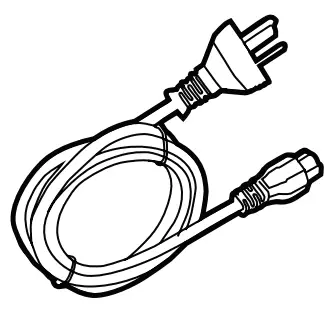
- AC Power Cord

- Documentation Kit
Product Overview
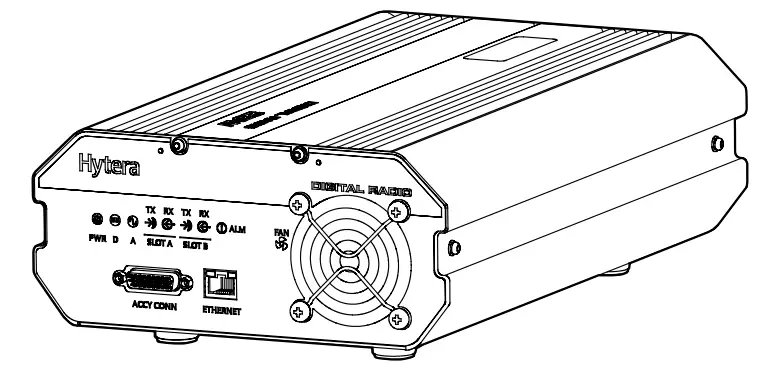
Parts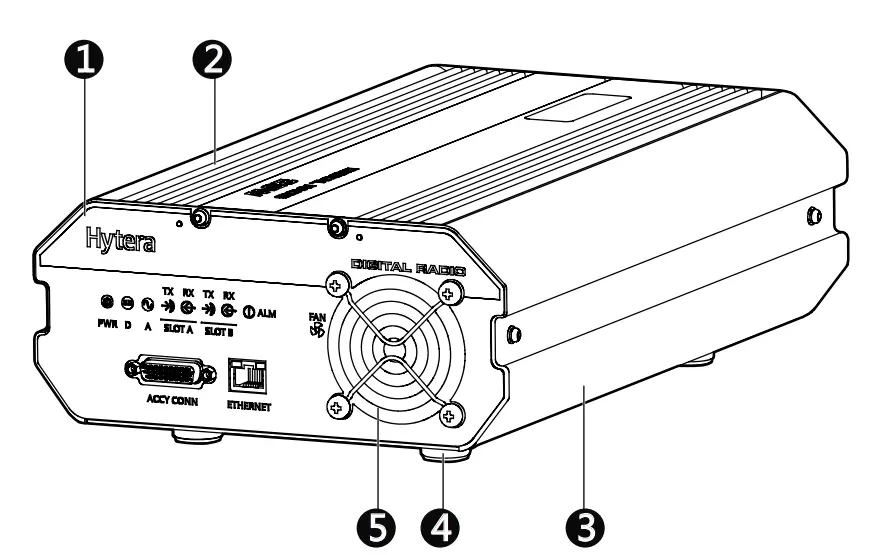
No. | Part name | No. | Part name |
| 1 | Front Panel | 4 | Foot Pad |
| 2 | Upper Cover | 5 | Fan Mesh Enclosure |
| 3 | Chassis | / | / |
Front Panel
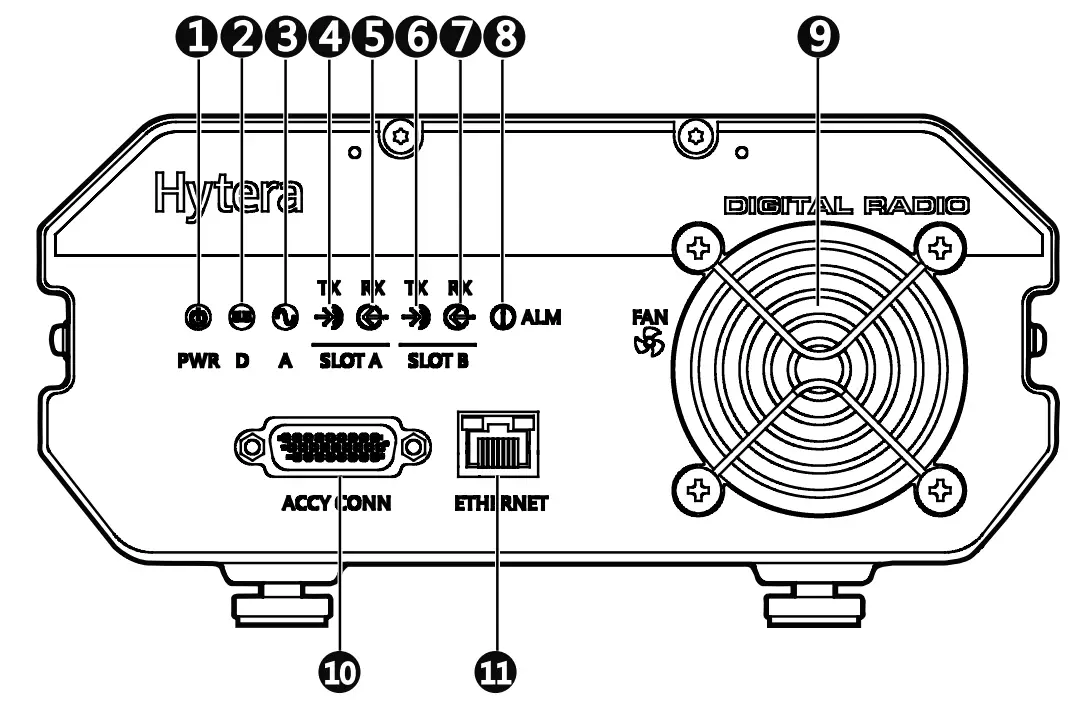
No. | Part Name | No. | Part name |
| 1 | Power LED Indicator | 7 | Slot B RX LED Indicator |
| 2 | Digital Mode LED Indicator | 8 | Alarm LED Indicator |
No. | Part Name | No. | Part Name |
| 3 | Analog Mode LED Indicator | 9 | Fan Inlet |
| 4 | Slot A TX LED Indicator | 10 | Accessory Connector |
| 5 | Slot A RX LED Indicator | 11 | Ethernet Interface |
| 6 | Slot B TX LED Indicator | / | / |
Note: If the repeater is manufactured without an internal duplexer, then part 8 will be an external duplexer RX port; if it is manufactured with an internal duplexer, then there will be no connection inside part 8.
Rear Panel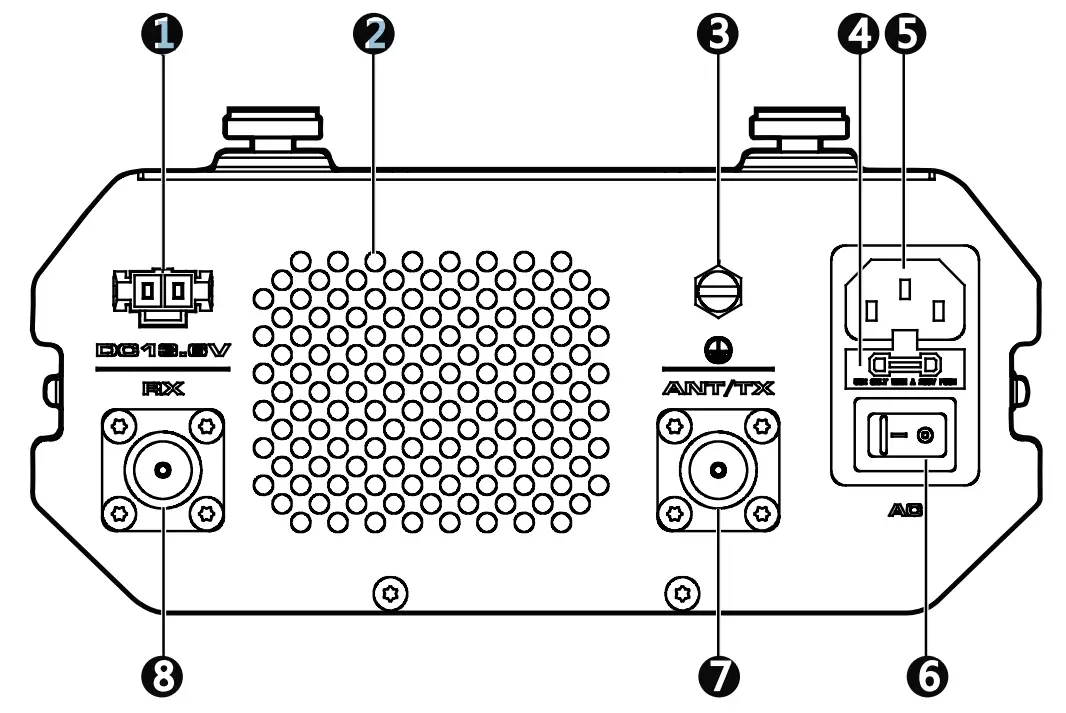
No. | Part name | No. | Part Name |
| 1 | DC Power Inlet | 5 | AC Power Inlet |
| 2 | Fan Outlet | 6 | AC Power Switch |
| 3 | Ground Terminal | 7 | ANT/TX Antenna Connector (N-type Female) |
| 4 | Fuse Box | 8 | RX Antenna Connector (N-type Female) |
Before Use
Instructions
To ensure optimum performance and reliability of the repeater, please read the following instructions carefully.
Operation Environment
The repeater must be installed in a dry and well-ventilated place with an ambient temperature of -30 ℃ to+60 ℃ and relative humidity of not more than 95%.
Voltage Check
Check whether the input voltage is within the operating voltage of the repeater (DC power supply: 13.6V±15%; AC power supply: 90V to 264V).
Wall-mount Bracket Installation
(Optional)
If you need to install the repeater on the wall, please contact your dealer to purchase a wall-mount bracket.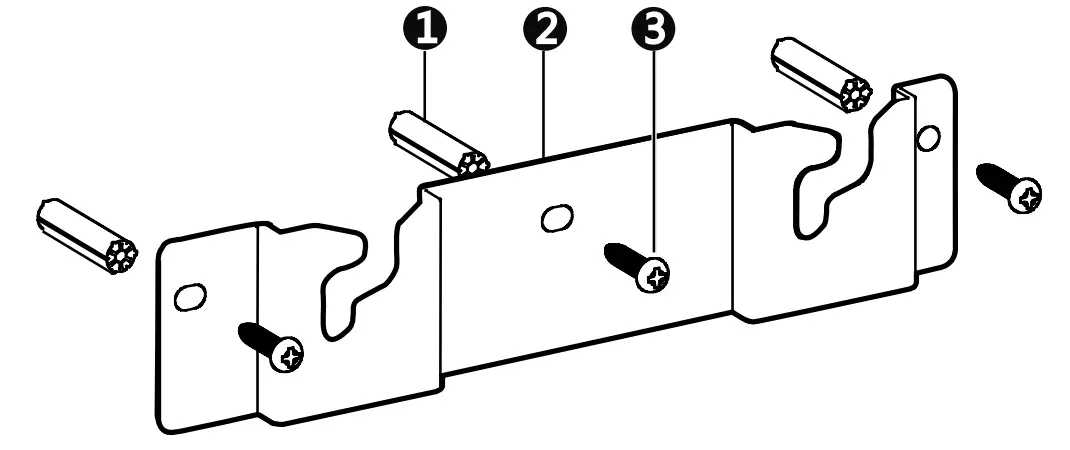
No. | Part Name | No. | Part Name |
| 1 | Plastic Wall Anchor | 3 | Self-tapping Screw |
| 2 | Wall-mount Bracket | / | / |
Installation Tools
An electric drill and a T10 Torx screwdriver.
Installation Procedures
A. Install the wall-mount bracket.
- Drill three holes into the wall, with each hole aligned with those of the wall-mount bracket.
- Put the plastic wall anchor into the drilled holes. Skip this step if the wall is not a concrete wall.

- Use three ST4X16 self-tapping screws to fasten the bracket on the wall.
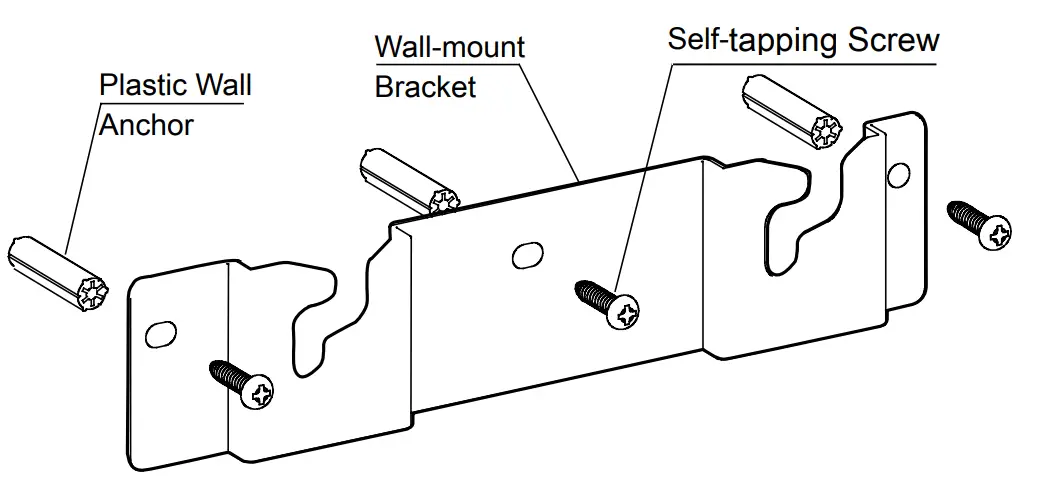
Note: Make sure the wall can support the repeater’s weight before drilling.
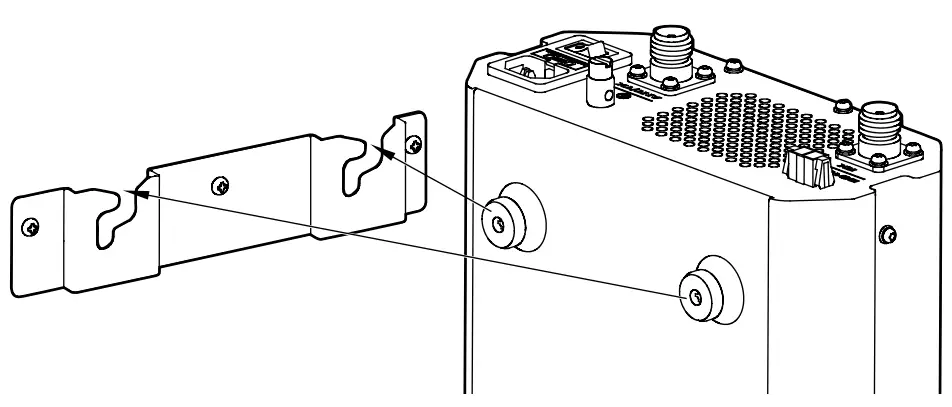
B. Install the repeater on the bracket.
- Align the screws on the upper side of the repeater with the notches of the bracket and mount the repeater onto the bracket, as shown in the figure below;
- Move the repeater side to side slightly to ensure the screws fit into the bottom of the notch.
Product Check
Check whether the repeater works properly by observing the seven LED indicators in the front panel after the repeater is powered on via the AC Power Switch.
Status Indication
The LED indicators on the front panel indicate the following repeating status:
LED Indicator Name | LED Indication | Repeater Status |
| Digital Mode LED Indicator | Blue | The repeater is operating in digital mode. |
| Analog Mode LED Indicator | Yellow | The repeater is operating in analog mode. |
| Slot A TX LED Indicator | Red | Analog mode: The repeater is transmitting. Digital mode: The repeater is transmitting in Slot A. |
| Slot A RX LED Indicator | Green | Analog mode: The repeater is receiving. Digital mode: The repeater is receiving in Slot A. |
| Slot B TX LED Indicator | Red | Digital mode: The repeater is transmitting in Slot B. |
| Slot B RX LED Indicator | Green | Digital Mode: The repeater is receiving in Slot B. |
| Alarm LED Indicator | Red | Alarm occurs. The alarm LED indicator will remain red until all alarms are eliminated. |
Alarm Information
The repeater will have real-time detection of its operation status automatically. When it is operating abnormally, the alarm LED indicator on the front panel will glow red until all alarms are eliminated. When an alarm event occurs, you can diagnose and solve the problem via the RDAC application provided by us or contact your local dealer for technical support. Alarm types and causes areas listed below:
Alarm Type | Alarm Cause |
| Abnormal External Power | High Voltage: The input voltage is higher than 15.8V±0.2V. Low Voltage: The input voltage is lower than 10.8V±0.2V. |
| High Temperature | The temperature sensor detects a temperature above 85℃. |
| Abnormal VSWR | VSWR > 3:1. Over-high VSWR will damage the PA module or even disable it. |
| TX Unlock | TX PLL i s unlocked, and the repeater stops transmitting and repeating. |
| RX Unlock | RX P LL i s unlocked, and the repeater stops receiving and repeating. |
Troubleshooting
Phenomena | Analysis | Solution |
| Power-on Failure. | The power cord may be disconnected or not securely connected to the outlet. | Properly connect the power cord and ensure secure connection. |
| The fuse in the power cord is damaged. | Check whether the DC power fuse is damaged. If it is damaged, replace it with anew one. | |
| DC power supply voltage is not within the operating voltage of the repeater. | Check whether the DC power supply voltage is within the operating voltage of the repeater (13.6V±15%). If not, adjust it to the proper range. | |
| The radio is unable to communicate with other members. | TX/RX frequency of the repeater is inconsistent with that of portable/mobile radios. | Check if the frequencies are consistent. Reset the frequencies when necessary. |
| The repeater failed to repeat useful signals due to strong interference signals. | If you cannot remove or bypass the interference source, change to operate at other frequencies. | |
| The radio is out of the coverage of the repeater. | Move into the coverage of the repeater. | |
| There’s RX indication on the radios, but members cannot communicate with each other. | Radio ID does not match that of other members. | Sets the same ID with other members. |
| The CTCSS/CDCSSs of the radios are not consistent. | Check whether the CTCSS/CDCSSs are consistent. Reset the CTCSS/CDCSSs when necessary. | |
| Short communication distance and poor voice quality | Signal loss due to connecting cable damage. | Check whether the damage is serious. Replace the cable when necessary. |
| The antenna and cable are in loose connection or disconnected. | Secure the connection. Replace the connector when necessary. | |
| Internal damage of the cable. | Replace the cable. | |
| The duplexer (if installed) may be adjusted improperly. | Contact Hytera or the local dealer to readjust the duplexer. |
If the above solutions cannot fix the problems, or you have other questions, please contact Hytera or the dealer for more technical support.
Care and Cleaning
To guarantee optimal performance as well as the long service life of the product, please follow the tips below.
Product Care
- Keep the product in good environmental conditions to ensure reliability.
- Do not place other equipment on top of the product to ensure optimal heat dissipation.
- Do not pierce or scrape the product.
- Keep the product far away from substances that can corrode the circuit.
- Do not place the product in corrosive agents, solutions, or water.
Product Cleaning Caution: Be sure to turn off the product before cleaning. - Remove the dust and fine particles on the product surface with a clean and dry lint-free cloth or a brush regularly.
- Use a non-woven fabric with a neutral cleaner to clean the connectors. Do not use chemical preparations such as stain removers, alcohol, sprays or oil preparations. Make sure the product is completely dry before use.
Optional Accessories
The following items are the main optional accessories for the repeater. For more information of other accessories, please consult your local dealer. Caution: Use the accessories specified by Hytera only. If not, the Company shall not be liable for any loss or damage arising out of the use of unauthorized accessories.
| Accessory Name | Accessory Model |
| Wall-mount Bracket | BRK21 |
| Duplexer Kit | DK08 (400 – 470MHz ) DK09 (136 – 174MHz ) |
| Duplexer Mounting Bracket | BRK22 |
Hytera is the trademark or registered trademark of Hytera Communications Corp., Ltd.
© 2013 Hytera Corp., Ltd.
All Rights Reserved.
Address: HYT Tower, Hi-Tech
Industrial Park North, Beihuan RD., Nanshan
District, Shenzhen, China Postcode:518057
http://www.hytera.com