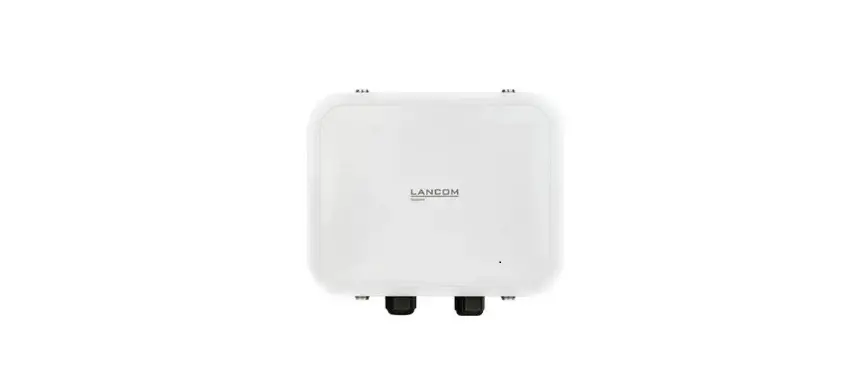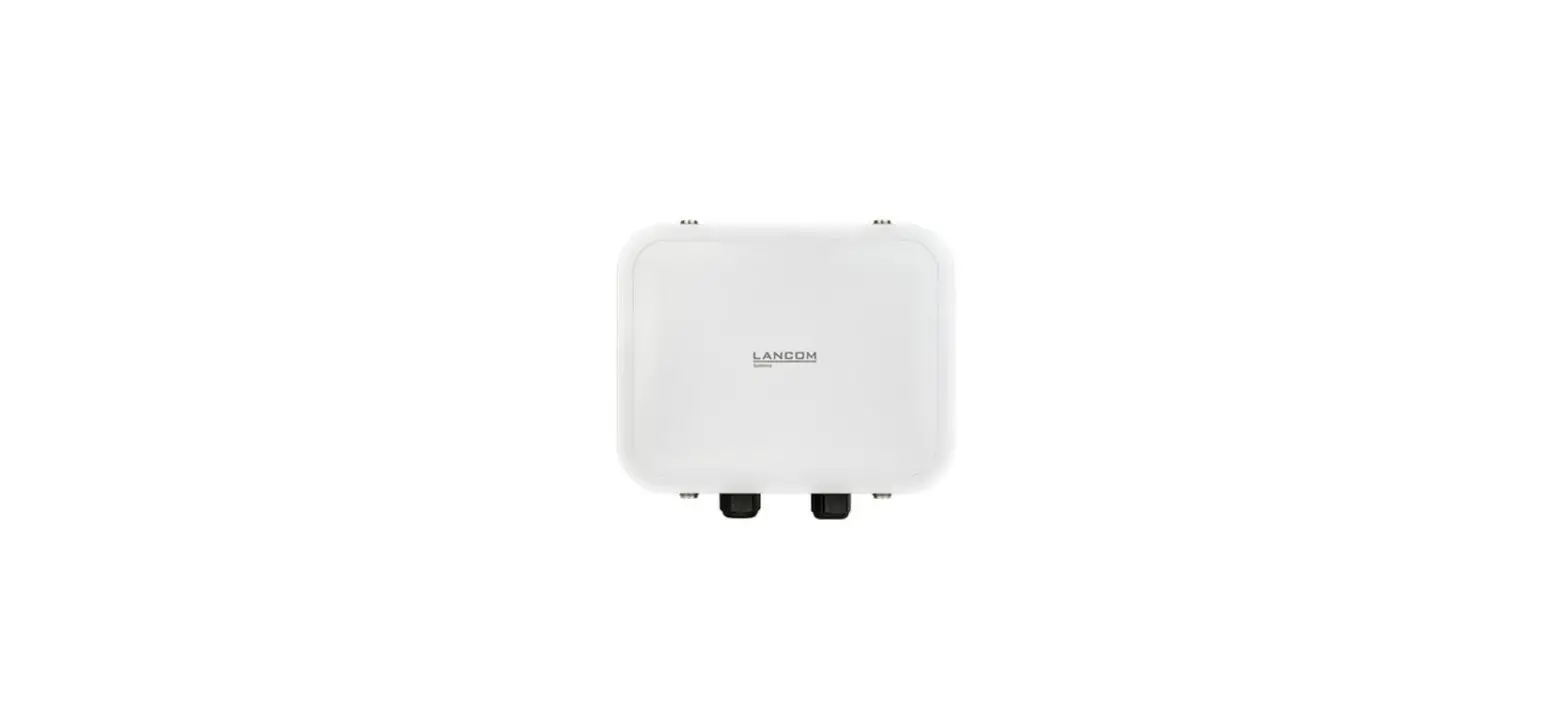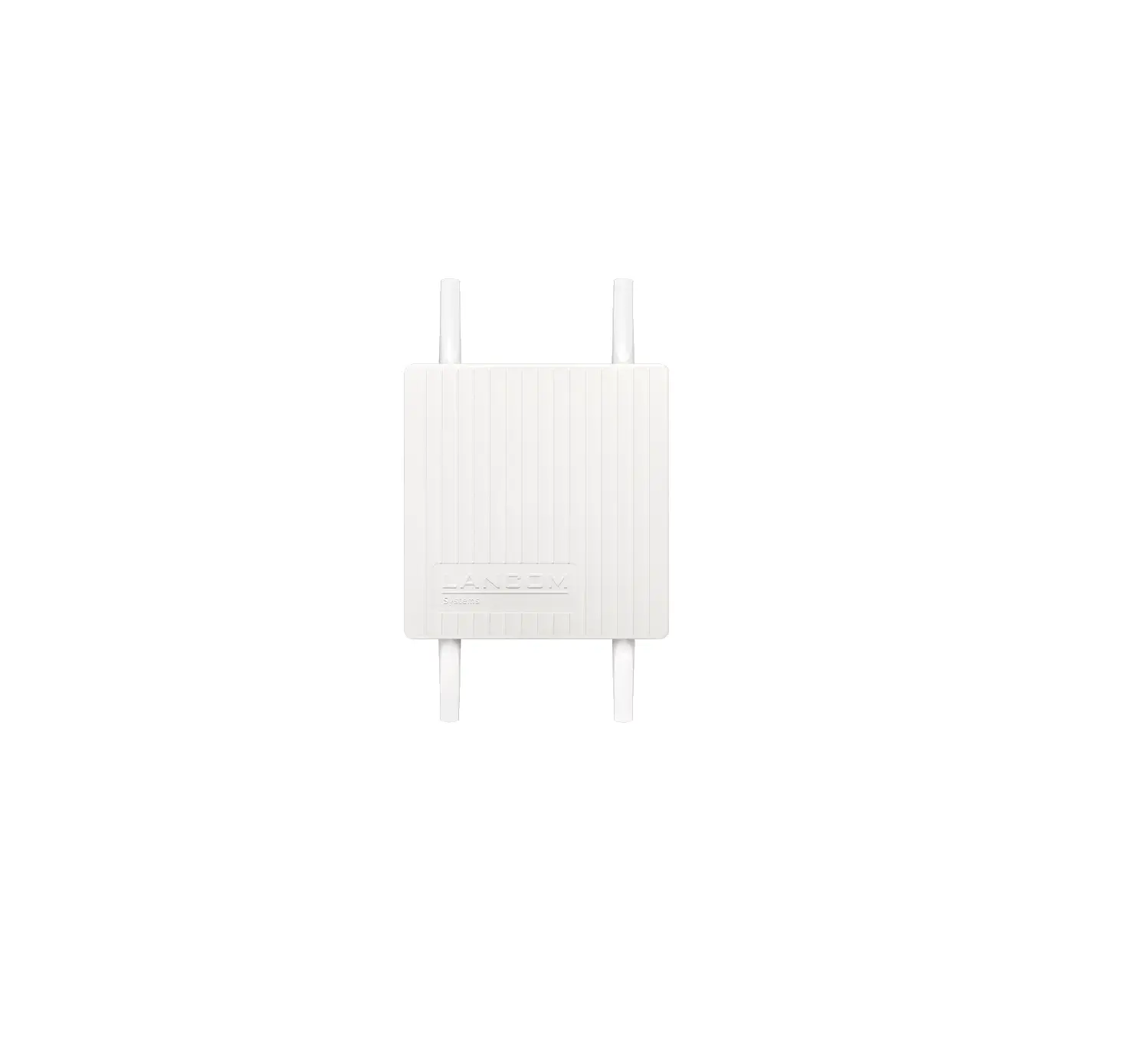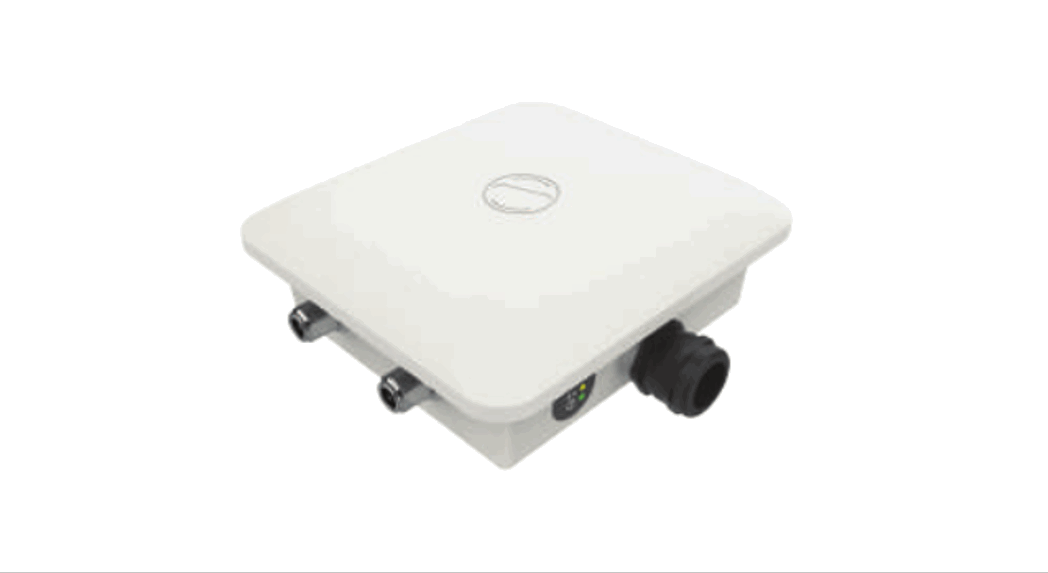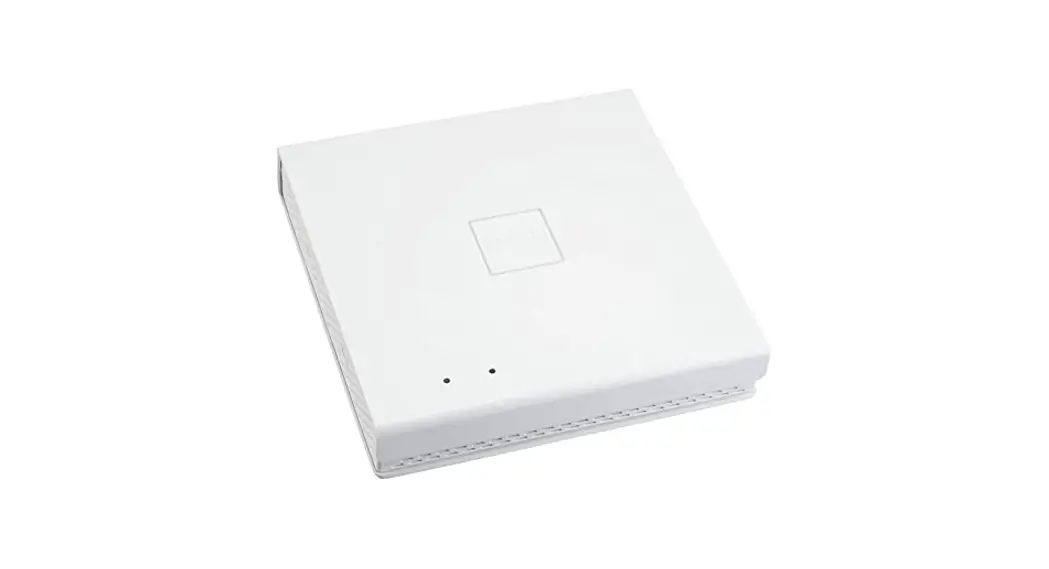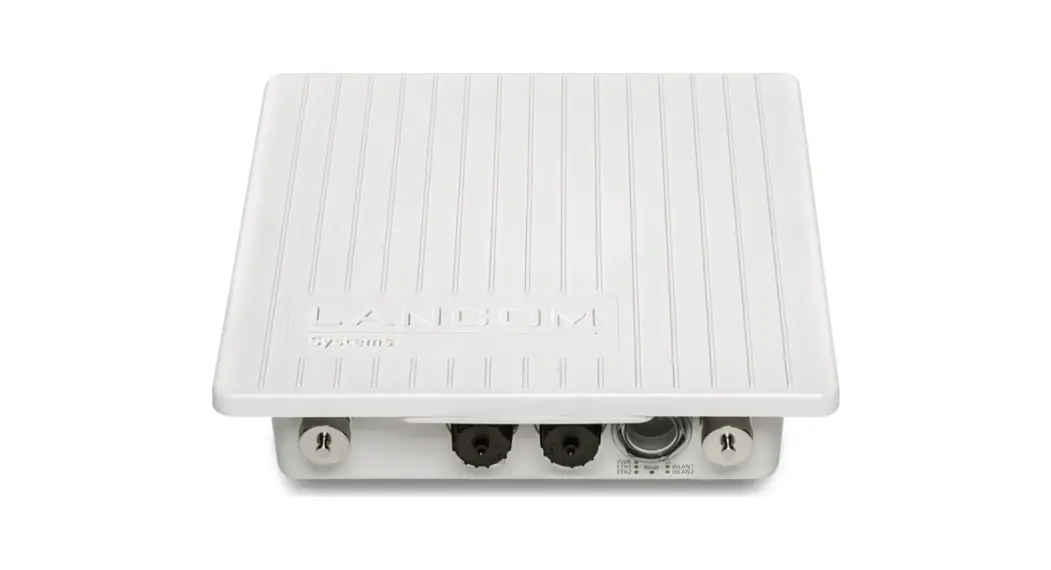

 OX-6402 Dual Outdoor Access Point
User Guide
Hardware Quick Reference
LANCOM OX-6402
Mounting
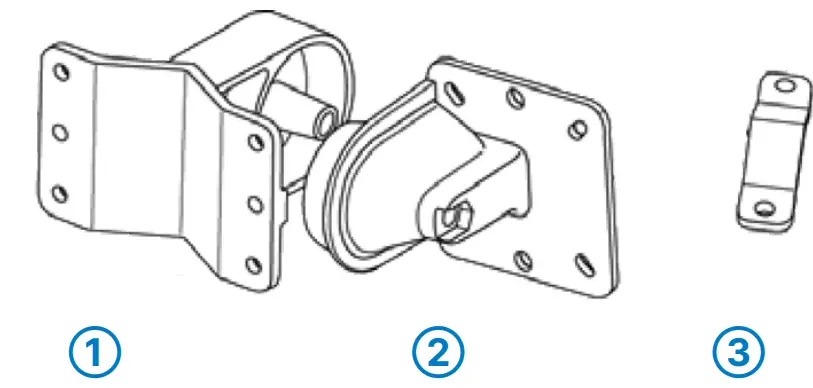
Screw the connector flange ➁ to the back of the housing with the four screws and their washers.
When fastening the clamp profile ➂, please pay attention to tighten the screws equally with a maximum torque of 7 Nm!
Wall mounting
Use the mounting arm ➀ as a template. Fix the mounting arm to the wall with the supplied screws and dowling plugs.
Attach the access point with the connector flange ➁ to the mounting arm ➀. Use the M8x110 bolt with spring locking washer, washer and nut.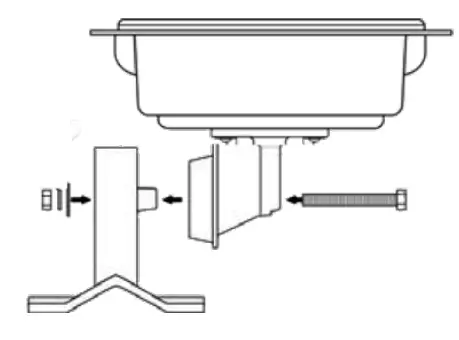 Pole mounting
Place the clamp profile ➂ around the pole. Screw the clamp profile onto the mounting arm with the supplied screws.
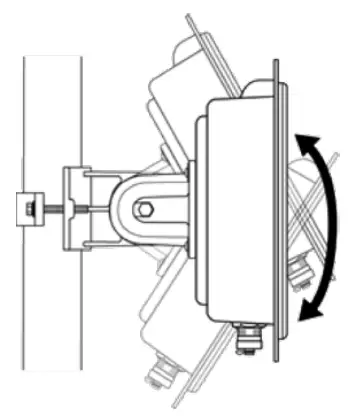 The main beam direction of the integrated antenna can be adjusted by tilting the access point up or down by rotating the connection flange about the mounting arm.
Mounting & connecting
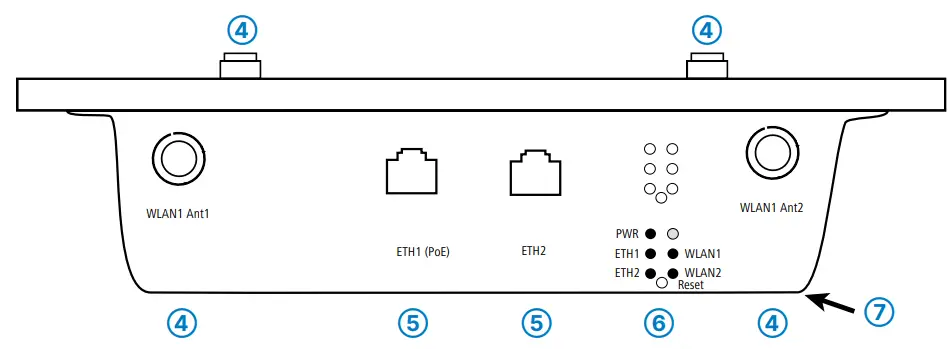
➃ Wi-Fi antenna interfaces
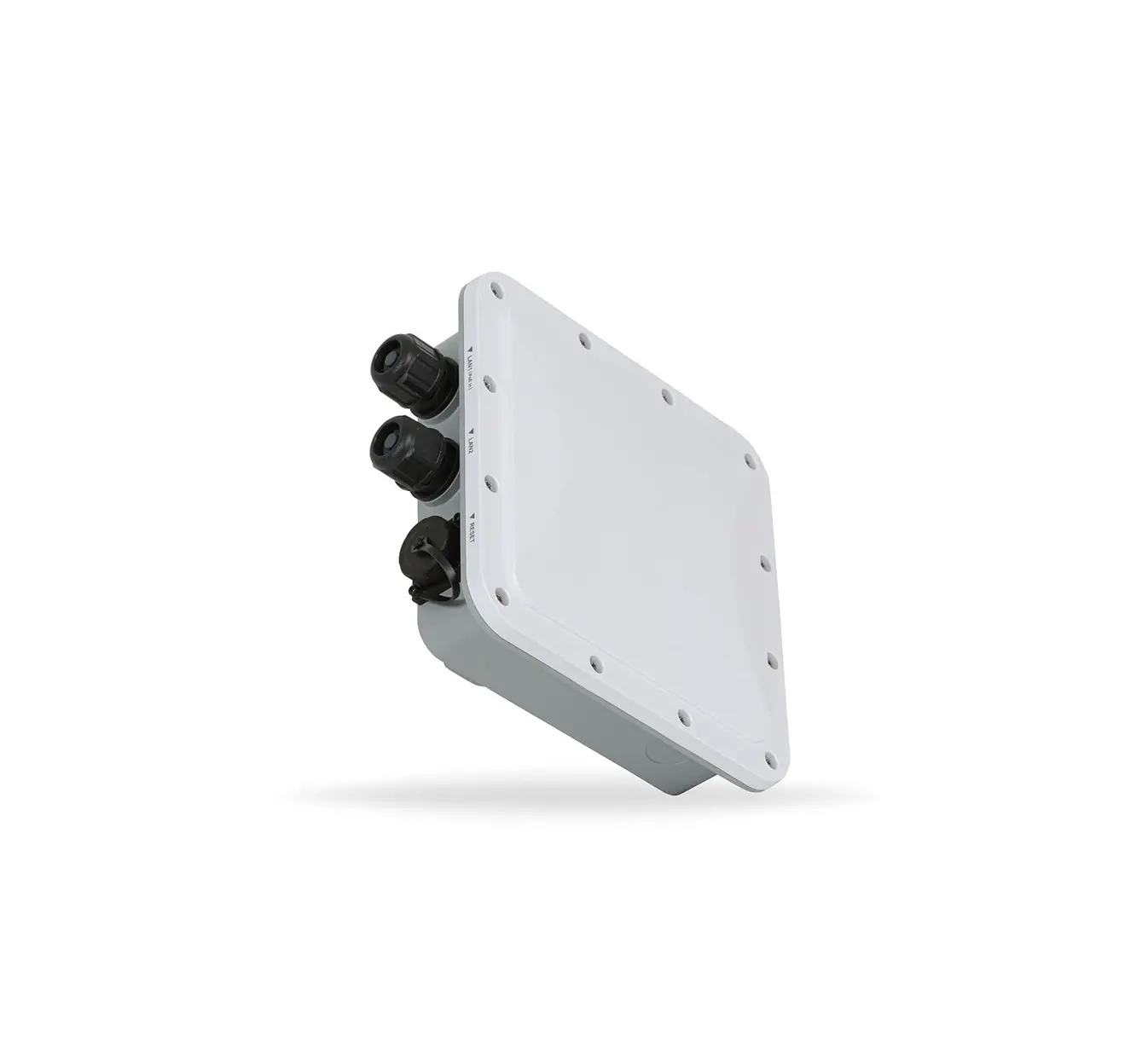
Screw the supplied Wi-Fi antennas to the connectors on both sides of the device. Both the 2.4 GHz and 5 GHz WLAN signals are present at each antenna connector (dual band).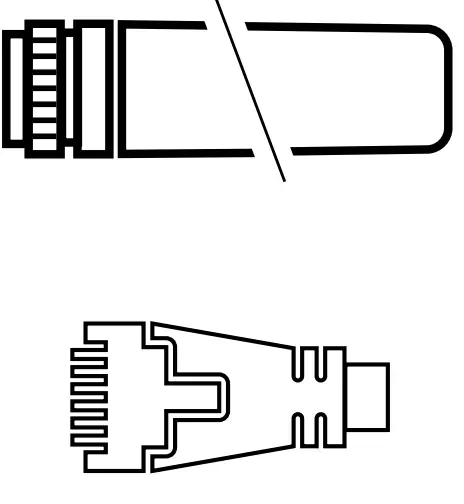 ➄ ETH1 (PoE), ETH2 (PoE passthrough) interfaces
The device is simultaneously supplied with power via the ETH1 (PoE) connection. To do this, plug the supplied waterproof network cable into the ETH1 (PoE) port and screw the cable carefully. Connect the other end of the network cable to a free PoE-capable network socket of your local network or with a PoE injector. Connect the ETH2 interface optionally to a device to be supplied with power via PoE passthrough.
➅ Reset button (part of the LED block)
To restore the device to its default configuration, keep the reset button on the device pressed until the LEDs on the device go out. The following automatic restart restores the default configuration to the device.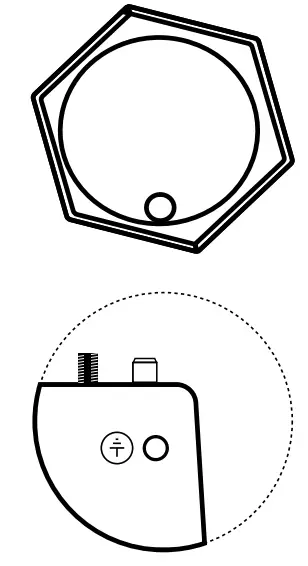 ➆ Grounding
Screw one end of the green/yellow grounding wire to the housing and attach the other end to a suitable ground.
Before initial startup, please make sure to take notice of the information regarding the intended use in the enclosed installation guide!
Operate the device only with a professionally installed power supply at a nearby power socket that is freely accessible at all times.
Installing access points and/or external antennas without adequate lightning protection can lead to serious damage to the devices and/or to the related network infrastructure. Please observe the following when setting up the device
→The housing of the device may become warm during operation.
→If the device is operated with outside temperatures exceeding 60 °C, it should be mounted with protection against contact.
→When using customized outdoor Ethernet cables, make sure that the cables have a short plug kink protection.
LED description & technical details
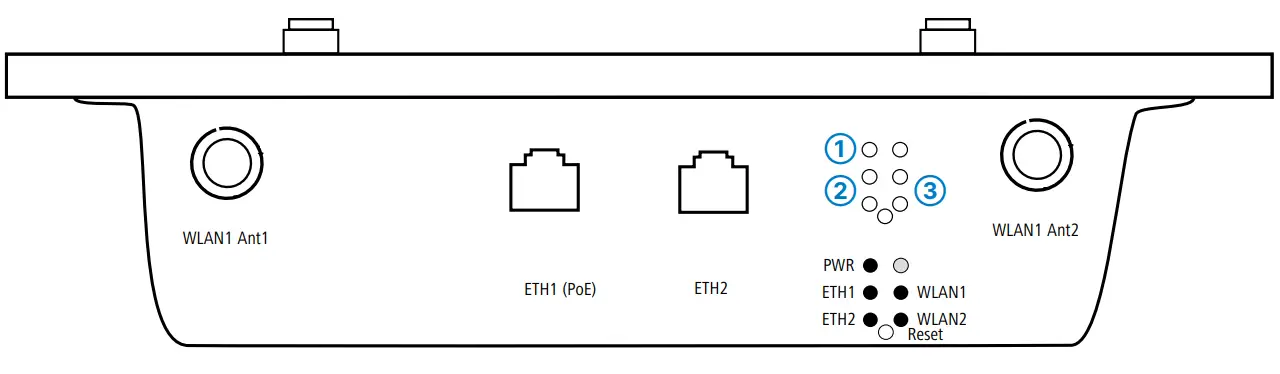
➀ Power
| Off | Device switched off |
| Green, permanently* | Device operational, resp. device paired / claimed and LANCOM Management Cloud (LMC)accessible |
| 1x green inverse blinking* | Connection to the LMC active, pairing OK, device not claimed |
| 2x green inverseblinking* | Pairing error, resp. LMC activation code not available |
| 3x green inverse blinking* | LMC not accessible, resp. communication error |
➁ ETH1 (PoE) / ETH2
| Off | No networking device attached |
| Green, permanently | Connection to network device operational, no data traffic |
| Green, flickering | Data traffic |
➂ WLAN1 / WLAN2
| Off | No Wi-Fi network defined or Wi-Fi module deactivated. The Wi-Fi module is not transmitting beacons. |
| Green | At least one Wi-Fi network is defined and Wi-Fi module activated. The Wi-Fi module is transmitting beacons. |
| Green, flashing inverse | Number of flashes = number of connected Wi-Fi stations |
| Green, blinking | DFS scanning or other scan procedure |
| Hardware | |
| Power supply Environment Housing | Via Power-over-Ethernet compliant to IEEE 802.3at/bt -30 °C to +65 °C Robust metal housing, protection class IP 67, for wall and pole mounting. Note: For installation in salt water environments please use a suitable outer housing. Dimensions 255 x 250 x 80 mm (length x width x depth) |
| Wi-Fi | |
| Frequency bands Minimum transmission power Radio channels 2.4 GHz Radio channels 5 GHz | 2.4 GHz and 5 GHz, 2,400-2,483.5 MHz (ISM) and 5,150-5,725 MHz (restrictions vary between countries) Transmission-power reduction in software by 1 dB steps to min. 0.5 dBm Up to 13 channels, max. 3 non-overlapping (2.4-GHz band) Up to 26 non-overlapping channels (channels available vary according to country regulations; DFS for automatic dynamic channel selection required) |
| Interfaces | 1 |
| ETH1 (PoE-in) ETH2 (PoE-out) Bluetooth Low Energy Extemal antenna connectors | 10 / 100 / 1,000 / 2,500 Mbps, PoE-in 802.3at/bt (IEEE 802.3at allows operation without PoE passthrough) 10 / 100 / 1,000 / 2,500 Mbps, PoE passthrough IEEE 802.3at (Prerequisite PoE-in IEEE 802.3bt (60W or more) |
| BLE 51 (internal antenna) 4 NJ connectors | |
| Package content | |
| Cables External antennas Mounting kit Covering cap Grounding cable | Water-resistant, UV-resistant Ethernet cable with screw connector, 15 m |
| 4 dual-band Wi-Fi antennas (2 dBi at 2.4 GHz and 3 dBi at 5 GHz) Equipment for wall and pole mounting, screws included Ensures that the unit remains sealed in case an Ethernet port is unused | |
| To avoid electrostatic charge |
*) The additional power LED statuses are displayed in 5-seconds rotation if the device is configured to be managed by the LANCOM Management Cloud.
Hereby, LANCOM Systems GmbH | Adenauerstrasse 20/B2 | D-52146 Wuerselen, declares that this device is in compliance
with Directives 2014/30/EU, 2014/53/EU, 2014/35/EU, 2011/65/EU, and Regulation (EC) No. 1907/2006. The full text of the EU Declaration of Conformity is available at the following Internet address: www.lancom-systems.com/doc/
LANCOM, LANCOM Systems, LCOS, LANcommunity and Hyper Integration are registered trademarks. All other names or descriptions used may be trademarks or registered trademarks of their owners. This document contains statements
relating to future products and their attributes. LANCOM Systems reserves the right to change these without notice. No liability for technical errors and / or omissions.
112152/1022
 DoC - LANCOM Systems GmbH