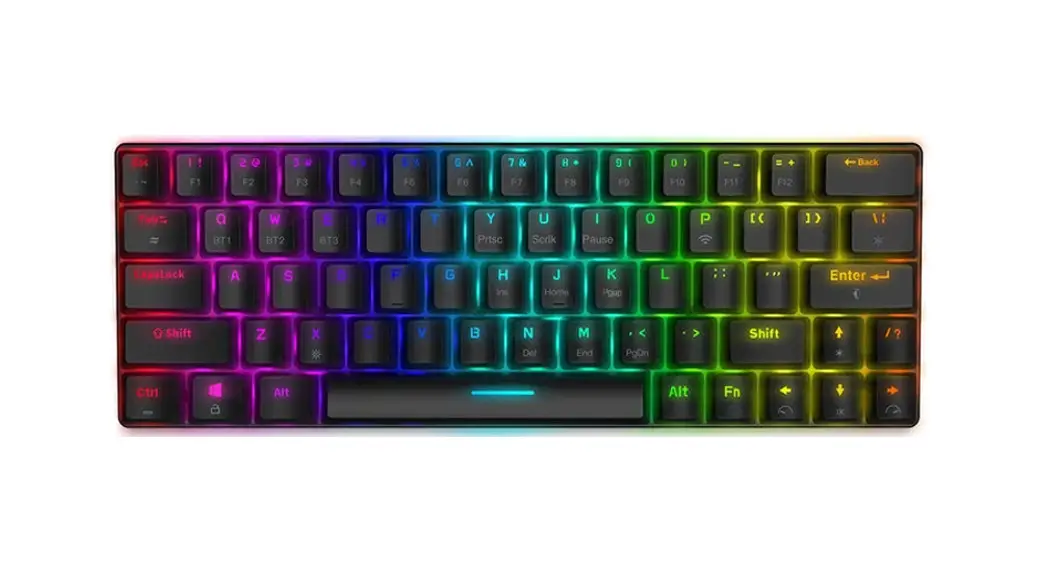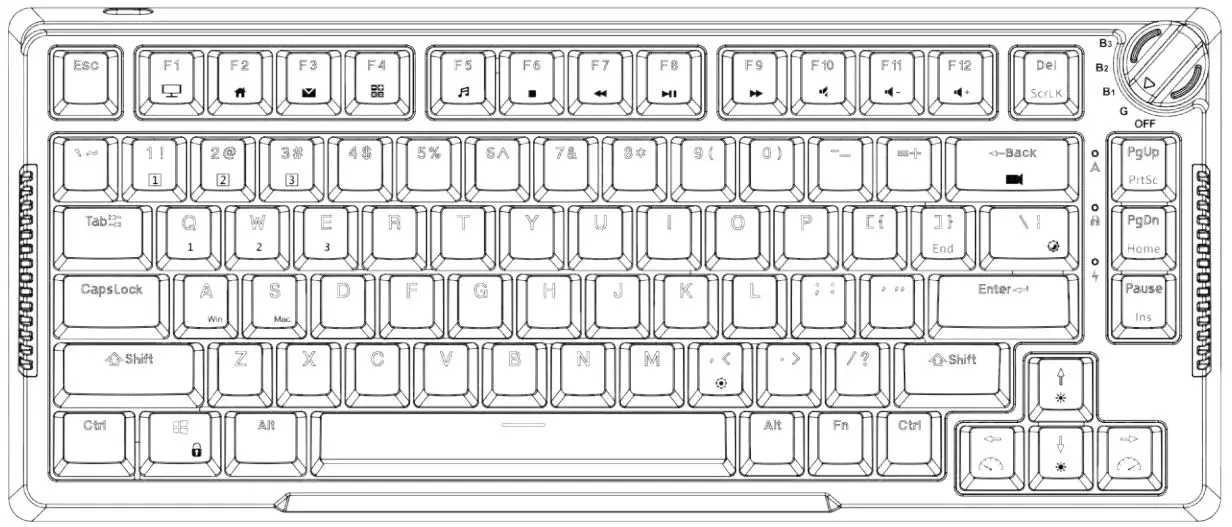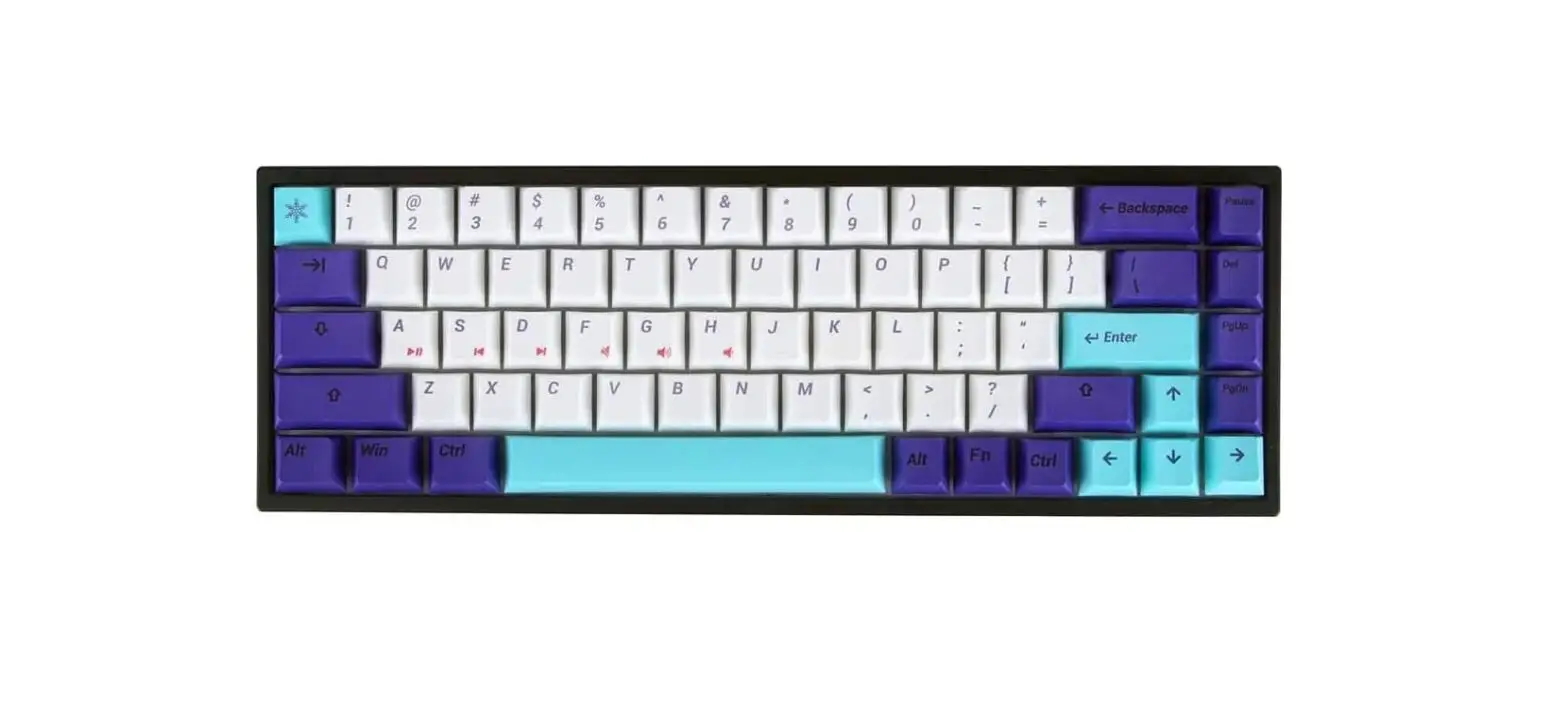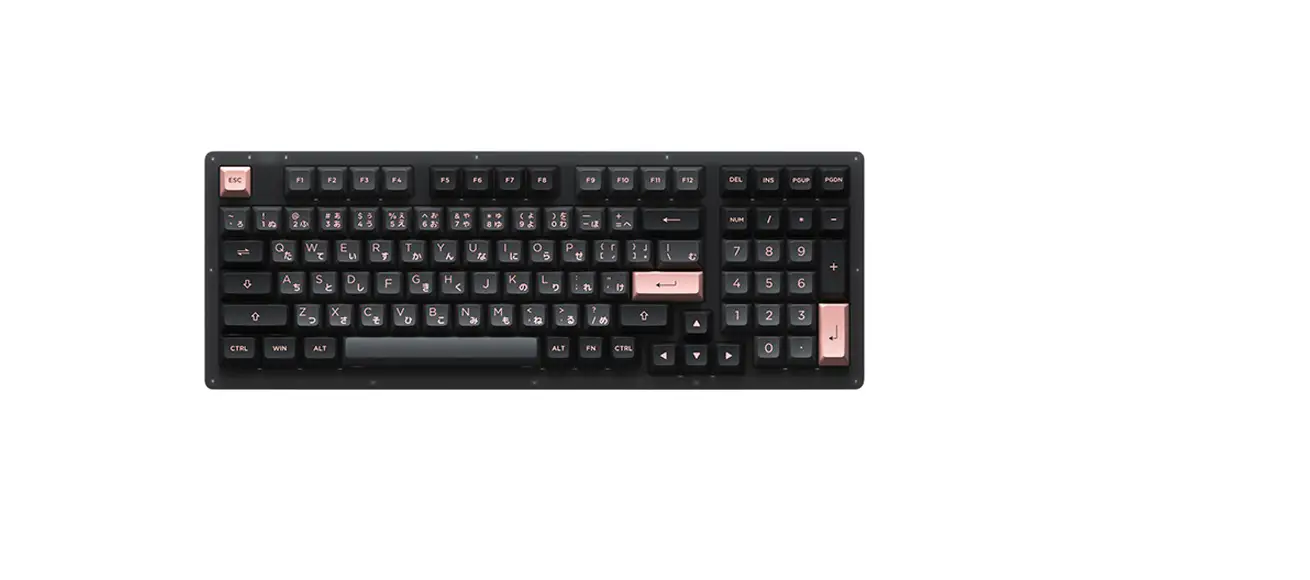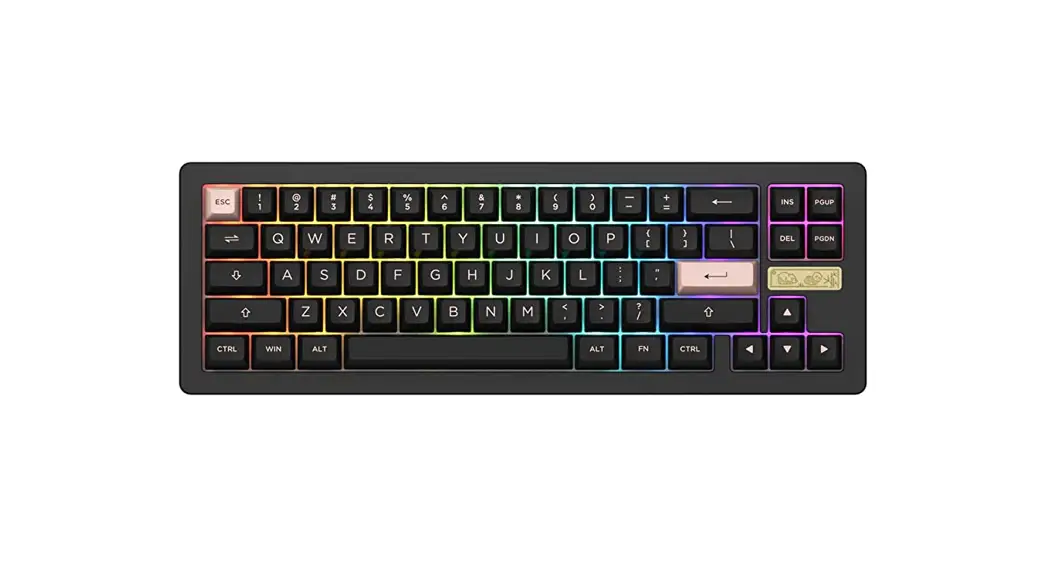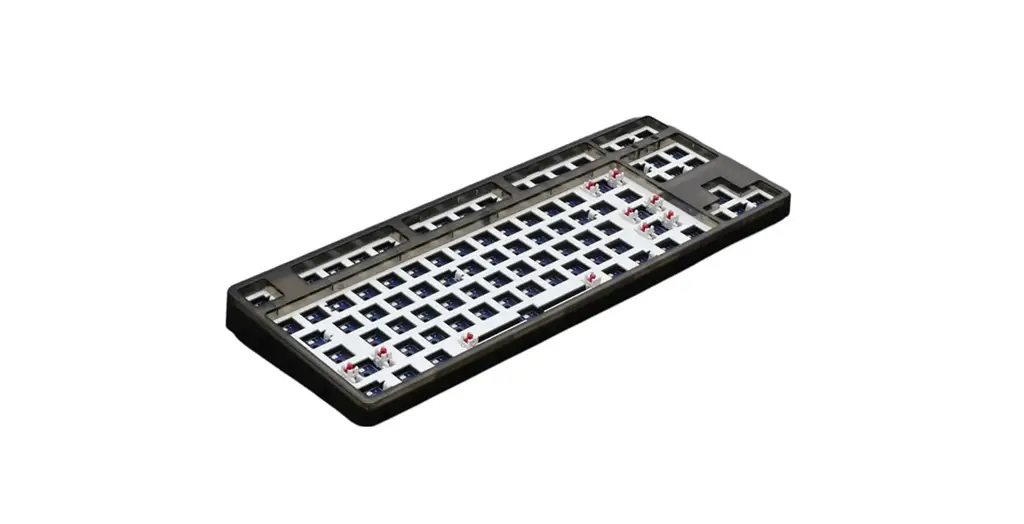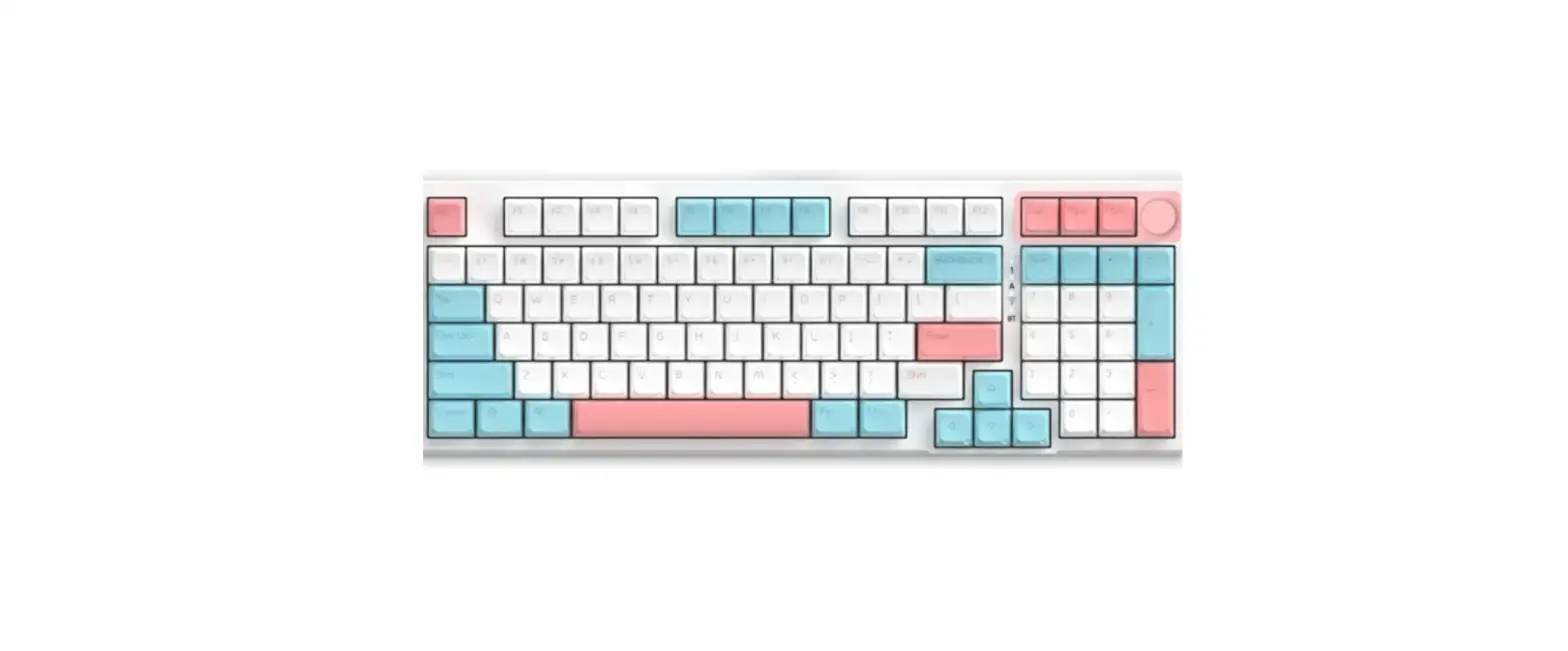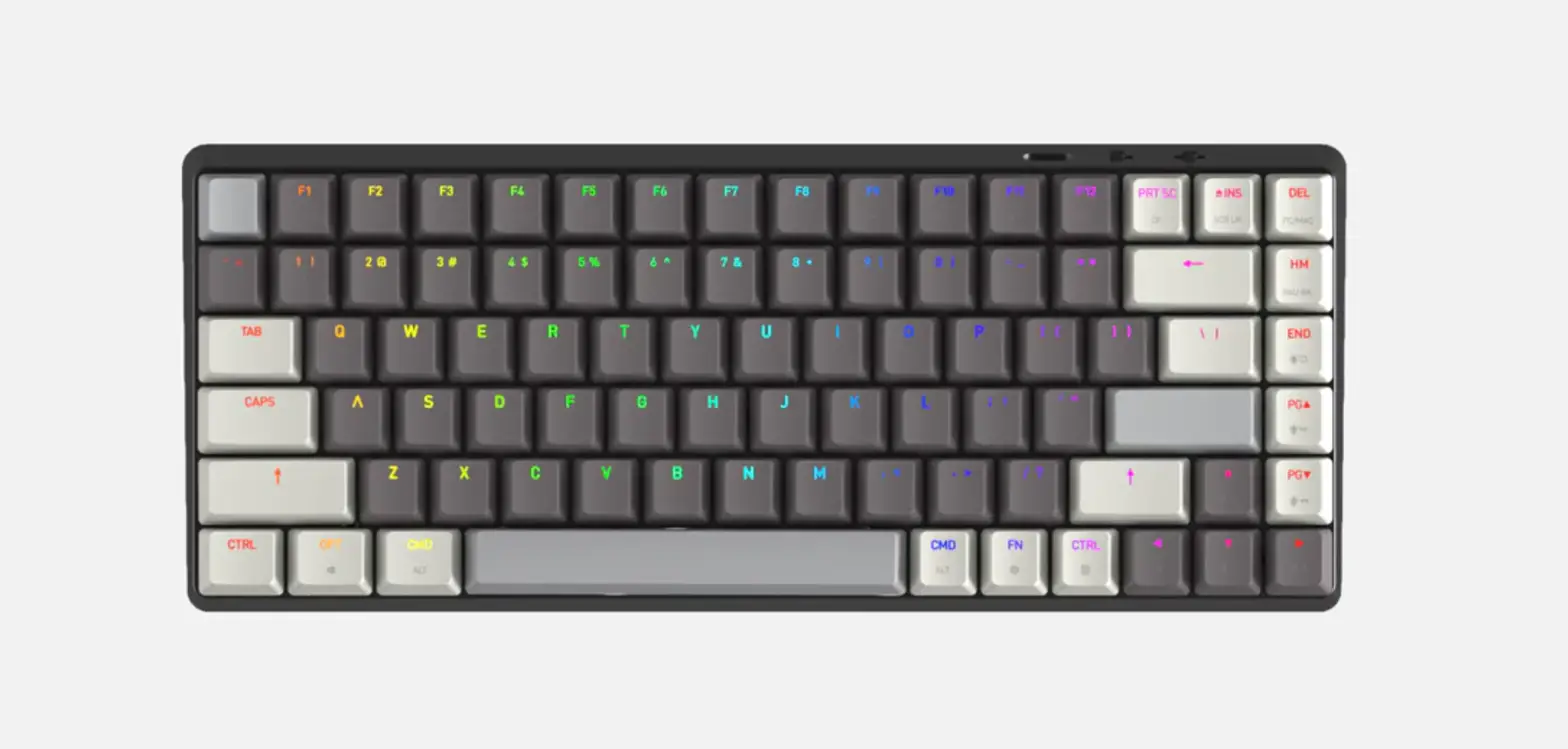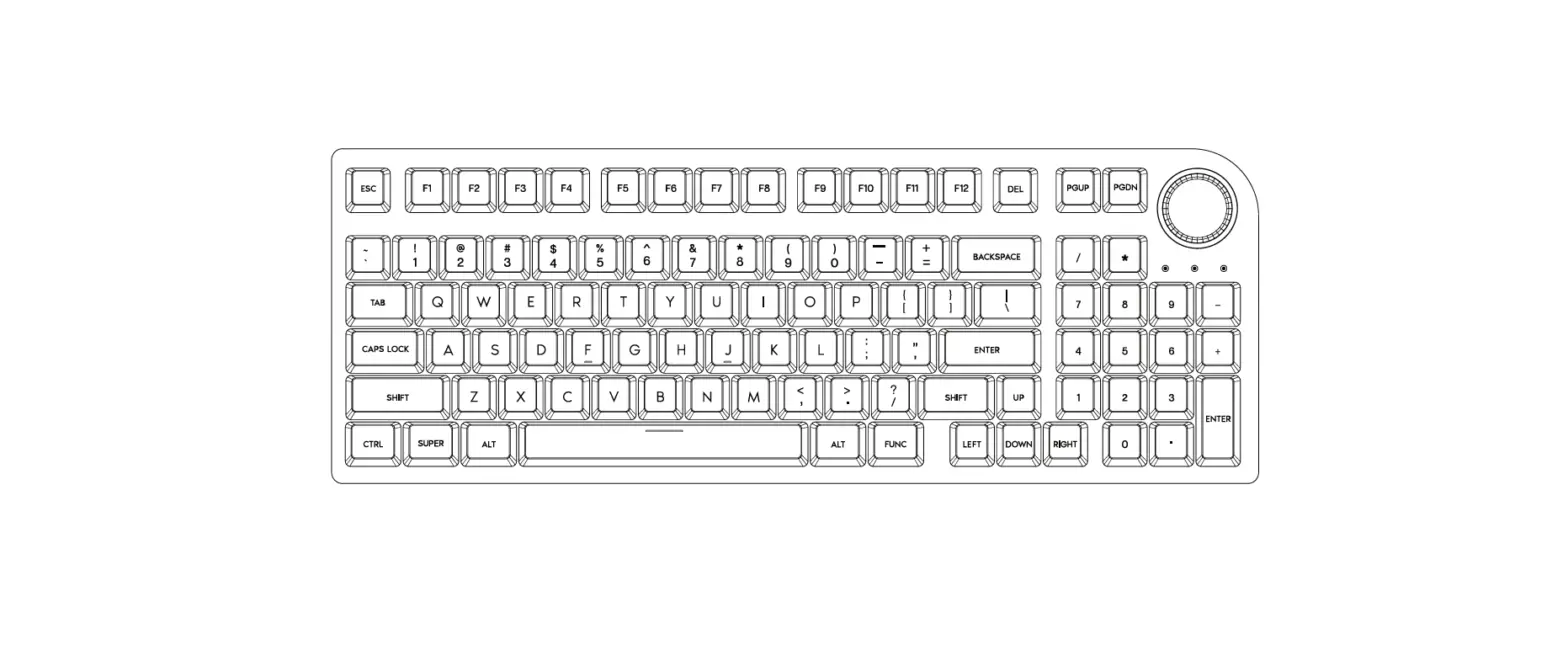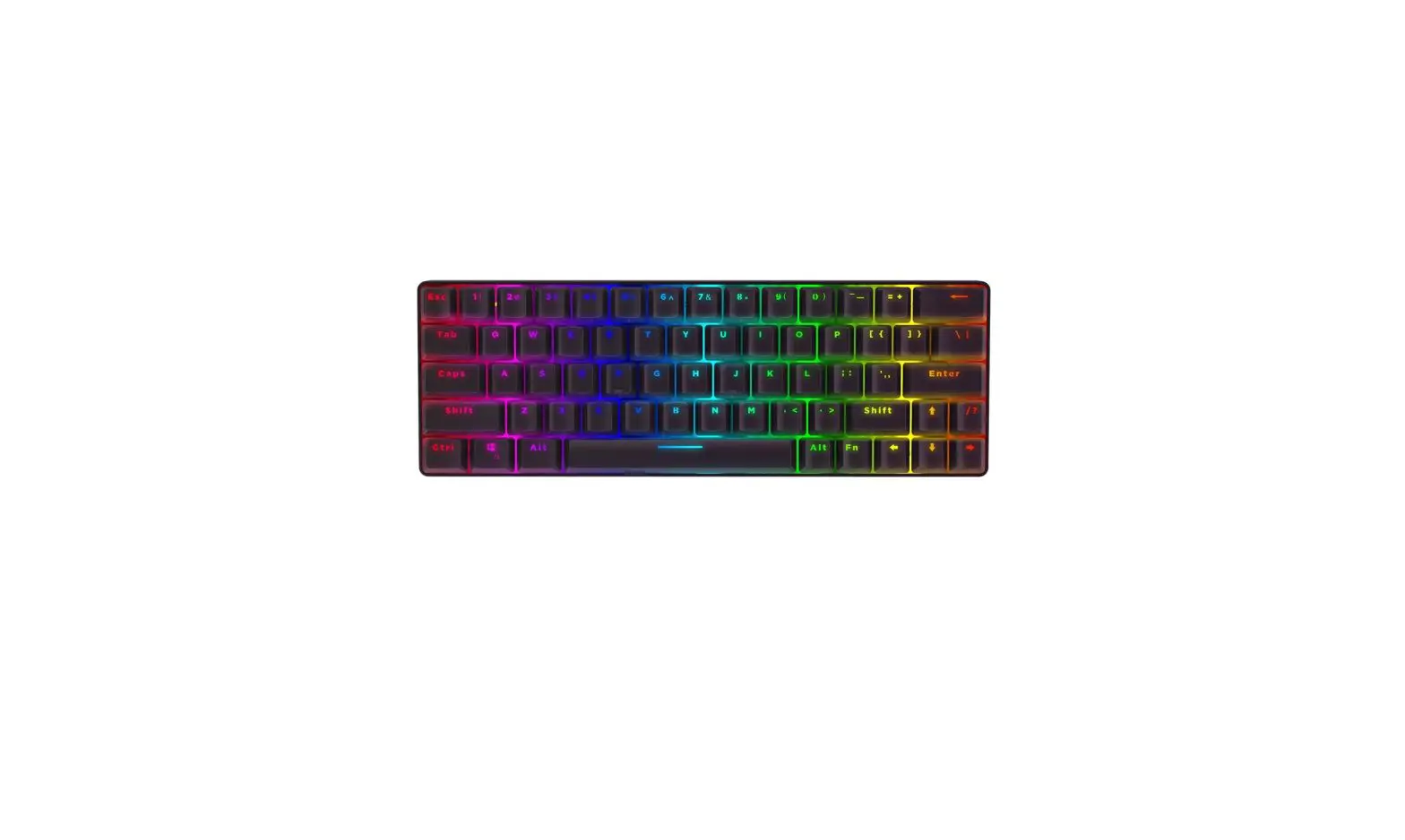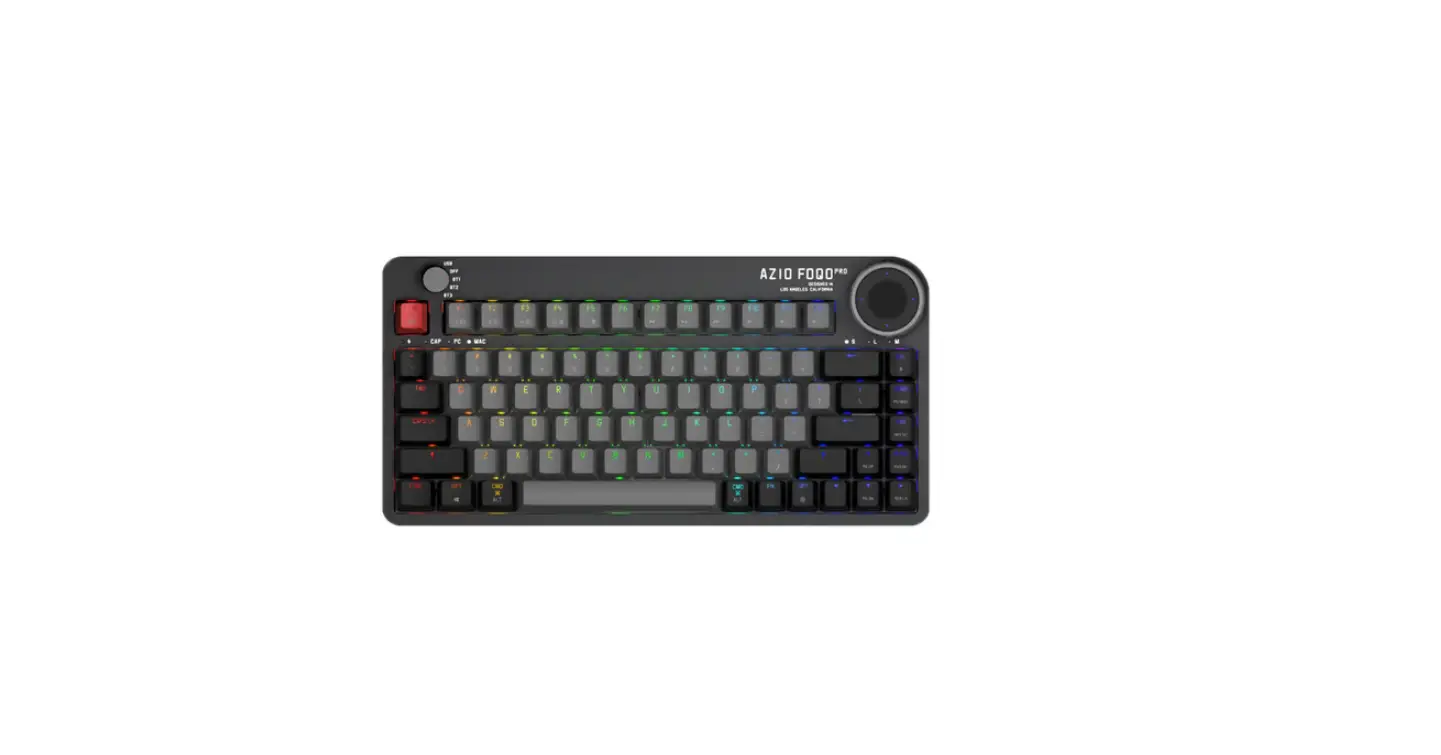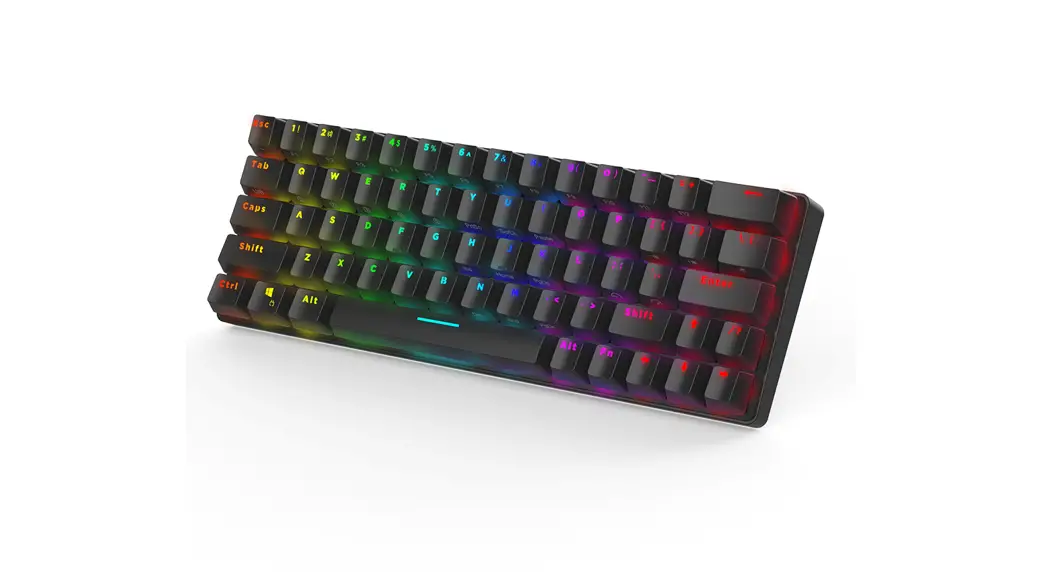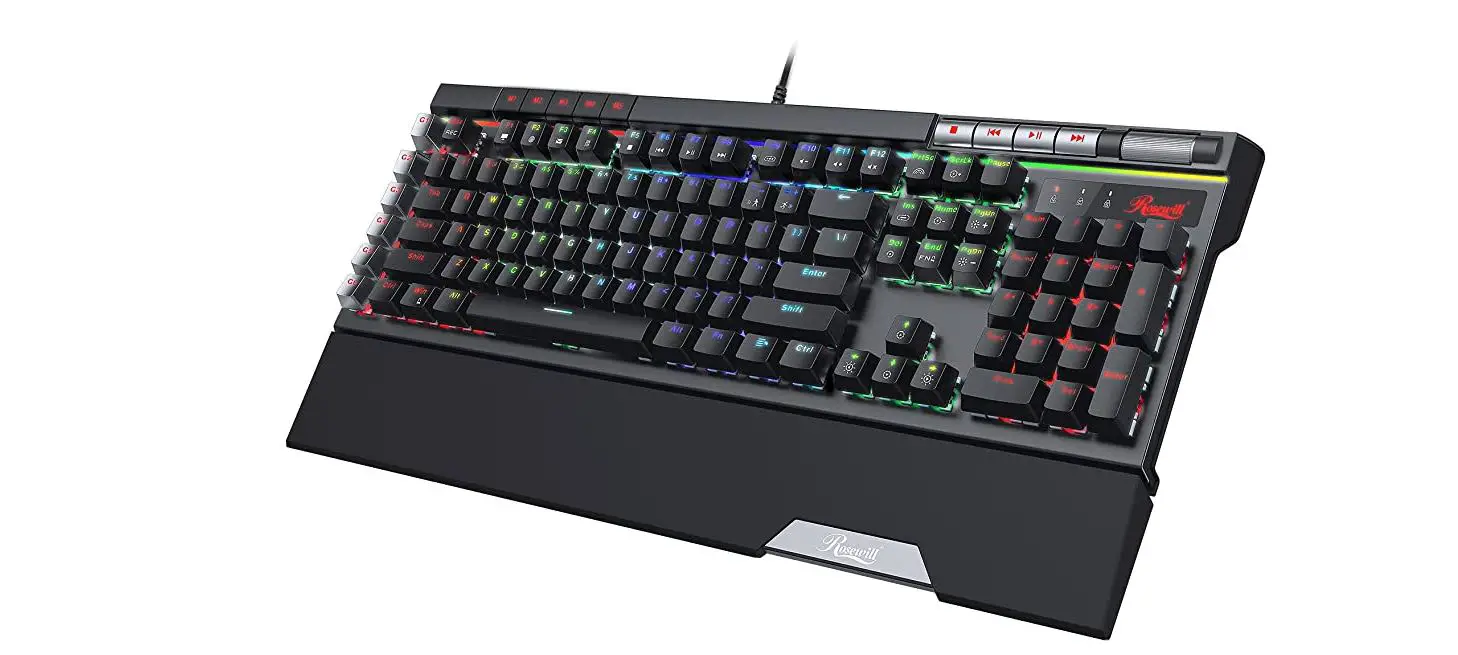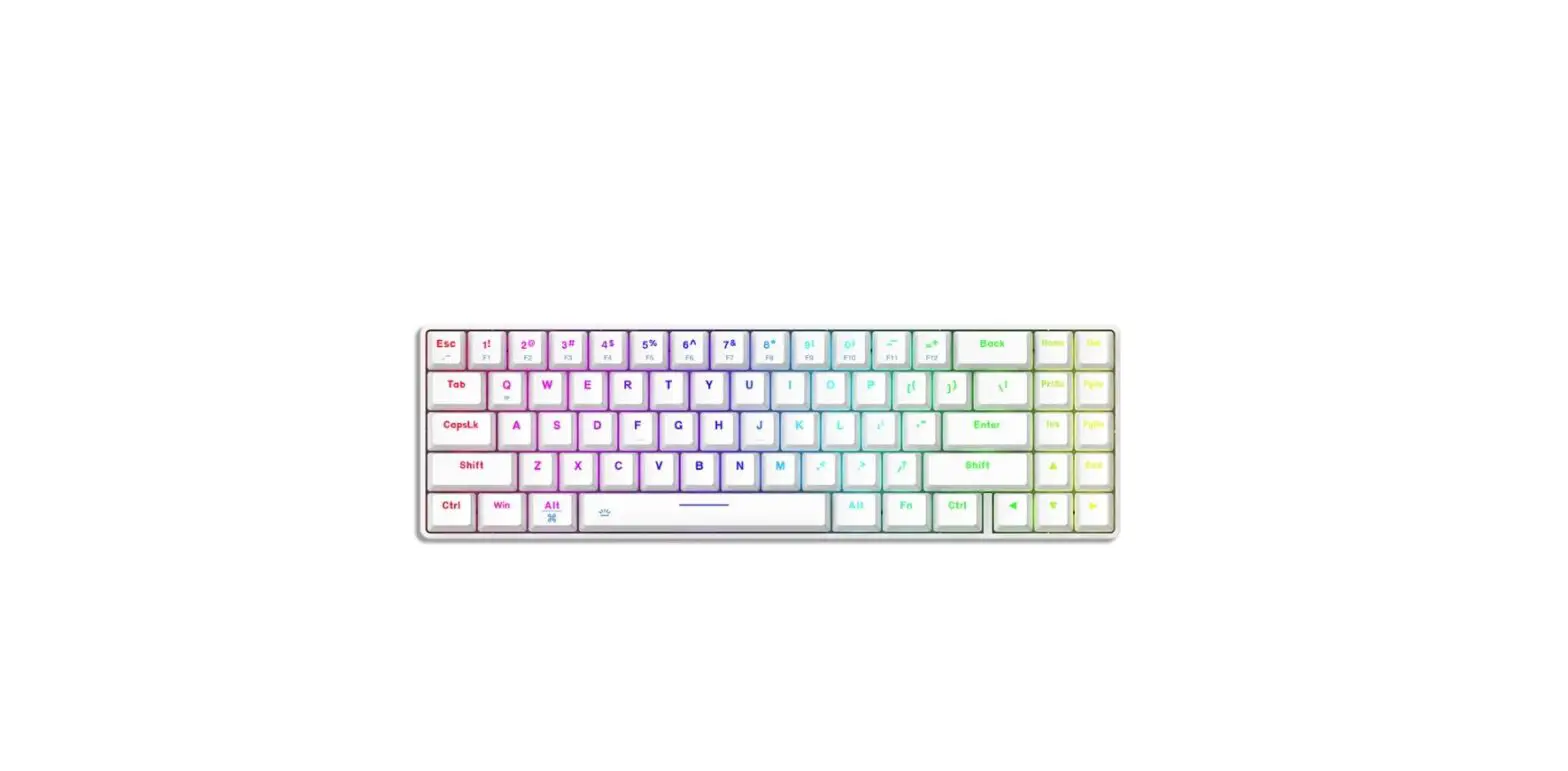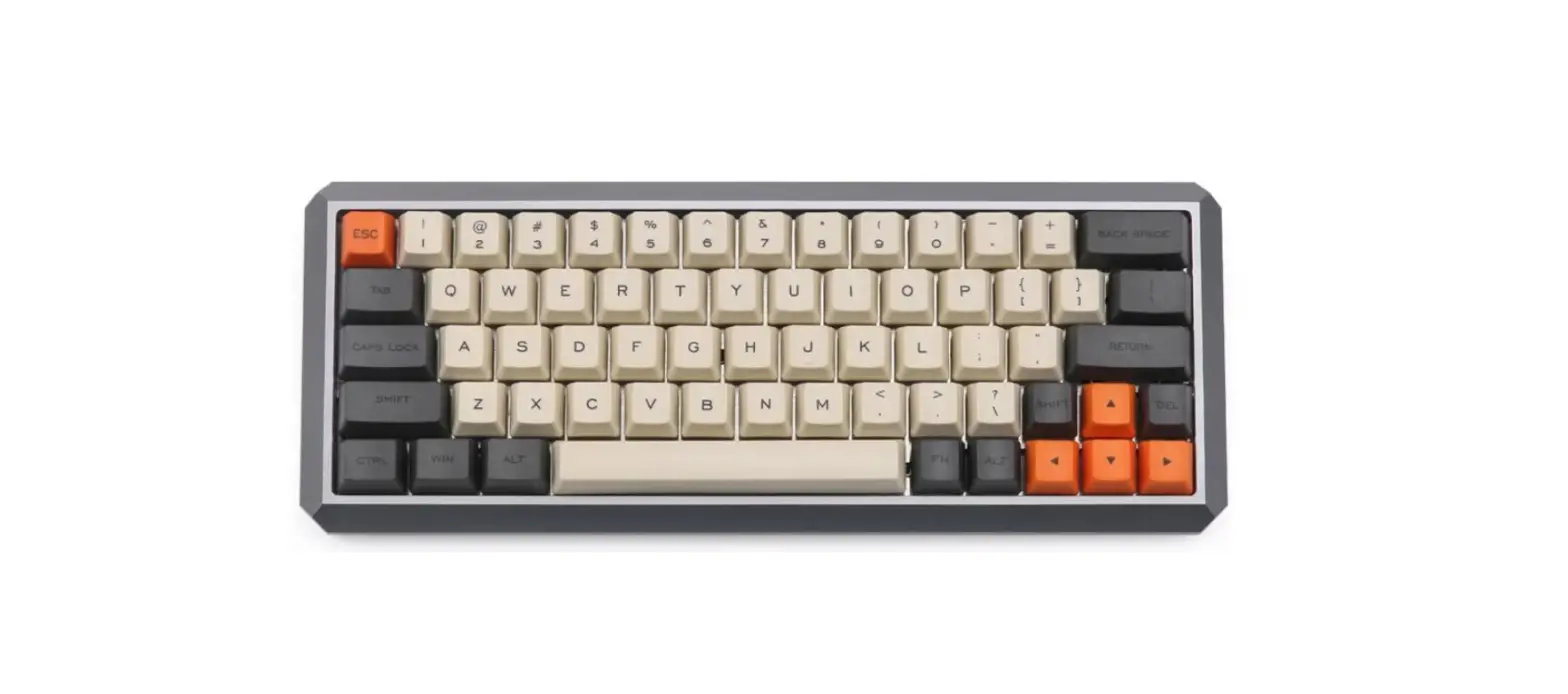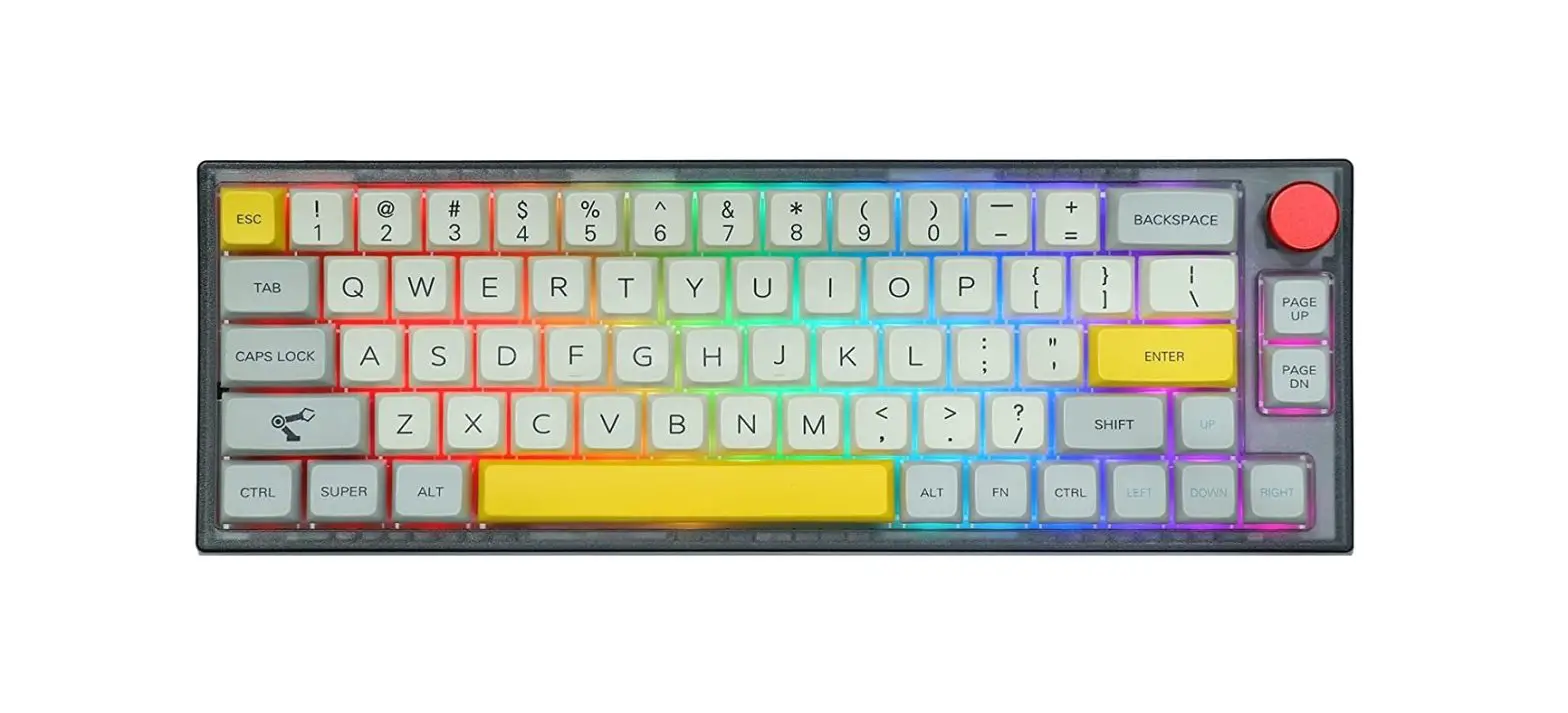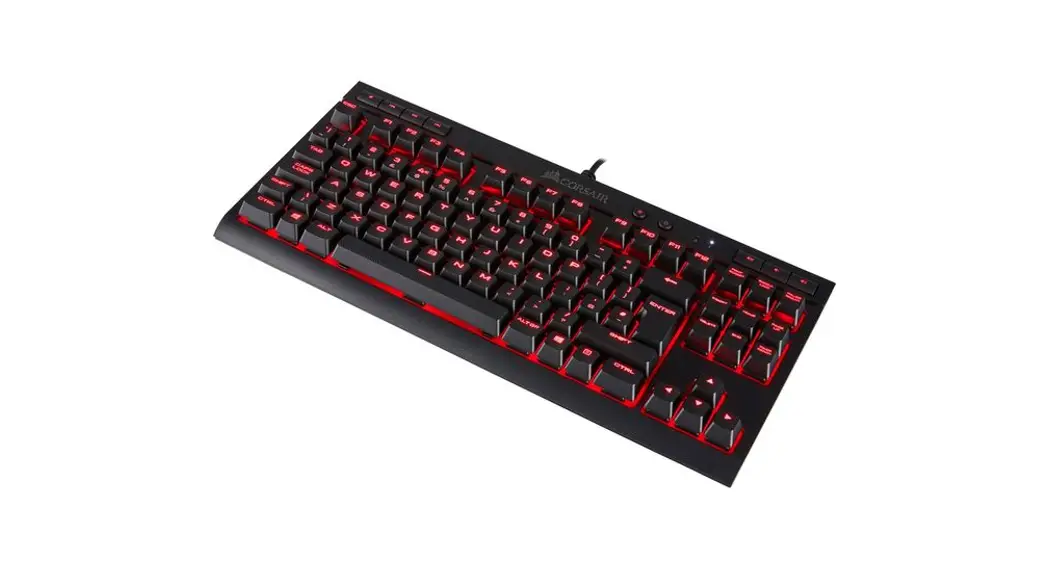

BW-KB2 87-Key Optical Hot-Swap Keyboard with Superior Gateron Switch
User Manual
Connect via USB Cable Paramaters
 Paramaters
| model | BW-KB2 |
| layout | 87 keys |
| Operating Voltage | 5V |
| Operating temperature | -40°C-85°C |
| Built-in program | Built-in 48MHz crystal oscillator |
| Core MCU | ARM COTEX-MO |
| working frequency | 32K FLASH, 8K SRAM burn more than 100,000 times |
| compatible | WIN2000/WINXP/VISTA/WIN7/WIN8/WIN10/LINUX/ANDROID/10S Wait for the operating system. |
| Power consumption of the whole machine | 50mA–500mA |
Function keys
| 3. Function keys | |
| FN + F1 | player |
| FN + F2 | Volume down |
| FN + F3 | Volume up |
| FN + F4 | Mute |
| FN + F5 | stop |
| FN + F6 | previous piece |
| FN + F7 | play / Pause |
| FN + F8 | next track |
| FN + F9 | |
| FN + F10 | Home page |
| FN + F11 | Calculator |
| FN + F12 | Macro recording |
| FN + ESC | Restore Factory |
Lighting Settings
| FN + Ins | 7 modes of global light |
| FN + Del | Interactive lighting 5 modes |
| FN + PRINT | Light color full color |
| FN + SCR | Color foreground |
| FN + Pause | Background color |
| FN + Up/down arrow keys | Keyboard 5-level light brightness adjustment (flashing function indicates three times at the highest or lowest time) |
| FN + Left/right arrow keys | Keyboard 5-level light speed adjustment (flashing function indicates three times at the highest or lowest level) |
| FN + HOME | The keyboard light direction is cyclically switched |
5. Light recording function FN + END
| FN + PGUP | default: W\A\D\S\—>\<—\ \ |
| FN + PGDN | default: Q\W\E\R\T\Y\U\1\0\P\N\A\S\D\F\G\H\- J\K\L\; V\Z\X\CW\B\N\M\,\.\? |
Operation description:
When pressing FN+END, the two buttons PGUP\PGDN flash white light, and select any one of them to record. Press the record button repeated!’ to red-orange-yellow-green-cyan-blue-purple-white- After confirming the color to be recorded, press FN+END again to save. (After entering the recording, it is detected ( that no buttons are pressed in 10S, automatically save and exit)
6. Stand—alone macro lighting recording FN + F12
| FN + F12 After entering the macro recording function, the five macro definition keys Y\U\I\O\P flash. At this time, you can select any group | |
| Macro recording | to enter the recording. Each group can only record 16 keys at most. |
| After the recording is completed, press FN+F12 Save the recording, and exit. (After entering the recording, it is detected that no buttons are pressed for 10 seconds, automatically save and exit). | |
| After FN+Y is enabled, the five keys Y\U\1\0\P are always on in white. | |
| At this time, you can press the macro key to be played separately | |
| Macro playback | (pressing the macro key that has not been recorded will be the original playback key). Key-value), press FN+Y again to turn off the macro enable. |