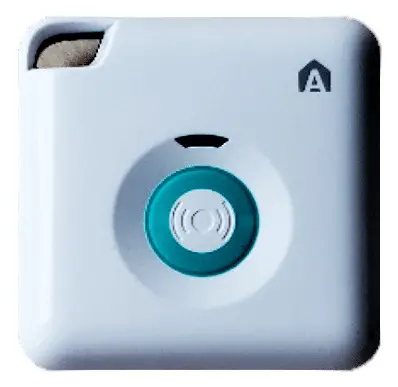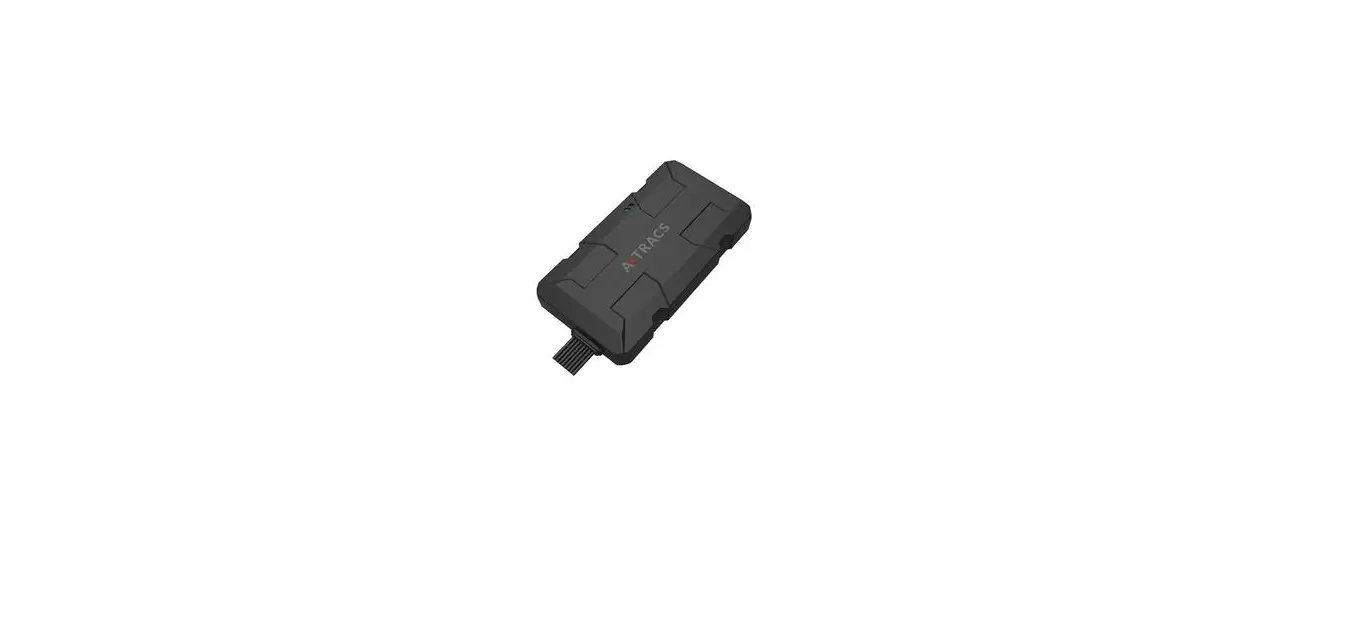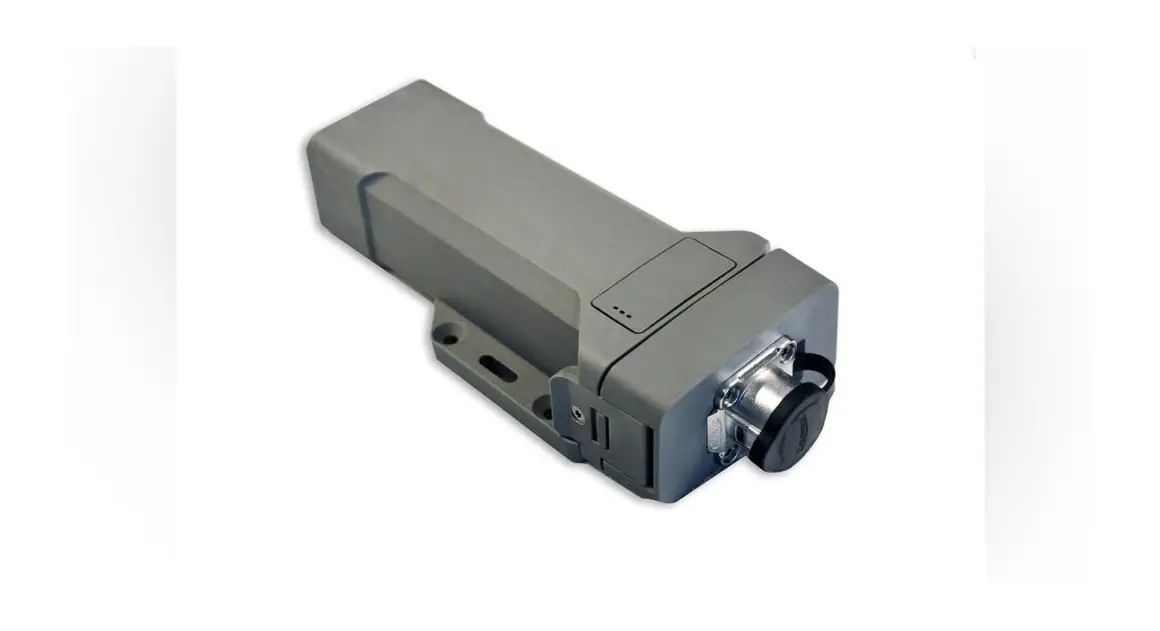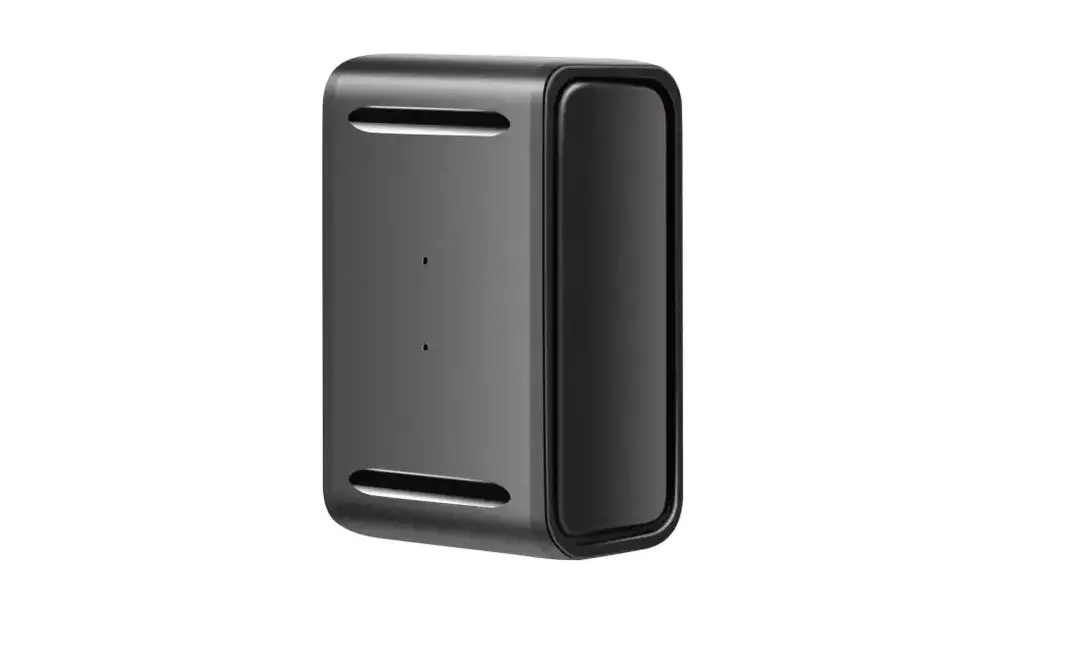
 G500L
G500L
GPS Tracker
User Manual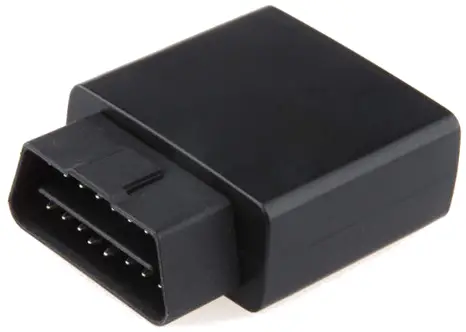
Introduction
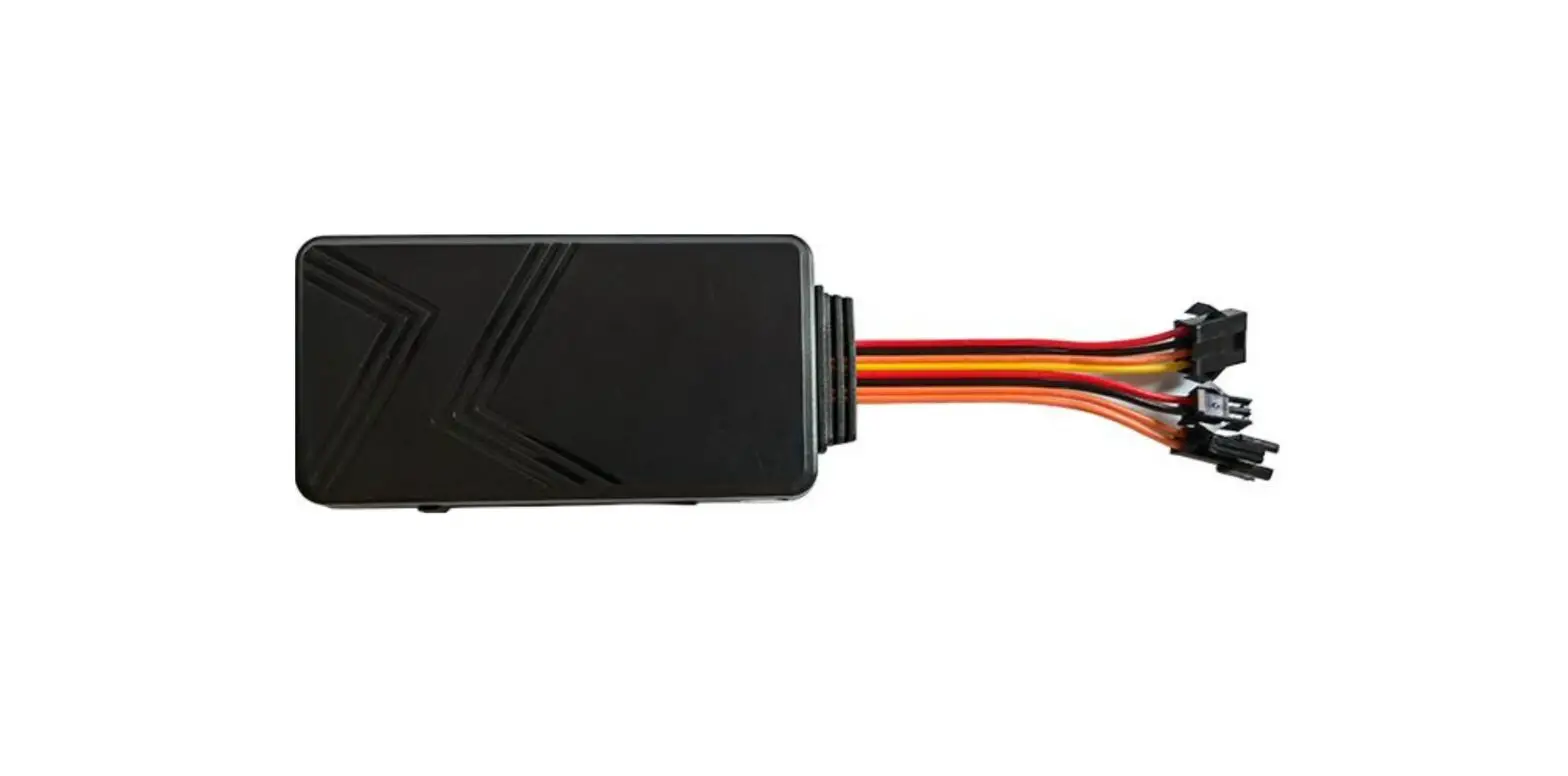
1.1 Product description
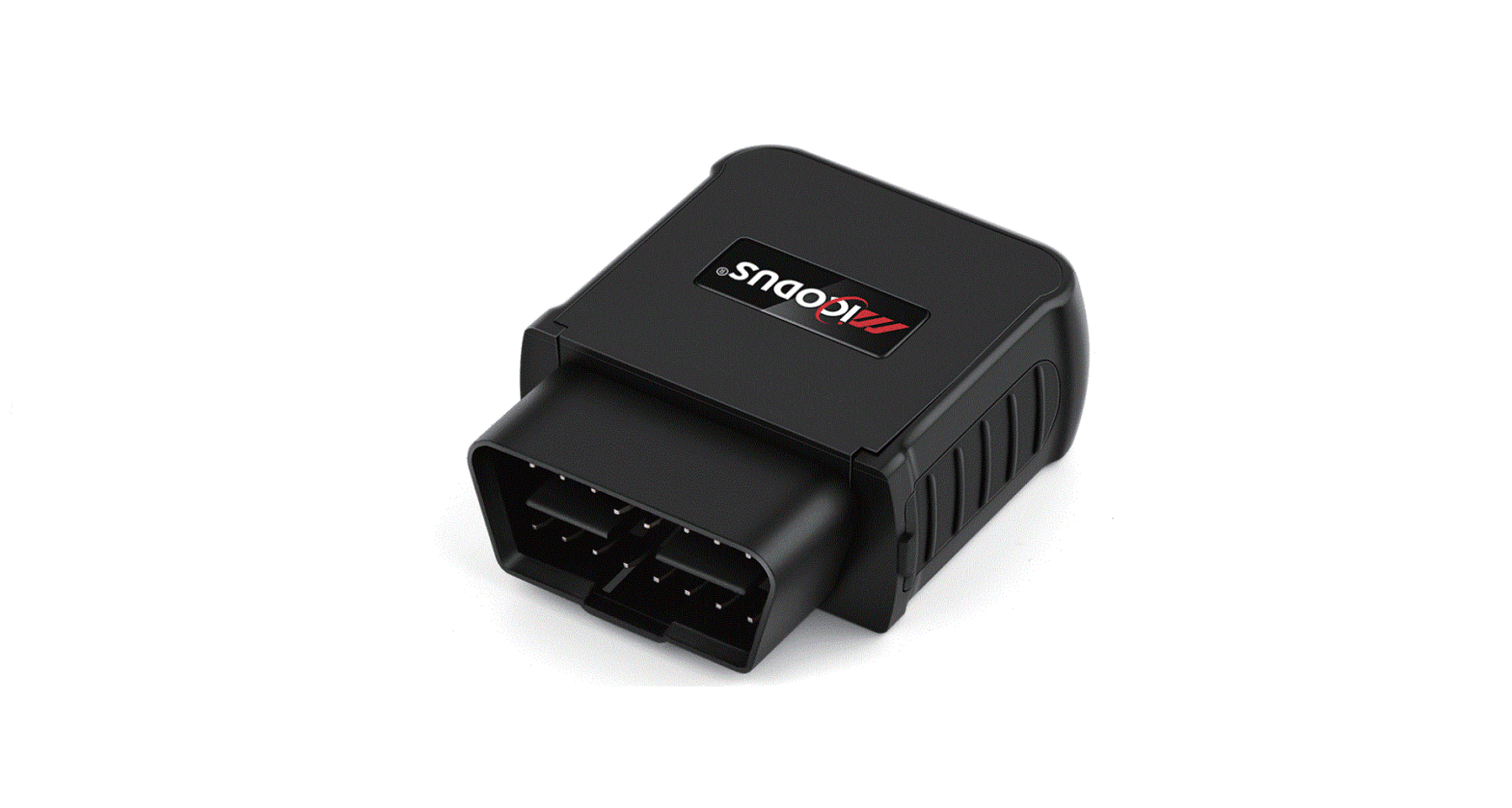
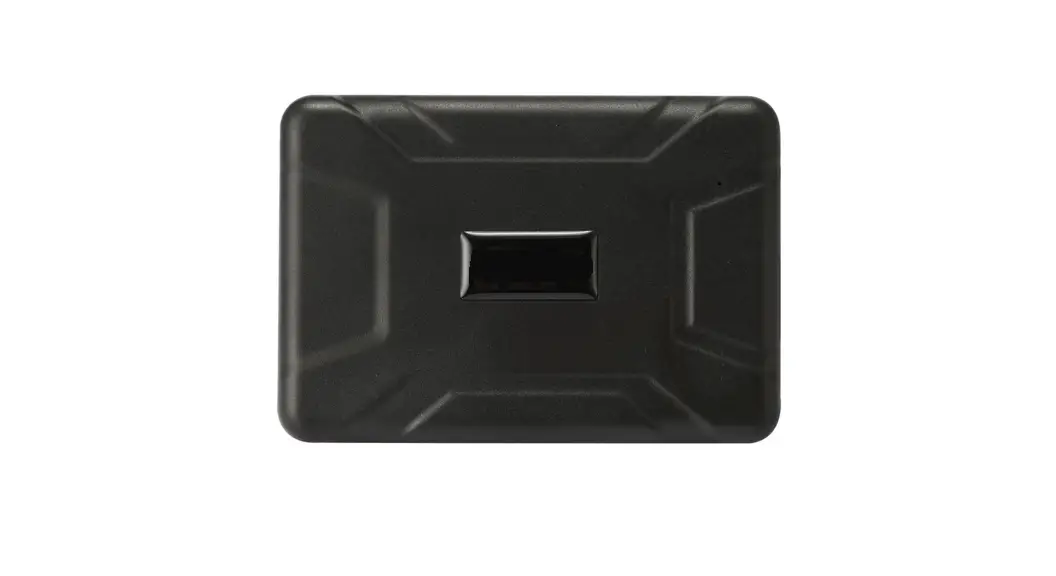
G500L is an all-in-one intelligent terminal for wireless communication, GPS positioning, and OBD diagnosis. The terminal is plug-and-play, and you can install it yourself without a professional. Owners can easily apply location tracking, vehicle security, trip playback, car body check, and more. By real-timeaccesstoautomotiveECUdata, operating conditions, combined with original algorithms, you can accurately calculate driving habits (such as fuel consumption, rapid acceleration, rapid deceleration, sharp turns, etc.).
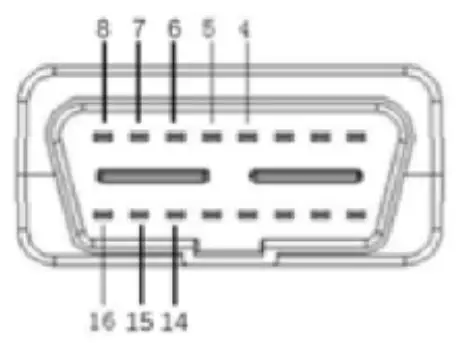
1.2 Structure and interface
| PIN | Define |
| 4 | GND |
| 5 | GNP |
| 6 | CAN H |
| 7 | K |
| 8 | Reserved |
| 14 | CAN L |
| l5 | L |
| 16 | VCC |
1.3 Application scenarios
- Private car owner
- Fleet management
- Financial loan
- Inventory management
1.4 Features
- can be directly installed in most vehicle
- Easy to install, plug and play, no need for professional transformation
- GPS, AGPS, LBS hybrid positioning, positioning quickly and accurately
- Industrial-grade stable 4G communication solution
- Ultra-low standby power consumption, intelligent monitoring of car battery power
- Built-in battery, violent demolition alarm
1.5 Parameter
| Size | 58mm*45m*20mm (without plug) |
| Working Voltage | DC 9V-36V |
| Working Current | 35mA (ACC ON) |
| Standby Current | 2.5m (ACC OFF) |
| Backup Battery | 50mA polymer lithium battery |
| Positioning method | GPS/AGPS/LBS |
| Positioning accuracy | 10m |
| Communication Network | TDD/FDD/WCPMA/TD-SCDMA/GSM |
| Working Temp range | -25∼+75°C |
| Storage Temp range | -40~+85℃ |
Support OBDII Protocol
| 1 | ISO9141-2 | ISO9141 |
| 2 | KWP2000_5BPS | ISO14230 |
| 3 | KWP2000_FAST | |
| 4 | CANBUS_11B_500K | ISO15765 |
| 5 | CANBUS_29B_500K | |
| 6 | CANBUS_11B_250K | |
| 7 | CANBUS_29B_250K |
Function
2.1ProductFunctionTable
Function | Description |
| Positioning & Tracking | The terminal detects the car ignition ACC ON, starts continuous positioning, and uploads the position data every 15s. When ACC OFF is detected and the position data is uploaded every 5 minutes (the last ACC ON GPS positioning data is retained). |
| Sleep &wake-up Model | When ACC is OFF, the equipment can be configured to sleep (GSM standby disconnected network connection), wake up and report position regularly. |
| LBS/GPS Positioning | The device uses GPS positioning after power-on by default. If the GPS positioning is not successful, a group of base station data will be reported. |
| Read VIN | Within 30 seconds after ACC ON, the device will actively read the vehicle identification number of the vehicle. |
| Read Diagnostic data | After the vehicle is started, the vehicle engine speed, vehicle speed, battery voltage, throttle percentage, engine load, coolant temperature, intake airflow, intake air temperature, ignition advance angle, instantaneous fuel consumption, Average fuel consumption, current mileage, current fuel consumption, cumulative fuel consumption fault code, real-time data flow |
| Low power protection | detects that the vehicle voltage is too low, it will automatically enter the network, low power mode, default 11v |
| SMS setting | You can set the IP (or domain name), port number, APN, local number, working mode, etc. |
| Power cut alarm | When the external power supply is cut off, the power cut alarm will be reported. |
| Low power alarm | When the vehicle power supply is detected to be low, an alarm will be reported. The default is 11V. |
| Vibration alarm | ACC OFF status, when the vehicle vibration is detected, the vibration alarm will be reported. |
| Collision alarm | When the vehicle has a crash |
| Speed alarm | When the vehicle is speeding, default 120km/h |
| Driving behavior monitoring | Statistical travel acceleration, rapid deceleration |
2.2 LED indicator status description
GSM/GPRS indicator Yellow
| LED status | Description |
| Long bright | GPRS communication is normal, connect to the server |
| twinkle 1s bright, 4s off | GPRS communication is normal, not connected to the server |
| twinkle 1 s bright, 1s off | not registered on the network |
| Long off | GSM sleep / ACC off for 3 minutes |
GPSindicatorBlue
| LED status | Description |
| Long bright | GPS positioning success |
| twinkle | GPS search satellite |
| Long off | GPS sleep/ACC off |
Installation Guide
3.1 SIM card installation
Open the rubber plug on the left side of the device and insert the SIM card correctly in the direction shown in the picture
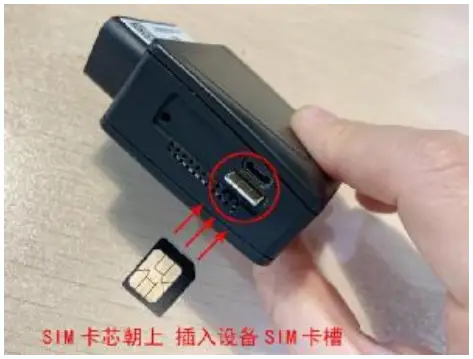
- When the SIM card is inserted, there is a feeling of spring rebound, and the card can be pressed to the bottom to be stuck (if there is no spring rebound feeling, consider whether to insert or not)
- Please ensure that the SIM card has a fee before inserting the card.
Note:
- The terminal needs a GSM SIM card to be used for networking.
- SIM card needs to open the GPRS Internet access function
- The size of the SIM card used is: 12*9mm (NanoSIM card)
3.2 Equipment installation
Look for the location of the vehicle OBD interface. The OBD interface is a 16-pin female connector and the interface is trapezoidal.
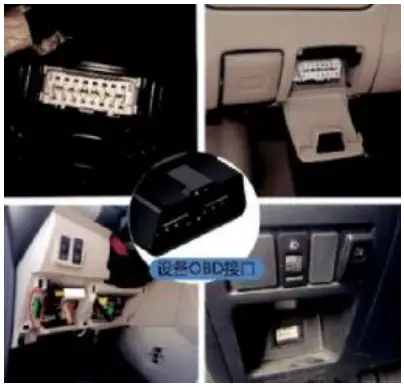
Note: The OBD interface positions of different models are different. The following figure shows the possible locations of the OBD interface. Some vehicle OBD ports are hidden behind the plastic baffle.
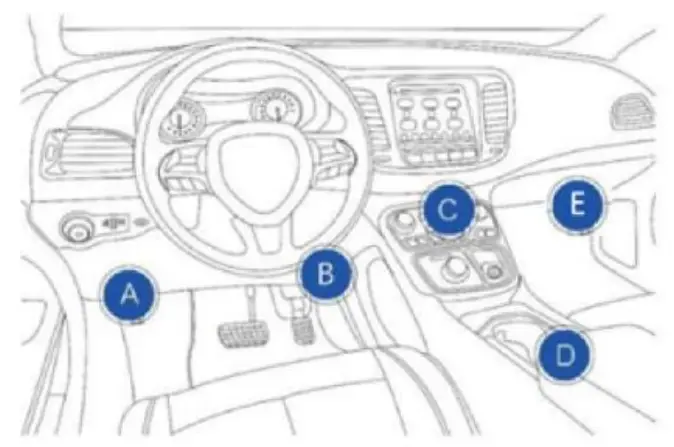
Area A: above the clutch pedal
Area B: Above the accelerator pedal
Area C: Front of the center console downshift lever
Area D: behind the front handlebar of the armrest box
Area E: under the co-pilot glove box
Note: Connect to the vehicle OBD interface, you can directly plug in or use the extension cable connection (installation of the dedicated extension cord and Velcro can be selected at the dealer according to actual needs)
FCC warning statements:
This equipment has been tested and found to comply with the limits for a Class B digital device, pursuant to part 15 of the FCC Rules. These limits are designed to provide reasonable protection against harmful interference in a residential installation. This equipment generates, uses, and can radiate radio frequency energy and, if not installed and used in accordance with the instructions, may cause harmful interference to radio communications. However, there is no guarantee that interference will not occur in a particular installation. If this equipment does cause harmful interference to radio or television reception, which can be determined by turning the equipment off and on, the user is encouraged to try to correct the interference by one or more of the following measures:
- Reorient or relocate the receiving antenna.
- Increase the separation between the equipment and receiver.
- Connect the equipment into an outlet on a circuit different from that to which the receiver is connected.
- Consult the dealer or an experienced radio/TV technician for help.
Caution: Any changes or modifications to this device not explicitly approved by the manufacturer could void your authority to operate this equipment.
This device complies with part 15 of the FCC Rules. Operation is subject to the following two conditions:
- This device may not cause harmful interference, and
- this device must accept any interference received, including interference that may cause undesired operation.
The device has been evaluated to meet general RF exposure requirements This equipment complies with FCC radiation exposure limits set forth for an uncontrolled environment.
This equipment should be installed and operated with a minimum distance of 20cm between the radiator & your body.