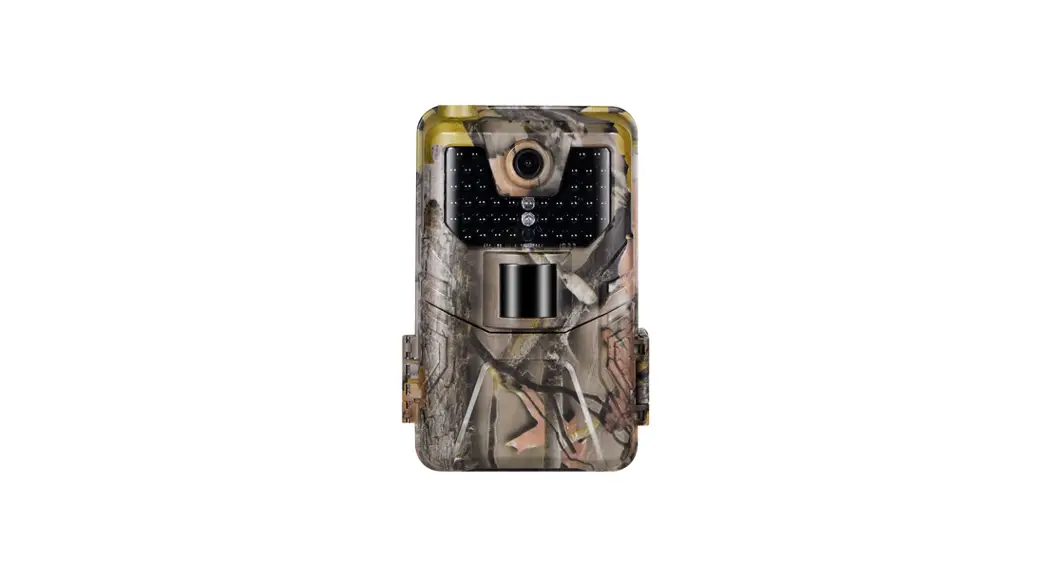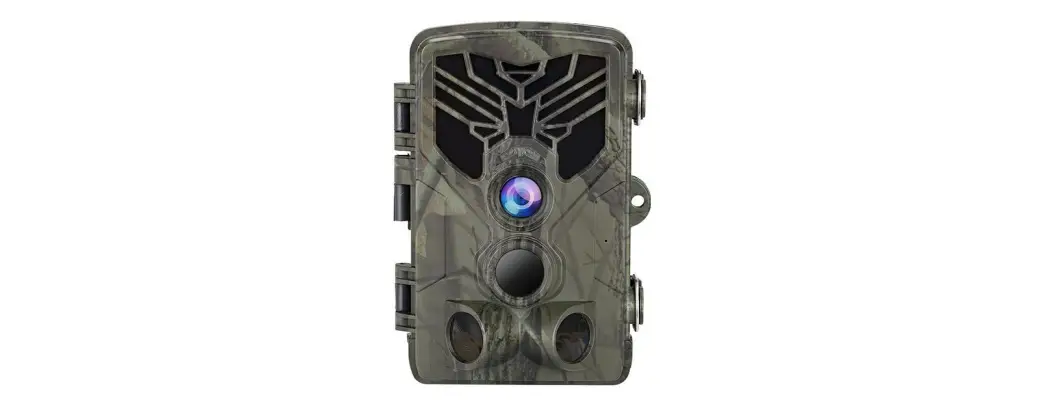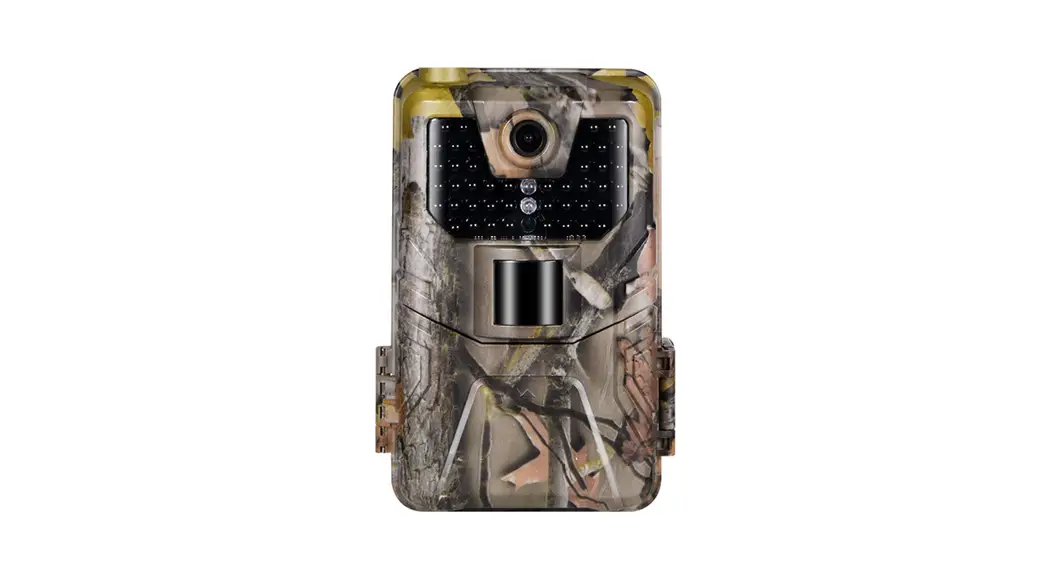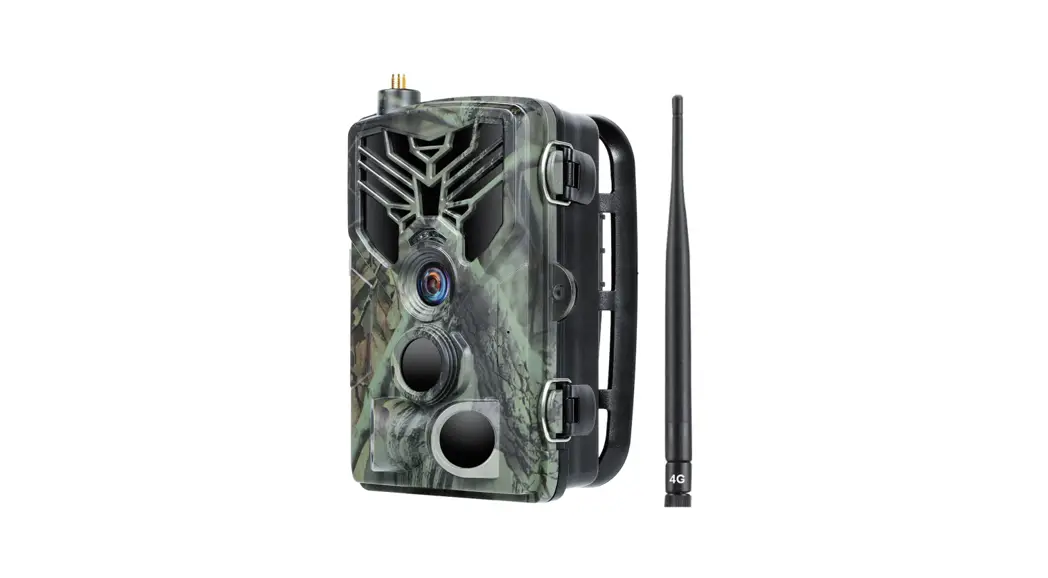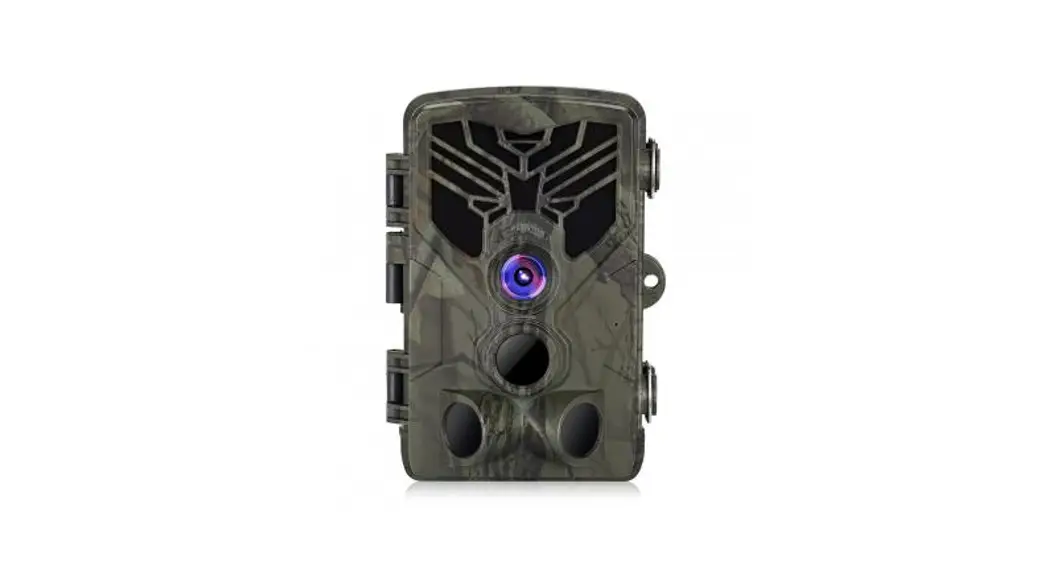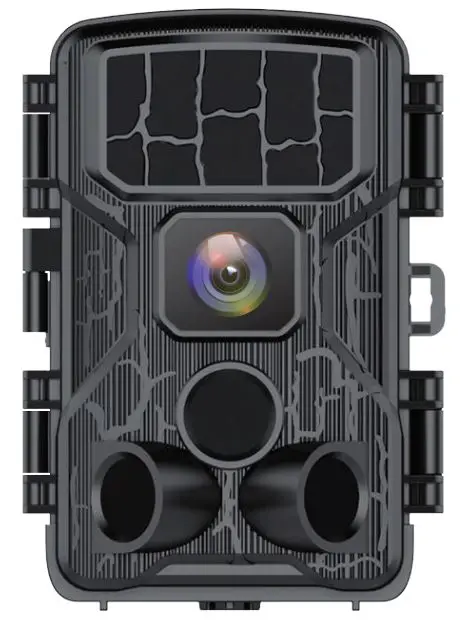
 Trail Camera
Model: WiFi900Pro
User Manual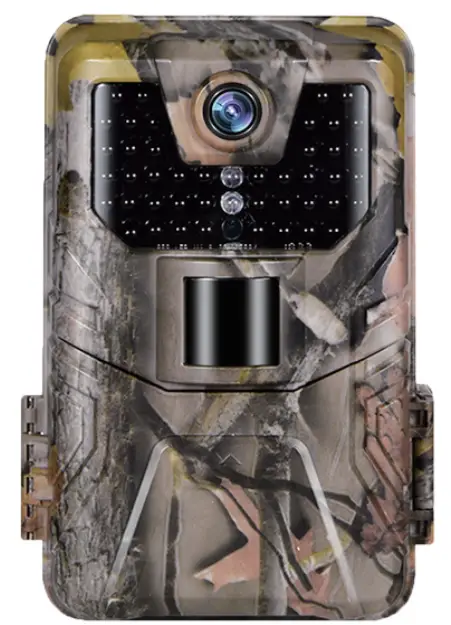

SPECIFICATIONS
Photo Recording
| Photo resolution | ’36MP/30MP/24MP/20MP/16MP/12MP |
| File format | .JPG |
| Time-lapse mode | 5min / 10min / 30min / 60min |
| Multi-shot mode | Up to 9 photos per detection |
| Stamp (photos and video) | Date, time, temperature (°C /°F), and moon phase Camera/Video/Camera& |
| Capture mode | video/Timelapse |
Video recording a
| Video resolution | 4K / 2K/ 1080P / 720P / VGA(480P) |
| File format | .MP4 / H.265 |
| Video length | 5s /10s / 30s / 60s / 90s |
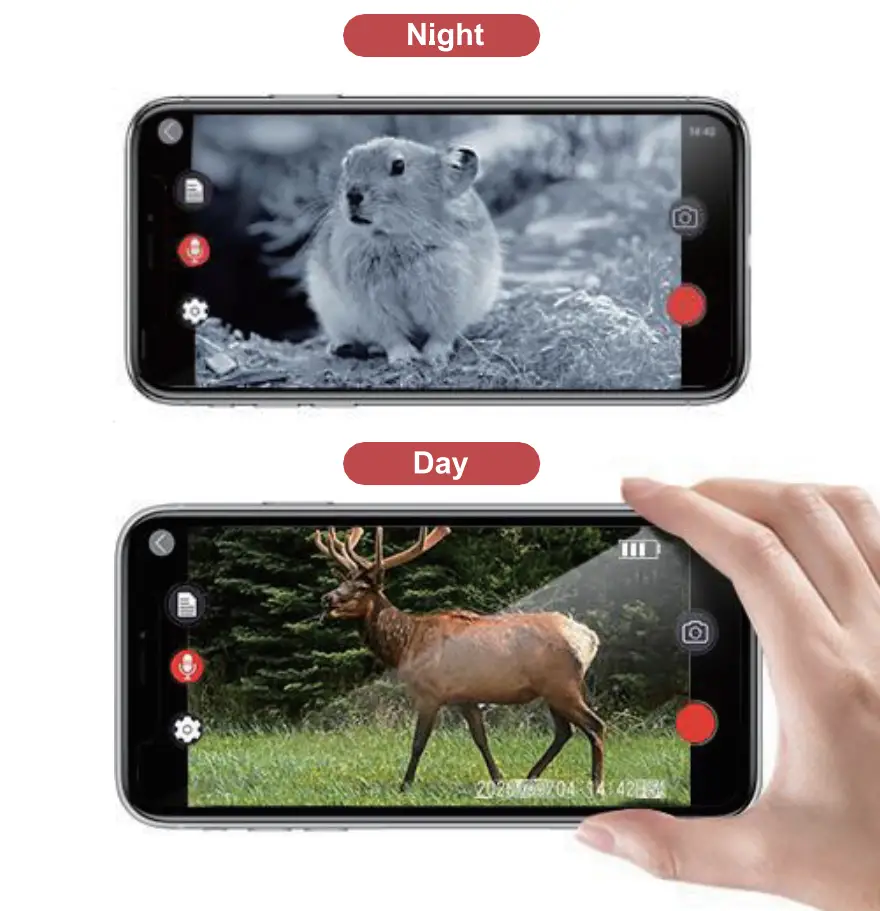
| Capture mode | Colorful mode at daytime, |
| black and white mode at night |
WiFi / APP / Bluetooth
| Scan QR code to Download | Bluetooth WiFi On / Off |
| WIFI Vision Distance 50M | Bluetooth Connection Distance 5M |
 | 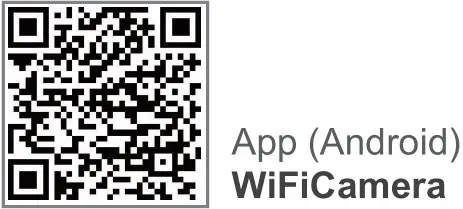 |
| https://apps.apple.com/cn/app/id1480793143 | https://play.google.com/store/apps/details?id=com.dkhs.wificamera |
Memory storage
| Support | • Internal memory: none • External memory: Micro SD card (up to 256GB, Not included) |
Viewing
| Built-in screen | TFT 2.0″ |
Power source
| Alkaline Battery | 1.5V AA 13atteryw8 Rechargeable |
| Lithium Battery | lithium AA battery DC 12V 1A |
| External Power Jack | (3.5×1.35mm) |
Detection system
| Motion Sensor | lx PIR |
| Detection Angle | 120° |
| Detection Range | Adjustable from 1 to 98 Ft |
| Trigger Speed | 0.2second |
| The delay between each detection | 1/5/10/30 seconds, 1/5/10/30 minutes 4. |
Night time illumination system
| Infra LEDs | 44pcs LEDs |
| Flash Range | < 98 Ft |
| Exposure | Auto / 100 / 200 / 400 |
Optical field of view
120°
Dimensions
150mm” x 100mm” x 60mm”
Recommendations
| Operating temperature | (-4°Fto + 158°F) (-20°C to + 70°C) |
Waterproof level
IP 66
THE BASICS

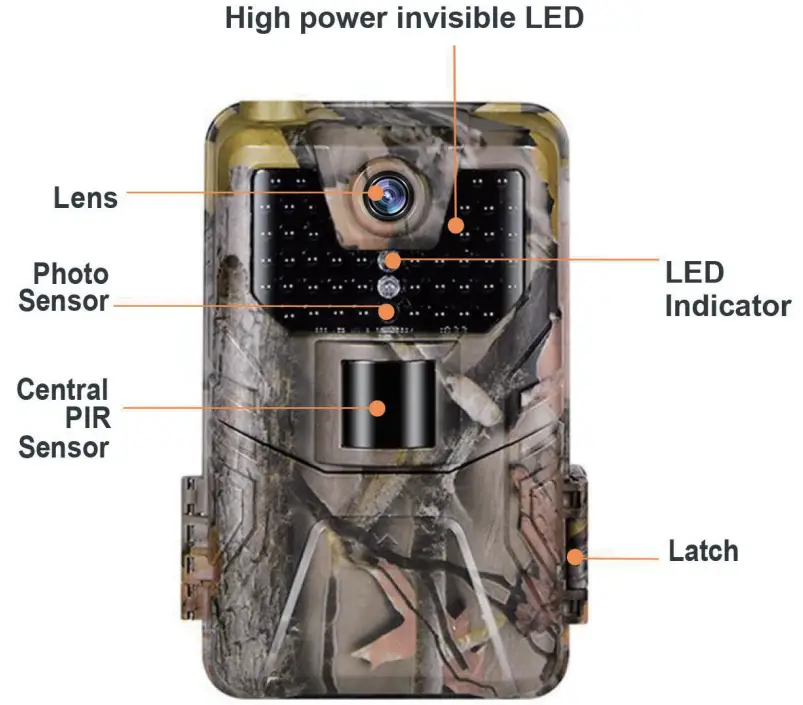
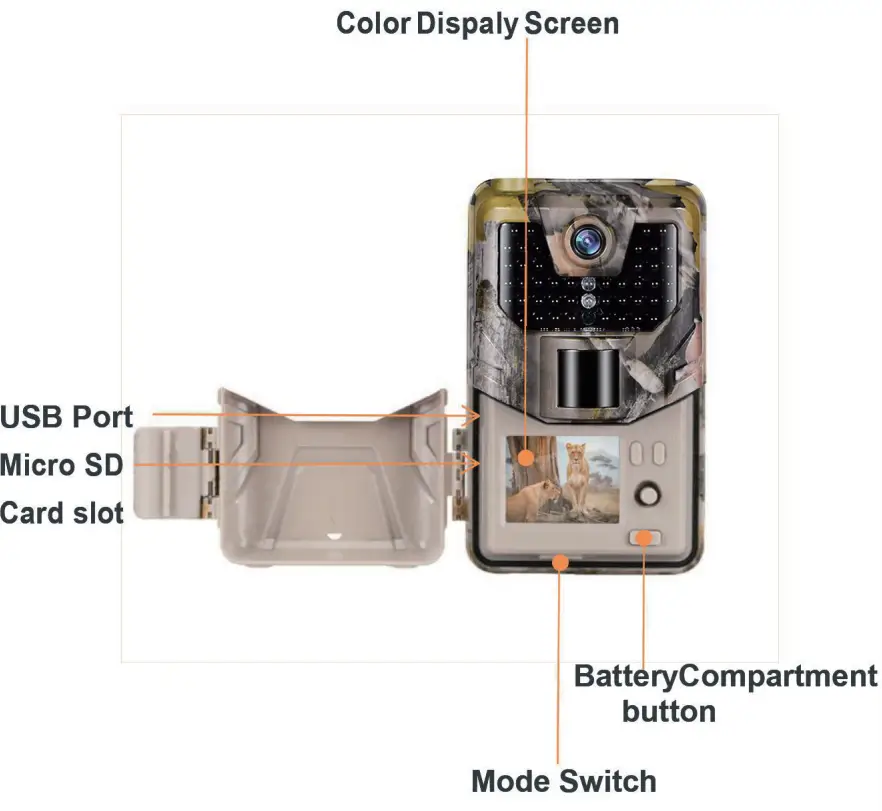
INSTALLATION
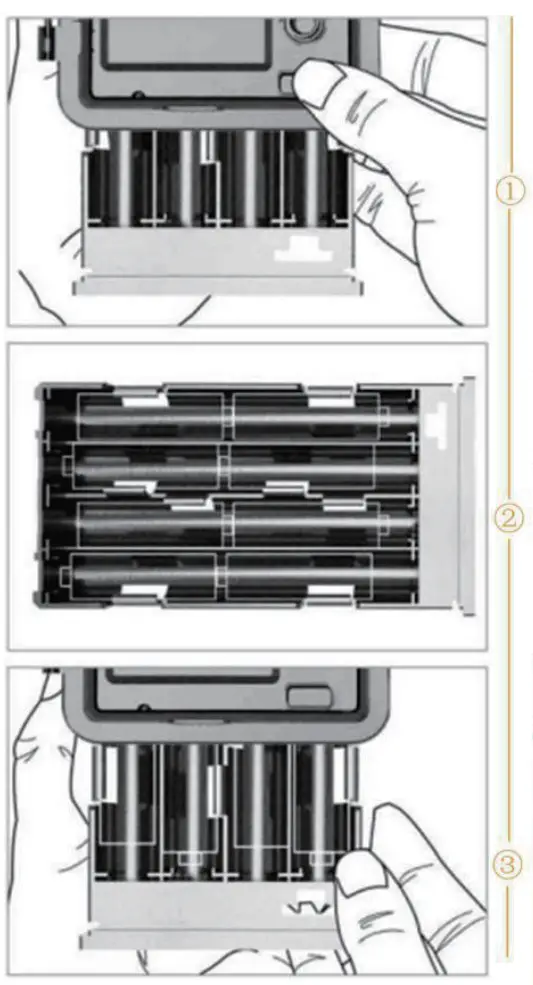 | Open the battery cover and insert 8 batteries(AA) following to the positive and the negative battery sign. Close the battery cover to Resist water and dust Be Sure to put AA batteries in the correct direction. Inserting batteries incorrectly will cause permanent damage. |
Step 2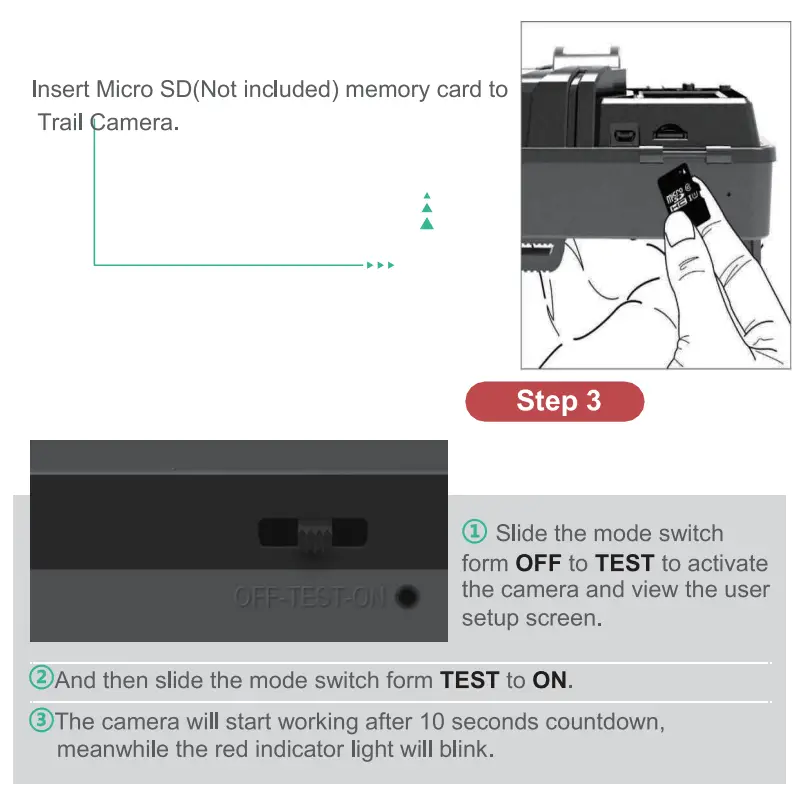
Step 4
Scan the QR codes below search for‘WiFiCameraSum’ on the Apple AppStore search for “WiFiCamera’” on Google Play to download the app.
 |  |
| https://apps.apple.com/cn/app/id1480793143 | https://play.google.com/store/apps/details?id=com.dkhs.wificamera |
Step 5
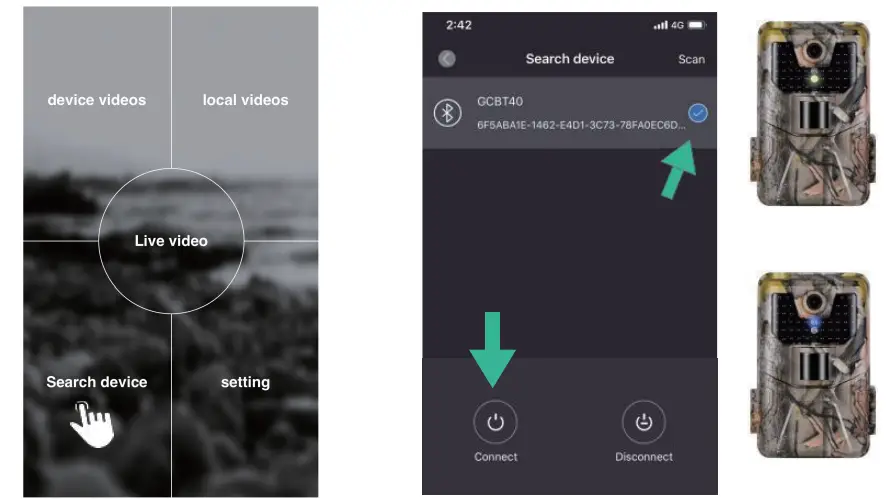 | |
| Open the APP on your cellphone and tap “Search Device” at the left lower corner | select “GCBT40” and then tap “Connect” to connect your phone and camera with Bluetooth. You can see the camera flashing yellow light one time and then flashing blue light. |
Step 7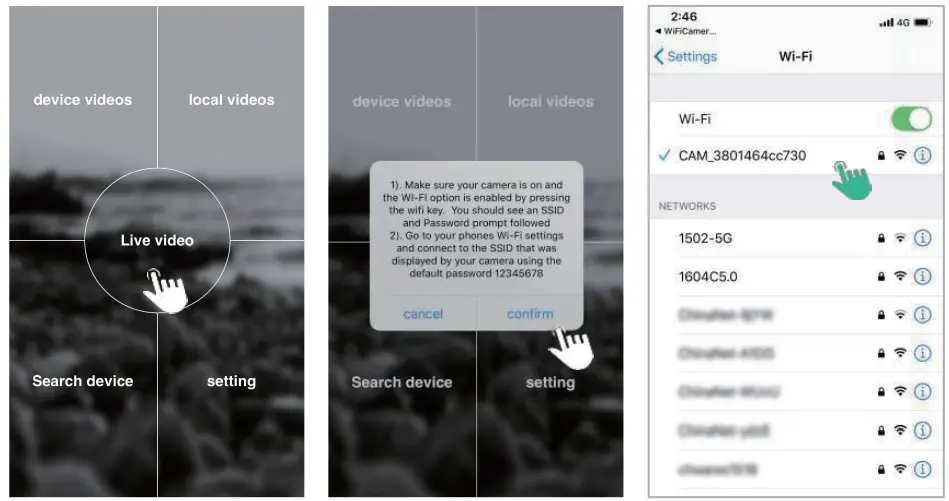
- Back to the main page of the app and then tap “Live video”.
- Go to the WiFi setting on your phone, select
- “CAM_XXXXXXXXXXXxX’ Enter password “12345678”.
(WiFi name and password can be changed in the APP when connected)
GETTING START
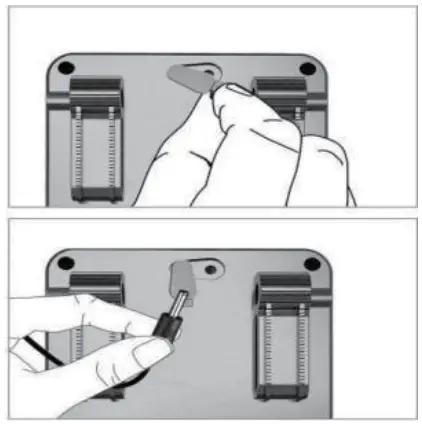
EXTERNAL POWER SUPPLY
Use 12V DC Power source (Not included)
OPERATING BUTTON
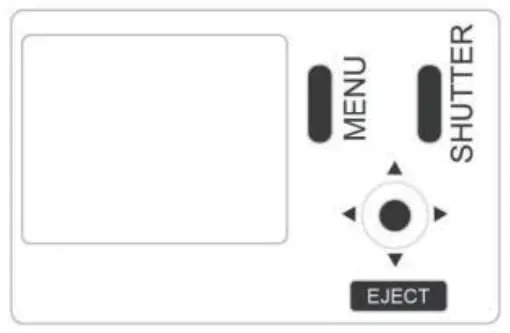
 | Menu Button — Menu Setting |
 | Shutter Button — Take Video / Photo manually / Quit |
 | UP / Down — Switch Video or Photo Mode |
 | Right — Replay mode, press UP / Down to replay, press |
| Menu to Delete or Protect | |
 | Left — Play / Stop the video |
 | WiFi Button: ON/OFF WiFi / OK Button |
SETUP MEND
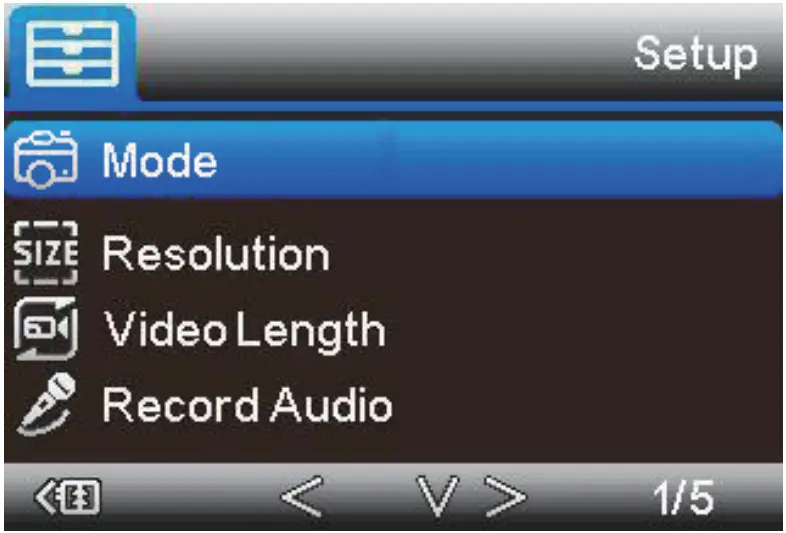
| Setup | Sub Menu | Description |
| Mode | Camera,video,camera &video, Timelapse | Picture, video, picture, and video, taking pictures regular |
| Resolution | 4K,2K, 1080P, 720P, WVGA(480P) | Video Resolution |
| Video Length | 5/10/30/60/90 Seconds | Each Video max 90 sec, default 10sec |
| Record Audio | On / Off | Video With Sound |
| Setup | Sub Menu | Description |
| Image Size | 36MP/30MP/24MP/20MP/ 16MP/12MP | Image resolution |
| Interval | 1/5/10/30sec,1/5/10/30min | Max 30 minutes delay |
| Time Lapse | 5/10/30/60 minutes | Take pic every 5min |
| Sequence | 1/3/6/9 pictures | Max 9 pics one shot |
| ISO | Auto/100/200/400 | Exposure level |
| Overwrite | On / Off | Cycle Recording |
| PIR Sensitivity | High/Medium/Low | Adjust PIR sensitivity |
| Language | EN/FR/DE/IT/ES/POR/ HRV/DAN/SVE/SUO/POL /PYC | Adjust PIR sensitivity |
| Frequency | 50HZ / 60HZ | Screen refresh rate |
| Camera ID | CAM000 | 6 numbers or letters |
| Password | On / Off | 4 numbers |
| Working Timer | 00:00:00 to 23:59:59 | N/L |
| Date / Time | DD/MM/YY | N/L |
| Format | OK / Cancel | Format memory card |
| Default Setting | OK / Cancel | Back to default |
In The box
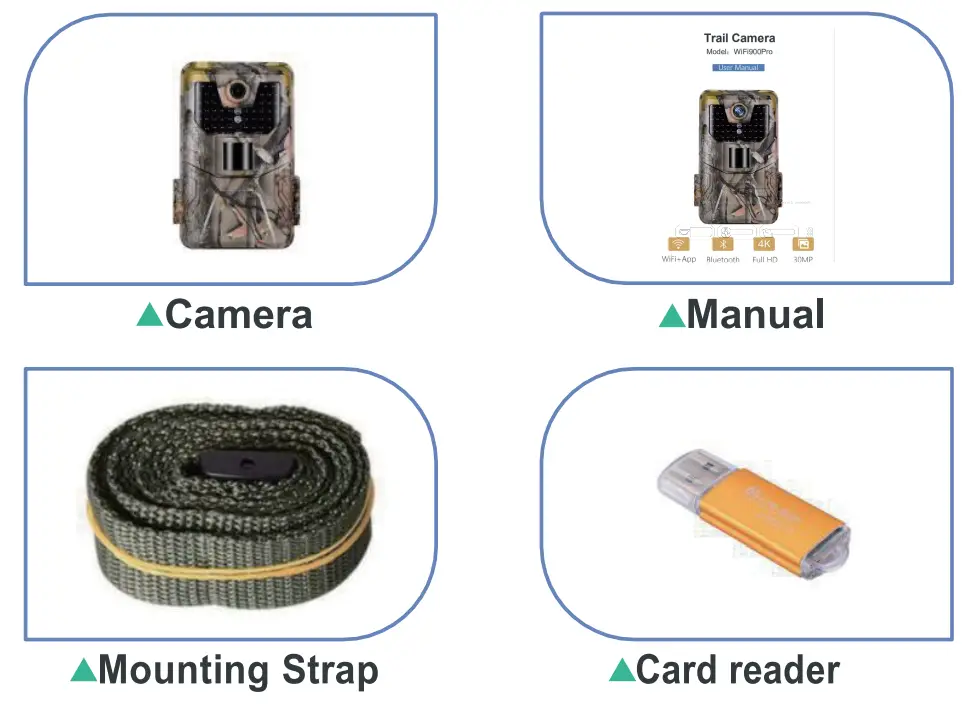
TROUBLESHOOTING
Q: What is the range of WiFi and Bluetooth?
A: The range of camera WiFi is about 98Ft in the forest or indoors and 328Ft in open spaces. The range of camera Bluetooth is between 16 to 26 Ft.
Q: How close do I need to be to turn the wifi on using Bluetooth?
A: The maximum distance of the camera’s Bluetooth switch is 5 meters
Q: Does it have a connection to be wired for 9vdc or 12vdc instead of battery?
A: Yes, you can use 9vdc for this camera, there is a power connector in the box, dedicated to the external power supply.
Recommend using 8*1.5V AA batteries in this trail camera to obtain maximum battery life.( NOT INCLUDED )
Q: Can you change the WiFi name and password of the camera?
A: Yes, you can change different WiFi names and your own password by an app on your phone.
Q: Can you connect to your in-home WiFi and the internet provided the camera
A: WiFi900 Bluetooth trail camera connects with the phone’s WiFi, not in-home WiFi/Internet. Download the APP on your phone and then connect with WiFi. You can adjust the setting and check the photo /video on the phone directly.
Q: Is the app available for iPhones?
A: Yes, Trail Camera uses the “WiFiCameraSum” APP for Apple Store and the “WiFiCamera’” APP for Google Play, it’s available for Android and lOS system phones.