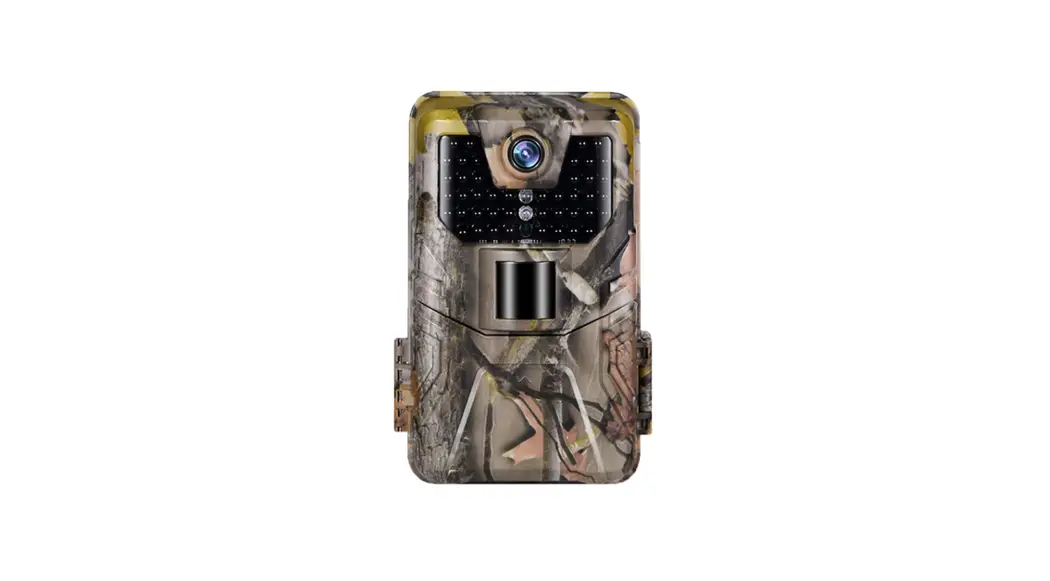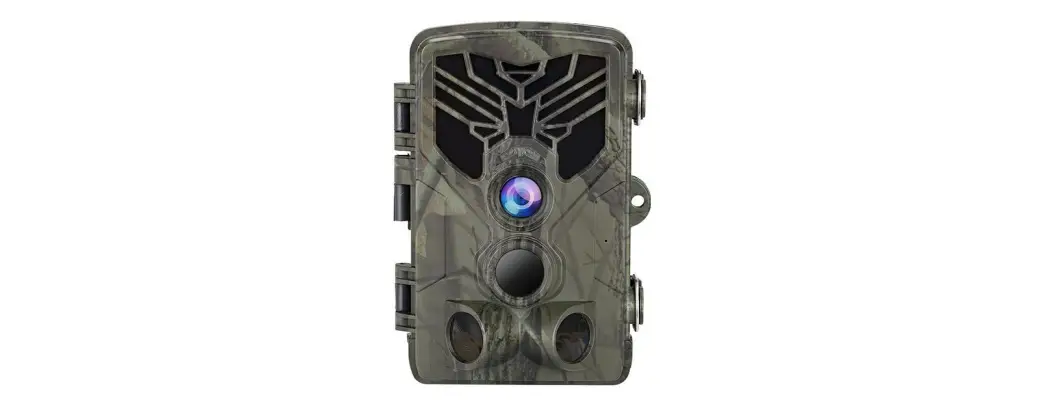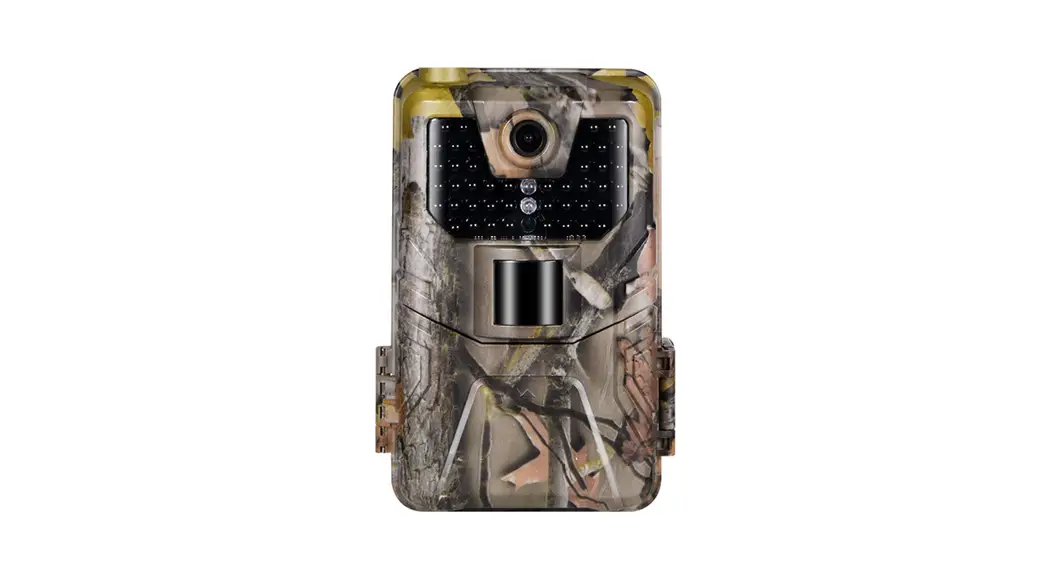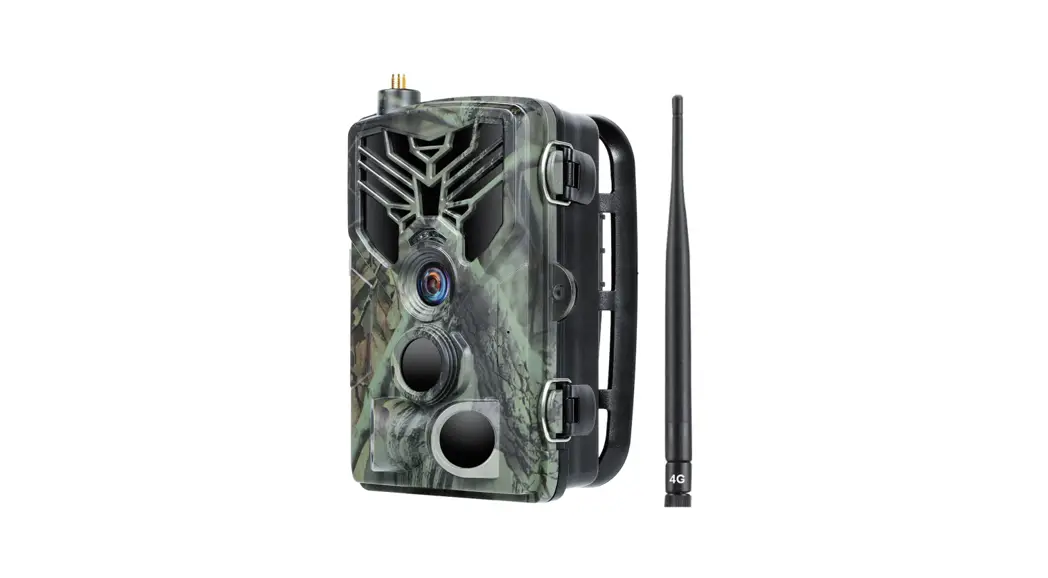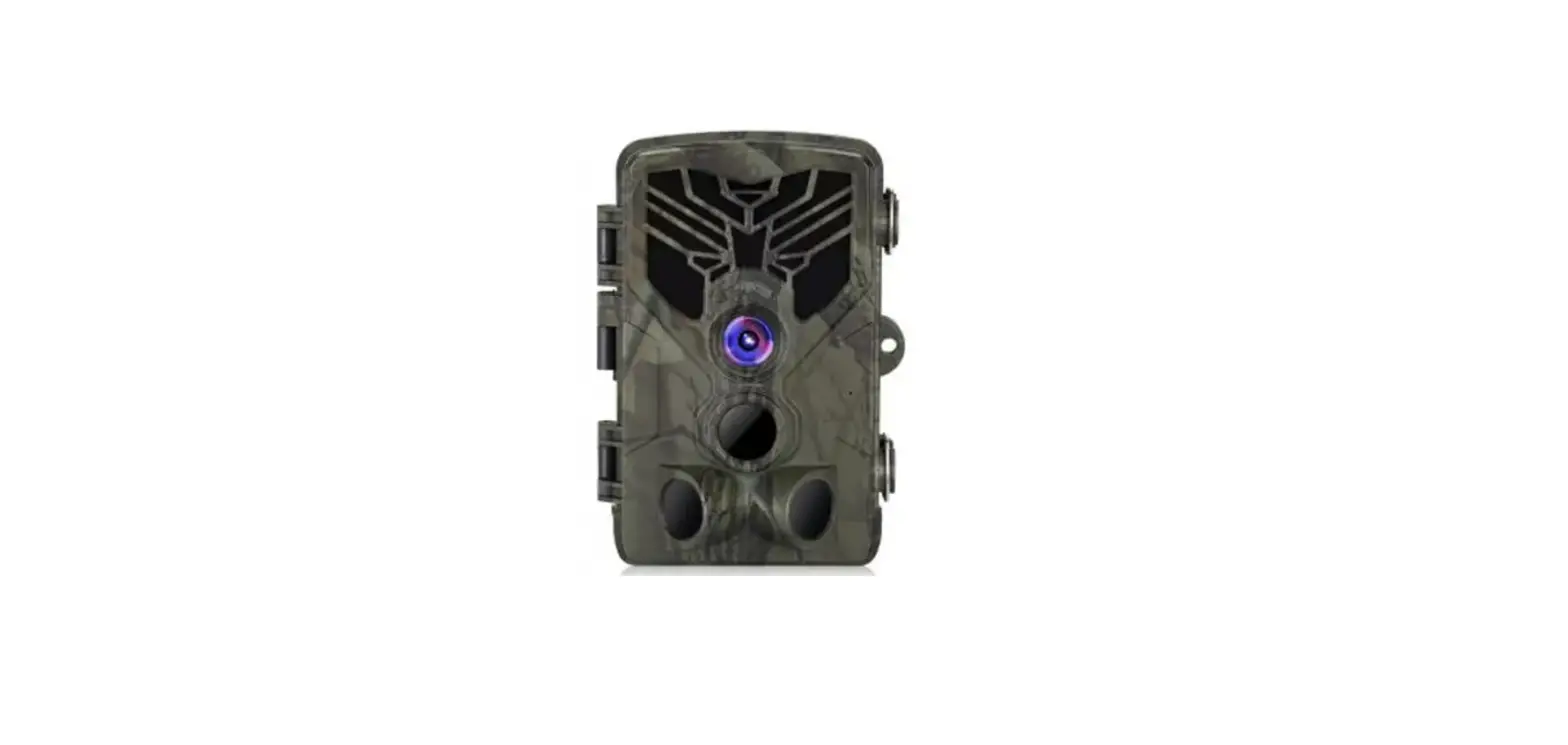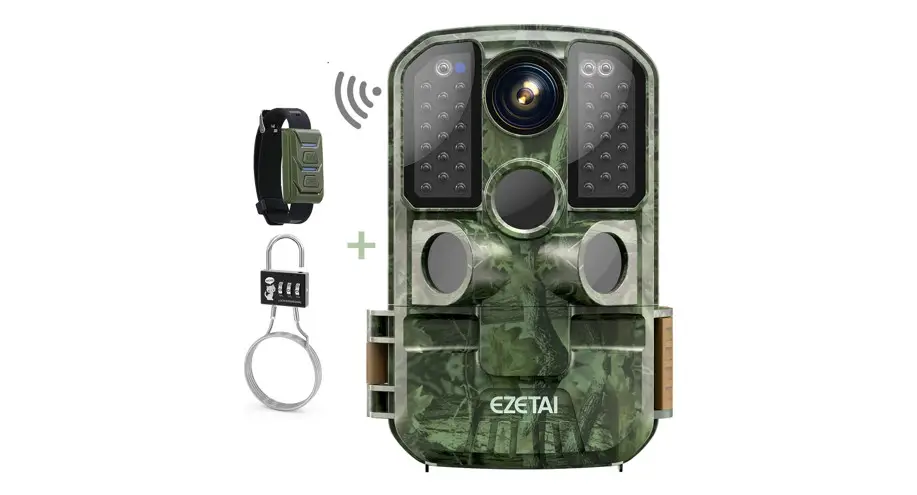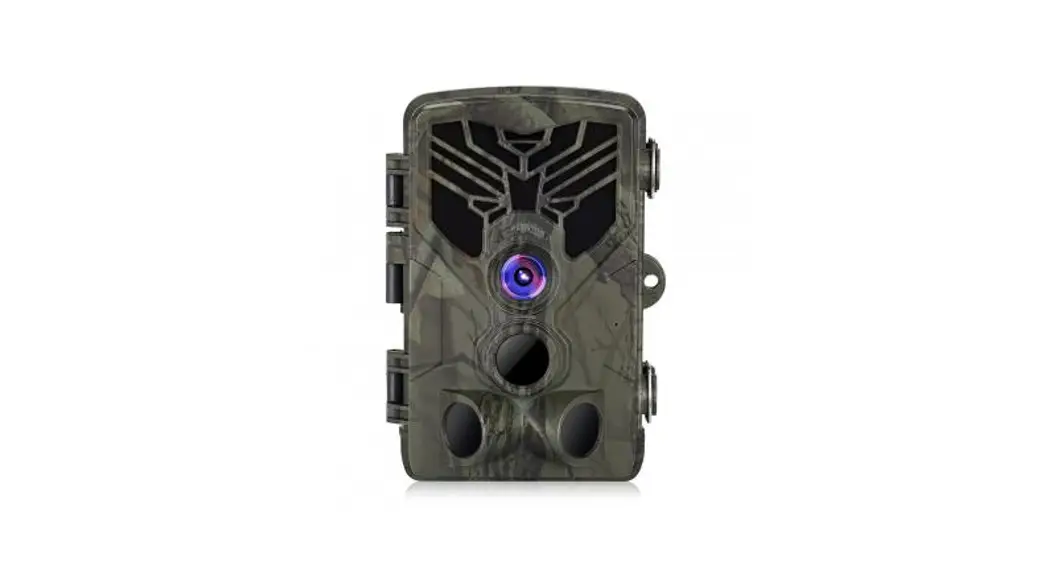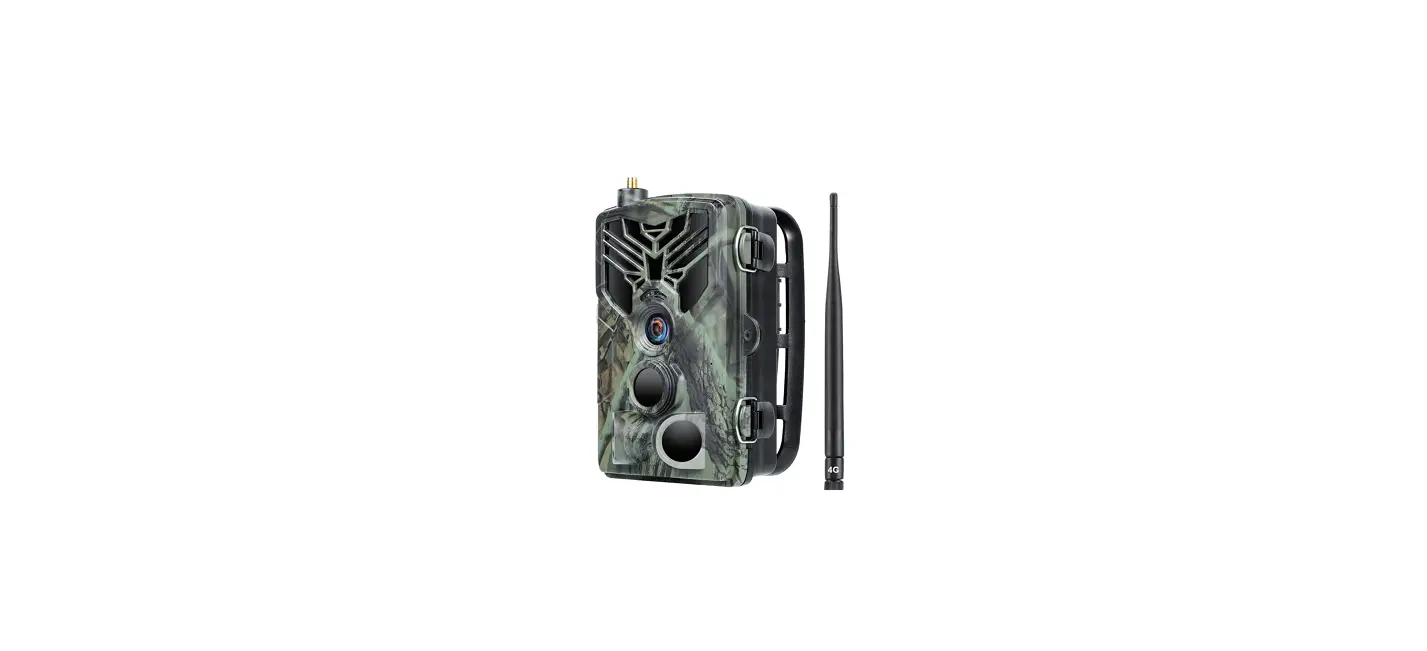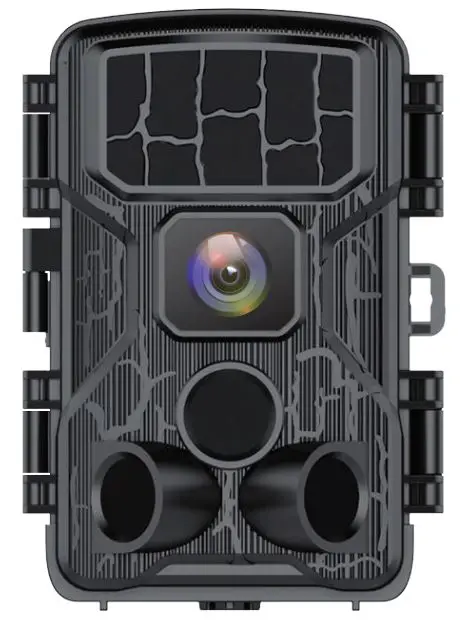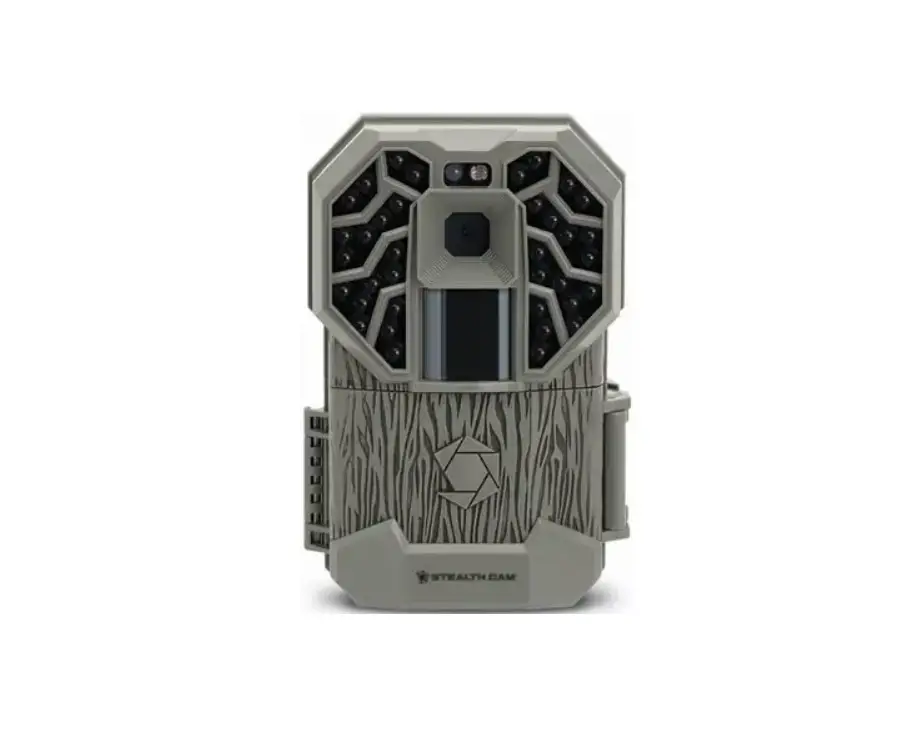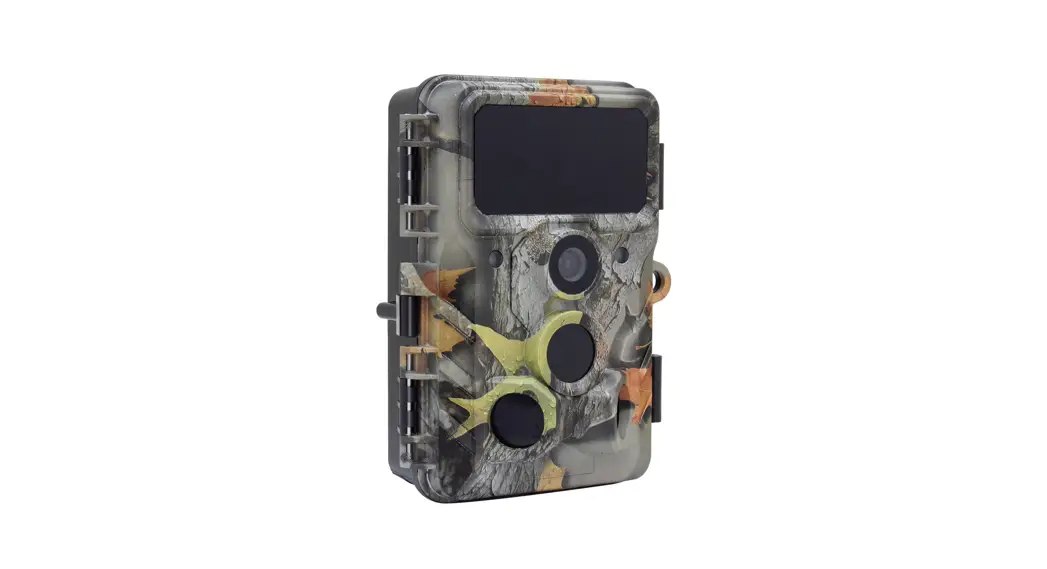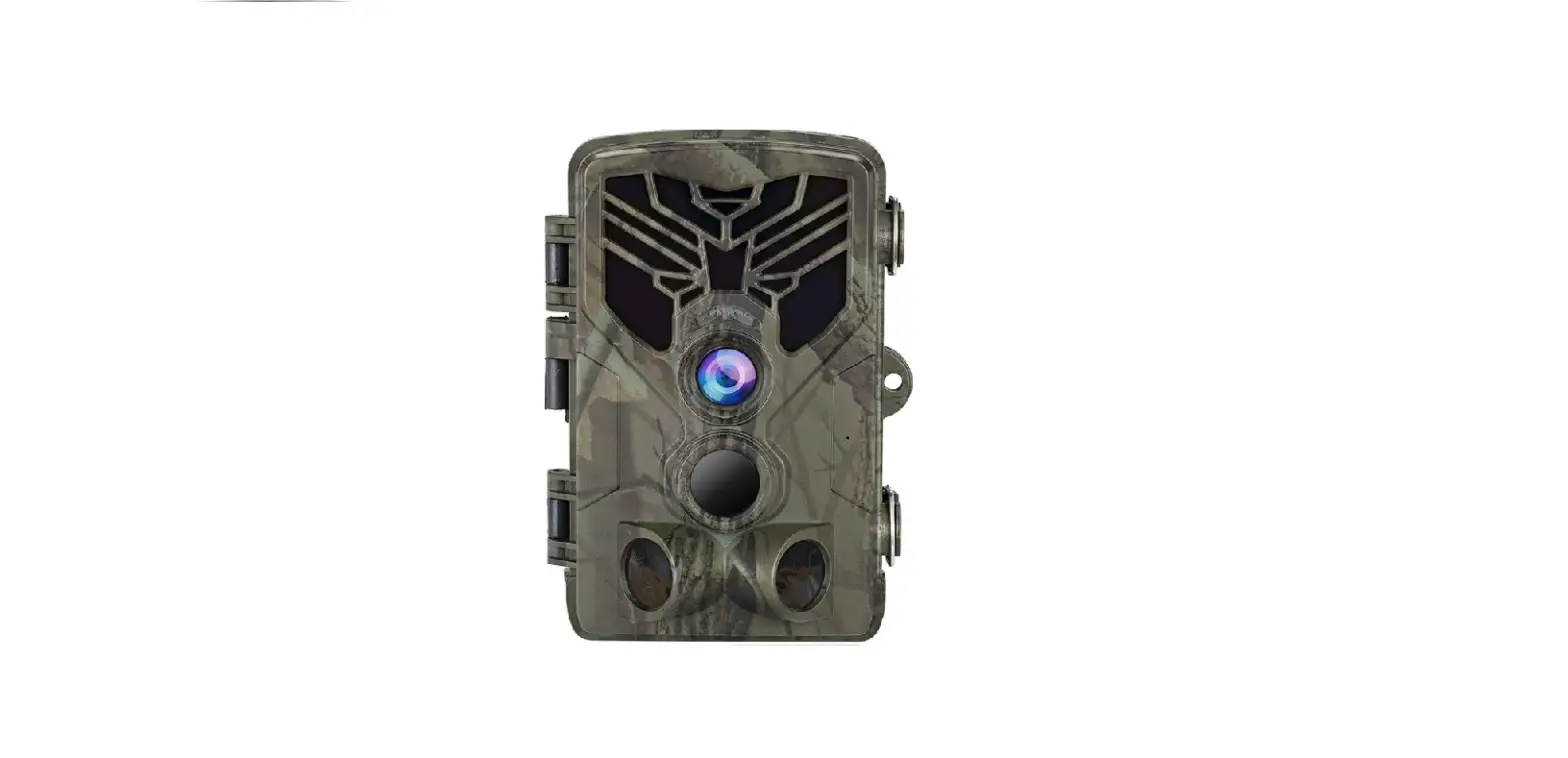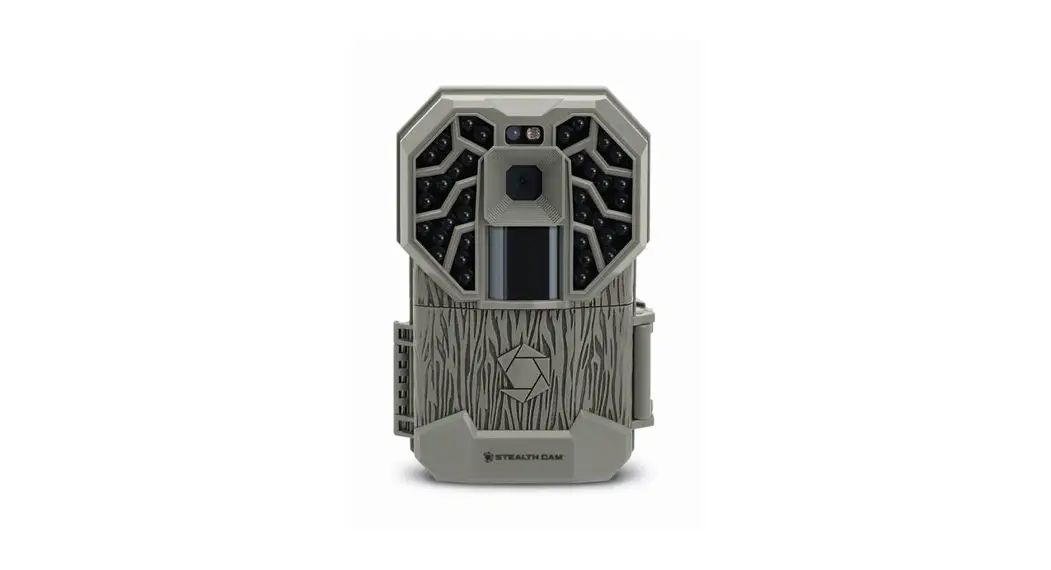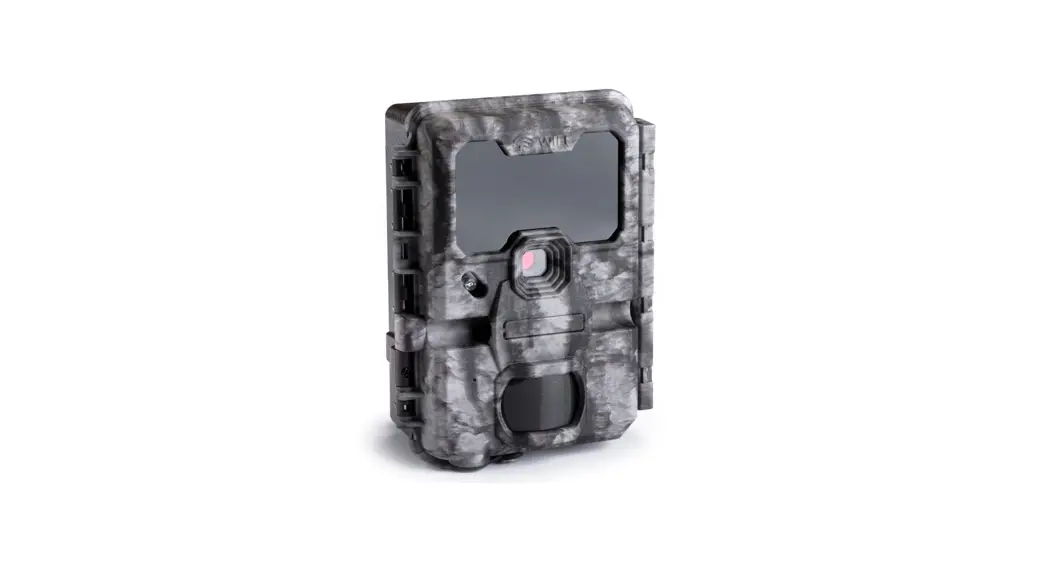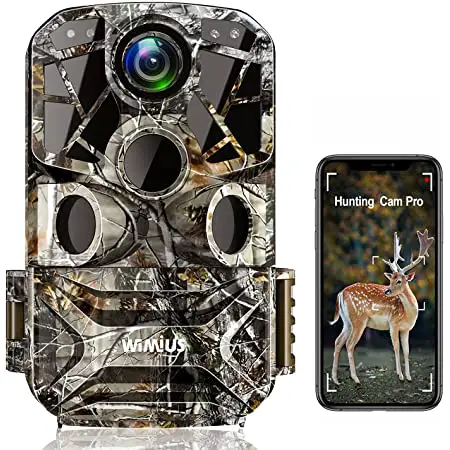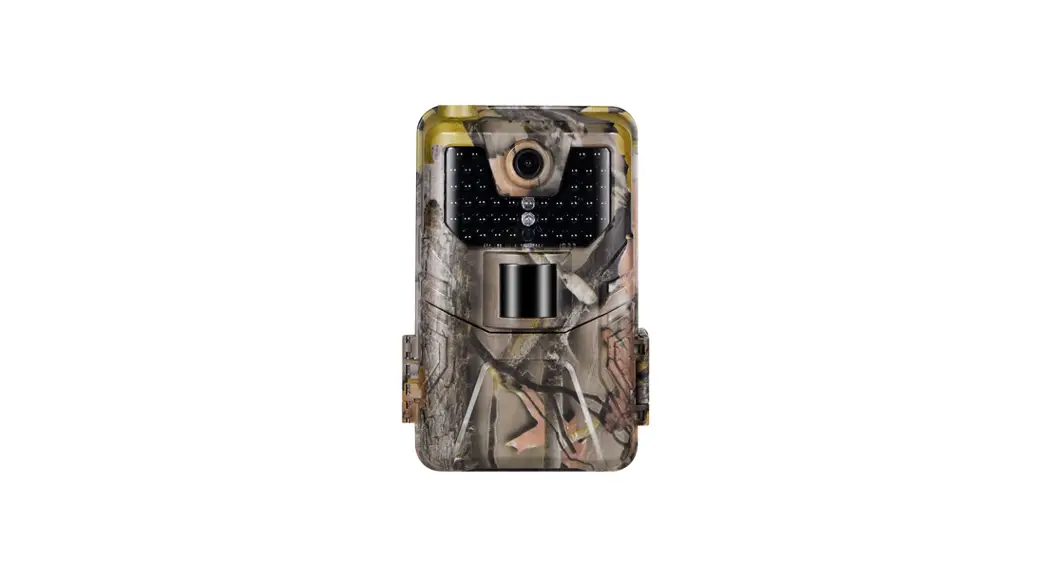

WiFi Trail Camera
Model: WiFi900Pro
Use Manual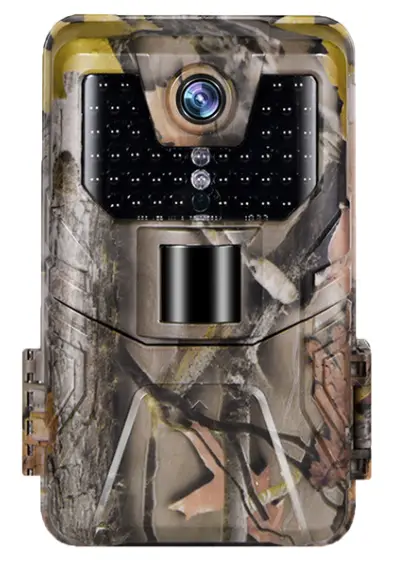

SPECIFICATIONS
Photo recording
| Photo resolution | 30 / 24 / 20 / 16 / 12 / 8 / 5 / 3MP |
| File format | JPG |
| Time lapse mode | 5 / 30min ; 1 / 2 / 3 / 6 / 12 / 24Hour |
| Multi-shot mode | Up to 9 photos per detection |
| Stamp (photos and video) | Date, time, temperature (℃ /℉)and moon phase |
| Capture mode | Camera / Video / Camera& video / Time lapse |
Video recording
| Video resolution | 4K / 2K/ 1080P / 720P / WVGA |
| File format | MP4 / H.265 |
| Video length | 5s /10s / 30s / 60s / 90s |
| Capture mode | Colorful mode in daytime, black and white mode at night |
WiFi/APP/Bluetooth
| Scan QR code to Download WIFI Vision Distance 50M | Bluetooth WiFi On / Off Bluetooth Connection Distance 5M |
 https://apps.apple.com/cn/app/id1480793143 https://apps.apple.com/cn/app/id1480793143App (IOS) WiFiCameraSum |  https://play.google.com/store/apps/detailsid=com.dkhs.wificamera https://play.google.com/store/apps/detailsid=com.dkhs.wificameraApp (Android) WiFiCamera |
Memory storage
Support
- Internal memory: none
- External memory: Micro SD card (up to 256GB, Not included)
Viewing
Built-in screen TFT 2.0”
Power source
| Alkaline Battery | 1.5V AA Battery*8 Rechargeable |
| Lithium Battery | lithium AA battery DC 9V 1A |
| External Power Jack | (3.5×1.3mm) |
Detection system
| Motion Sensor | 1x PIR |
| Detection Angle | 120° |
| Detection Range | Adjustable from 1 to 98 Ft |
| Trigger Speed | 0.2second |
| The delay between each detection | 1/10 seconds, 1/3//5/10/15/30 minutes |
Night time illumination system
| Infra LEDs | 44pcs LEDs |
| Flash Range | < 98 Ft |
| Exposure | Auto / 100 / 200 / 400 |
Optical field of view
120°
Dimensions
150mm” x 100mm” x 60mm”
Recommendations
Operating temperature: (-4℉to + 158℉) (-20℃ to + 70℃)
Waterproof level
IP 66
THE BASICS
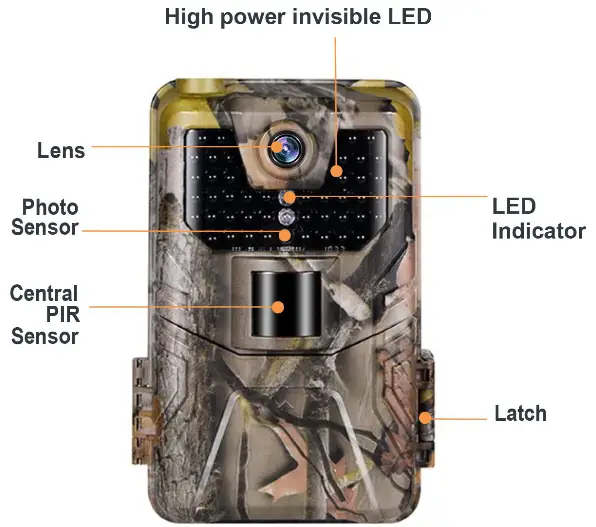
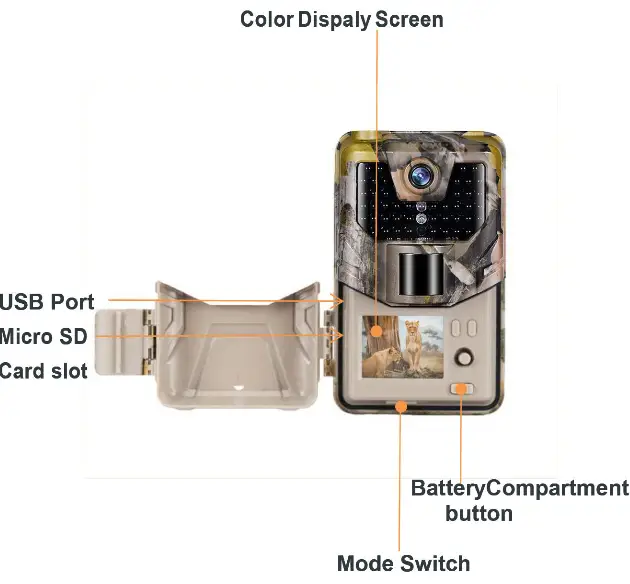
INSTALLATION
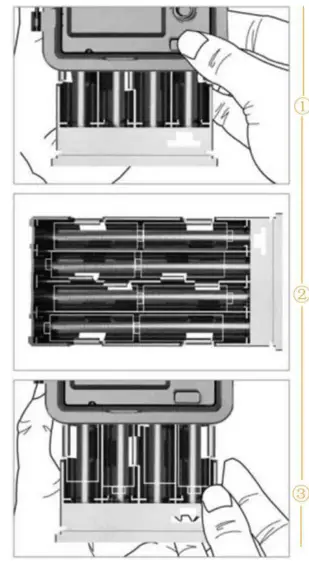
Step 1
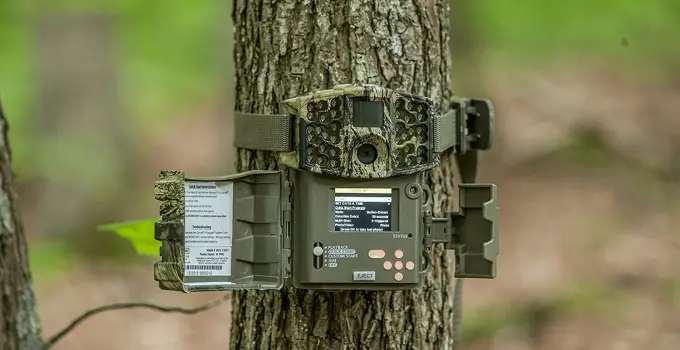
Open the battery cover and insert 8 batteries(AA) following the positive and the negative battery sign.
Close the battery cover to Resist water and dust WARNING
Be Sure to put AA batteries in the correct direction. Inserting batteries incorrectly will cause permanent damage.
Step 2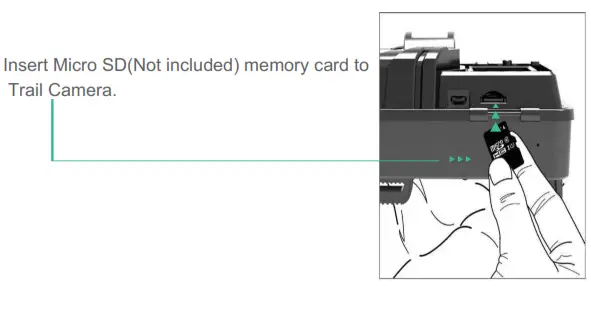
Step 3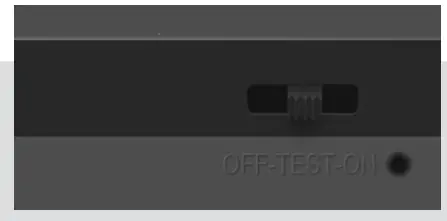
- Slide the mode switch from OFF to TEST to activate the camera and view the user setup screen.
- And then slide the mode switch from TEST to ON.
- The camera will start working after 10 seconds countdown, meanwhile, the red indicator light will blink.
Step 4
Scan the QR codes below or search for“WiFiCameraSum” on the Apple AppStore or search for “WiFiCamera” on Google Play to download the app.
 IOS IOShttps://play.google.com/store/apps/details?id=com.dkhs.wificamera | Android |
Step 5
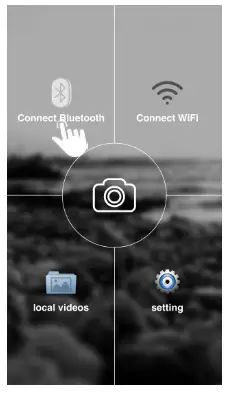 | 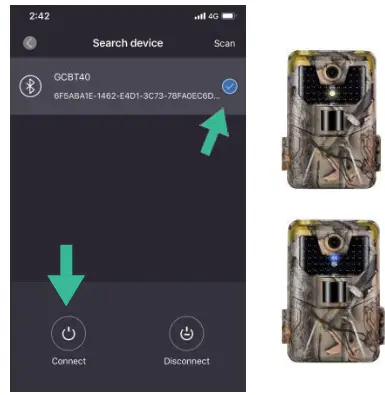 |
| Open the APP on your cellphone and tap “Search Device” at the left lower corner | Select “GCBT40” and then tap “ your phone and camera with Bluetooth. ” to connect You can see the camera flashing yellow light one time and then flashing blue light. your phone and camera with Bluetooth. ” to connect You can see the camera flashing yellow light one time and then flashing blue light. |
Step 7
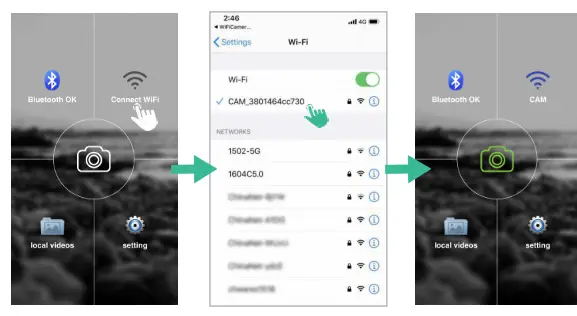
- Back to the main page of the APP and then tap “Connect WiFi”.
- Go to the WiFi setting on your phone, select
- “CAM_XXXXXXXXXXXX” Enter password “12345678”. (WiFi name and password can be changed in the APP when connected).
GETTING START
Night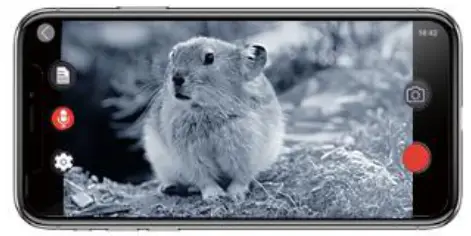 | Day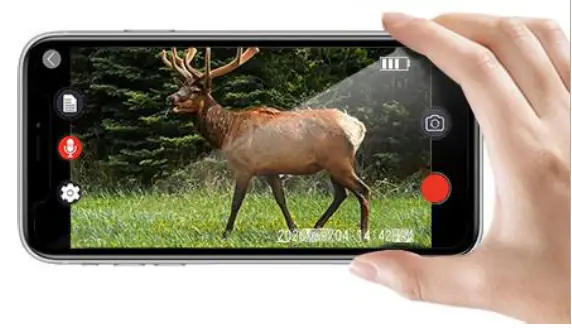 |
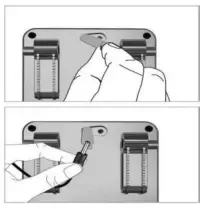
EXTERNAL POWER SUPPLY
Use a 12V DC Power source (Not included)
OPERATING BUTTON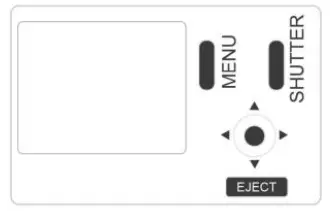
MENU Menu Button — Menu Setting
REPLAY Shutter Button — Start/End Video Recording or Photo Taking Video Button — Video Recording Mode
 Camera Button — Photo Mode
 Replay Button — Replay Mode
 WiFi Button: ON/OFF WiFi and “OK”
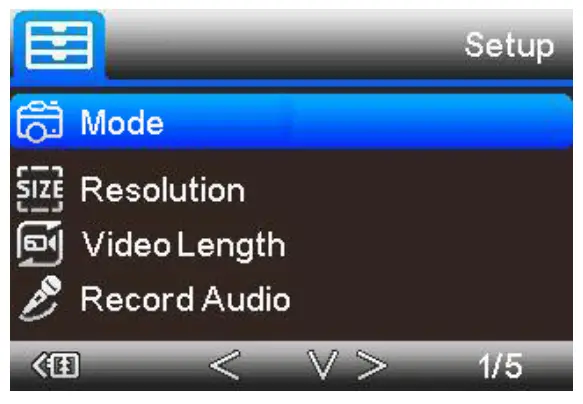
| Setup | Sub Menu | Description |
| Mode | Camera,video,camera &video, Timelapse | Picture, video, picture, and video, taking pictures regular |
| Resolution | 4K,2K, 1080P, 720P, WVGA(480P) | Video Resolution |
| Video Length | 5/10/30/60/90 Seconds | Each Video max 90 sec, default lOsec |
| Record Audio | On / Off | Video With Sound |
| Setup | Sub Menu | Description |
| Image Size | 30MP/24MP/20MP/16MP/ 12MP/8MP/5MP/3MP | Image resolution |
| Interval | 1/10sec,1/3/5/10/15/30min | Max 30 minutes delay |
| Time Lapse | 5/30min;1/2/3/6/12/24Hour | Take pic every 5min |
| Sequence | 1/3/6/9 pictures | Max 9 pics one shot |
| ISO | Auto/100/200/400 | Exposure level |
| Overwrite | On / Off | Cycle Recording |
| PIR Sensitivity | High/Medium/Low | Adjust PR sensitivity |
| Language | EN/FR/DE/IT/ES/POR/ HRV/DAN/SVE/SUO/POL /PYC | Adjust PIR sensitivity |
| Frequency | 50HZ / 60HZ | Screen refresh rate |
| Camera ID | CAM000 | 6 numbers or letters |
| Password | On / Off | 4 numbers |
| Working Timer | 00:00:00 to 23:59:59 | N/L |
| Date / Time | DD/MM/YY | N/L |
| Format | OK / Cancel | Format memory card |
| Default Setting | OK / Cancel | Back to default |
| Version | Camera firmware version |
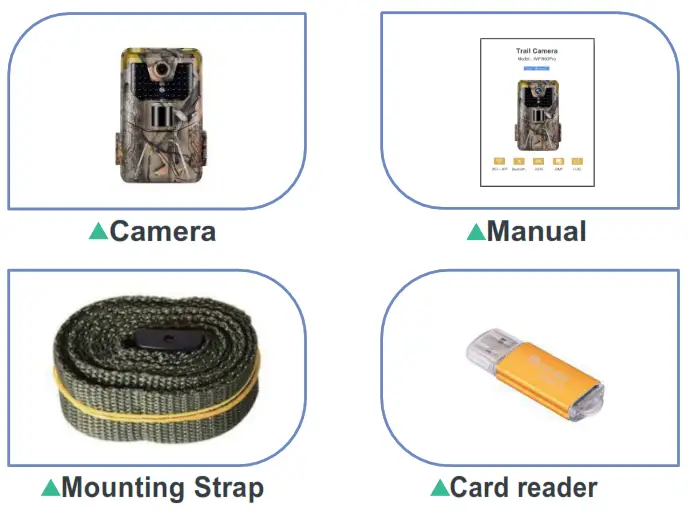
In The box
TROUBLESHOOTING
Q: What is the range of WiFi and Bluetooth?
A: The range of camera WiFi is about 98Ft in the forest or indoors and 328Ft at open spaces. The range of camera Bluetooth is between 16 to 26 Ft.
Q: How close do i need to be to turn the wifi on using the Bluetooth?
A: The maximum distance of the camera’s Bluetooth switch is 5 meters
Q: Does it have a connection to be wired for 9vdc or 12vdc instead of a battery?
A: Yes, you can use 9 for this camera, there is a power connector in the V DC box, dedicated to the external power supply. Recommend using 8*1.5 AA batteries in this trail camera to obtain maximum V battery life. ( NOT INCLUDED )
Q: Can you change the WiFi name and password of the camera?
A: Yes, you can change different WiFi names and your own password by an app on your phone.
Q: Can you connect to your in-home WiFi and the internet provided the camera
A: WiFi900 Bluetooth trail camera connects with the phone Pro’s WiFi, not in some WiFi/Internet. Download the APP on your phone and then connect with WiFi. You can adjust the setting and check the photo /video on the phone directly.
Q: Is the app available for iPhones?
A: Yes, Trail Camera uses the “WiFiCameraSum” APP for Apple Store and the “WiFiCamera” APP for Google Play, it’s available for Android and IOS system phones.
FCC Warning statement:
This device complies with part 15 of the FCC Rules. Operation is subject to the following two conditions:(1) This device may not cause harmful interference, and (2) this device must accept any interference received, including interference that may cause undesired operation.
Any changes or modifications not expressly approved by the party responsible for compliance could void the user’s authority to operate the equipment.
This equipment has been tested and found to comply with the limits for a Class B digital device, pursuant to part 15 of the FCC Rules. These limits are designed to provide reasonable protection against harmful interference in a residential installation. This equipment generates uses and can radiate radio frequency energy and, if not installed and used in accordance with the instructions, may cause harmful interference to radio communications. However, there is no guarantee that interferencewill does not occur in a particular installation. If this equipment does cause harmful interference to radio or television reception, which can be determined by turning the equipment off and on, the user is encouraged to try to correct the interference by one or more of the following measures:
– Reorient or relocate the receiving antenna.
– Increase the separation between the equipment and receiver.
– Connect the equipment into an outlet on a circuit different from that to which the receiver is connected.
– Consult the dealer or an experienced radio/TV technician for help.
FCC RF exposure statement:
The equipment complies with FCC radiation exposure limits set forth for an uncontrolled environment. This equipment should be installed and operated with a minimum distance between 20cm from the radiator and your body.