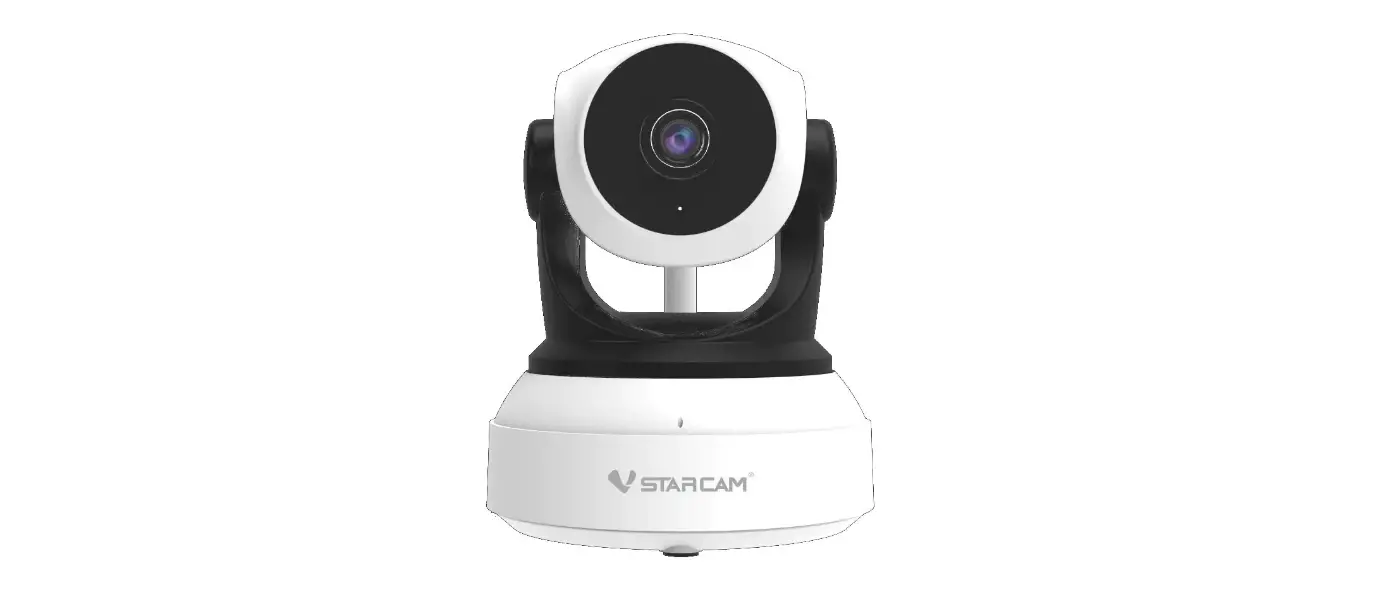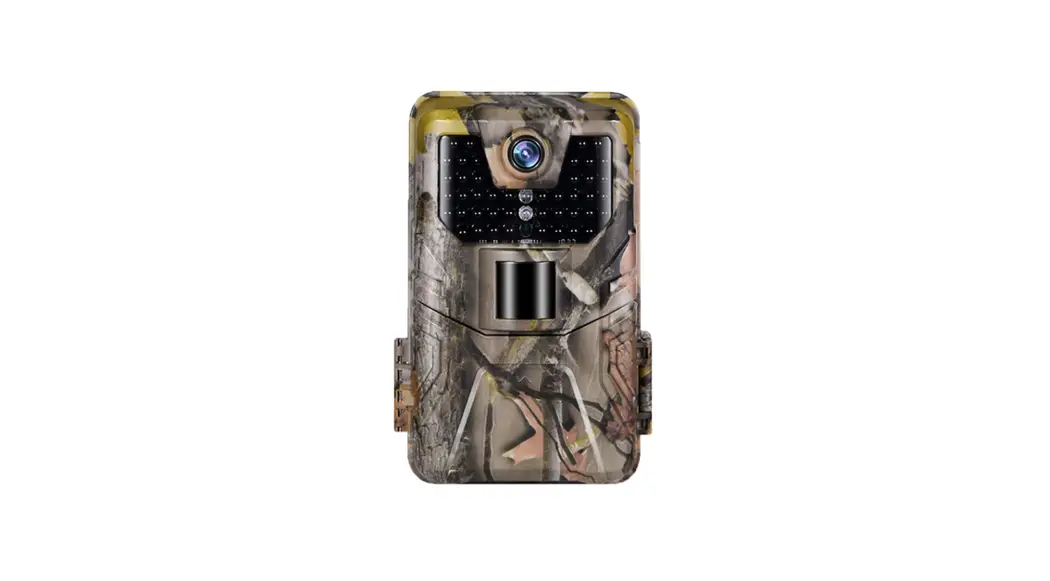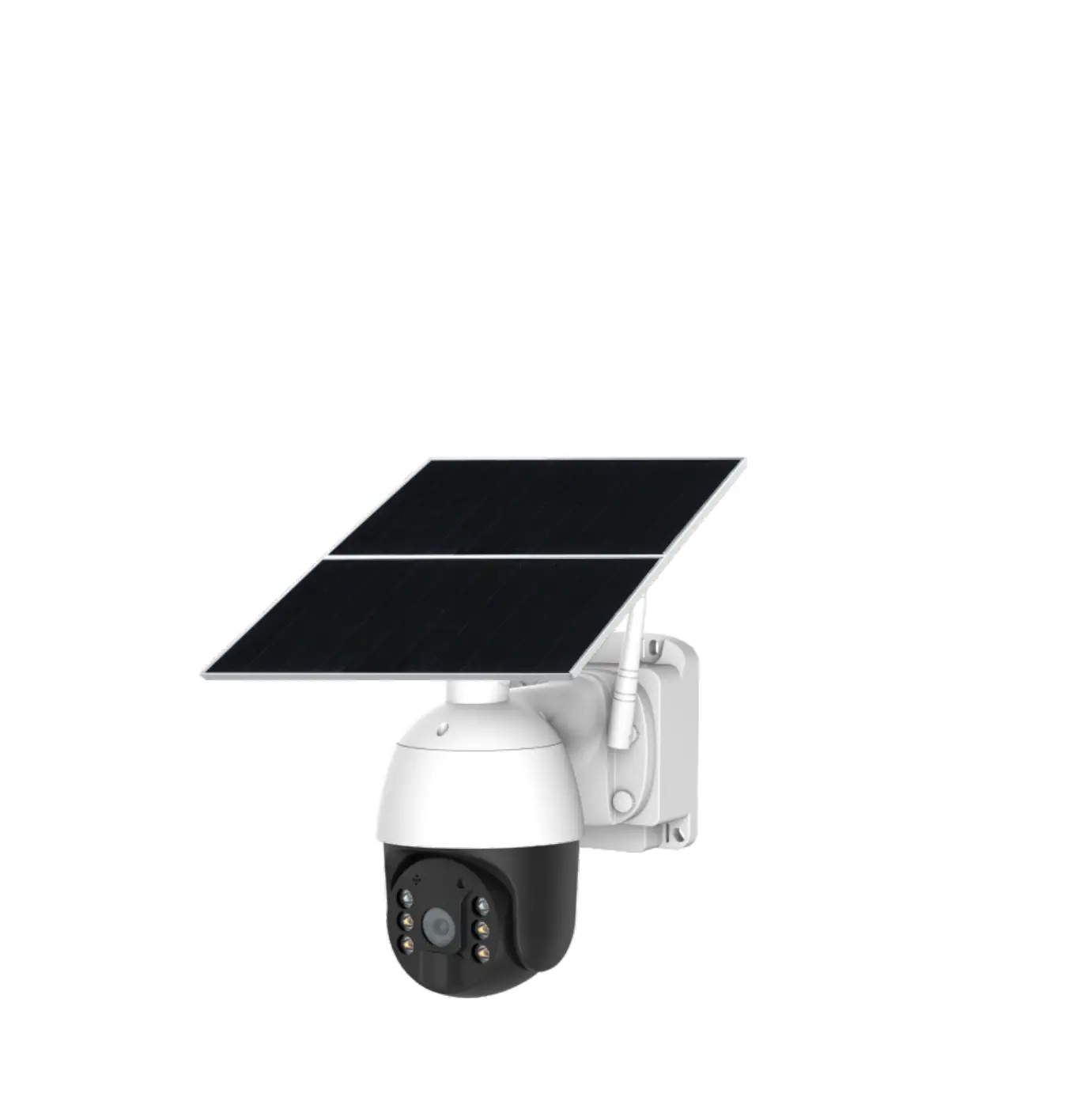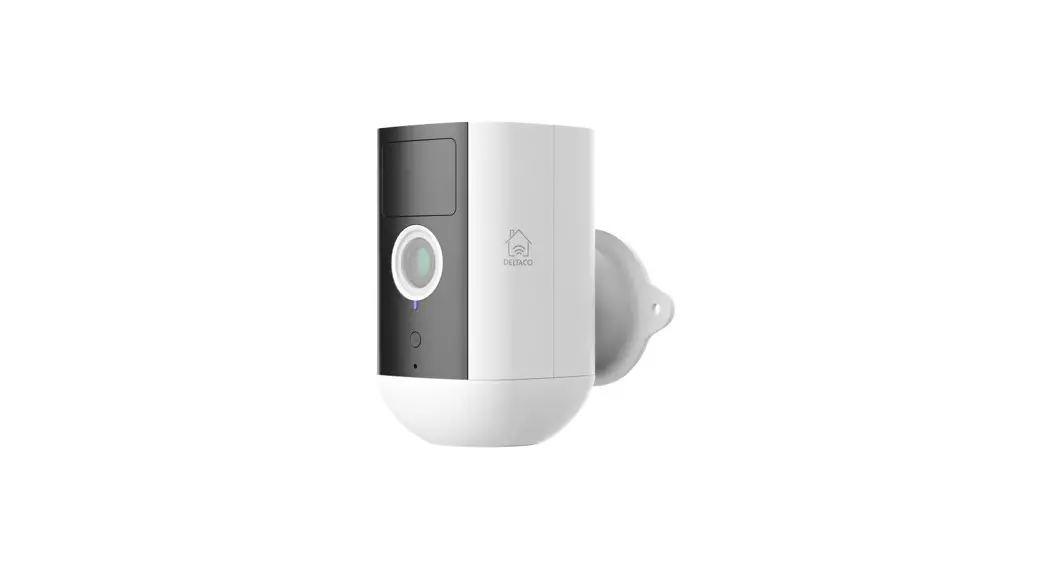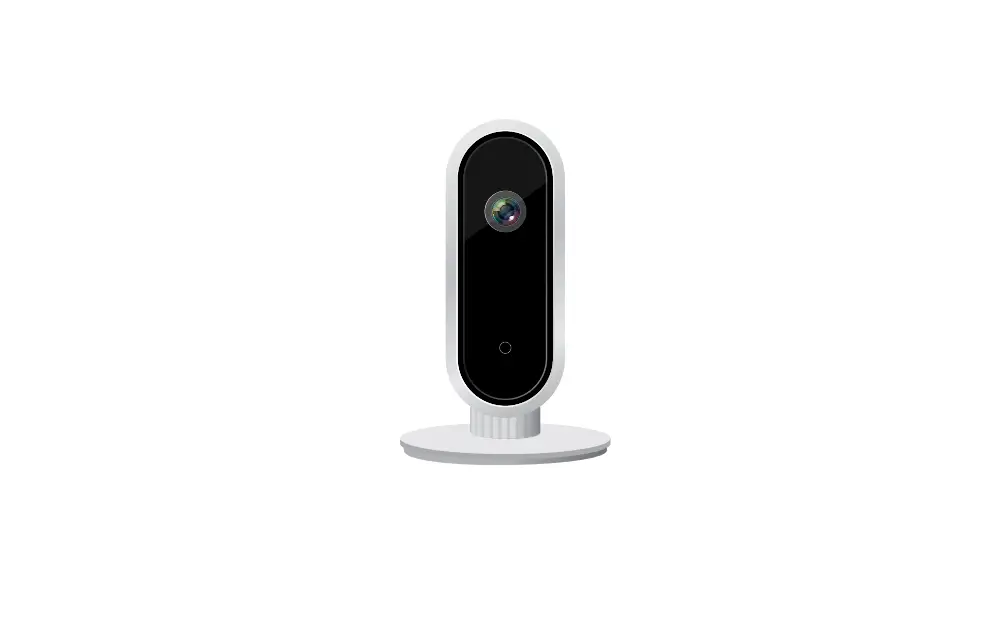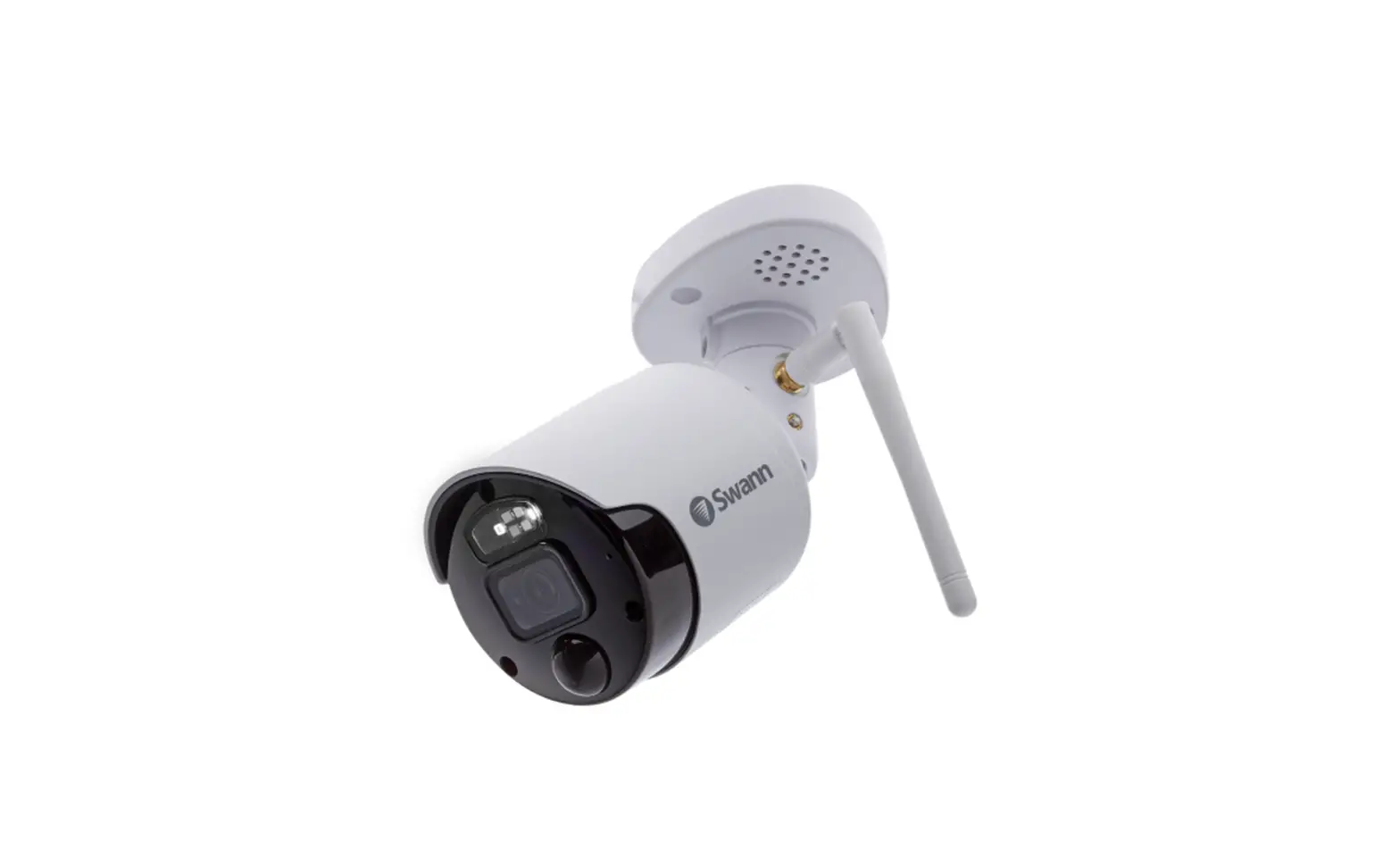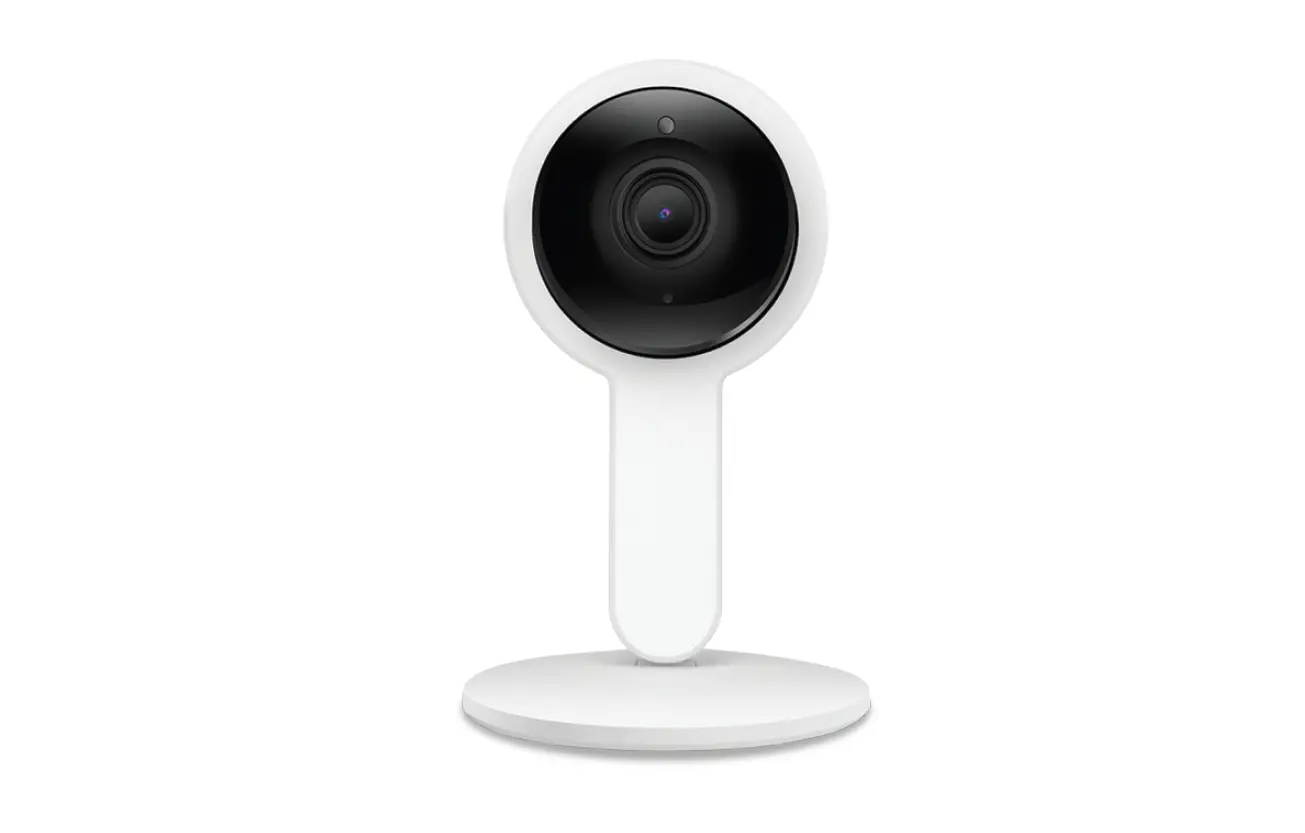

STARCAM CS990 WiFi Camera

- Step 1 App download and registration

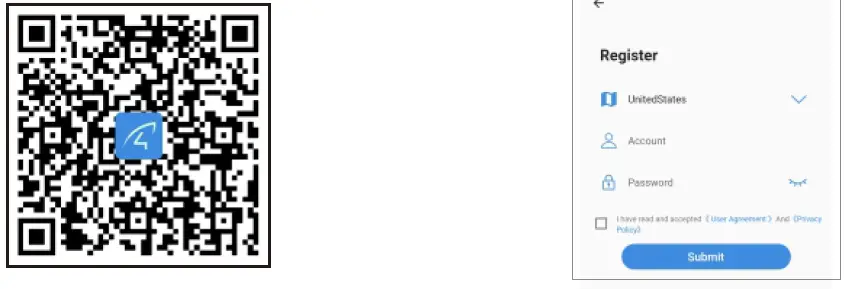
- Scan the QR code to download the app.
- Select “register now”, select the corresponding region, and enter the account number and password to complete the registration.
- Step 2 Add Devices to the APP

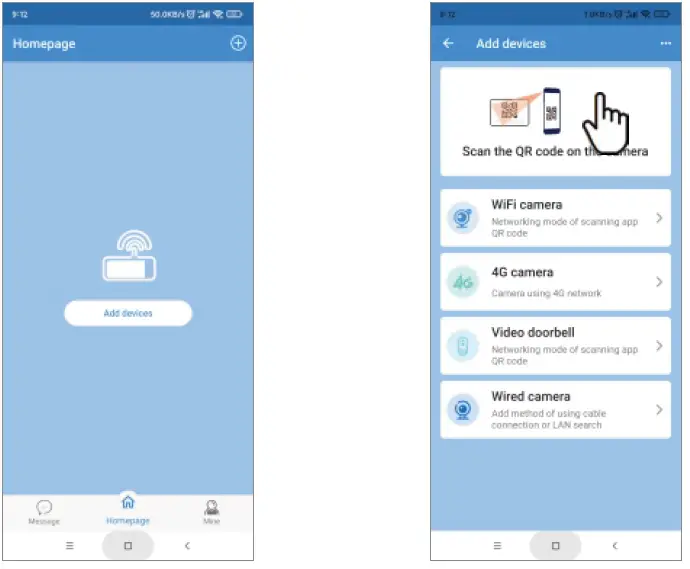
- Open the app, log in the account, and click”+” – Scan the QR code on the camera.

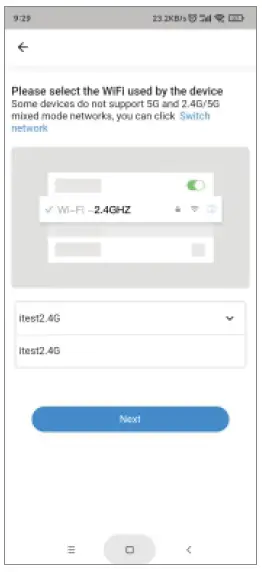
- Enter the correct WiFi password.

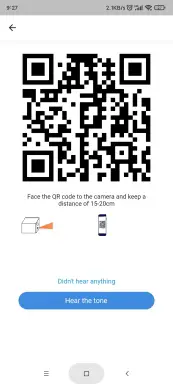
- Use the camera to scan the QR code generated by the mobile phone and keep itatabout20c m.
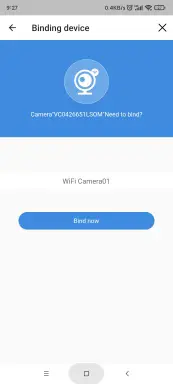
- Bind now.
- Open the app, log in the account, and click”+” – Scan the QR code on the camera.
After-sales Consulting
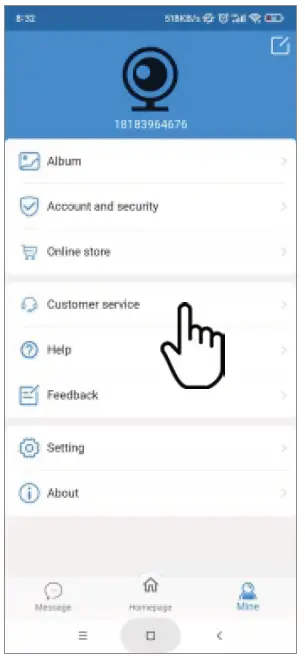
If you have any questions, please contact customer service: click “Mine”-in the APP at the bottom right, choose” Customer service”.
- Online customer service: AM: 8:30-12:00 PM: 13:20-17:S0(From Monday to Friday)
- Official mall: https://shop.vstarcam.com/
- FAQ: www.vstarcam.com/support
- Email: [email protected]