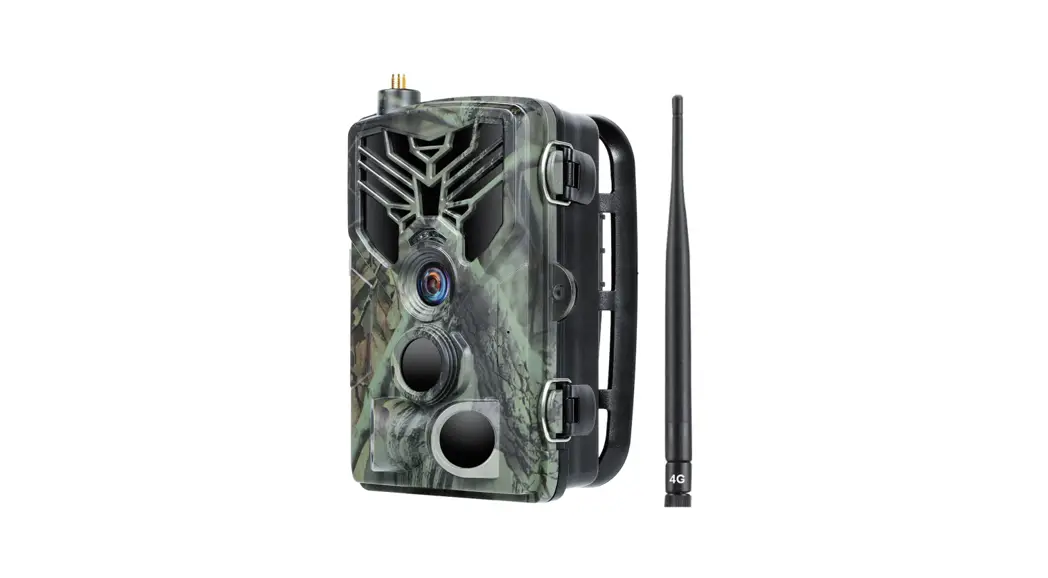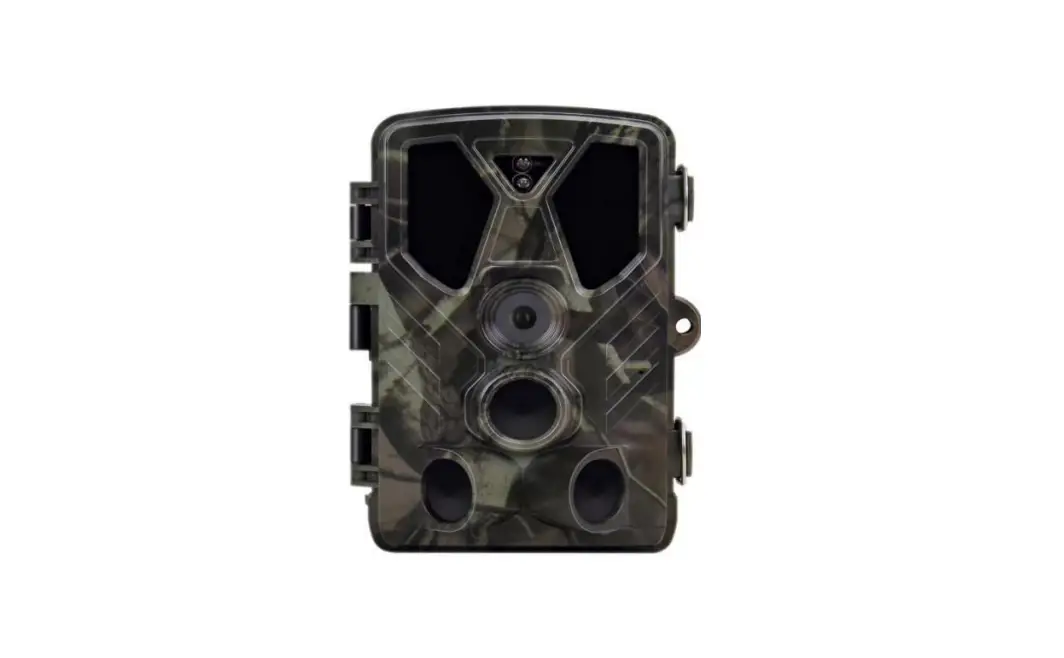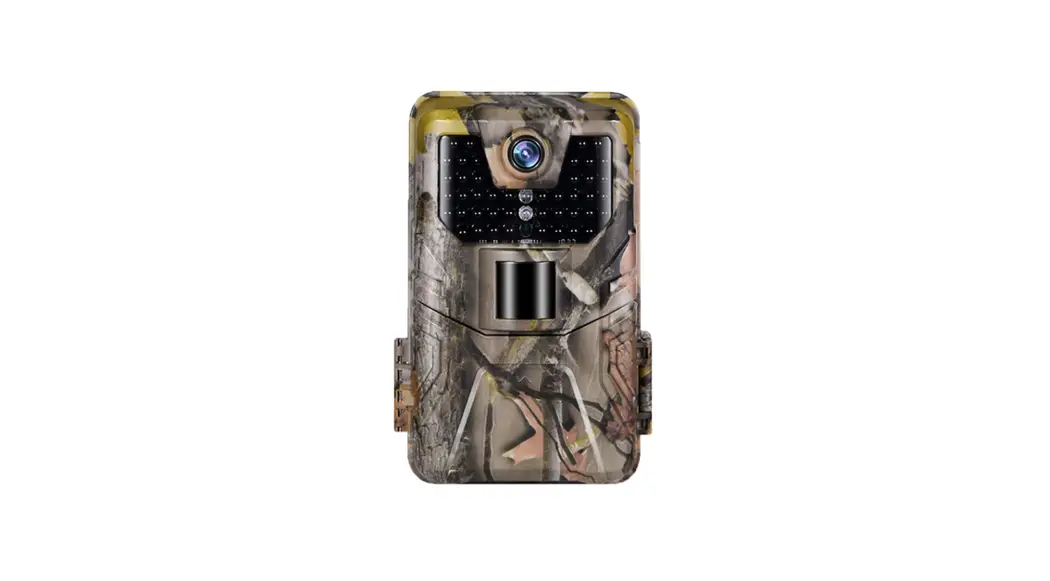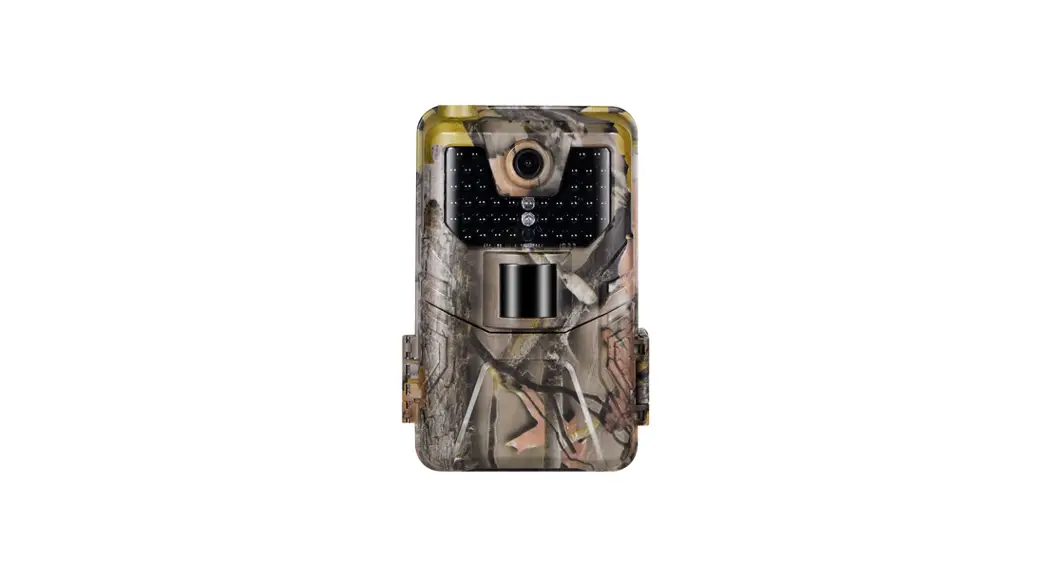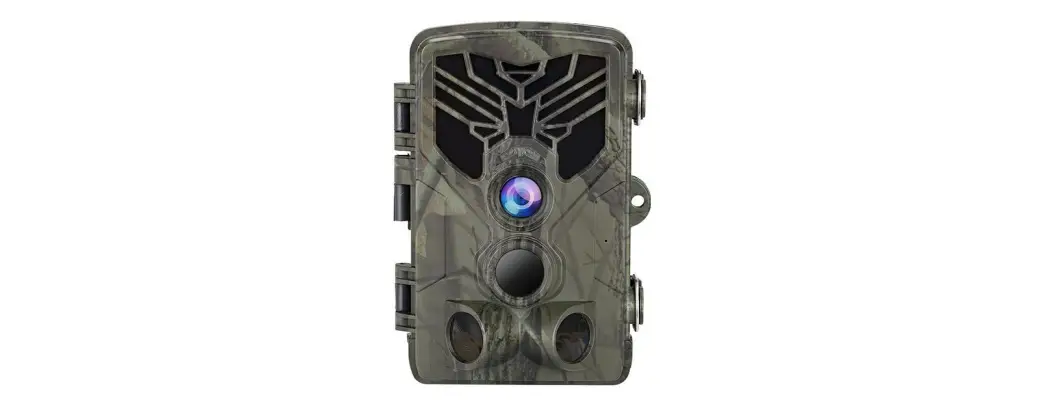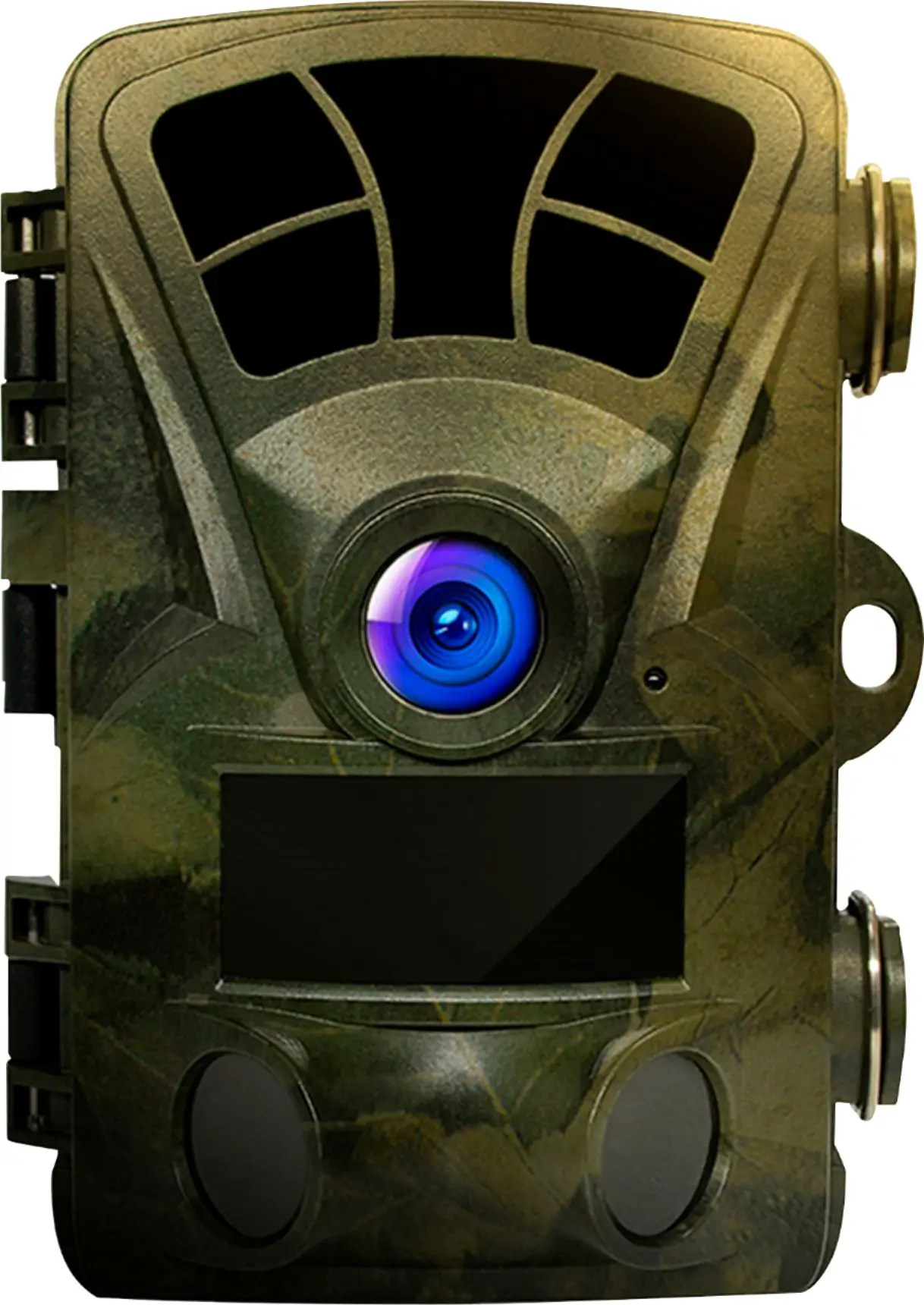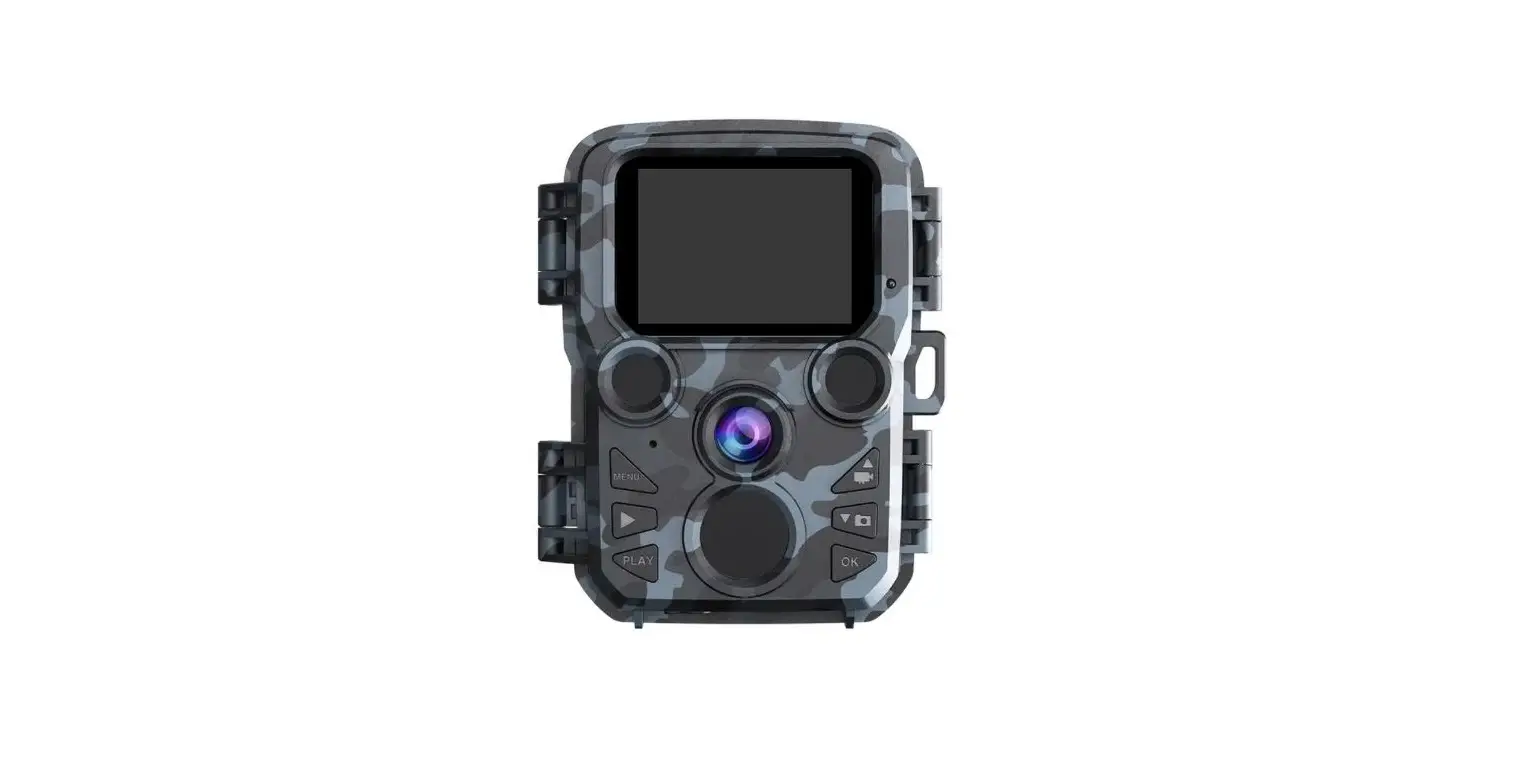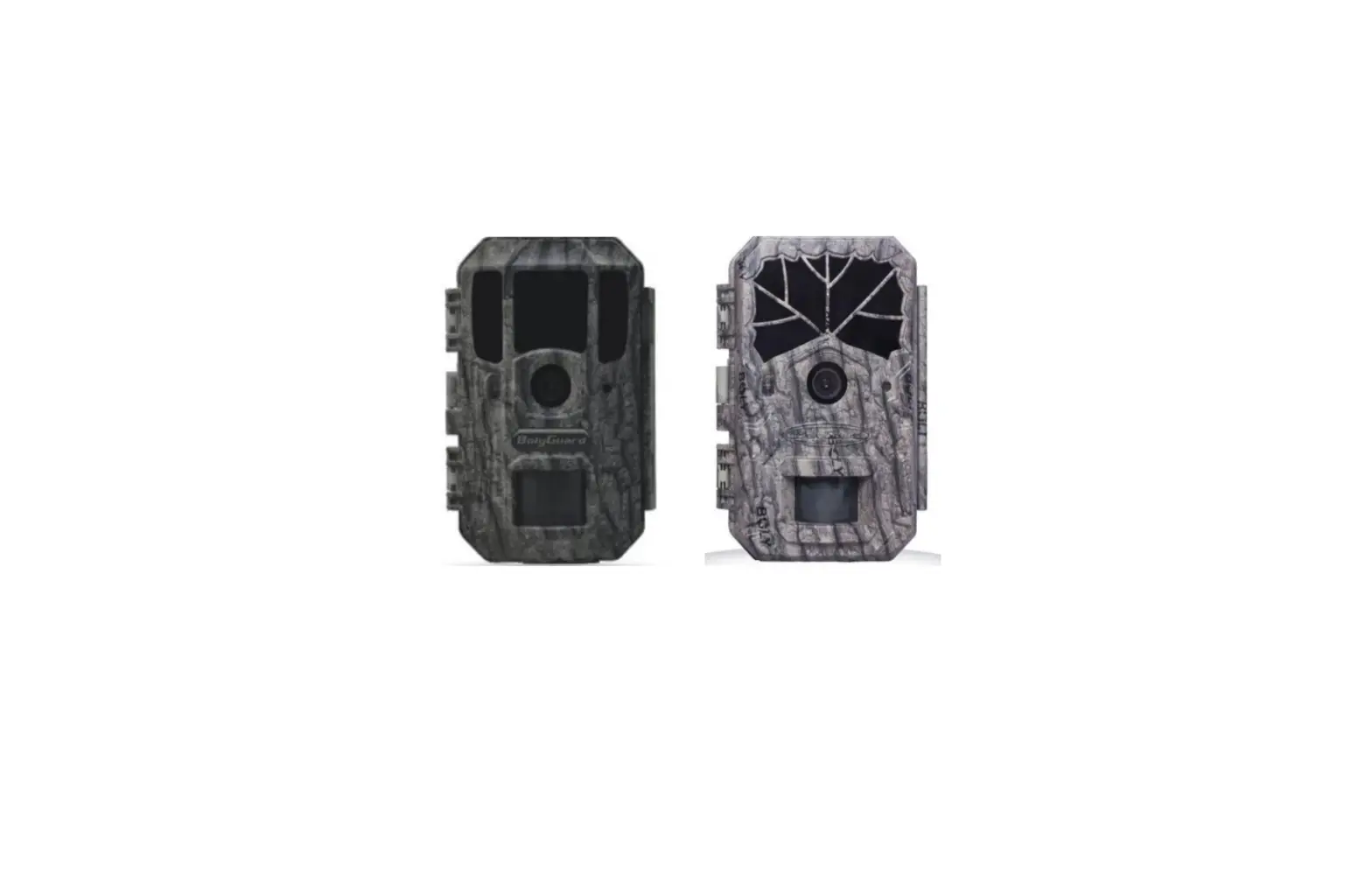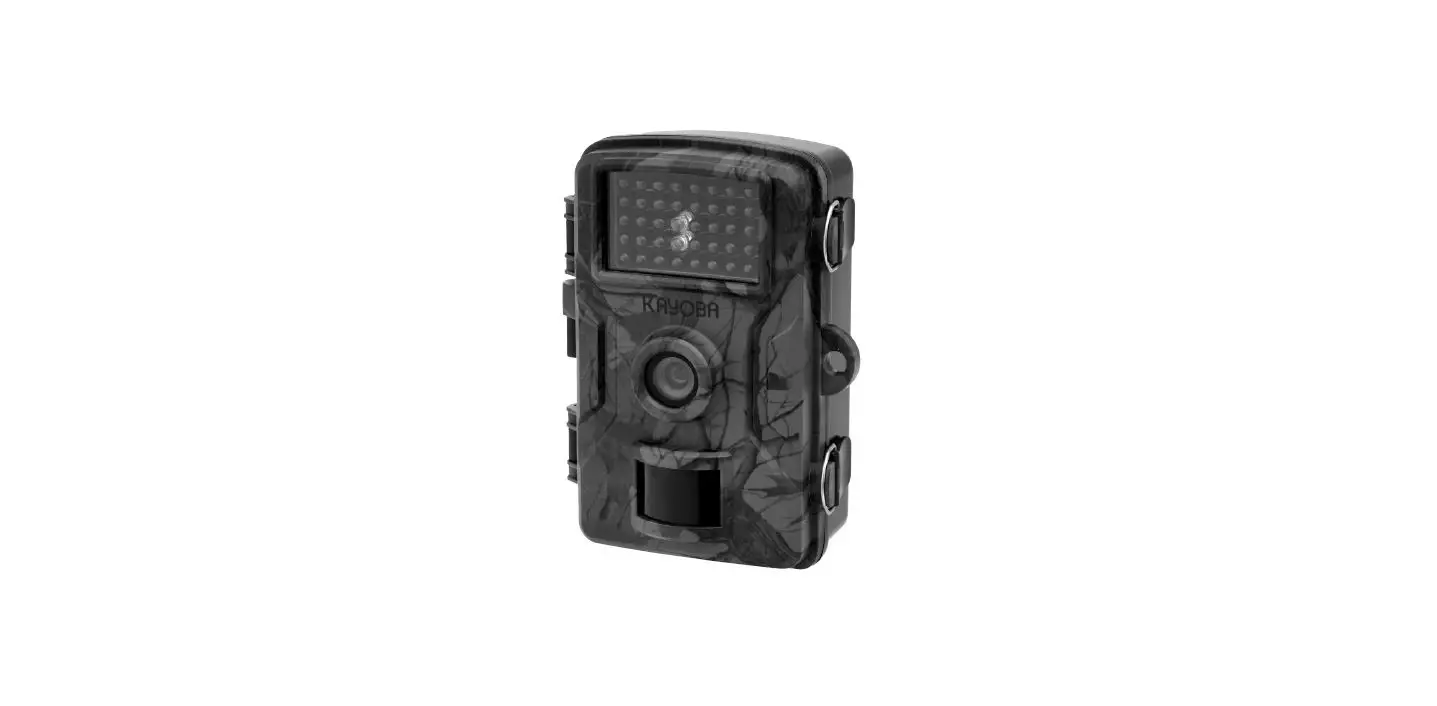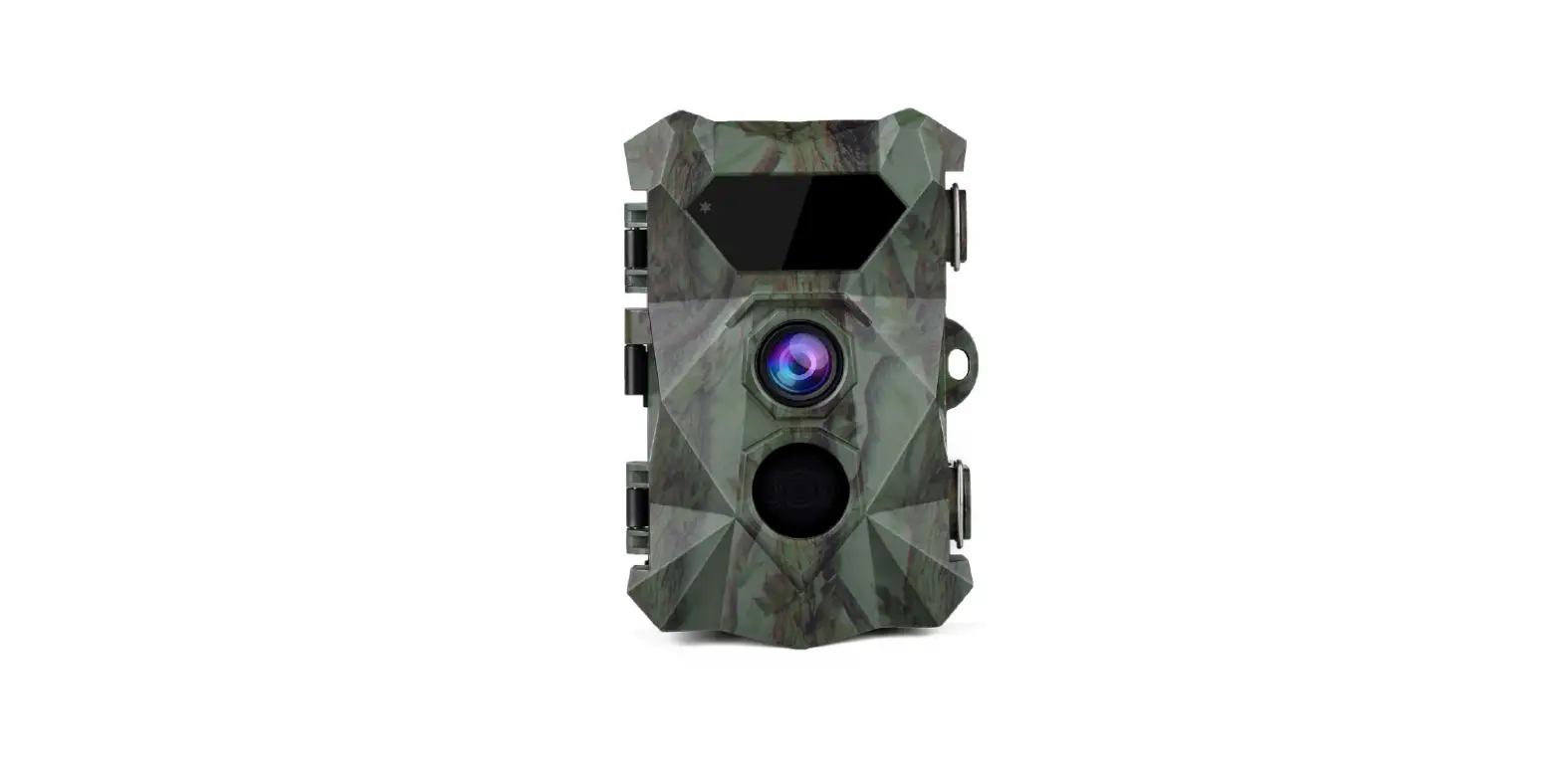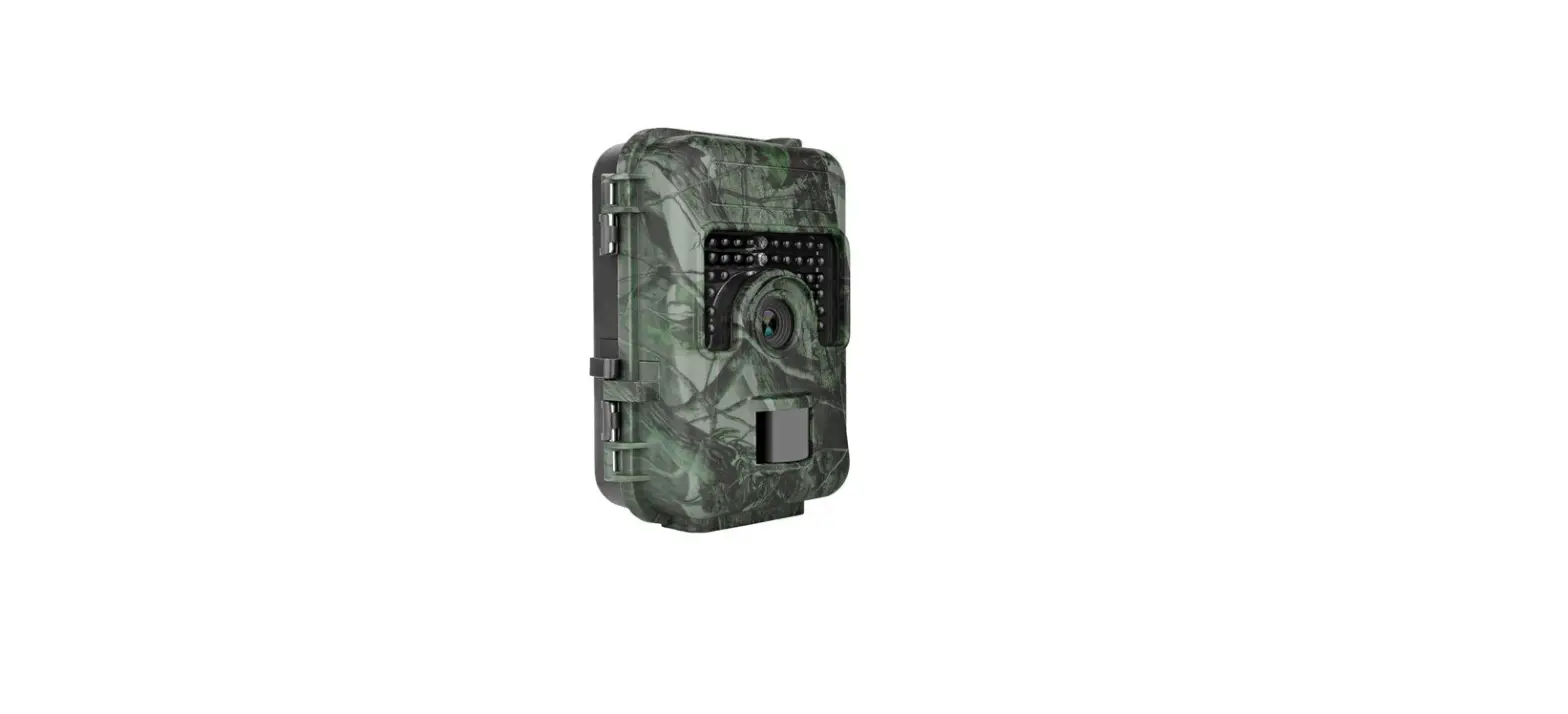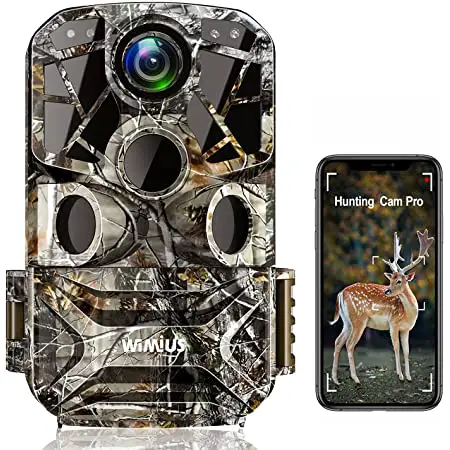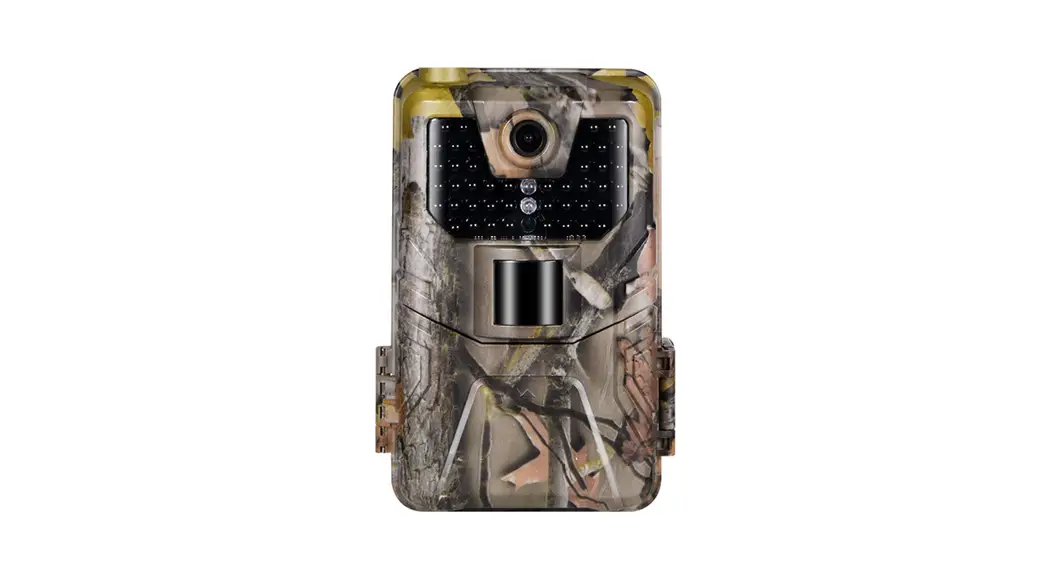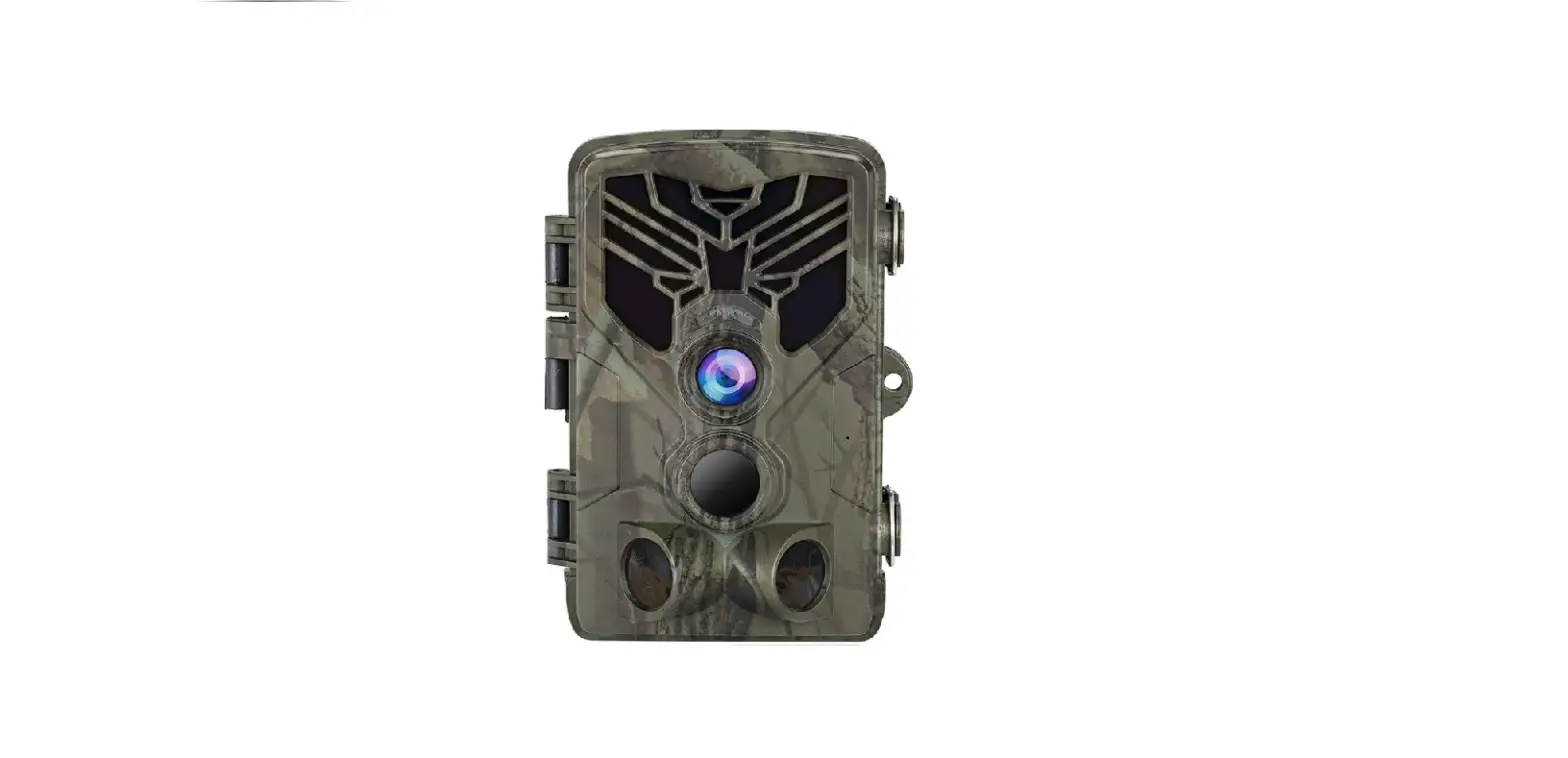

HC-800A Suntek Trail Camera 

Product Introduction
Some Tips Before Everything
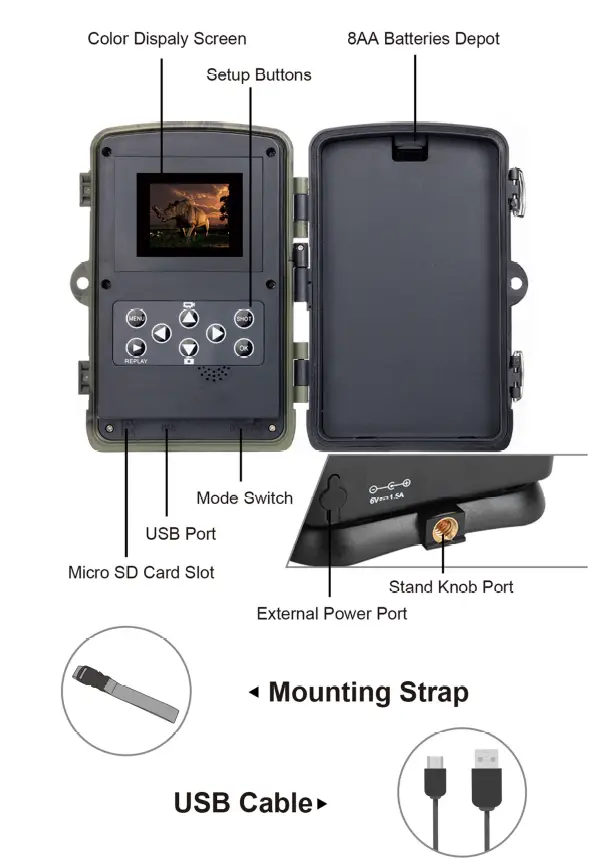
- If you observe a red flash when you take photos, please turn the switch from “TEST” to “ON”.
- After you turn the switch from “TEST” to “ON”, you will observe a countdown from 15s to 1 s, then the screen will shut down. This is completely normal. You can walk in front of the camera to check if it takes photos and videos.
- Do not dip the camera in the water.
- The camera can work under 160° F but please keep the camera far enough from fire to protect batteries.
- Alkaline batteries are recommended because alkaline batteries are able to provide strong and stable power to the camera.
- Please do not mix old batteries and new batteries.
- If an DC 6V power adapter is used to supply the camera, please make sure there are no batteries in the camera in order to prevent the overcharge.


Parameter
| Photo Resolution | 24/20/16/12/8/5/ 3/1MP |
| Video Resolution | 2.7k/1080P/720PI 480P I 240P |
| Detection Angle | Up to 120° |
| Detection Distance | 80ft (day), 65ft (night) |
| Fill Light LED Wavelength | 940nm (No Glow) |
| Trigger Time | 0.2s – 0.5s |
| Waterproof Level | IP66 |
| Working Temperature | -4°F – l 60°F |
| Memory Card Type | Up to 256GB micro SD card |
| Power Supply Type | Battery/External |
| Battery Type | AA Battery |
| Working Voltage | 6V |
| External Power Supply | DC 6V |
| Standby Time | Up to 6 Months |
| Photo Format | JPEG |
| Video Format | AVI |
| Screen Size | 2.0 Inches |
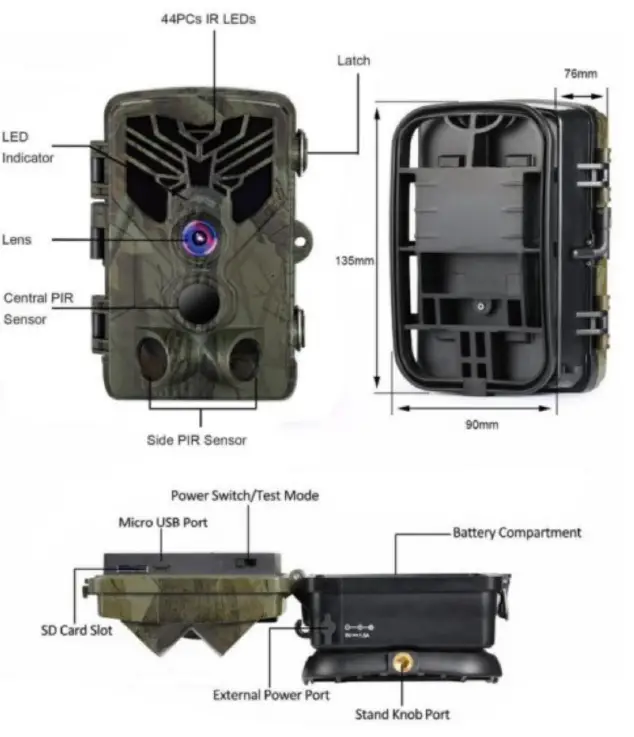
| Size | 135x90x76 MM |
| Weight | 0.38 kG |
Function
| Mode | You could choose the working mode | Photos (default) Videos Photos & Videos | |
| Photo | You can choose different photo | 24MP 20MP 16MP 12MP | |
| Resolution | resolution | 8MP | 5MP |
| 3MP | lMP | ||
|
Photo Series | 1 photo (default) | ||
| You can set the photo quantity when the camera is activated | 2 photos in series 3 photos in series 1O photos in series | ||
| 2688*1520P | |||
| Video Resolution | You can choose different video resolution | 1920*1080P 1280*720P 848*480P 720*480P 640*480P | |
| 320*240P | |||
| Video length | You can choose the length of video | 3 seconds to 1O min. | |
| Audio Recording | You can decide if you want the camera to record sounds | On (default) Off | |
|
Shot Lag | The time interval between each trigger!ll | 5seconds (default) to 60 minutes max. | |
| Photo Stamp | To choose if there will be time and date on the photo. | Time & Date (Default) Date Off |
| Password Protection | Set up password to secure your camera | On Off ( default) |
| Format Memory Card | Decision with caution! You will lose all of the data in the memory card if you decide to format it | Yes No (default) |
| Serial NO | To set up the serial number of the camera(3) | On Off (default) |
| Reset Settings | Reset all the settings to the original settings | Yes No (default) |
| Version | Version of the system |
- For example, we set the 1 minute video length and 30 seconds shot lag. When the camera detect an animal, it will start to record a 1-minute video. However, the camera will not detect continuously. When the video is done, the camera will not detect immediately. It will detect again 30 seconds after the video in order to save the battery.
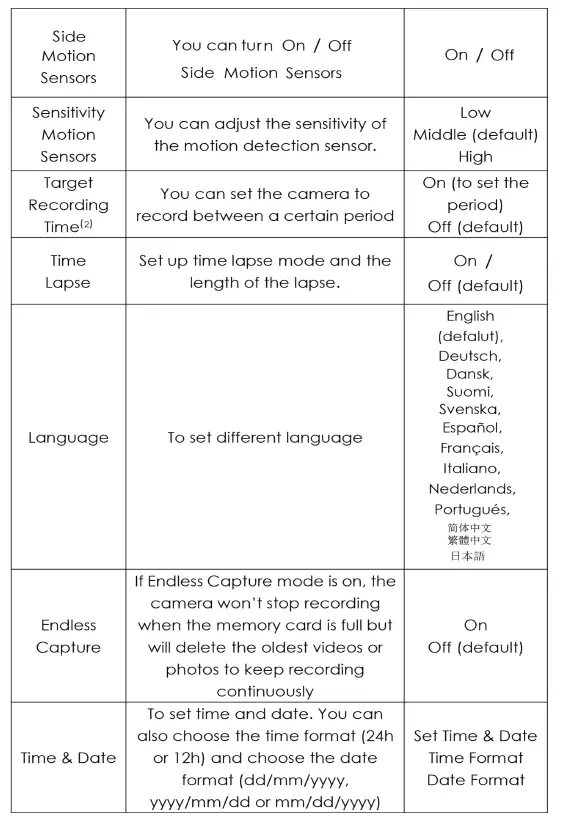
- “target Recording Time” is equivalent to Timer. The camera only works within the set time period.
- If you use several cameras at the same time and you want to recognize which camera took which photos and videos, set up a serial number could help you. The serial number will show on the bottom right of the photos or videos.
FAQ
- I can’t turn on my camera!
- ✓ Please check if the batteries is full power;
- ✓ Please check if battery polarity is correct;
- ✓ Please re-install the batteries.
- My camera is not taking photos or recording videos!
- Check if the TF card is Class 1O
- Check if the TF card works normally on other devices;
- Format the TF card.
- The camera doesn’t detect anything!
- ✓ Please make sure that the camera is not behind the glass;
- ✓ Please check the setting in the menu to adjust the detection distance and the detection sensibility of the camera then try again.
- Why the camera doesn’t record during the night but it works well during day time!
- Please check the battery level of the camera. If the battery is low { 1 /3 of the full battery), the night vision function will automatically shut down. Please change the batteries then the night vision function will restore.