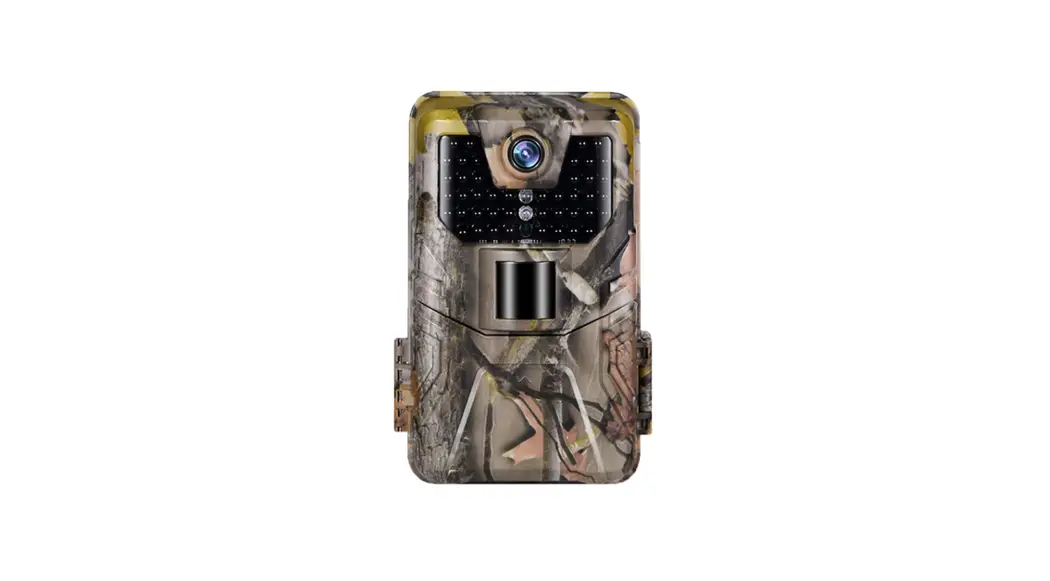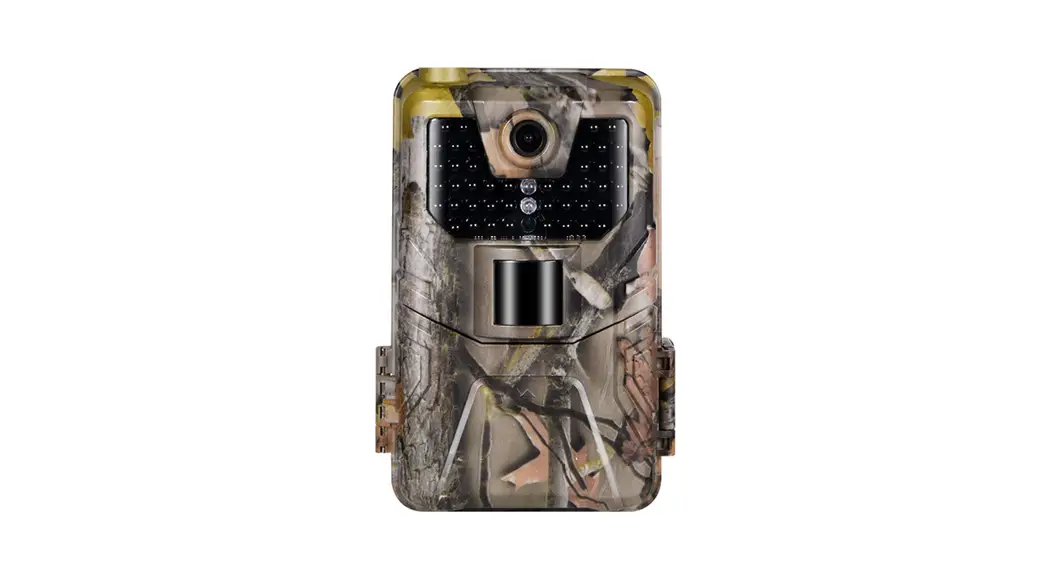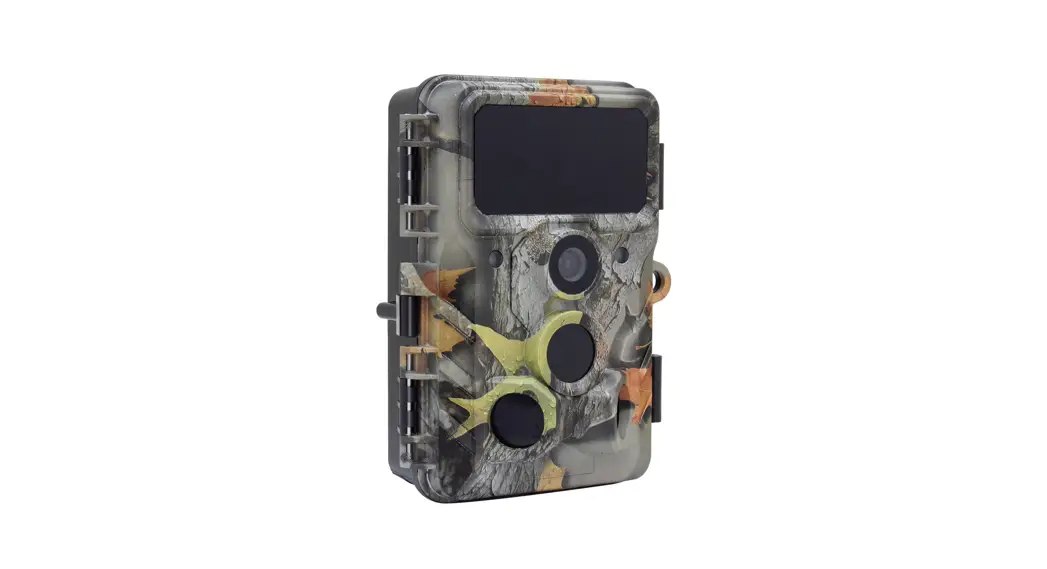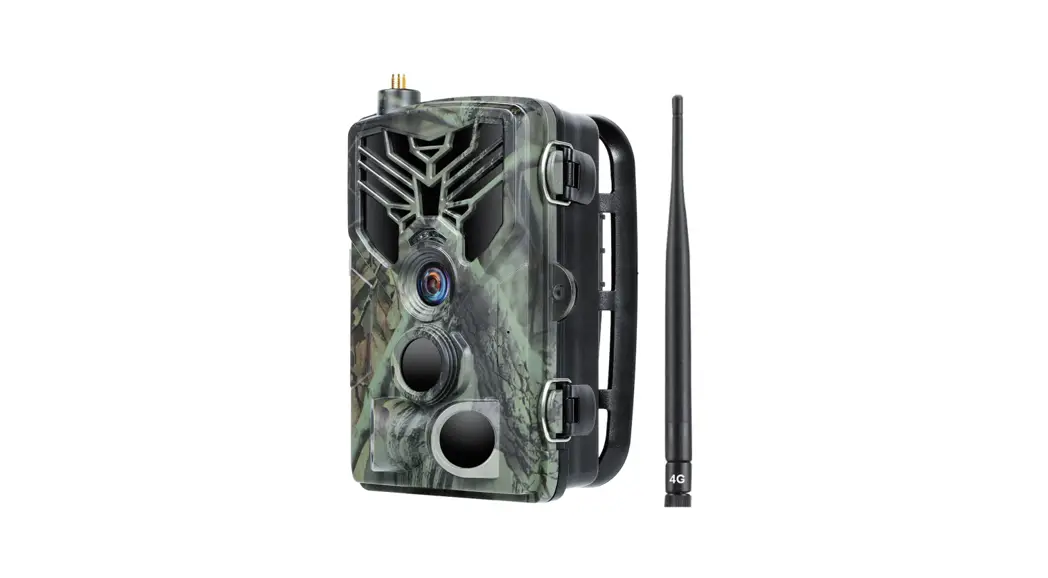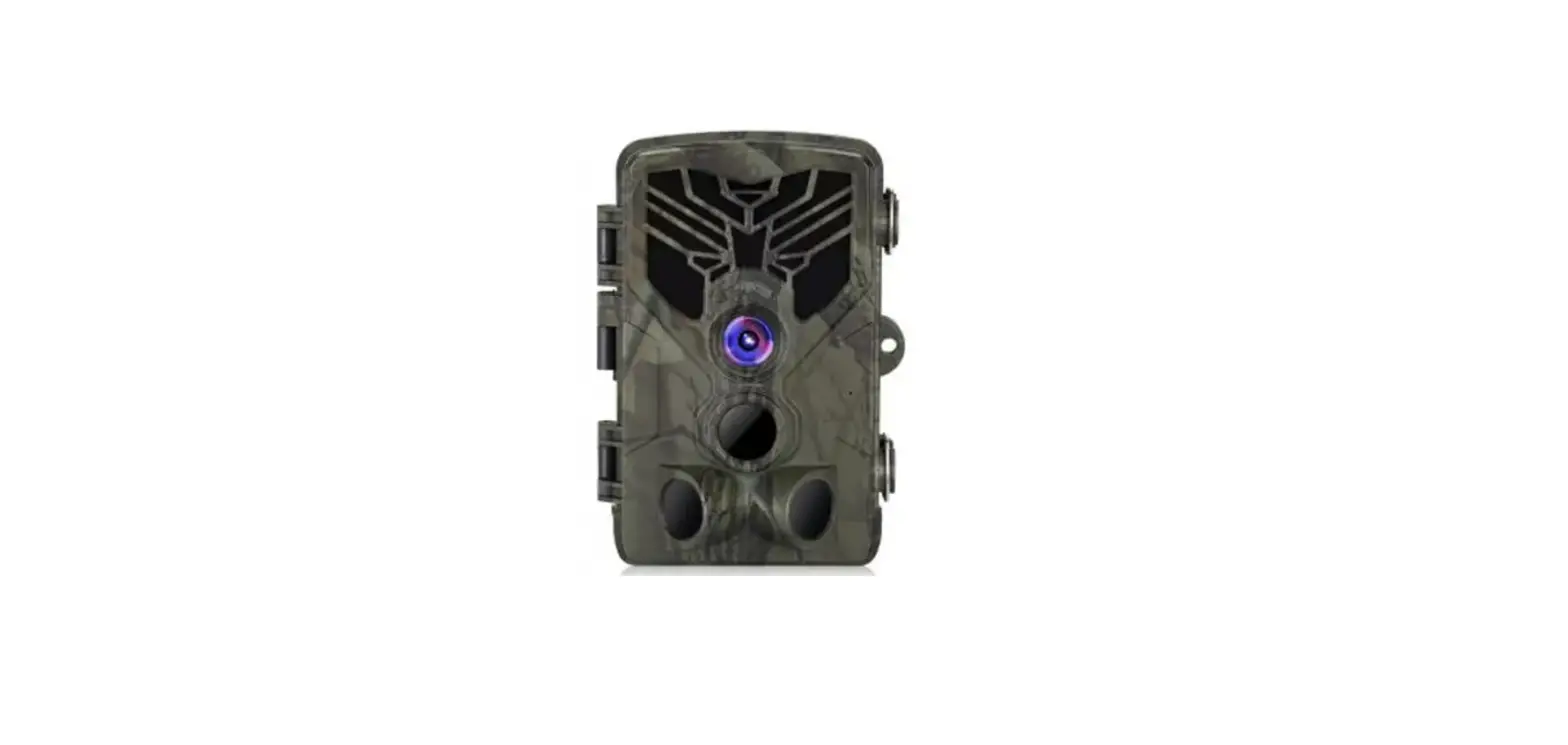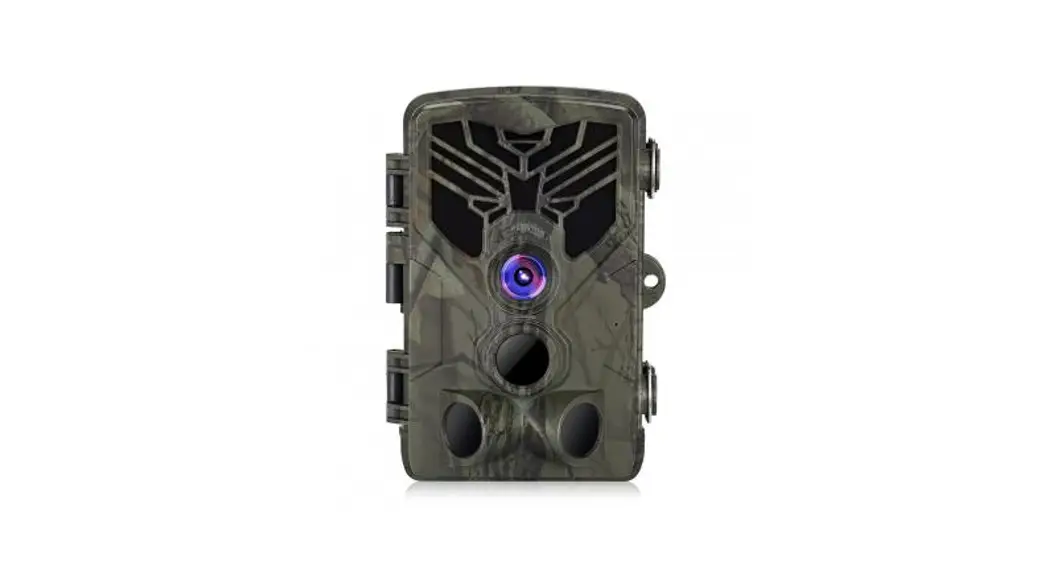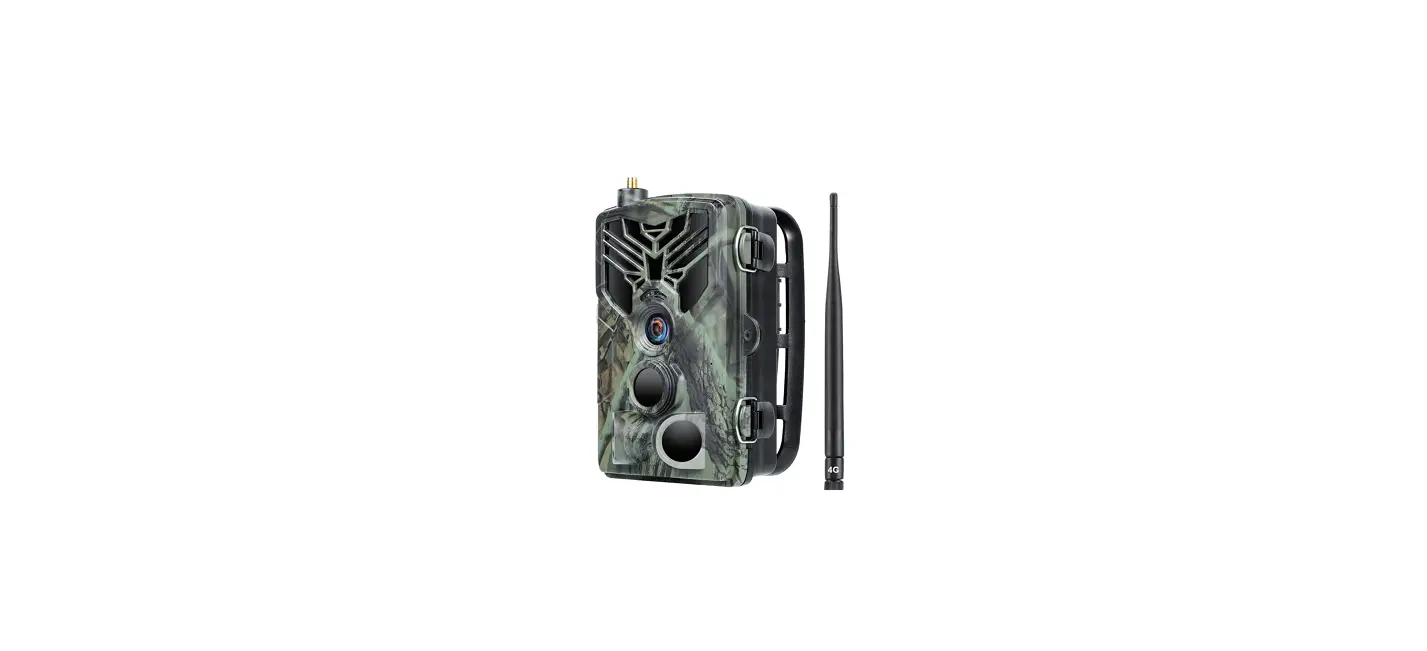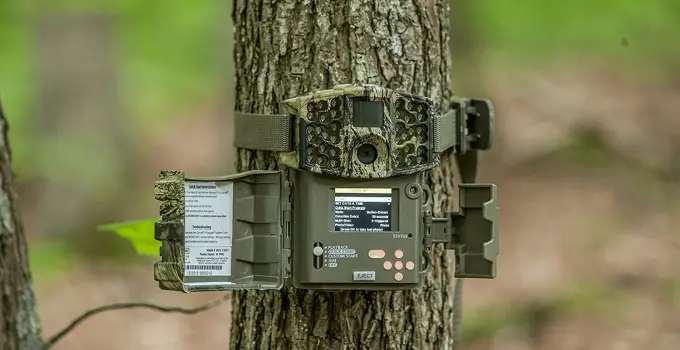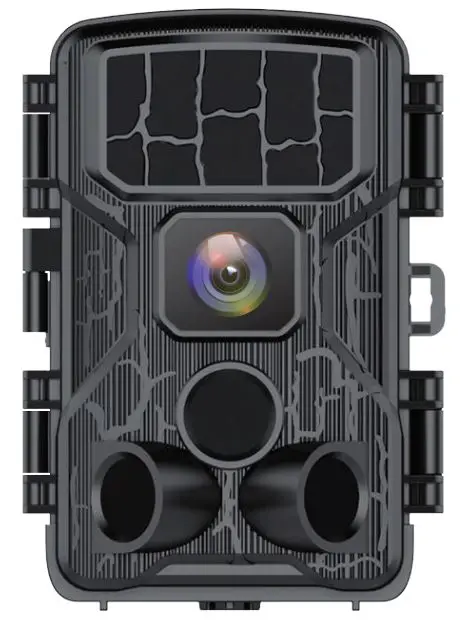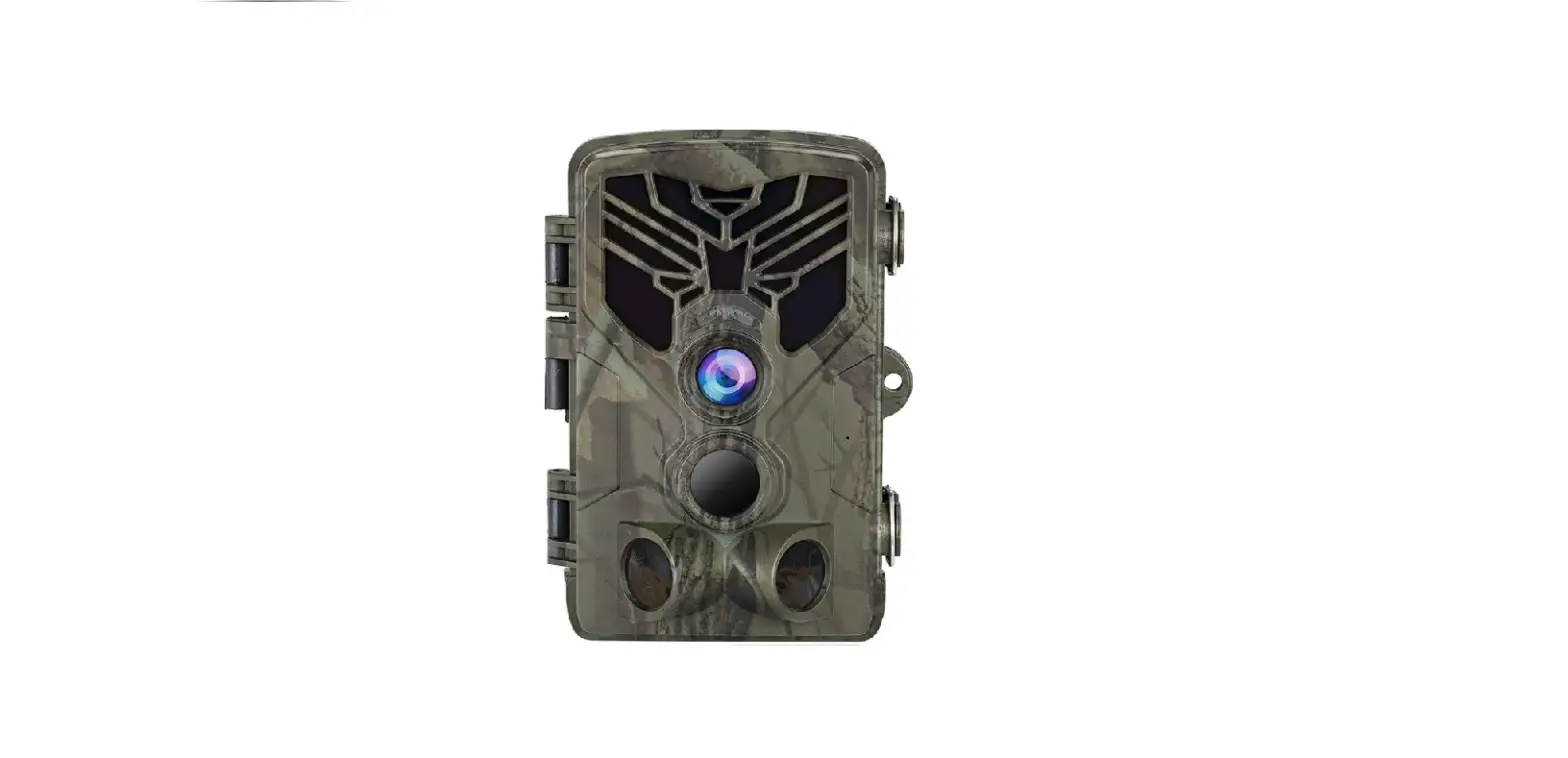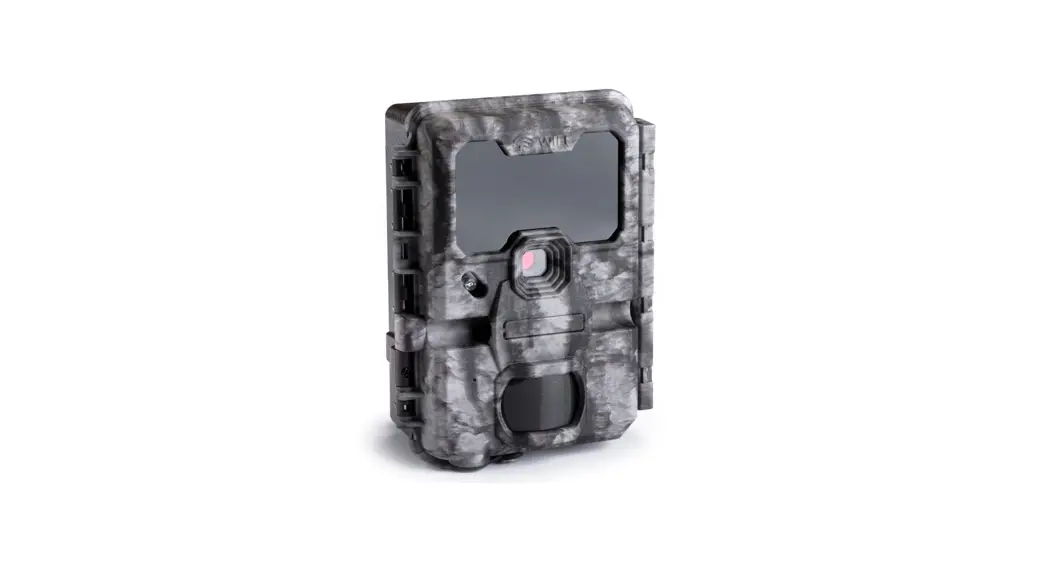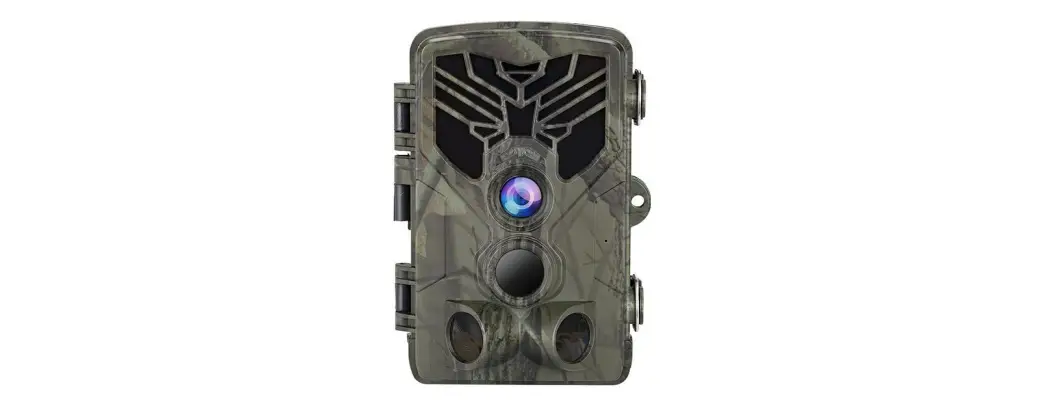

SUNTEK WiFi830 WiFi Trail Camera
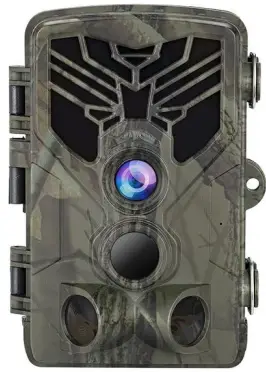
FUNCTION

SPECIFICATIONS
- Photo recording
- Image size 24MP / 20MP / 16MP / 12MP
- File format: .JPG
- Time lapse mode: 5 / 30min , 1 / 2 / 3 / 6 / 12/ 24hour
- Multi-shot mode: Up to 9 photos per detection
- Stamp: Date, time, temperature (℃/℉)andmoon phase
- Capture mode: Camera/Video/Camera&video/ Time lapse
- Video recording
- Video resolution: 1296P / 1080P / 720P / VGA
- File format: .MP4 / H.264
- Video length: 5s / 10s / 30s / 60s / 90s
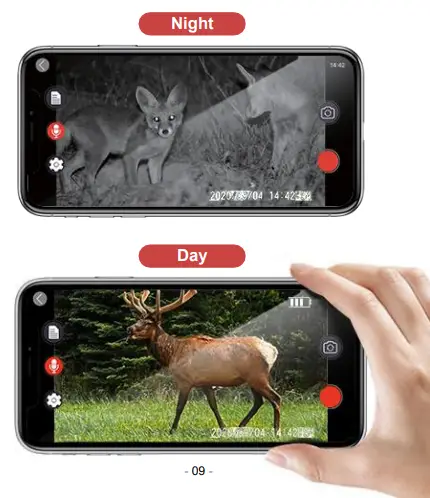
- Capture mode: Colorful mode at daytime, black and white mode at night
- WiFi / APP / Bluetooth
- Scan QR code to Download
WIFI Vision Distance 50M - Bluetooth WiFi On / Off
Bluetooth Connection Distance5M
- Scan QR code to Download
- Memory storage
- Support
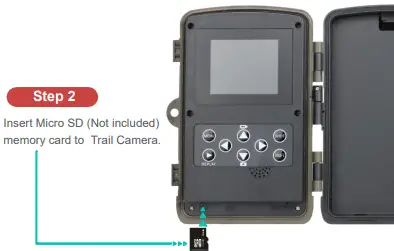
- Internal memory: none External memory: Micro SD card
- (up to 64GB, Not included)
- Support
- Viewing
Built-in screen TFT 2.0” - Power source
- Alkaline Battery: 1.5V AA Battery*8
- Lithium Battery: Rechargeable lithium AA battery
- External Power Jack: DC 6V 1A (3.5×1.3mm)
- Detection system
- Motion Sensor:3 x PIR
- Detection Angle: 120°
- Detection Range: Adjustable from 1 to 98 Ft
- Trigger Speed: 0.2 second
- Delay between each detection: 1/10seconds, 1/3/5/10/15/30 minutes
- Night time illumination system
- Infrat LEDs: 940nm Low Glow LEDs
- Flash Range: < 98 Ft
- Exposure: Auto / 100 / 200 / 400
- Optical field of view
120° - Dimensions
5.32″ x 3.54″ x 3″ - Recommendations
- Operating temperature: (-4℉to + 158℉) (-20℃ to + 70℃)
- Waterproof level
IP 66
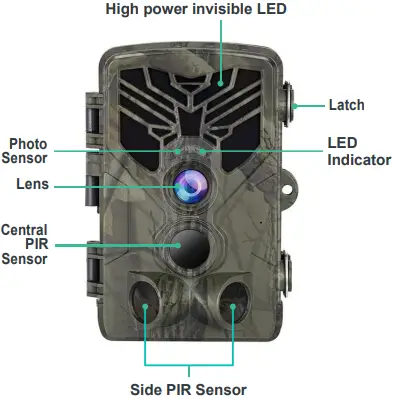
THE BASICS
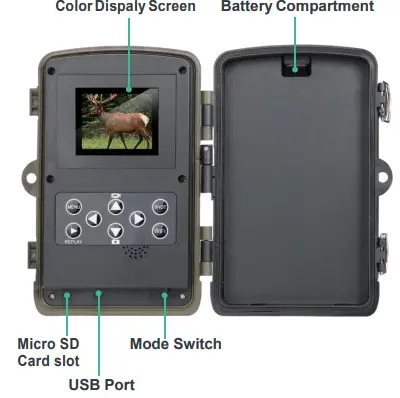
INSTALLATION
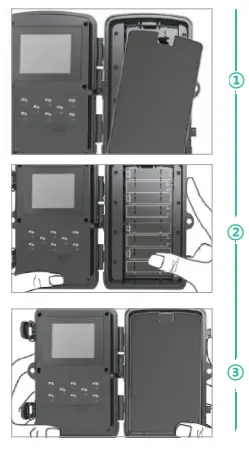
- Step 1
Open the battery cover and insert 8 batteries(AA) following to the positive and the negative battery sign.
Close the battery cover to resist water and dust.
WARNING
Be Sure to put AA batteries in the correct direction. Inserting batteries incorrectly will cause permanent damage.
- Step 3
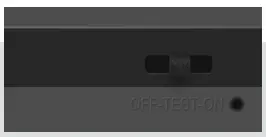
- Slide the mode switch
form OFF to TEST to activate the camera and view the user setup screen. - And then slide the mode switch form TEST to ON.
- The camera will start working after 10 seconds countdown, meanwhile the red indicator light will blink.

- Slide the mode switch
- Step 4
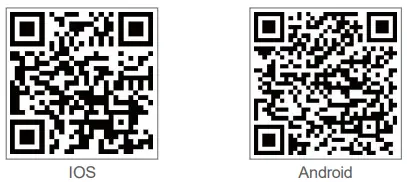
Scan the QR codes below or search for“WiFiCameraSum” on the Apple appstore or search for “WiFiCamera” on the Google Play to download the app.
- Step 5

- Open the APP on your cellphone and tap “Connect Bluetooth” at the left lower corner
- select “GCBT40” and then tap “
 ” to connect your phone and camera with Bluetooth. You can see the camera flashing white light one time and then flashing blue light.
 - On the other hand, you can choose another way to turn on WiFi
- Slide the mode switch from OFF to TEST.
- Press the WiFi Button on control panel Your WiFi will turn on

- Step 6

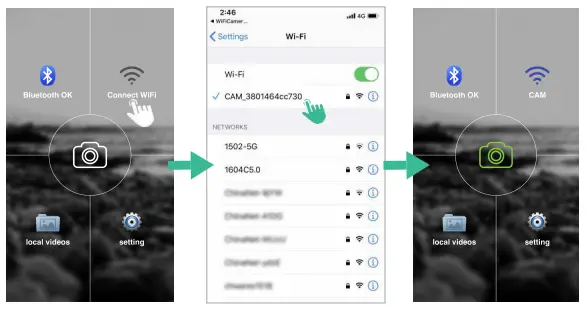
- Back to the main page of APP and then tap “Connect WiFi”.
- Go to WiFi setting on your phone, select
- “CAM_XXXXXXXXXXXX” Enter password “12345678”. (WiFi name and password can be changed in the APP when connected)
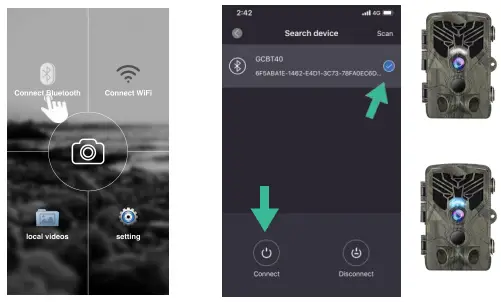
 ” to connect your phone and camera with Bluetooth. You can see the camera flashing white light one time and then flashing blue light.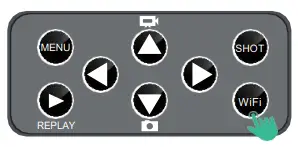
GETTING START
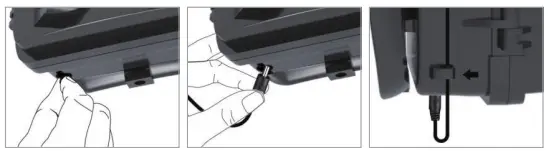
EXTERNAL POWER SUPPLY
Use 6V DC Power source (Not included)
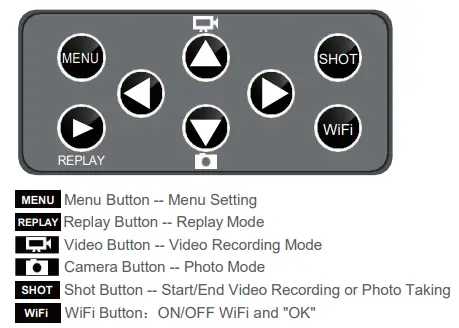
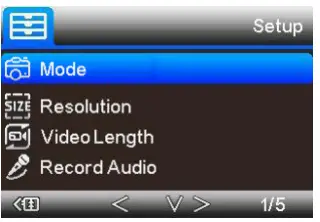
| Setup | Sub Menu | Description |
| Mode | Camera,video,camera &video,Timelapse | Picture,video,picture and video,taking piture regular |
| Resolution | 1296P, 1080P, 720P, VGA | Video Resolution |
| Video Length | 5/10/30/60/90 Seconds | Each Video max 90 sec, default 10sec |
| Record Audio | On / Off | Video With Sound |
| Setup | Sub Menu | Description |
| Image Size | 24MP/20MP/16MP/12MP | Image resolution |
| Interval | 1/10sec,1/3/5/10/15/30min | Max 30 minutes delay |
| Timelapse | 5/30minutes, 1/2/3/6/12/24hour | Take pic every 5min |
| Sequcence | 1/3/6/9 pictures | Max 9 pics one shot |
| ISO | Auto/100/200/400 | Exposure level |
| Over write | On / Off | Cycle Recording |
| PIR Sensitivity | High/Medium/Low | Adjust PIR sensitivity |
| Language | UK/FR/ES/RU/POR/IT/DE | Adjust PIR sensitivity |
| Frequency | 50HZ / 60HZ | Screen refresh rate |
| Camera ID | CAM000 | 6 numbers or letters |
| TV Mode | NTSL , PAL | Camera support AV-out |
| Password | On / Off | 4 numbers |
| Working Timer | 00:00:00 to 23:59:59 | N/L |
| Date / Time | DD/MM/YY | N/L |
| Format | OK / Cancel | Format memory card |
| Default Setting | OK / Cancel | Back to default |
| Version | Camera firmware version |
In The box
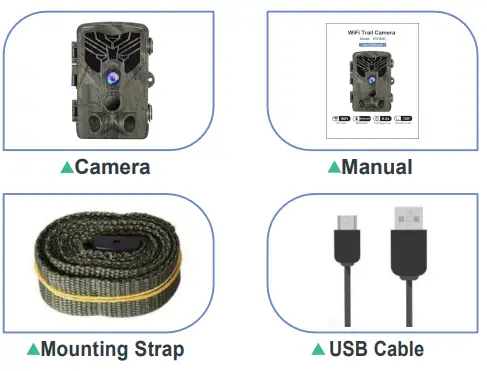
TROUBLESHOOTING
- Q: What is the range of WiFi and Bluetooth?
A: The range of camera WiFi is about 98Ft at forest or indoor and 328Ft at open space. The range of camera Bluetooth is between 16 to 26 Ft. - Q: What’s difference between 3 PIR and 1 PIR?
A: It equipped with 3 PIR, so the trigger time is shorter (only 0.2S). The trail camera will take photos and videos faster than the cams which just have 1 PIR. It will detect when the animals enter to the range of side motion sensors, and it would take photos and videos only when the animals move to detecting range of the central sensor zone. Therefore, the camera will also get broad view and save more power. - Q: Does it have a connection to be wired for 6V or 12V DC instead of battery?
A: Yes, you can use 6V DC for this camera, there is a power connector in the box, dedicated to the external power supply. Recommend using 8*1.5V AA batteries in this trail camera to obtain maximum battery life.( NOT INCLUDED ) - Q: Can you change WiFi name and password of the camera?
A: Yes, you can change different WiFi name and your own password by app on phone. - Q: Can you connect to your in-home WiFi and the internet provided the camera
A: WiFi trail camera connects with the phone’s WiFi, not in-home WiFi/Internet. Download the APP on your phone and then connect with WiFi. You can adjust the setting and check the photo /video on the phone directly. - Q: Is the app available for iPhone?
A: Yes, Trail Camera use “WiFiCameraSum” APP for Apple Store and “WiFiCamera” APP for Google Play, it’s available for Android and IOS system phone.