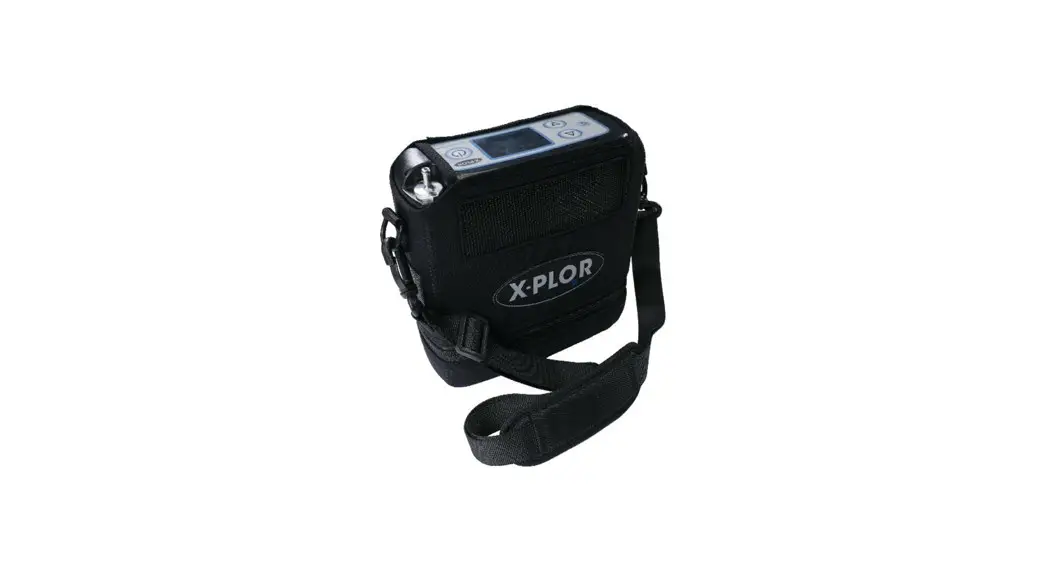
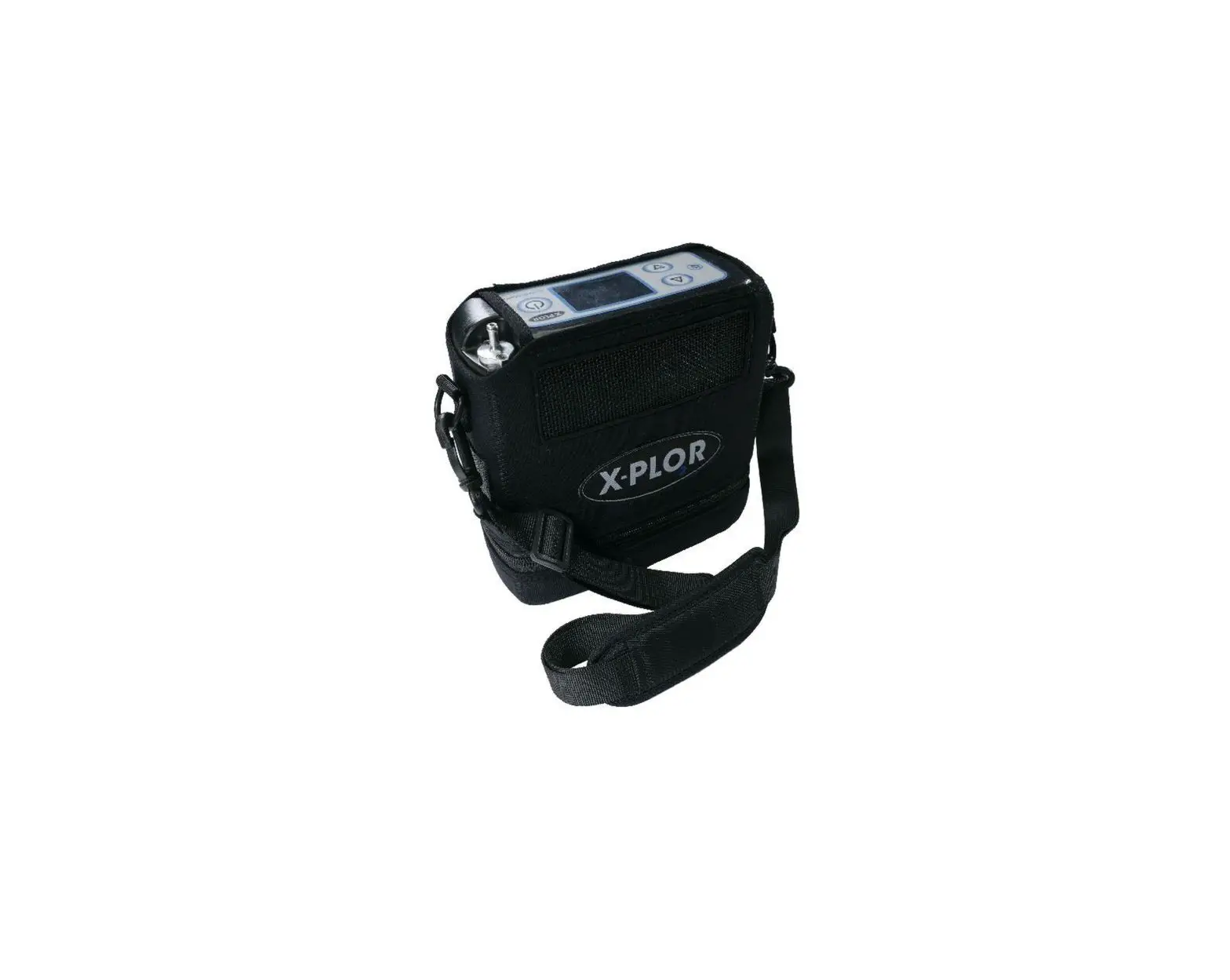
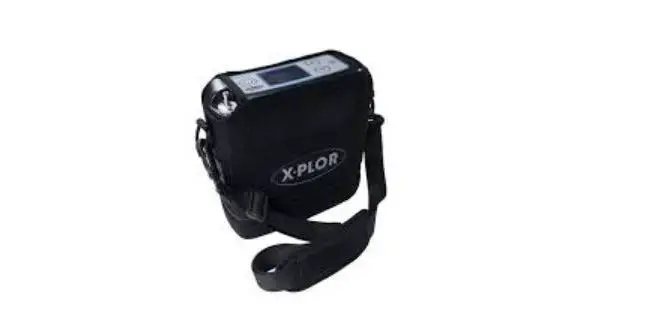
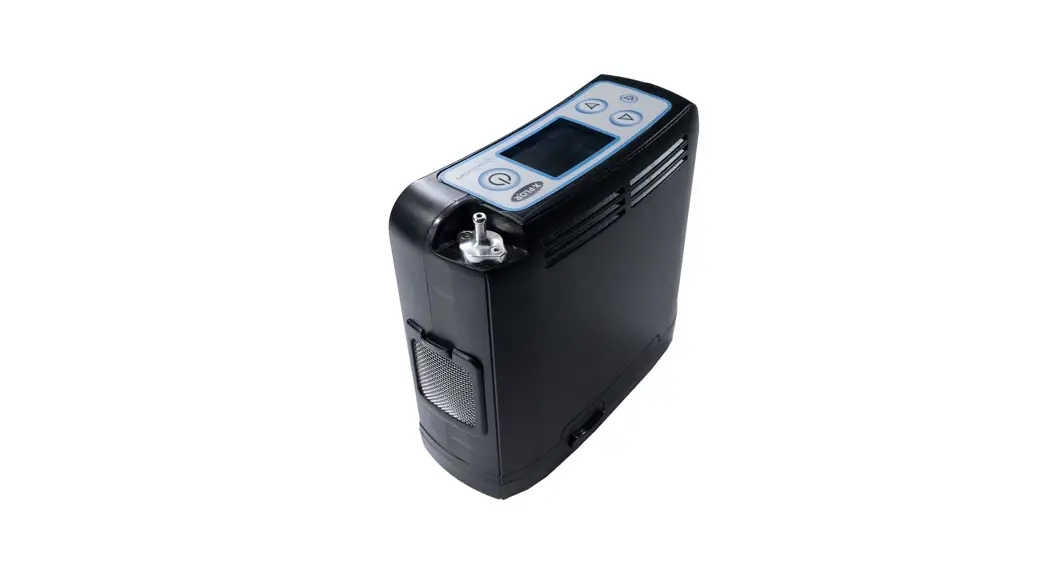
X-PLOR2 Portable Oxygen Concentrator
Product Information
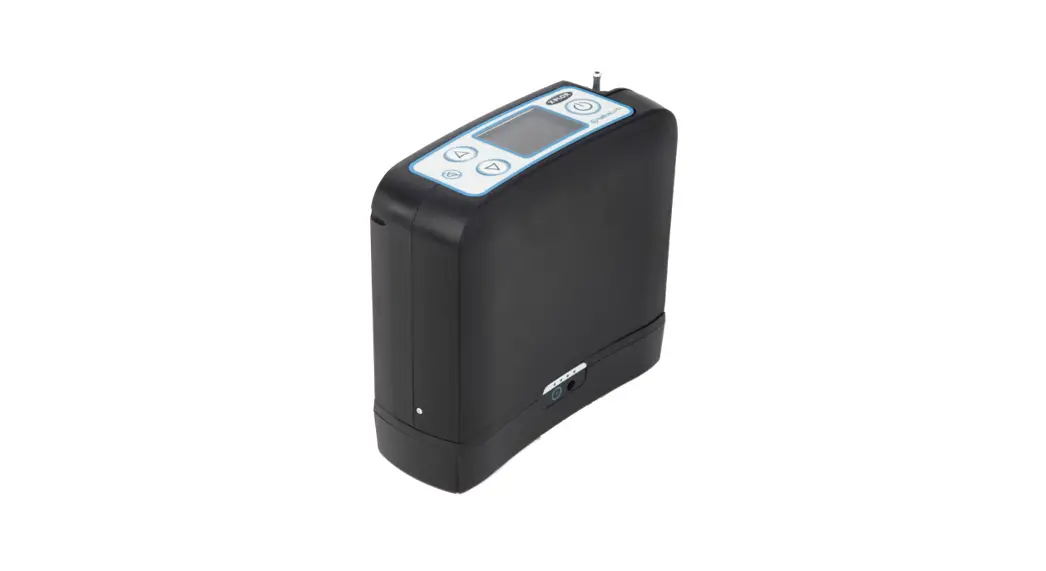
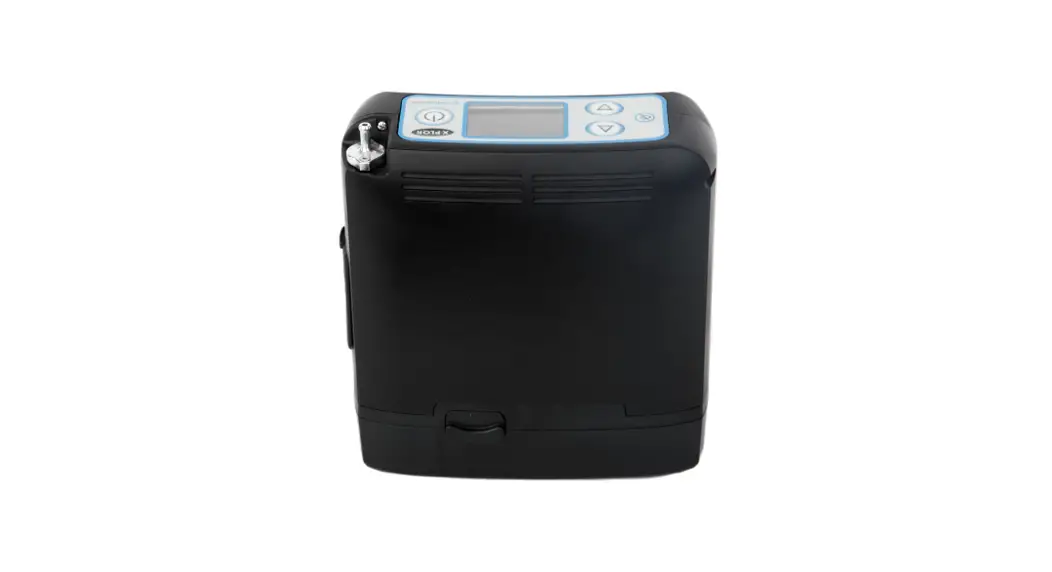
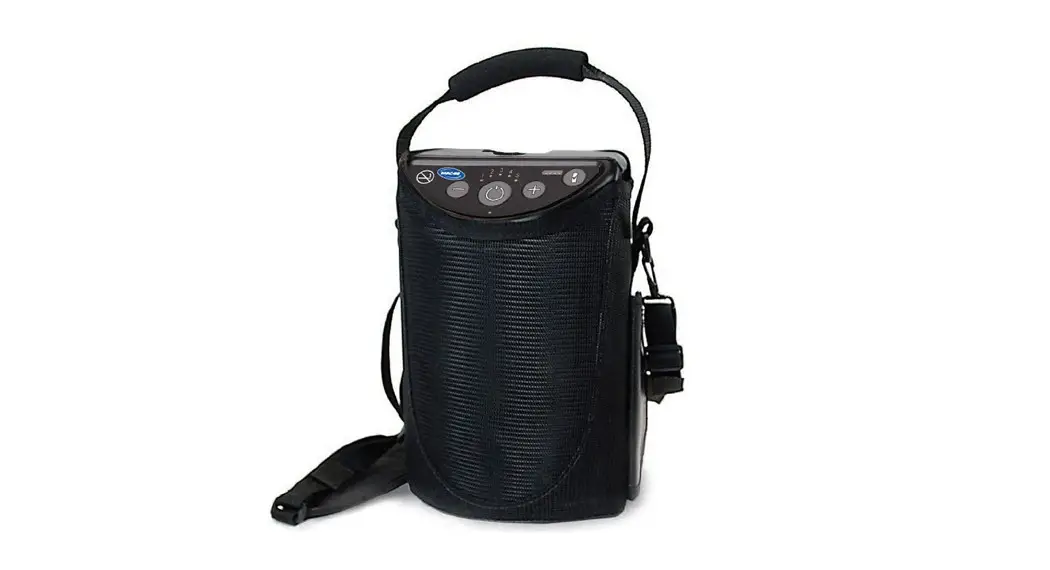
The product mentioned in the user manual is the X-PLOR, a
portable oxygen concentrator (POC) used for medical purposes. It
utilizes cartridges to provide oxygen to the user. The X-PLOR comes
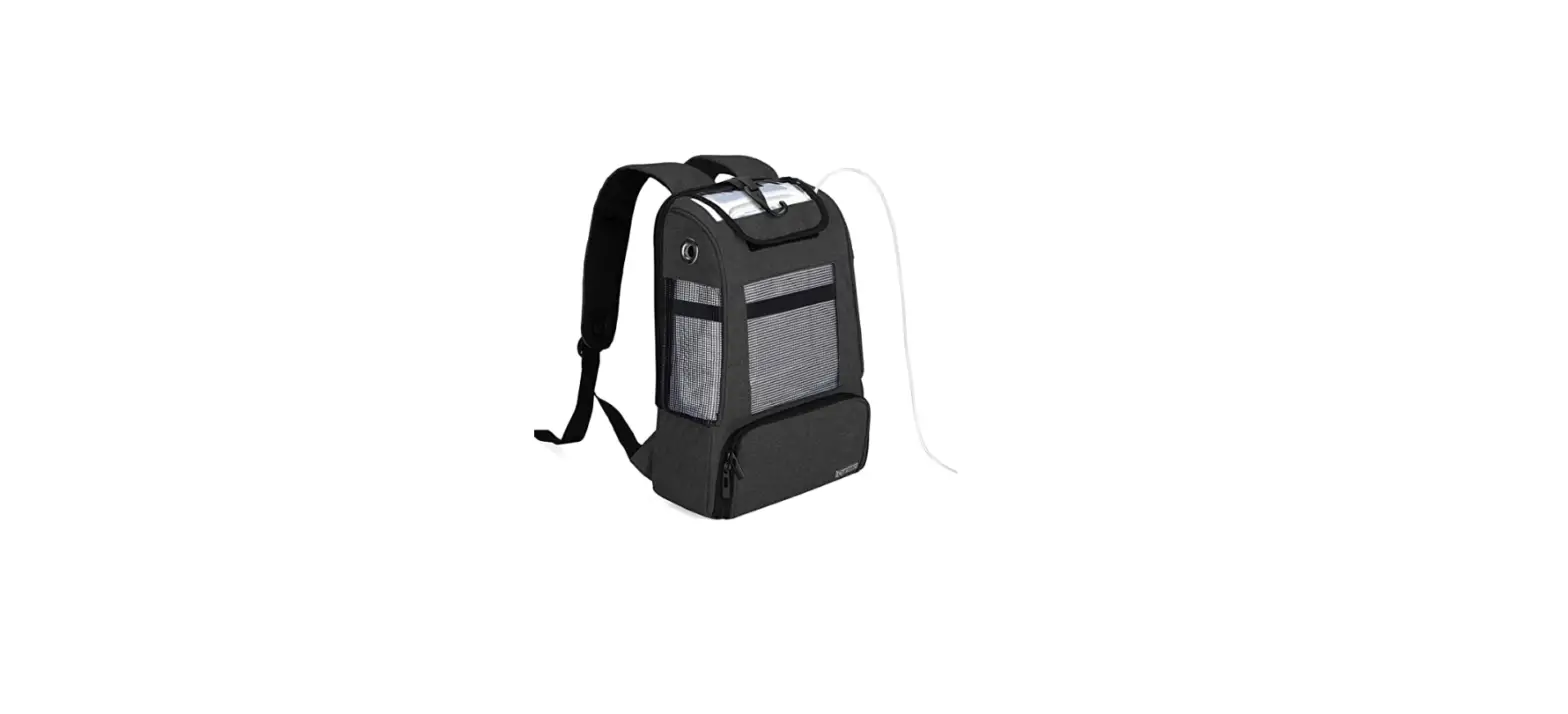
with a carrying bag and a rechargeable battery.
Product Usage Instructions
Cartridge Replacement – Part 1: Removing Cartridge
- Remove the battery from the X-PLOR.
- If applicable, remove the X-PLOR from the carrying bag.
- Place the X-PLOR on its side to access the underside of the
POC. - Pull the cartridge out of the POC by pulling on the cartridge
pull handle. - Remove the cartridge completely from the X-PLOR and dispose of
it properly.
Cartridge Replacement – Part 2: Installing Cartridge
- Remove a new cartridge from its mylar bag. The new cartridge
has a dust cap on top. Remove the dust cap and ensure there is no
dust or debris where the dust cap was located. - Insert the new cartridge top first into the X-PLOR. Do not
leave the cartridge ends exposed; it should be inserted into the
X-PLOR as soon as the used cartridge is removed. - Push the cartridge into the X-PLOR until it is fully
inside. - The cartridge pull handle should lay flat once the cartridge is
secured. - Connect a charged battery to the X-PLOR.
- Turn on the X-PLOR by pressing the power button for 2
seconds. - Set the flow setting to your prescribed setting and use the
X-PLOR normally.
For more information and support, visit XPLOROxygen.com. The product
label number is LBL 5026-03.
CARTRIDGE REPLACEMENT
By:
Cartridge Replacement
PART 1
Removing Cartridge.
1
Turn off the X-PLOR® by pressing the power button
for 2 seconds.
3
Remove the battery from the X-PLOR.
2
Remove the X-PLOR from the carrying bag,
if applicable.
4
Place the X-PLOR on its side to access the underside
of the POC.
5
Pull the cartridge out of the POC by pulling on the
cartridge pull handle.
Turn sheet over to continue to step 2.
6
Remove the cartridge completely from the X-PLOR
and throw away.
By:
Cartridge Replacement
PART 2
Installing Cartridge.
Dust Cap
1
2
Remove cartridge from mylar bag. The new cartridge has a dust cap on top. Remove the dust cap. Make sure there is no dust or debris where the
dust cap was located.
Insert new cartridge top first into the X-PLOR. Do not leave the cartridge
ends exposed; the cartridge should be inserted into the X-PLOR as soon as the used cartridge is removed.
3
4
Push the cartridge into the X-PLOR so it is fully inside.
5
The cartridge pull handle should lay flat once the cartridge
is secured.
Power Button
6
Connect charged battery to the X-PLOR.
XPLOROxygen.com
LBL 5026-03
Turn on the X-PLOR by pressing the power button for 2 seconds. Set the flow setting to your prescribed setting
and use normally.
By: ©2022 Belluscura LLC. All Rights Reserved.