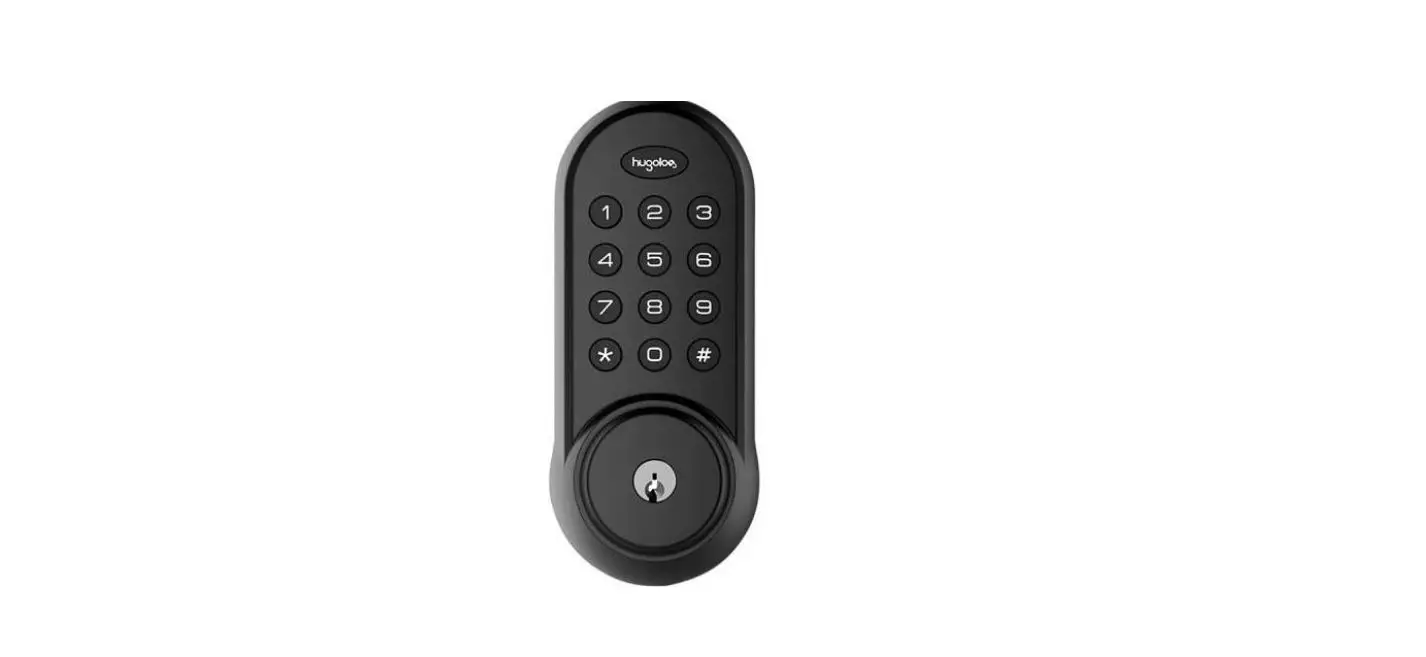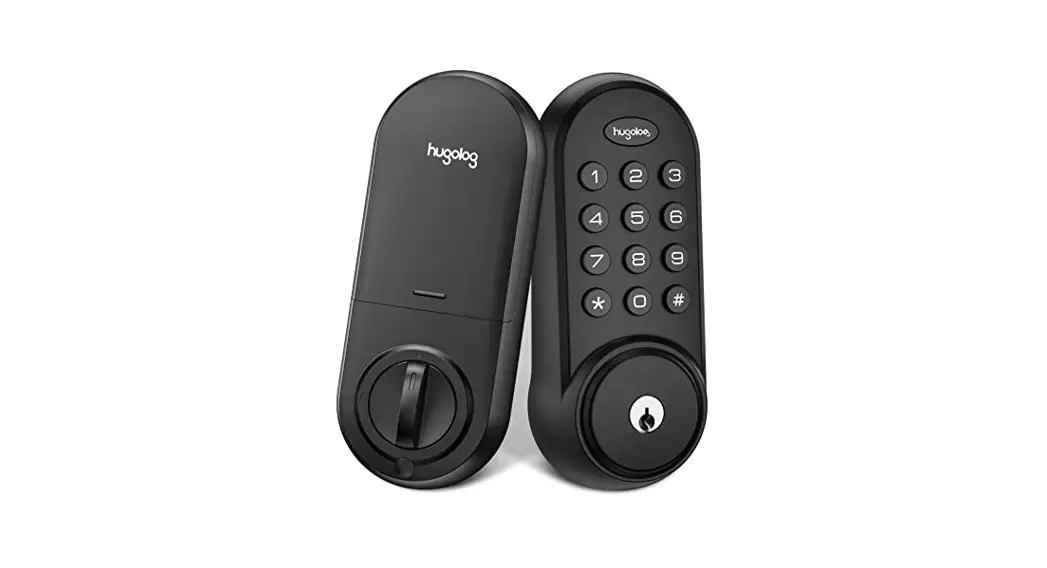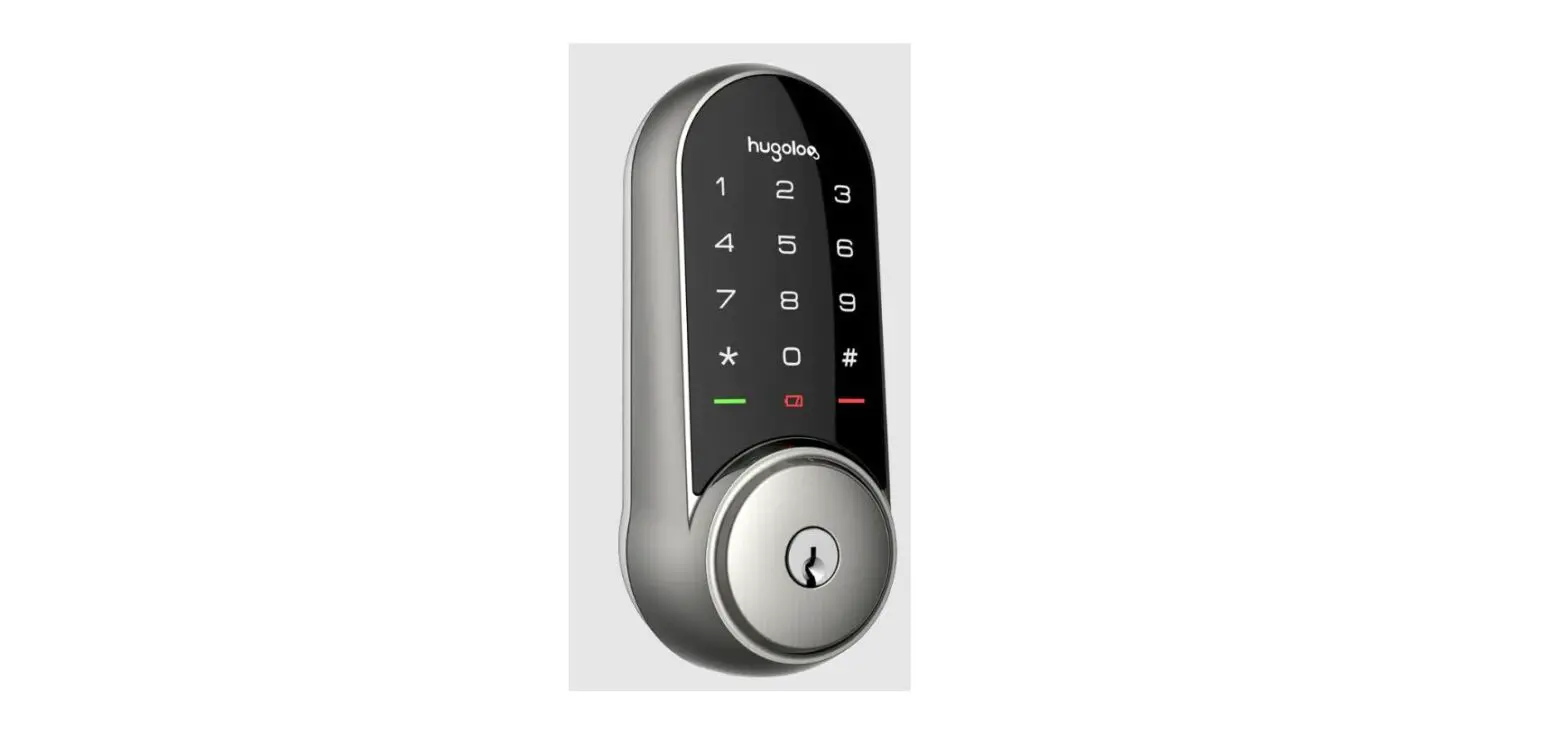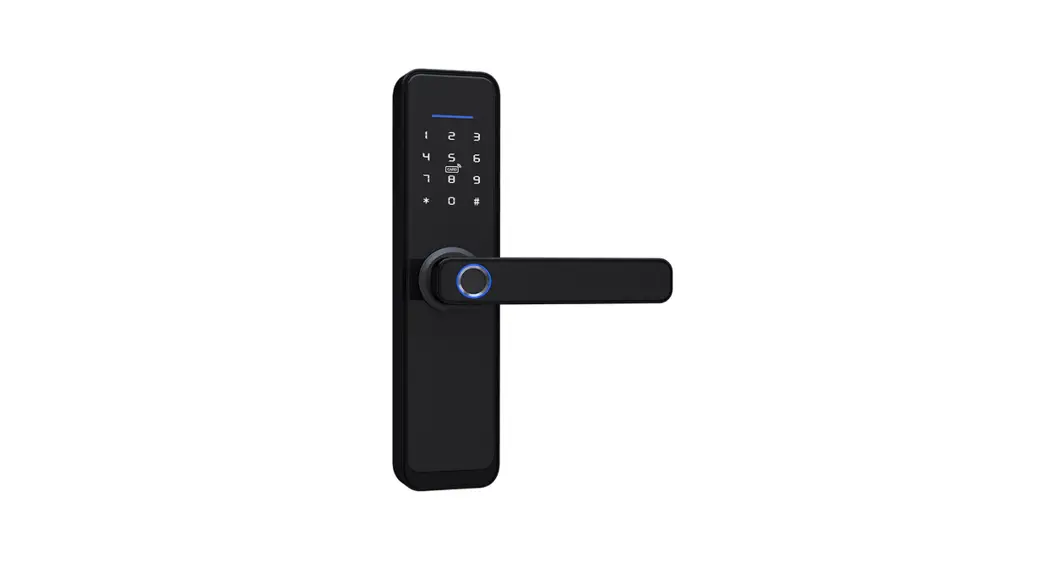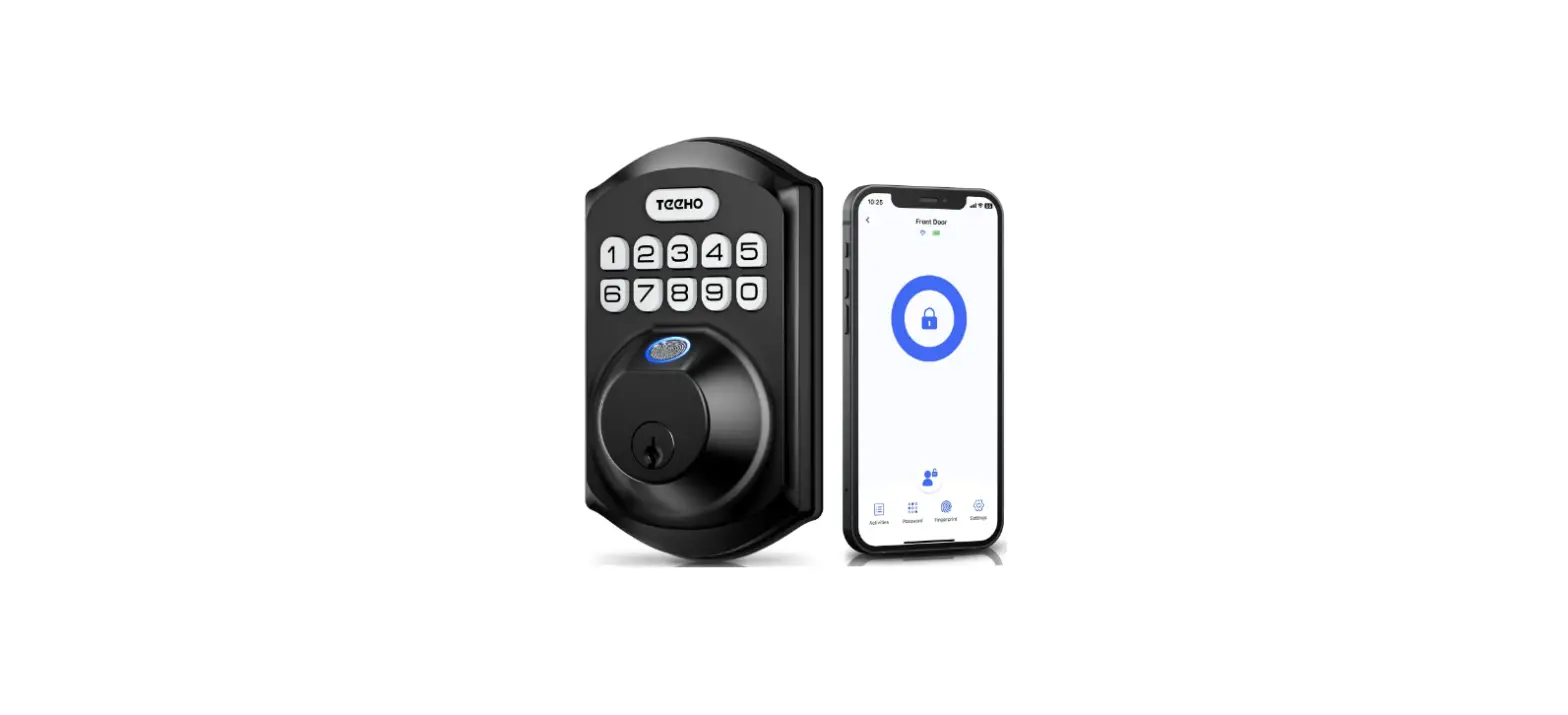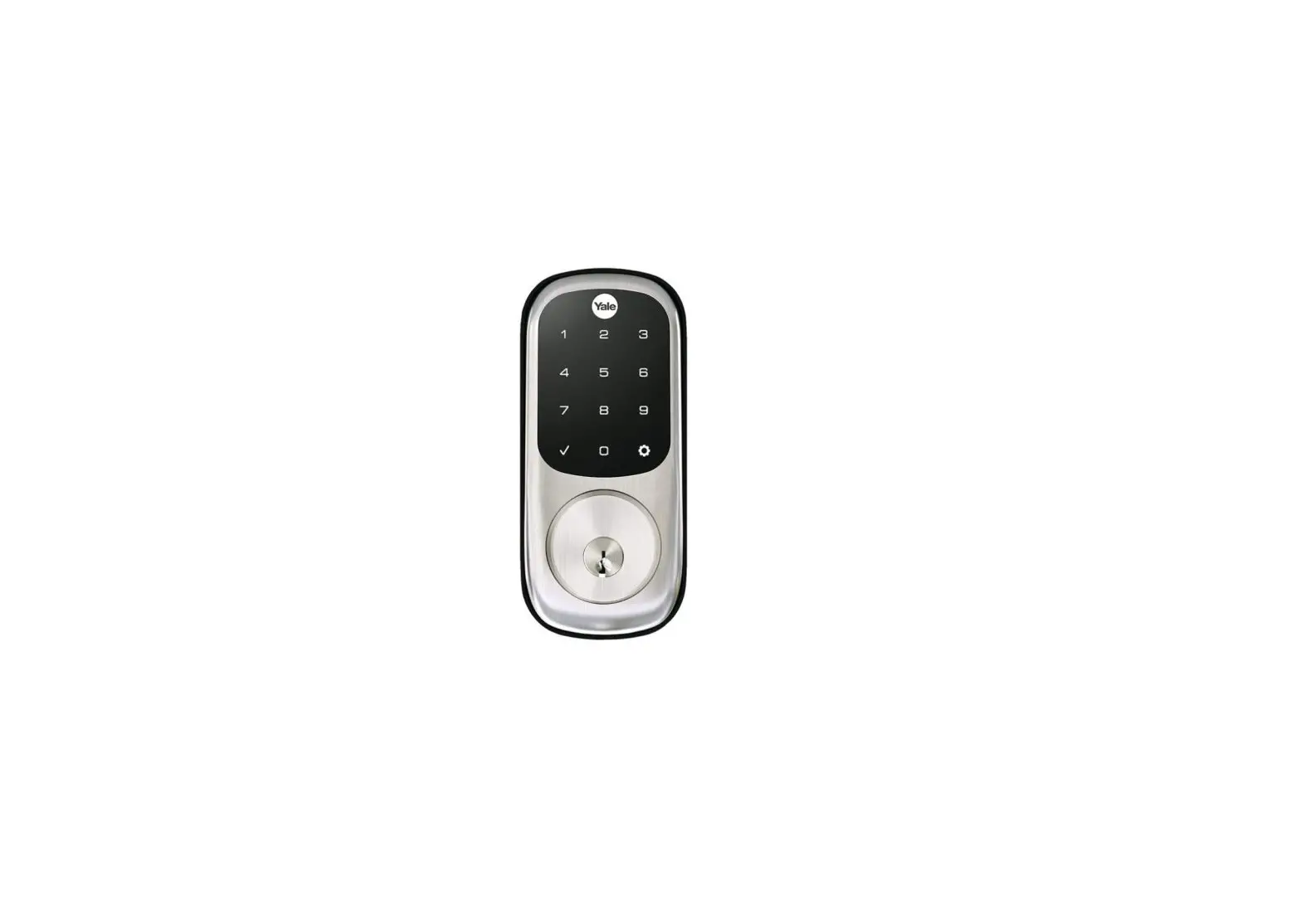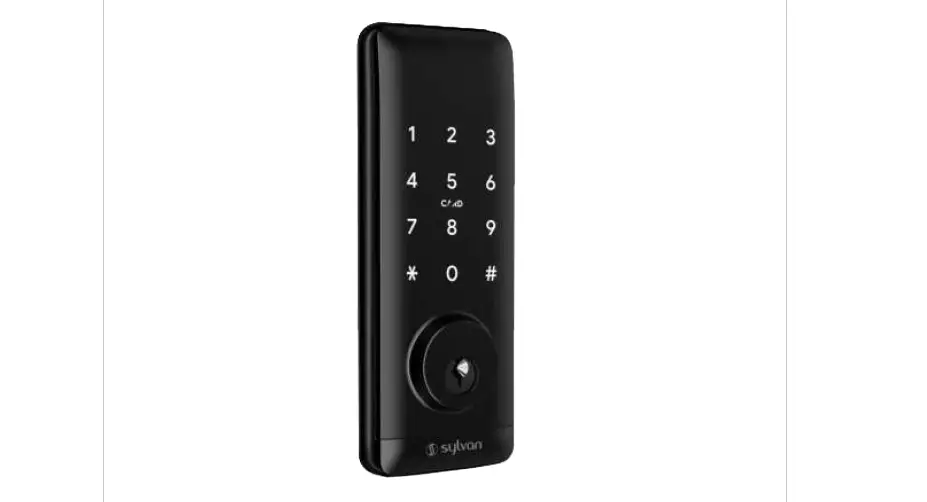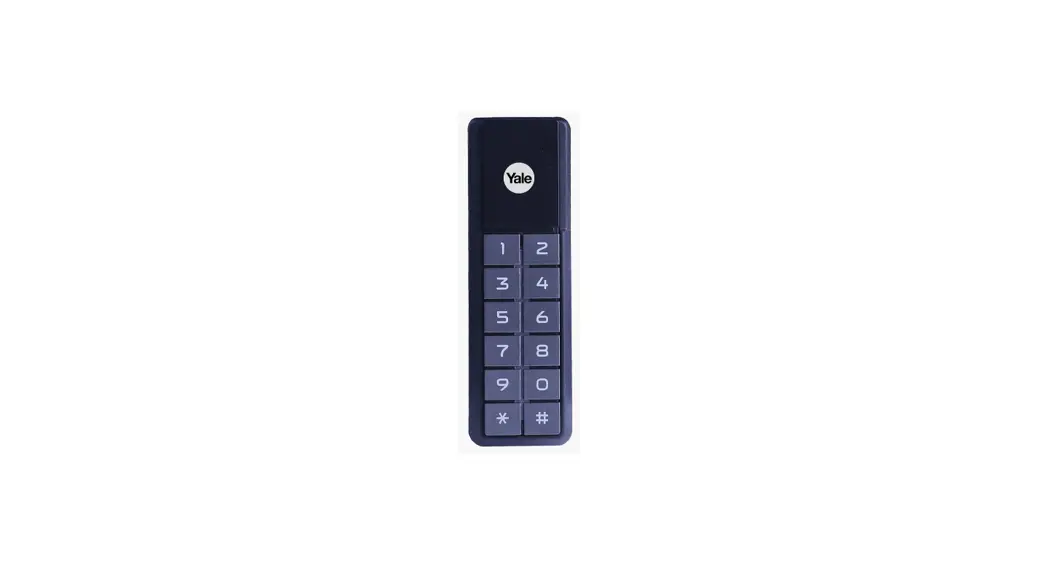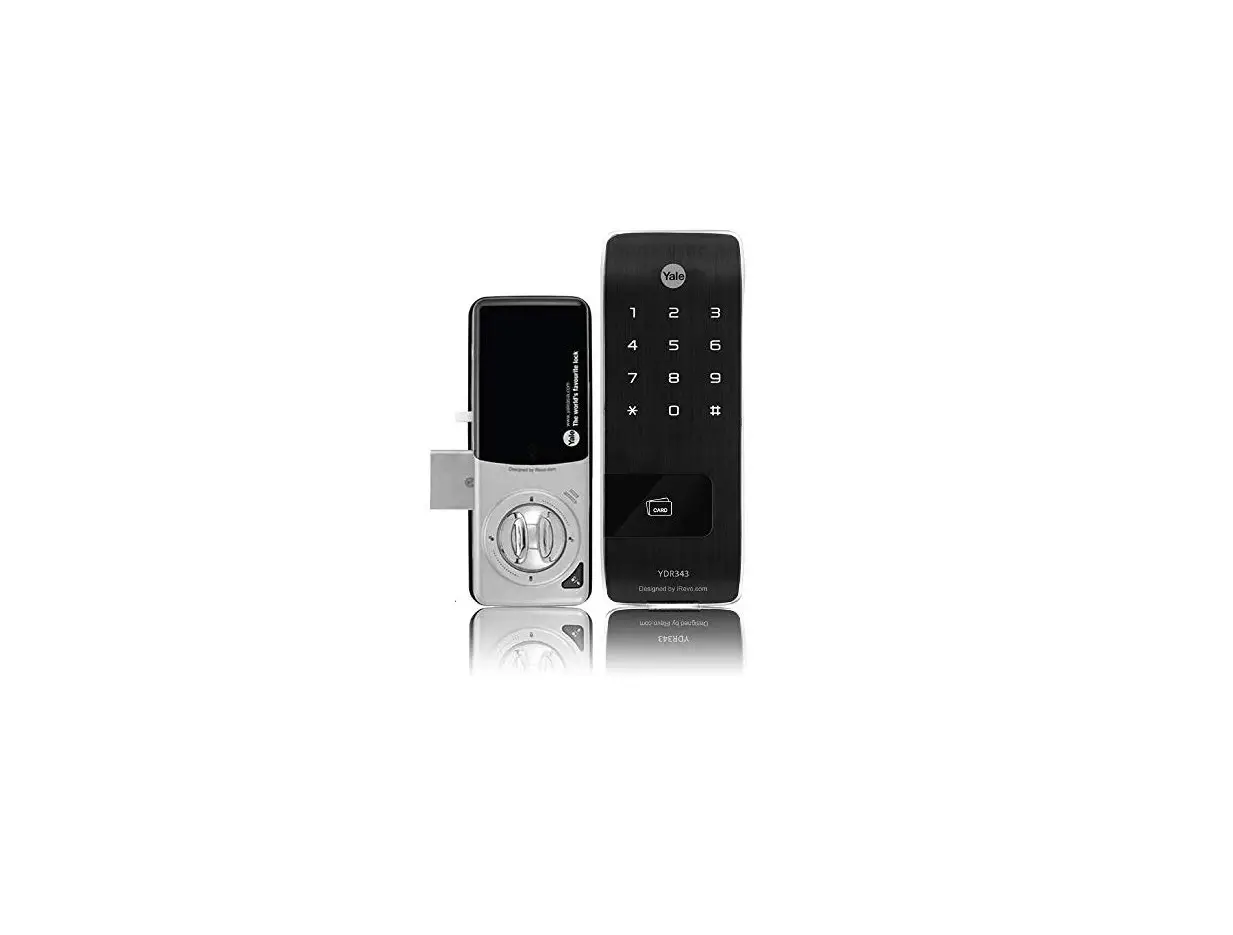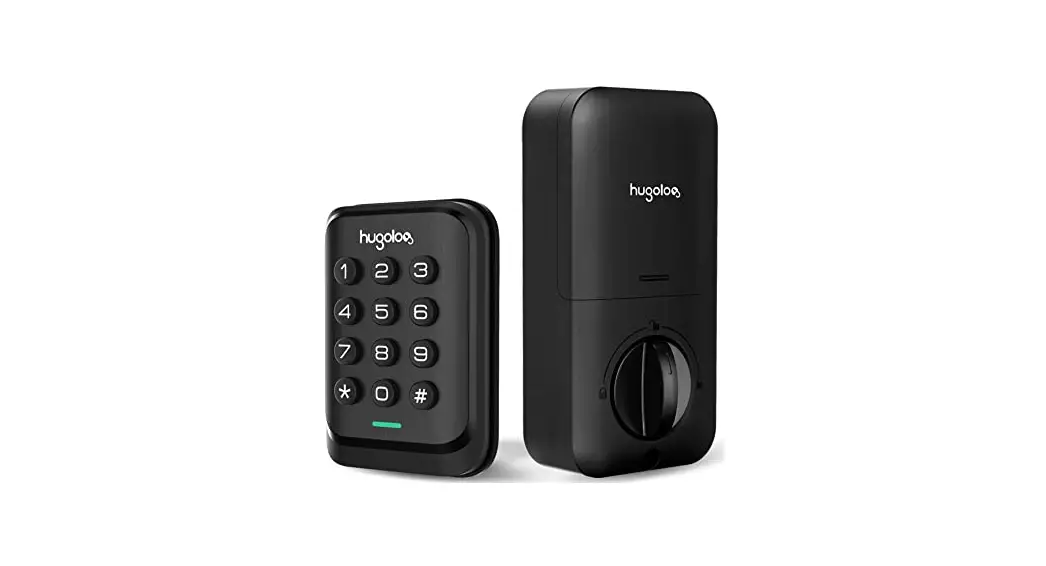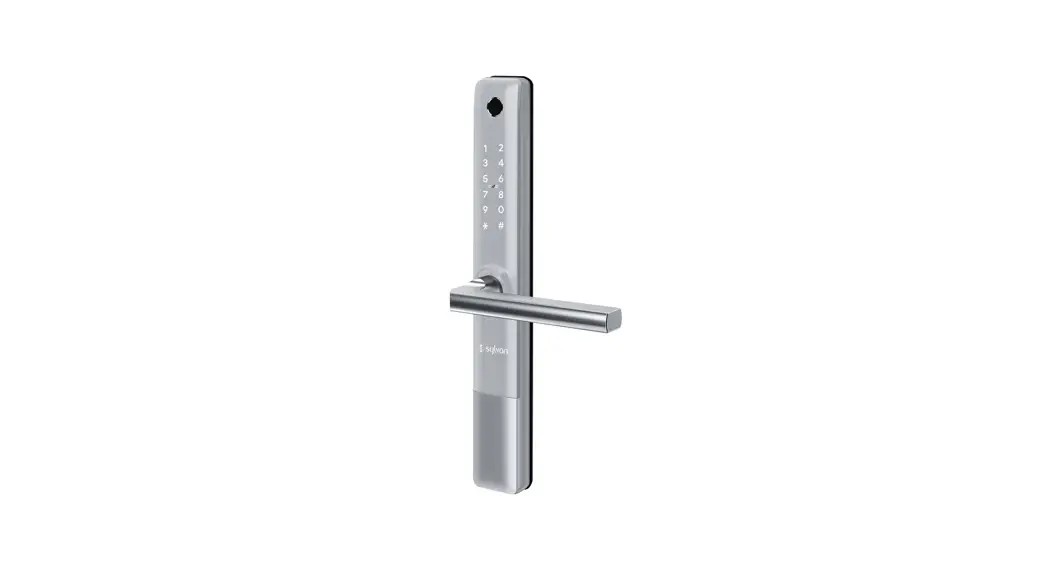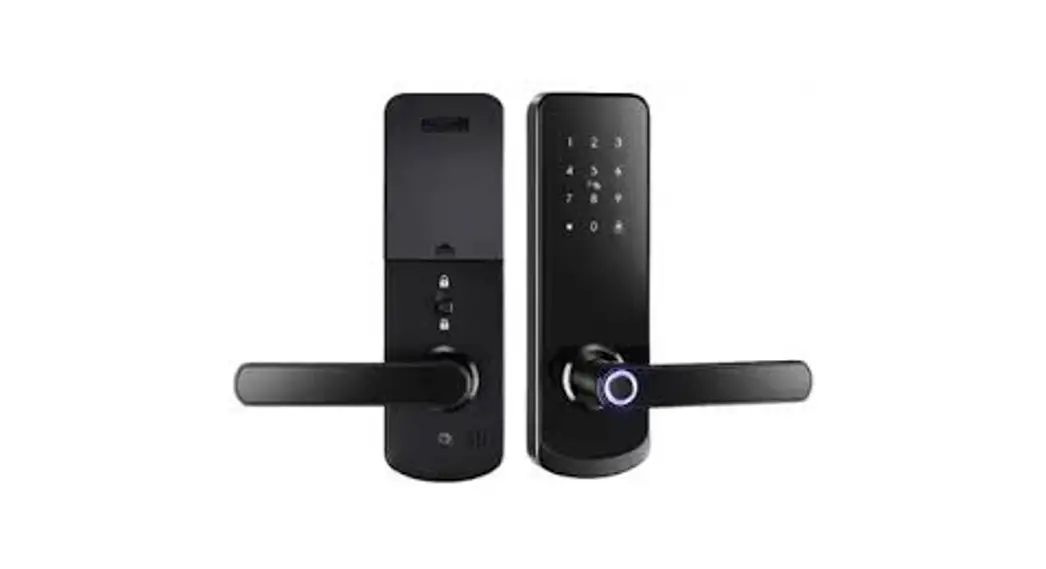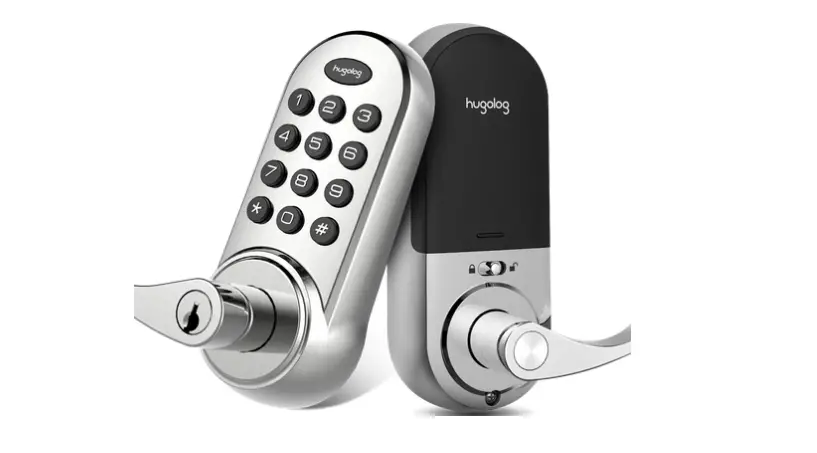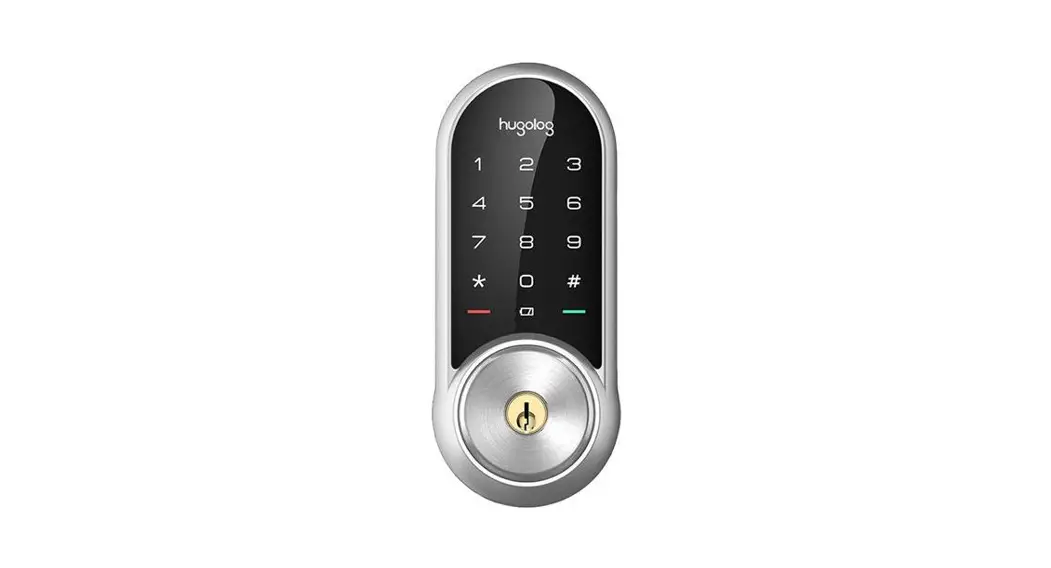
HU04
Programming Instructions
Warnings
◆Failure to follow these instructions could result in damage to the product and avoid the factory warranty.
◆The accuracy of the door preparation is critical for the proper functioning and security of this product. Misalignment can cause performance degradation and lessening of security.
◆Finish Care: This lockset is designed to provide the highest standard of product quality and performance. Care should be taken to ensure a long-lasting finish. When cleaning is required use a soft, damp cloth. Using lacquer thinner, caustic soaps, abrasive cleaners, or polishes could damage the coating and result in tarnishing.

IMPORTANT: Do not install batteries until the lock is completely installed on the door.
- Master PIN Code (4-10 digit): Default master pin code is “12345678”, please modify it after If you forget your master pin code, you can reset your lock back to factory settings.
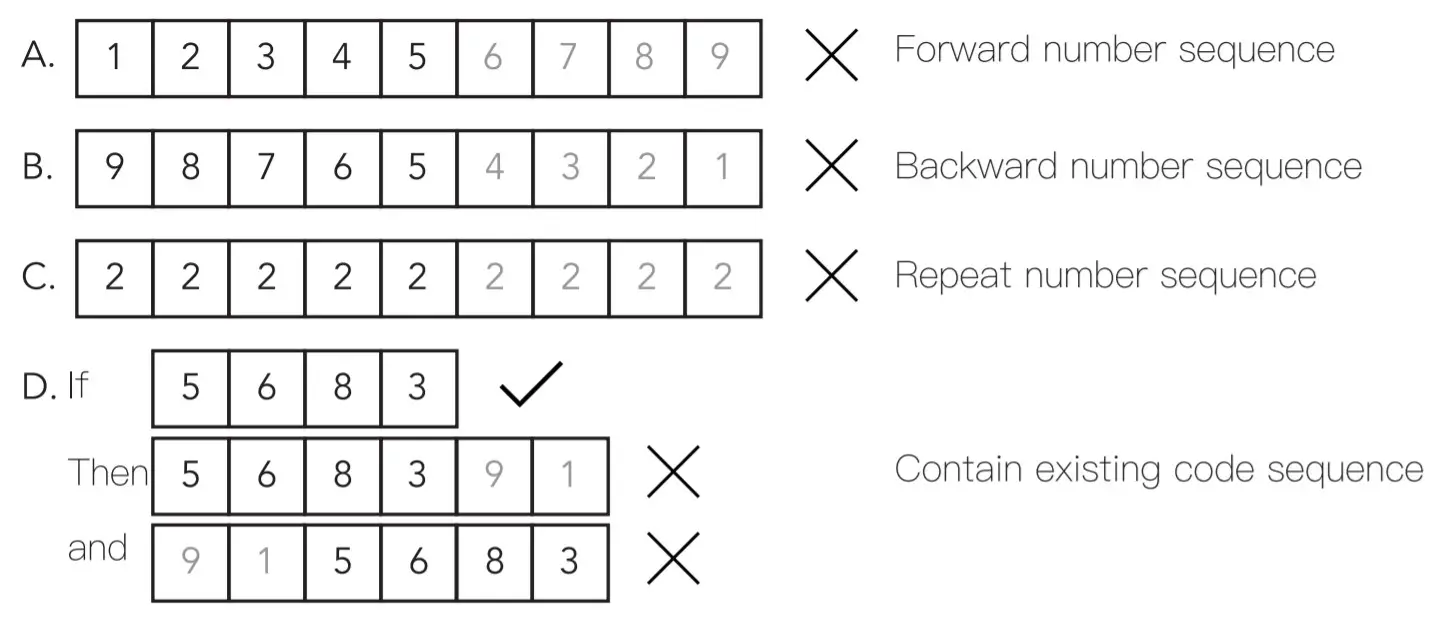
- User PIN Code (4-10 digit): User pin codes can be set up through master pin Up to 20 user pin codes can be stored.
- Both master and user pin codes don’t support the following combination of
Parts illustrations
| Item | Specifications | Remarks |
| Exterior assembly | 131mm(L)x69mm(W)x19mm(H) 5-5/32″x2-23″/32×3/4″ | Operation temperature: -4°F to 129°F (-20°C to 55 °C) |
| Interior assembly | 180mm(L)x74mm(W)x47mm(H) 7-4/64″x2-59764×1-55/64″ | |
| Battery | M alkaline battery x4 (Operation voltage: 4.6-6.0V) | Last up to six month (10 times open/close per day) |
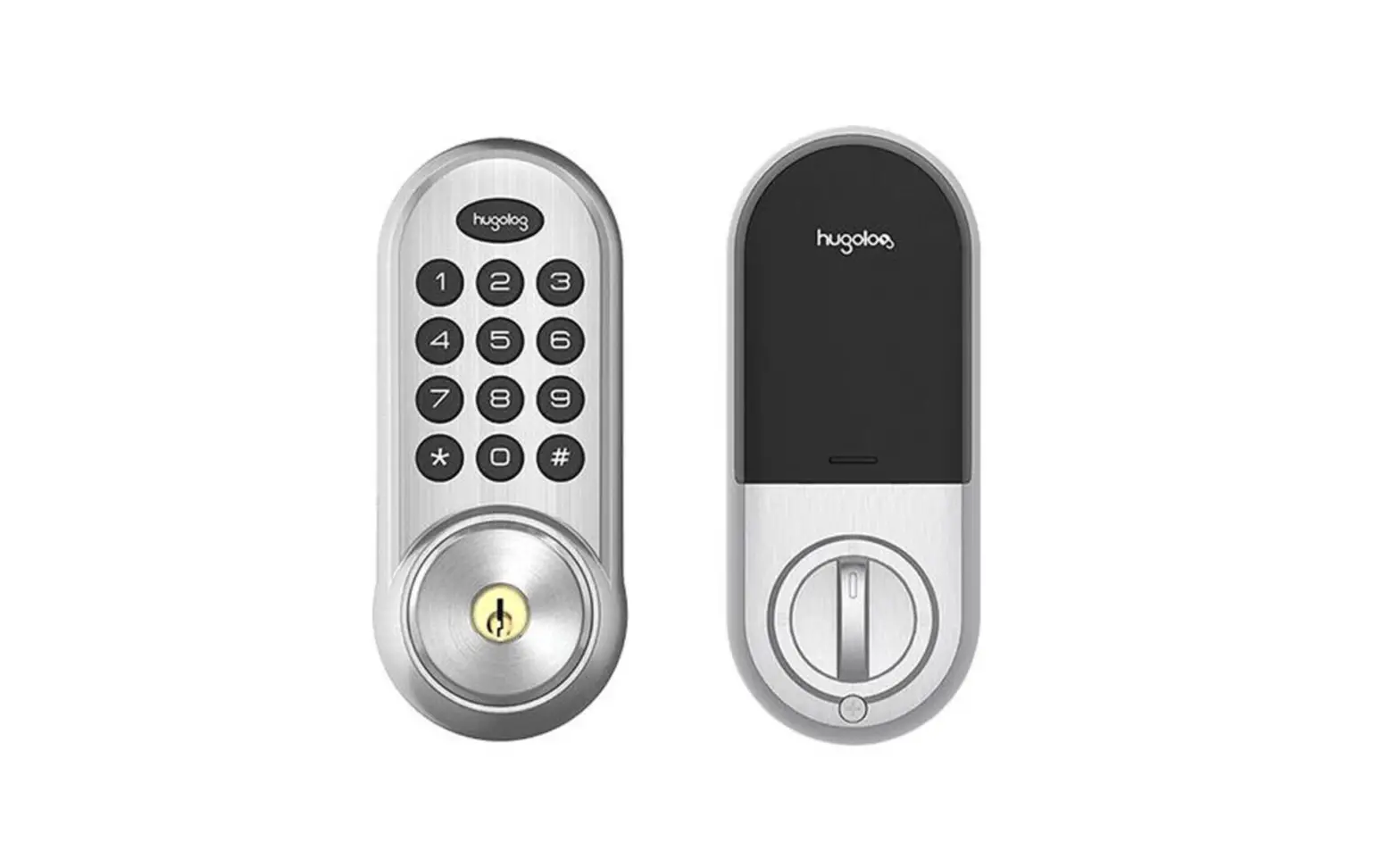
| Exterior assembly | Interior assembly |
 |  |
Master and User pin code have 4-10 digits, the default master pin code is [ 12345678 1. Please change it prior to the programming of the lock.
Definitions
Master Mode
The master mode could be entered by entering[ **+Master PIN Code+# to program the lock.
Master PIN Code:
The master pin code is used for programming and for feature settings.
Auto Re-lock:|
After successful pin code entry or APP access and the unit unlocks, it will automatically re-lock after 30 seconds. This feature is disabled in the default setting.
Manual Mode:
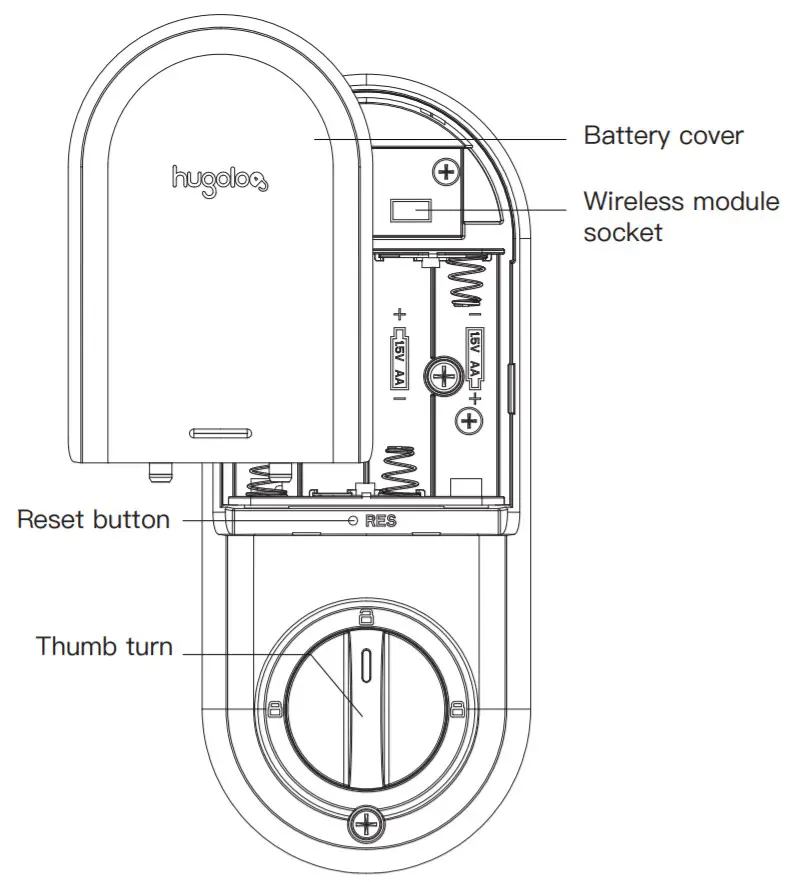
The auto re-lock function could be adjusted to manual mode. In manual mode, the lock could be locked only by pressing any key for 2 seconds from outside or using a thumb turn from inside.
Shutdown Time:
The lock will shut down for a default of 3 mins and not allow operation after the wrong code entry limit (10 times) has been met. When the unit is in shutdown, the light will flash when you are trying to use the keypad.
Silent Mode:
The beeper will not make any voice.
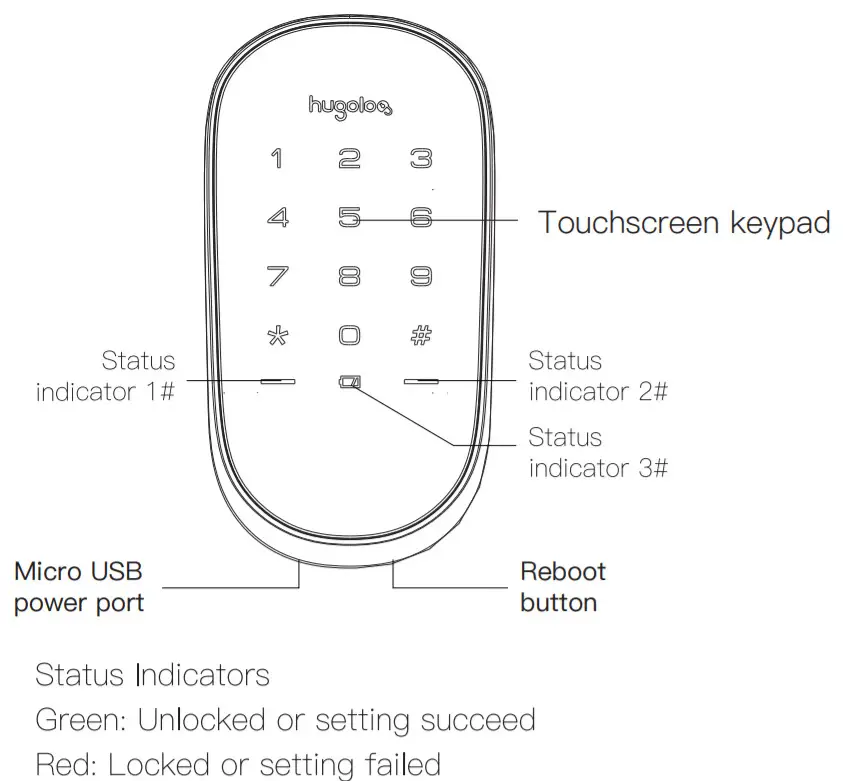
Status indicators:
Located on exterior assembly.
User PIN code:
The user pin code operates the lock. The maximum number of user pin codes is 20.
Reset button:
When the system crash down, the lock could be restarted by pressing the reboot button on the exterior assembly.
Away Mode
This feature can be only activated or deactivated in the Hugolog App. Activating Away Mode will disable all codes, including the master code. If the lock is opened with a key or manually from inside, the lock will trigger an alarm.
Fake pin code
It is the random numbers that are added before or after the user password. This prevents the user password from being exposed.
Factory Default settings
| Settings | Factory Default |
| Master PIN Code | 12345678 |
| Auto Re-lock | Disabled |
| Beeper | Enabled |
| Wrong Code Entry Limit | 10 times |
| Shutdown Time | 3 mins |
| Away Mode | Disabled |
| Bluetooth | Enabled |
| Function Extension | Disabled |
Lock Operation
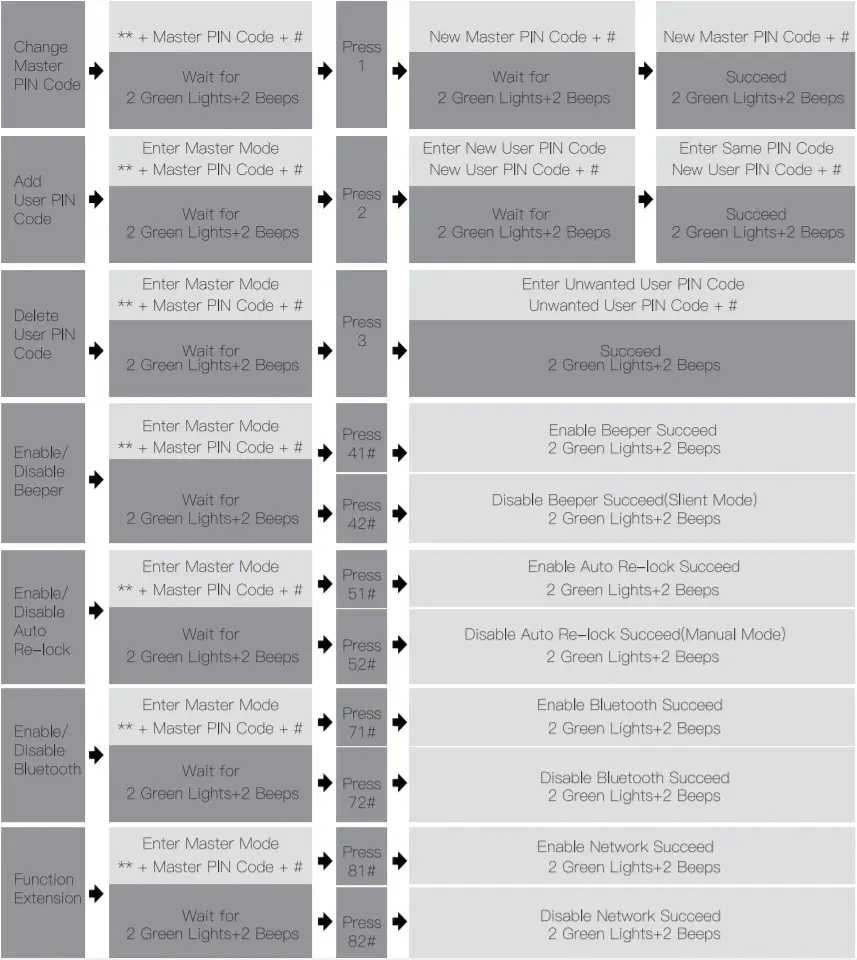
Notes:
- Beeps sound only when beeper is enabled.
- If the indicators show 3 red lights + 3 beeps, your setting failed. The system will exit master mode. Please try to enter master mode again if you continue your processing.
How to use
Unlock the door
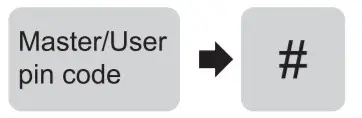
- Unlock the door from outside Master/User pin code

- Unlock the door from inside Manual thumb turn
 Turn the thumb turn on inside the body
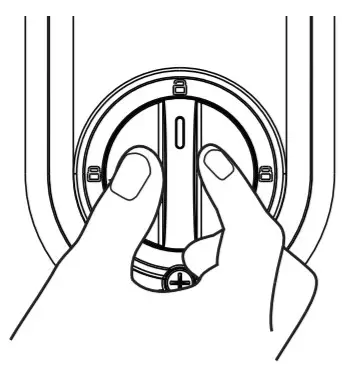 Turn the thumb turn on inside the body
Lock the door
- Lock the door from outside
Auto Re-lock Mode
In Auto re-lock mode, the bolt will extend out automatically in 30 seconds after unlocking.
Manual Mode Press any key on the keypad for 2 seconds.
 - Lock the door from inside
Auto Re-lock Mode
In Auto re-lock mode, the device will be locked automatically.
Manual Mode
The device could be locked by turning the thumb turn on the inside of the body.
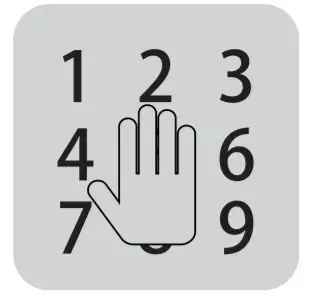 Press any key on the keypad for 2 seconds.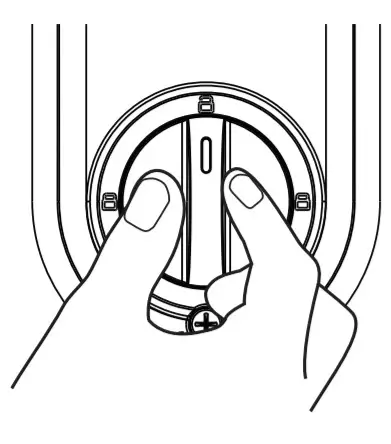
Unlock with Fake PIN code
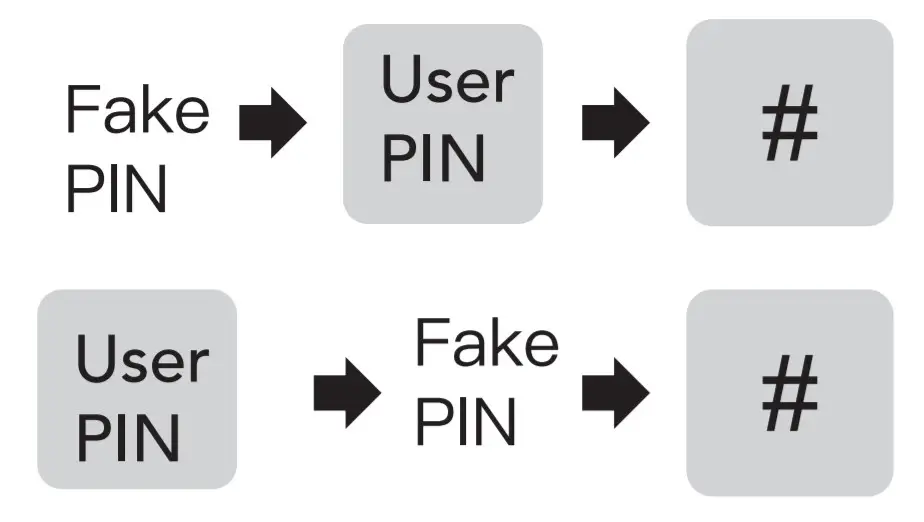
User can prevent pin code exposure from strangers by entering random digits before or after the pin code.
Reset to factory default settings
Operations on lock
Use a sharp thing to press and hold the reset button for more than 5 seconds until hearing the voice guide.
Download APP
Bluetooth network configuration must be restored to factory settings first, and network configuration completed within 5 minutes after factory reset.