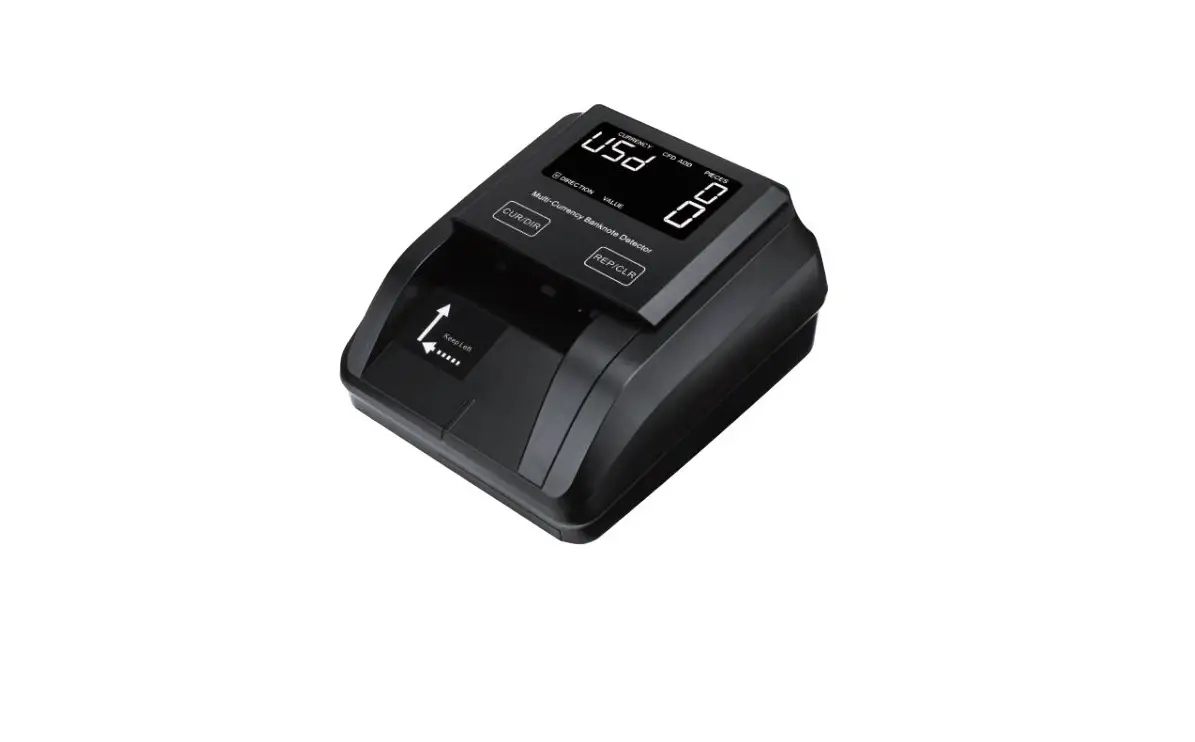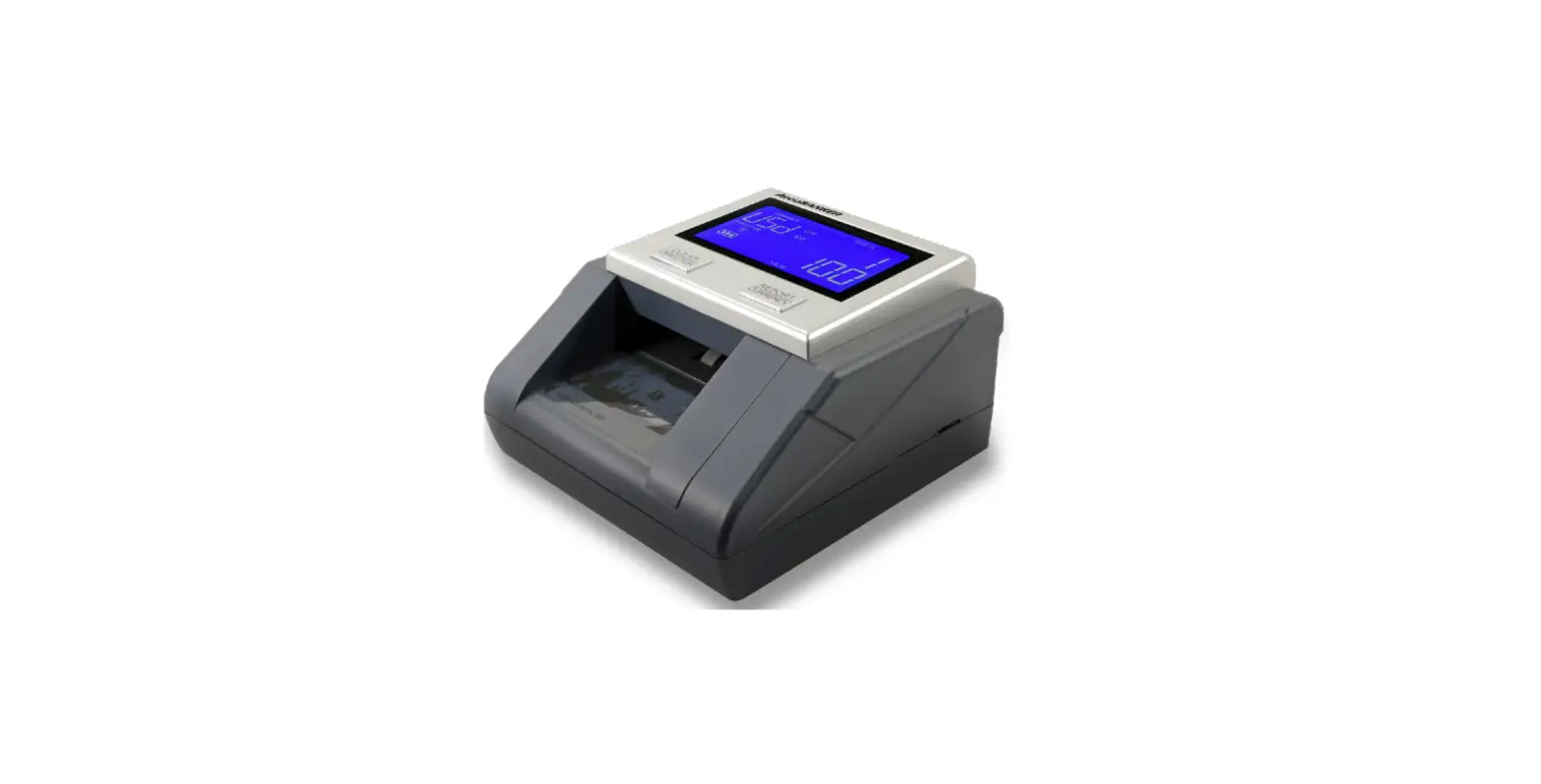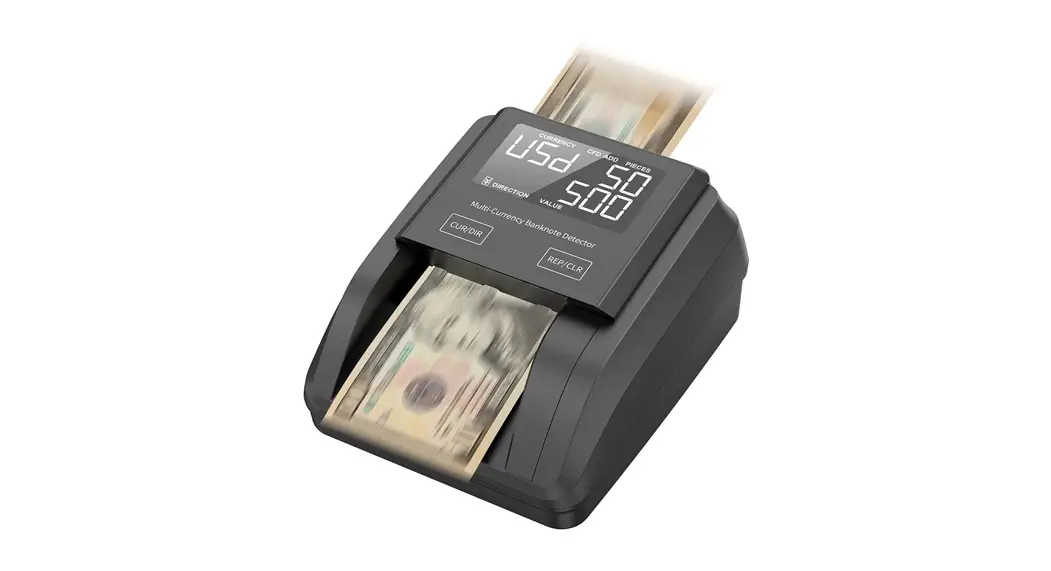
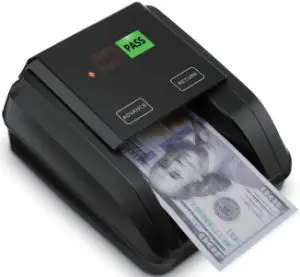
 IMC02R Counterfeit Detector
User Manual
Unpack and Installation
1.1. Packing List
When you receive the package, open and check the packing list in the package.
Item Name | Picture | Quantity (pcs) | Description |
| Counterfeit Detector | 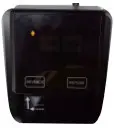 | 1 | Bill Counterfeit Detector |
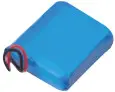 | 1 | 11:1V500mAh rechargeable battery | |
| Power Adapter | 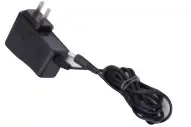 | 1 | Power Adaptor |
| User Manual | 1 |
1.2. Power Supply
DC Power: Connect the power adapter to a 110V or 220V outlet, then connect the terminal to the machine’s DC12V input socket.
Lithium Battery: When the battery was fully charged, the machine can work without a power adapter.
Operating Instructions
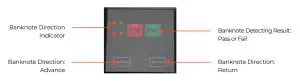 Figure 2-1 IMC02R Display Appearance
2.2. Turn On/Off the Machine
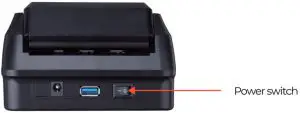
Figure 2-2 IMC02R Power Interface
Turn on the IMC02R by switching the power switch button to on, the screen will light up and the machine will start self-testing. If the self-test is successful, all of the screen lights will be on.
Turn off the IMC02R by switching the power switch off. When the screen lights off, it means the machine has been turned off successfully.
2.3. Button Functions
2.3.1. Advance
The banknote exit direction, advance.
2.3.2. Return
The banknote exit direction, return.
2.4. Inserting the Banknote Correctly
As shown in the following pictures, please insert the banknotes on the left side. If a banknote was incorrectly inserted, the IMC02R may refuse it and alert.
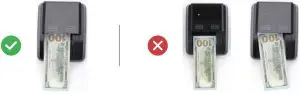 Figure 2-3 Banknote Insertion
2.5. EUR/GBP Currency Detecting
As shown in the following figures, please remove the banknote feeding limit block to adjust the banknote with a bigger size.
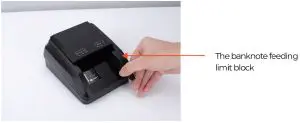
Figure 2-4 Banknote Insertion
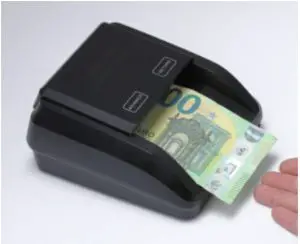
Figure 2-5 EUR Banknote Detecting
2.6. Inaccurate Detection of Currency Detector
There are several conditions to affect the accuracy of the currency detector.
- The bill size is out of the range according to IMC02R specification.
- The banknote is damaged in different ways such as lack of corner, tape, hole, tear, and folded. As shown in Figure 2-6, it is not recommended to count this kind of bill.
 Figure 2-6 Bill Damaged Way
 - Another abnormal operation or there is an unknown thing inside the IMC02R. If something is inside the IMC02R, you need to open the front cover to check and clean the internal sensors.
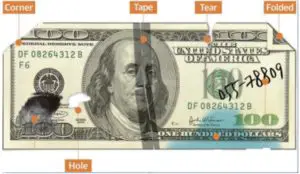 Figure 2-6 Bill Damaged Way
https://www.facebook.com/munbyn/
Scan the QR code for Facebook
online chat [email protected]
 +1 403 477 1911
 +8617817881067
If you meet any problems during using the IMC02R, please contact us.
Technical Parameters
| Counterfeit Detection | MG (Magnetic), IR (Infrared), UV (Ultraviolet) |
| Error Detection | Image, paper quality, size, thickness detection |
| Available currencies | USD, EUR |
| Display | Direction, Detection Result Indication |
| Button | Advance/Return |
| Interface | <0.5 seconds/piece |
| Power Consumption | <10W |
| Power Supply Battery | AC 100V-240V 50-60Hz or DC 12V/1.0A |
| Rechargeable lithium battery 11.1V / 500 mAh | |
| Certifications | CE, FCC, ROHS |
| Operating Temperature | 0°C – 40°C |
| Storage Temperature | -20°C – 65°C |
Table 3-1 Technical Parameter
Munn, More choice for your growing business