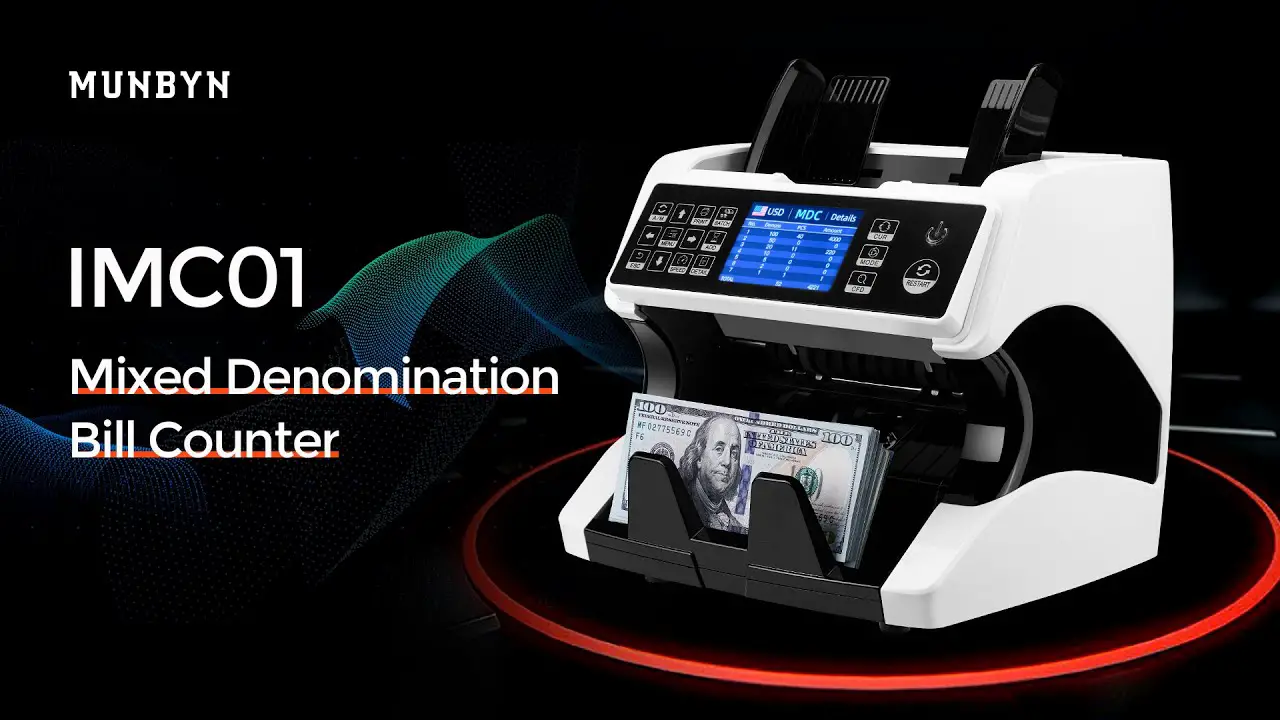
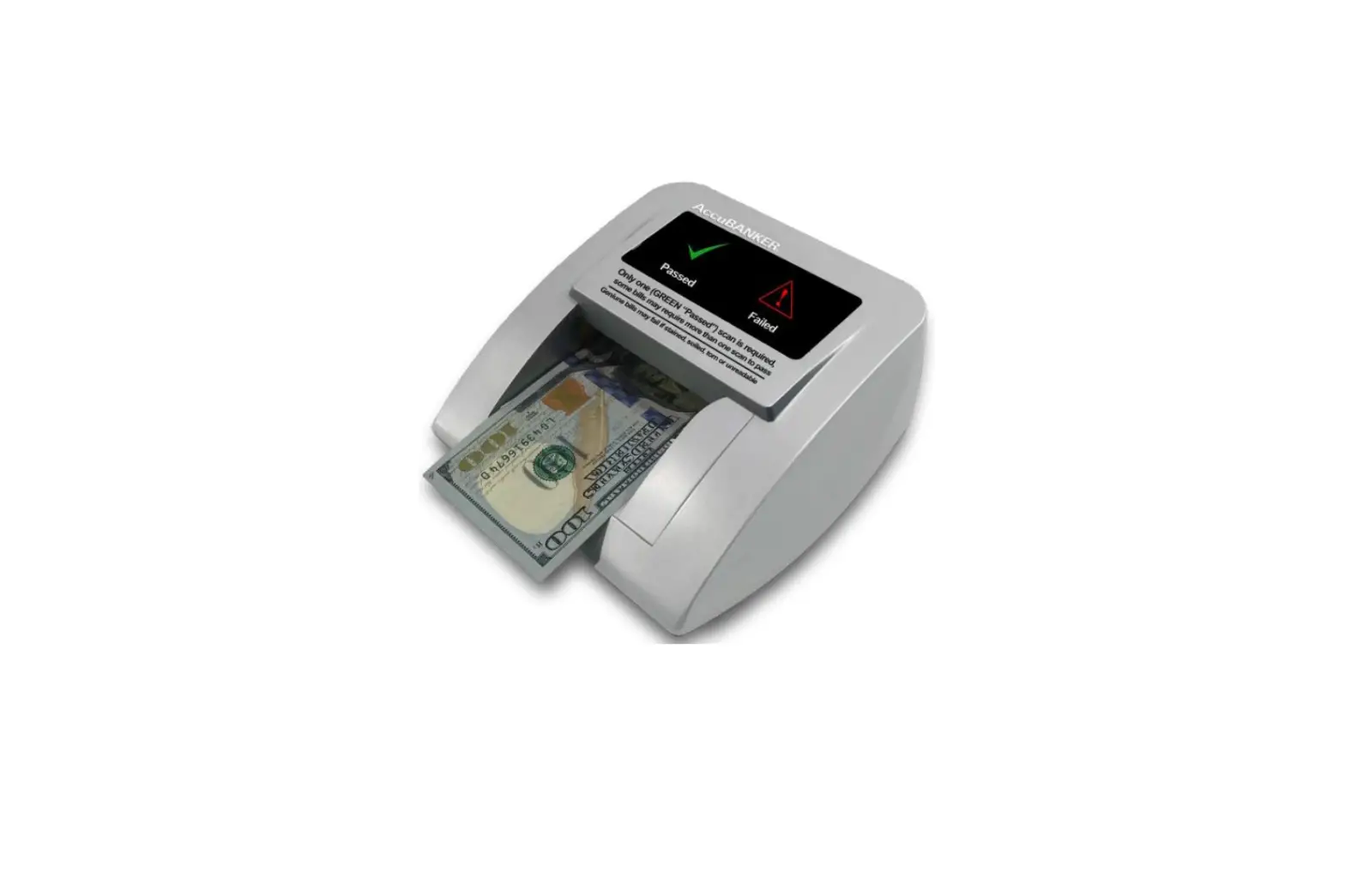
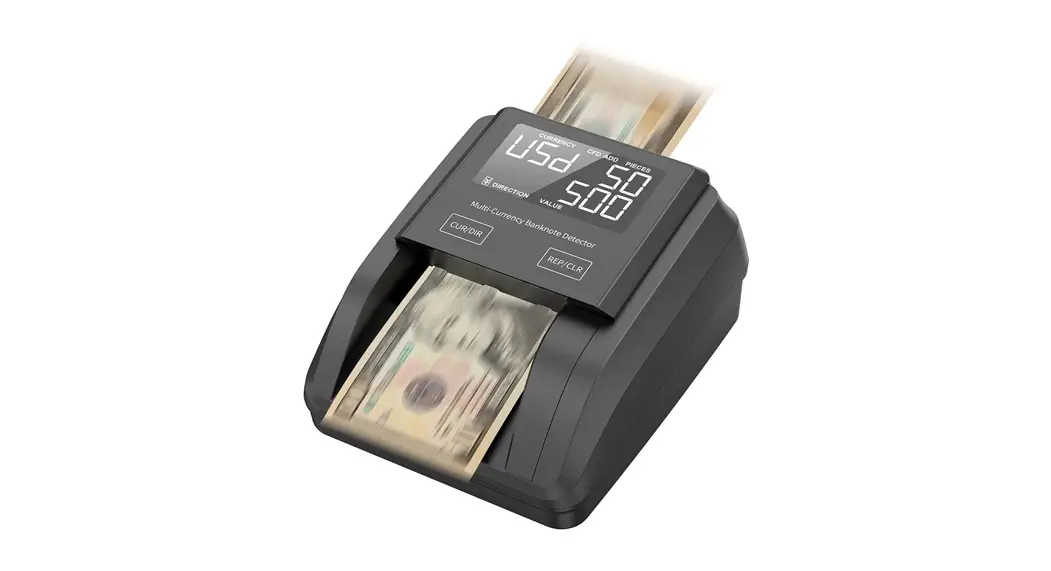
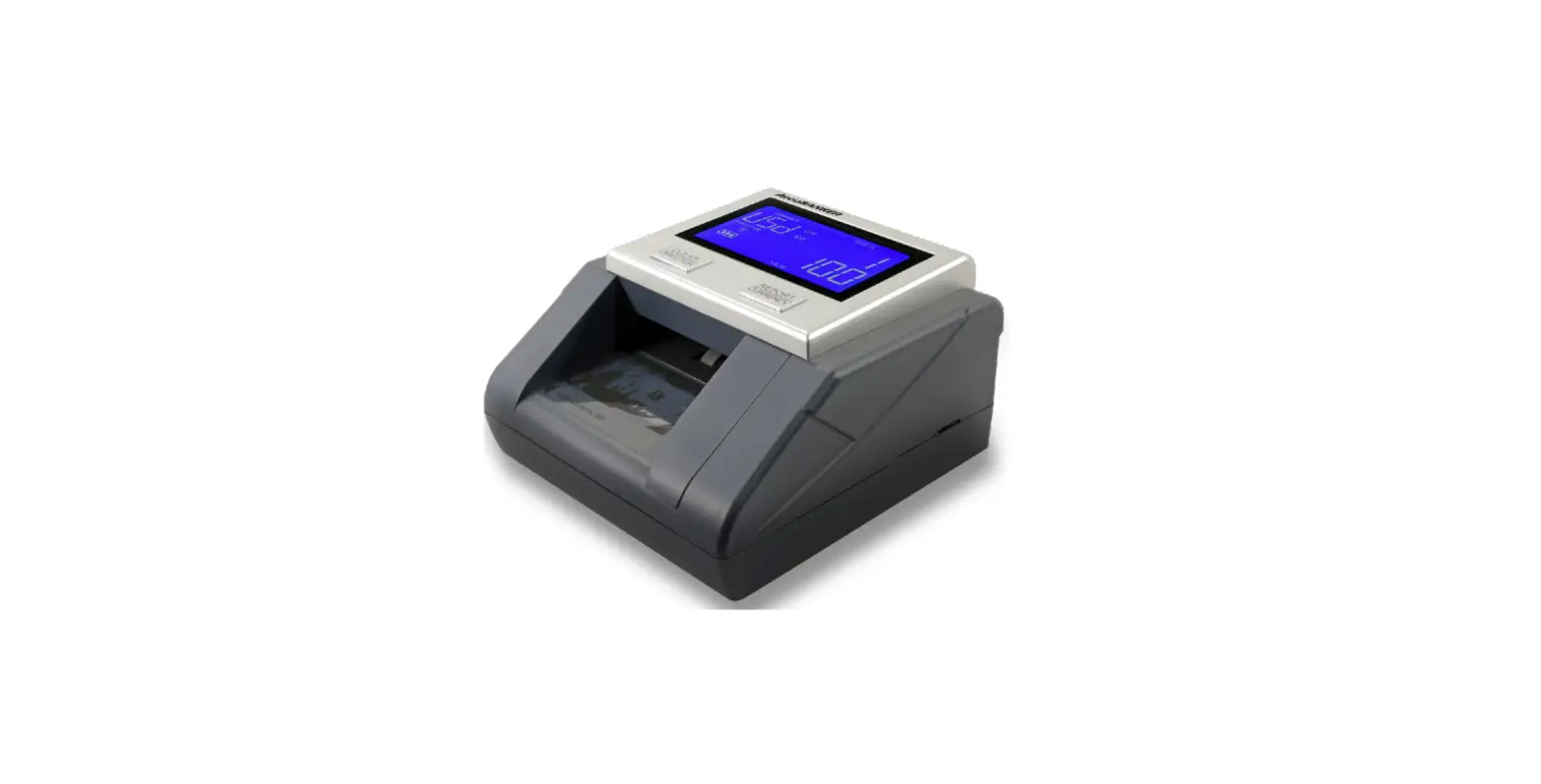
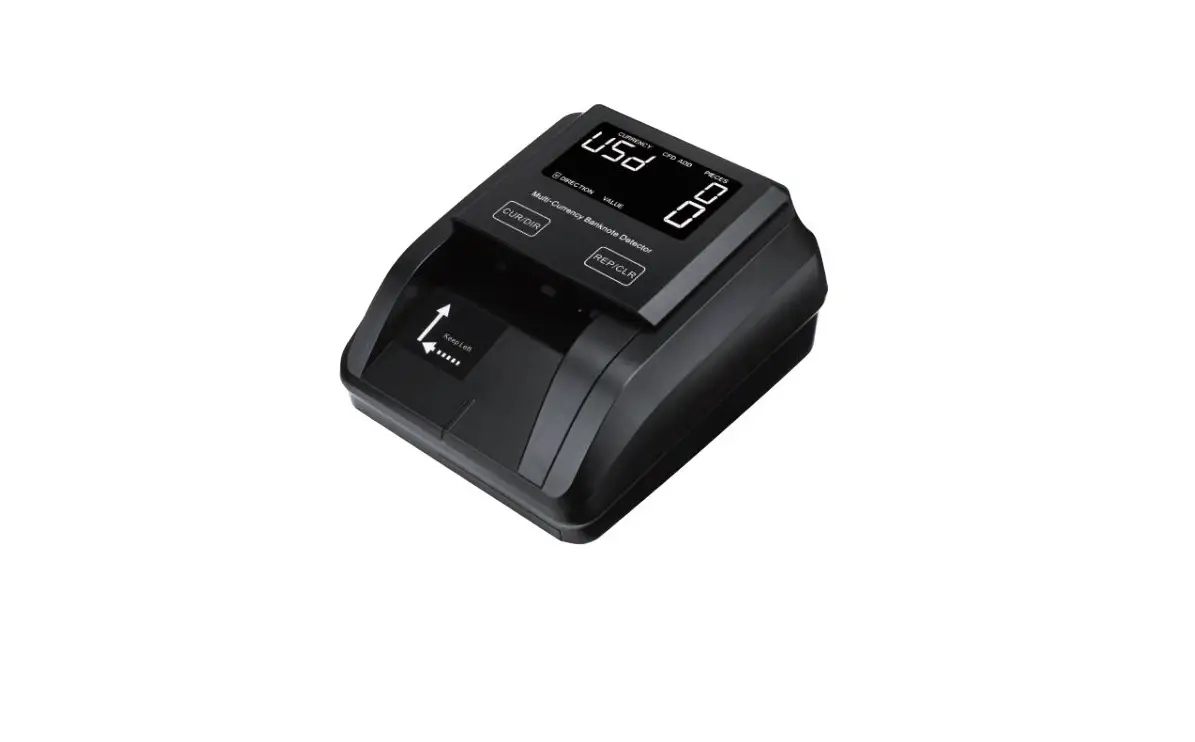
155-S Counterfeit Detector
Product Information
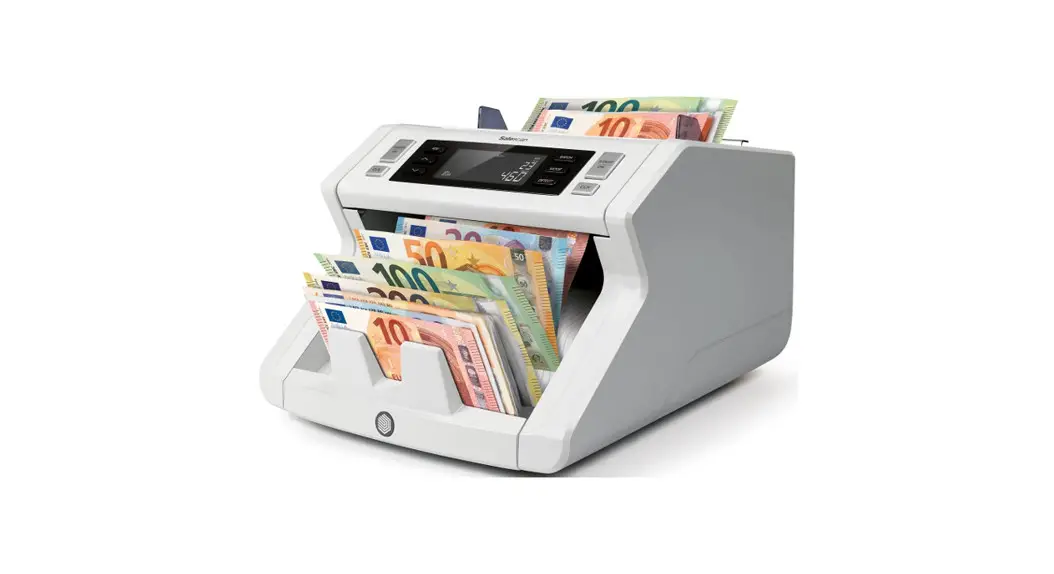
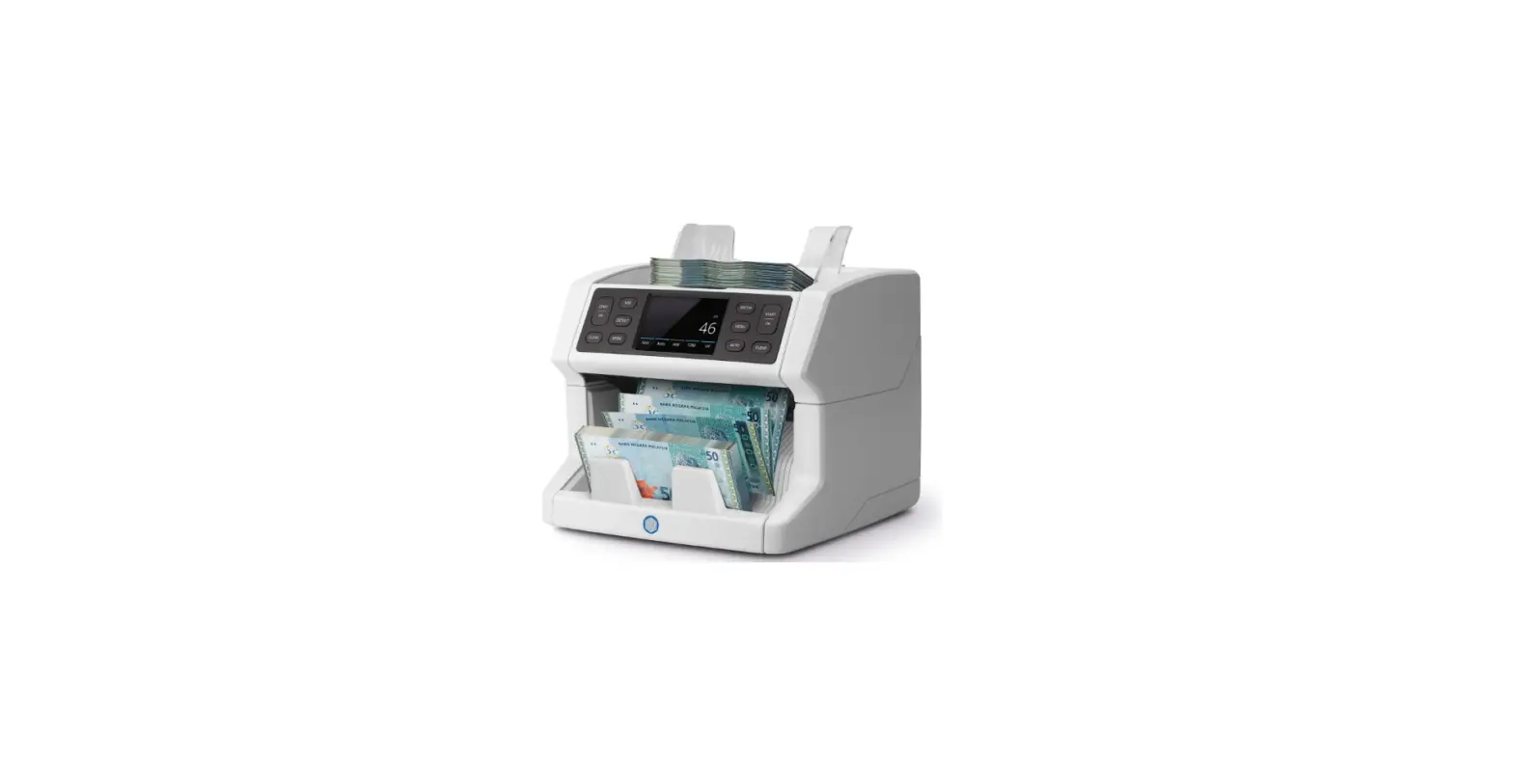
The Safescan 155-S Counterfeit Detector is a device designed to
help users detect counterfeit banknotes. It comes with various
features and accessories to ensure accurate and efficient
detection.
Package Content
- Safescan 155-S Counterfeit Detector
- Banknote insert direction stickers for EUR, GBP, CHF, SEK, NOK,
DKK, PLN, CZK, RON, SCT, NIR, HUF, and BGN - Power adapter
- Get started leaflet/Safety instructions
Power ON-Standby Mode
To turn on the device, connect the power adapter to the device
and plug it into a mains outlet. Press the power key for
approximately 1 second. The device will enter standby mode after 30
seconds of inactivity. Press the power key once to activate the
device. When a banknote is inserted, the detector will be activated
automatically.
Set up your device
3.1 Currency Selection
To select your currency, press the key for 2 seconds. The
currency indicator will start blinking. Press the key repeatedly
until you reach the desired currency. Wait for 2 seconds for the
selected currency to stop blinking and confirm the selection.
Currencies EUR and GBP are shown on the top right-hand side of the
screen, while all other currencies are shown in the bottom left
corner.
3.2 Banknote Exit Direction
The default setting is banknote exit at the front. To change the
banknote exit direction, press the key for 2 seconds. Select either
banknote exit at the rear or banknote exit at the front. If you
choose banknote exit at the rear, it is recommended to remove the
banknote exit guide. Refer to chapter 5 of the manual for
instructions on removing the banknote guide. Note that banknote
exit at the rear works best with the optional RS-100 banknote
stacker. For more details on the RS-100, visit safescan.com.
Display and Controls
The device features a display screen and various control keys
for navigating and selecting options. Refer to the user manual for
detailed information on the display and controls.
User Manual
English
155-S Counterfeit Detector
English
1. Package content
1
3 2
Safescan 155-S Banknote insert direction stickers
EUR, GBP All 4 insert directions in every position
CHF, SEK, NOK, DKK, PLN, CZK, RON All 4 insert directions, along the right hand side
SCT, NIR, HUF, BGN One insert direction, along the right hand side
CHF DKK NOK SEK
SCT
CZK PLN RON
HUF
Bank of Ireland £20
NIR £20
BGN
100
100
Place sticker aligned to the right.
© 2022 Safescan. All rights reserved www.safescan.com
20221
4
155-S Counterfeit Detector | Get Started
Please read the manual and safety precautions before using the device. Simply download the manual by scanning the QR code below or visit www.safescan.com/155-manual.
QR Code
Manual
www.safescan.com/155-manual 1. Connect the device and power adapter.
2. Turn on the device and select your currency.
3. Insert your banknotes.
20
DE
1. Schließen Sie das Gerät und den Netzteil an. 2. Schalten Sie das Gerät ein und wählen Sie Ihre
Währung. 3. Legen Sie die Banknote in den Einzug.
LV
1. Savienojiet ierci un barosanas adapteri. 2. Iesldziet ierci un atlasiet valtu. 3. Ievietojiet banknotes.
CS
1. Pipojte zaízení a napájecí adaptér. 2. Zapnte zaízení a vyberte mnu. 3. Vlozte bankovky.
ES
1. Conecte la fuente de alimentación al dispositivo y a una toma de corriente.
2. Encienda el dispositivo y seleccione su divisa 3. Introduzca los billetes.
EL
1. . 2.
. 3. .
BG
1. . 2.
. 3. .
FR
1. Connectez l’appareil et l’adaptateur secteur. 2. Allumez l’appareil et sélectionnez votre devise. 3. Insérez vos billets.
ET
1. Ühendage seade ja toiteadapter. 2. Lülitage seade sisse ja valige oma valuuta. 3. Sisestage rahatähed.
LT
1. Prijunkite rengin ir maitinimo adapter. 2. junkite rengin ir pasirinkite savo valiut. 3. dkite banknotus.
IT
1. Collegare il dispositivo e l’adattatore di corrente. 2. Accendere il dispositivo e seleziona la propria valuta. 3. Inserire le banconote.
SV
1. Anslut enheten och strömadaptern. 2. Slå på enheten och välj valuta. 3. Stoppa in sedlarna.
SK
1. Pripojte zariadenie a napájací adaptér. 2. Zapnite zariadenie a vyberte menu. 3. Vlozte bankovky.
NL
1. Sluit het apparaat en de voedingsadapter aan. 2. Zet het apparaat aan en selecteer uw valuta. 3. Voer uw bankbiljetten in.
PL
1. Podlcz urzdzenie i zasilacz. 2. Wlcz urzdzenie i wybierz walut. 3. Wló banknoty.
DA
1. Forbind apparatet og strømadapteren. 2. Tænd for apparatet og vælg din valuta. 3. Indsæt dine pengesedler.
PT
1. Ligue o dispositivo e o adaptador de corrente. 2. Coloque em funcionamento o dispositivo e
selecione a sua moeda. 3. Insira as suas notas.
HU
1. Csatlakoztassa a készüléket és a hálózati adaptert. 2. Kapcsolja be a készüléket és adja mega a
pénznemet. 3. Helyezze be a bankjegyeket.
FI
1. Liitä laite ja virta-adapteri. 2. Käynnistä laite ja valitse valuuttasi. 3. Syötä setelisi.
1. Safescan 155-S 2. Power adapter 3. Banknote insert direction sticker 4. Get started leaflet/Saftey instructions
2. Power ON-Standby mode
Connect the power adapter to the device and plug it into the mains outlet
English
Press the key for approx. 1 second to power on the detector.
NOTE: When not in use, the display will
1 Sec
go into standby mode after 30 seconds.
The blue light remains on. Press
key 1x to activate. When a banknote is
inserted, the detector will be activated
automatically.
3. Set up your device 3.1. Currency selection
Blink…
2 Sec
Select your currency by pressing the key for 2 seconds. The currency indicator starts blinking. Press repeatedly until you have reached the desired currency*. Wait for 2 seconds, the selected currency stops blinking to confirm selection.
NOTE: Currencies EUR and GBP are shown on the top right hand side of the screen, all other currencies are shown in the bottom left corner.
2
More inf2o, articles, tutorials and videos support.safescan.com
More info, articles, tutorials and videos support.safescan.com
3
English
3.2.Banknote exit direction
2 Sec
1
Default: Banknote exit at front. Set your banknote exit direction by pressing the key for 2 seconds.
2
Banknote exit at rear.
Note: It is recomended to remove the banknote exit guide if banknote exit at rear is selected. To remove the banknote guide. See chapter 5.
Note 2: Exit at the rear works best with the optional RS-100 banknote stacker. RS-100 Article112-0695, See safescan.com for more details.
4. Display and controls
01 02 03 04 05 / 11 06 07
English
05 08 09 10
12 13
4
More inf4o, articles, tutorials and videos support.safescan.com
01. Battery status indicator (when battery is inserted) 02. Correct detected banknote icon 03. Error message icon 04. Banknote exit direction indicator 05. Activated currency 06. Long press: Banknote exit direction selection
Short press: In currency selection mode: Toggle through currencies. In Add mode: Shows counting results 07. Long press: ON/OFF Short press: In Add mode: Clear count results, In sleep: Activate operation mode
More info, articles, tutorials and videos support.safescan.com
5
English
08. Total indicates ADD function is activated 09. Indication x100/1000: For large denomination values of specific
currencies 10. Total value of scanned banknotes (in ADD mode only).
Denomination of last scanned banknote (in Denomination mode only) 11. Total number of scanned banknotes (in ADD mode only) 12. Long press: Open currency selection mode Short press: Change operation mode 13. Blue light: ON/Standby. Red light: Error
English
20 20 20
5. Operating instructions 5.1. Inserting banknotes
Banknotes need to be inserted in the correct manner to succesfully scan the security features. All banknotes need to be inserted straight and in the correct insert direction(s). Currencies EUR & GBP can be inserted in all positions (left – mid – right). All other currencies must be inserted allong the right-hand side.
EUR GBP – All 4 insert
directions – Any position
CHF SEK NOK DKK PLN CZK RON – All 4 insert
directions – Along the right
hand side
SCT NIR HUF BGN – Insert direction 1 – Along right hand
side
Avoid inserting banknotes at an angle, this will lead to errors and jams.
6
More inf6o, articles, tutorials and videos support.safescan.com
More info, articles, tutorials and videos support.safescan.com
7
English
Insert directions
5.3. Detection modes display information
Denomination mode
Add mode
English
20
Back
20
Back
20
Front
20
20
Front
20
Direction 1
Direction 2
Direction 3
Direction 4
Note: You can use the included banknote insert sticker to align currencies other than EUR and GBP.
5.2. Detection modes
The Safescan 155-S has 2 detection modes:
Denomination mode: Showing the value of the last verified
denomination on the screen.
Add mode:
Showing the number and value of verified
banknotes.
By pressing the
key you can switch
Press
to toggle between Denomination and Add mode.
01
01
03
02
02
04
01. Correctly verified banknote icon
02. Denomination of last verified banknote
The denomination value will be shown for 2 seconds. before changing back to 0.
01. Correctly verified banknote icon
02. Total number of verified banknotes
03. Total indicates that the ADD function is activated
04. Total value of verified banknotes
After 30 seconds, the display will go into standby mode. The count result will be stored until the power is turned off.
8
More inf8o, articles, tutorials and videos support.safescan.com
More info, articles, tutorials and videos support.safescan.com
9
English
When a suspected banknote is detected, a red light will blink and a beep sounds 3 times. An error code will be displayed. For error messages, please refer to chapter 7.
5.5. Clear counting results
5.6. Counterfeit alarm sound OFF & ON
English
5.4. Check counting results
In ADD mode, it is possible to view the counting results per denomination.
3X
Press key once to clear the counting results.
Press key 3 times to switch all sounds Off/On including the counterfeit alarm.
Press
button to see the results per counted denomination. A
double beep will be heard when the results of all denominations
have been shown.
NOTE: Only available in ADD mode.
6. Removing the banknote exit guide
The banknote exit guide is assembled on the 155-S by default as this part will allow the device to have the smallest possible footprint. In case you want to use the detector for counting larger amounts of banknotes it is better to remove the banknote exit guide to allow banknotes to exit from the backside (as described in chapter 3.2) The banknote exit guide can be removed by simply pull it out the attachement from the backside in 2 steps.
10
More inf1o0, articles, tutorials and videos support.safescan.com
More info, articles, tutorials and videos support.safescan.com
11
English
1. Hold on to the sides of the banknote exit guide.
2. Pull out the part horizontally until it comes loose.
3. The banknote exit guide can be placed back by simply pushing it back into the slots.
Banknote Exit Guide
1 Pull
Banknote Exit Guide
2
3
Press
7. Error codes
E01
Banknote length error
E02/E03 Magnetic ink properties error
E04/E05 Infrared properties error
E06
Banknote thickness error / Double banknote error
E07
Slant banknote (banknote was not inserted straight)
E08
Metallic thread / security strip error
E09/E10/E11/E12 Infrared error
E14/E22 Colour error
E20
Passing error / Banknote insert error / Lid is open or
not closed corectly
E24
UV error
NOTE: If error codes starting with A or P occur during Power On, then please contact Safescan Customer Success Team: www.safescan.com/contact
12
More inf1o2, articles, tutorials and videos support.safescan.com
8. Cleaning instructions
1 Power off
2 Unplug
English
3 Open
2 Sec
4
Clean the transport mechanism, magnetic heads and sensors with a dry cloth or cotton swab/ q-tip.
1
3X
2
3X
Cleaning cards (optional) You can also use the Safescan counterfeit detector cleaning cards (partno. 136-0545) to clean the roller wheels and magnetic sensors.
More info, articles, tutorials and videos support.safescan.com
13
English
9. Currency updates
Mini USB cable to PC (avaialble on safescan.com)
Micro SD Card
For more information go to www.safescan.com/ downloads
10. Accessories 10.1. Safescan LB-105 Rechargeable Battery
1
2
3
10.2. Detection modes display information
English
The battery status is shown in the first 5 seconds during the startup of the device.
Adapter connected
Blink…
Battery is being charged Fully charged
On battery
Blink…
Battery power < 20% Battery power > 50% Fully charged
10.3. Banknote stacker
For the Safescan 155-S, an optionional banknote stacker accessory is available: Safescan RS-100. This stacker can be used to detect, count and stack banknotes at the same time. The banknotes will be neatly stored in the stacker until you can take out the complete stack at once after the count. The stacker can contain up to 20 banknotes.
14
More inf1o4, articles, tutorials and videos support.safescan.com
More info, articles, tutorials and videos support.safescan.com
15
English
1. Remove the banknote exit guide from the device.
Banknote Exit Guide 1 Pull
2. Hold the stacker with the in place at the back of the device with the `teeth’ facing forward and horizontally.
Banknote Stacker
2 Press
3. Push the stacker in to the slot. The stacker is ready to use.
3
16
More inf1o6, articles, tutorials and videos support.safescan.com
11. Safety precautions
English
Safescan 155-S
WARNING! Burns, electrical shock and fire hazard due to short-circuiting. Risk of serious injury
– Never use a damaged power adapter/power cord. – Always use only the supplied power adapter. – Never subject the device, power adapter or power cord to
liquids or moisture. – Never touch and (dis)connect the power adapter with
wet hands. – Always unplug the device from the mains socket if you
want to move it to another position. – Always hold the plug when unplugging the device from
the mains socket, never pull the cord . – Never spill any liquids or chemical (cleaning) detergents
on the device. – If liquid are spilled on the device, always disconnect the
power from the mains supply socket, remove the battery (when installed) and contact Safescan for assistance.
CAUTION! Damage – To avoid leakage. Remove the battery from the device in case of long term non-use or storage. – This machine contains rotating parts. Never touch the moving parts when the machine is switched ON. – Please ensure that no foreign objects (coins, paper clips, staples,) fall into the machine, these may block the mechanical parts and the sensors of the machine and damage or break them and will void your warranty.
NOTICE! Risk of damaging the device – Make sure that no foreign object enters the device. – Never disassemble the device. – Do not use the machine in dusty or dirty environments, as this will lead to sensor malfunctioning. – If the machine is not used for a long period of time, remove the power plug from the wall outlet, to avoid possible damage of the equipment.
More info, articles, tutorials and videos support.safescan.com
17
English
BATTERY LB-105 (optional accessory)
WARNING! Burns, fire hazard and poisioning. Risk of serious injury
– Keep the battery away from fire, heat and water – Always avoid touching the battery with your bare hands
when battery is corroded or when leakage has occured.
CAUTION! Damage, polution – To avoid leakage. Remove the battery from the device in case of long term non-use or storage. – To avoid polution. Dispose of batteries in accordance with local regulations.
12. Specifications
Supported currencies:
EUR, GBP, CHF, SEK, NOK, DKK,
PLN, CZK,RON, SCT, NIR, HUF, BGN
Depending on the installed currency
pack. See www.safescan.com for
availability)
Counting modes:
Denomination mode
Add mode (Count mode)
Detecting speed speed: 1 second
Banknote feature detection: MG, MT, IR, Colour, Paper Quality,
Watermark, Length, Thickness,
Power adapter:
12V, 12 Watt, 1A
Mains Operating Voltage: 100-240V – 50/60Hz 0.4A Max
Power consumption:
Less than 10 Watts
Dimensions (W x D x H): 120 x 156 x 76 cm
18
More inf1o8, articles, tutorials and videos support.safescan.com
Safescan® is a registered trademark of Solid Control Holding B.V. No part of this manual may be reproduced in any form, by print, copy or in any other way without prior written permission of Solid Control Holding B.V. Solid Control Holding B.V. reserves all intellectual and industrial property rights such as any and all of their patent, trademark, design, manufacturing, reproduction, use and sales rights. All information in this manual is subject to change without prior notice. Solid Control Holding B.V. is not liable and/or responsible in any way for the information provided in this catalog. 221
 Secure solutions for money and time | Safescan.com
 Secure solutions for money and time | Safescan.com