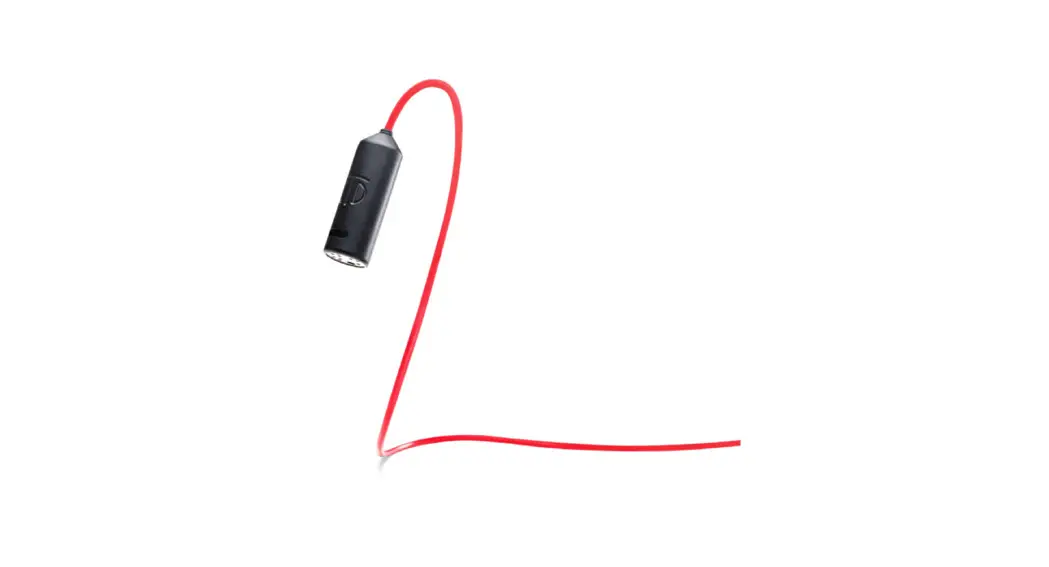
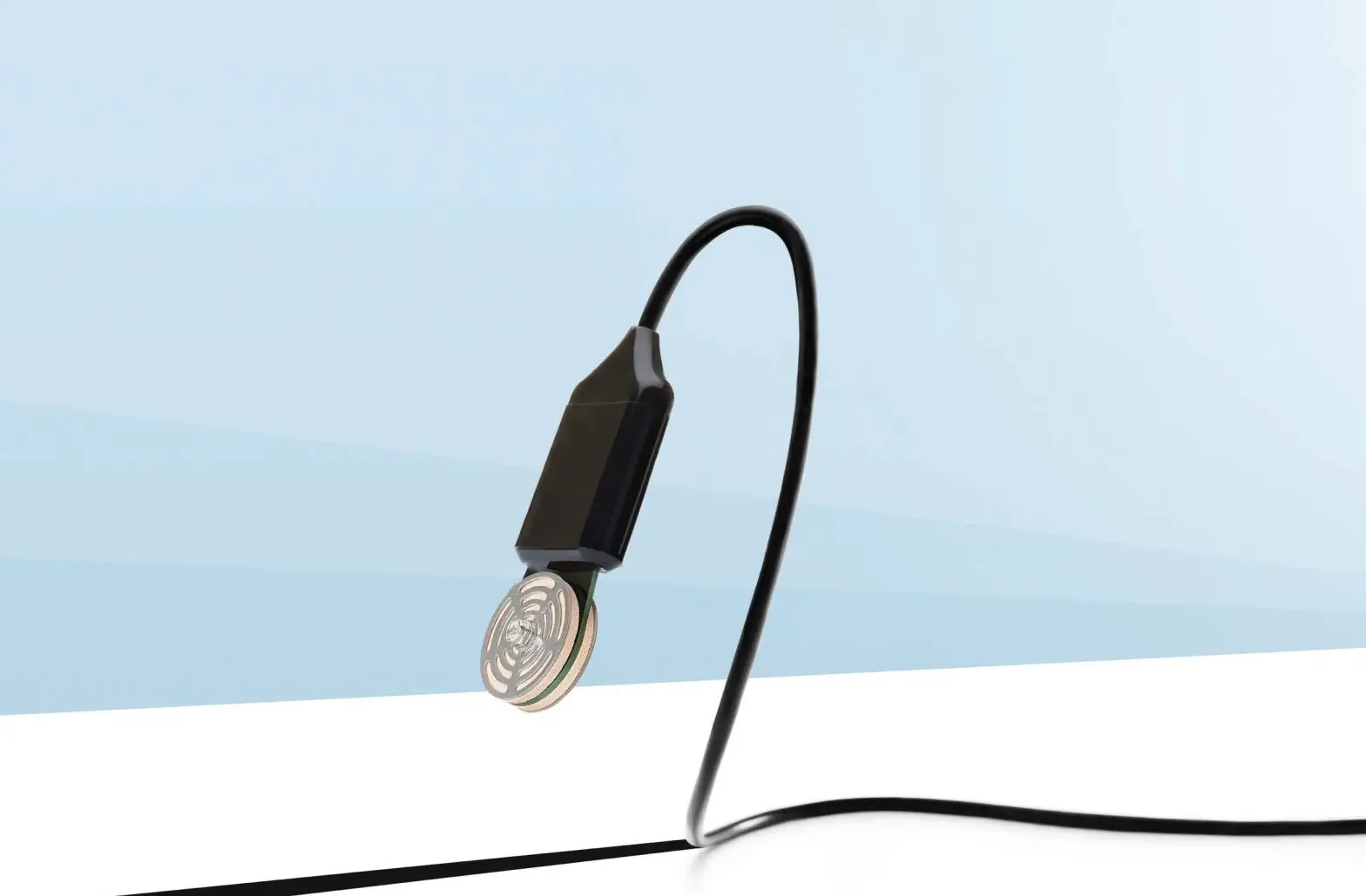
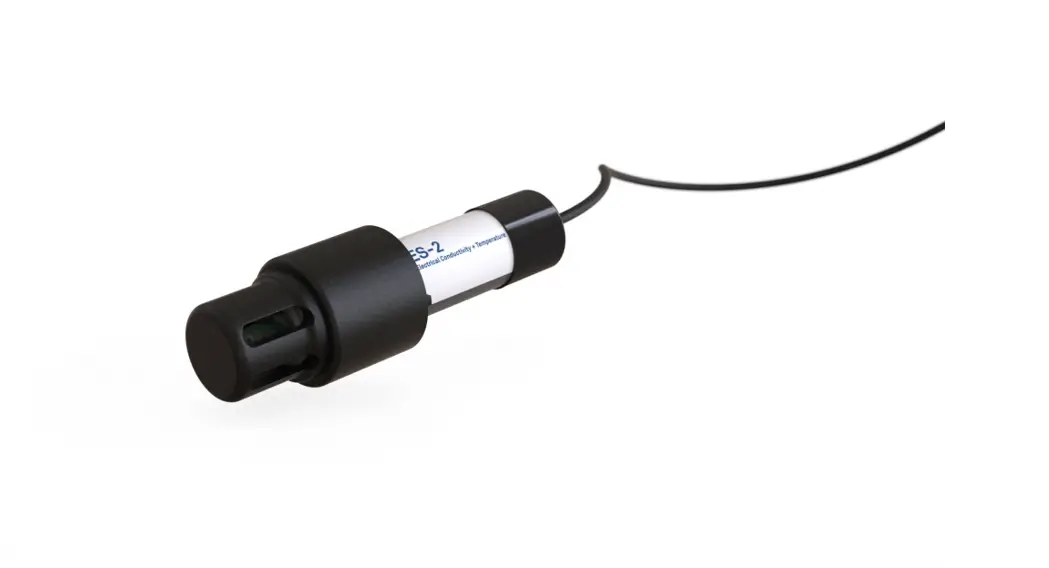
 HYDROS 21
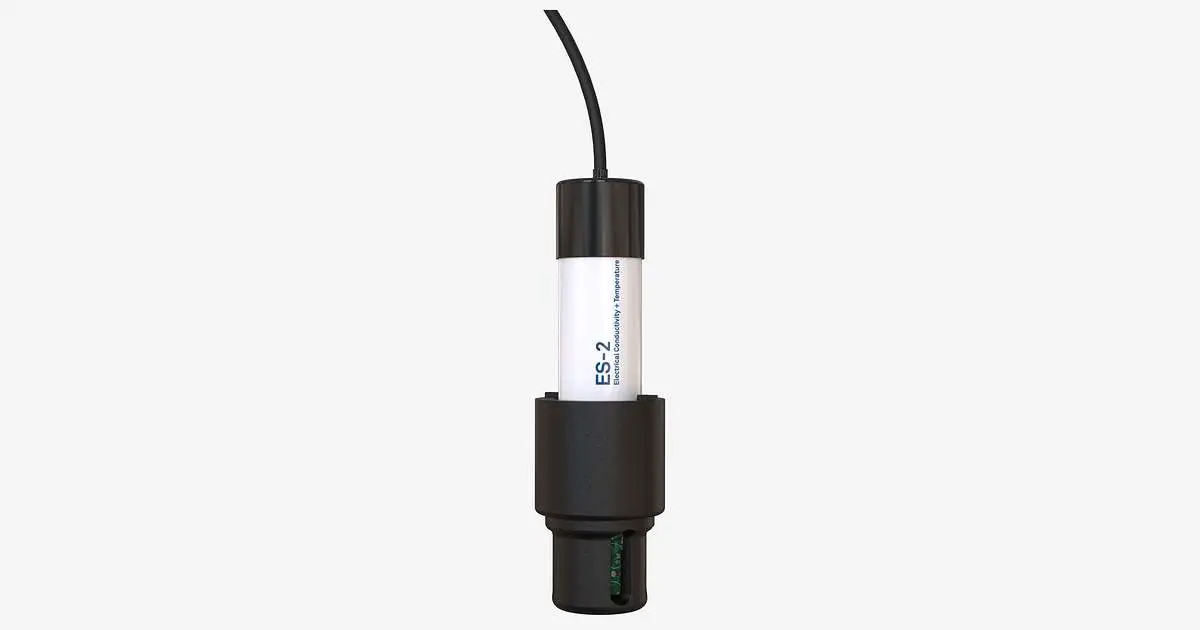
Water Depth + Electrical Conductivity + Temperature
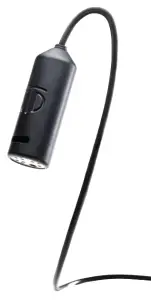 HYDROS 21 QUICKSTART
Preparation
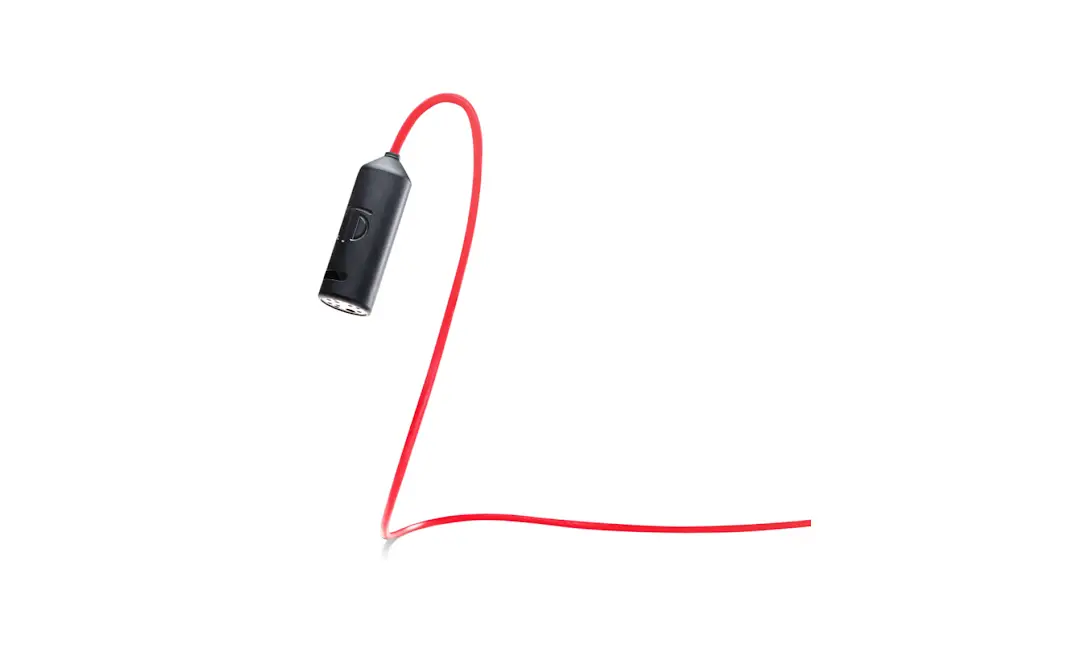
Confirm that HYDROS 21 components are intact. Gather the necessary tools and suspension setup for the desired installation type and a mounting post for the data logger.
Determine the installation depth prior to installation. The sensor zero point is on the side of the sensor at the top of the opening and the desired depth should be set from this point.
Read the full HYDROS 21 User Manual at metergroup.com/hydros21-support. All products have a 30-day satisfaction guarantee. ATTENTION
For best results, use the latest versions of METER software and firmware for the computer or mobile device, products, and sensors.
Please use the software Help menu to find updates. Consult the sensor user manual for more troubleshooting tips.
Installation
- Install Sensor
Groundwater Well Installation.
Use a Kellem grip to set the desired installation depth based on the zero point for the pressure transducer.
Lower the sensor into the well and use the Kellem grip hook to suspend the sensor in position.
Cap the well, ensuring the well can vent to atmospheric pressure.
- Check Sensor Operation
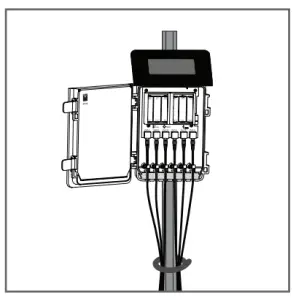
Plug the sensor into the data logger and use the SCAN function in the software to check sensor operation. Water Body Installation. Install sensor protection.
Suspend the sensor in the water body from a secure location (bridge, pier, or post).
Secure and protect cables with PVC casing or flexible conduit to protect sensor cable from higher currents and floating debris.
- Configure Logger
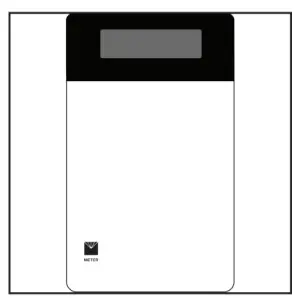
Use data logger software to apply appropriate settings to the sensors plugged into each data logger port.
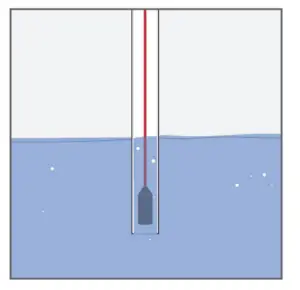
 Water Body Installation. Install sensor protection.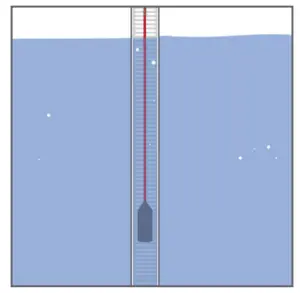
SUPPORT
Have a question or problem? Our support team can help.
We manufacture, test, calibrate, and repair every instrument in the house. Our scientists and technicians use the instruments every day in our product testing lab. No matter what your question is, we have someone who can help you answer it.
NORTH AMERICA
Email: [email protected]
Phone: +1.509.332.5600
EUPORE
Email: [email protected]
Phone: +49 89 12 66 52 0
 Home of METER | METER Group, Inc. USA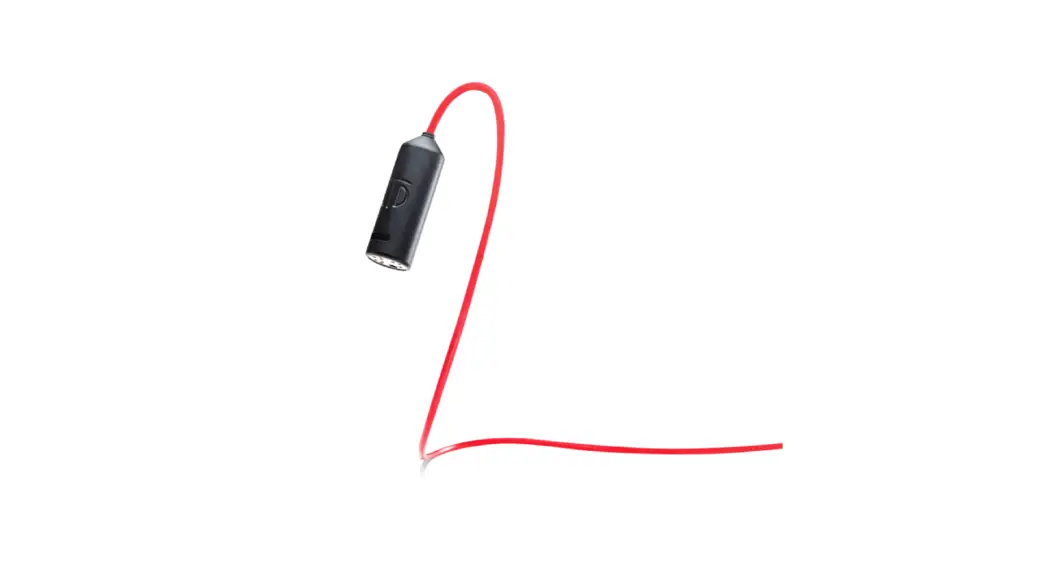
![Gpi Electronic Water Meters [01n31gm, 01n31lm, 01n12lm] User Manual](https://static-data1.manualsee.com/1/img/74/17010/2020/12/0-40.jpg "Gpi Electronic Water Meters [01n31gm, 01n31lm, 01n12lm] User Manual")