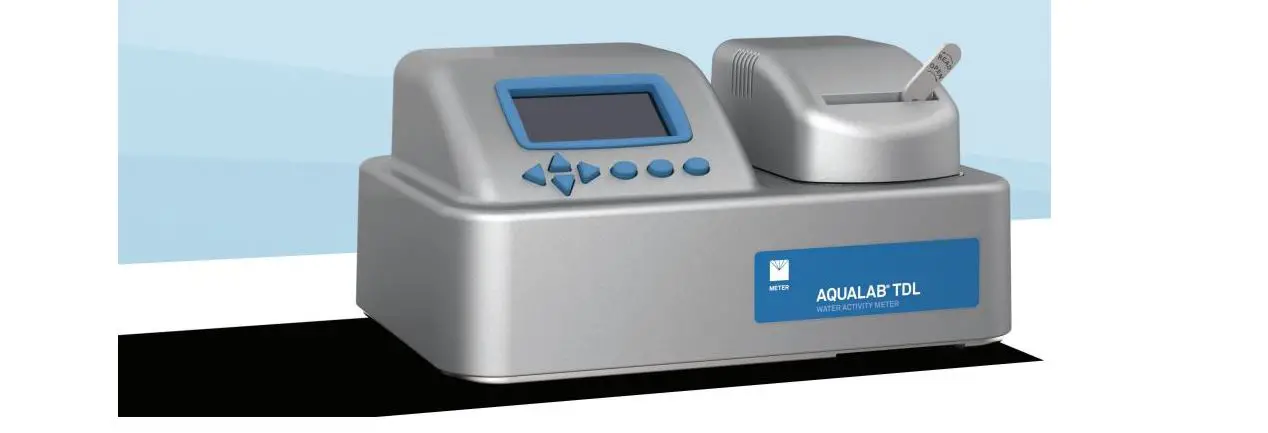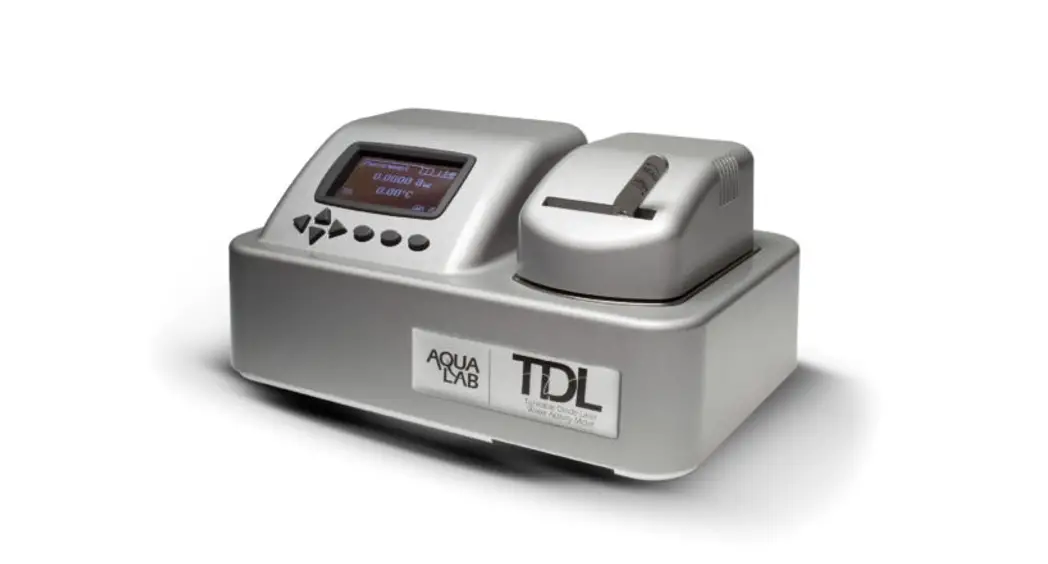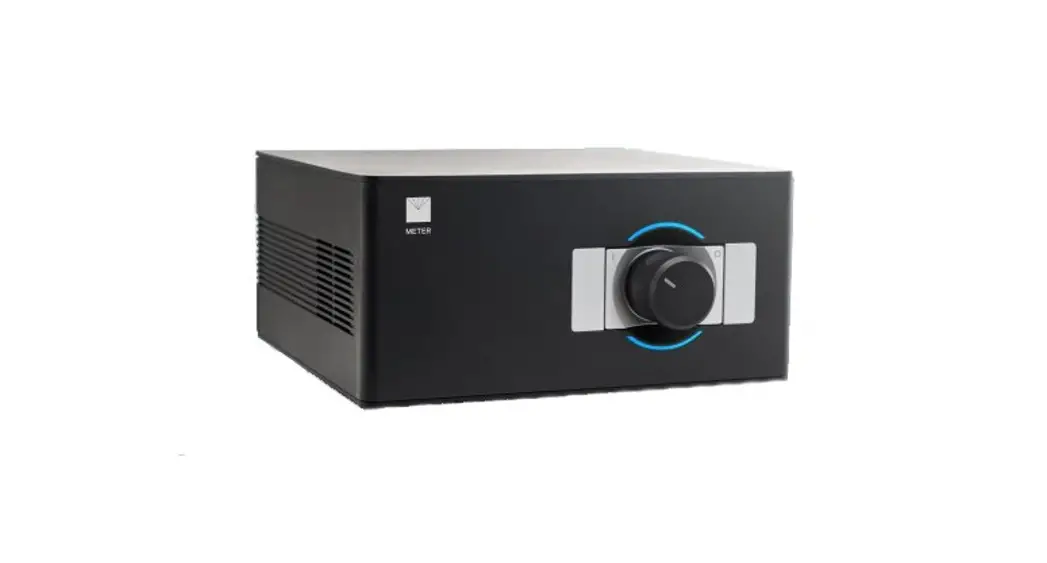

AQUALAB 3
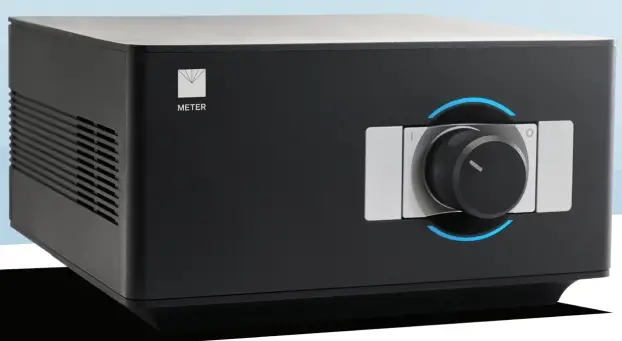
AQUALAB 3 QUICKSTART
Preparation
Connect the Apple®iPad®mobile digital device to the Wi-Fi®network. If the iPad is new, it must be set up and associated with an Apple ID. Please refer to the AQUALAB 3 help file (metergroup.com/ aqualab3-training) for additional setup configurations, if needed.
NOTE: The iPad must use a Wi-Fi or Ethernet (not cellular) connection, and the NEXUS and the iPad must be able to communicate with each other on the same internal network and with METER cloud servers.
Install
Follow the steps below to set up the AQUALAB 3. If there is already a registered NEXUS with fewer than four devices connected, proceed to installation step 3.
Connecting to the SKALA Mobile App
To start collecting data with the AQUALAB 3 and the SKALA® Mobile app, visit metergroup.com/aqualab3-training.
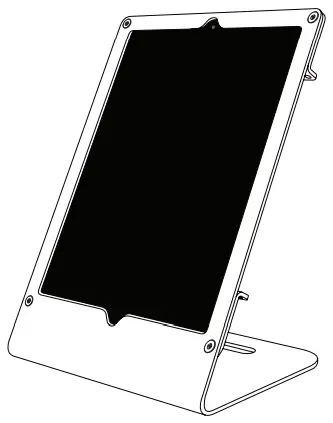
Installation
- Download and Launch the SKALA Mobile App
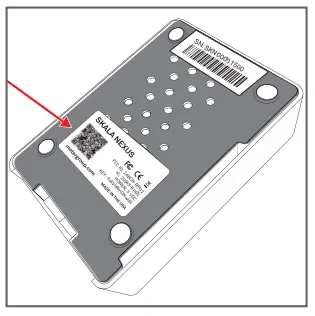
To download the SKALA mobile app to the iPad, use the iPad camera to scan the QR code on the back of the NEXUS. The application can also be found by searching for SKALA Mobile by METER in the Apple App Store.
In the SKALA Mobile app, create a company account, main administrative username, and password.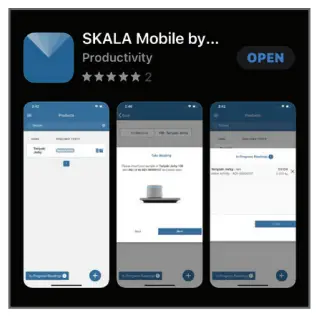
- Register NEXUS and Connect to Power
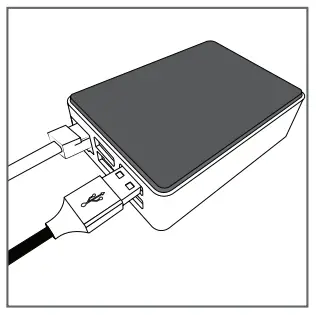
Select the plus symbol on the Register NEXUS screen and scan the QR code on the bottom of the NEXUS. Repeat this for each NEXUS purchased. Connect the NEXUS to power and Ethernet. The NEXUS MAC address can be found on the bottom of the device.
NOTE: Please refer to the AQUALAB 3 help file (metergroup.com/aqualab3training) for additional setup configurations,
if needed.
- Connect the AQUALAB 3
Plug the AQUALAB 3 into a power source and connect to the NEXUS using the USB A to B cable.
A message should be briefly displayed on the iPad confirming that the AQUALAB 3 has been connected to the NEXUS.
- Enter Products and Specifications
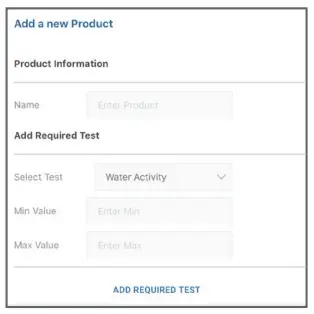
Create the first batch and take the first reading. For more information on the AQUALAB 3 including training videos and information, visit metergroup.com /aqualab3training.
SUPPORT
Have a question or problem? Our support team can help.
We manufacture, test, calibrate, and repair every instrument in the house. Our scientists and technicians use the instruments every day in our product testing lab. No matter what your question is, we have someone who can help you answer it.
NORTH AMERICA
Email: [email protected]
Phone: +1.509.332.5601
EUROPE
Email: [email protected]
Phone: +49 89 12 66 52 0
 Home of METER | METER Group, Inc. USA