 Instruction Manual
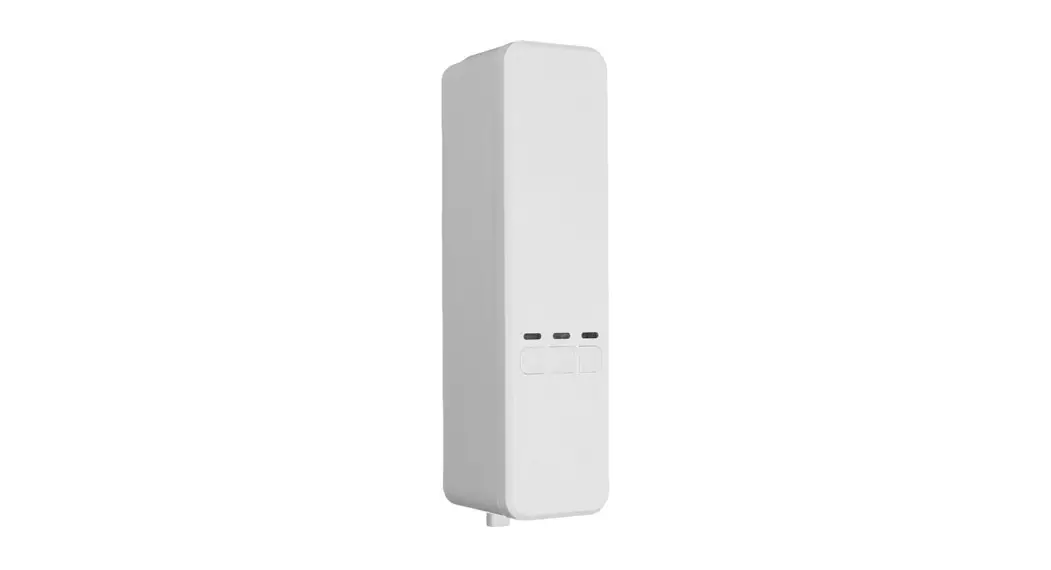
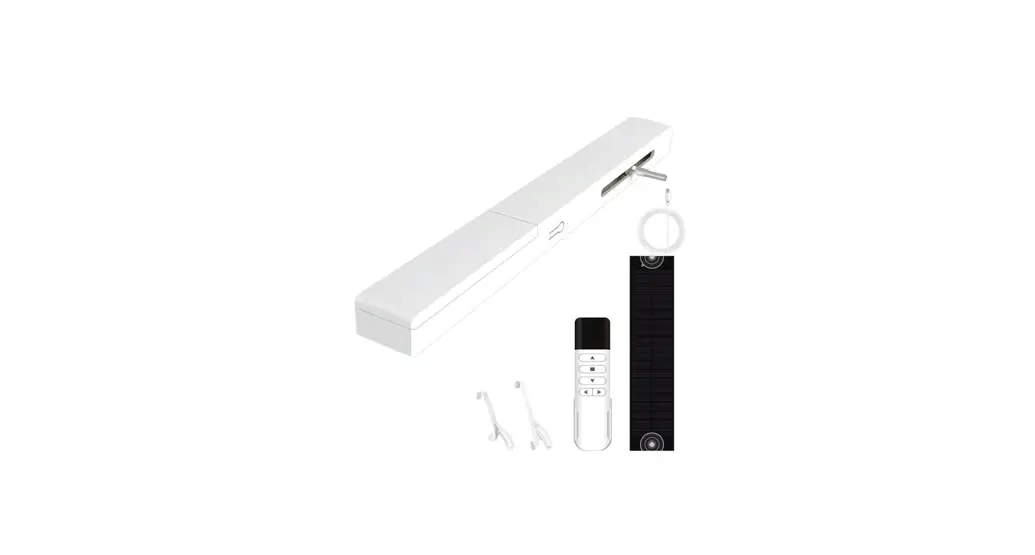
SMART BEAD Chain Blinds Motor
WC-YH-LS
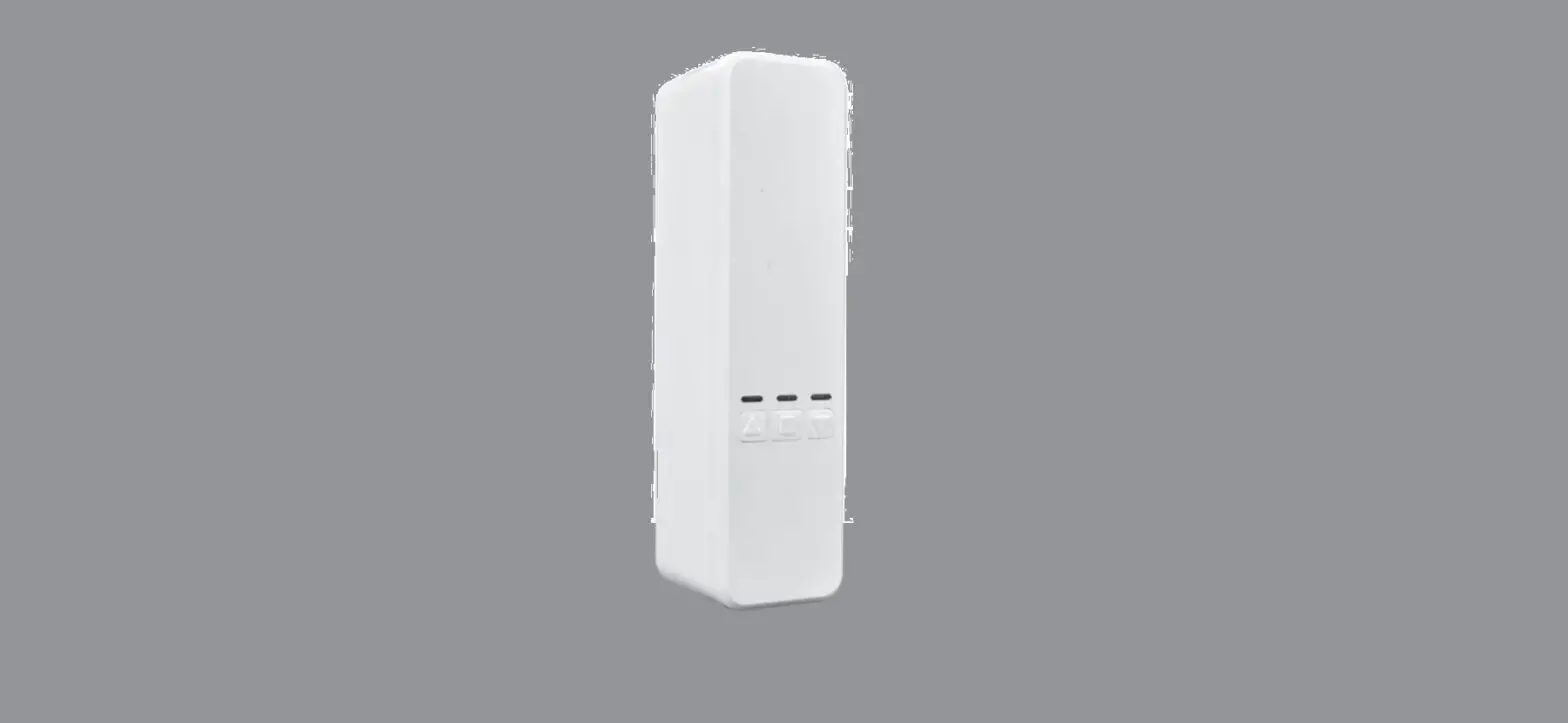
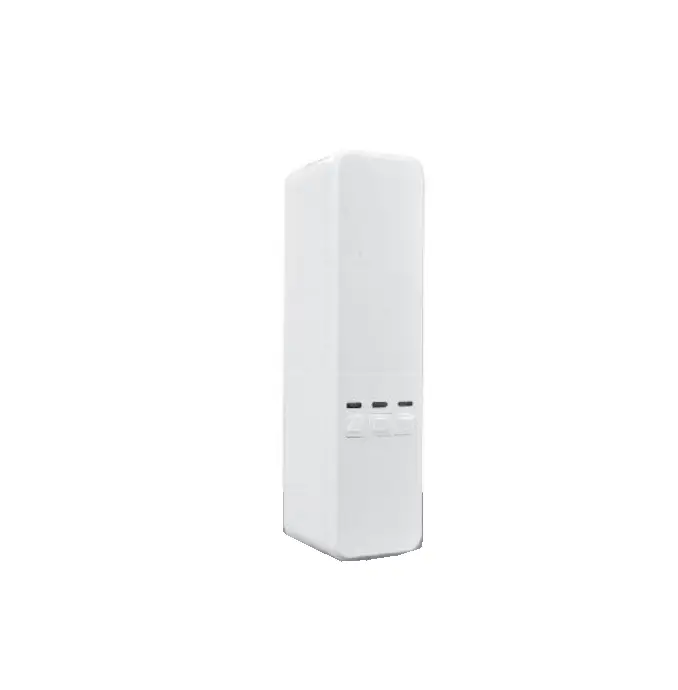
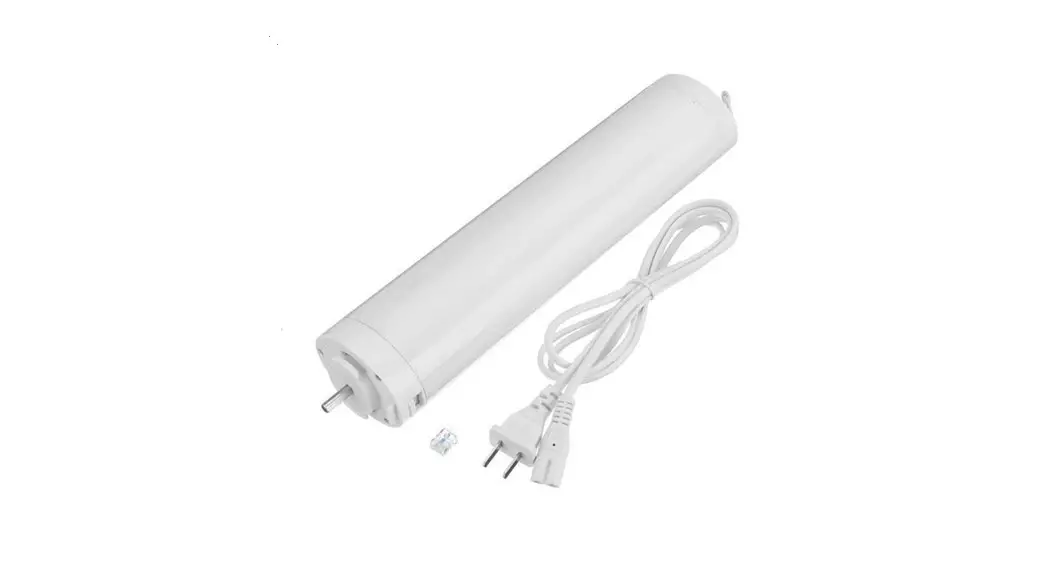
WC-YH-LS Smart Bead Chain Blinds Motor
Character
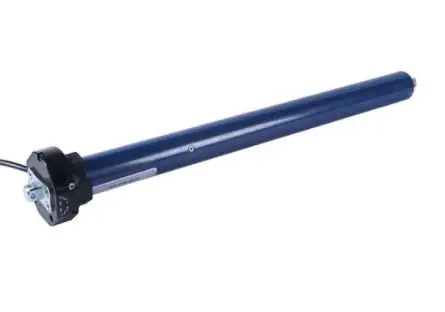
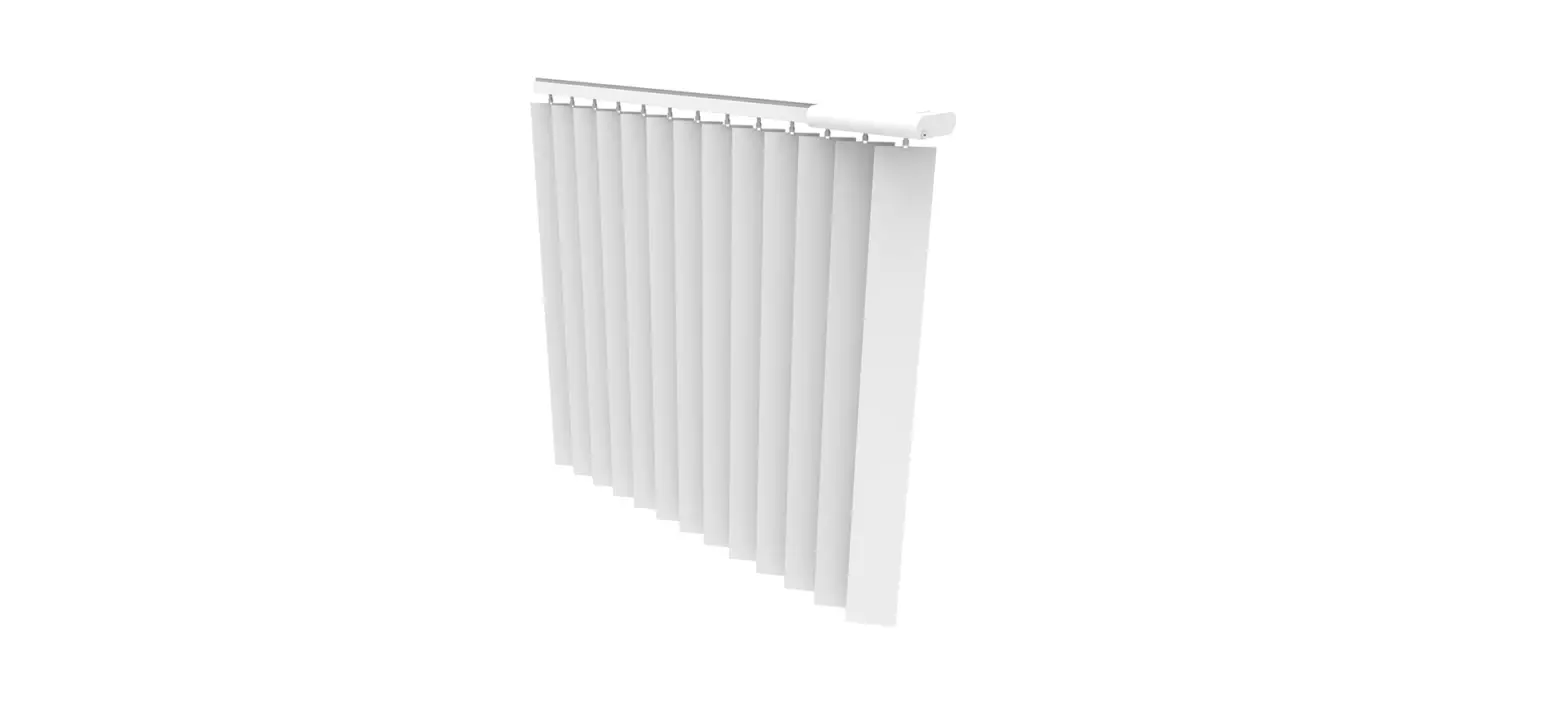
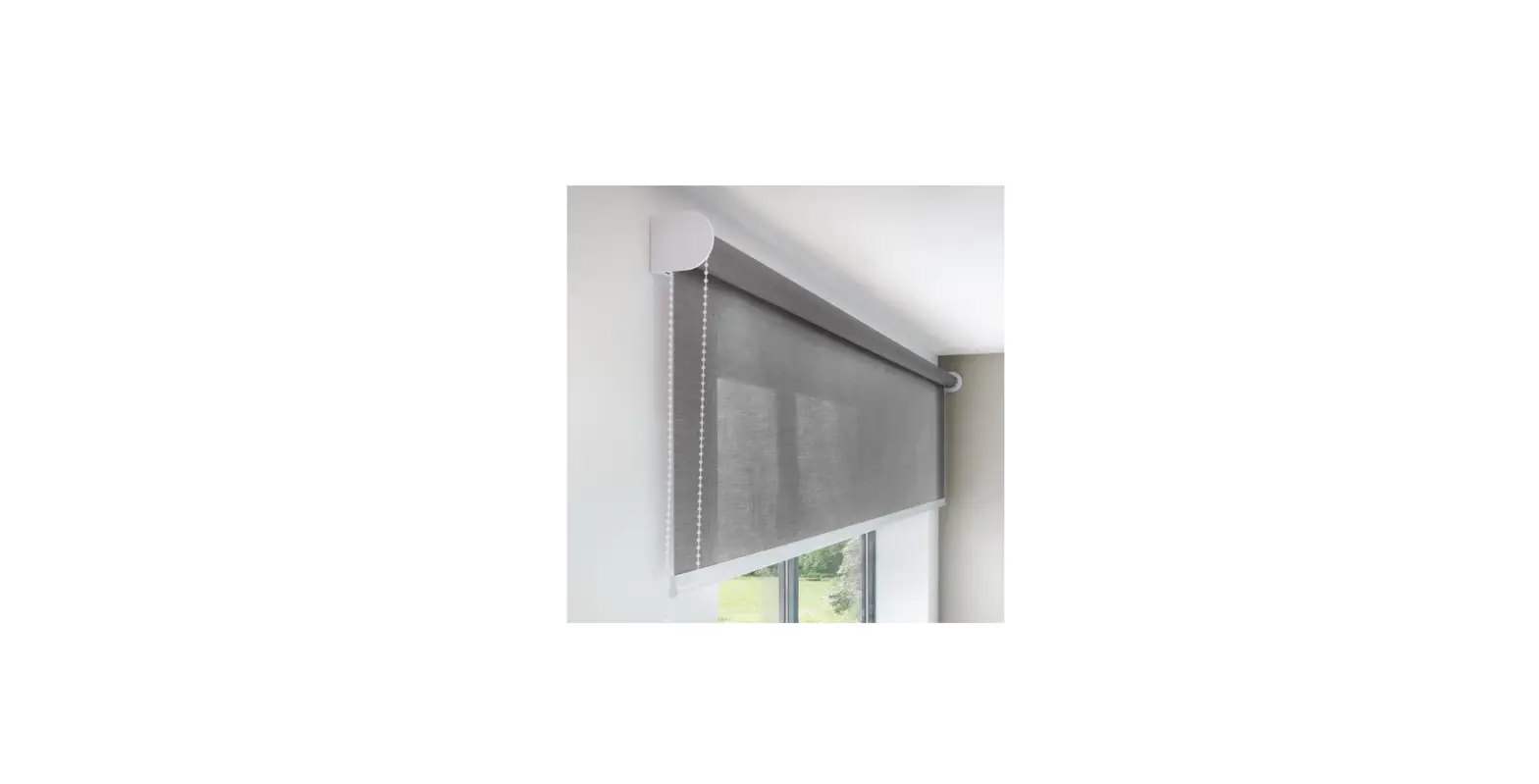
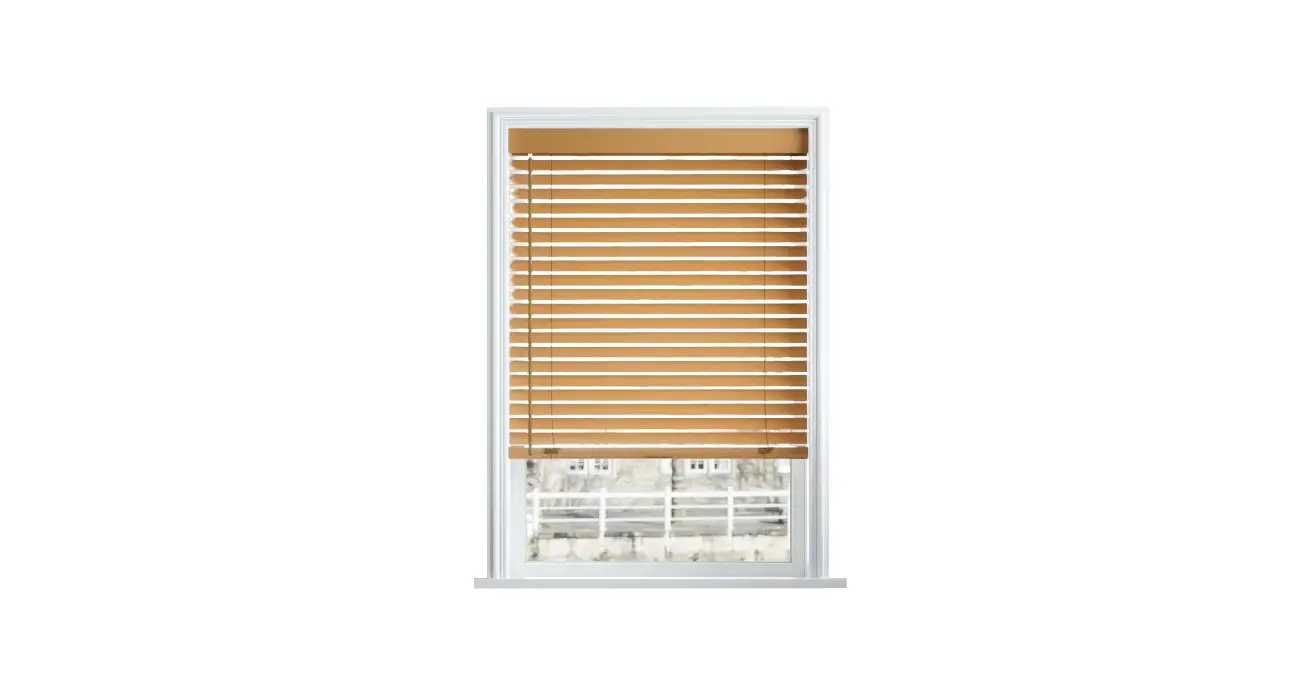
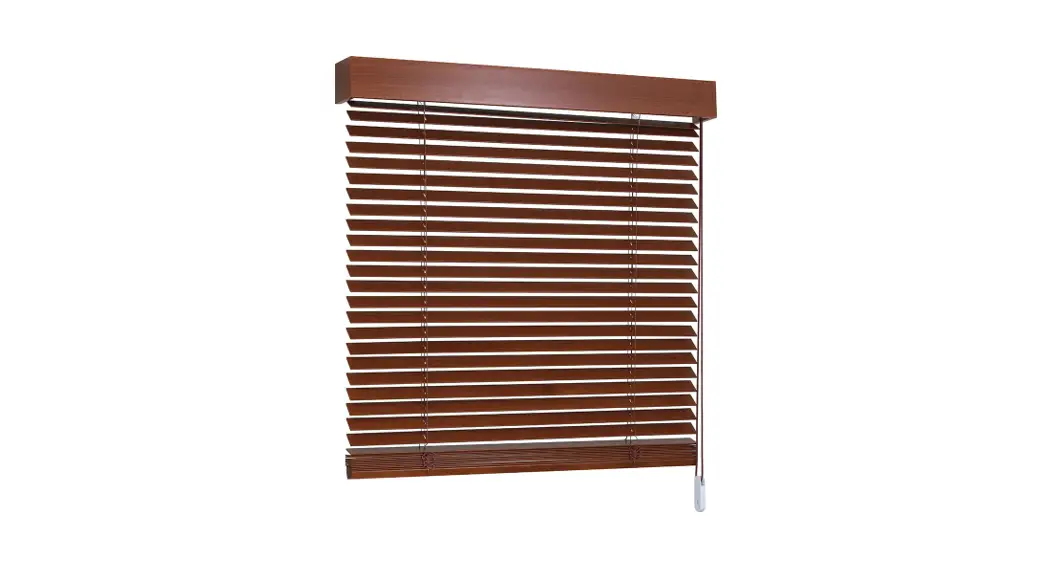
- No change of existing blinds , no tubular motor. One touch , manual to motor;
- WIFI connector: work with google home , Alexa amazon etc directly;
- Schedule: Setting open and close time as your like, open when sun rise, and close when sunset
- Long distance : open or close your home blinds on office or business with Wifi on;
- Easy mounting and setting: 3-5 minutes DIY on your fingertip position;
- Control: Mobile and remote both can ;

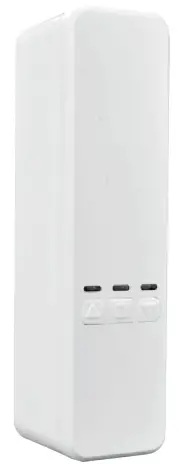
Device In Pairing Mode For Network Discover
- Search and download “MOES” in major application markets or scan the “QR code” below to download the App,
- OPEN“
 MOES”, and connector with motor;
 Sweep Downloads APP
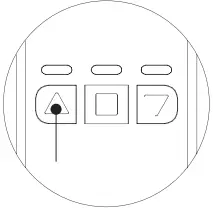
 Push the Up Arrow (left button) & Stop Button (middle butt on) until Up Arrow starts flashing in blue (about 5 – 8 seconds). “confirm indicator rapidly blink” in mobile.
 Open “MOES” App Press “Add device” Or “+” on upper right corner
 Select “Small home appliance” —Curtain(Wi-Fi)
 Enter Wi-Fi Password and click“Next”.
 Select the indicator flash mode
 Add the device s uccessfully, you can edit the name of the device to enter the device page by click “Next”
 Click“Done”to enter the device page to enjoy your smart life with home automation.
Note:
1) The motor will no response after APP connector until step 4: trip setting;
2) Pls make sure that the trip setting is prior to any APP control of motor.
 MOES”, and connector with motor;
 Sweep Downloads APP
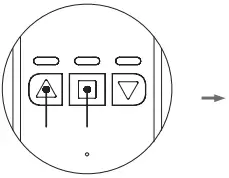 Push the Up Arrow (left button) & Stop Button (middle butt on) until Up Arrow starts flashing in blue (about 5 – 8 seconds). “confirm indicator rapidly blink” in mobile.
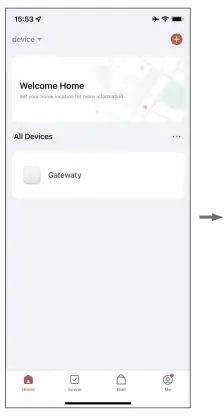 Open “MOES” App Press “Add device” Or “+” on upper right corner
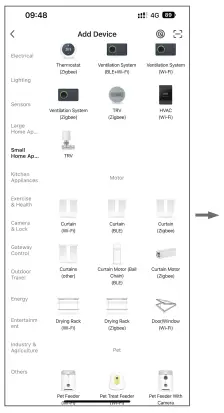 Select “Small home appliance” —Curtain(Wi-Fi)
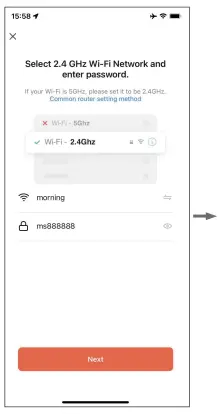 Enter Wi-Fi Password and click“Next”.
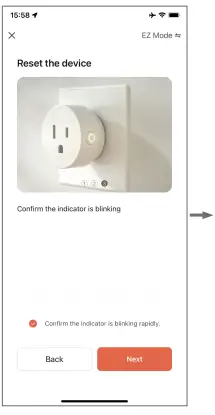 Select the indicator flash mode
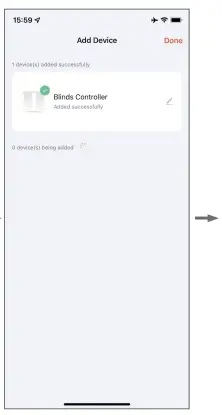 Add the device s uccessfully, you can edit the name of the device to enter the device page by click “Next”
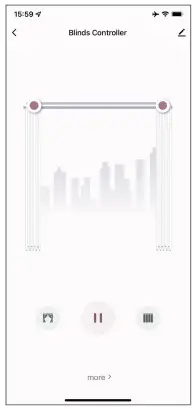 Click“Done”to enter the device page to enjoy your smart life with home automation.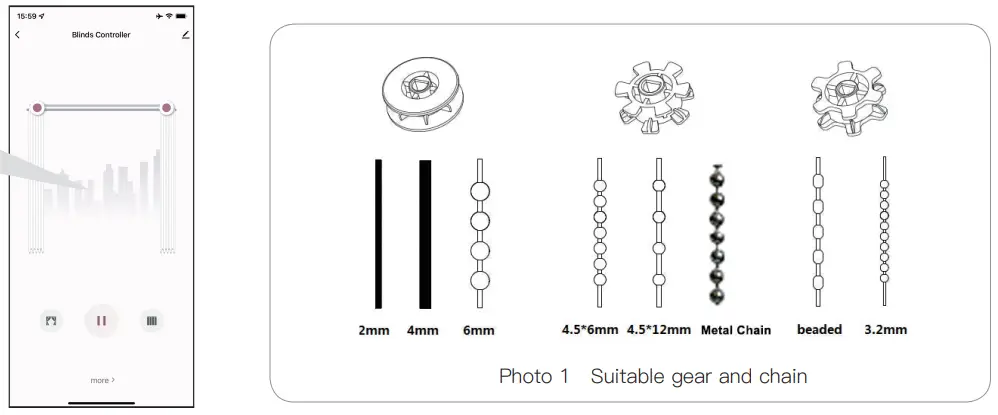
Mounting
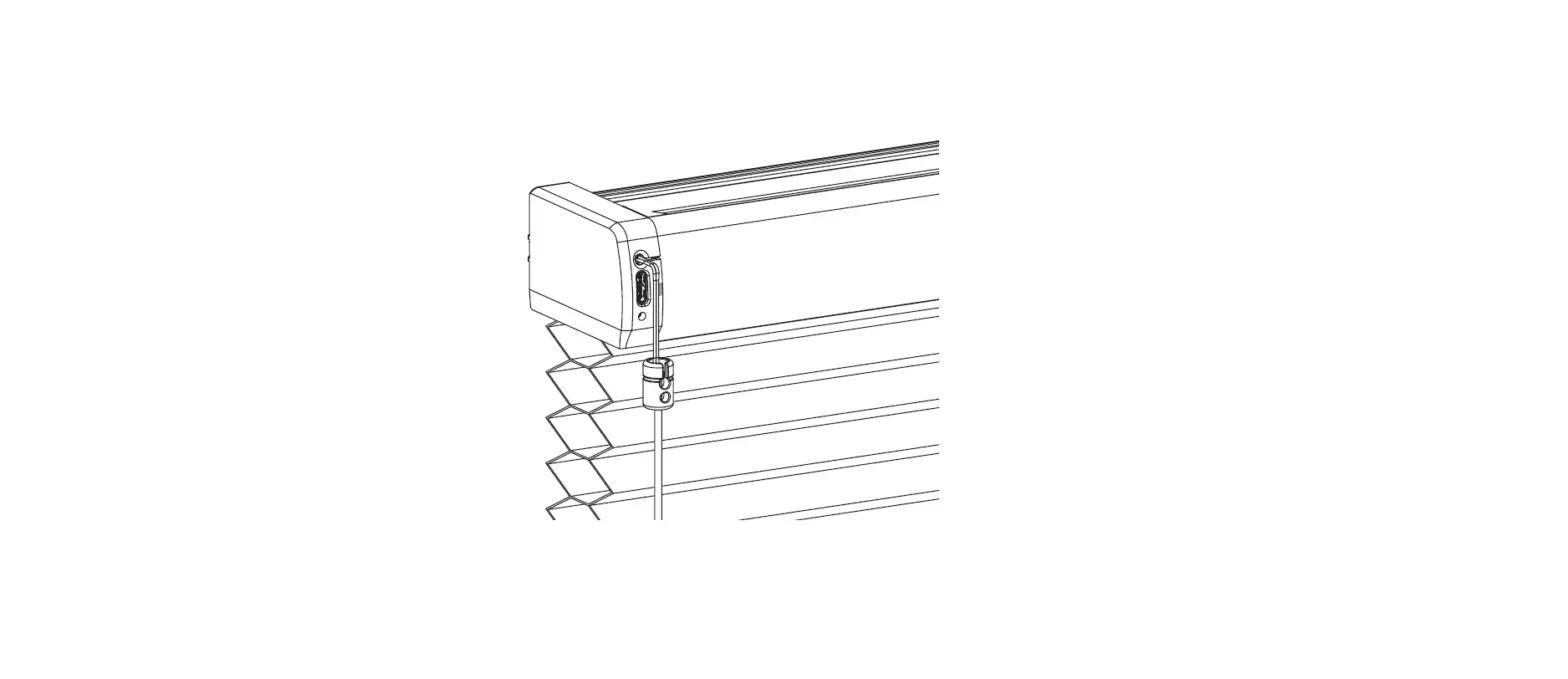
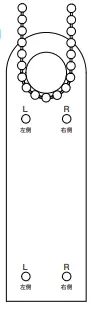
- Pull down the blinds to the similar mounting position, Put card on the bottom of chain, tight chain , According the chain position, mark“ L” or “ R” on hole, put mounting bracket on card’s position, (pls note card outside of the bottom bar)

- Installation mode 1: 3M Adhensive, advice 3M use after 12 hours.

- Installation mode 2: The whole on mounting bracket aligned marked position, Fix screw on the hole; two position for choose;

- Press upback board outside, put suitable gearl on, take chain around gear, close upback board.

- Tight chain on the motor , put motor slide groove down, until motor tight on groove, pls choose suitable chain tension for stable running.

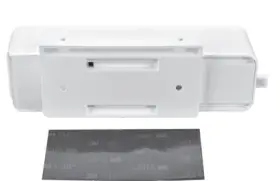
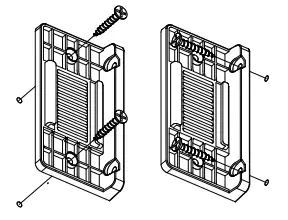
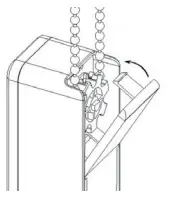
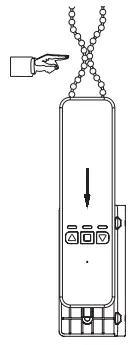
Note: Pls be sure use the suitable gear for the chain , and adjust the tension , otherwise will noisy.
Set Limits On The Device
 Push the Up Arrow (left button) until the shades open all the way.
reach high limit position, Push the Stop Button
push and hold the Stop Button until the red light flashes (about 5 seconds)
Once the red light flashes, push the Down Arrow until the shades close.
Hit the stop button when they are completely closed. The device will wait a few seconds then flash. Done!
Now, when you hit the open, it will open them to the point that you set for opening, and close them to the point that you set for closing. (can also setting from close to open).
Note: If trip change for some urgent , pls reset .
Function Setting
- Schedule: Can setting time as you like , Open when sunrise and close when sunset.
Step 2: Device added successfully More Schedule
- Voice control
MOES Welcome home upper right conner 
- Connector with google Alexa etc
MOES Welcome home me more service Alexa ,google Assistant , Rokid, etc. - Device pair not only with mobile , but also remote
 More
More 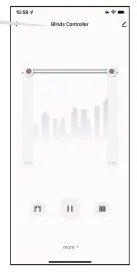


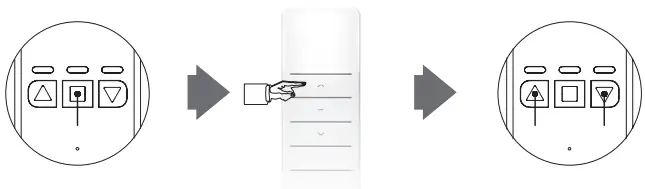 push and hold the Stop Button (middle button) until the red light flashes (about 5 seconds),Once it’s flashing, push either the up or down button on the remote.
It will flash the lights, and the remote is paired.
Reset And Take Down Device
Push UP &Down Arrow about 12 seconds, until the light flashes from red—blue—green 2-3 times , release , press stop button , reset device finish.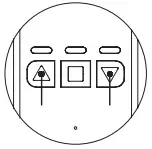 Top up the projection on bottom, slide upon groove, open upback board and take out chain.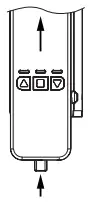
Parameters
| Name | BLINDS CONTROLLER | Model | YHO02-A | ControlMethod | MOBILE or REMOTE |
| Torque | 1.35N.m | Speed | 50-55rpm | ADAPTER VOLTAGE | 110V-240V |
| Frequency | 2.4GHz 433MHz | Voltage | 12V | Rated Current | 1.2A |
| Max Blinds Size | 8FT(2.5M)*12FT(3.5M) | Max Weight | 10KG | Battery (optional) | 12V/1200mAH |
| Distance | No limit , ask for good wifi signal | Compatible | Directly connector with Google assistant ,alexa etc | ||
FAQ
A.Blinds running direction not same as APP (Room blinds open , APP blinds close)
Method one: press and hold “up” button six seconds until blue light flash , blinds running direction change. Method two: APP—More---open “Motor Direction”, reset blinds limit again;
B.Device no any response for the APP after wifi connector
Pls make sure that the trip limit is set up prior to any attempts of control , pls do limit setting as “ step 3” before APP control;
C.Motor cannot connector with WIFI
1) Pls reset device , and recover factory setting (step5); 2) Pls be sure wifi is 2.4G, and have good signal.
D.No any response of remote
1) Check battery on remote ; 2) Check pair with device ok.
SERVICE
- During the free warranty period, if the product breaks down during normal use, we will offer free maintenance for the product.
- Natural disasters/man-made equipment failures, disassembly and repair without the permission of our company, no warranty card, products beyond the free warranty period, etc., are not within the scope of free warranty.
- Any commitment (oral or written) made by the third party (including the dealer/service provider) to the user beyond the warranty scope shall be executed by the third party.
- Please keep this warranty card to ensure your rights.
- Our company may update or change the products without notice. Please refer to the official website for the updates.
RECYCLING INFORMATION
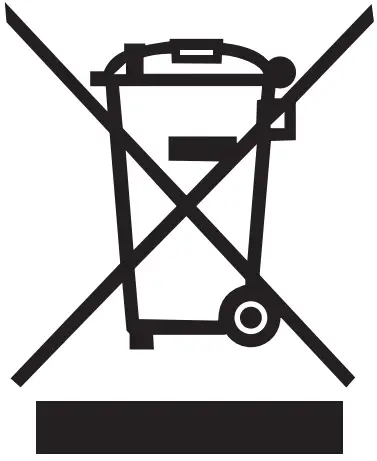 All products marked with the symbol for separate collection of waste electrical and electronic equip ment (WEEE Directive 2012/19 / EU) must be disposed of separately from unsorted municipal waste. To protect your health and the environment, this equipment must be disposed of at designated collection points for electrical and electronic equipment designated by the government or local authorities. Correct disposal and recycling will help prevent potential negative consequences for the environment and human health. To find out where these collection points are and how they work, contact the installer or your local authority.
WARRANTY CARD
Product Information
Product Name_____________________________________
Product Type______________________________________
Purchase date_____________________________________
Warranty Period___________________________________
Dealer Information_________________________________
Customer’s Name__________________________________
Customer Phone___________________________________
Customer Address___________________________________________________________________________________
Maintenance Records
| Failure date | Cause Of Issue | Fault Content | Principal |
Thank you for your support and purchase at we Moes, we are always here for your complete satisfaction, just feel free to share your great shopping experience with us.  If you have any other need, please do not hesitate to contact us first, we will try to meet your demand.
 MOES.Official
 @moessmart
 @moes_smart
 @moes_smart
 @moes_smart
 www.moes.net
 EVATOST CONSULTING LTD
Address: Suite 11, First Floor, Moy Road Business
Centre, Taffs Well, Cardiff, Wales, CF15 7QR
Tel: +44-292-1680945
Email: [email protected] AMZLAB GmbH
Laubenhof 23, 45326 Essen
Made In China Manufacturer:
WENZHOU NOVA NEW ENERGY CO.,LTD
Address: Power Science and Technology Innovation Center,
NO.238, Wei 11 Road, Yueqing Economic Development Zone,
Yueqing, Zhejiang, China
Tel: +86-577-57186815
After-sale Service: [email protected]  https://drive.google.com/drive/folders/1lvEEt0z4dwTkkYFbJAPUllP7nXNG50zF?usp=sharing
 MOES Smart WiFi ZigBee Smart 2/3 Way Switch Socket Thermostat Sensor