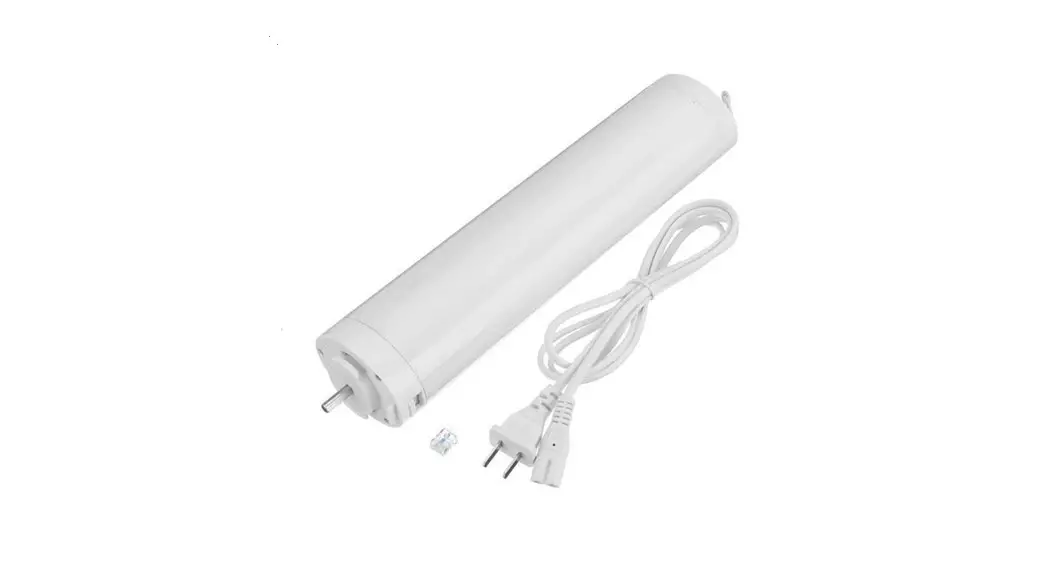

HOGAR SE

Product specification
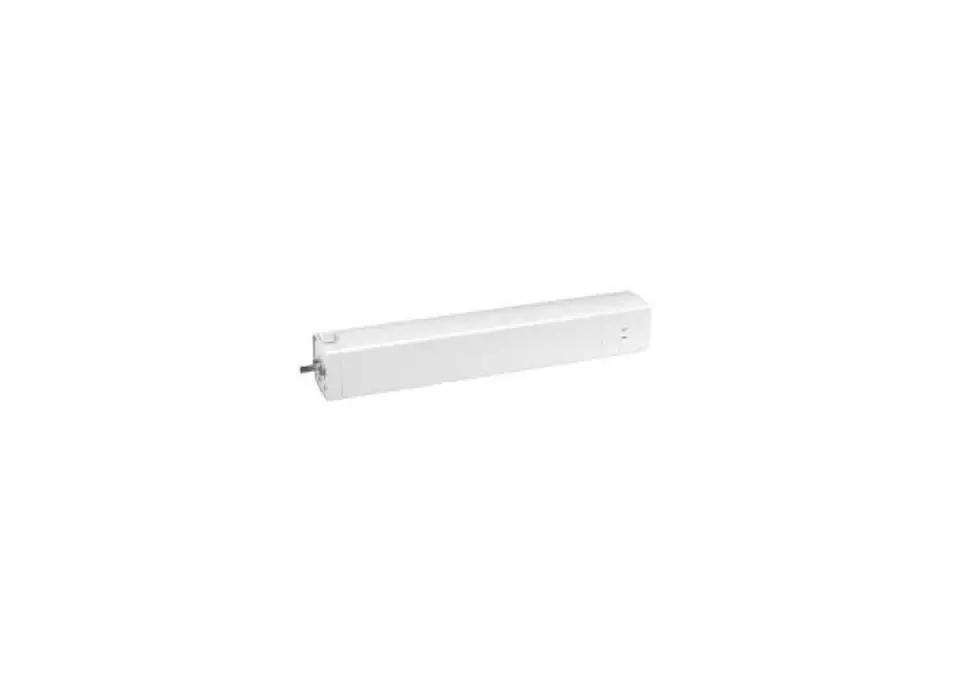
Product dimension
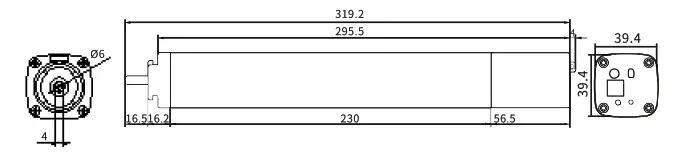
Motor’s length ( unit:mm)
 Product features
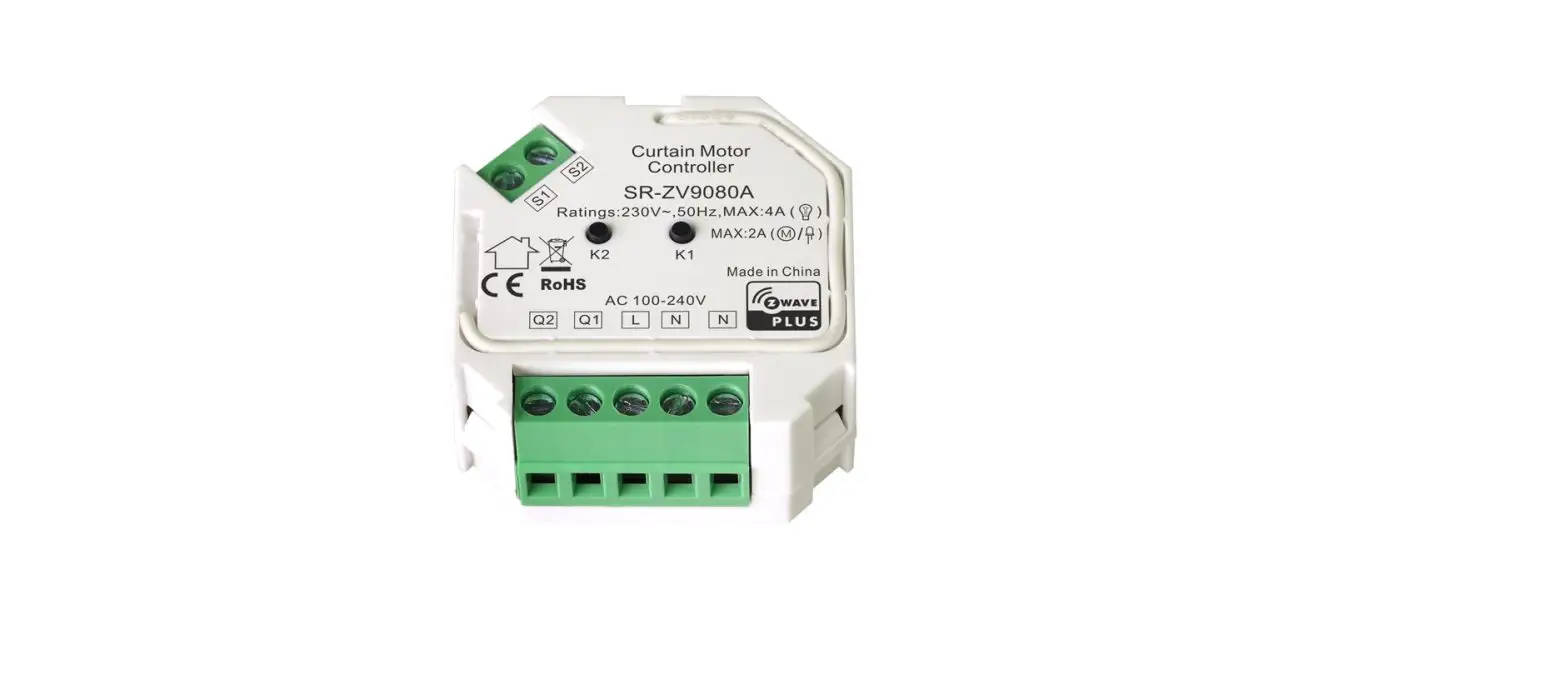
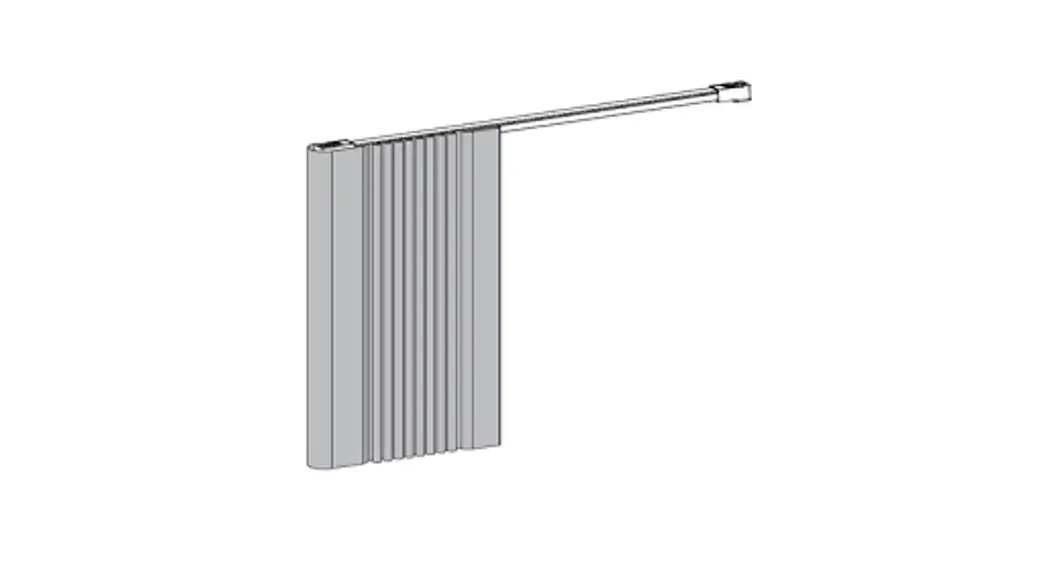
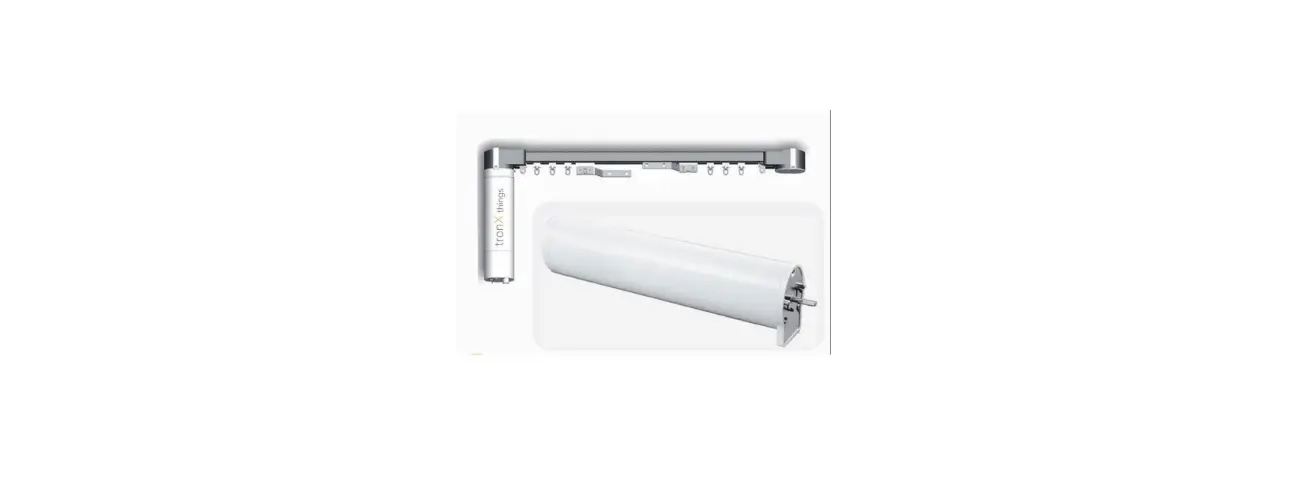
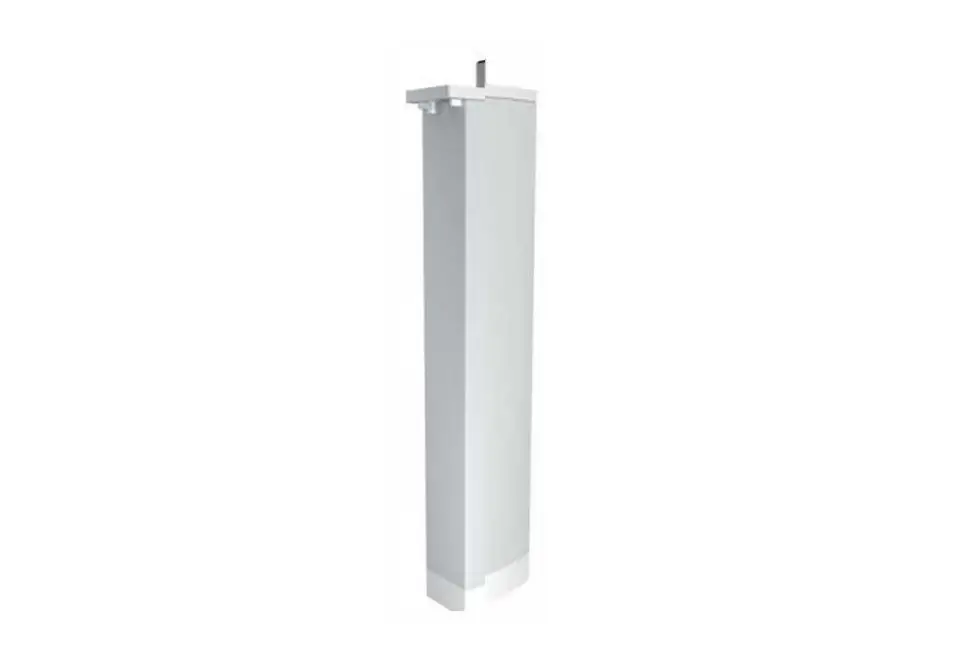
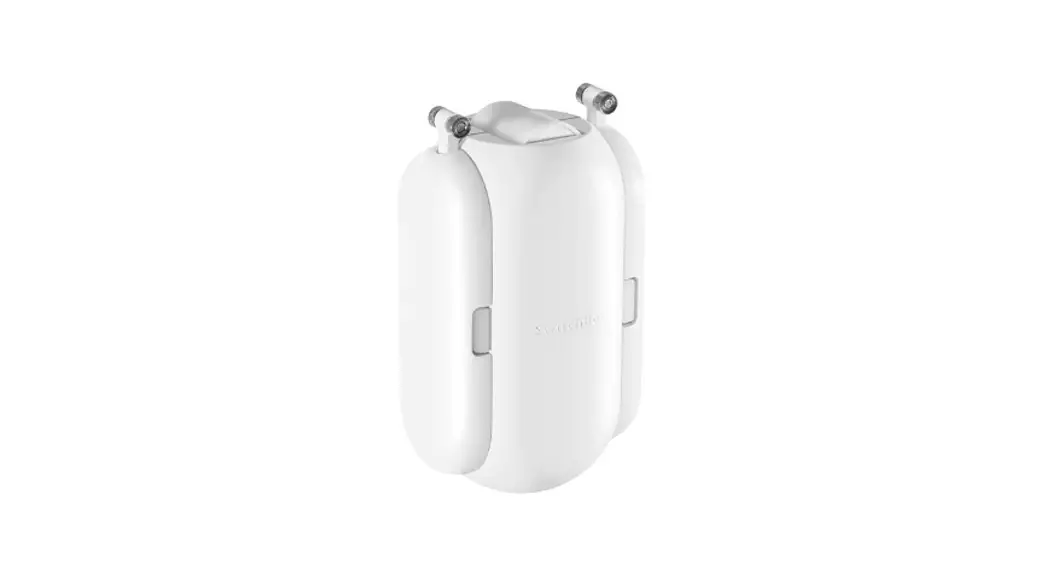
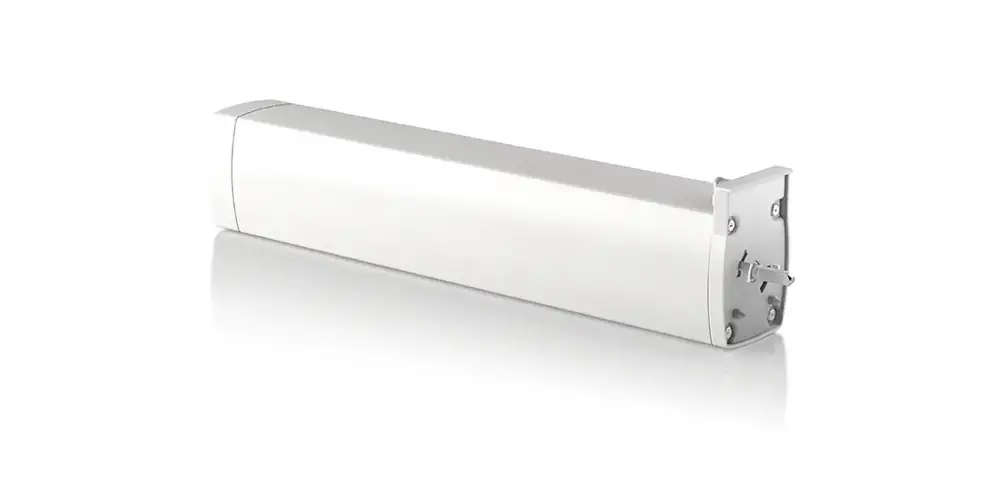
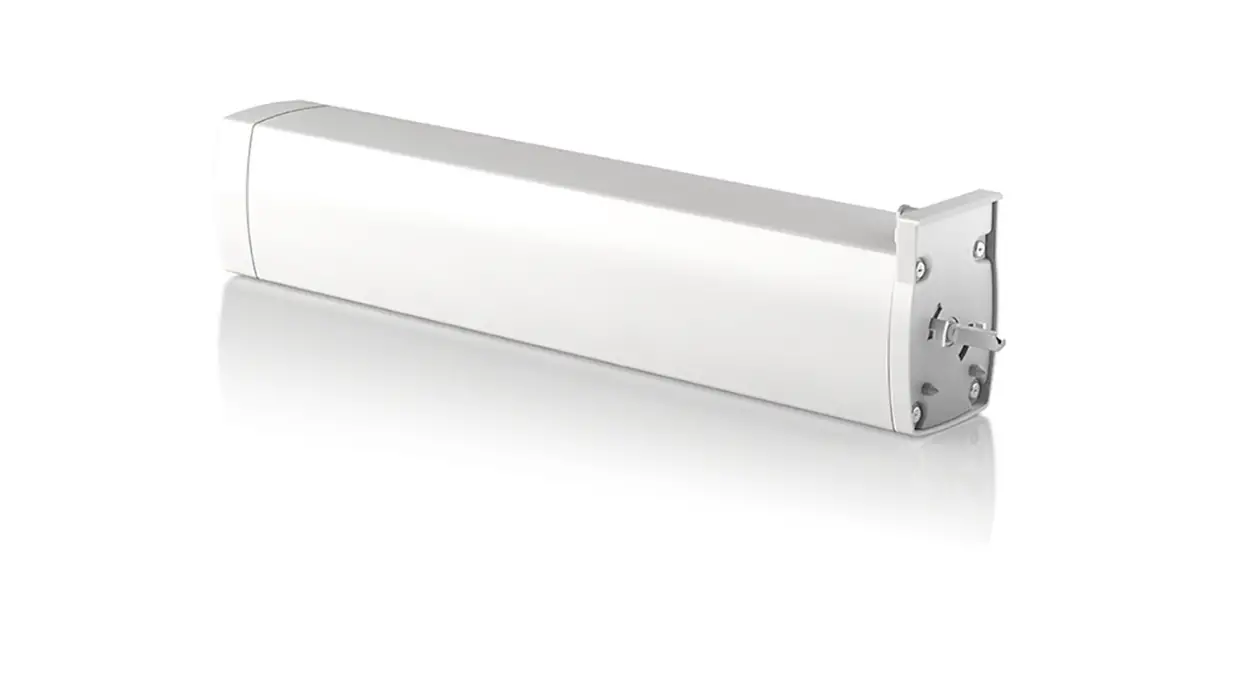
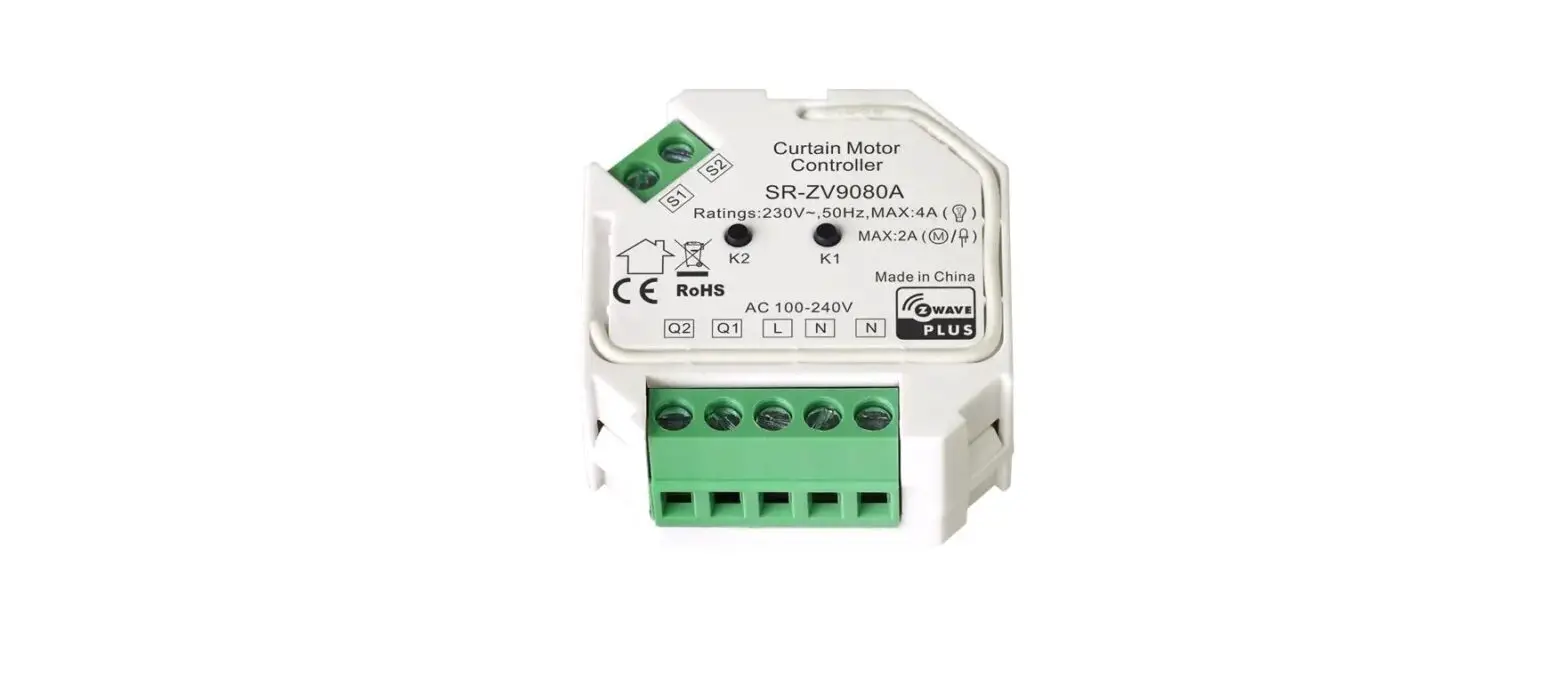
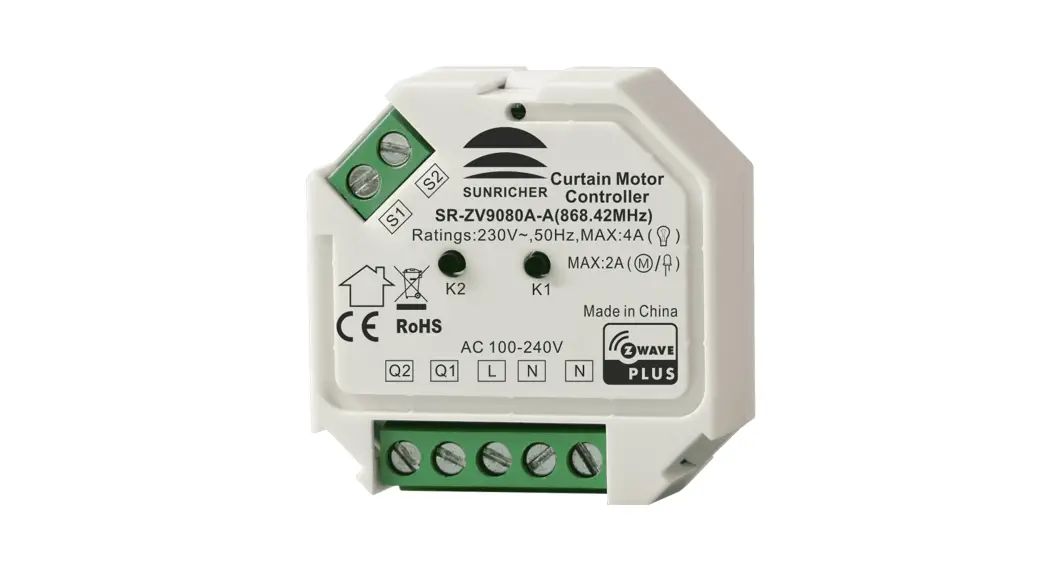
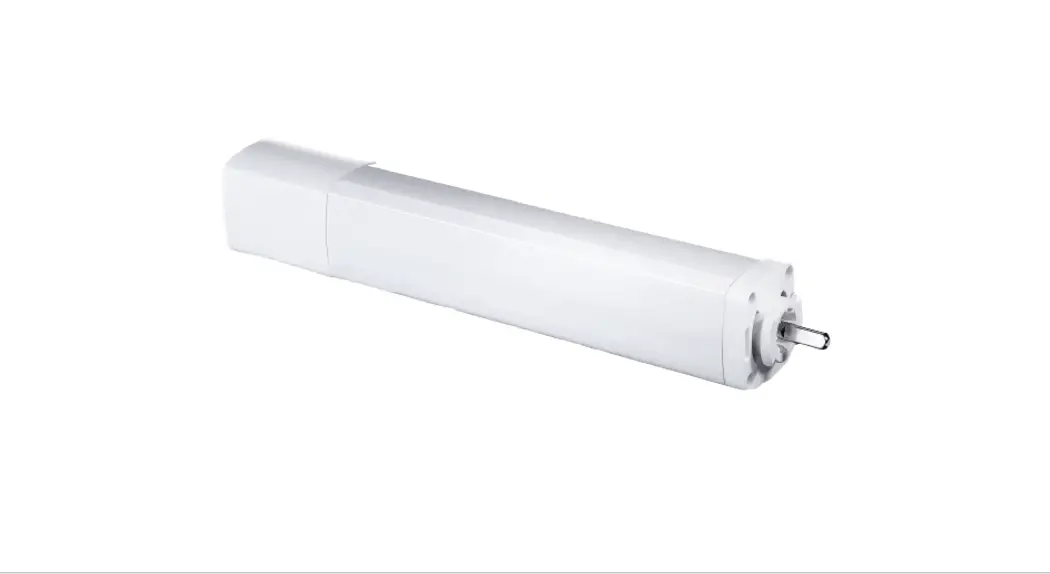
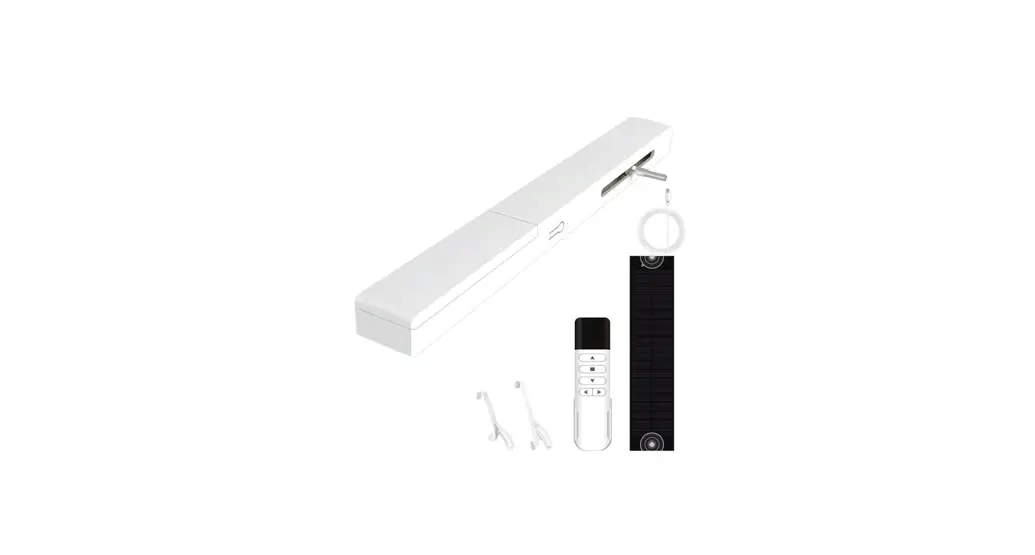
Easy installation, DC power drive, silent, stable, pull-to start and electric limit function, build in receiver, with external port which connect to external control system. It is suitable for smart home control, application for household, hotel and commercial using.
 Download HOGAR SE APP, achieve remote control, timer control and scene control.
 Product Specification
| Motor Mode | HOGAR Motor | ||
| Rated voltage | 100-240V AC | Rated Speed | Adju11Orpm(75/90 stable speed ) |
| Rated frequency | 50/60Hz | IP grade | IP41 |
| Rated Torque | 1.0N.m | Insulation grade | E |
Remark: Factory model’s speed is 75rpm . Recommended control equipment
- Remote
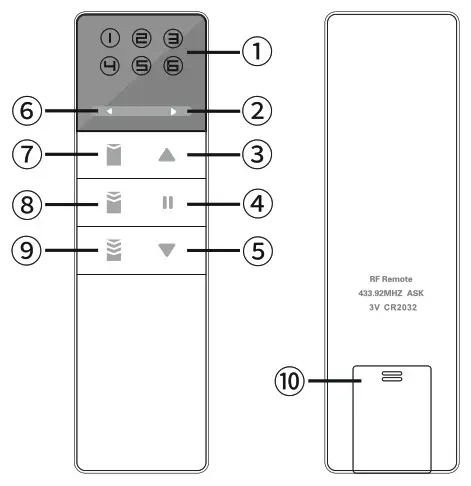
| 1. Led Light 2. Right Channel Select 3. Up/Open 4. Stop 5. Down/Close | 6. Left Channel Select 7. Up tilt/75% position 8. Horizontal 50% position 9. Down tilt/25% position 10. Channel setting |
2, HOGAR SE App
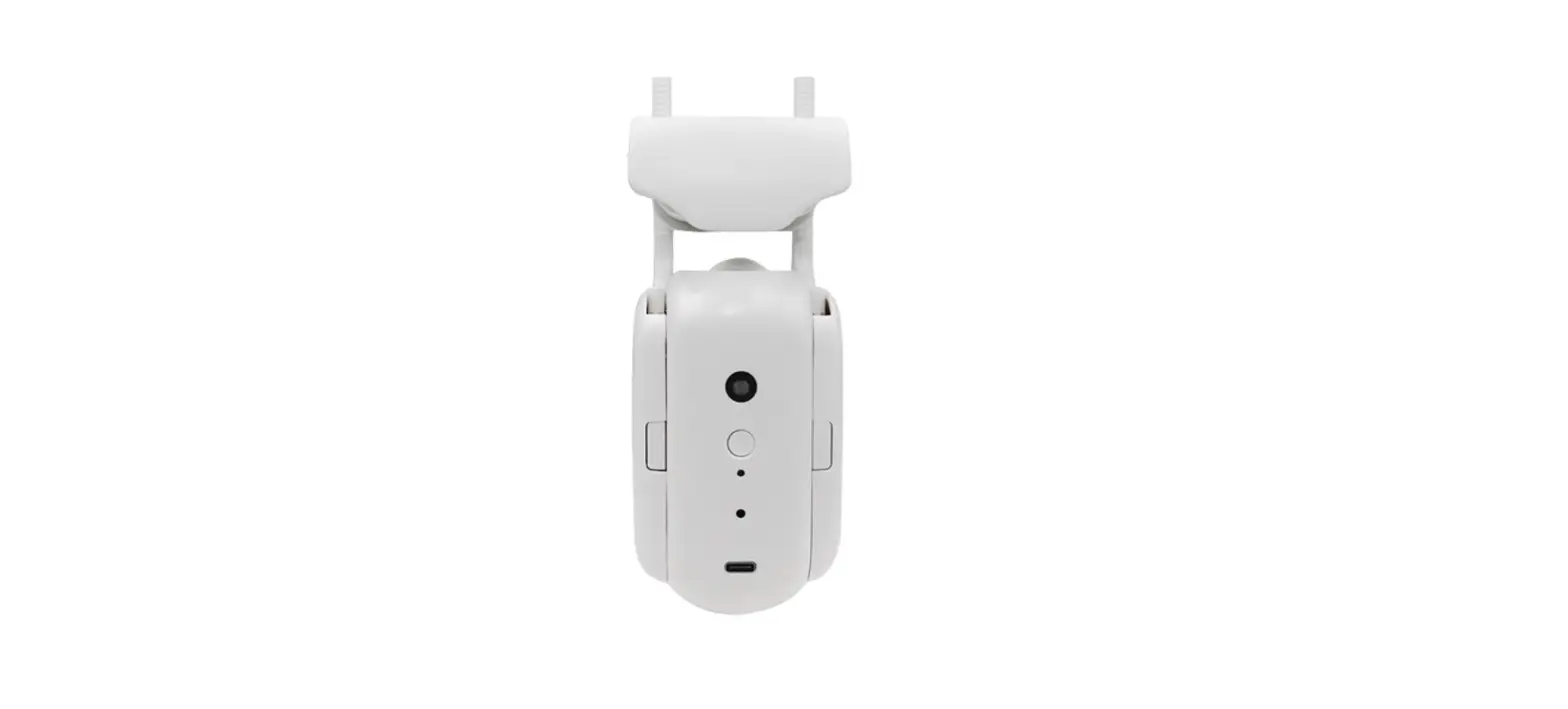
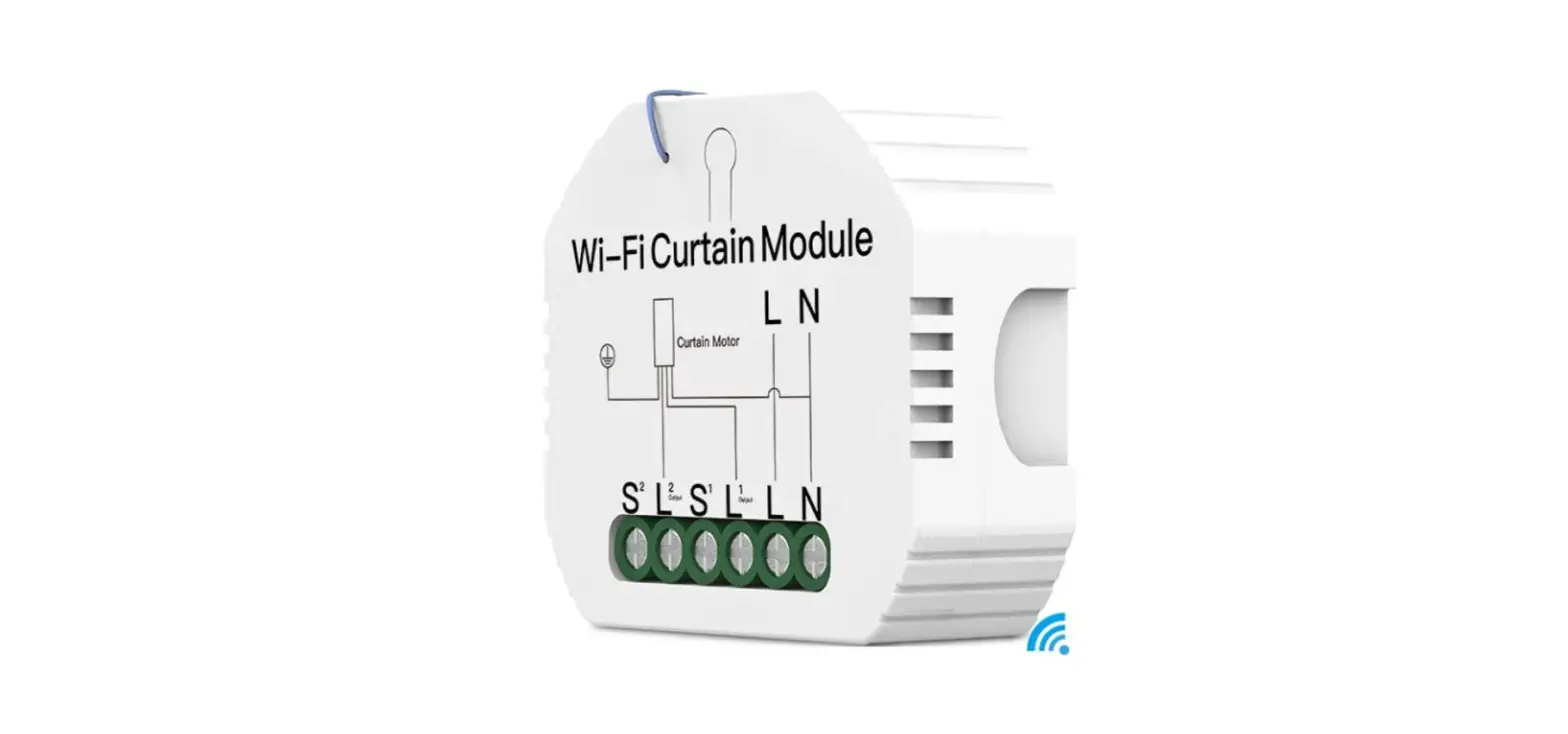
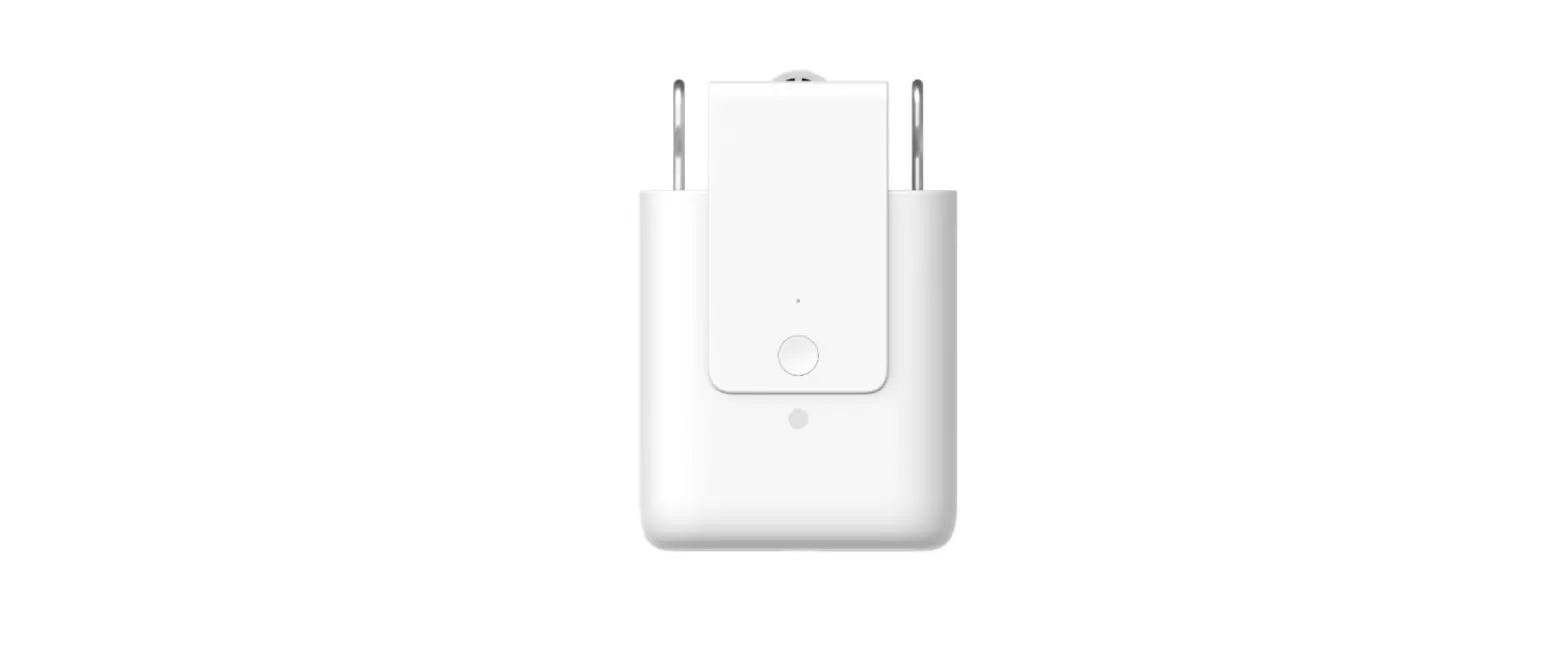
| [Signal port] [LED light ] [Programming setting button] [Power connection port] [Wireless communication] [Wireless remote] | connect to external device power connection, programming setting, operation indication forremote control setting AC power , refer to motor’s connection diagram WIFI Rf433 |
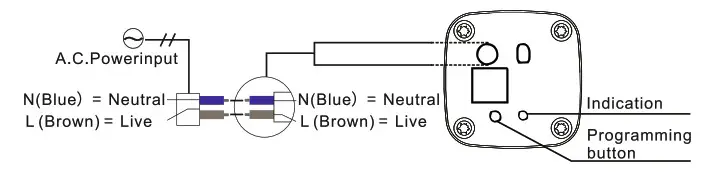
Basic remote setting
 Note
Note
- Before using the remote control function,the user must set remote control channel to store the transmission channel of the remote control into the motor.
- Each motor can record 16 remote control channels.After that, every time the motor receiv- es the setted remote control channel signal, it will make corresponding actions.
Remote channel setting
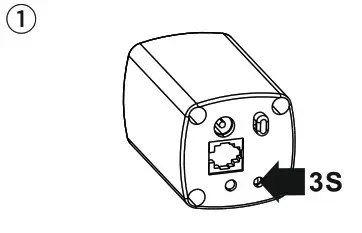 Press programming button for 3 seconds until the LED light turn on. | 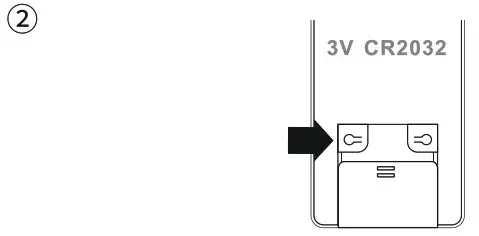 Press [Channel Setting] button on the back of transmitter till the indicator light of the motor sparkles. After it goes out, the channel is set. |
Delete remote control channels
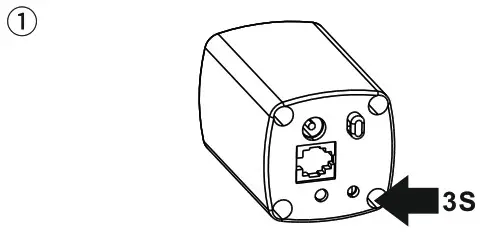 Press programming button 3 seconds to indicate till the indicator light on. | 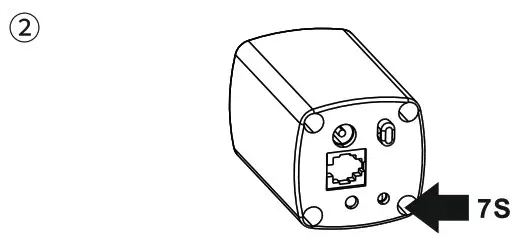 Press programming button again for 7 seconds till the light off. Channel deleting is completed. |
Pull to start function
Patented pull to start function, pull the curtain by manual on the standby statues, curtain will start automatically, this function can be switch on or switch off.
Use touch control function
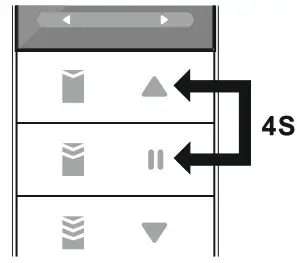
| 1 Open the function
Press[Stop]and[Open] button for 4 seconds till the light on, the motor will quiver fewtimes. (Note: the remote control must be in a valid channel) | 2 Confirmation
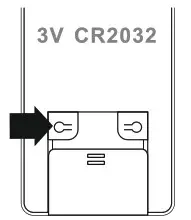
Press[Channel setting] button on the back of transmitter with sharp tip in 3 seconds, then this function can be used successfully. |
Cancel touch control function
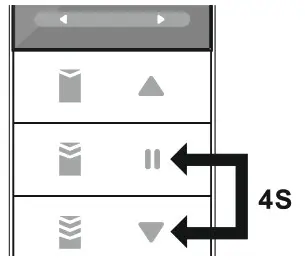
| 1 Stop the function
Press[Stop]Jand[Close] button for 4 seconds till the light on, the motor will quiver few times. | 2 Confirmation
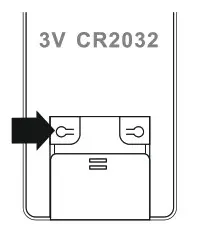
Press[Channel setting] button on the back of transmitter with a sharp tip in 3 seconds, then the function is cancelled. |
Set intermediate stop limits and 3 favorite positions
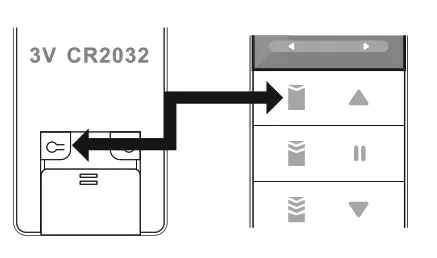 Press [Channel setting]+[Up tilt/open 75% motor shakes,and then No.1 favorite po | 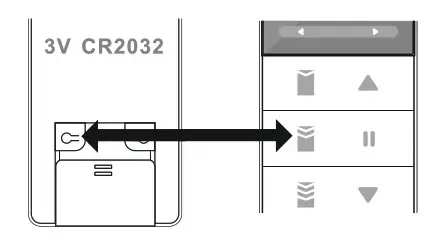 Press [Channel setting]+[Horizontal position/open 50%],motor shakes,and then No.3 favorite position was settled successfully.Default values is 50%. |
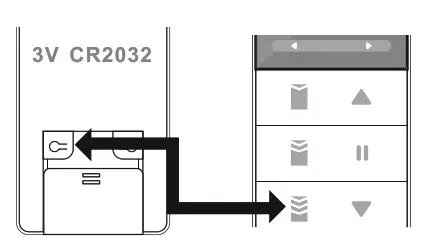
Press [Channel setting]+[Down tilt/open 25%], motor shakes, and then No.2 favorite position was setted successfully. Default values is 25%.
Show 3 favorite positions
1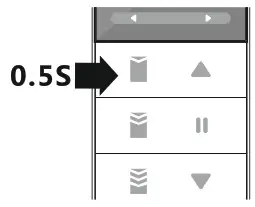 When the motor is stopped,long-press tilf/open 75%] for 0.5s,and then motor will go up to the No.1 favorite position you setted. Default values is 75%. | 2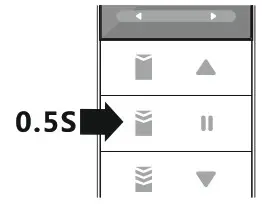 When the motor is stopped,long press [Horizontal tilt/open 50%] for 0.5s,and then motor will go to the No.3 favorite position you setted. Default values is 50%. |
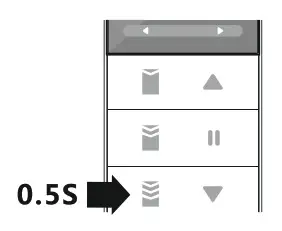
When the motor is stopped,long-press [Down tilt/open 25%] for 0.5s,and then motor will go down to the No.2 favorite position you setted. Default values is 25%.
Direction change
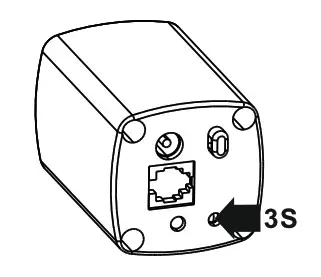 Press [programming button] for 3 seconds, enter into setting status, LED light will turn on. | 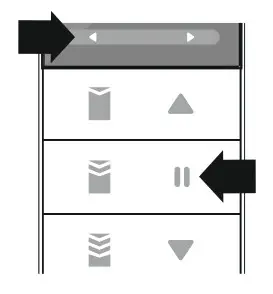 Press [channel selection(left) ]+ [stop] button, LED light will flash quickly. LED light turn off,direction change done. |
Method 2 (Direction change by programming button)
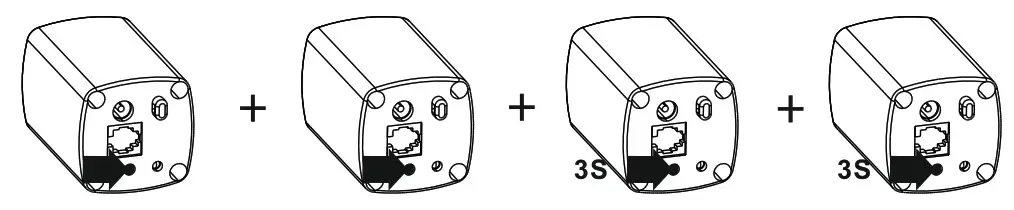
Quick press 2 times + longer time press 2 times the programming button , quick press ( the led light turn on)+ quick press ( the led light turn on ) longer time press for 3 secondst+ longer time press for 3 seconds
Control mode
Remote control function
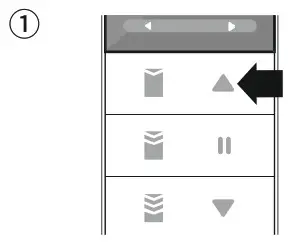 Press [up/open] button, open the curtain, motor move to the limit position, locked -rotor stop or stop automatically after 3 minutes working. | 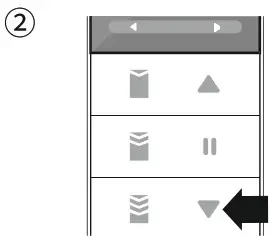 Press [down/close] button, | 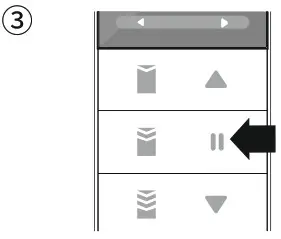 During the status of open and close, press [stop] button , motor stop immediately. |
Note: The remote control distance is measured by the 60-meter remote control.
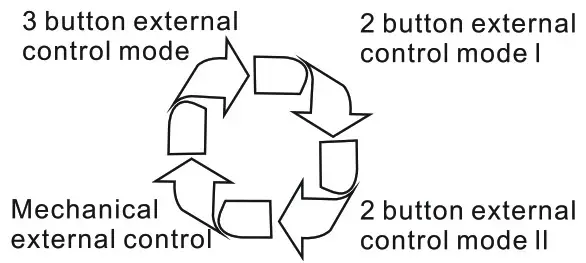
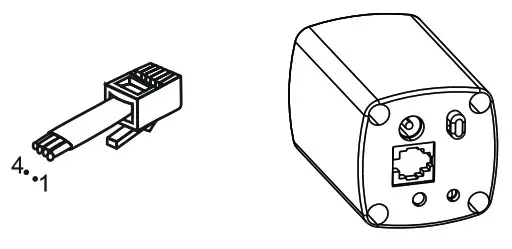
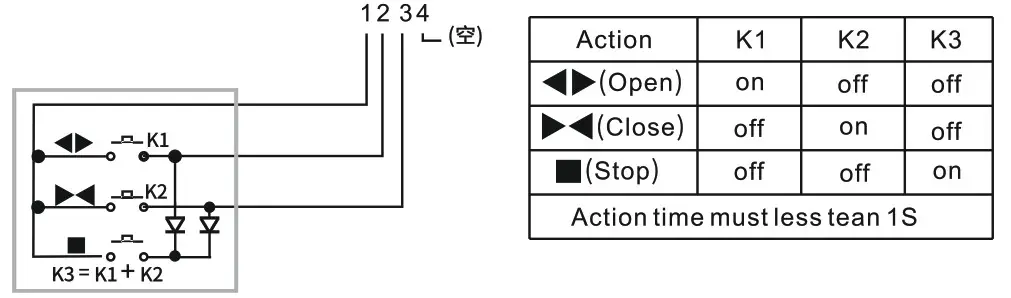
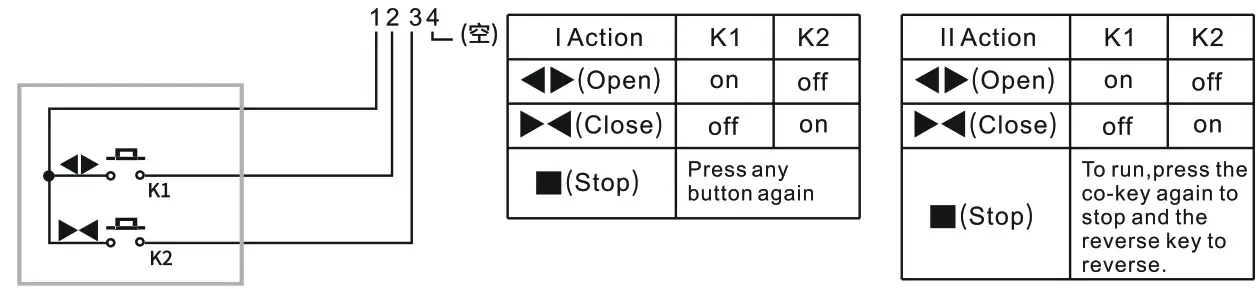
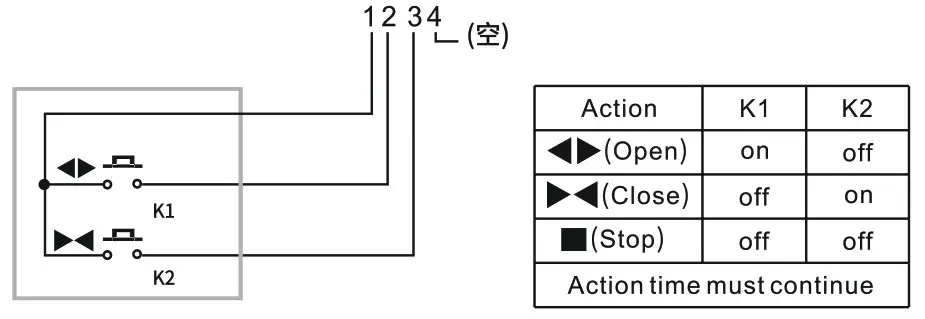
External control mode
Press [programming button] for 3 seconds, enter into setting mode, LED light turn on. | 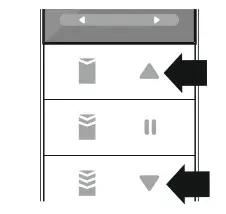 Press remote controller’s [up]+ [down] button, led light flash quickly. |
 |  |
Automatic limit and position memory
Automatic limit
- Before limit setting, motor will stop at the position which near the close limit position about Omm-10mm distance . ( if the track’s direction is wrong, the automatic limit tolerance will be bigger, have direction change operation, the tolerance will be back to normal)
- Before limit setting, motor will stop at the position which near the open limit position about Omm-10mm distance. .( if the track’s direction is wrong, the automatic limit tolerance will be bigger, have direction change operation , the tolerance will be back to normal)
- After setting limit, during power off, no matter open or close the curtain, motor will move to the limit position with slow speed and then run to the end of the track. If pulled by manual during power off, motor will run in high speed no matter open or close the curtain, and then move to another direction , run to the end position with slow speed
Delete limit
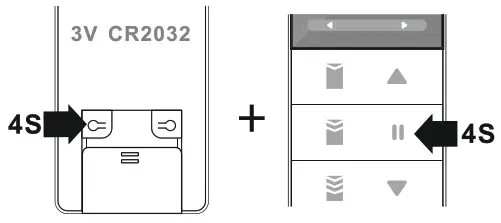
Press [channel setting]+[stop] button for 4 seconds, delete all limit and intermediate stop position, motor will jog, LED light flash.
Adjust close limit position ( after close limit setting )
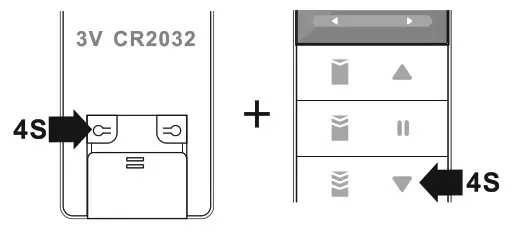
Press [channel setting] + [close] button for] 4 seconds, enter into close limit adjustment] status, motor will job for one time, LED light turn on.
Within 30 seconds, press [open] button adjust the position on the open direction, repeat press [close] button, adjust the close position to the target position.
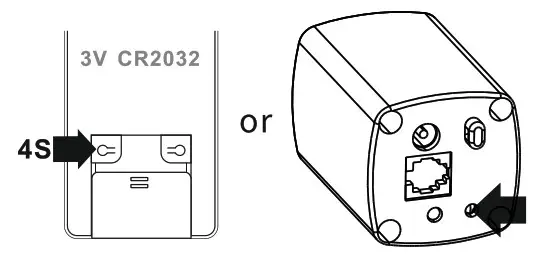
Press [channel setting] for 4 seconds or programming button, set the current position as close position, out of the limit adjustment status, motor will jog, LED light turn off.
Adjust limit position ( after automatic limit )
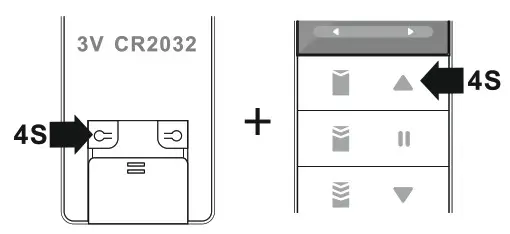
Press [channel setting] + [up] button for seconds, enter into limit adjustment status, motor will jog, LED light turn on.
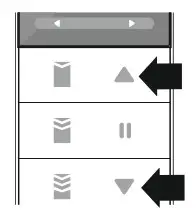
Within 30 seconds, press [open] button, adjust the position on the open direction, repeat press [close] button, adjust the close position to the target position.
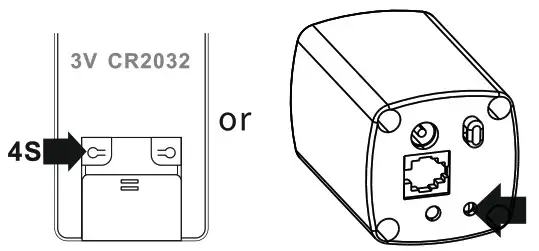
Press [channel setting] for 4 seconds or programming button, set the current position as open position, out of the limit adjustment status, motor will jog, LED light turn off.
Rotation function
- After stop, motor will rotation for 1-5 times, then pull the curtain manually.
- When curtain stop at any position ( except for open the curtain to the end position ) wait for 1-2 seconds, then pull the curtain manually in open or close direction.
Choose speed
1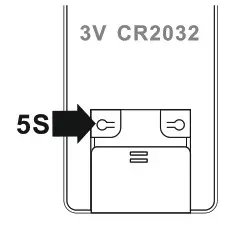
Press channel setting for 5 seconds, enter into speed selection status, LED light will turn on.
2
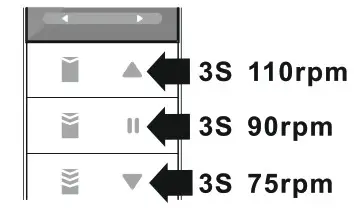
Press [up] button for 3 seconds to choose the speed of 110rpm.
Press [stop] button for 3 seconds to choose the speed of 90 rpm.
Press [down] button for 3 seconds to choose the speed of 75rpm.
LED light will flash for 3 times and turn off.
HOGAR SE
Basic operation
Set open, stop, close, and appointed percent position via remote control by mobile . (The percent position feedback function is not available.)
Pairing net setting
| 1 Click to add. | 2 Add Manually-Small Home Appliance-Cutrain. | 3 Quick press for 4 times and longer time press 1 time to confirm. |
| 4 Automatic search smart curtain. | 5 Device connection. | 6 Add device successfully. |
Pairing net operation
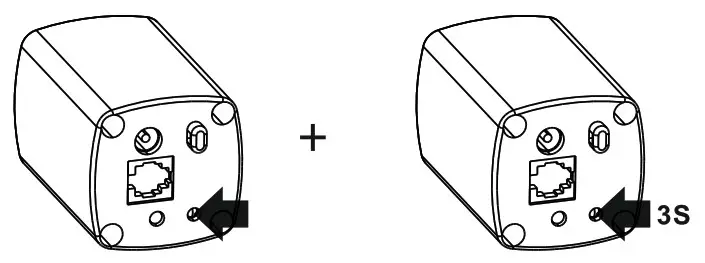
Short press 4 times and then long-press 1 time, the LED light will flash accordingly as short press 1 time (flash) +short press 1 time (flash)+short press 1 time (flash)+ short press 1 time (flash), and long press 1 time for 3 seconds. Finally, connect net successfully(blue light flash 10times)