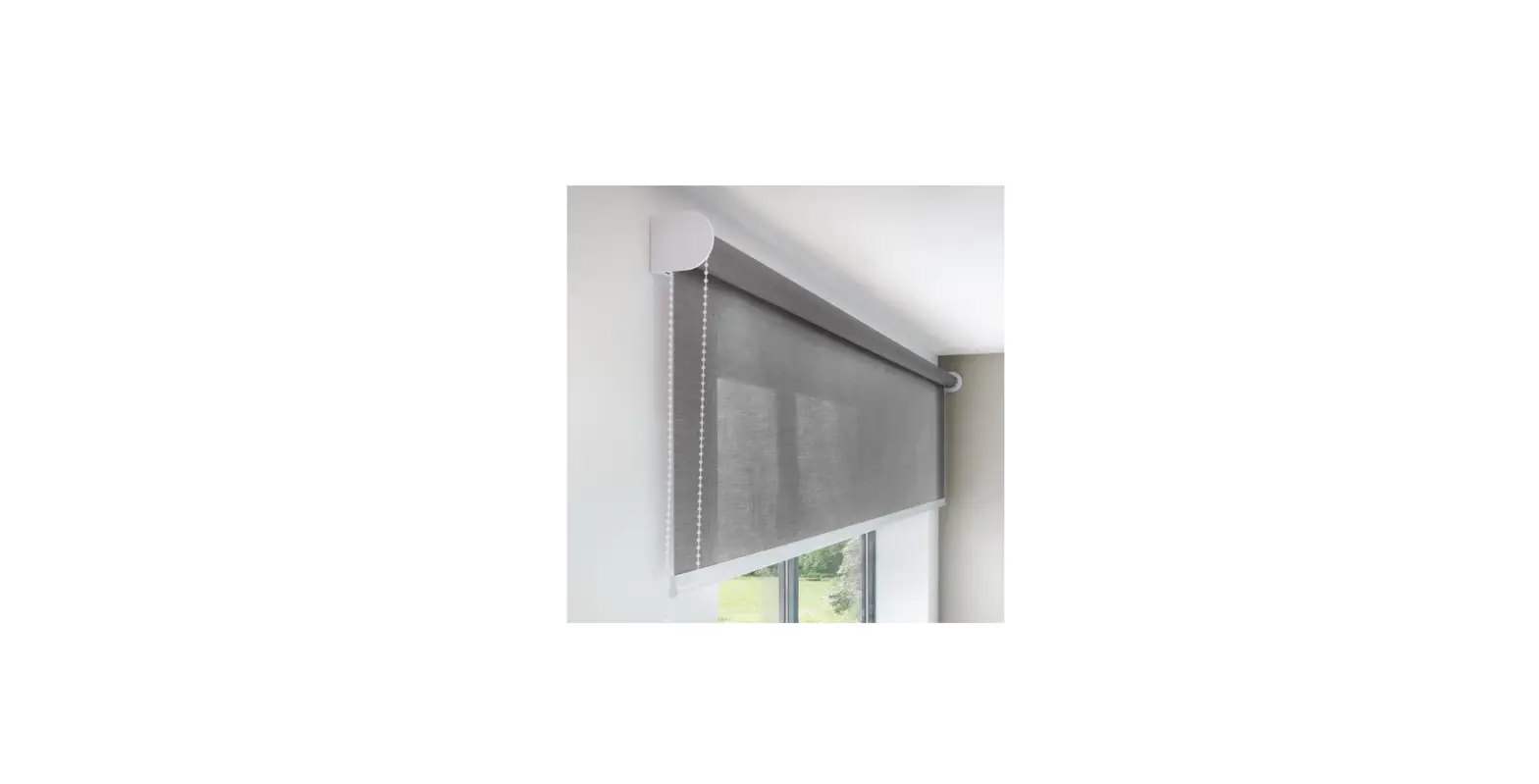
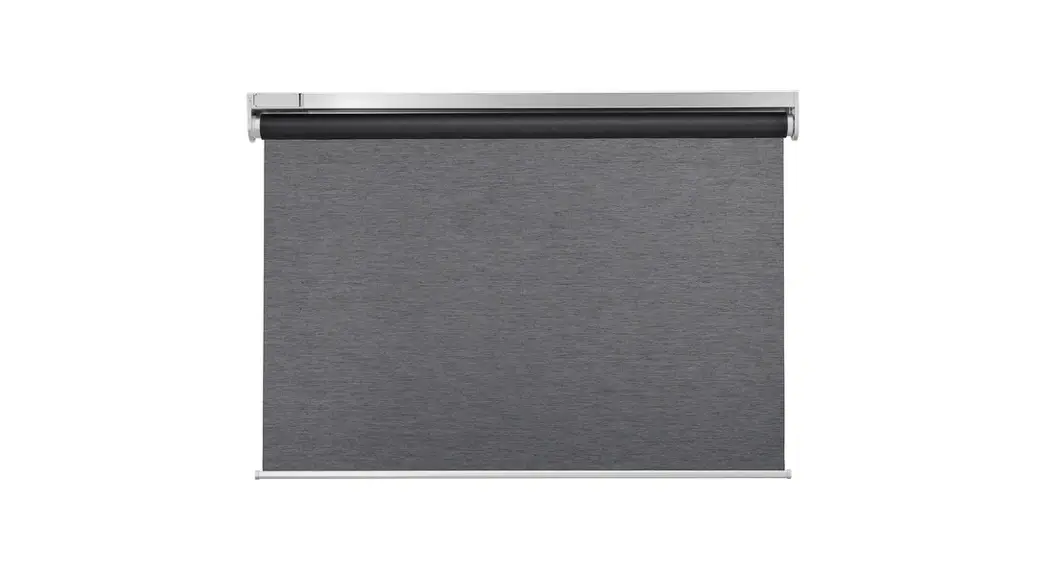
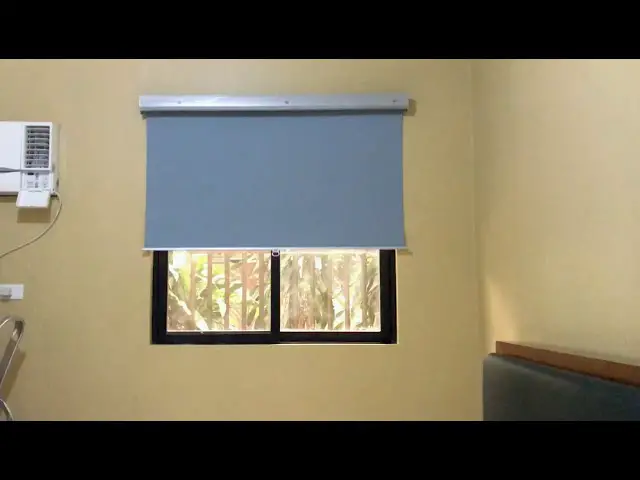
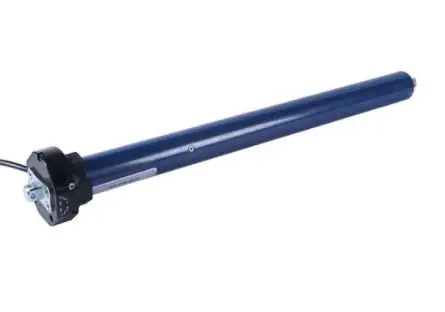
DSR-1 Electronic Roller Blinds
Product Information
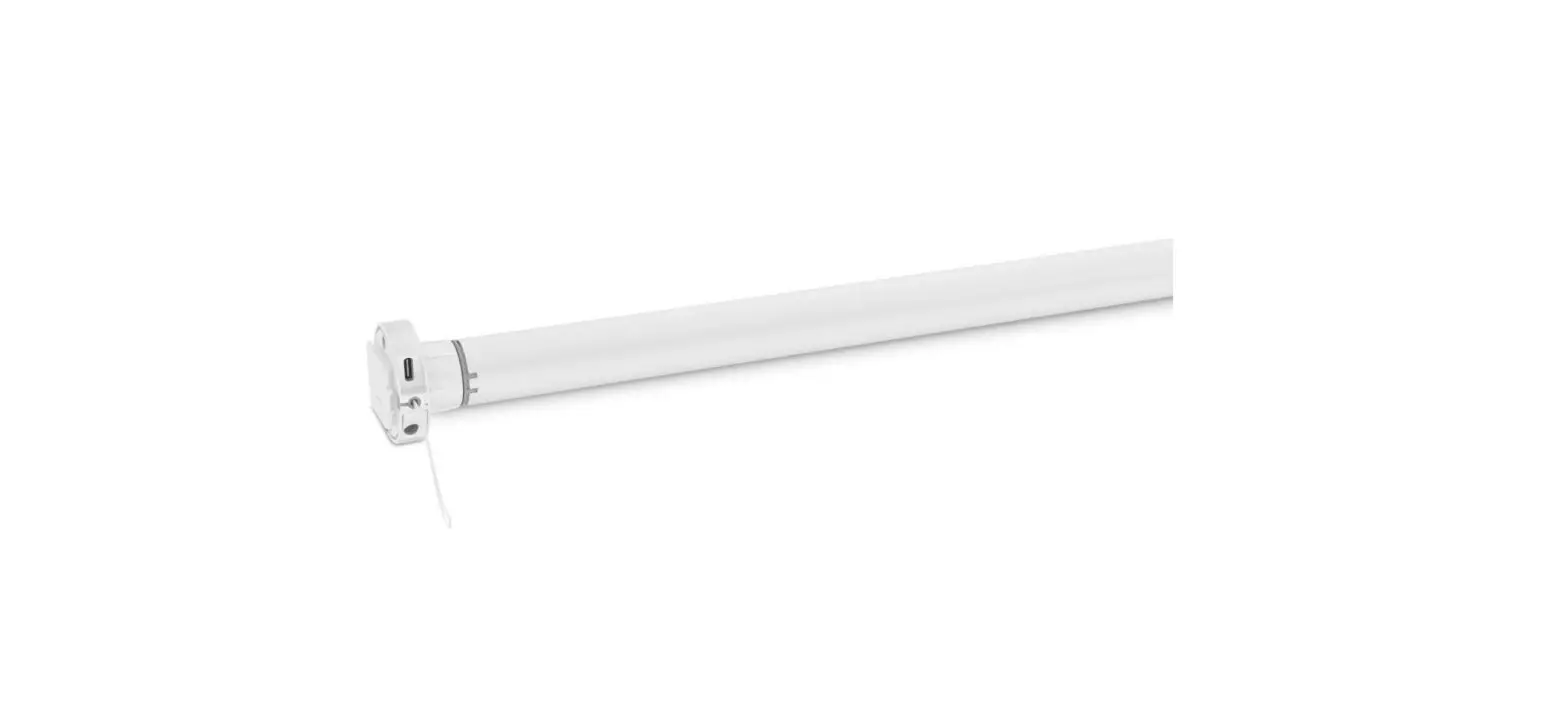
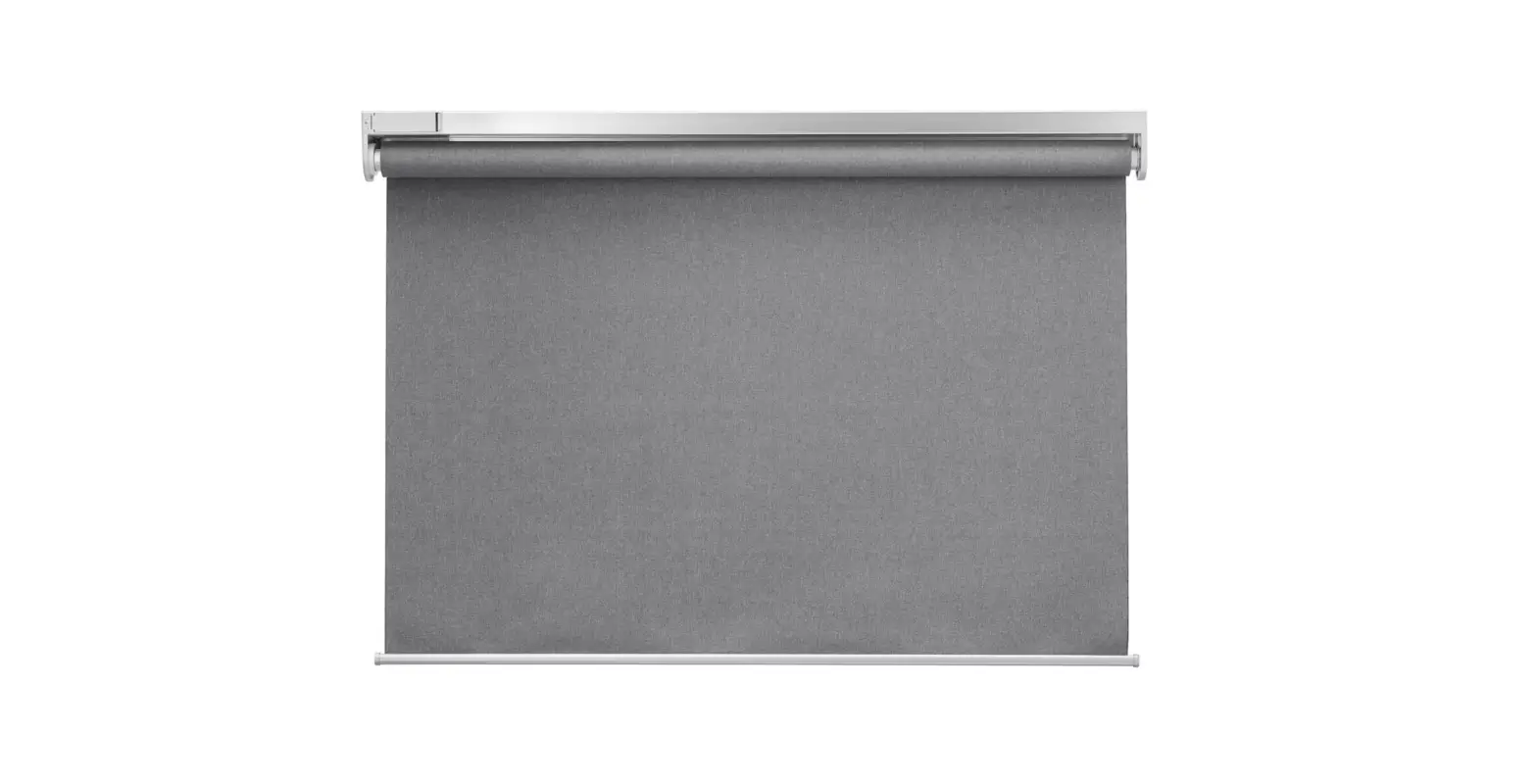
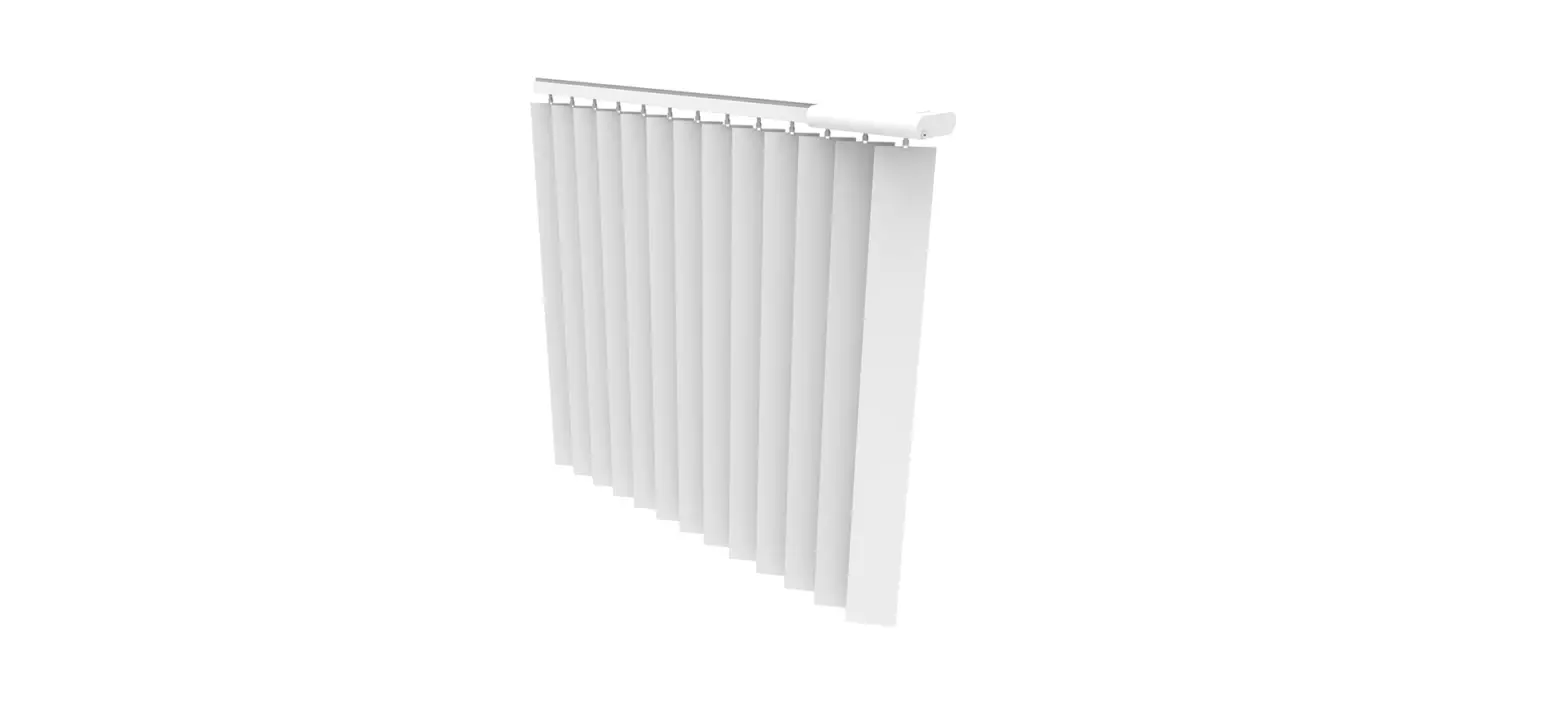
The DSR type roller blind is a device designed for controlling
roller blinds equipped with an electric motor. It has a maximum
power capacity of 150W and operates on a 230V 50Hz electric mains.
The device can be locally controlled using the keypad of the
controller. It also supports building a system connected with a
3-wire BUS line, allowing for central control, division into zones
and subzones, and the addition of external control buttons, time
controllers, sensors, etc. To ensure proper operation of the BUS
line, a shielded cable must be used.
The technical data of the DSR type roller blind are as
follows:
- Power supply: 230V 50Hz
- Load range: max 150W
- Type of load: Intermittent
- Cross-section of power supply cords: 0,75…1,5mm2
- Dimensions: 90x90x48
- Protection index: IP20
- Cross-section of control cords for BUS line (shielded cable):
3×0,5…1mm2
The DSR type roller blind can be controlled using various types
of controllers, each with different functions. The available
controllers are DSR-1, DSR-2, DSR-3, DSR-3A, DSR-4, DSR-5, and
DSR-6. The functions and types of each controller are as
follows:
| FUNCTION | TYPE |
|---|---|
| Open, STOP, Close the blind | Local control from the keypad |
| Remote control via BUS line | Remote control via additional button (DSR-6) |
| Remote control from remote transmitter IR in RC-5 system | Zone control |
| Local sub zone control | Function of zone button |
| Central control (function of central button or/and additional button) | Optical signalling (LED) |
The DSR type roller blind comes with a warranty period of twelve
months from the date of purchase. The warranty covers defects in
the controller, provided that the defective controller is returned
to the producer or seller with a purchase document. The warranty
does not cover mechanical damage, damages caused by self-repair or
improper use. The warranty period will be extended by the duration
of the repair.
Product Usage Instructions
Note: The installation and use of the DSR type
roller blind should be performed by a suitably qualified person
following national safety standards and with the main fuses of the
electric home installation deactivated.
Installation
- Proceed with installation works with deactivated main fuses of
the electric home installation supplying circuits of the
blinds. - Prise and remove the keypad of the controller using a
screwdriver, proceed similarly with the frame. - Strip 7 mm of the insulation of the power supply cords and
connect them according to the provided schema.
User Manual and Programming Guide of the Controller
Note: Use the keypad (key or ) and set the mode
of the controller into LOCAL, AUTO, or ZONE (green, yellow, or blue
diode LED).
Local Control (type DSR-1, DSR-2)
Complete opening and closure of the roller blind:
- Press and hold down the button – the blind shall start opening
until it is completely opened and the inner stop-switch of the
blind reacts. - Press and hold down the button – the blind shall start closing
until it is completely closed and the inner stop-switch of the
blind reacts.
To change the direction and start closing, control in the
reverse direction proceeds in the corresponding way.
Application of additional button DSR-6 (used only with DSR-3A
type controller) enables remote control of the drive of the blind
from several places. Refer to the circuit diagram and exemplary
applications of the controller for more information.
USER MANUAL ELECTRONIC ROLLER BLINDS DSR-1 | DSR-2 | DSR-3 | DSR-3A | DSR-4 | DSR-5 | DSR-6
Characteristics of the DSR type roller blind
The device is designed for controlling roller blinds equipped with electric motor with power up to maximum 150W, 230V 50Hz electric mains-operated. Note: one controller operates locally only one blind.
To locally open, stop and close the blind press appropriate button on the keypad of the controller
( – opening, OK-STOP, – closure). The controller is equipped with a memory module that makes it unnecessary to hold down the button throughout the whole time the roller blade is working. Activated roller blind can be stopped at all time and in any intermediate position by pressing the middle button “OK”. During opening and closing the blind, the direction of its movement can be changed by pressing the key with the arrow of an opposite direction. In that case, after pressing the key, the blind shall stop for a moment, and next shall automatically change the direction.
The controller is equipped with optical signalling system with LED light (red, green, yellow and blue). Red colour of the LED diode indicates “OFF” mode of the controller, which means that the controller shall not react to drive control from the local keypad. None of the keys run but the keys selecting operation mode. Yellow colour of the LED diode indicates local mode of the controller, which means that the controller shall only react to drive control from the local keypad and the remote transmitter. Green colour of the LED diode indicates AUTO mode of the controller, which means that the controller shall react to drive control from the local keypad, the remote transmitter and additionally from external buttons or BUS line. Blue colour of the LED diode indicates ZONE mode of the controller, which means that the controller shall react to drive control from the local keypad, the remote transmitter, and from external buttons or BUS line, and it shall become at the same time a zone controller that controls other controllers attached to its output bus line. It is the mode that, with use of the local keypad, enables controlling devices (roller blades) connected to the same zone from one place. AUTO and ZONE functions, i.e. green and blue colours of the LED diode are not available with DSR-1 and DSR-2 types of controller.
With an appropriate type of controller it is possible to build a system connected with 3-wire BUS line. Appropriate design of the BUS line structure enables central control, division into zones and subzones, and adding external control buttons, time controllers, sensors, etc. Due to possible interference and malfunction of the BUS, a shielded cable must be used, eg F/UTP data cable.
Technical data
Power supply
230V 50Hz
Load range
max 150W
Type of load
Inductive single phase motor 230V 50Hz
Type od work
Intermittent
Cross-section of power supply cords 0,75…1,5mm2
Dimensions
90x90x48
Protection index
IP20
Cross-section of control cords for BUS line (shielded cable)
3×0,5…1mm2
1 I 8
USER MANUAL ELECTRONIC ROLLER BLINDS DSR-1 | DSR-2 | DSR-3 | DSR-3A | DSR-4 | DSR-5 | DSR-6
Types of controllers and their functions
DSR-1 DSR-2 DSR-3 DSR-3A DSR-4 DSR-5 DSR-6
FUNCTION
TYPE
Open, STOP, Close the blind Local control from the keypad
ü ü ü ü ü ü ü ü ü ü ü ü
Remote control via BUS line
ü ü ü ü ü
Remote control via additional button (DSR-6) Remote control from remote transmitter IR in RC-5 system
Zone control
ü ü ü ü ü ü ü
ü ü ü ü
Local sub zone control
ü
Function of zone button
ü
Central control (function of central button or/and additional button)
ü
ü
Optical signalling (LED)
ü ü ü ü ü
Warranty terms
The guarantee is provided for a term of twelve months from the date of purchase. The defective controller must be delivered to the producer or to the seller with a purchase document. The guarantee does not cover mechanical damage, damages raised by self-repair or improper use. The warranty period shall be extended by the duration of the repair.
2 I 8
USER MANUAL ELECTRONIC ROLLER BLINDS DSR-1 | DSR-2 | DSR-3 | DSR-3A | DSR-4 | DSR-5 | DSR-6
INSTALLATION MANUAL
Note! Assembly shall be held by a suitably qualified person with deactivated voltage and shall meet the national safety standards.
Installation 1.Proceed installation works with deactivated main fuses of the electric home installation
supplying circuits of the blinds. 2.Prise and remove the keypad of the controller with use of a screwdriver, proceed similarly with
the frame. 3.Strip 7 mm of the insulation of the power supply cords and with use of the schema connect them
under the clamping pads POWER (the phase cord under the clamp “L”, the neutral cord under the clamp “N”). Connect the cords of the motor of the blind under the clamping pads MOTOR (the “Open”cord under the clamp “”, the “Close” cord under the clamp “”, the neutral cord of the motor under the clamp “N”). 4.Use fastening screws or resilient clips and assemble the controller in the installation box in a way that the visible joints to connect the module of the keypad are in its bottom part. 5. Assemble the frame and next press carefully the module with the keypad, drawing attention to its appropriate position to the joints in the basic module assembled in the installing box. 6.Activate the main fuses of the electric home installation (if the controller is properly assembled the diode LED with short DEMO shall optically indicate presence of the supply voltage.)
USER MANUAL AND PROGRAMMING GUIDE OF THE CONTROLLER
Note! Use the keypad (key or ) and set mode of the controller into LOCAL, AUTO or ZONE (green, yellow or blue diode LED).
Local control (type DSR-1, DSR-2)
Complete opening and closure of the roller blind Press and hold down button – the blind shall start opening until it is completely opened and the
inner stop-switch of the blind reacts. Press and hold down button – the blind shall start closing until it is completely closed and the inner
stop-switch of the blind reacts.
NOTE! If the drive of the blind works in reverse directions, the arrangement of cords connections on the pad MOTOR should be reversed. Partial opening and closure of the roller blind: Press and hold down top button the blind shall start opening. Press and hold down middle button STOP/OK – the blind shall stop. Press and hold down bottom button the blind shall start closing. Press and hold down middle button STOP/OK – the blind shall stop.
3 I 8
USER MANUAL ELECTRONIC ROLLER BLINDS DSR-1 | DSR-2 | DSR-3 | DSR-3A | DSR-4 | DSR-5 | DSR-6
Change of direction during opening and closure of the roller blind Press and hold down button the blind shall start opening. Press and hold down button rthe blind shall stop for a moment, and next shall automatically
change the direction and start closing Control in the reverse direction proceeds in the corresponding way..
Application of additional button DSR-6 used only with DSR-3A type controller enables remote control of the drive of the blind from several places (see circuit diagram and exemplary applications of the controller).
Note! DSR-6 type roller blind controller shall under no circumstances be used in other applications of electric installation!!!
Remote control of the roller blind from remote transmitter IR in RC-5 system (with DSR-2, DSR-3, DSR-3A, DSR-4 controller only)
Note! Programming run shall be performed with the first use, so as the controller realized suitable steering
functions throughout pressing one of the three buttons on the remote control. . Programming run of the controller is available only with the controller mode set “OFF” – red LED
diode. If otherwise, set “OFF” mode with use of keypad (key or ).
LED signalling principles during controller programming run from remote transmitter IR signal reception from the remote transmitter IR – the LED diode flashes red, after correct decoding and remembering signals from the remote transmitter IR – the LED light turns
down for 2 seconds and next generates flashes in red colour as follows:: ,,one flash” – for ,,OPEN” direction; ,,two flashes” – for ,,CLOSE” direction; ,,three flashes” for OK/STOP.
Note! If during controller programming run LED diode does not flash red, it means that the used remote transmitter IR works in system different than RC-5.
Controller programming run for “Opening” function Press and hold down selected button on the remote transmitter for “Opening” function (the LED flashes red), next press and hold down button on the keypad of the controller. In this moment the LED extinguishes, and after decoding and remembering signal from the remote transmitter it shall flash once in red colour. After such signalling buttons on the remote transmitter and on the controller can be released.
Controller programming run for “Closure” function Press and hold down selected button on the remote transmitter for “Closure” function (the LED flashes red), next press and hold down button on the keypad of the controller. In this moment the LED extinguishes, and after decoding and remembering signal from the remote transmitter it shall flash twice in red colour. After such signalling buttons on the remote transmitter and on the controller can be released.
4 I 8
USER MANUAL ELECTRONIC ROLLER BLINDS DSR-1 | DSR-2 | DSR-3 | DSR-3A | DSR-4 | DSR-5 | DSR-6
Controller programming run for “OK/STOP” function Press and hold down selected button on the remote transmitter for “OK/STOP” function (the LED flashes red), next press and hold down button “OK/STOP” on the keypad of the controller. In this moment the LED extinguishes, and after decoding and remembering signal from the remote transmitter it shall flash three times in red colour. After such signalling buttons on the remote transmitter and on the controller can be released.
The controller programmed in such a way is ready to work with the remote transmitter IR in RC-5 system for directions OPENING/STOP/CLOSURE.
For the controller to respond to signals from the remote transmitter, after programming run, the LOCAL, AUTO or ZONE mode should be set with use of the keypad (key or ).
Circuit diagrams and exemplary applications of the DSR controller
Diagram no. 1 DSR-1 | DSR-2 version
OFF L A S IR
OK
POWER
LN
230V 50Hz
PE
Diagram no. 2 DSR-3 version with additional button DSR-6
MOTOR
N
M
Additional button DSR-6
DSR-3
5 I 8
USER MANUAL ELECTRONIC ROLLER BLINDS DSR-1 | DSR-2 | DSR-3 | DSR-3A | DSR-4 | DSR-5 | DSR-6
Diagram no. 3 n x DSR-3 version + DSR-6 as central button
3 x 0,5…1mm
C
BUS OUT
C
BUS IN
IR
OFF L A S
C
BUS IN
IR
OFF L A S
DSR-3
C
BUS IN
IR
OFF L A S
OK
PCrzEyNciTsRk AGLLOBBUATLTNOYN DSR-6
OK
POWER
LN
230V 50Hz
PE
MOTOR
N
M
OK
OK
DSR-3
POWER
LN
MOTOR
N
DSR-3
POWER
LN
MOTOR
N
230V 50Hz
230V 50Hz
PE
M
PE
M
Diagram no. 4 System with division into two zones A and B (2 x DSR-5 + 2 x (n x DSR-3)) version with additional central button DSR-6
ZONE B button DSR-5
DSR-3 DSR-3
CENTRAL button DSR-6
Note! In selected points DSR-3A with additional buttons DSR-6 can be used instead of DSR-3.
ZONE A button DSR-5
DSR-3 DSR-3
6 I 8
USER MANUAL ELECTRONIC ROLLER BLINDS DSR-1 | DSR-2 | DSR-3 | DSR-3A | DSR-4 | DSR-5 | DSR-6
Diagram no. 5 System with division into two zones A and B (2 x DSR-5 + 2 x (n x DSR-3)) version with additional central button DSR-6 and with demarcated subzone B-1 (m x DSR -4, eg. a living room with several roller blades)
Subzone B1
DSR-4
ZONE B butto DSR-5
DSR-3
DSR-4
CENTRAL button DSR-6
ZONE A butto DSR-5
DSR-3
Diagram no. 6 Connection of the alarm control panel to the electronic roller shutter controller
DSR-3
K1 K2
Alarm system
C
BUS IN
3 x 0,5…1mm
C
BUS OUT
C
BUS IN
IR
OFF L A S
C
BUS IN
IR
OFF L
AS
OK
DSR-5
OK
POWER
LN
MOTOR
N
DSR-3
OK
POWER
LN
MOTOR
N
DSR-3
230V 50Hz
230V 50Hz
PE
M
PE
M
7 I 8
USER MANUAL ELECTRONIC ROLLER BLINDS DSR-1 | DSR-2 | DSR-3 | DSR-3A | DSR-4 | DSR-5 | DSR-6
Components of the electronic roller blind controller
knob
adapter of the controller
control module
intermediate frame of DECO series external frame of DECO series
power supply module
Accessories required for the electronic roller blind controller For a set with electronic temperature regulator DSR-1, DSR-2, DSR-3, DSR-3A, DSR-4, DSR-5, DSR-6, it is necessary to buy external single frame …DR-1 or multiple frame …DR-2 ÷ …DR-5, available in different colours in plastic, natural wood, glass, concrete, with wood effect, with glass effect.
8 I 8