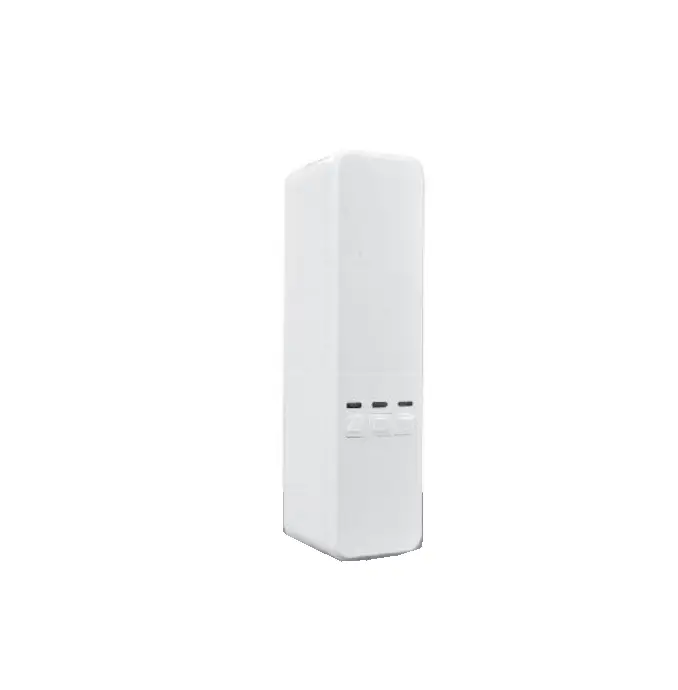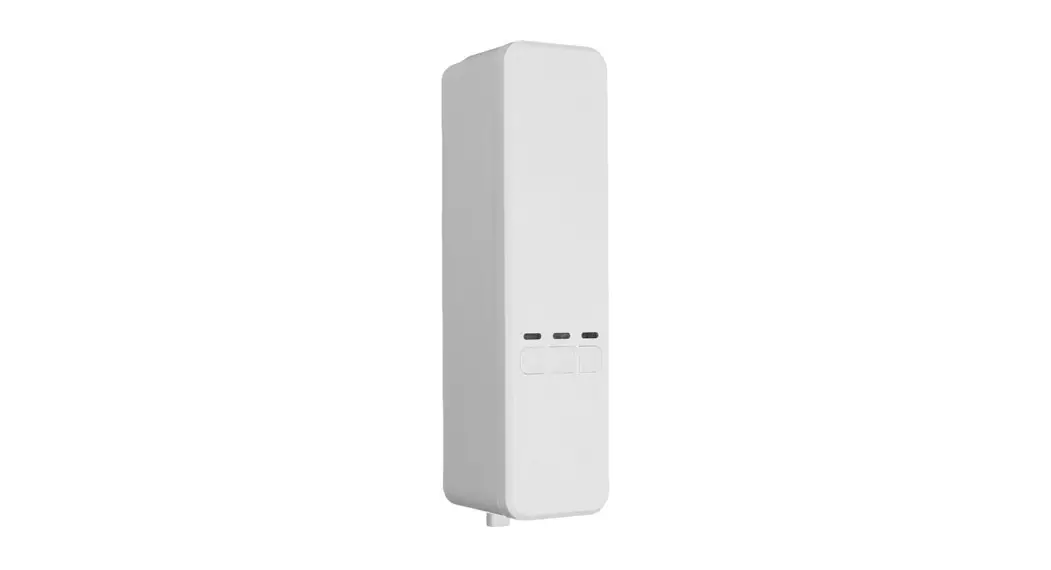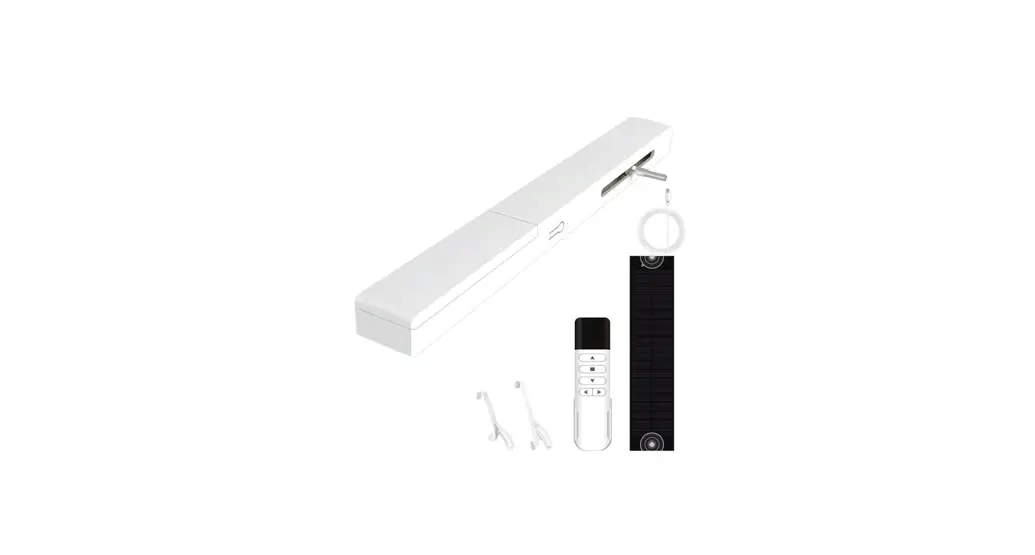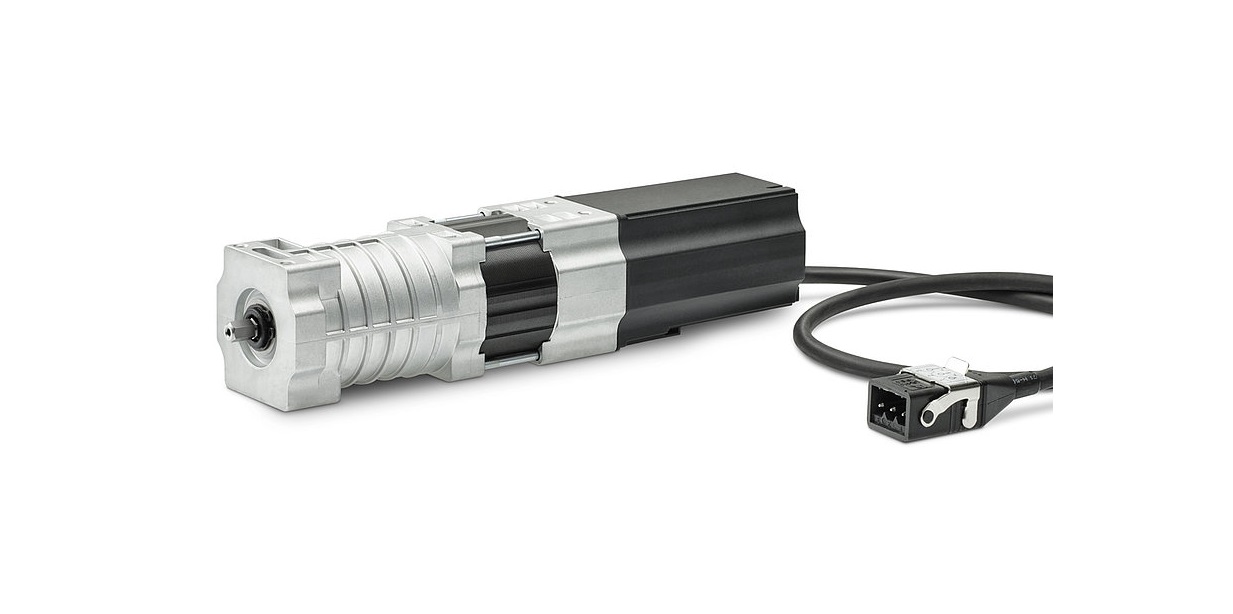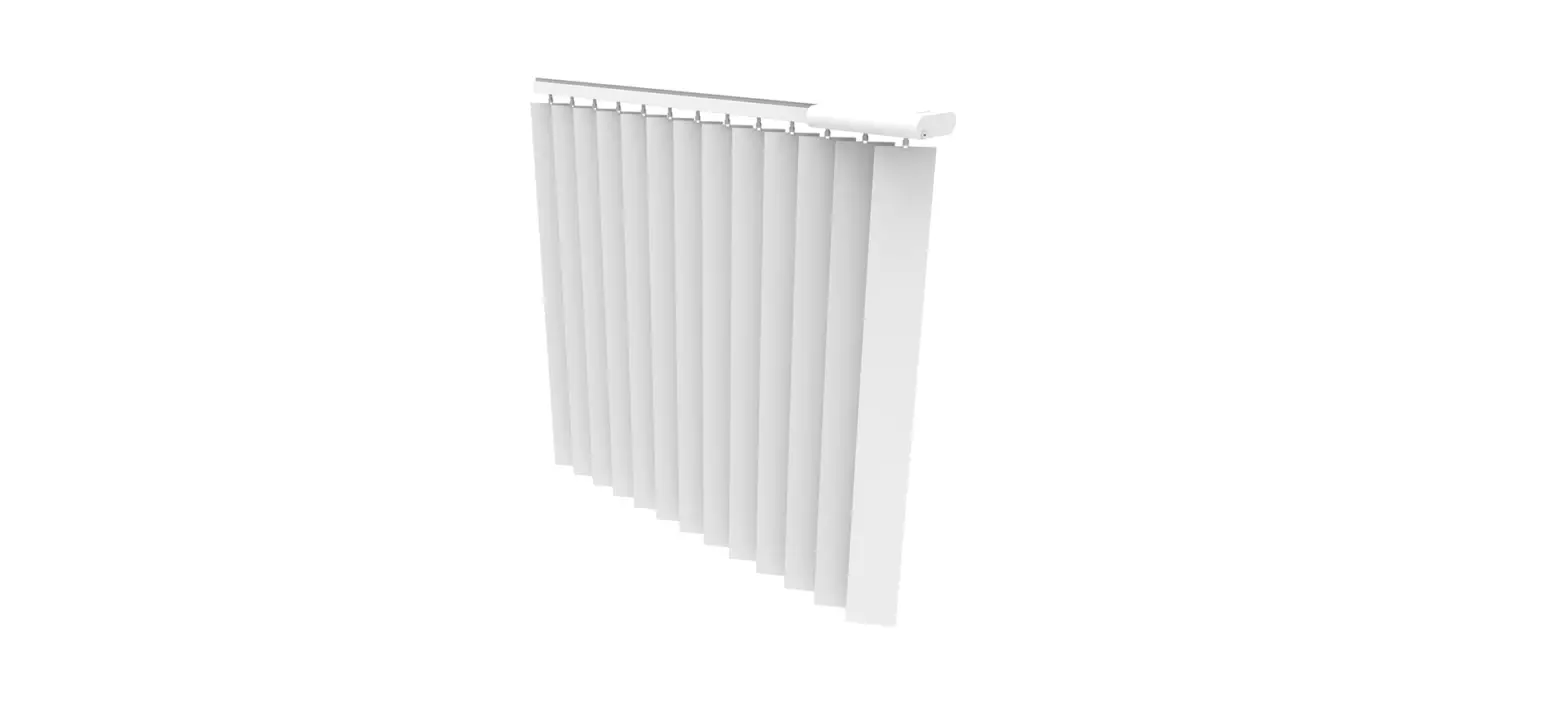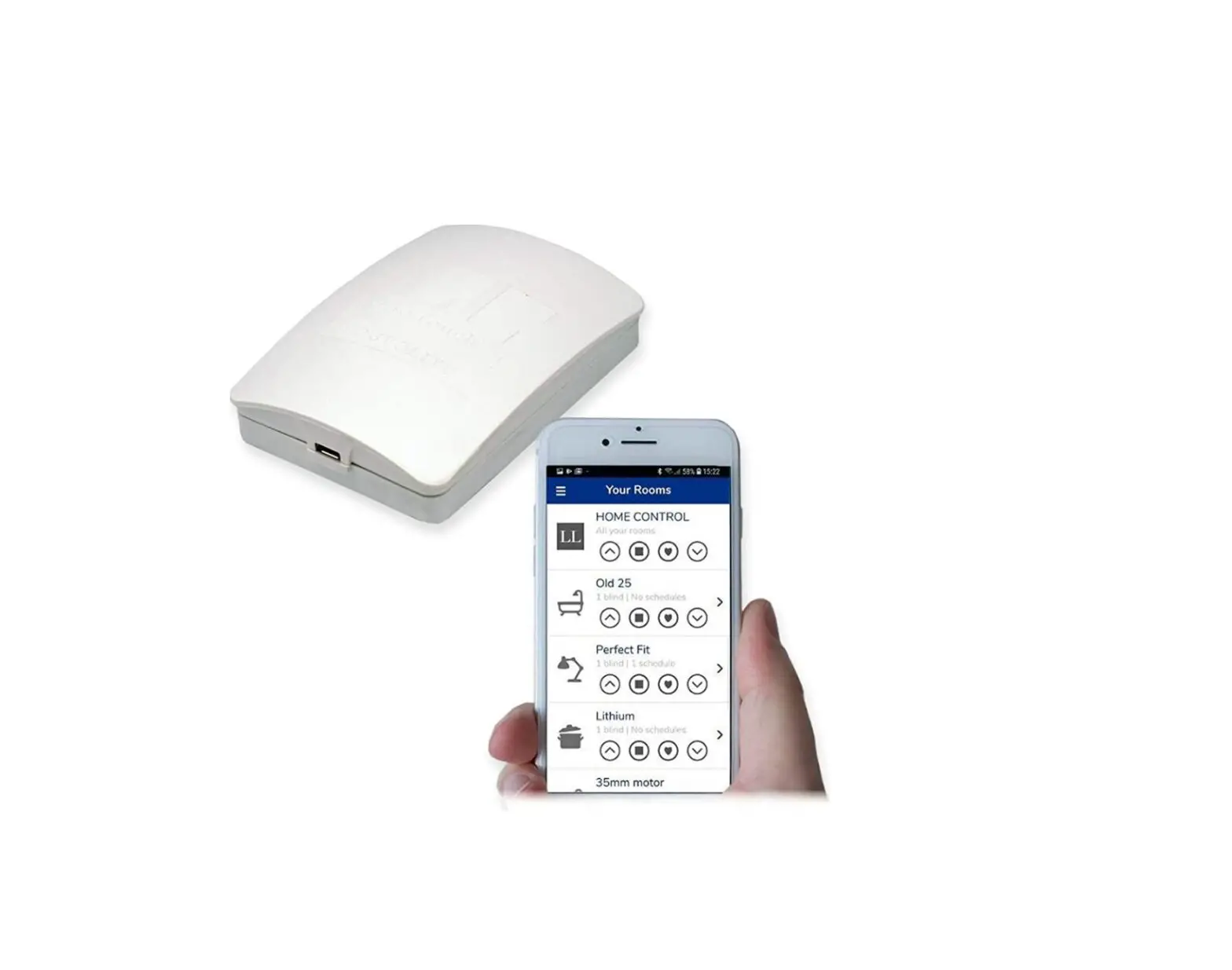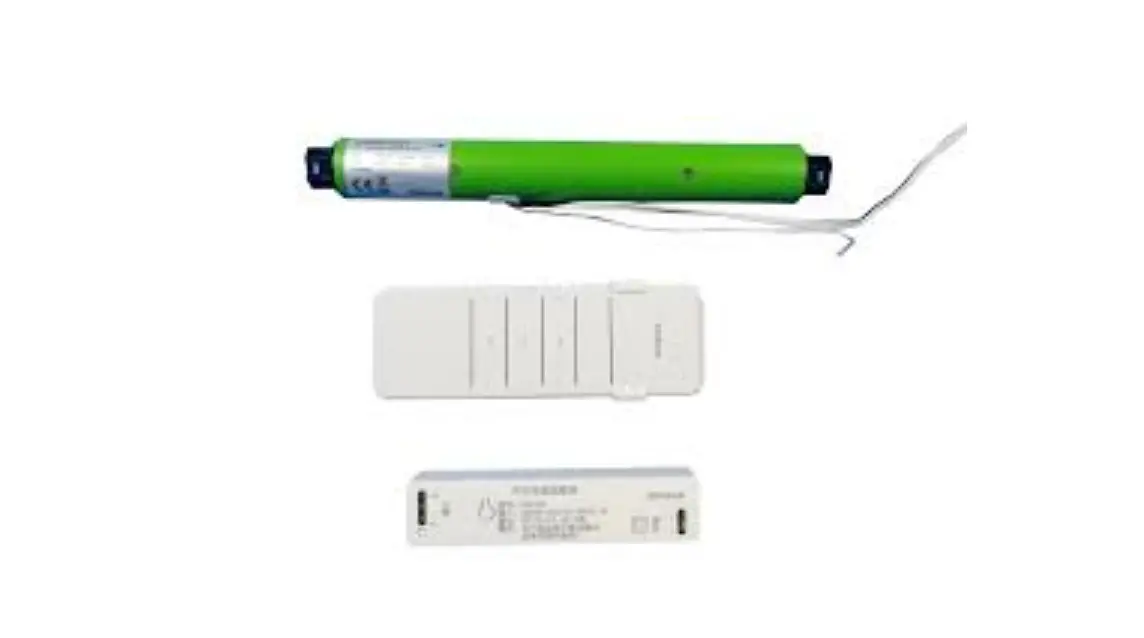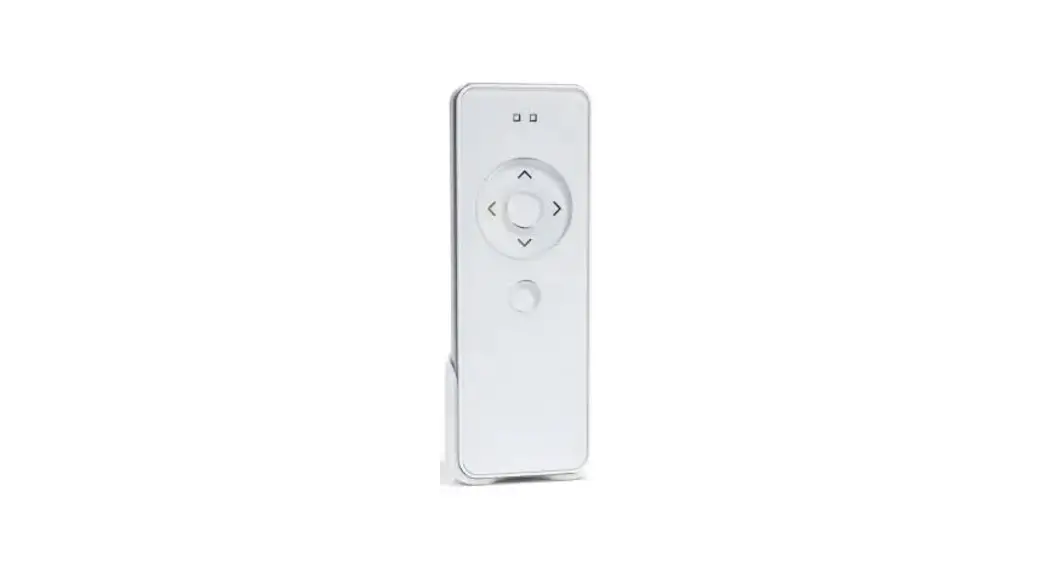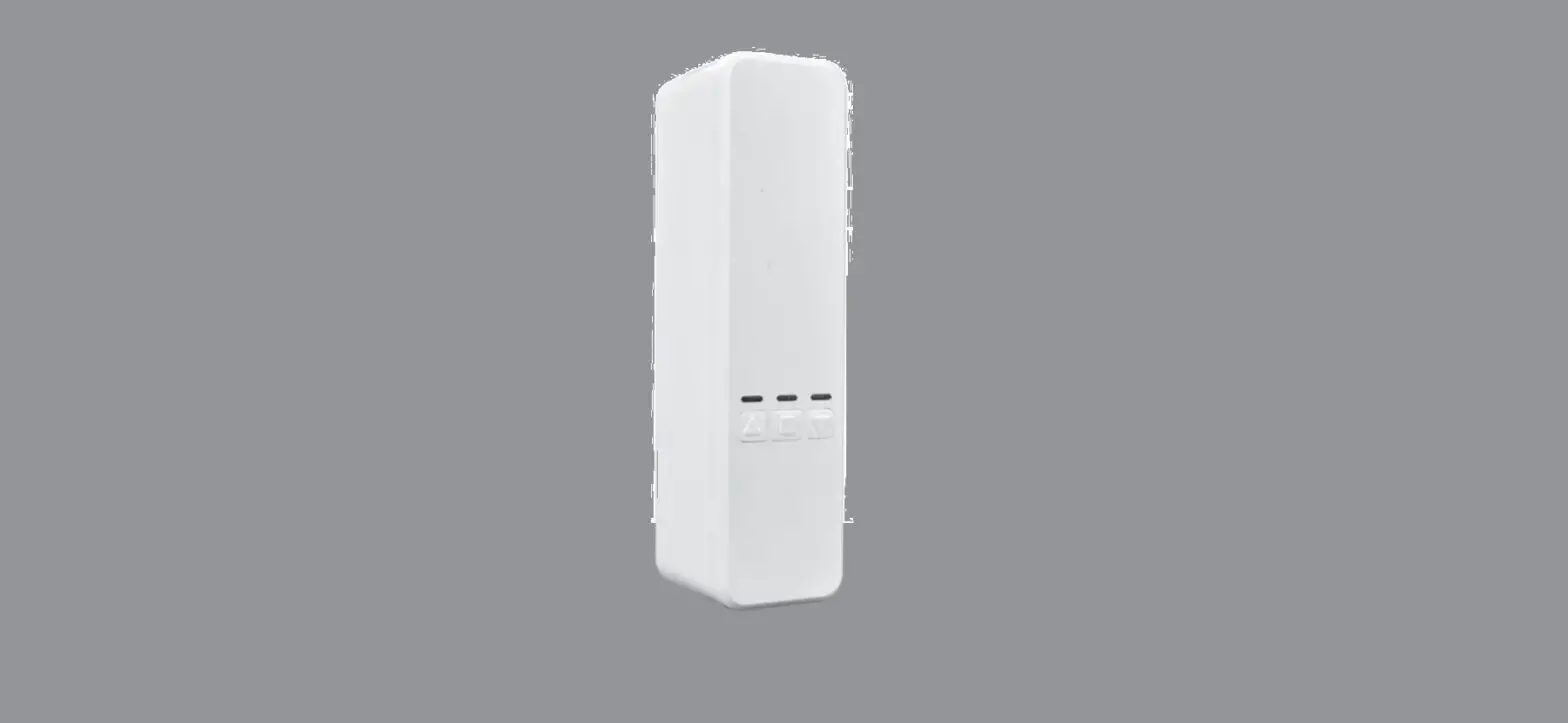
Tuya YH002 Blinds Chain Motor Controller User Manual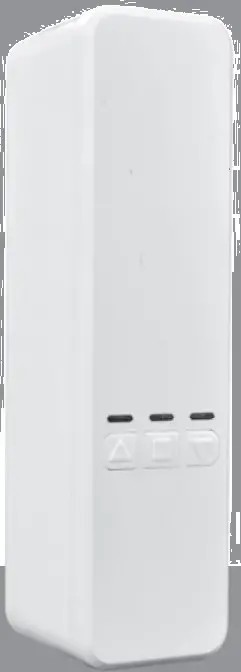
Character
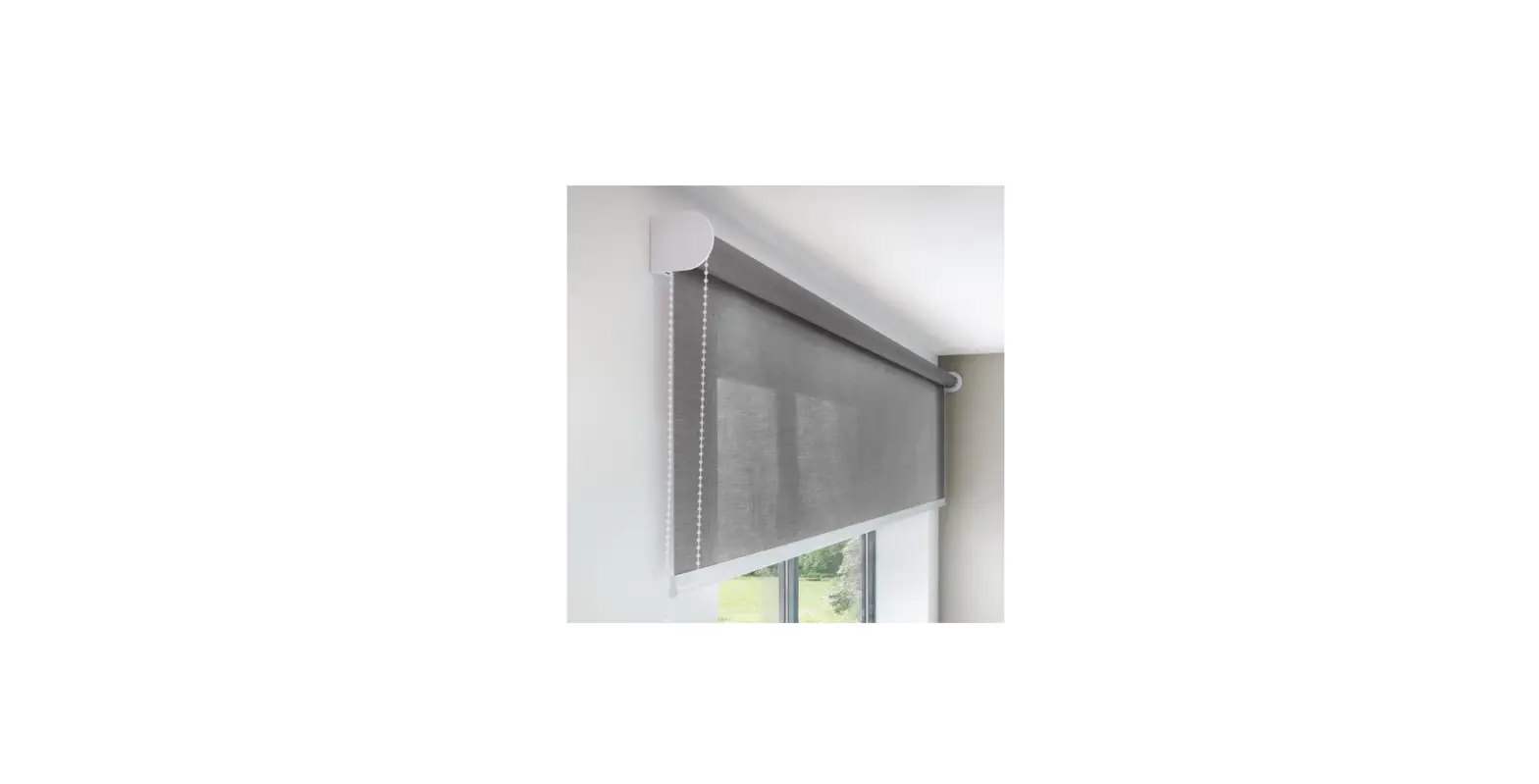
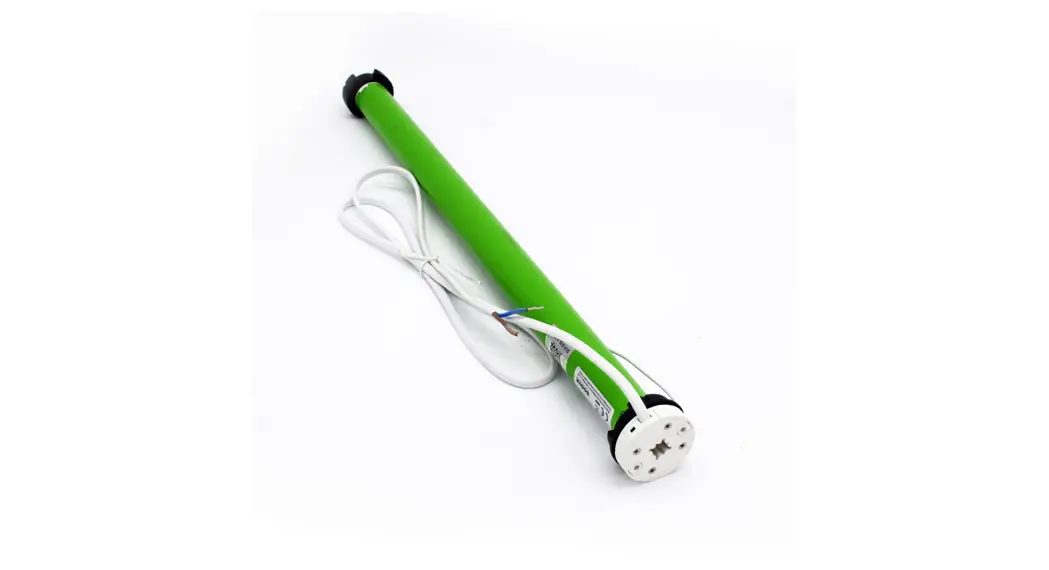
- No change of existing blinds , no tubular motor. One touch , manual to motor;
- WIFI connector: work with google home, Alexa amazon etc directly;
- Schedule: Setting open and close time as your like, open when sun rise, and close when sunset
- Long distance : open or close your home blinds on office or business with Wifi on ;
- Easy mounting and setting : 3-5 minutes DIY on your fingertip position;
- Control: Mobile and remote both can ;
1 Open Motor and Choose Blinds Direction
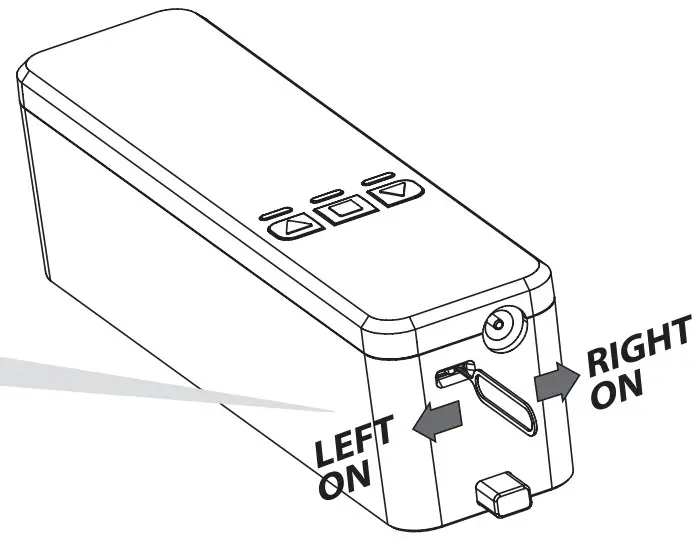
- Open motor: The motor will open when slide mini button.
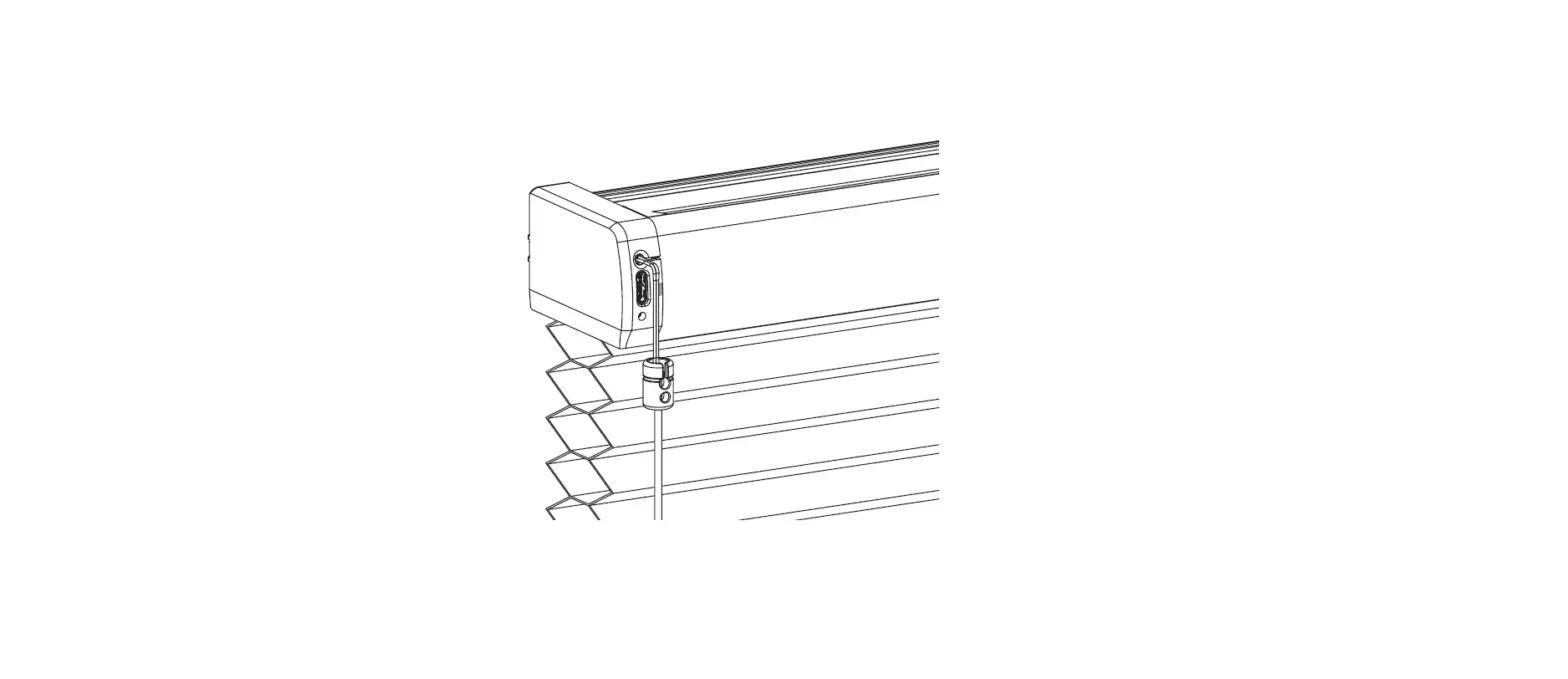
- Chain position: Left direction: Facing blinds, chain/rope on left hand. Right direction: Facing blinds, chain/rope on right hand.
- Surface up,slide mini button to left or right. light shine ; (Also can setting direction on APP more function)
Note: pls move carefully for mini button, to avoid break.
2. BUILT CONNECT WITH MOBILE
- SEARCH AND DOWNLOAD TUYA SMART IN MAJOR APPLICATION MARKETS OR SCAN THE QR CODE BELOW TO DOWNLOAD THE APP.
https://en.tuya.com - OPEN SMART LIFE AND CONNECTOR WITH MOTOR.
- SEARCH AND DOWNLOAD TUYA SMART IN MAJOR APPLICATION MARKETS OR SCAN THE QR CODE BELOW TO DOWNLOAD THE APP.

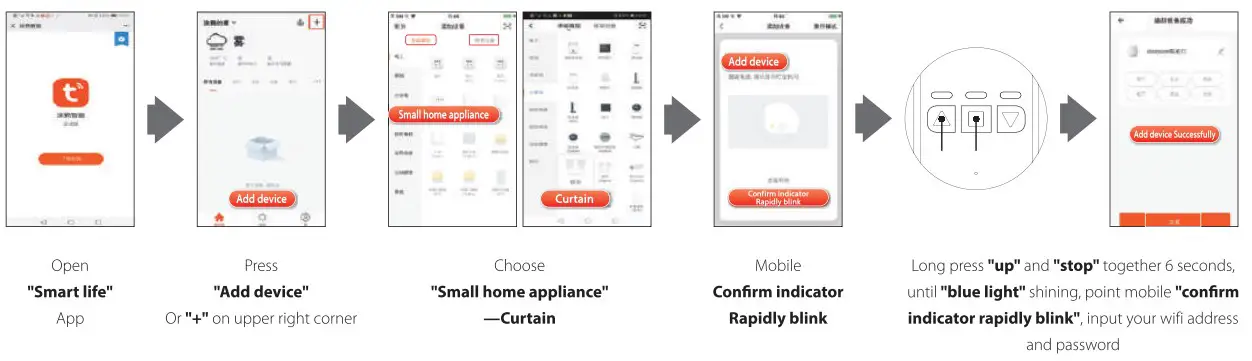
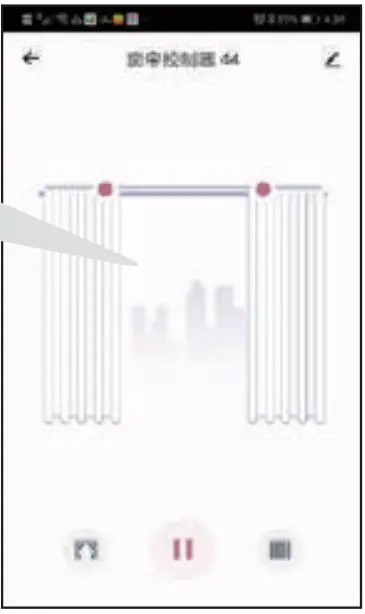
NOTE THE MOBILE WILL NO ANY RESPONSE FOR THE MOTOR AFTER CONNECTOR IT WILL RESPONSE AFTER
STEP 4; TRIP SETTING.
MOUNTING
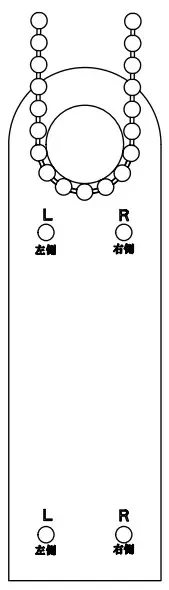
- Pull down the blinds to the similar mounting position, Put card on the bottom of chainfight chain, According the chain position, mark” rora Rvon hole, put mounting bracket on card’s position, ( pls note card outside of the bottom bar)

- Installation mode 1:
3M Adhensive, advice 3M use after 12 hours.
- Installation mode 2:
The whole on mounting bracket aligned marked position, Fix screw on the hole; two position for choose;
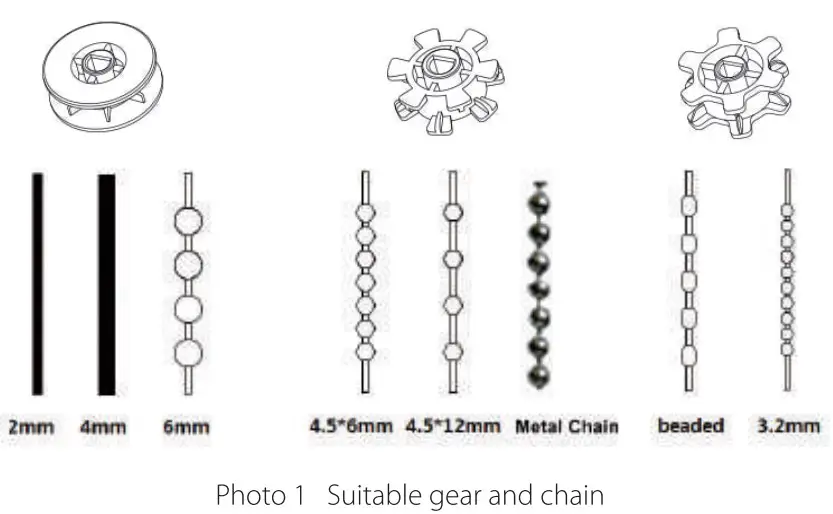
- Press upback board outside, put suitable gear! on, take chain around gear, close upback board.

- Tight chain on the motor . put motor slide groove down, until motor tight on groove, pls choose suitable chain tension for stable running.

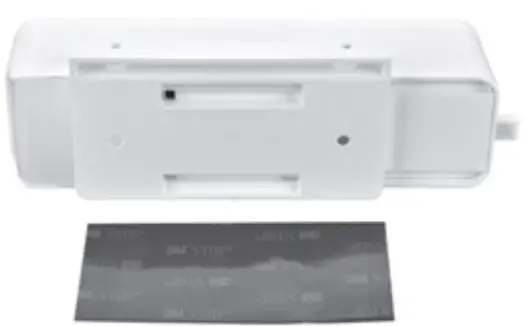
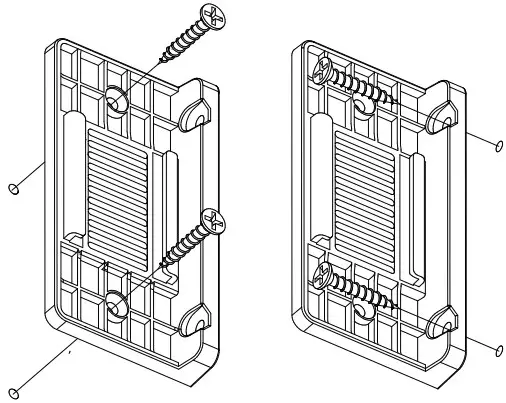
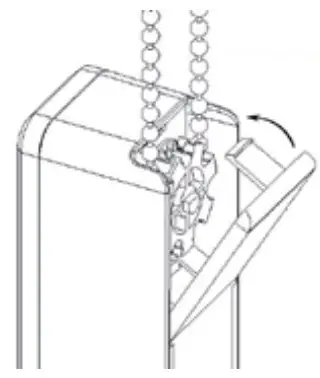
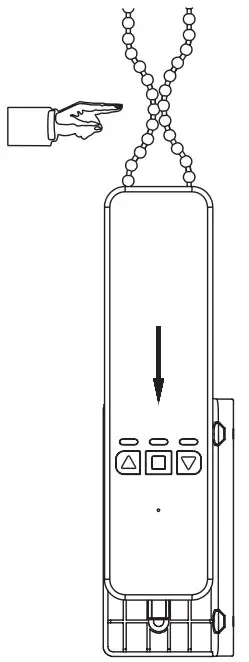
NOTE PLS BE SURE USE THE SUITABLE GEAR FOR THE CHAIN AND ADJUST THE TENSION OTHERWISE WILL NOISY.
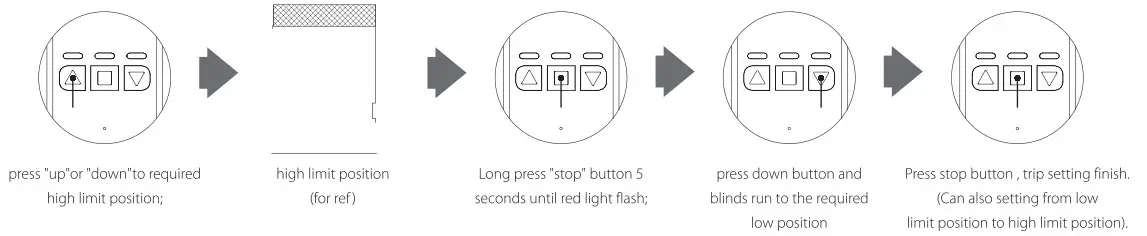
4. TRIP SETTING
5. FUNCTION SETTING
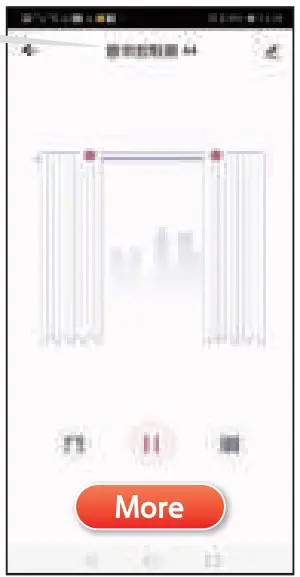
- Schedule: Can setting time as you like , Open when sunrise and close when sunset.
Step 2: Device added successfully —s More —s Schedule
- Voice control
Smart life a Welcome home upper right conner - Connector with google Alexa etc
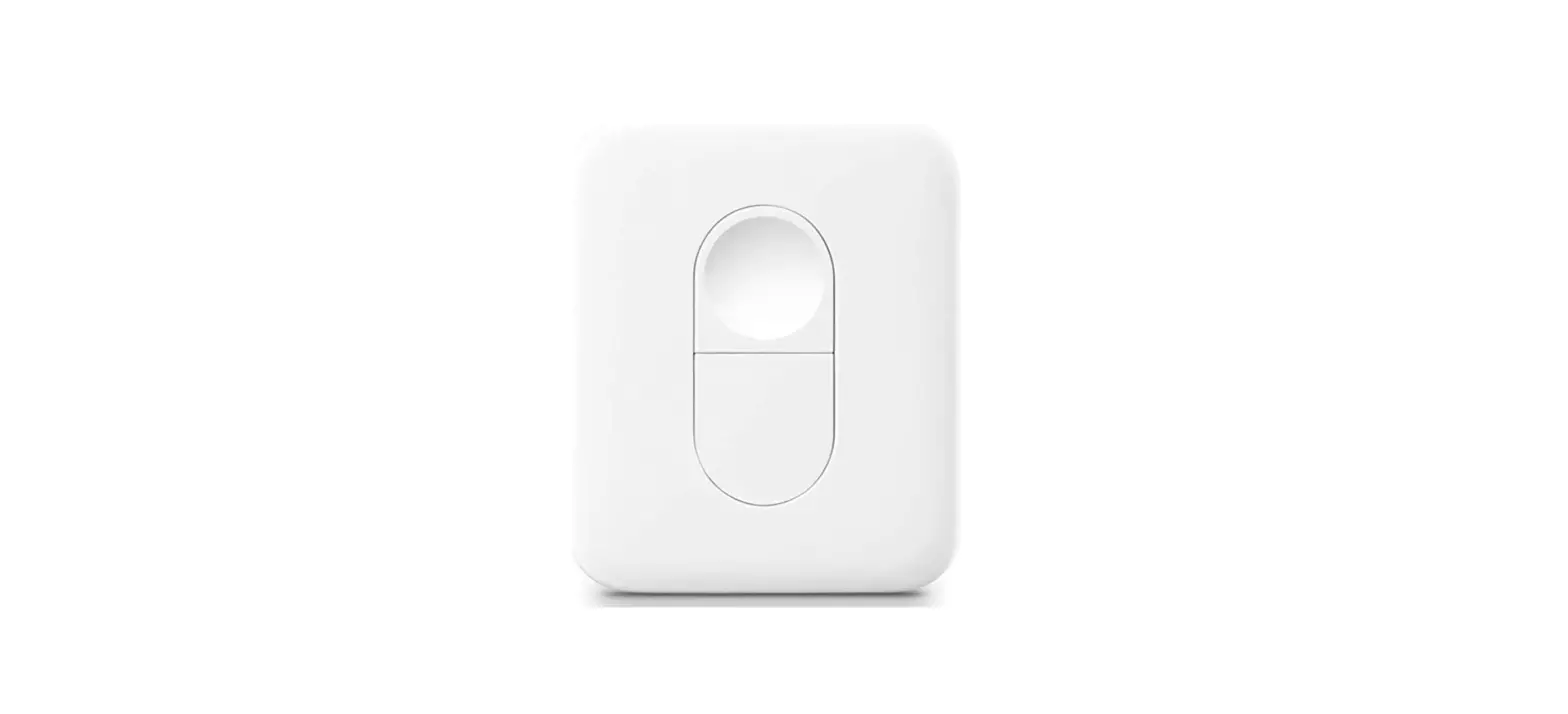
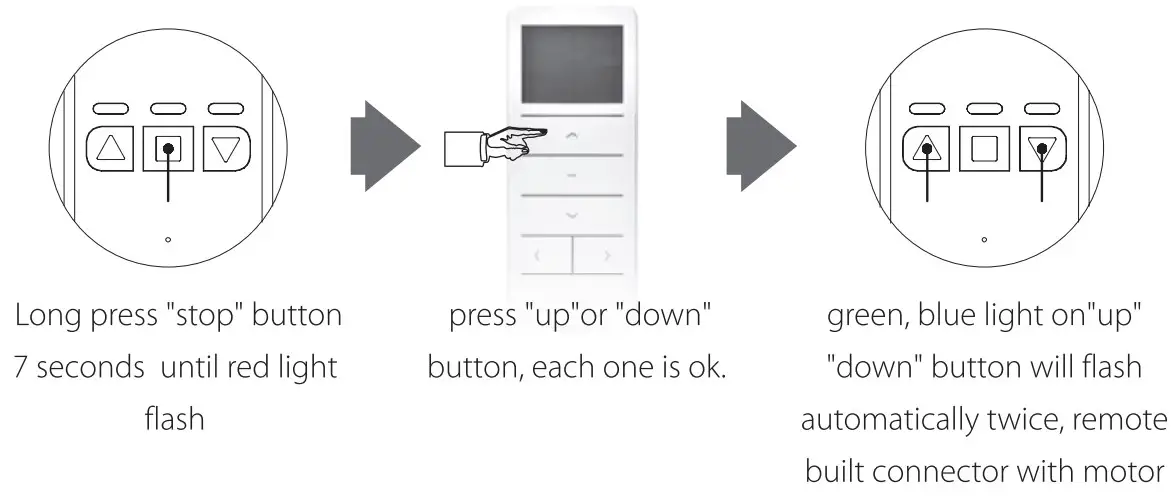
Tuya -.Welcome home me more service Alexa google Assistant , Rokid, etc. - Work not only with mobile , but also with remote .
6 Recover factory setting & Product take out
Pls long press” up” down° button together 8 seconds, recover factory setting.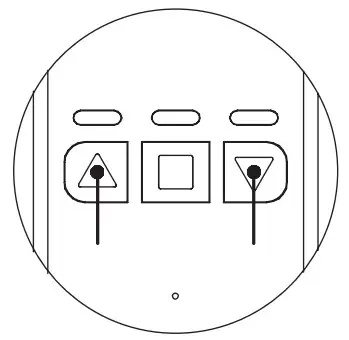
Top up the projection on bottom, slide upon groove, open upback board and take out chain.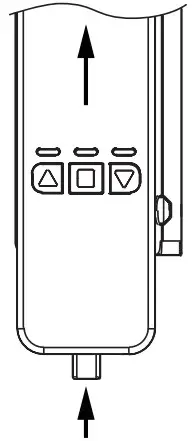
PARAMETERS
| Name | BLIND CONTROLLER | Model | YH002 | Control Method | MOBILE or REMOTE |
| Torque | 1.35N.m | Speed | 55rp | Adapter Voltage | 110V-240V |
| Frequency | 2.4GHZ | Voltage | 12V | Rated Current | 1.2A |
| Max Blinds Size | 8FT(2.5Mr 12FT(3.5M) | Max Weight | 10KG | Battery Capacity | 12V/1200mAH |
| Distance | No limit , ask for good wife signal | Compatible | Directly connector with google home alexa etc |