
 QUICK GUIDE
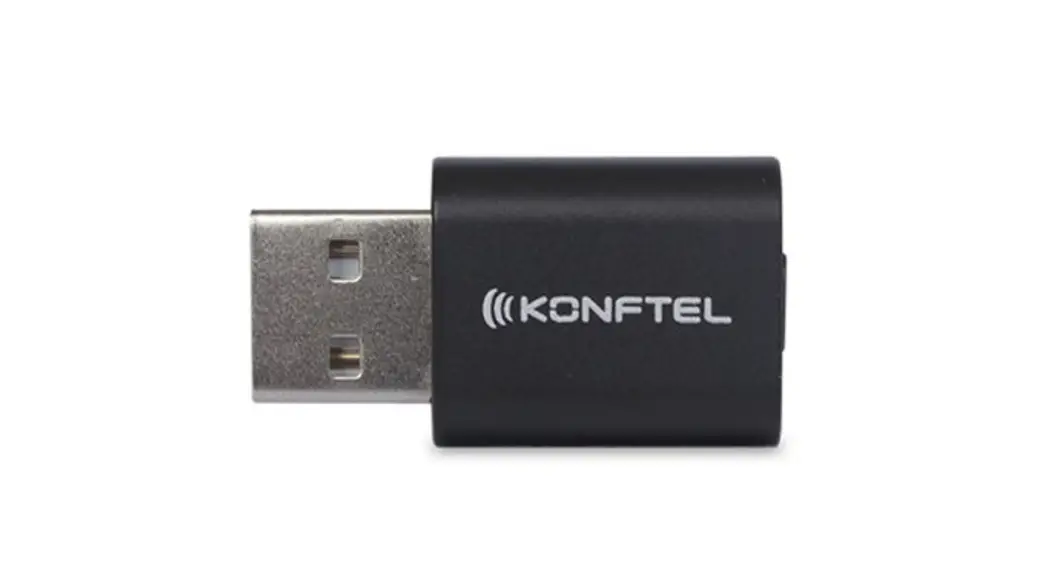
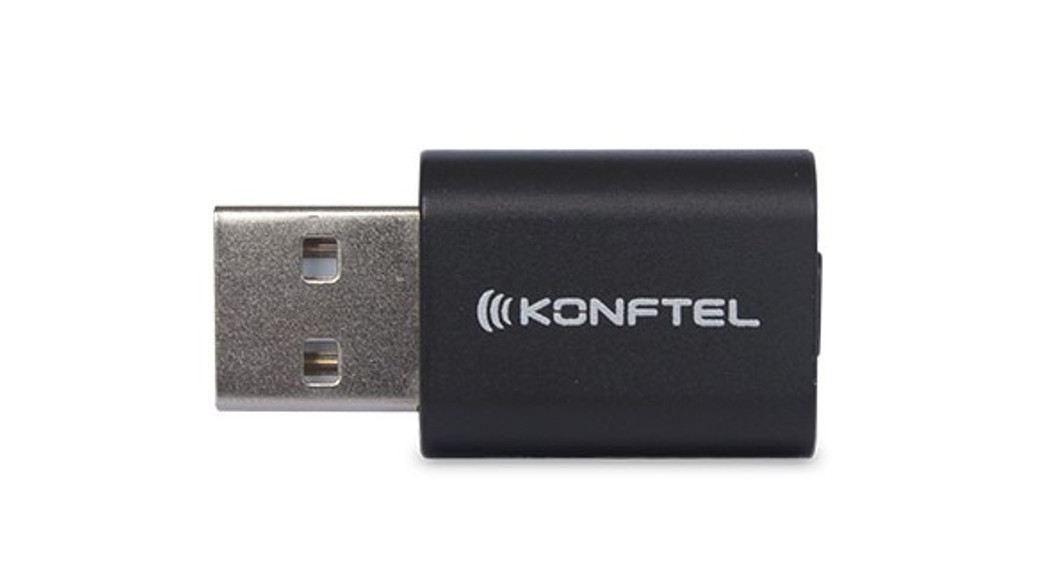
Konftel BT30
Konftel is a Climate Neutral brand.
We offset all our greenhouse gas emissions and are taking measures to further reduce our emissions.
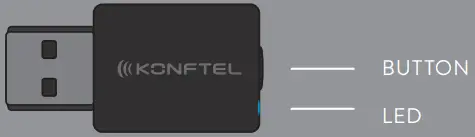
LED
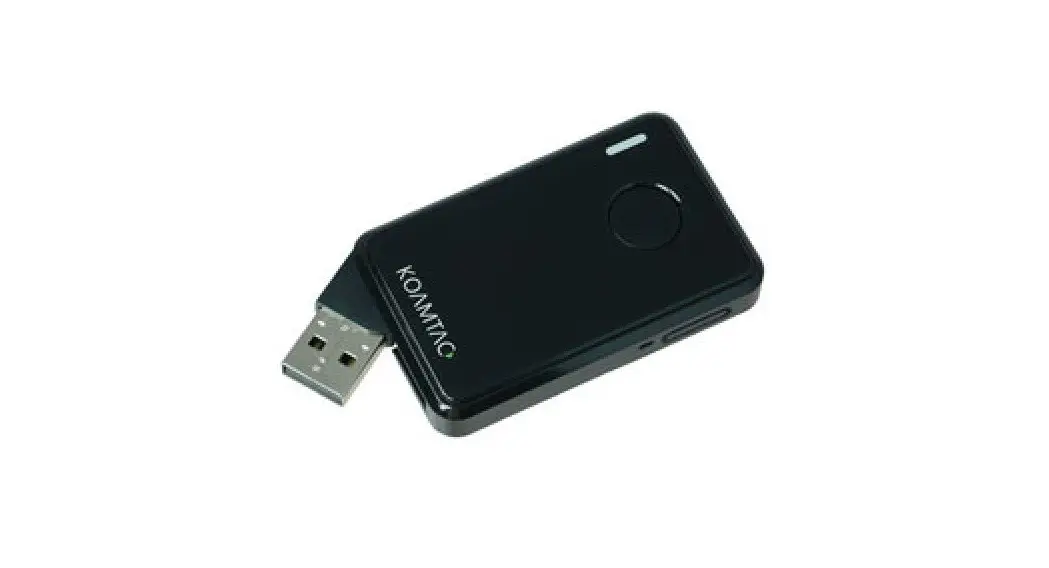
 | Red | Powered, not connected |
 | Blue flashing | In pairing mode |
 | Blue | Connected, music (A2DP) |
 | Green | Connected, speech (HFP/HSP) |
 | Green flashing | Incoming call |
 | Red flashing | Microphone muted |
BUTTON
| Press 3 sec | Activate pairing |
| Press 10 sec | Factory reset (clear all pairing) |
| Press short | Connect/disconnect |
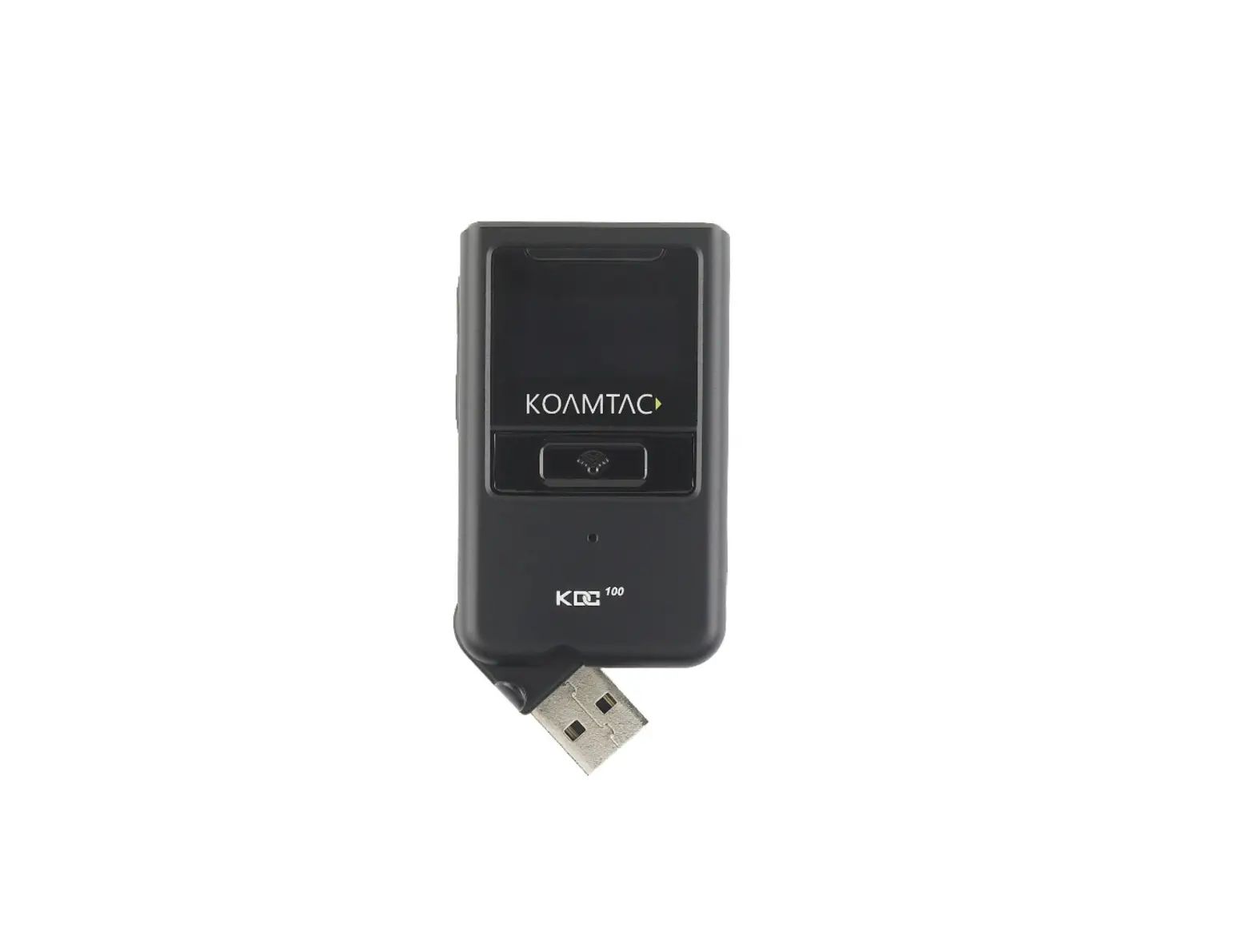
PHYSICAL CHARACTERISTICS

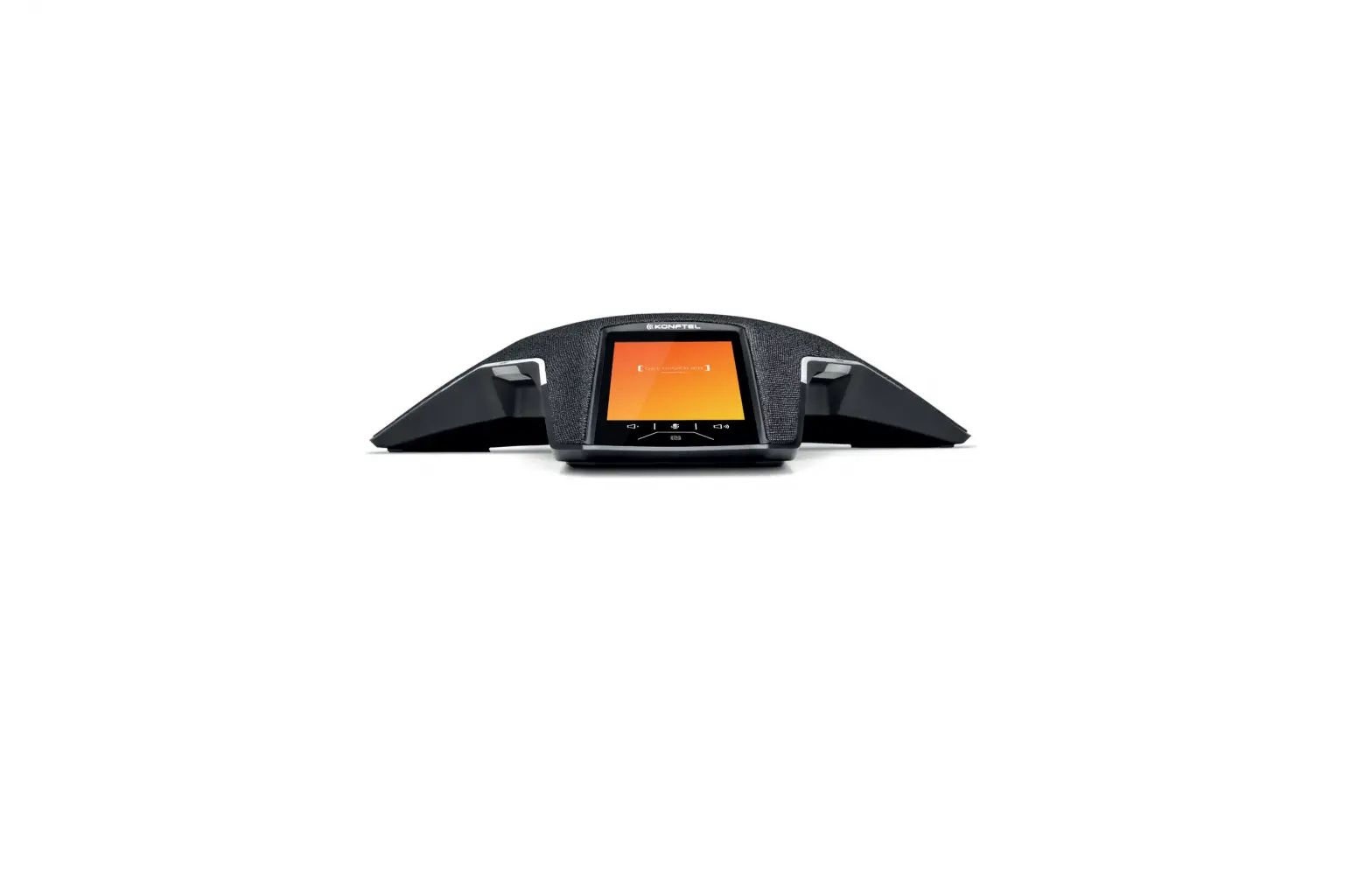
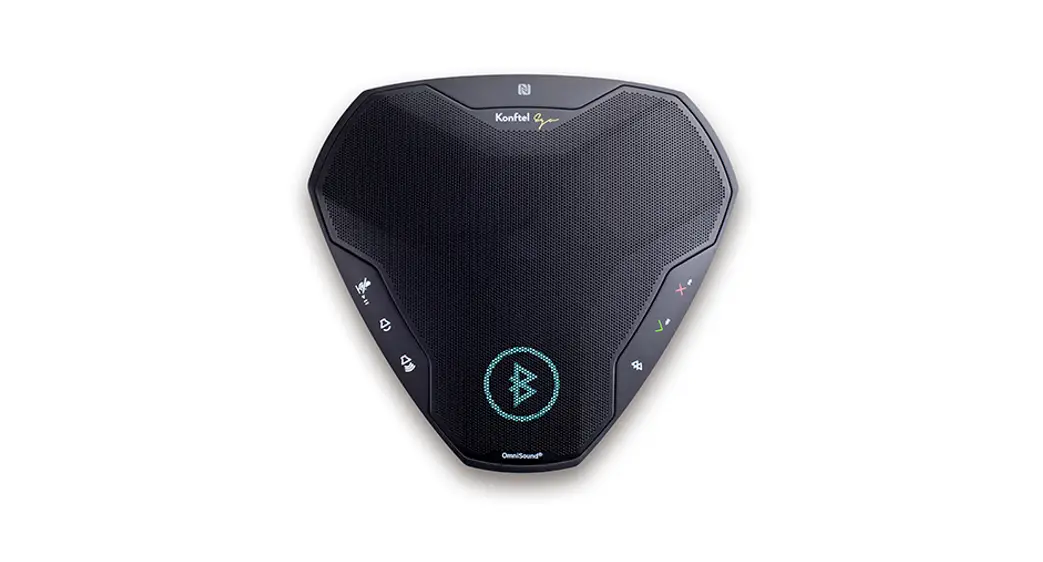
FIRST TIME PAIRING: Activate pairing mode on the Konftel Bluetooth® speakerphone. Connect the BT30 to the USB port. BT30 will automatically pair with the speakerphone.
FOLLOWING PAIRING: Activate pairing mode on the Konftel Bluetooth® speakerphone. Press the button on the BT30 for 3 seconds until LED starts flashing blue. The pairing will be automatic.
USE CASES DESCRIPTION
The Bluetooth® adapter enables a wireless connection for wideband audio in two typical scenarios:
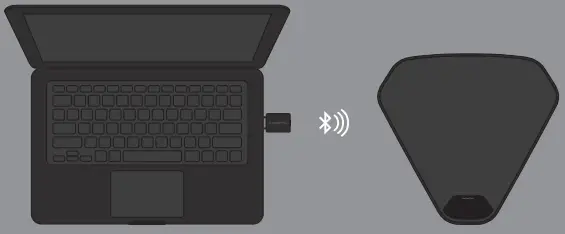 Connect a computer (PC or Mac) running your communication software of choice, to a Konftel Bluetooth® speakerphone.
 Once paired, select “Konftel BT30” as your audio device.
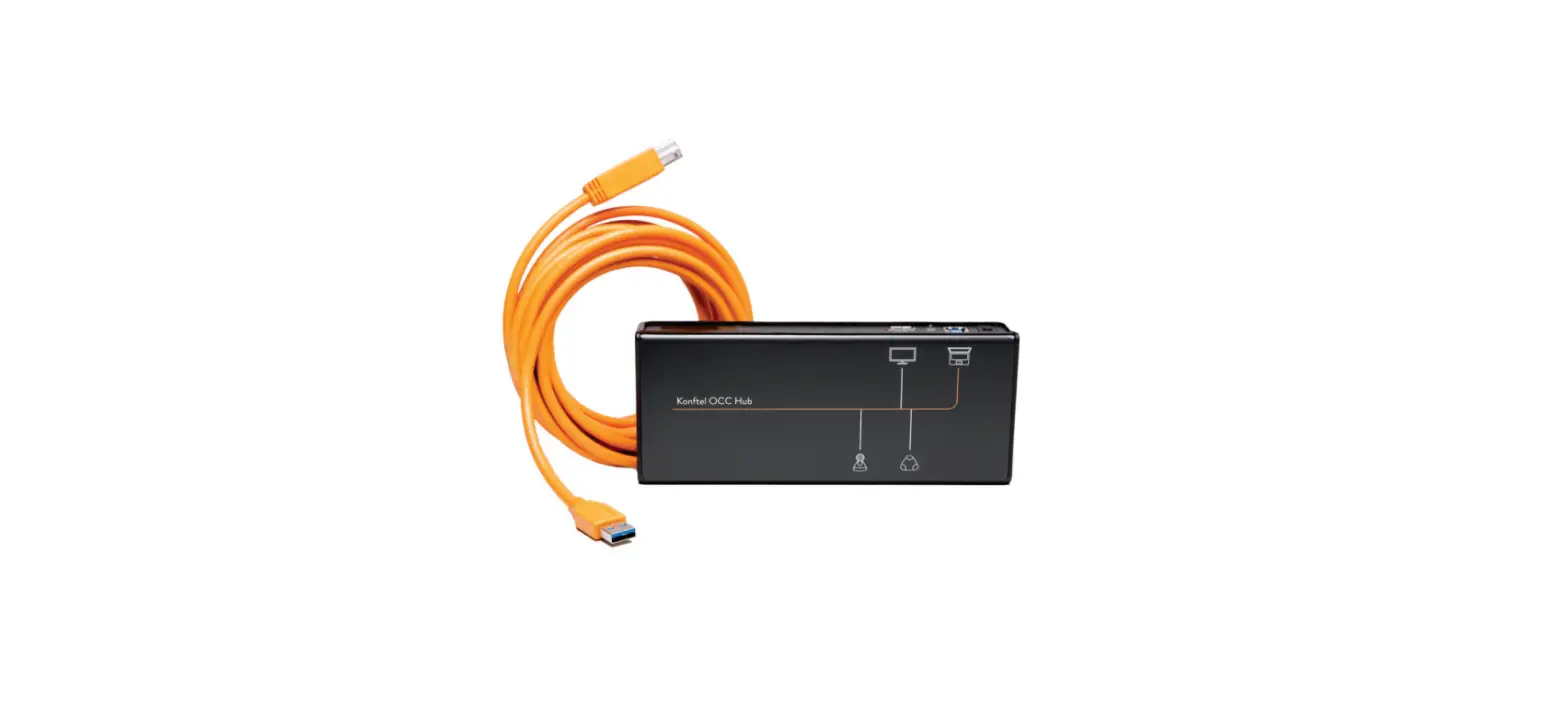
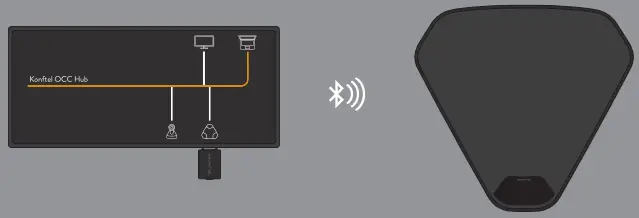 Connect to the Konftel OCC Huband a Konftel Bluetooth® speakerphone, for video meetings with wireless HD audio.
 900102141 Rev 1B