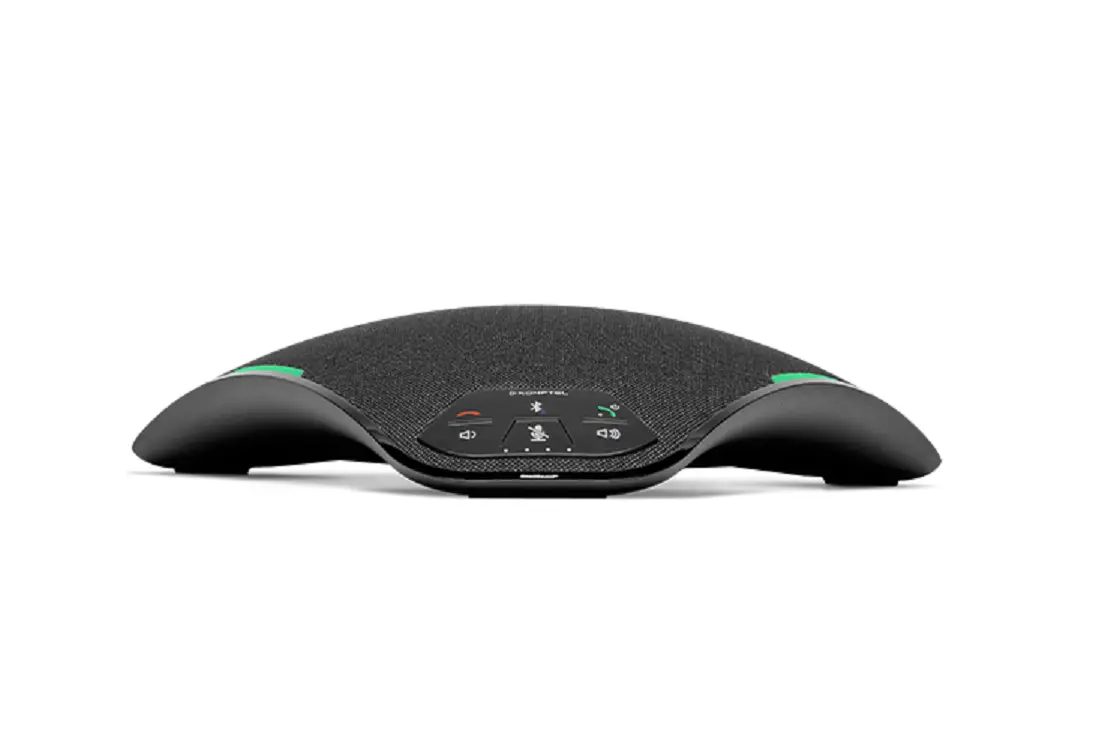
OmniSound Konftel 70 User Guide

Good Choice!
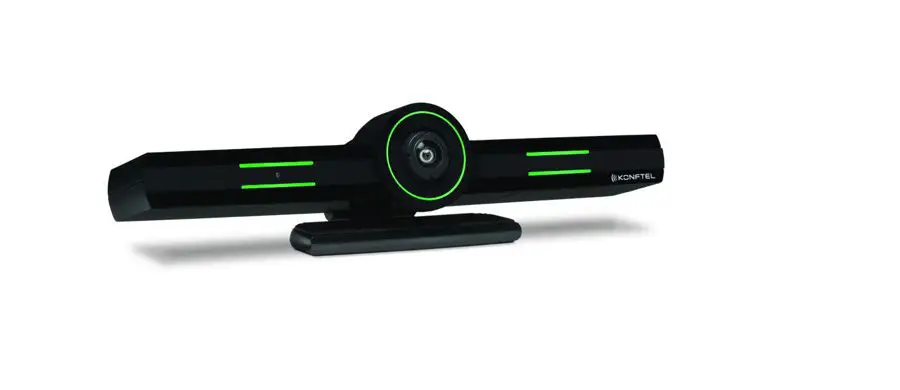
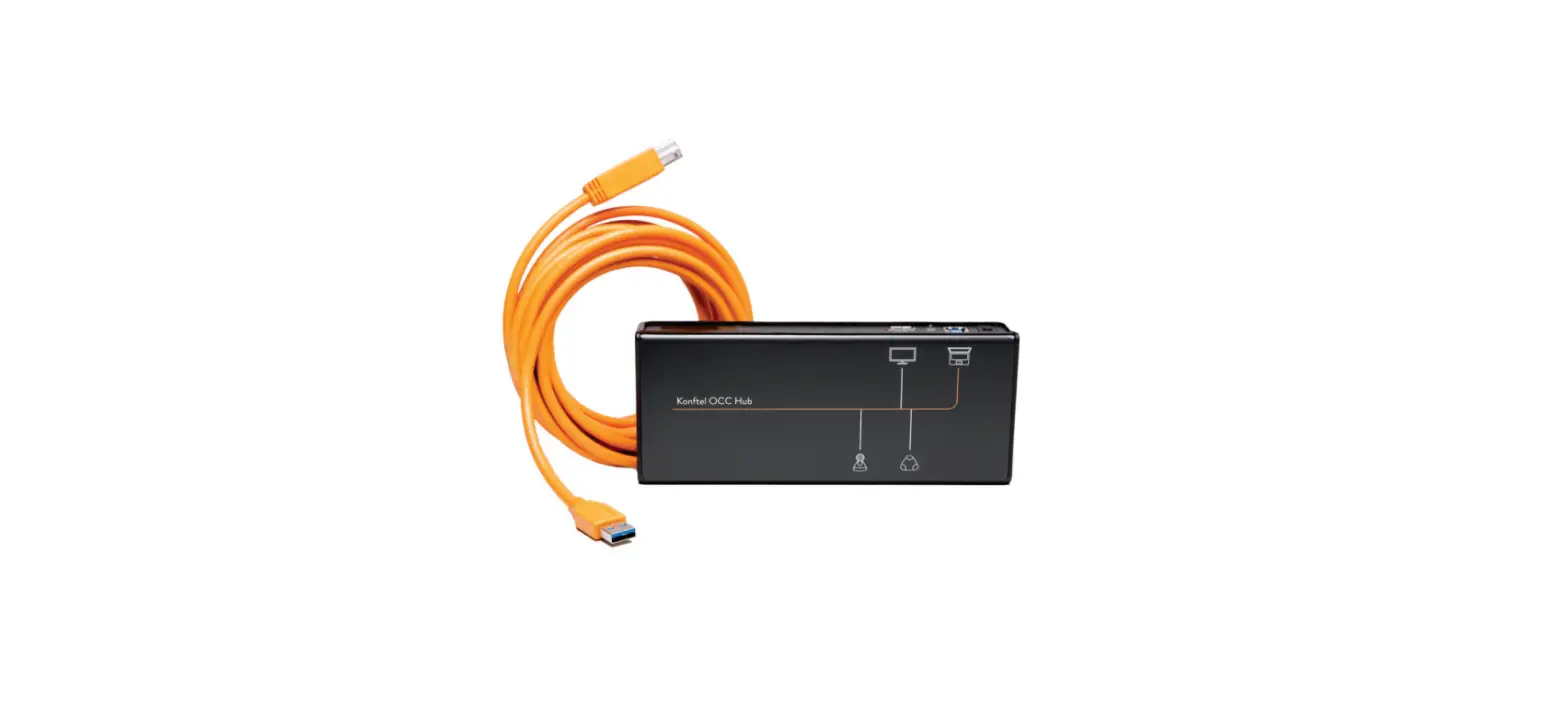
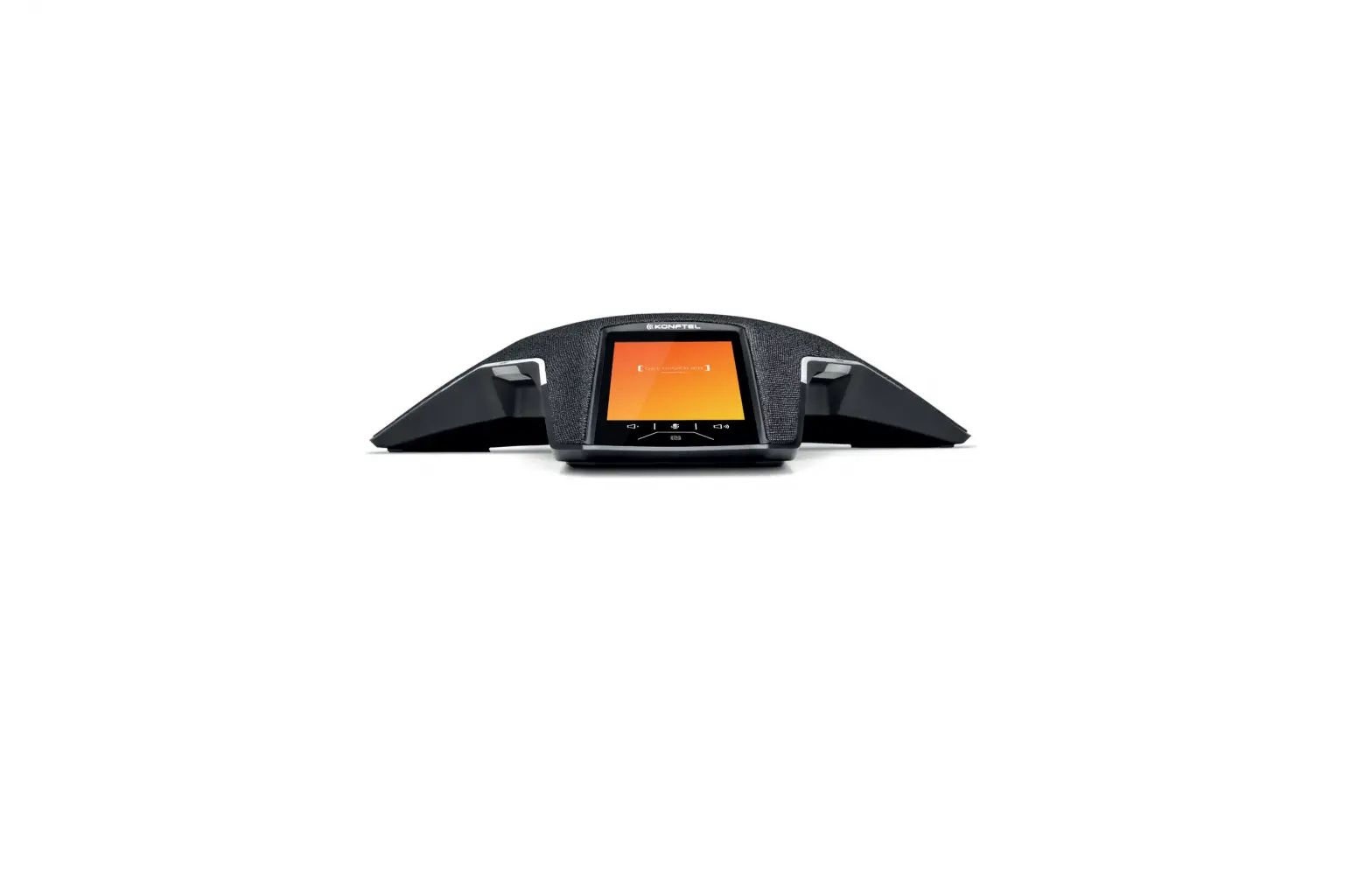
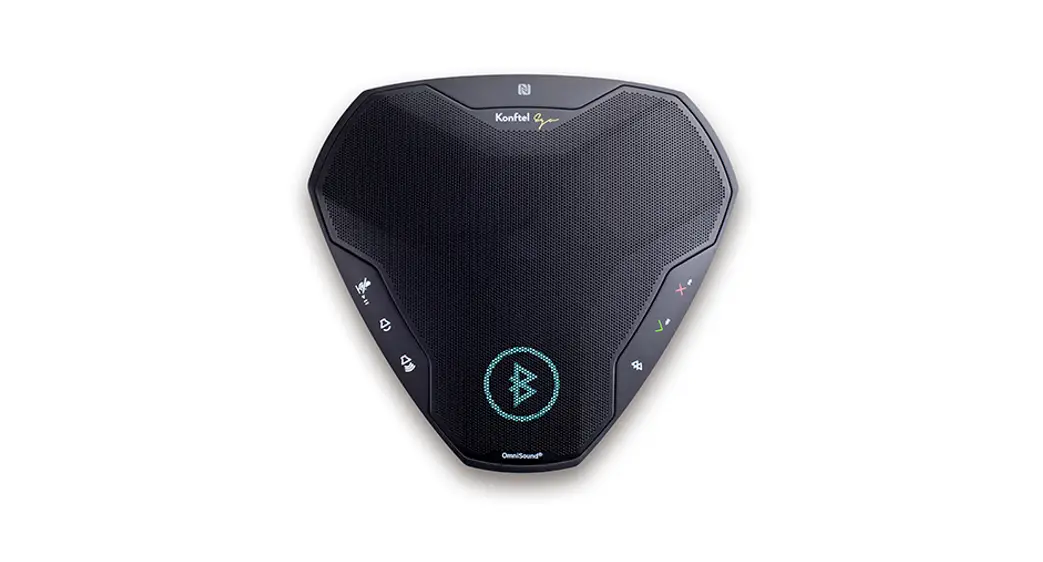
We are glad that you have selected a quality product from Konftel. The Konftel 70 is a sleek, flexible and easy-to-use speakerphone with dual connectivity that gives you the freedom to connect via Bluetooth® or USB. Expand with one of our cameras together with the Konftel OCC Hub and you will get a convenient video kit for all your video meetings. For more than 30 years we have refined and developed our unique OmniSound®-technology to perfection. The Konftel 7l everages on those capabilities.
USE CASES DESCRIPTION
- USB CONNECTIVITY

- BLUETOOTH® CONNECTIVITY




BLUETOOTH® INSTRUCTIONS
To be able to connect the Konftel 70 to your mobile device they will first have to be paired.
Pairing is only required when connecting for the first time. After that you may simply reconnect.
PAIRING
- Press the Bluetooth®
 button for 2s.
 - Start a search for Bluetooth®-devices on your mobile device.
- Select Konftel 70 in the list of found devices. Pairing will be completed within a few seconds.
 button for 2s.
RECONNECT
- Make sure Bluetooth® is enabled on your mobile device. Press the Bluetooth® button on the Konftel 70 once. Reconnection will be completed within a few seconds.
Note: Pairing and reconnecting can also be achieved using NFC. Simply tap your NFC-compliant device on the Konftel 70 NFC-tag.
LEDS FOR STATUS AND BATTERY
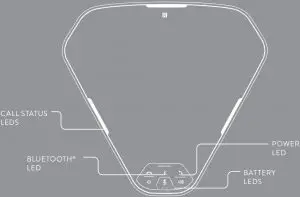
CALL STATUS LEDS
 Green: Call active / Outgoing call
- Green: flashing Incoming call
- Red: Microphone muted
- Red: flashing Call on hold
- Blue: Bluetooth® music mode
 Green: Call active / Outgoing call
 Green: flashing Incoming call
 Red: Microphone muted
 Red: flashing Call on hold
 Blue: Bluetooth® music mode
BLUETOOTH® LED
- Blue flashing: Pairing / Reconnect
- Blue: Connected
 Blue flashing: Pairing / Reconnect
 Blue: Connected
BATTERY LEDS
 Charging needed
 >10% battery
 >25% battery
 >50% battery
 >75% battery
 Fully charged with cable connected


Konftel is a Climate Neutral certified company. We have measured and offset our entire footprint of greenhouse gases, and are committed to reduce our emissions.