 RG-EG209GS 9-Port Gigabit Cloud Managed SFP Router
User Manual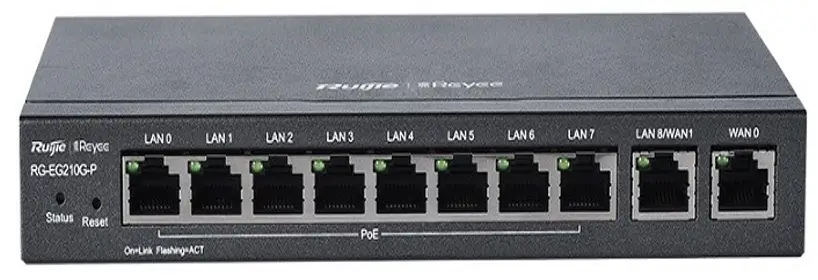
RG-EG209GS 9-Port Gigabit Cloud Managed SFP Router
Preparing for Installation Package Contents
Package Contents
| Item | Quantity | Remark |
| Router | 1 | |
| Foot pad | 4 | |
| Power adapter | 1 | |
| User Manual | 1 | |
| Warranty Card | 1 |
Log in to the official website of Ruijie Networks (https://www.ruijienetworks.com) and enter the corresponding product category to find the product and download the related documentation.
Installation
Installation Procedure
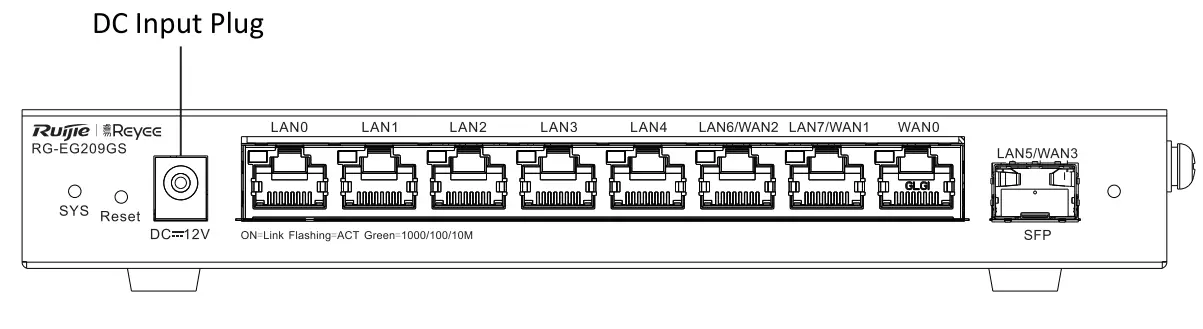
Step 1 Lay the router flat on a workbench to ensure good ventilation.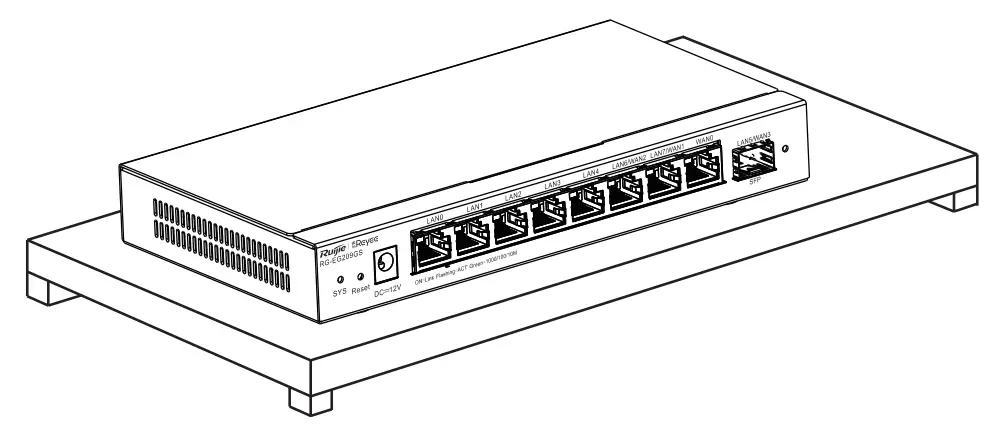 Step 2 Connect the adapter to the DC input plug.
 Network Configuration
Method 1 (Recommended) Scan the QR code on the device or in the manual to download the Ruijie Cloud App. Perform the intelligent networking and complete the network configuration based on the instructions on the App. Method 2 Connect the client to any LAN port of the device with a cable and visit http://192.168.110.1 for network configuration. (Google Chrome browser is recommended.)
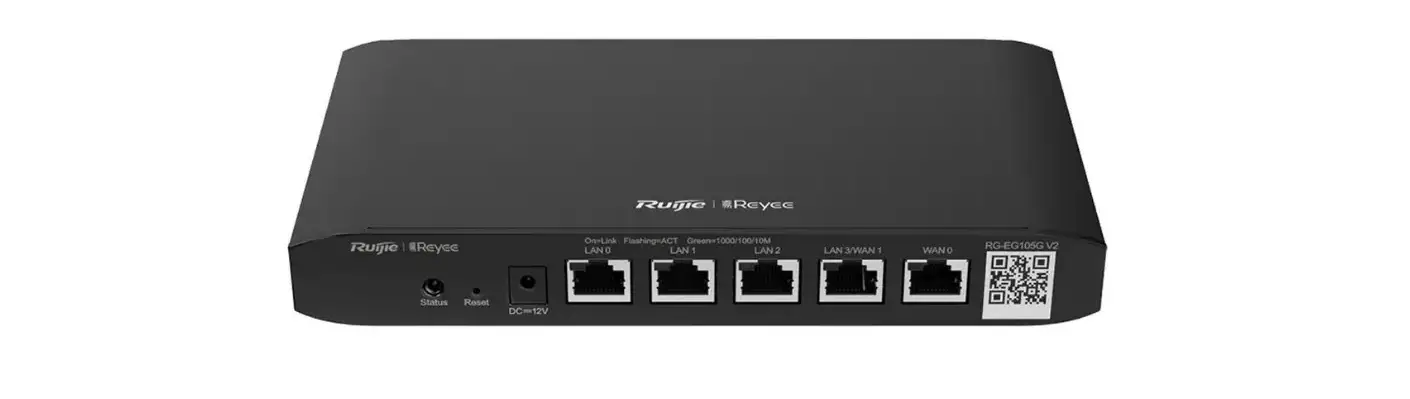
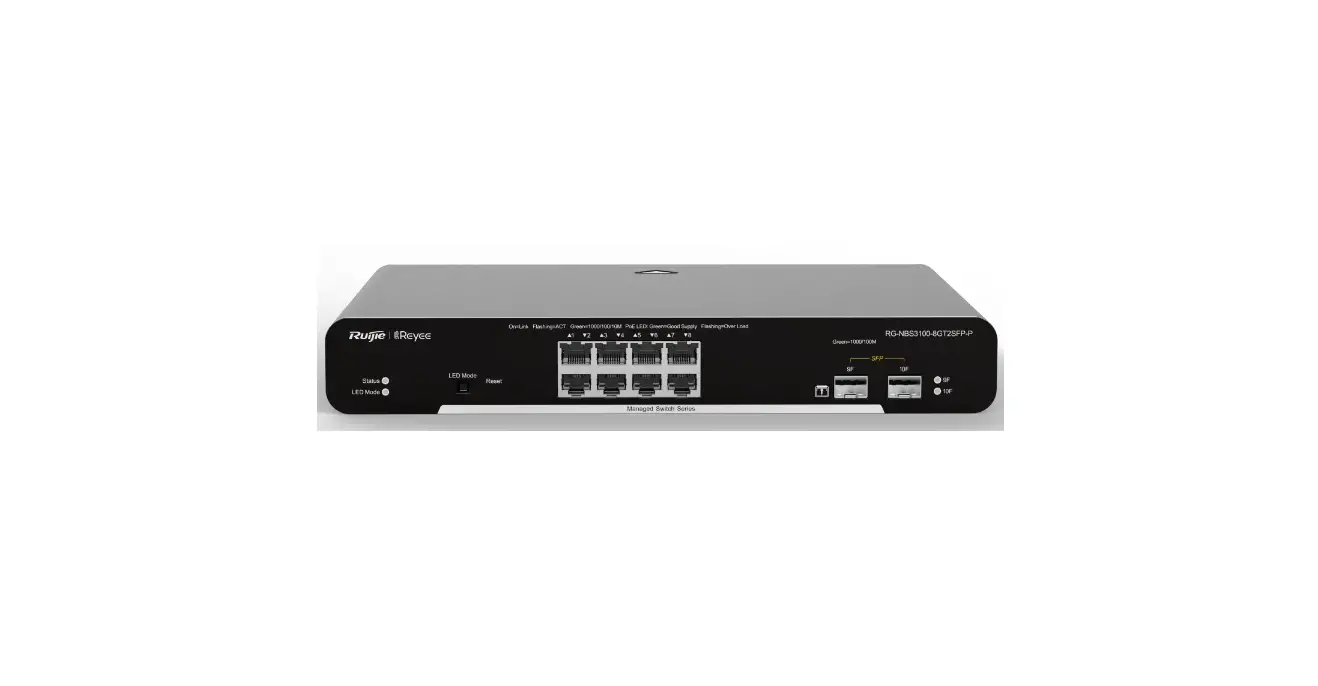
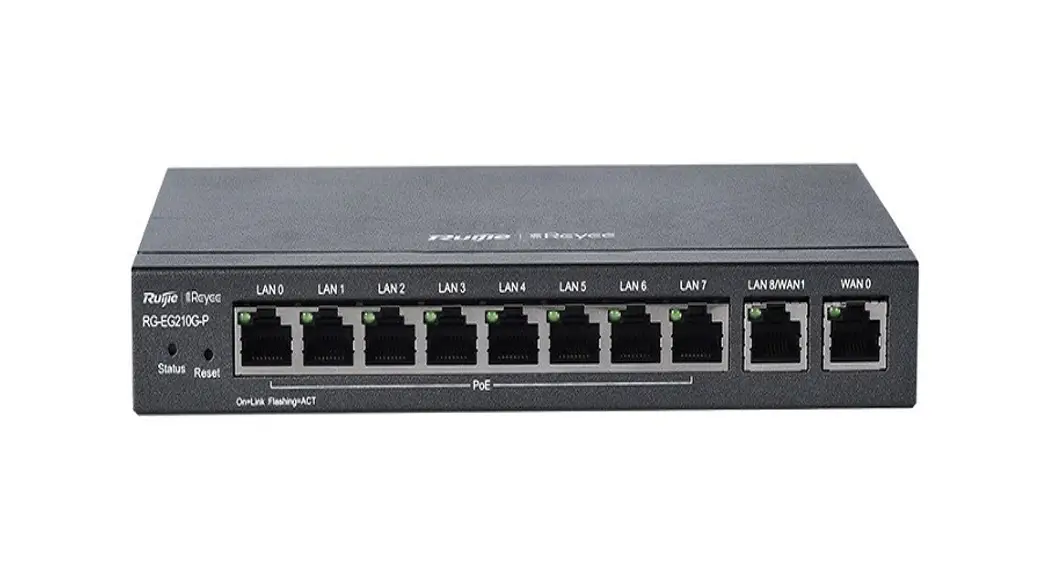
Front Panel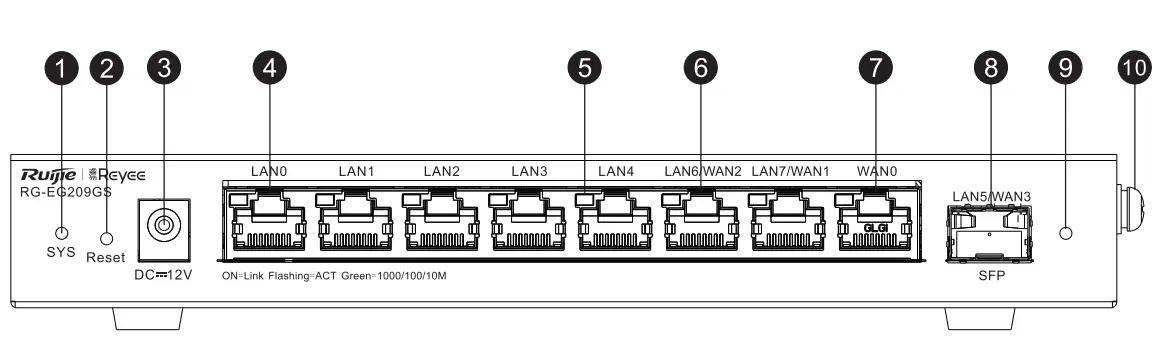
- System Status LED
- Reset Button
- DC Input Plug
- LAN Port
- Link/ACT Port LED
- Copper Port (LAN/WAN Switchable)
- WAN Port
- SFP Port (LAN/WAN Switchable)
- SFP Port LED
- Ground Screw
System Status LED
Fast flashing (at 8 Hz): The router is starting up.
Solid on: The router is functioning properly.
Slow flashing (at 0.5 Hz): The network is unreachable.
Flashing twice in succession:
1. The router is restoring factory default settings.
2. The router is upgrading the software.
One long flash followed by three short flashes: The main program is missing.
Reset Button
Press for less than 2 seconds to reboot the router. Press for more than 5 seconds until the system LED flashes to restore the router to factory default settings. (The device does not respond if you press the Reset button for 2 to 5 seconds). After the router is restored to factory default settings, the default management address is http://192.168.110.1 (No password by default).
Specifications
| Model | RG-EG209GS | |
| Port Standards | IEEE 802.3, IEEE 802.3u, IEEE 802.3x, IEEE 802.3z | |
| Ports | Eight 10/100/1000Base-T ports and one 1000Base-X SFP port, up to four WAN ports. (Default: One WAN port and eight LAN ports LAN 5, LAN 6 and LAN 7 can be switched to the WAN port.) | |
| Power Consumption | < 18 W | |
| Power Supply | AC Input Rated voltage range: 100 V AC to 240 V AC Maximum voltage range: 90 V AC to 264 V AC Frequency: 50 Hz/60 Hz Rated current: 0.7 A | |
| Adapter DC Connector Specifications | Outer diameter: 5.5 mm (0.22 in.) Inner diameter: 2.1 mm (0.08 in.) Depth: 10.0 mm (0.39 in.) ± 0.5 mm (0.02 in.) Polarity symbol: the center (tip) of the output plug is positive (+) and the barrel (ring) of the output is negative (-). | |
| Dimensions (W x D x H) | 202 mm x 108 mm x 28 mm (7.95 in. x 4.25 in. x 1.10 in.) | |
| Operating Environment | Operating Temperature | 0°C to 40°C (32°F to 104°F) |
| Operating Humidity | 10% to 90% RH (non-condensing) | |
| Storage Environment | Storage Temperature | -40°C to 70°C (-40°F to 158°F) |
| Storage Humidity | 5% to 95% RH (non-condensing) | |
CE Warning: The device may cause radio interference in the living environment.