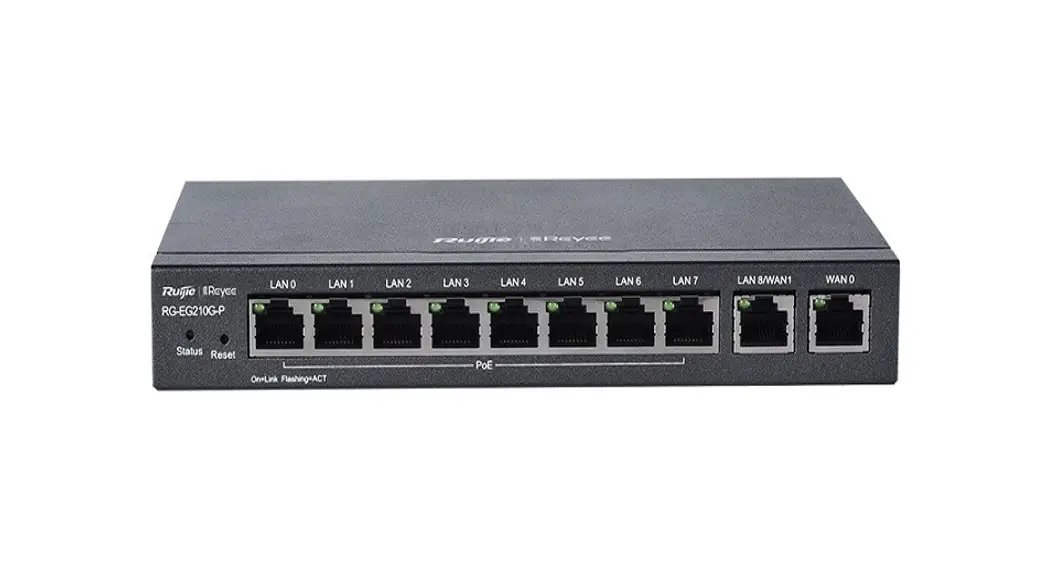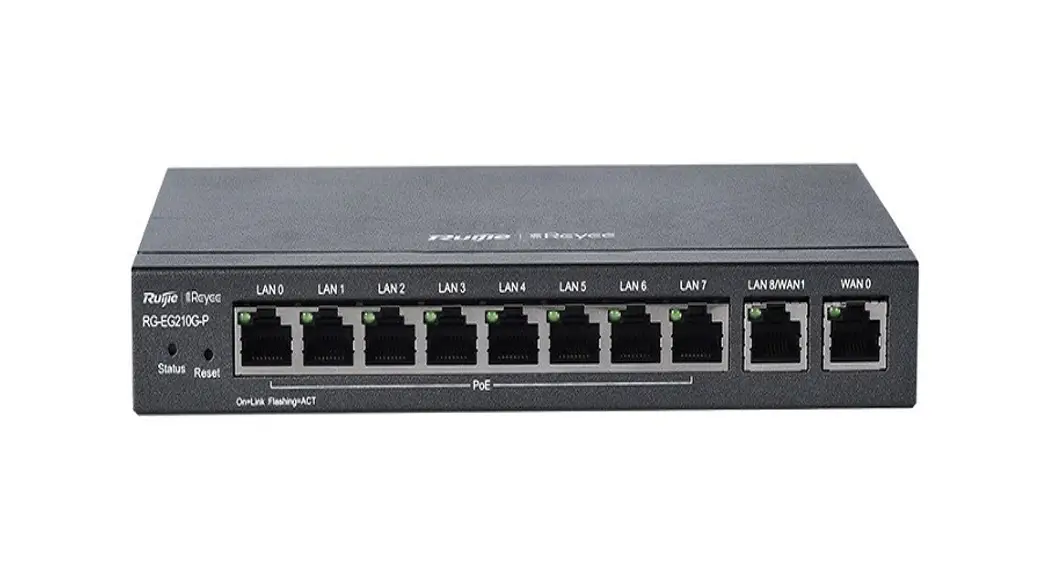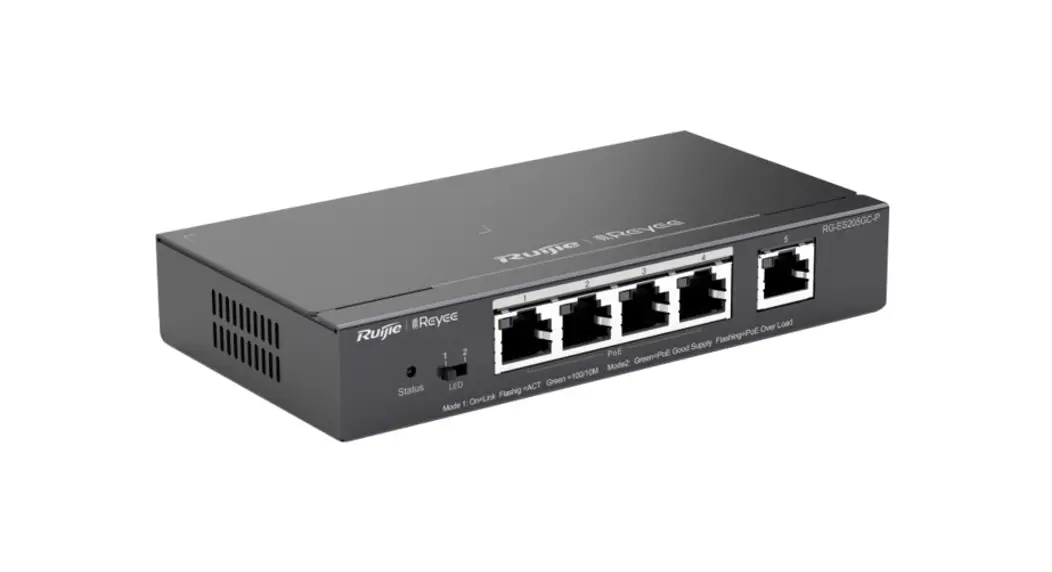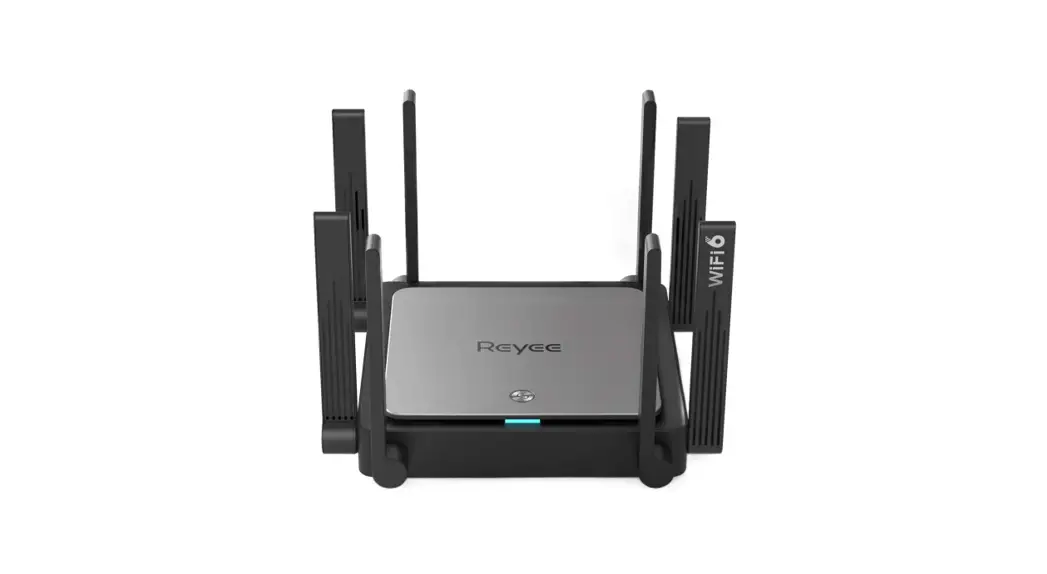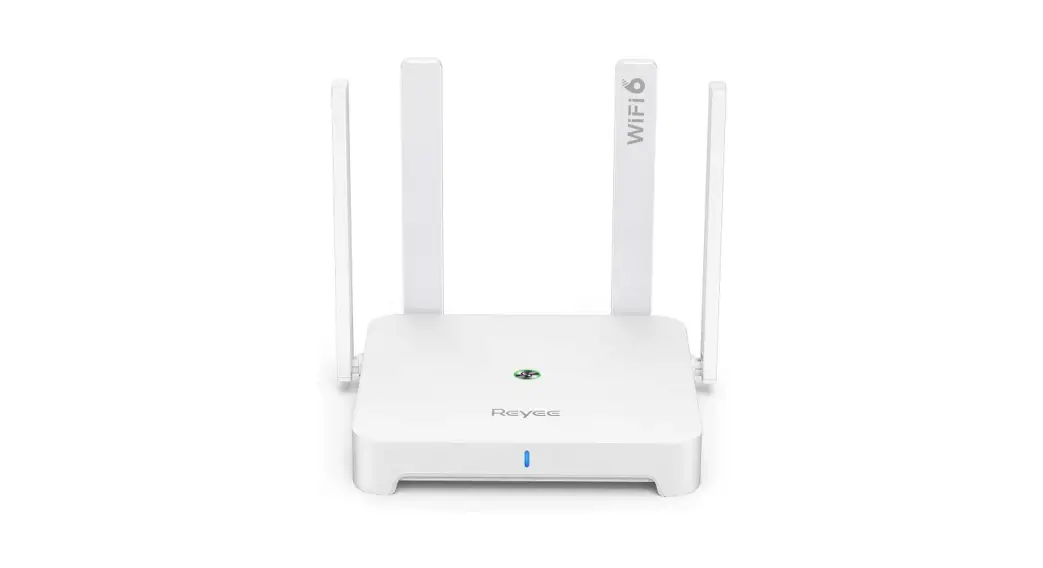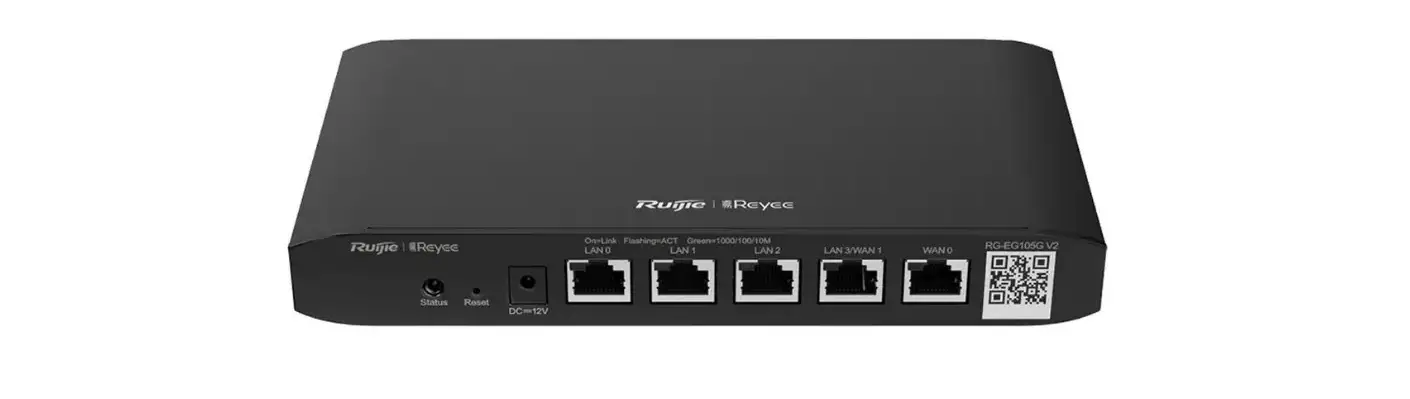

Reyee RG-EG105G 5-Port Cloud Managed Router
Before You Begin
Package Contents
Packing List
| Item | Name | Quantity | Unit |
| 1 | RG-EG105G V2 Host | 1 | Set |
| 2 | Foot Pad | 4 | Piece |
| 3 | Power Adapter | 1 | Piece |
| 4 | Quick Start Guide | 1 | Copy |
| 5 | Warranty Card | 1 | Copy |
You can retrieve product supporting documents at https://www.ruijienetworks.com. Click Support> Technical Documents, and download the documents you need.
Installation and Networking
Installation
- Install the device on a stable cabinet or platform, and ensure airflow for proper ventilation.
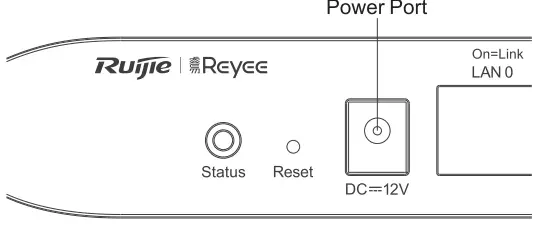
- Connect the power supply as the image below.
PowerPort
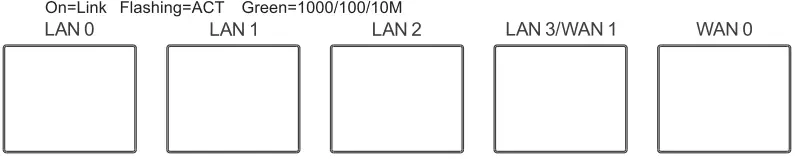
- Use the cable to connect WAN port to the Internet, and LAN port to switches, APs or other devices.

- After properly installing the device and connecting cables, power on the device for configuration.
Networking
Method 1 (recommended)
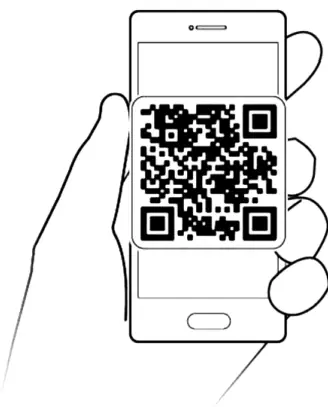
Scan the QR-code on the manual or device to download Ruijie Cloud App. Follow the guide on App to set up and configure the network.
Method 2
Connect to device SSID(default SSID: @Ruijie-mxxx), or connect the cable to the device LAN port and visit http:/1192.168.110.1 to perform configuration.
Port Information
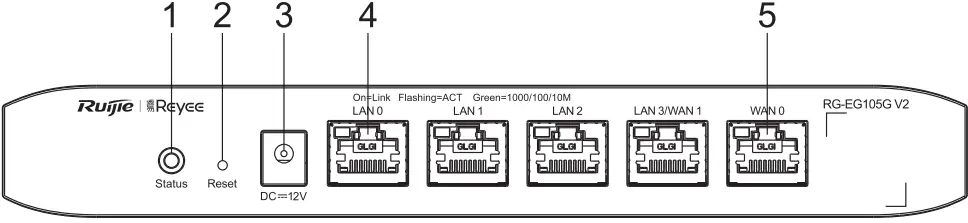
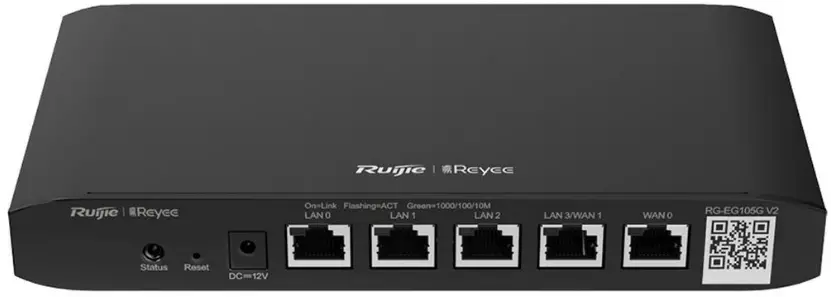
- System status LED
- Reset button
- DC power port
- 10/100/1 000Base-T auto-sensing LAN port
- WAN port
Specifications
| Specification | RG-EG105G V2 | |
| Standard | IEEE 802.3, IEEE 802.3u, IEEE 802.3x, IEEE 802.3z | |
| Interface | 5*10/100/1000M Base-T ports, supporting up to 2 WAN ports (Default: 1 WAN port, 4 LAN ports, port LAN3 can be switched as port WAN1) | |
| Power Consumption | The overall maximum output power is 6W. | |
| Dimensions (W x D x H)) | 206.5mm x 108.5mm x 28mm | |
| Operating Environment | Temperature | 0 °C – 40 °C |
| Humidity | 10% – 90% RH, non-condensing | |
| Storage Environment | Temperature | -40 °C – 70 °C |
| Humidity | 5% – 95% RH, non-condensing | |
CE Warming:
Operation of this equipment in a residential environment could cause radio interference.