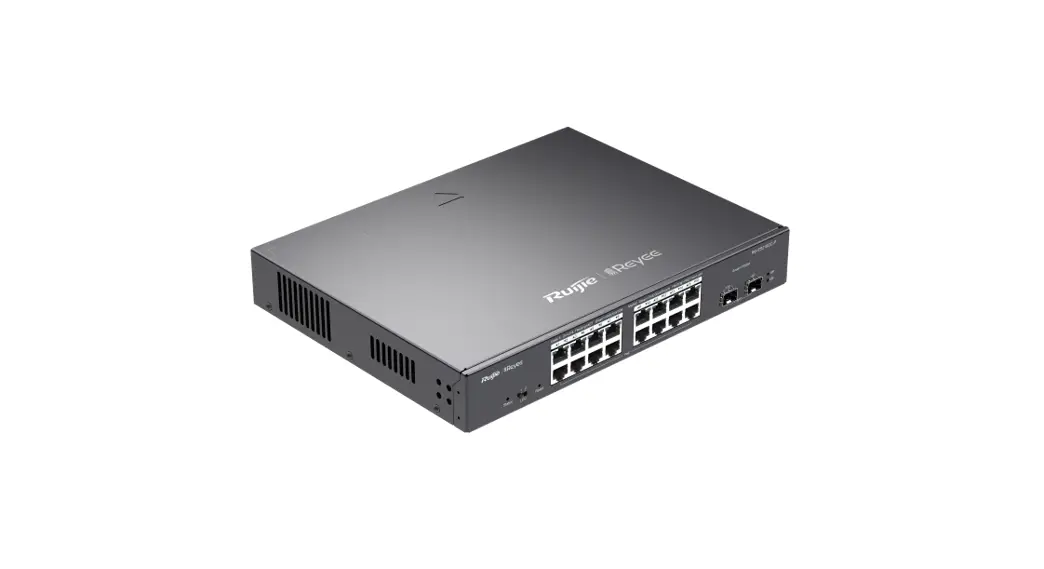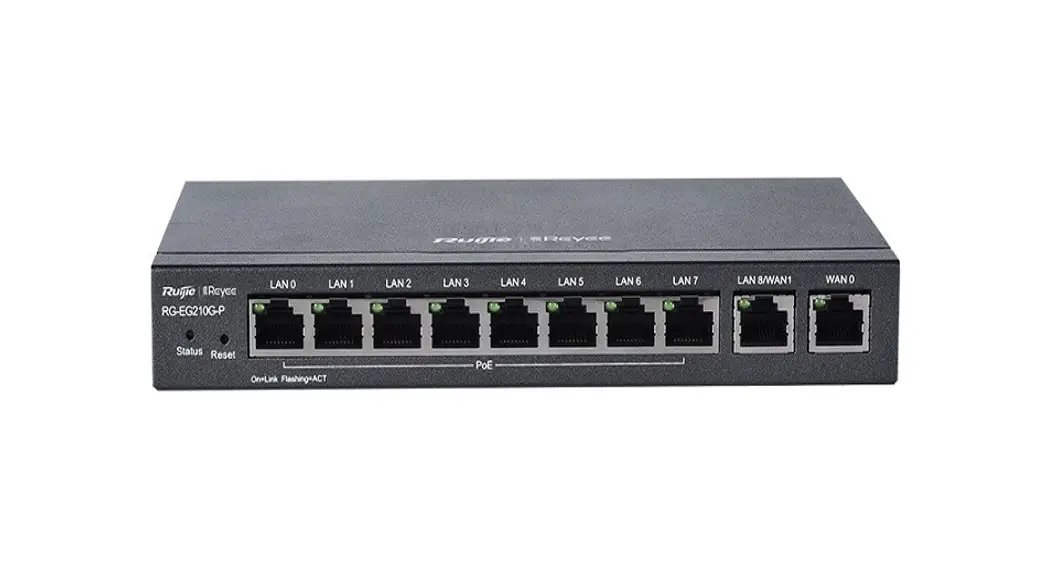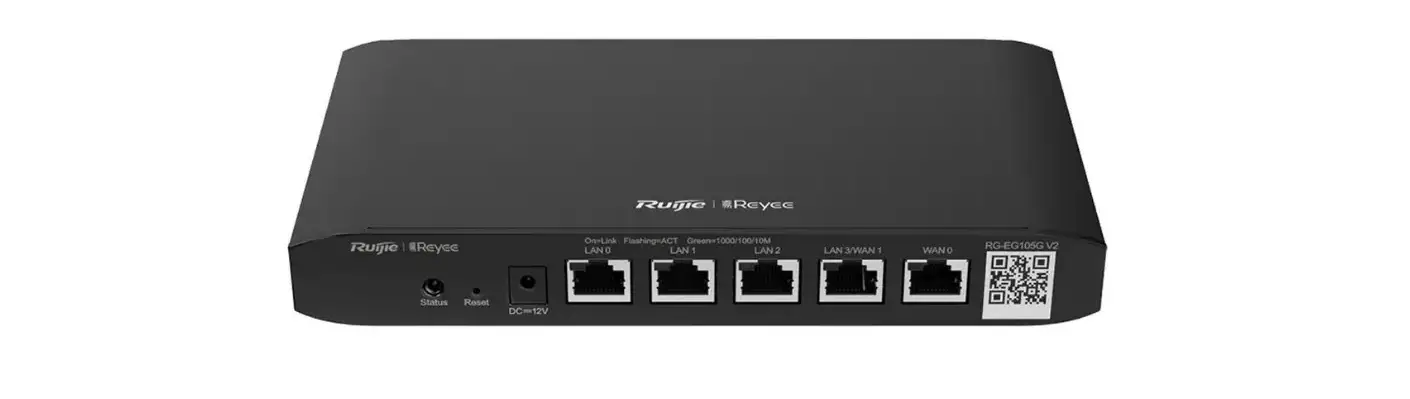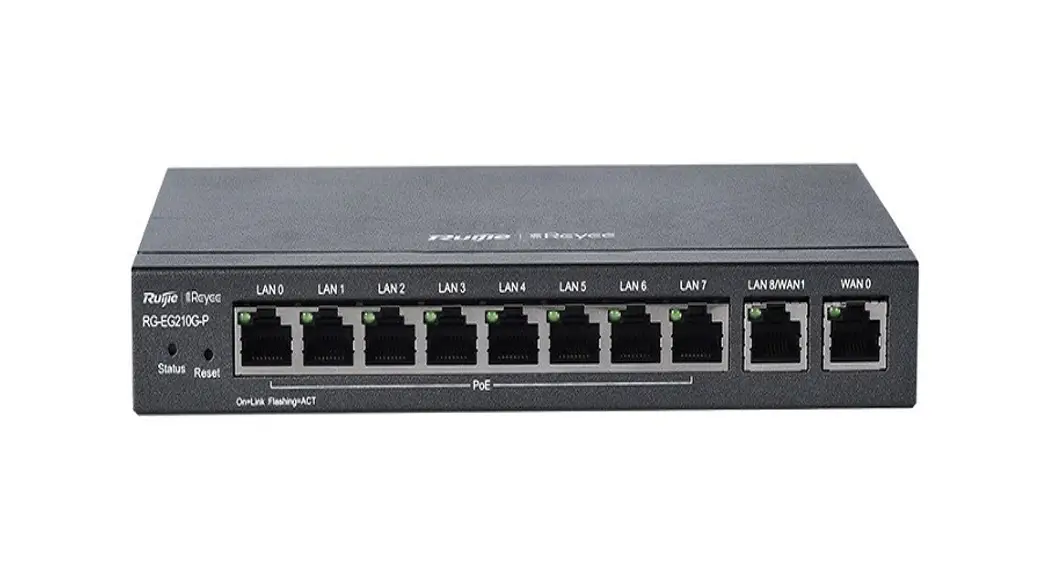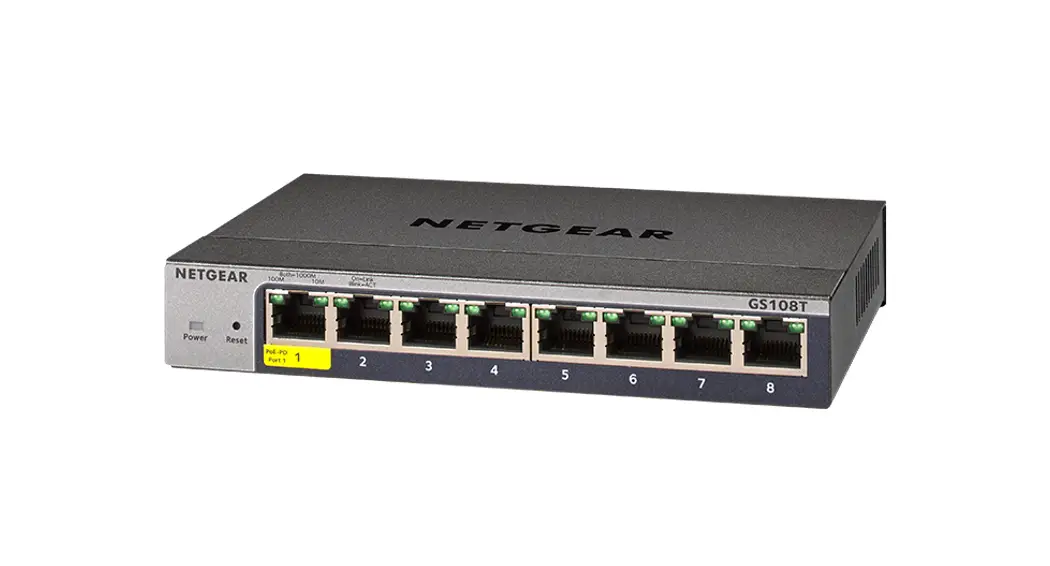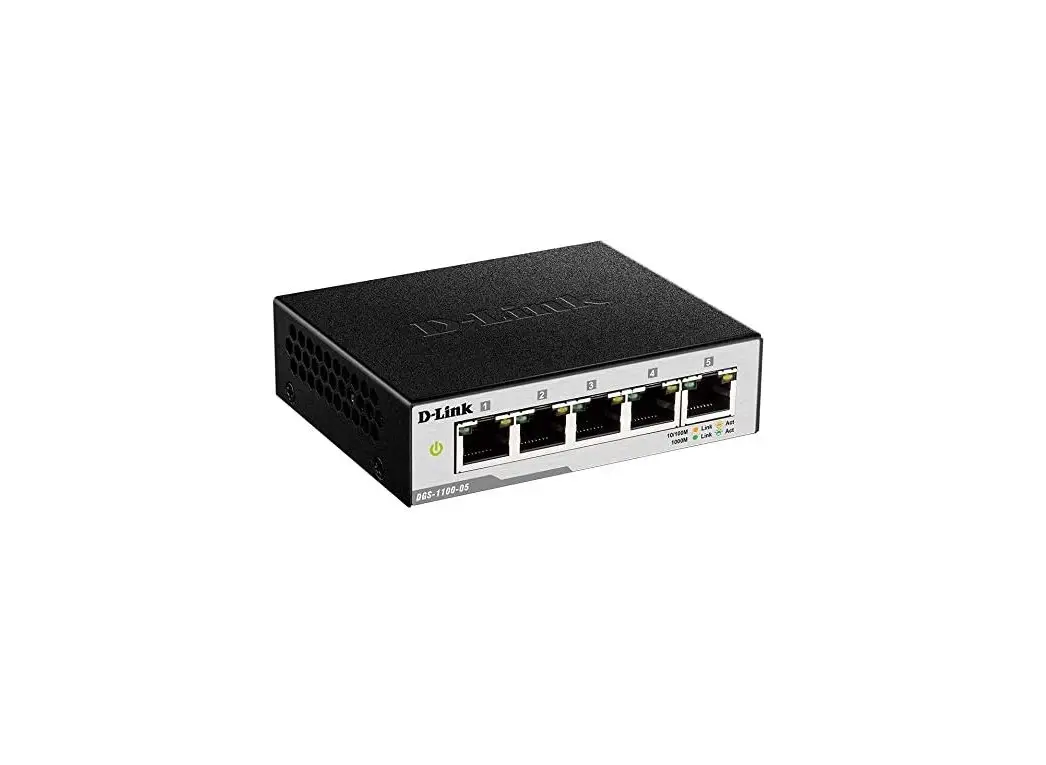
 RG-ES209GC-P 9-Port Gigabit Smart Cloud Managed
User Guide
Before You Begin
Packing List
| Item | Name | Quantity | Unit | Remark |
| 1 | RG-ES209GC-P Host | 1 | Set | |
| 2 | Power Adapter | 1 | Piece | |
| 3 | Power Cord | 1 | Piece | |
| 4 | Quick Start Guide | 1 | Copy | |
| 5 | Warranty Card | 1 | Copy |
You can retrieve product supporting documents at https://www.ruiiienetworks.com.
Click Support > Technical Documents, and download the documents you need.
Installation and Networking
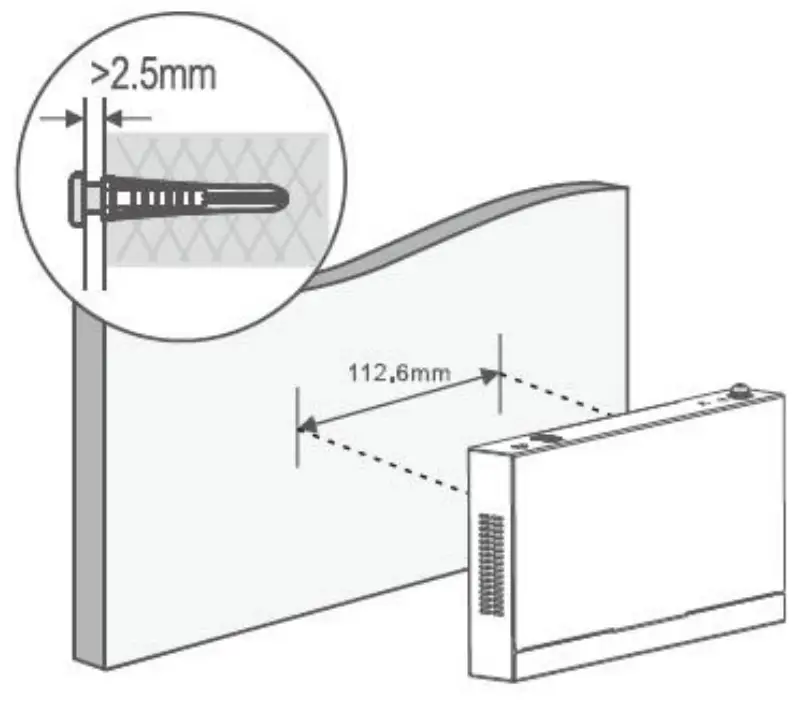
RG-ES209GC-P can be mounted on the wall. (Mounting screws and wall anchors are customer supplied. The steps of mounting the switch on the wall are as follows:
- Drill two holes of 5mm on the wall as shown below. The holes should be 112 mm horizontally apart.
- Insert wall anchors into the holes until the edges are aligned with the wall.
- Put the screws into the anchors and tighten the screws. The distance between the screw heads and the anchor edges should be more than 2.5 mm.
- Align the two mounting holes on the bottom of the switch with the screws on the wall, and then hang the switch onto the screws.

Networking
Method 1 (Recommended) Scan the QR-code on the manual or device to download the App. Follow the guide on App to set up and configure the network.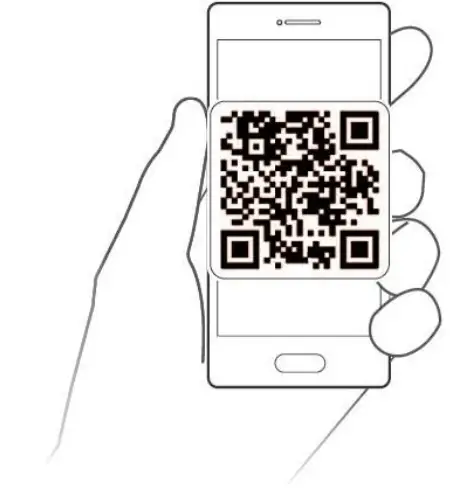 Method 2 Connect the cable to the device port and visit http://10.44.77.200 to perform configuration
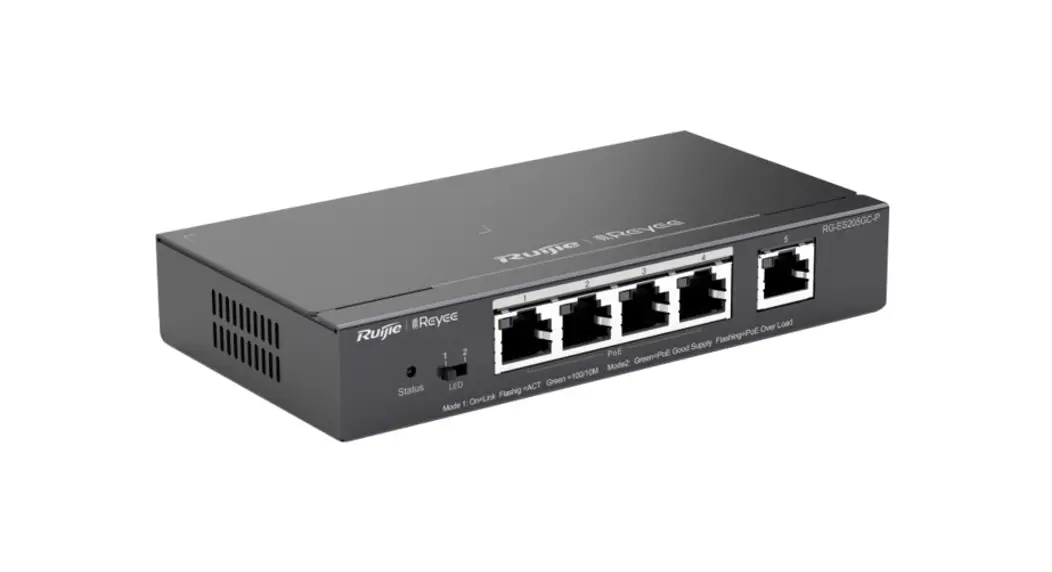
Port Information
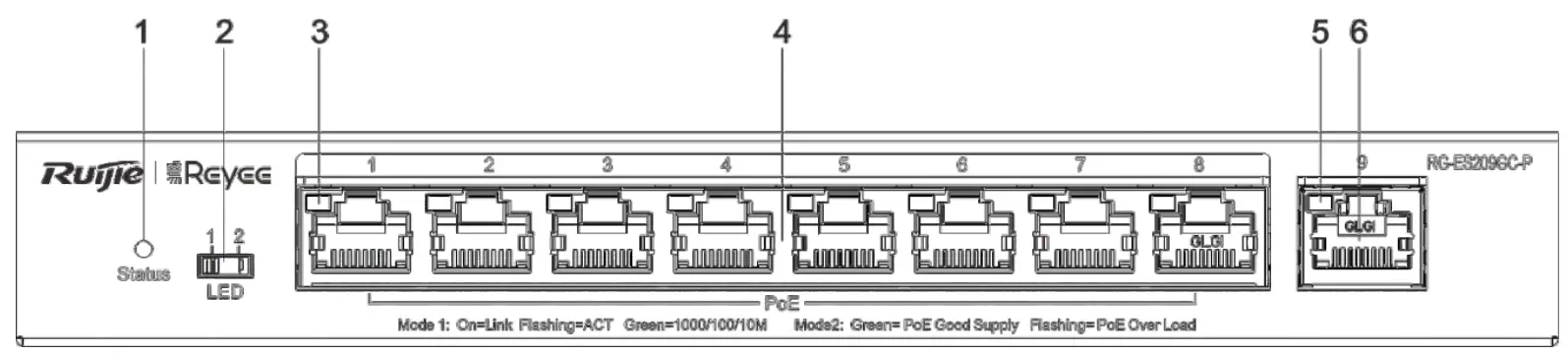
Note:
- System status LED
- Port Mode LED Switch-Over Button
- Copper port status LED
- 10/100/1000Base-T auto-sensing Ethernet port
- Copper port status LED
- 10/100/1000Base-T auto-sensing Ethernet port
Specifications
| Specification | RG-ES209GC-P | |
| Standard | IEEE 802.3, IEEE 802.3u, IEEE 802.3x, IEEE 802.3z, IEEE 802.3af, IEEE 802.3at | |
| Interface | 8″10/100/1000Mbps PoE/PoE+ Ports | |
| 110/100/1000 Mbps uplink port | ||
| Switching Capacity | 18 Gbps | |
| Power Consumption | The overall maximum output power of PoE/PoE+ is 120W. The overall maximum output power is 130W. | |
| Dimensions (W x D x H)) | 202mm x 108 mm x 28 mm | |
| Operating Environment | Temperature | 0 °C – 40 °C |
| Humidity | 10% – 90% RH, non-condensing | |
| Storage Environment | Temperature | -40 °C – 70 °C |
| Humidity | 5% – 95% RH, non-condensing | |
CE Warming: Operation of this equipment in a residential environment could cause radio interference.