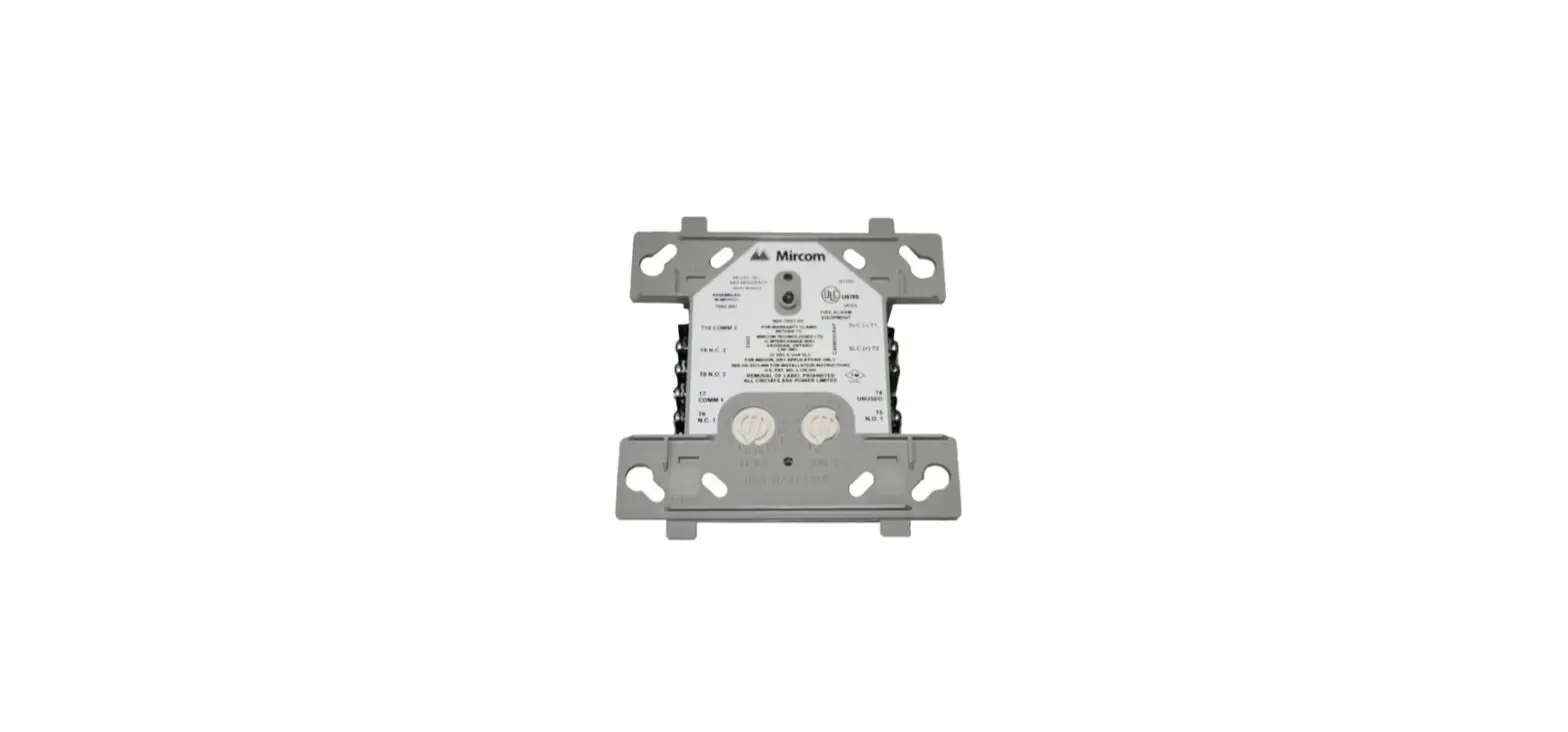
TX3-CX-1NP-256 Door Controller
Product Information: TX3-CX-1NP-256 Single Door Controller
Module
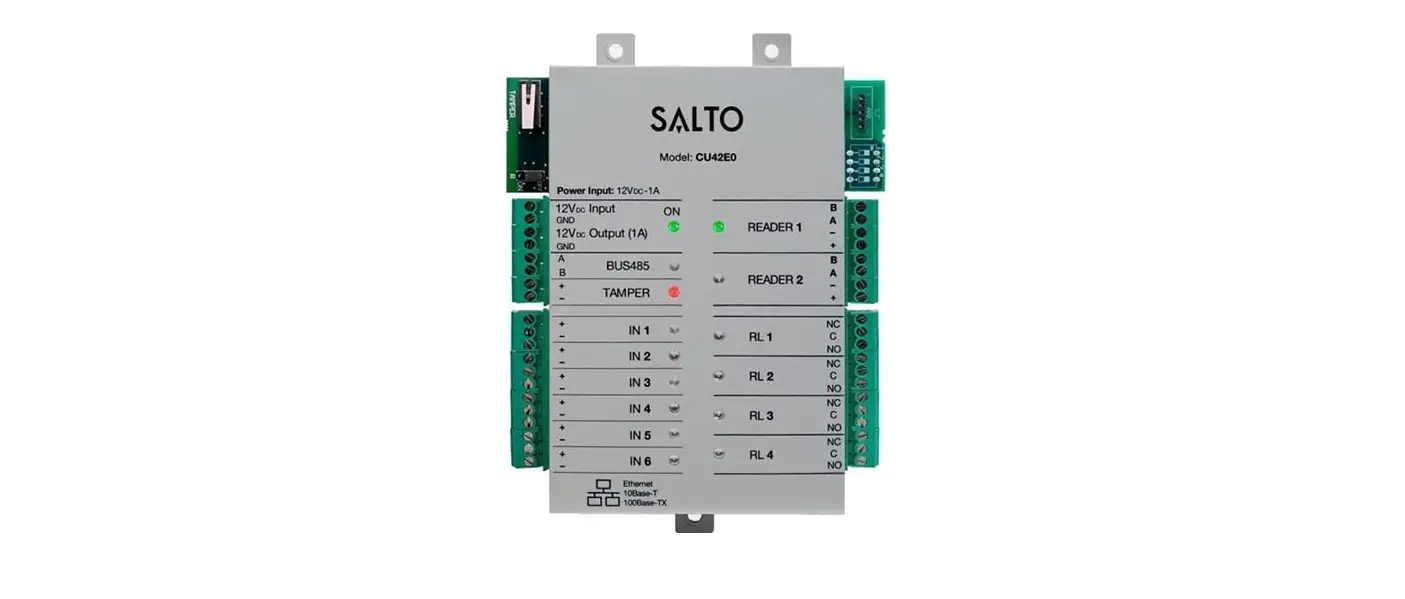
The TX3-CX-1NP-256 is a single door controller module designed
for use with various TX3 units. It is used to control access to a
single door and offers features such as card reader connections,
general purpose inputs and outputs, and RS-485 communication
capabilities. The module does not have IP or Power over Ethernet
capability and requires a 12V power supply for operation.
Contents of Kit
- 1 TX3-CX-1NP-256 module
- 2 Nuts for attaching the module
- 1 USB cable for programming
- 1 USB flash drive containing software and manuals
Mounting the TX3-CX-1NP-256
- Attach the module to the designated posts using the provided
nuts. - Secure the module by tightening the nuts.
Setting the RS-485 Address
Note: The RS-485 address must be set even if RS-485
communication is not being used.
For detailed information and a complete list of RS-485
addresses, refer to the LT-980, the TX3 Card Access System Manual,
available on the Mircom website or the USB flash drive.
Wiring
Note: The TX3-CX-1NP-256 does not support IP or Power over
Ethernet. Use the IN 12V terminal for power.
Refer to Figure 3 for detailed wiring instructions.
Input Connections:
- INPUT 1: Door contact (built-in reader)
- INPUT 2: Request to Exit (built-in reader)
- INPUT 3: General purpose
- INPUT 4: General purpose
Output Connections:
- OUT 1: Door lock (18 AWG)
- OUT 2: General purpose output (18 AWG)
Other Connections:
- READER: Wiegand connections for external card reader (22-16
AWG) - RS485: Twisted shielded pair
- OUT 12V: Solid state output for a DC lock (22-18 AWG) – Maximum
12VDC/700mA - IN 12V: 12VDC / 15W input power (18 AWG)
- Micro USB port: Connect to a computer for network firmware
upgrade and configuration (maximum length of USB cable: 8
feet/2.4m)
USB Port
The USB port on the TX3-CX-1NP-256 allows for connection to a PC
for system configuration and firmware upgrades.
TX3-CX-1NP-256 Installation
TX3-CX-1NP-256 Installation
These instructions explain how to install the TX3-CX-1NP-256 single door controller module in the following TX3 units:
TX3-TOUCH-F15-B/C/D TX3-200-8U-B/C
TX3-1000-8U-B/C TX3-2000-8U-B/C
TX3-TOUCH-S15-B/C/D TX3-200-8C-B/C
TX3-1000-8C-B/C TX3-2000-8C-B/C
TX3-TOUCH-F22(-C/D/E) TX3-TOUCH-S22(-C/D/E) TX3-2000-8U-C-256 TX3-2000-8C-C-256
TX3-TOUCH-S15B-WR TX3-TOUCH-S15S-WR
A. Contents of Kit
Qty 1… TX3-CX-1NP-256 Qty 2… Nuts for attaching TX3-CX-1NP-256 to the TX3 unit Qty 1… USB cable for programming TX3-CX-1NP-256 Qty 1… USB flash containing TX3 software and manuals
B. Mount TX3-CX-1NP-256
1. Mount TX3-CX-1NP-256 on the two posts as shown in Figure 1. 2. Secure it with the provided nuts.
Nut
Card reader DIP switches Nut connections
Installing on a telephone entry unit
Figure 1 Mount TX3-CX-1NP-256
Installing on TX3 Touch
C. Set the RS-485 Address
· Use DIP switches 1-6 (shown in Figure 1) to set the RS-485 network address.
Figure 2 Set the RS-485 address
Note: You must set the RS-485 address even if you are not using RS-485.
· DIP switch 7: keep off.
· DIP switch 8: Set open (off) to get an IP address from the DCHP server, and set closed (on) to set a fixed IP address using the TX3 Configurator software. The default setting is off.
For more information and the complete list of RS-485 addresses, see LT-980, the TX3 Card Access System Manual, on the Mircom website (www.mircom.com) or the USB flash.
1
LT-6725-256 Rev 1 June 2022
Subject to change without notice. See http://www.mircom.com for the latest information
TX3-CX-1NP-256 Installation
D. Wiring
· RS-485 wiring maximum total length: 1219.2 m (4000 ft) · Wiegand connection maximum length: 152.4 m (500 ft)
Note: TX3-CX-1NP-256 has no IP or Power over Ethernet capability. Use the IN 12V terminal for power.
Set ON if unit is used as first or last controller on RS-485 network. Otherwise set OFF. The default setting is OFF.
INPUT 4 General purpose
22 AWG
INPUT 3 General purpose
22 AWG
INPUT 2 Request to Exit (built-in reader)
22 AWG
INPUT 1 Door contact (built-in reader)
22 AWG
READER Wiegand connections for external card reader
22-16 AWG
Outputs labeled OUT 1 and OUT 2 are relay contact programmable outputs with the following characteristics: normally open (NO) normally closed (NC) available 30 VDC/2 A or 125 VAC/0.5 A OUT 2: General purpose output (18 AWG)
OUT 1: Door lock (18 AWG)
RS485: Twisted shielded pair
OUT 12V: Solid state output for a DC lock (22-18 AWG) 12 VDC/700 mA max.
IN 24-48V: NOT USED
IN 12V: 12 VDC / 15 W input power (18 AWG)
Micro USB port: Connect to computer for network firmware upgrade and configuration (maximum length of USB cable: 8 feet/2.4 m)
DIP switches for setting RS-485 address
Figure 3 Wiring TX3-CX-1NP-256
RS-485
Connect the RS-485 input terminal to the RS-485 output terminal of another controller. See Figure 4.
Set the 120 switch ON (shown in Figure 3) if unit is used as first or last controller on RS-485 network. Otherwise set OFF. The default setting is OFF.
Note: Use twisted shielded pair.
Recommended cables:
· RS485 cables · Belden 3109A RS-485, (4 pr) 22 AWG (7×30) or equivalent · Belden 9842 RS-485, (2 pr) 24 AWG (7×32) or equivalent · Belden 9841 RS-485, (1 pr) 24 AWG (7×32) or equivalent
· CAT5 Cables · Belden 72001E ETHERNET Cat 5e 2 Pair, 24 AWG or equivalent · Belden 70006E Cat 5e, 100Mb/s, Quad, AWG 22 (1) or equivalent
LT-6725-256 Rev 1 June 2022
2
Subject to change without notice. See http://www.mircom.com for the latest information
Maximum total length:
· 4000 feet (1244 m) for 22 AWG · 2500 feet (762.5 m) for 24 AWG
TX3-CX-1NP-256 Installation
First controller on network Turn switch labeled “120 ” ON
Turn switch labeled “120 ” OFF
Last controller on network Turn switch labeled “120 ” ON
Figure 4 RS-485
USB Port
The USB port provides a connection to a PC, for configuring the Card Access System and upgrading the firmware.
Inputs
Inputs 1 to 4 are programmable inputs. For details on the active state and supervision of the inputs, see LT-980 on the Mircom website (www.mircom.com) or the USB flash. For details on programming the inputs, see LT-995 on the Mircom website (www.mircom.com) or the USB flash.
Outputs
For details on programming the outputs, see LT-995 on the Mircom website (www.mircom.com) or the USB flash.
E. Connect the Power
The Single Door Controller is powered by the IN 12V terminal. You can supply power from the camera supply on the lobby board. · 12 VDC/15 W – use 18 AWG
F. Card Reader Beeper
The beeper indicates specific events at different beep rates as follows: · Card Presented. One short beep. · Access Granted. Two short beeps. · Access Denied. One short beep and one long beep. · Mode of Operation Changed. Three short beeps indicate a change in the on or off state
for the high security or the unlock mode. · Alarm. Continuous short beeps.
3
LT-6725-256 Rev 1 June 2022
Subject to change without notice. See http://www.mircom.com for the latest information
TX3-CX-1NP-256 Installation
G. Update Firmware
Refer to LT-995 on the Mircom website (www.mircom.com) or the USB flash for instructions on how to upgrade the firmware.
H. Install the TX3-P300-HA Card Reader
See LT-969 the Telephone Access Installation and Operation Manual on the Mircom website (www.mircom.com) or the USB flash for instructions on installing the TX3-P300-HA card reader in the lobby control units.
I. Wire the TX3-P300-HA Card Reader to TX3-CX-1NP-256
Color of Reader Wire
Green Black White Blue Brown Orange Red
Terminal on TX3-CX-1NP-256
DATA0 GND DATA1 BEEP LED (R) LED (G) PWR
Card reader requirements
Card readers must meet the following minimum requirements in order to be compatible with Mircom’s Card Access System:
· Standard Wiegand interface · LED status indicator · Warning or alarm buzzer · 12 Volt operation · Maximum distance 500 ft (152.4 m) · Use 20 AWG for 500 ft (152.4 m) · Use 22 AWG for 250 ft (76.2 m) · For other card readers, consult your reader installation manual for recommended distances
and gauges
See LT-980 the Card Access System Manual on the Mircom website (www.mircom.com) or the USB flash for more information.
LT-6725-256 Rev 1 June 2022
4
Subject to change without notice. See http://www.mircom.com for the latest information
 Mircom - Smart Buildings. Smarter Solutions.