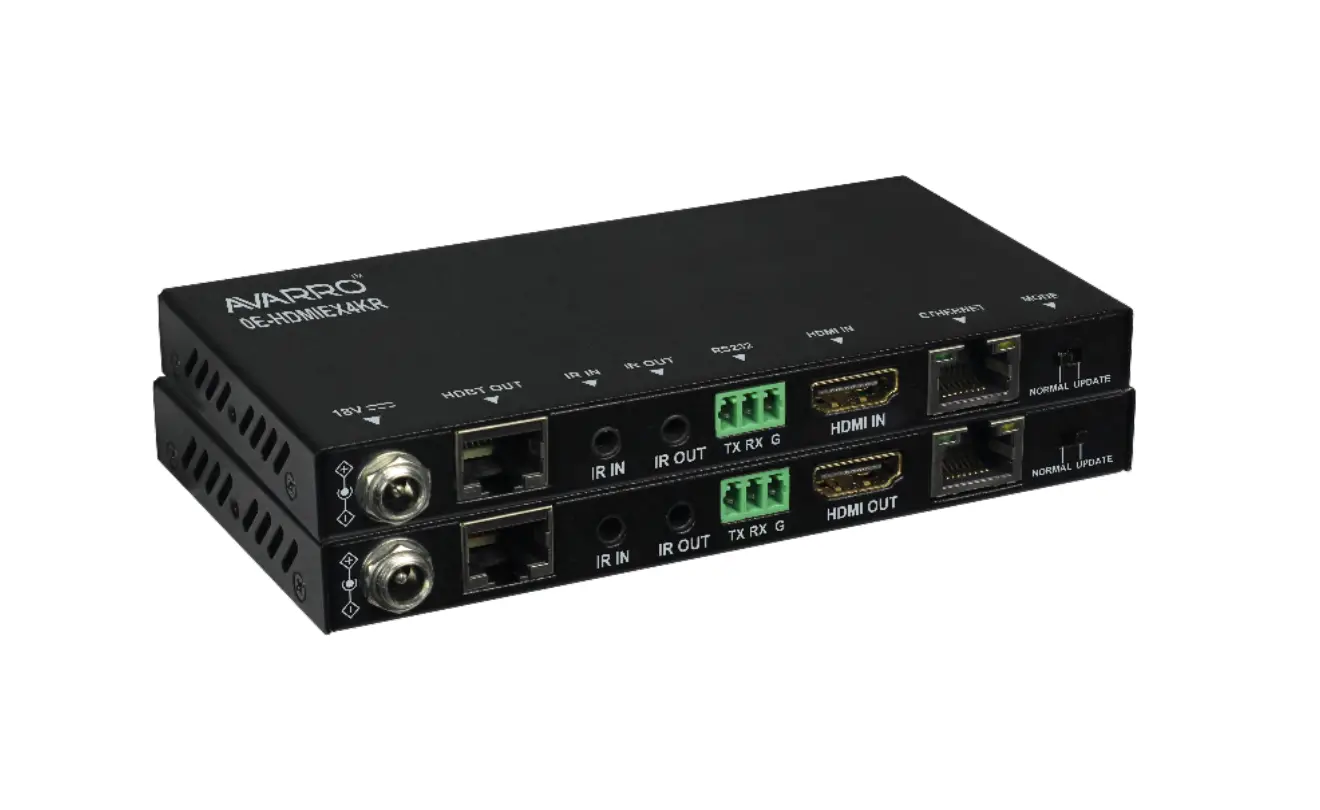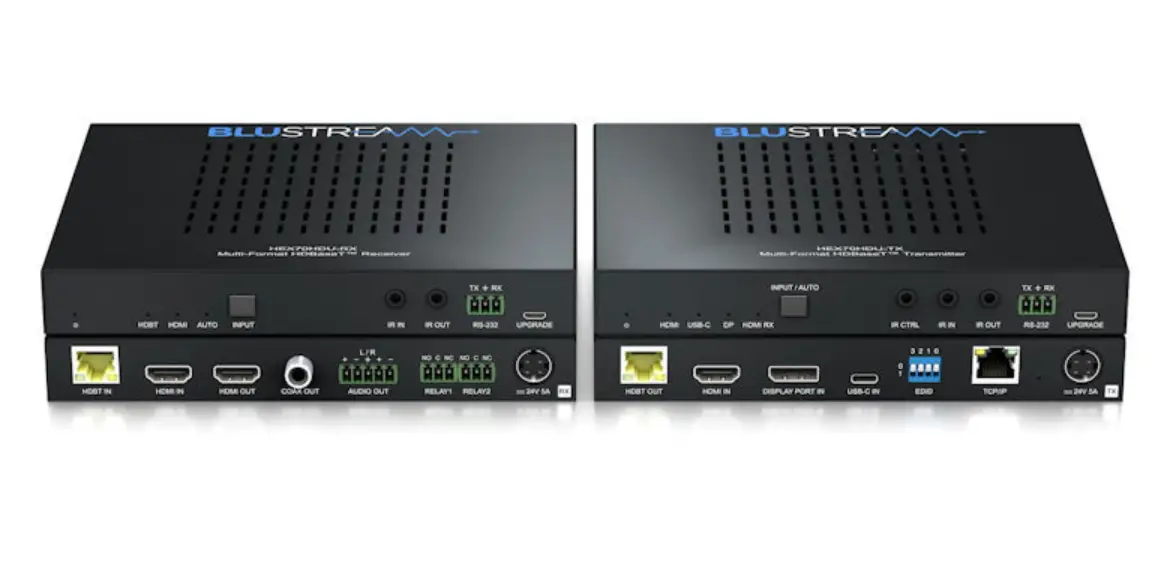

Antiference HDMIE70V3P HDBaseT Extender Set PoE from Alltrade
Important Safety Notice
Thank you for purchasing this Antiference HDMI distribution product. Please read the following instructions carefully and retain for future reference.
- Do not place any items on the device
- Ensure no liquids are on or near the device as splashes may damage the unit
- For cleaning, use a damp cloth only without solvents
- Do not attempt to open the case as there is a danger of electric shock
- Repairs should be carried out by a qualified technician
- Place the unit in a well ventilated area to prevent overheating
- Carry out the installation before connecting the device to a source of power
- Use only the supplied power supply as 3rd party products may damage the product
Introduction
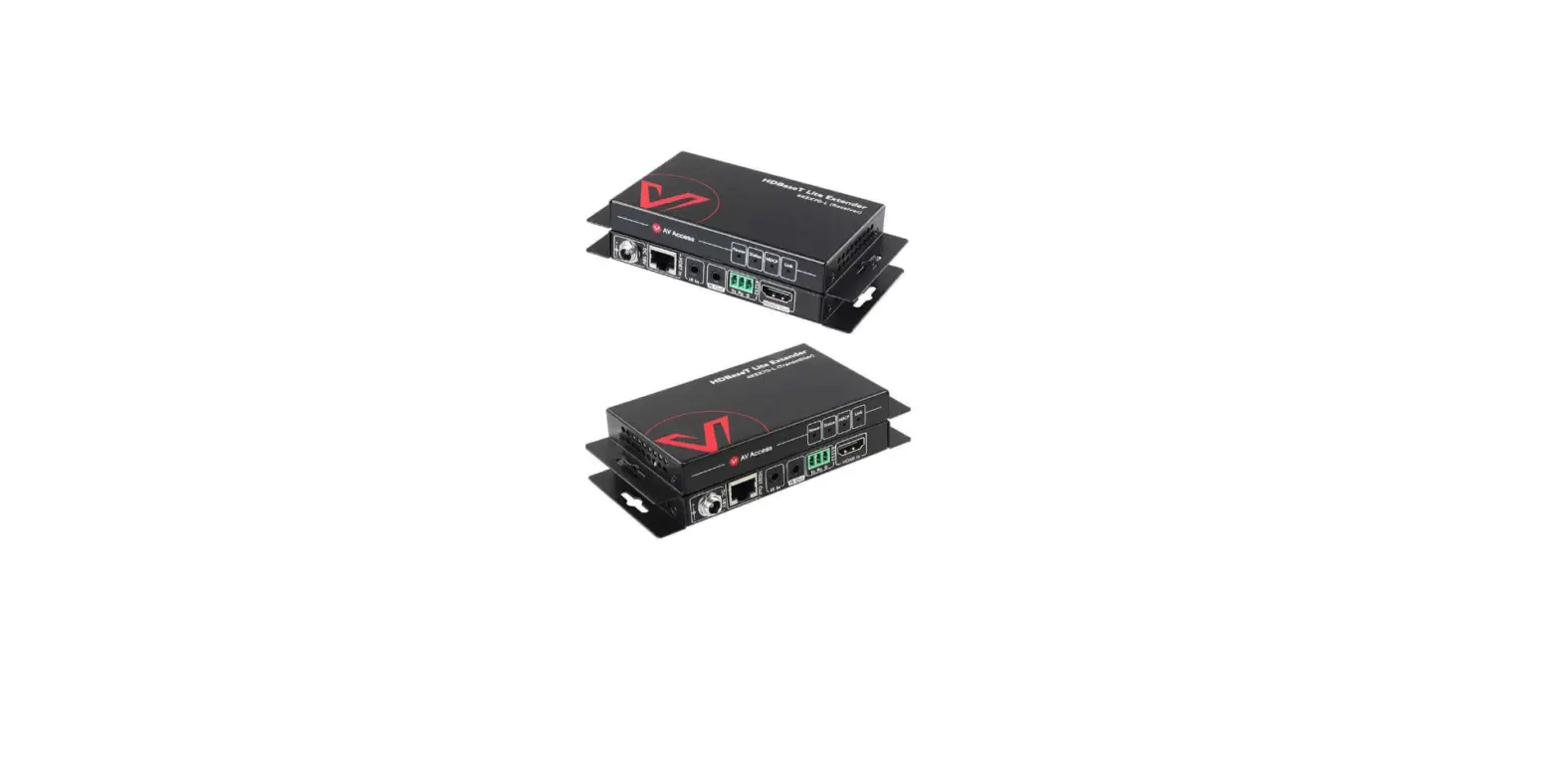
This HDMI extender sends I 080@60Hz or 4K/UHD@60Hz (2 I 60p) resolution signals up to 70meters over a single CAT6 cable with HDCP 2.2 support. This extender features an autoscaling function to enable use of a I 080p display with a 4K source.
It supports HDR, 24bit deep colour, IR control, an HDMI loop out for local display & PoC function. Audio can be extracted from the reciever via the S/PDIF port.
Features
- Auto-scaling to allow use of 1080p display & 4K source
- Supports full HD 1080p@60Hz, UHD@60Hz & 4K@25Hz with HDCP2.2
- Extend HD/UHD signal over CAT6 up to 70 meters
- Audio extractor via S/PDIF on receiver
- HDMI loop out on transmitter
- HDR supported with 4:4:4 colour space
- One-way IR control system
- PoC system
- Supports audio formats: LPCM/DTS-HD/DTS-Audio/Dolby TrueHD 7.1/ Dolby Digital 5.1
- Lightning, surge & ESD protection
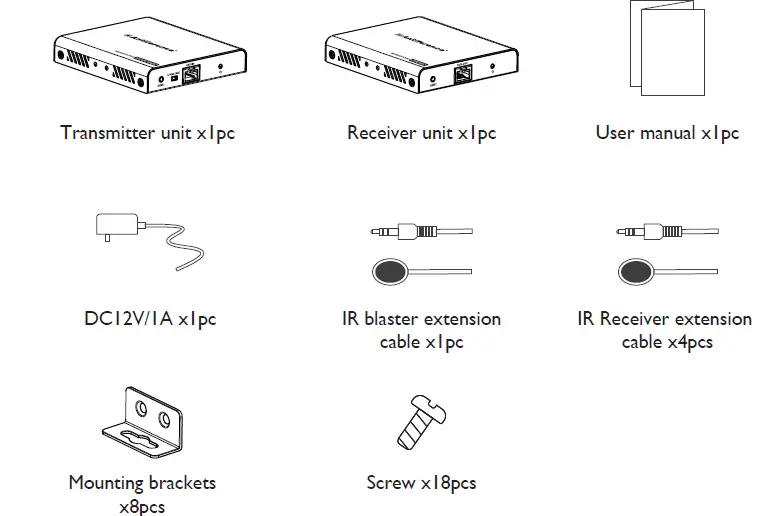
Package contents
Operation Controls and Functions
Installation Requirements
- HDMI source device such as SKY Q or HD, Blu Ray player, Apple TY, CCTV etc
- HDMI display device with HDMI input port – HDTY, monitor or projector
- UTP/STP CAT6/6A/7 cable, following the standard IEEE-568B.
Product Description
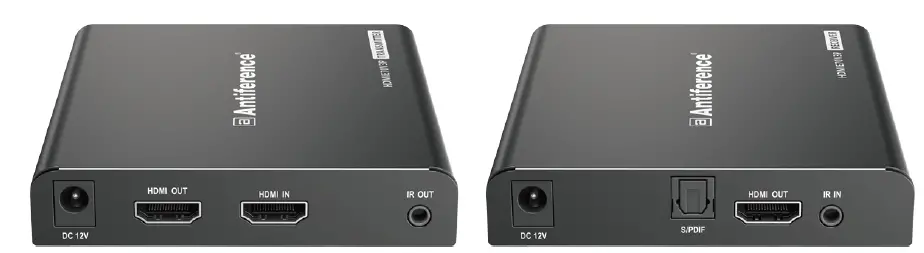
HDMITransmitter (TX)

| ① | Reset button | Press to restart the device |
| ② | RJ45 signal output | Connect with network cable |
| ③ | Power/Signal indicator | When there is power and no HDMI signal, the indicator will flash, when there is HDMI signal, the indicator will light solid blue |
| ④ | DC12V input | Connect with DC12V/1A power adapter |
| ⑤ | HDMI output port | Connect with HDMI display device |
| ⑥ | HDMI input port | Connect with the source device |
| ⑦ | IR out | Connect with IR blaster extension cable,please get closer to the source device while using |
HDMI Receiver (RX)

| ① | Reset button | Press to restart the device |
| ② | Audio switch | Choose to decode audio from HDMI or ARC output from fiber optic interface |
| ③ | RJ45 signal input | Connect with network cable |
| ④ | Power/Signal indicator | When there is power and no HDMI signal, the indicator will flash, when there is HDMI signal, the indicator will light solid blue |
| ⑤ | DC12V input | Connect with DC12V/1A power adapter |
| ⑥ | S/PDIF out | Output digital audio signal |
| ⑦ | HDMI output | Connect with HDMI display device |
| ⑧ | IR in | Connect with IR receiver extension cable,pleasemake sure the remote control used is within the effective range |
Installation Procedure
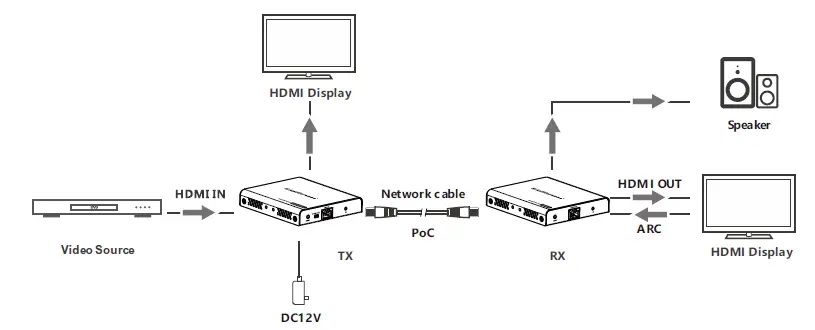
Connection Diagram
To make a CatSe/6 network cable, follow standard IEEE-568B
- White and orange
- Orange
- White and green
- Blue
- White and blue
- Green
- White and brown
- Brown
Connection Instruction
- Connect the source device to the HDMI port on the TX and connect the display to the HDMI port on the RX.
- Connect the TX and RX together with a CAT6/CAT6A/CAT7 network cable.
- A local display may be connected to the HDMI loop on the TX if required.
- Connect the power supply to the TX & RX
Auto-scaling function
- . The autoscaling function allows a I 080p display to be connected to the receiver end when a 4K source is connected to the transmitter.The receiver auto-scales the resolution to I 080p. It does not support 720p
- The HDMI loop out does not support auto-scaling. If the source connected to the transmitter is 4K, then the display connected to the HDMI loop out must also be 4K for video to be displayed.
FAQ
Q No audio/video being received?
A
- Check the resolution of the source. If 4K is being used, check compatibility of the displays
- Check audio format from source is compatible with display. Revert to PCM to test.
- Ensure all connections are pushed in correctly.
- Press the reset button to restart TX or RX
Q Black screen displayed
A
- Make sure the EDU (TV or display) is switched to the correct HDMI input.
- Check the cable is within the specified cable length range.
Q Display shows unusual colour or no sound is being received
A
- Reset the TX or RX with the reset button
- Try new HDMI cables
Technical Specifications
| Items | Specification | |
| Transmission protocol | Voltage/Current | DC12V/1A |
| Power consumption | TX<4W RX<4W | |
|
HDMI Performance And Interface | HDMI compliance | HDMI2.0 |
| HDCP compliance | HDCP 2.2 | |
| HDMI resolution | 480i@60Hz, 480p@60Hz, 576i@50Hz, | |
| Supports audio formats | LPCM/DTS-HD/DTS-Audio/Dolby TrueHD 7.1/ Dolby Digital 5.1 | |
| Input and output TMDS signal | 0.7~1.2Vp-p(TMDS) | |
| Input and output DDC signal | 5Vp-p(TTL) | |
| Input cable length | ≤8m(AWG24) | |
| Output cable length | ≤8m(AWG24) | |
| Transmission Distance | CAT6/6A/7 | ≤70m |
| Protection Level | Electrostatic protection of the whole machine | 1a Contact discharge level 3 1b Air discharge level 3 Implementation of the standard: IEC61000-4-2 |
| Operating Environment | Working temperature | -20~60℃ |
| Storage temperature | -30~70℃ | |
| Humidity(no condensation) | 0~90% RH | |
|
Body Properties | Dimension | 106.0(L)x99.0(W)×26.2(H)mm |
| Material | Aluminium alloy material +crystal panel | |
| Treatment process | Grit blast | |
| Color | Black | |
| Weight | TX:210g RX:210g | |
Declaration of Conformity
We ,ANTIFERENCE LIMITED herewith declare that the HDMI extender kit complies with all essential requirements and any other applicable conditions set forth on directive 2014/30/EU. According to the WEEE (Waste Electrical and Electronic Equipment) EU Directive, do not dispose of this product as household waste or commercial waste. Waste Electrical and Electronic Equipment should be appropriately collected and recycled as required by practices established for your country. For information on recycling of this product, please contact your local authorities, your household waste disposal service or the shop where you purchased the product. A full declaration document can be found on our website www.antiference.co.uk