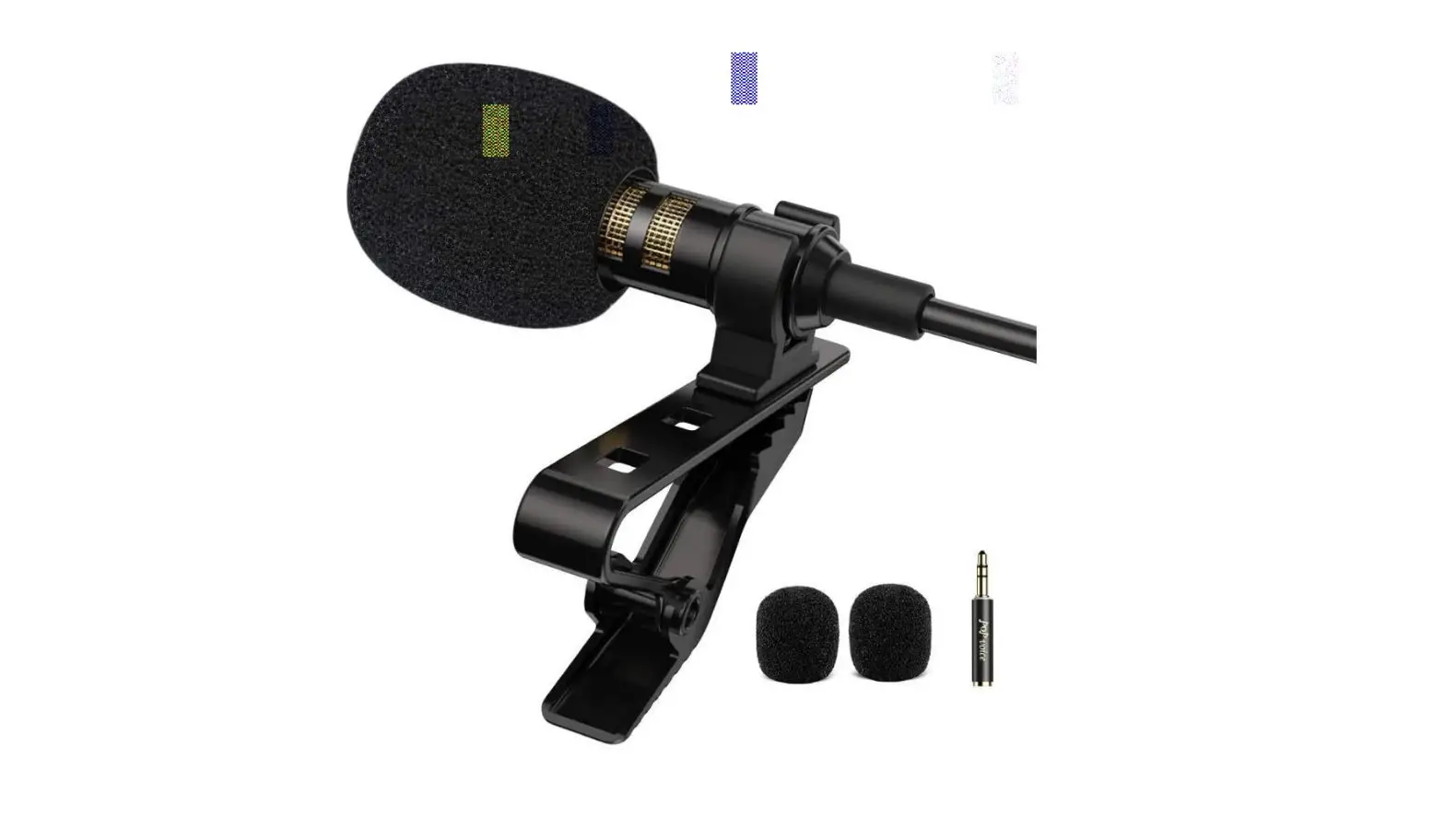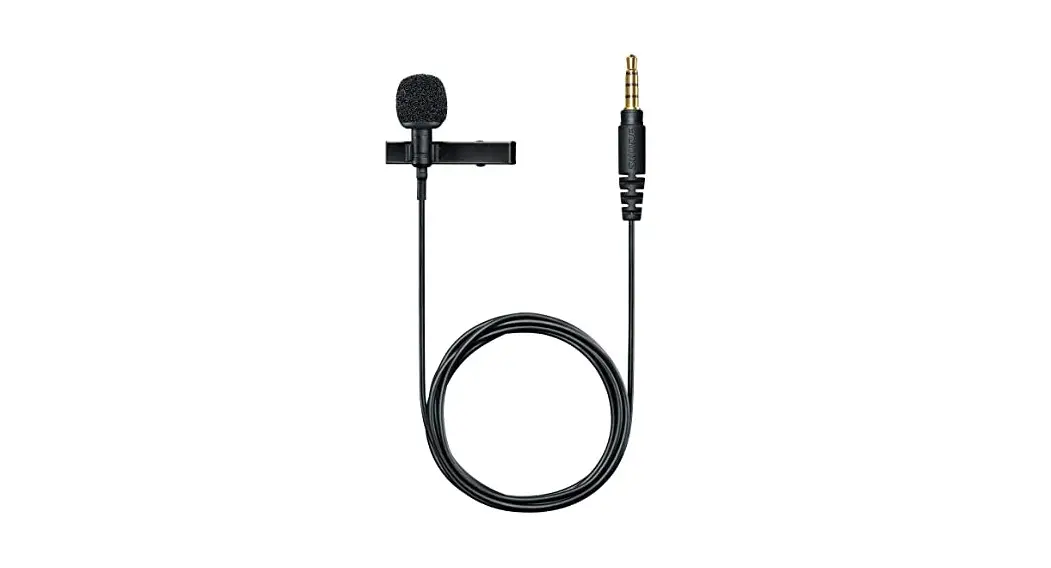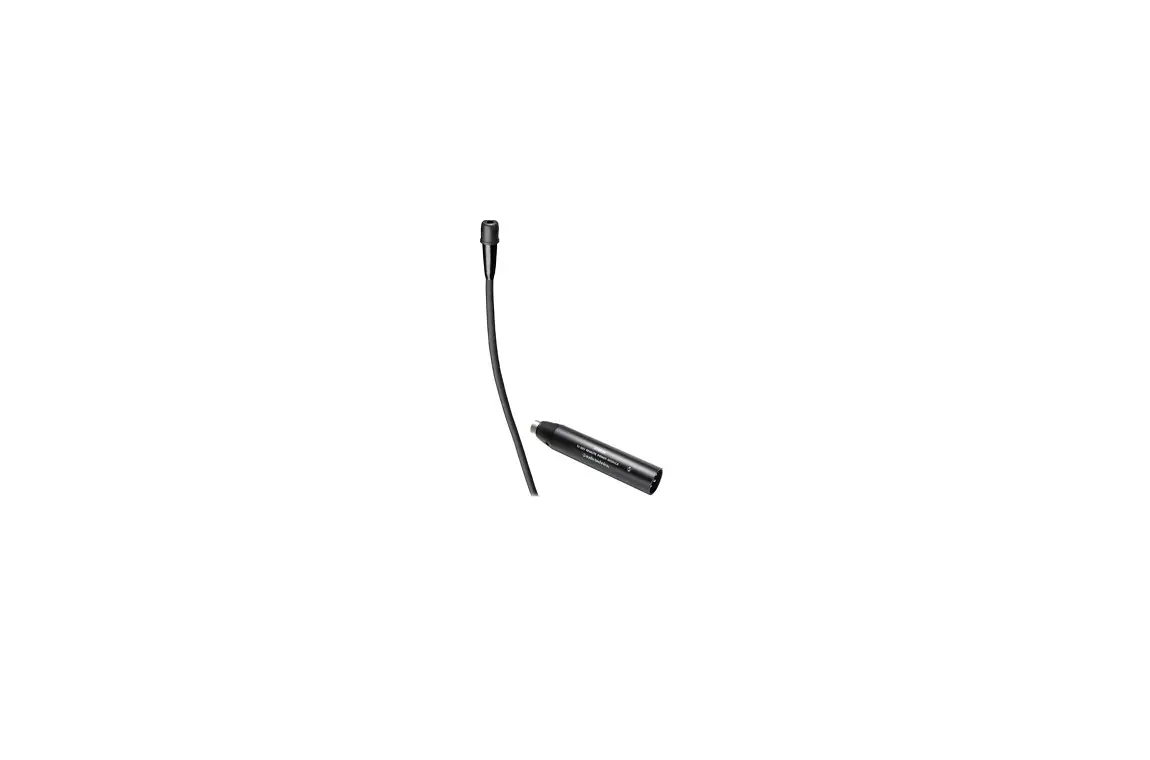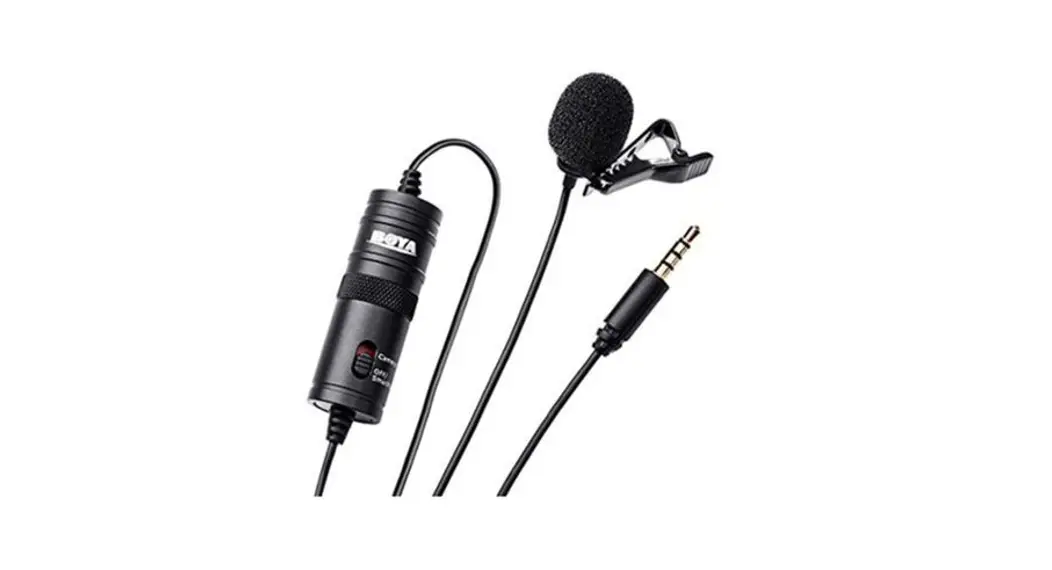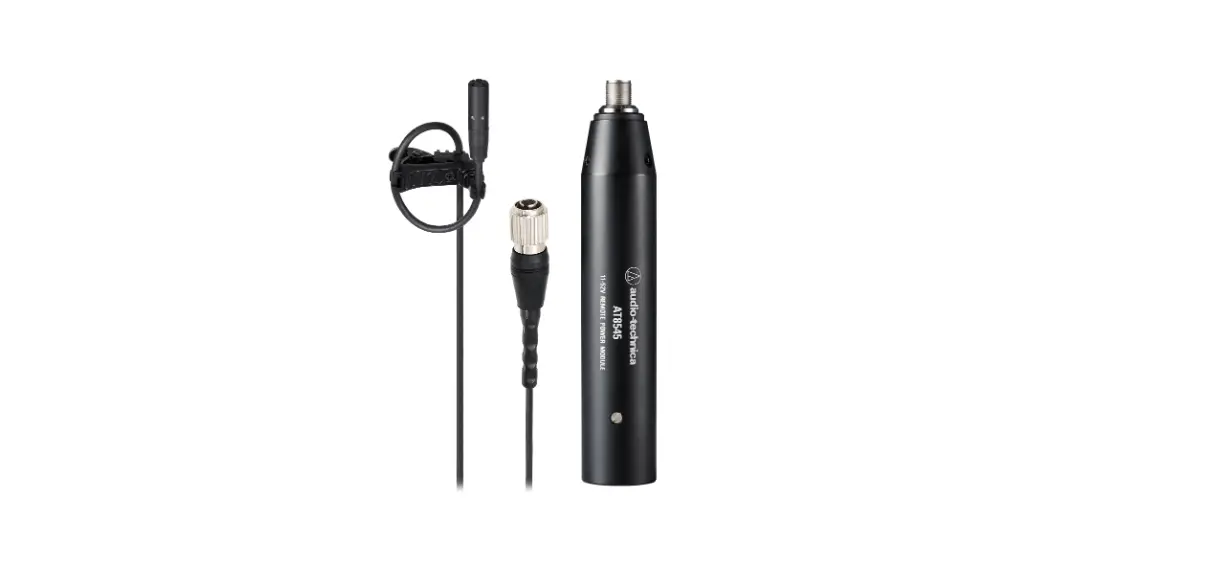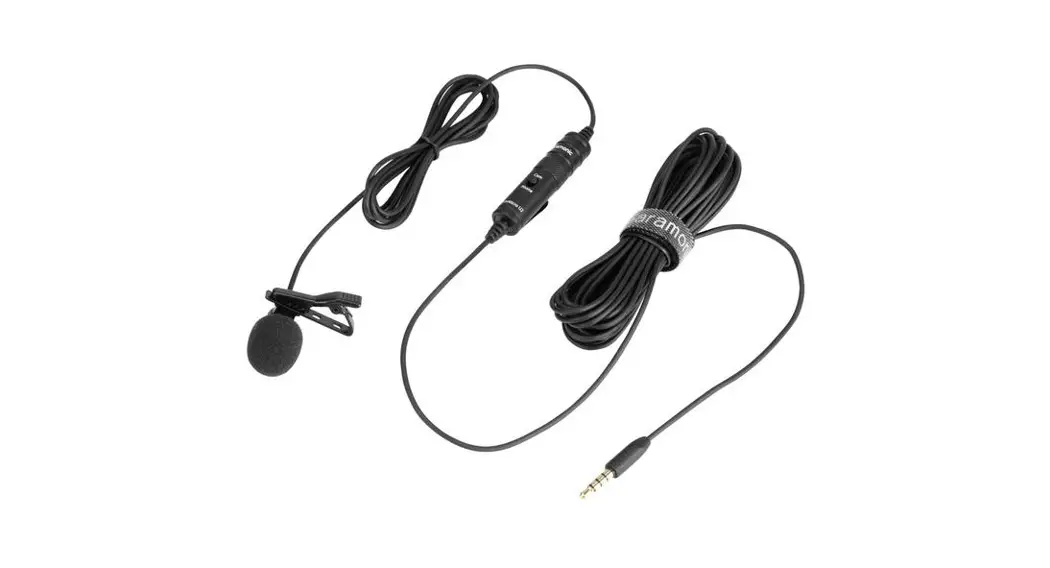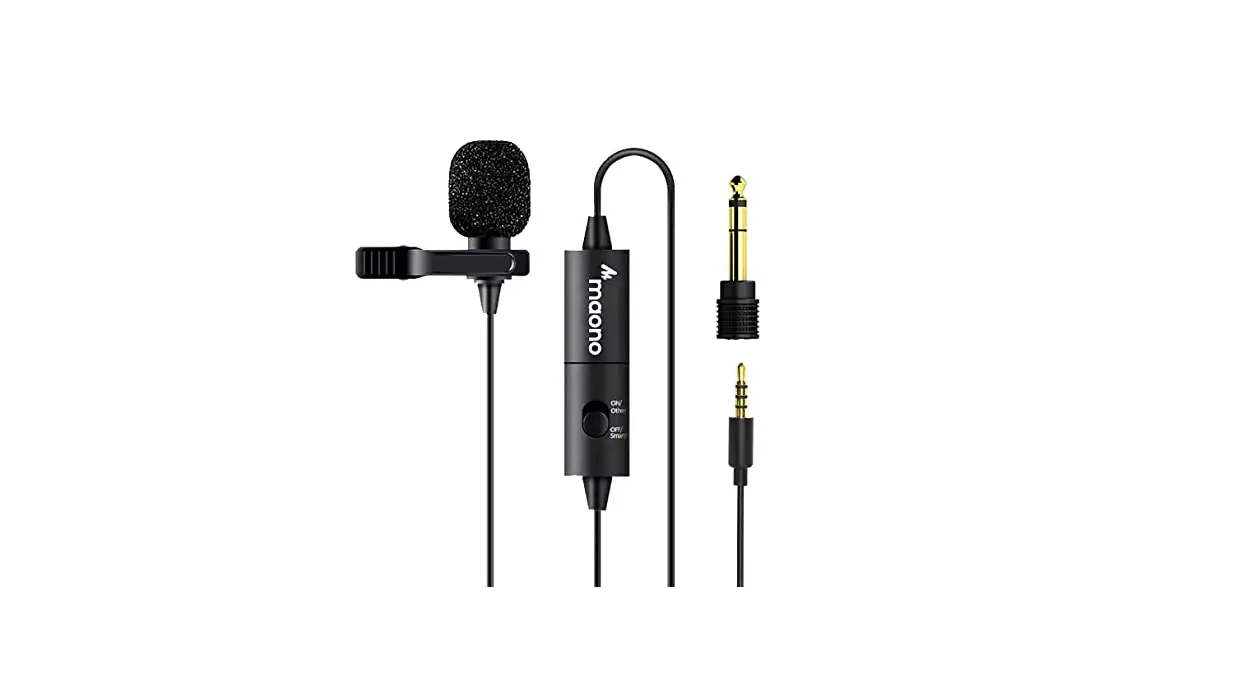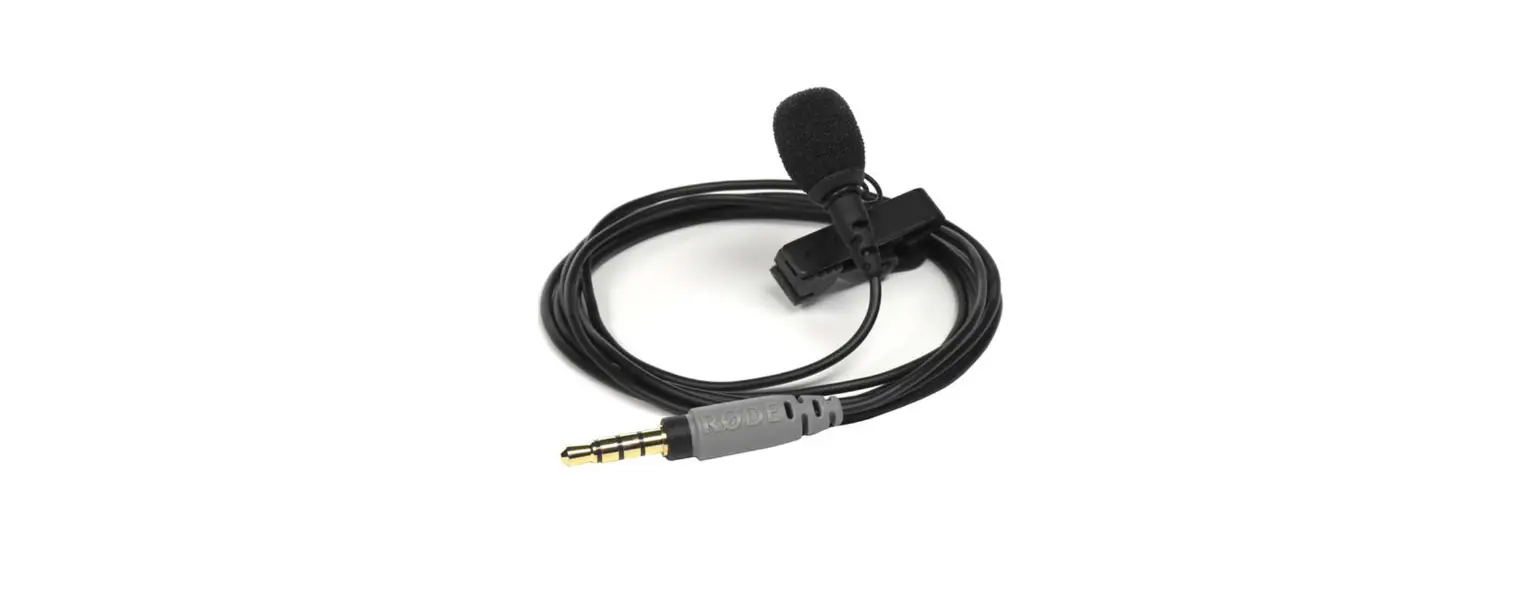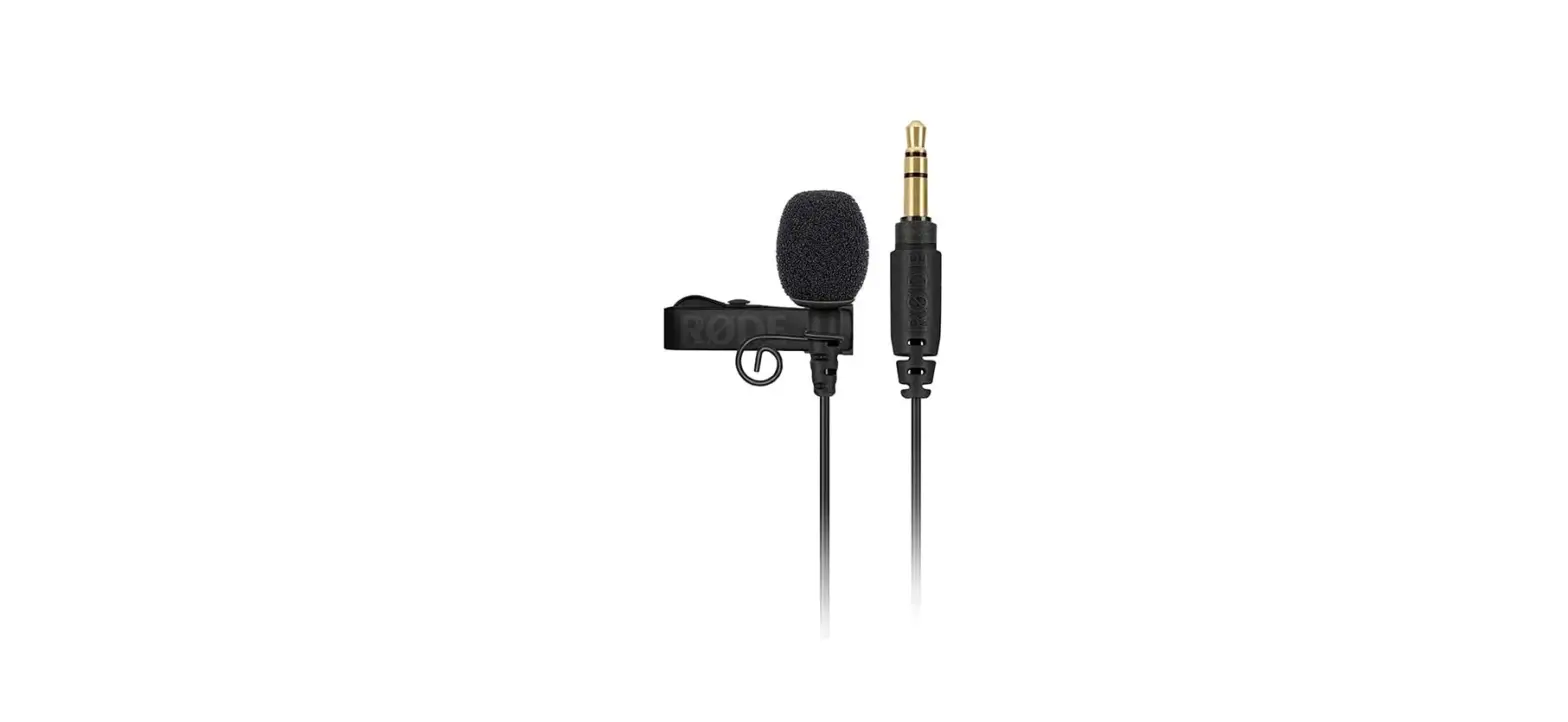

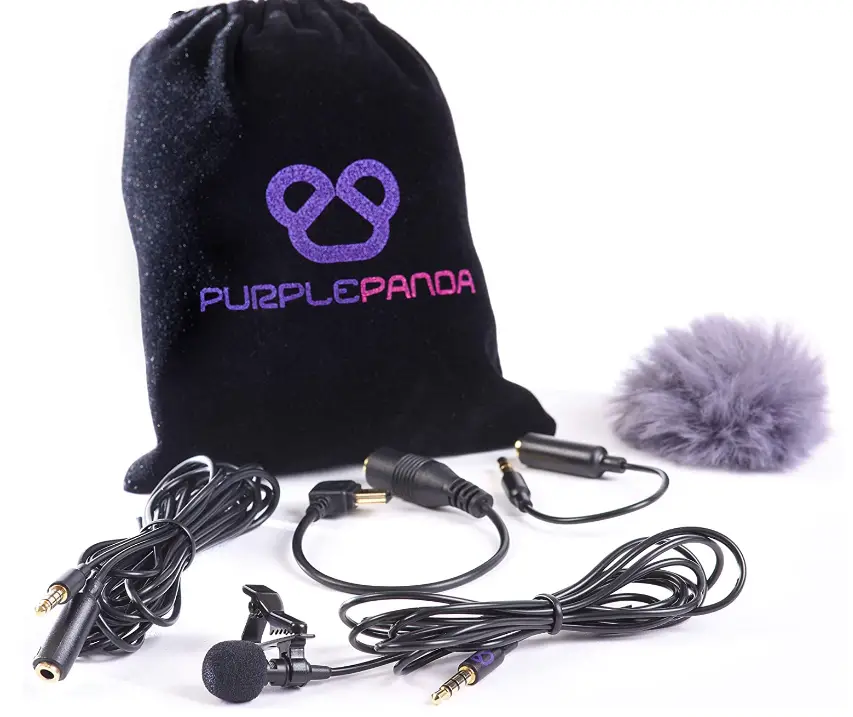
Purple Panda Lavalier Lapel Microphone Kit – Clip-on Omnidirectional Condenser Lav Mic Compatible
Specifications
- CAPSULE DIAMETER: 7.9mm,
- POLAR PATTERN: Omnidirectional,
- SENSITIVITY (±4dB): -40 ±3Db,
- FREQUENCY RANGE: 40Hz~16kHz,
- S/N RATIO: ≥55dB,
- POWER SOURCE: 1.8~5V,
- OPERATING TEMPERATURE: -20°~+50°,
- OUTPUT CONNECTION: TRRS / TRS / Mini USB
This high-quality lapel mic is designed to capture high-quality audio. It’s tough, light, and unobtrusive, allowing you to gain confidence in your job by making outstanding recordings and films. It’s easy to use without the use of batteries It’s a fantastic and one-of-a-kind present for family and friends.
It is compatible with iPhone (iPhone 7 and up require Lightning to 3.5mm Adapter), Android / Galaxy phones (except J series and Nexus phones), DSLR cameras, Go Pro hero 2, hero 3, hero 3+, hero 4. it is not compatible with Camcorders, PC / Computers / Laptops, GoPro Session, Nexus Phones, Galaxy J Series, Tascam DR-40.
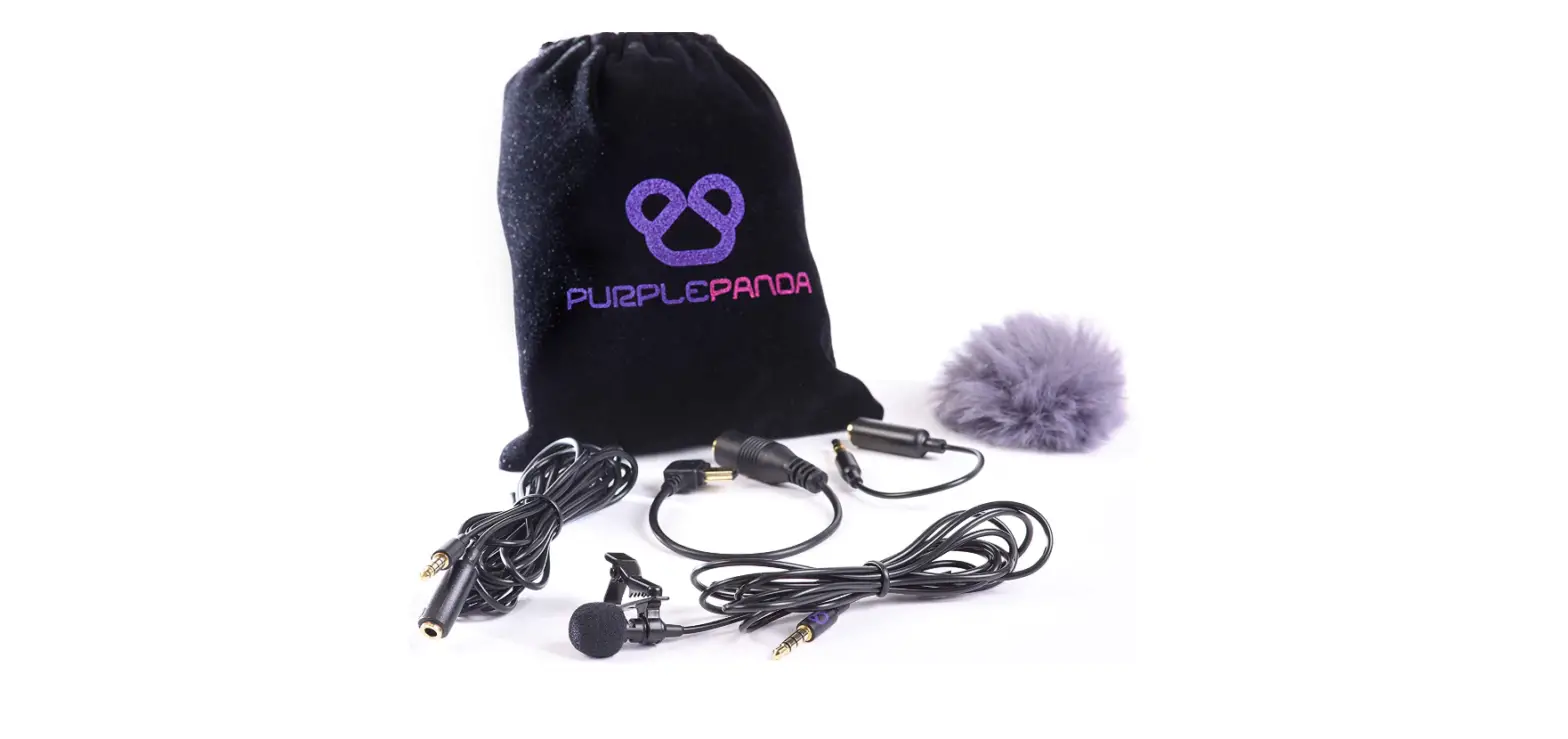
What’s in the box
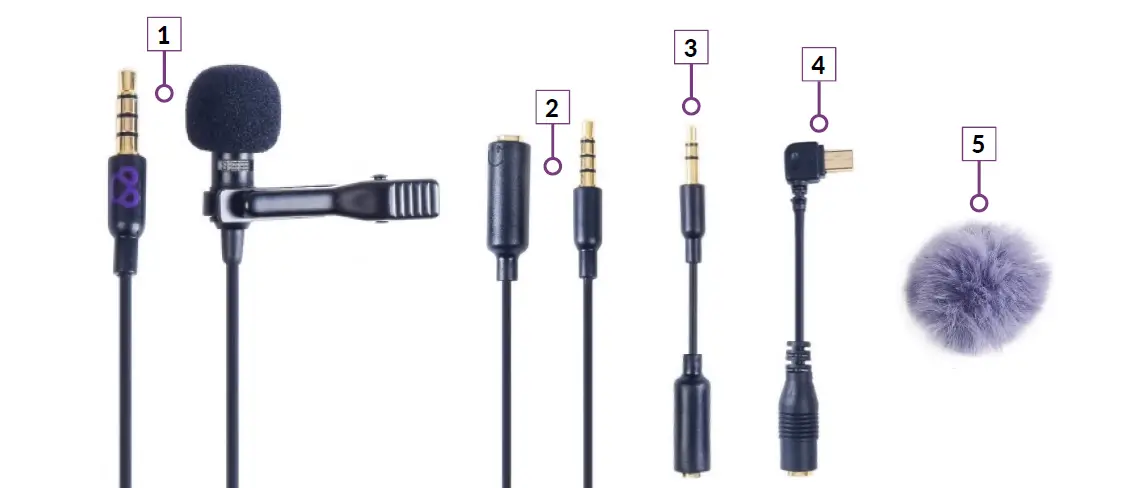
- Microphone with TRRS Connector
- 8ft (3m) Extension Cord with TRRS Connector
- TRS (2-Ring) Adapter
- Mini USB Adapter
- Fuzzy Windscreen for Windy Environments
How to connect to smartphones with 3.5mm earphone port?
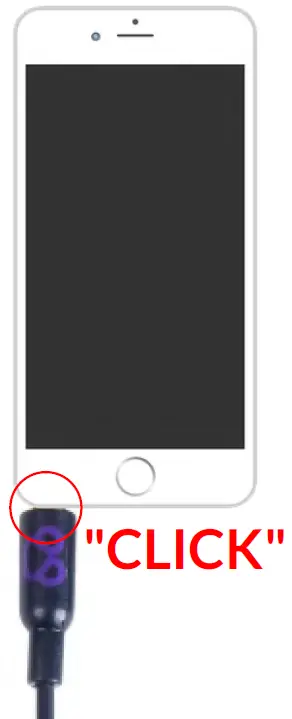
- Connect the microphone plug firmly into the earphone port of your smartphone.
- Attach the mic to your shirt and start recording using the phone’s recording app.
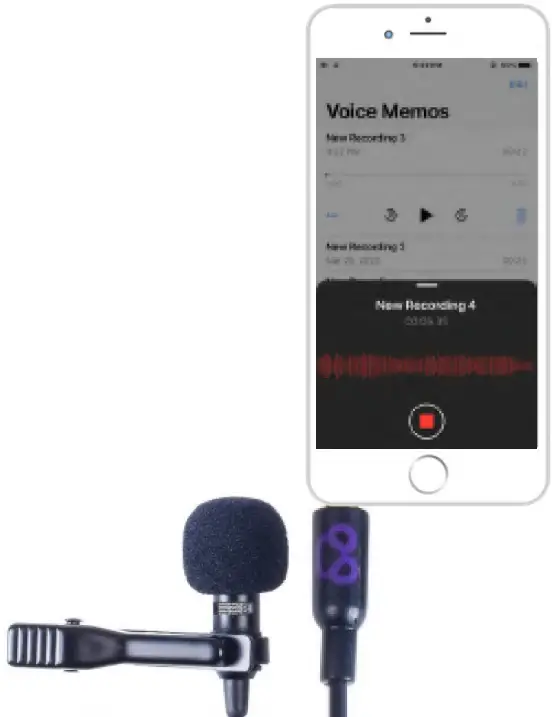
- To listen to your recording, you must unplug the microphone first.
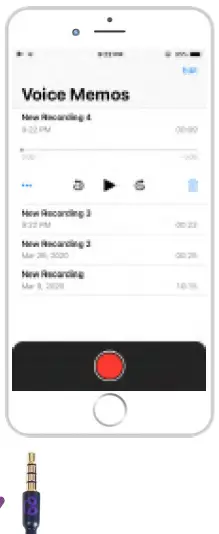
- Press the “play” button to listen to your recording after unplugging the microphone
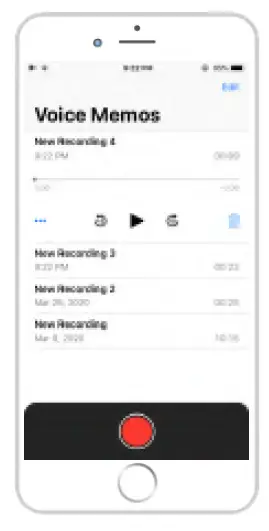
How to connect to iPhone
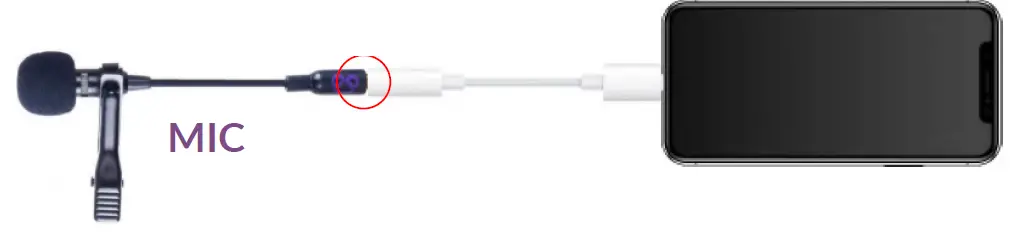
Connect to iPhone with iPhone 11 Pro iPhone 11 Pro Max iPhone XS iPhone XS Max iPhoneXR iPhoneX iPhone 8 Plus iPhone8 iPhone 7 Plus iPhone7 models:
- Connect the mic plug firmly until you hear a “click”
How to connect to iPhone
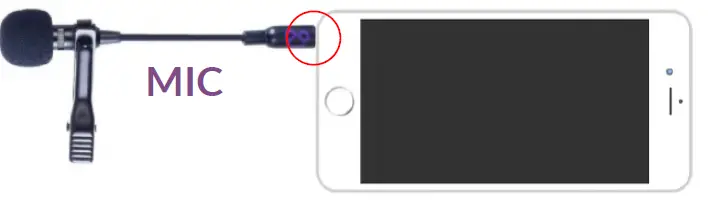
Connect to iPhone with iPhone 6S Plus, iPhone 6S, siPhone 6 Plus, iPhone 6, Phone SE & Older Models.
- Connect the mic plug firmly until you hear a “click”
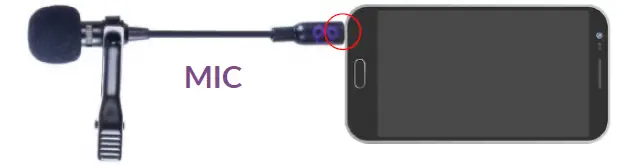
How to connect to Android
- Connect the mic plug firmly until you hear a “click”
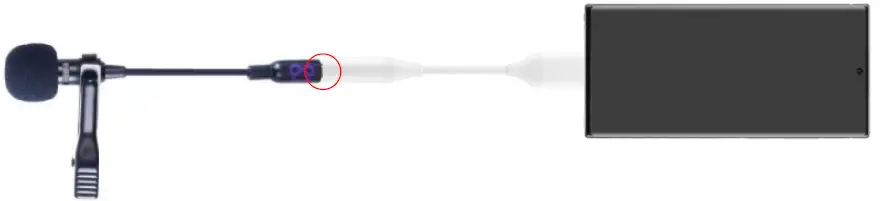
- SMARTPHONES WITHOUT AN EARPHONE PORT REQUIRE A USB-C TO3.5MM ADAPTER
When the microphone is not recognized in android:
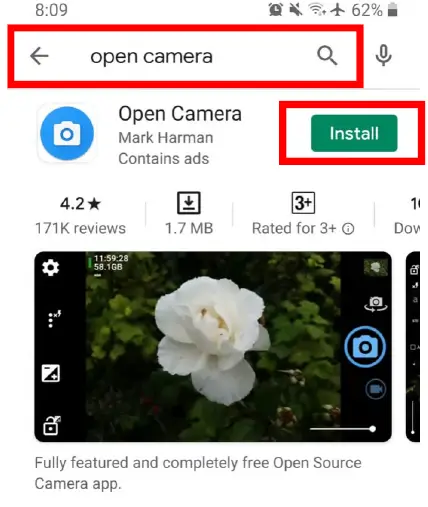
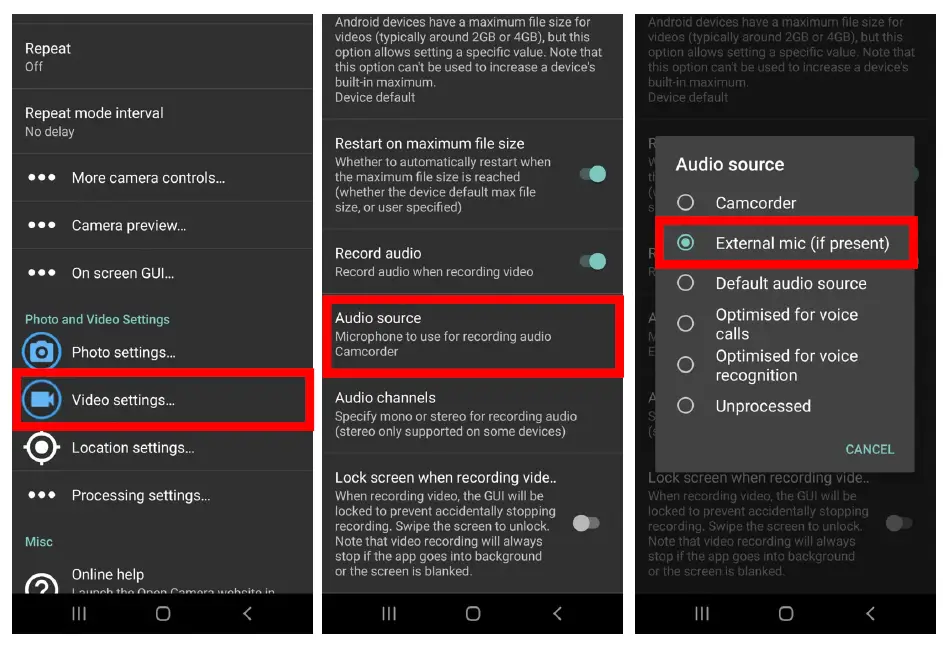
Some android phones require an external app for the mic to work. Downloading the open camera app would be an easy fix. Please take the following steps:
- Launch the Play Store and search for “Open Camera” then press on “Install”.
- Launch the Open Camera app then press on the settings icon
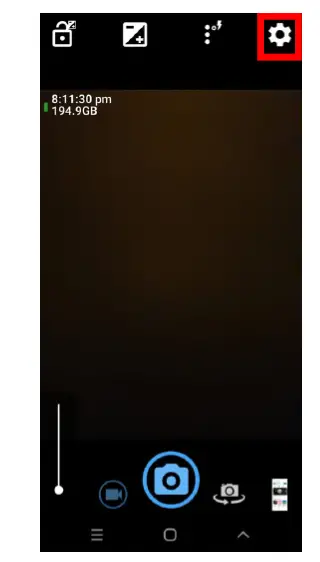
- Select Video Settings, Audio Source External Mic Then create your video recording using the Open Camera app
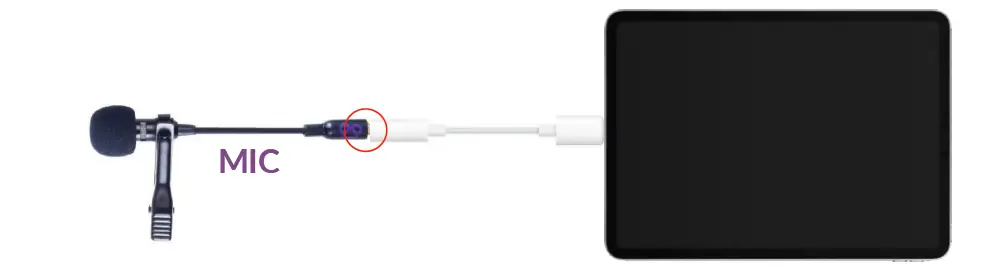
Connect with iPads
- Connect the mic plug firmly until you hear a “click”
- Mic newer models (12.9-inch iPad pro, 11-inch iPad pro, etc.) Require the USB-c to 3.5mm adapter.
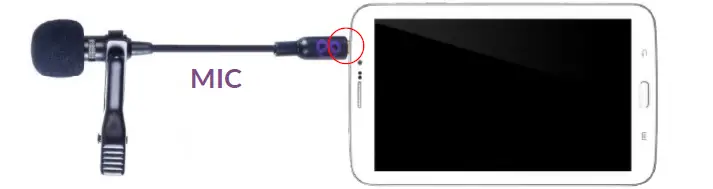
- For models with a 3.5mm earphone port (iPad Air, iPad mini, and classic iPad), connect the mic plug directly into the iPad
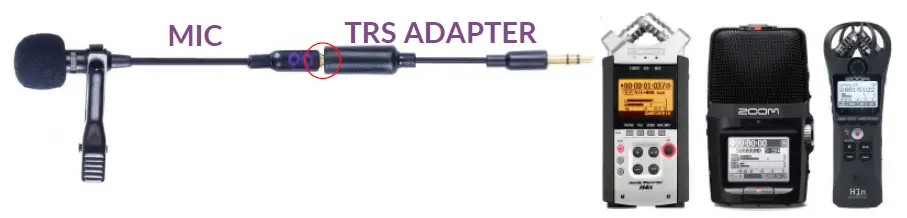
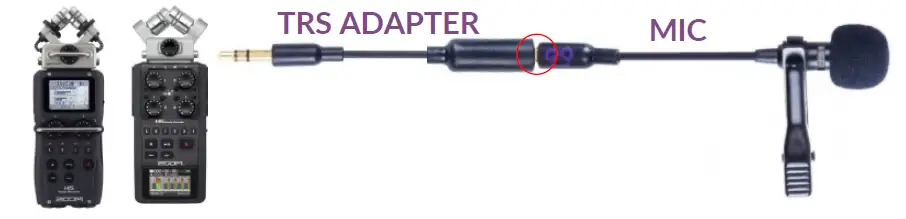
How to set up the microphone with Zoom
- Connect the Microphone Plug into the TRS adapter tightly until you hear a “CLICK”
- Plug the TRS adapter tightly into the “LINE IN” jack on the Zoom recorder
- Turn ON “Plug-in Power” from Zoom recorder settings
- H1n: Plug-in power is turned on automatically
- H2n: Go to “Menu” > “Input” > “Plug-in Power”> ON
- H4n: Go to “Menu” > “Input” > “PLUG-IN”> ON
- Adjust the input level as desired on the Zoom recorder and record.
- Connect the Microphone Plug into the TRS adapter tightly until you hear a “CLICK”.
- Plug the TRS adapter tightly into the “LINE IN” jack found on the X/Y Mic Capsule
- Turn ON “Plug-in Power” from Zoom recorder settings H5: Go to “Menu”> “IN/OUT”> “PLUGIN POWER”> ON H6: Go to “Menu” “Input &Output”> “Plugin Power”> ON
- Adjust the input level as desired on the Zoom recorder and record.
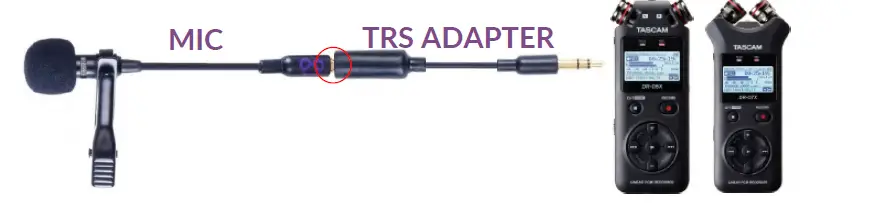
How to set up Tascam
- Connect the Microphone Plug into the TRS adapter tightly until you hear a “CLICK”
- Plug the TRS adapter into the “MIC/EXT IN” jack on the TASCAM recorder
- Turn ON “MIC POWER” from TASCAM recording settings TASCAM DRO
- Go to “Menu”> Rec Setting> Mic Power ON For other models: Refer to TASCAM device manual for instructions to turn on mic power setting
- Adjust the input level as desired on the TASCAM recorder and record.
GOPRO – MIC SETUP
Hero 8 Hero 7 Hero 6 Hero 5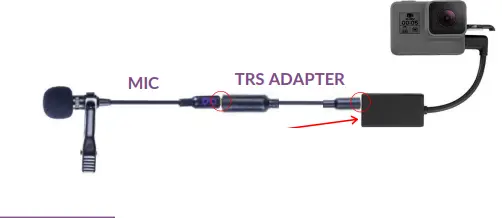
Hero 4 Hero 3+ Hero 3
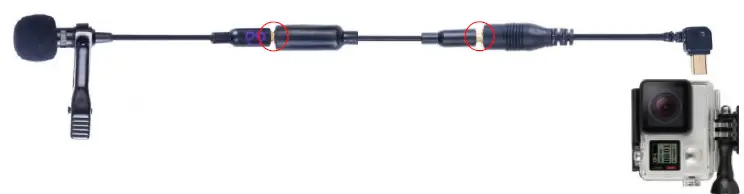
Hero 2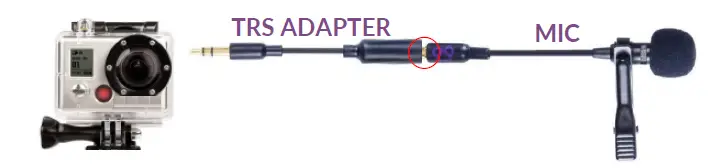
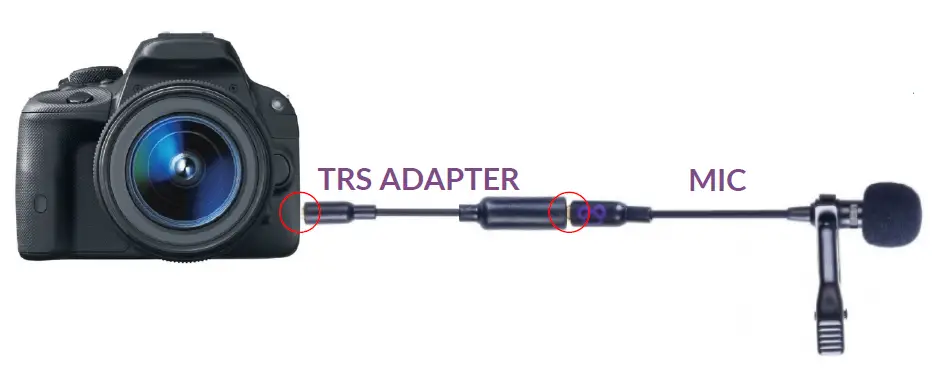
DSLR Setup with microphone
- Plug Microphone Plug into TRS adapter firmly until you hear a “CLICK”
- Plug TRS adapter firmly into DSLR port
TROUBLESHOOTING
- HOW TO TEST IF YOUR MIC IS WORKING?
Record an audio recording (preferably with a smartphone) while scratching the foam windscreen on the mic. Unplug the mic and listen to the recording, if the mic is working, the scratching sound should be loud which means the mic is active. - BUZZING NOISES IN RECORDING?
When connecting adapters to each other, connect them firmly until you hear a “CLICK”. Many issues happen due to the adapters not being connected properly. Make sure you are using the Correct combination of adapters for your device by referring to the instructions in this guide.
Ensure that Bluetooth and NFC (near field communication) are turned off on the device.
Check if the microphone cable or extension cables are crossing other cables that are causing electrical interference. This is especially possible close to power cables.
Frequently Asked Questions
- What is the best way to utilize the purple panda mic?
Connecting a Hero 5, 6, 7, or 8 to the Purple Panda: The GoPro Pro 3.5mm Mic Adapter will be required for this. Connect the Purple Panda to the TRRS to TRS Adapter, and then to a Pro 3.5mm Mic Adapter. The GoPro may then be connected to the Pro 3.5mm Mic Adapter. - What are the drawbacks of using a lavalier microphone?
The biggest disadvantage of lavalier mics is that they can’t record audio from multiple people at the same time. This means you’ll either have to buy multiple lavalier mics because each person speaking will need their own mic, or you’ll have to accept less clear audio by placing the microphone in the middle of your subjects. - What’s the difference between a lavalier microphone and a lapel microphone?
Lavalier microphones are often referred to as lapel microphones. They’re little and attach to your shirt, collar, or tie with a clip. The advantage of lavalier mics is that they allow you to record without using your hands. - Is it possible to utilize a lavalier mic on a computer?
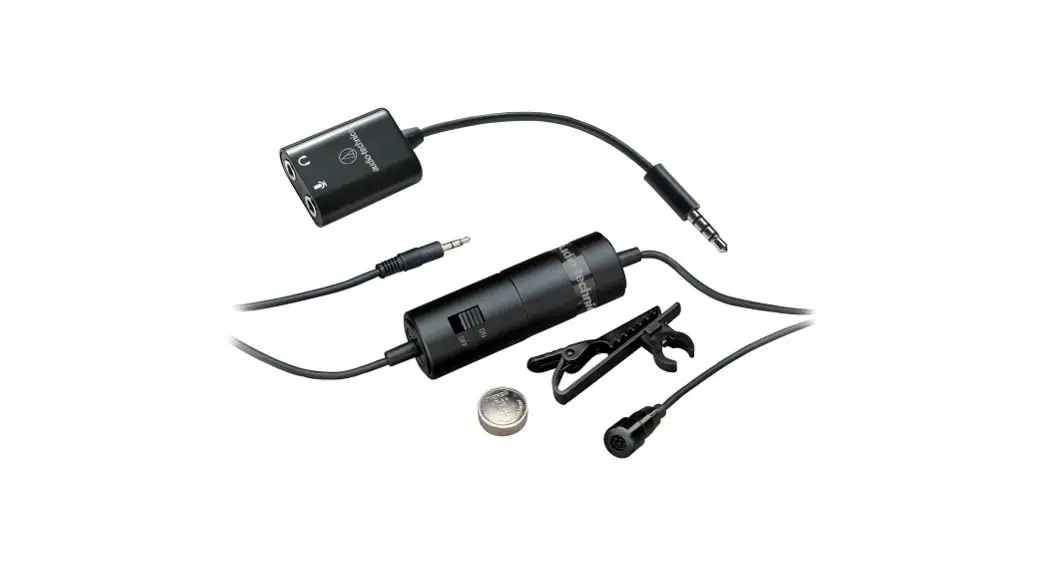
Yes, the ATR3350iS lavalier microphone may be used as a computer audio input device. - Are lavalier microphones suitable for singing?
The lavalier microphone (sometimes known as a lapel mic) is the tiniest microphone ever made for recording devices. The most sought-after mic for on-stage performances, speeches, singing concerts, interviews, and recording reasons due to its size, shape, mobility, flexibility, and ease of use.