
LavMicro U2 User Manual
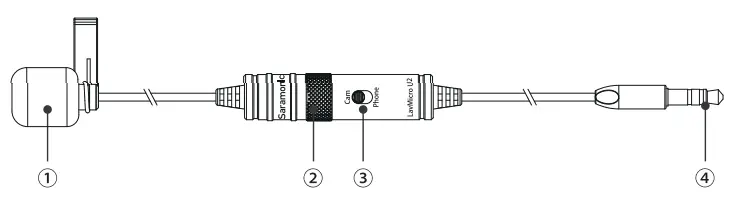
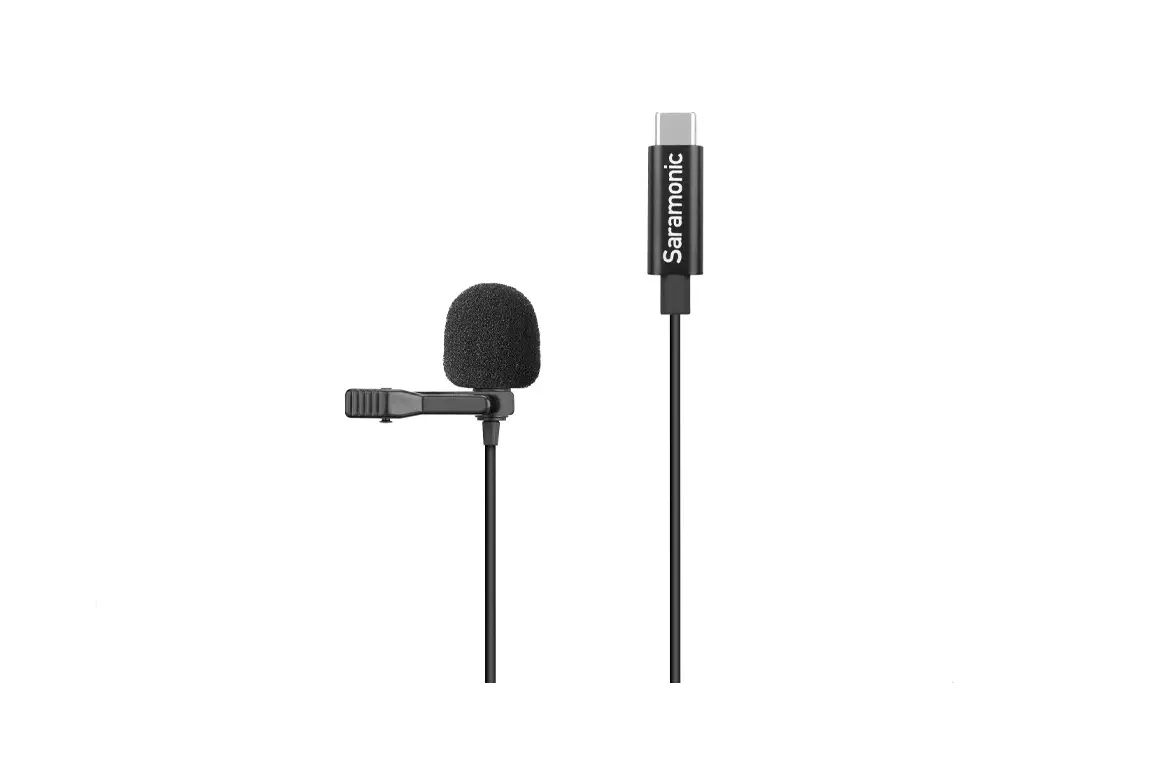
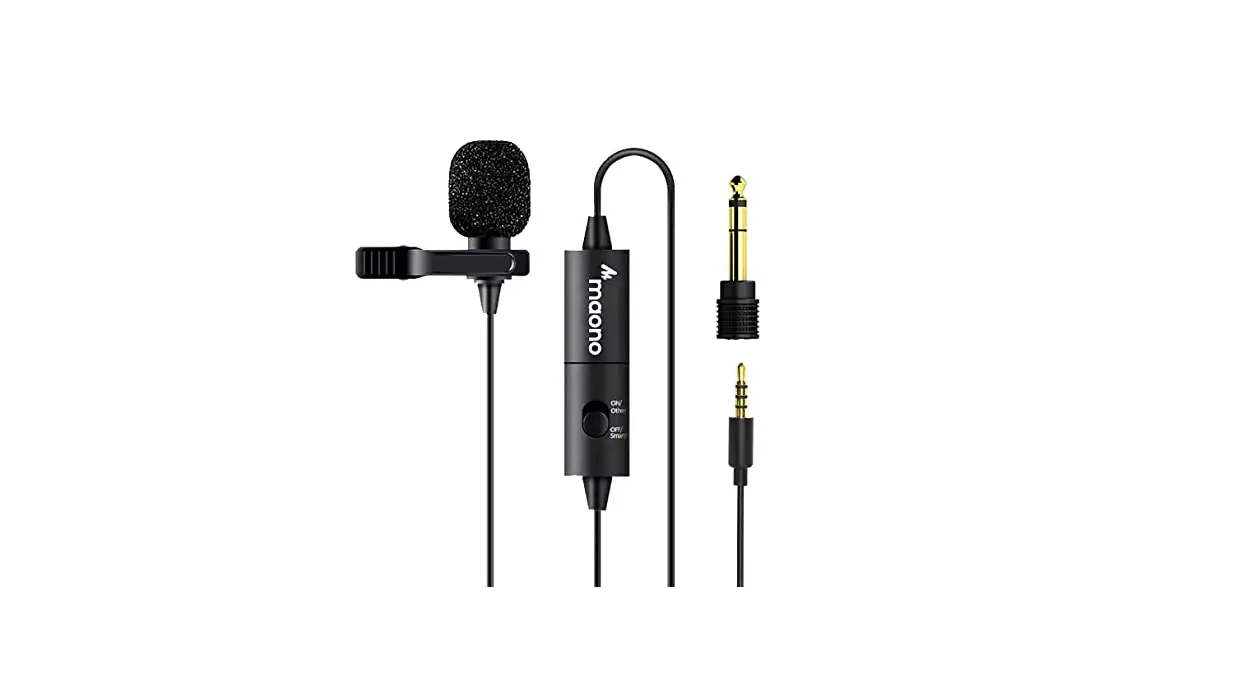
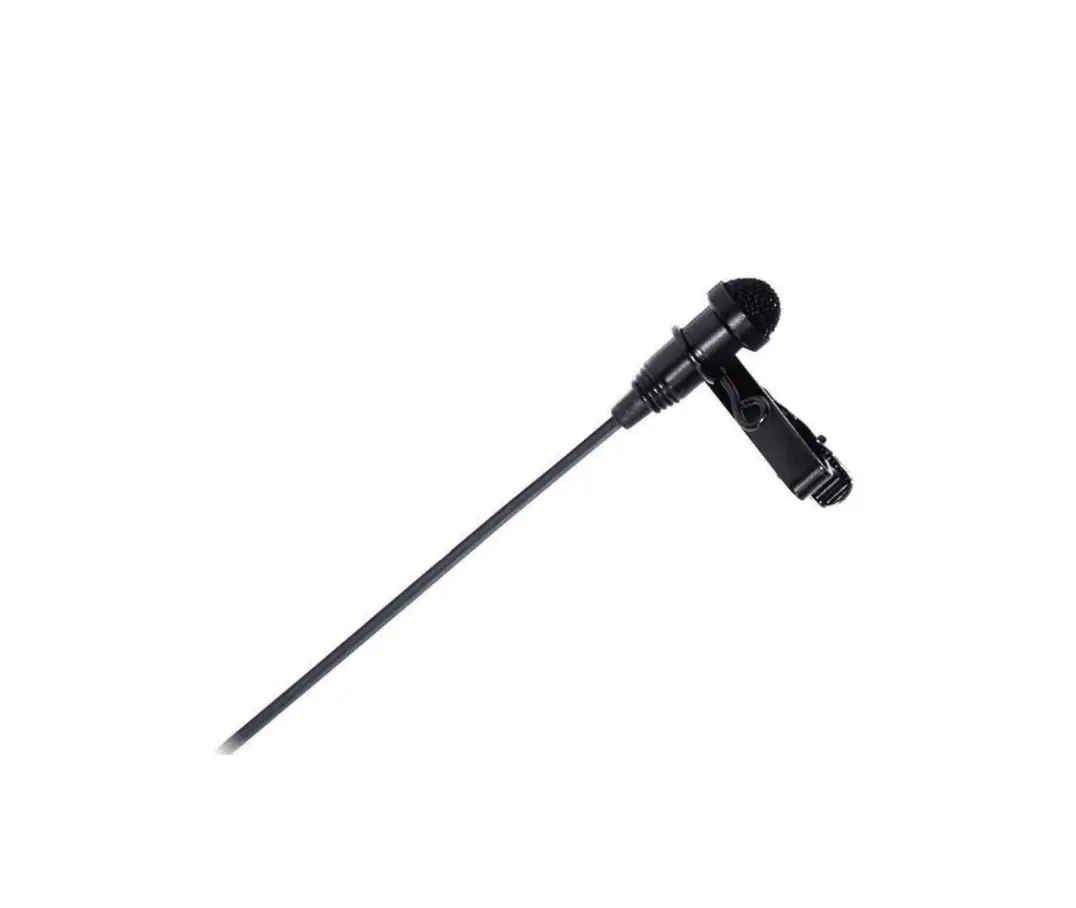
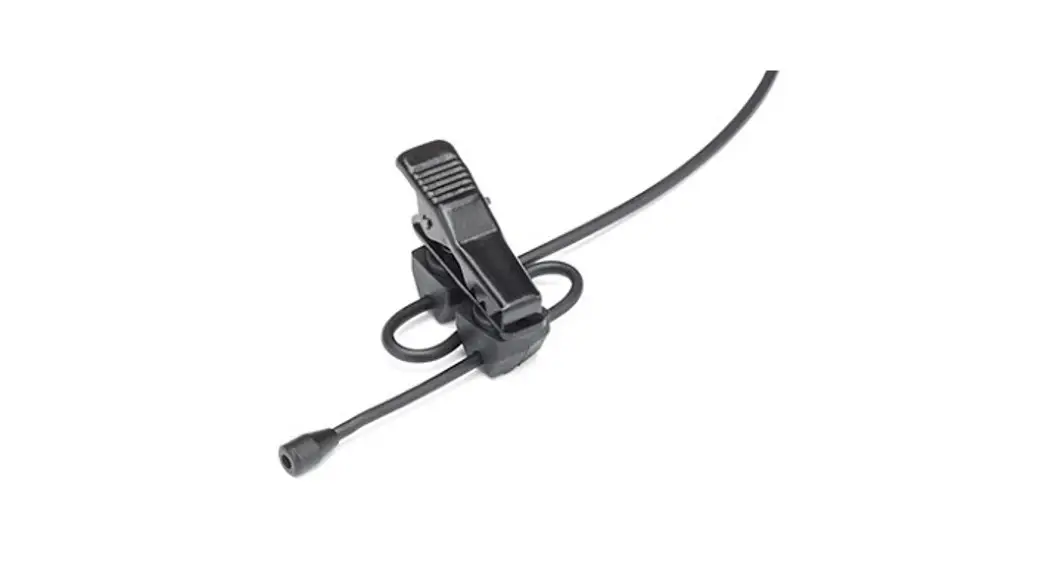
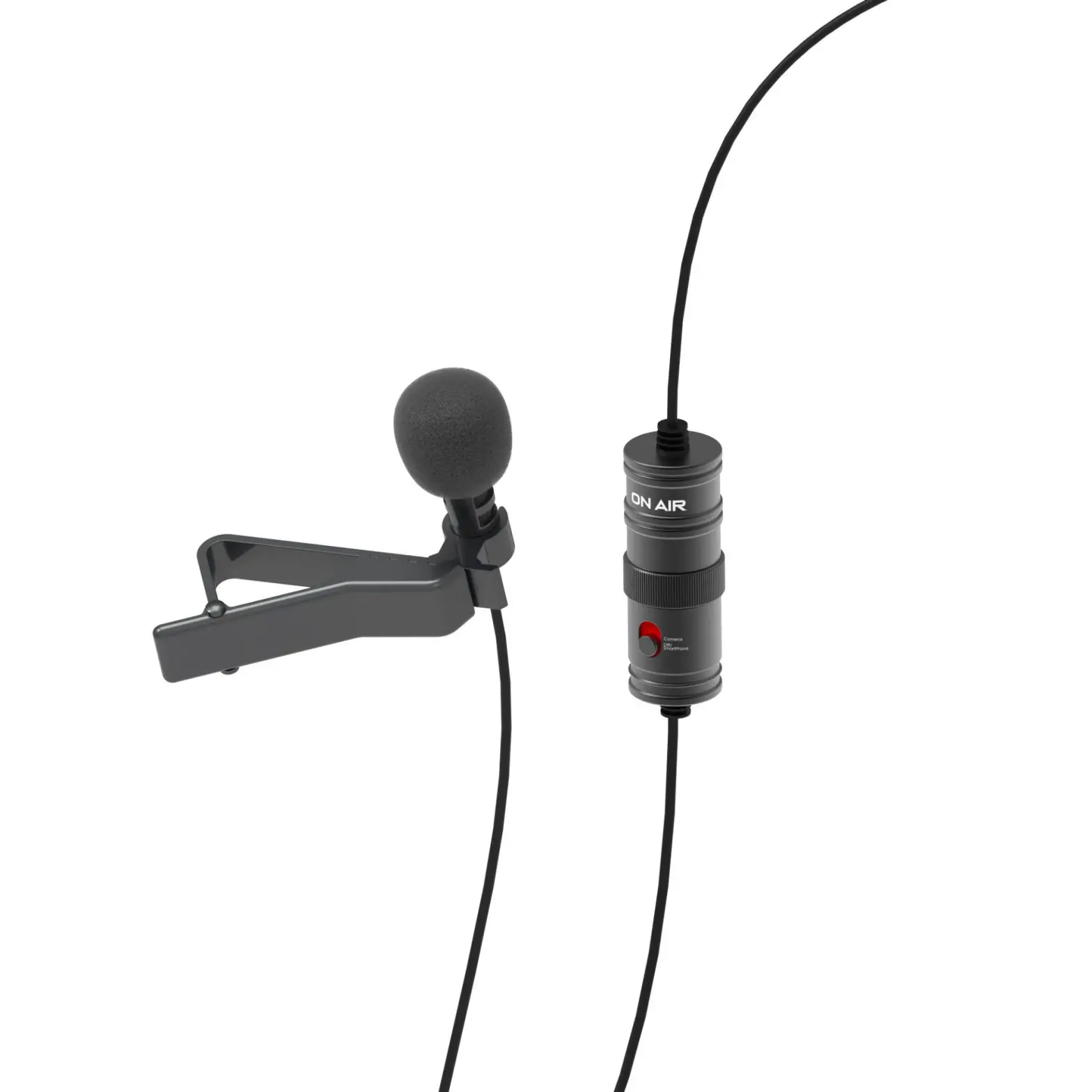
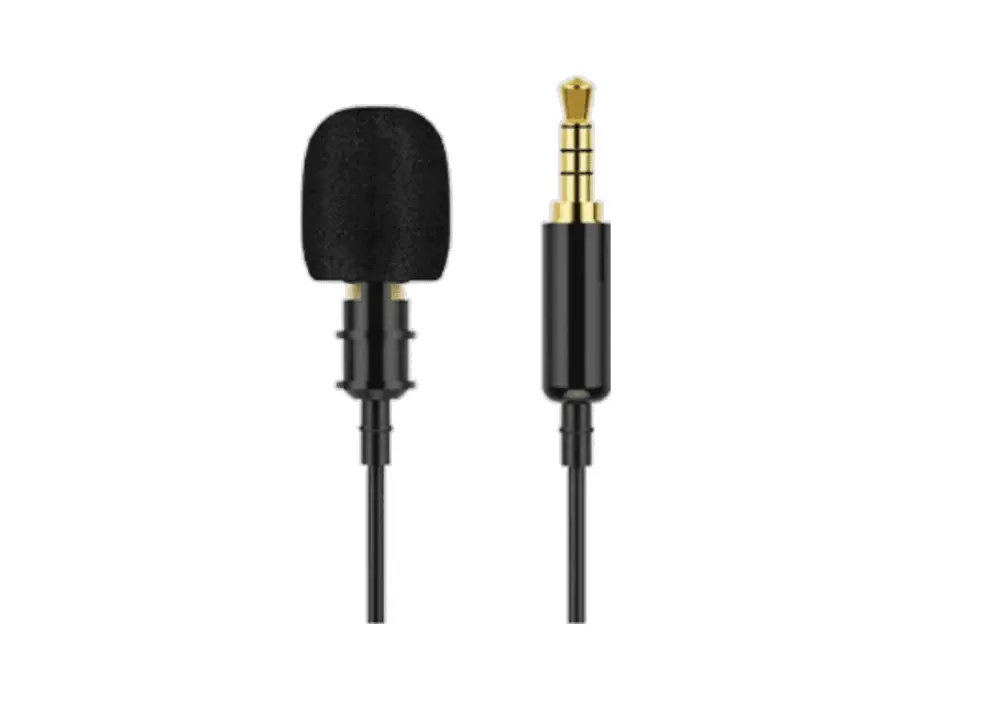
- Omni-directional microphone
- Battery compartment
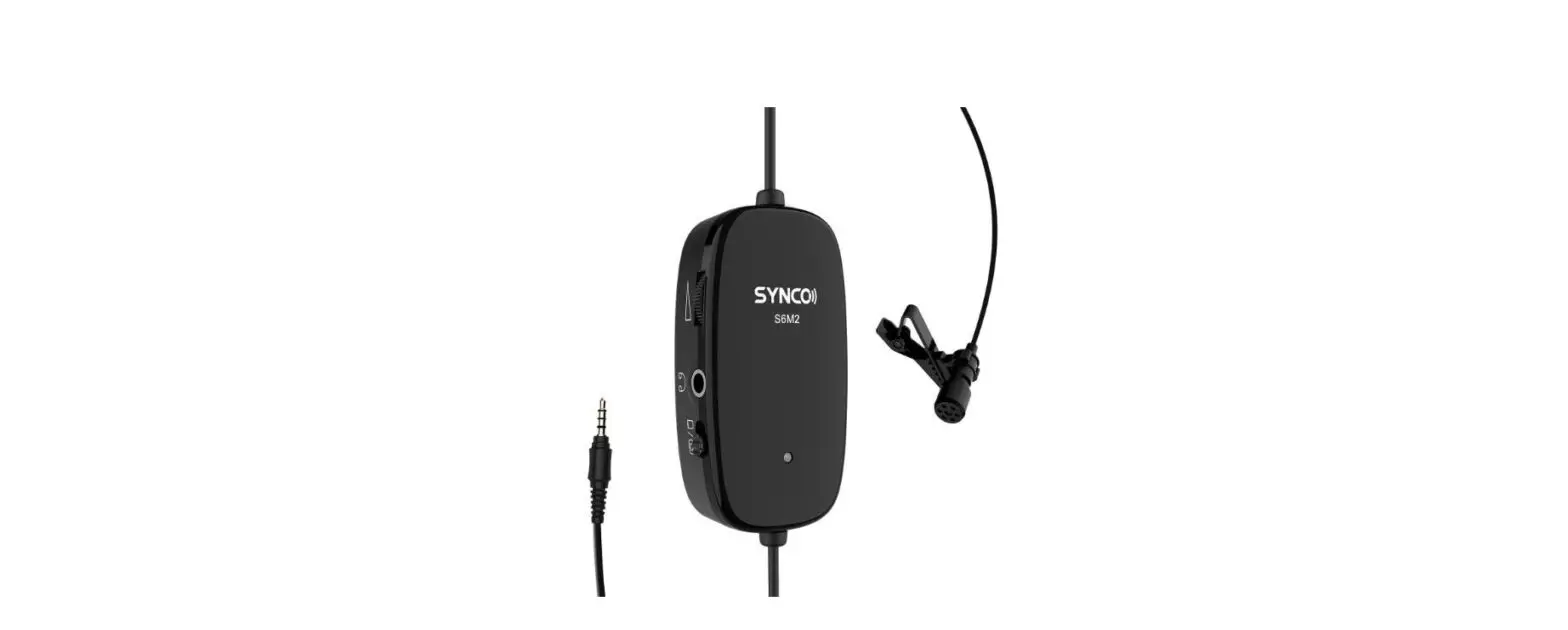
- Cam/Phone switch
- 3.5mm (1/8″) plug
Features
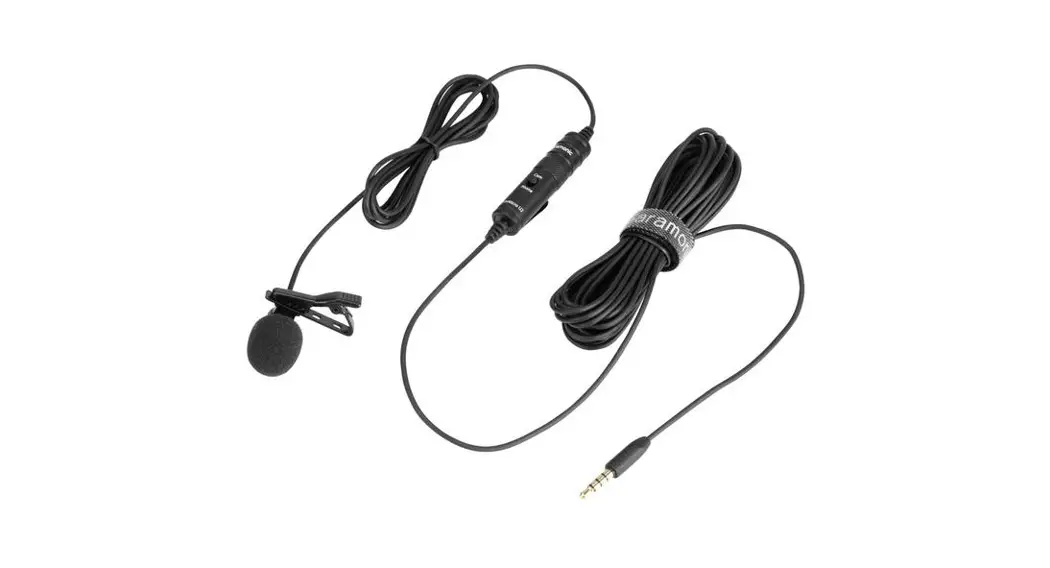
- Clip-on lavalier mic for DSLR Camera, camcorder, smartphone, audio recorder, etc
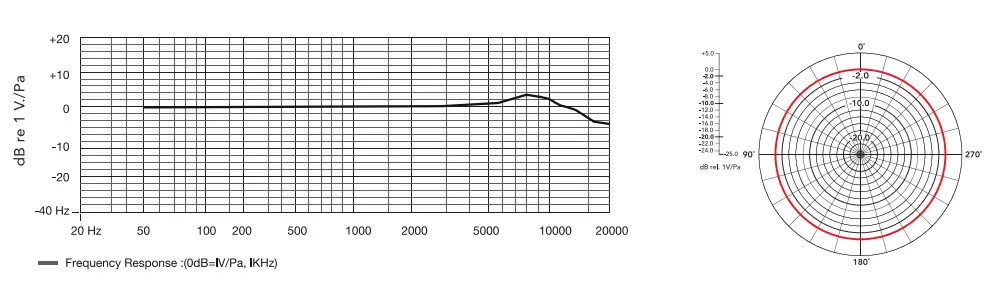
- Omni-directional condenser microphone
- 5mm audio output
- 6m cable length
- Powered by one LR626 -AG4 battery (included)
Set-Up Guide
- Connect the Saramonic LavMicro U2 to your DSLR camera, camcorder, smartphone or audio recorder. Clip the lavalier microphone on your clothes.
- When connect to Smartphone, slide the Cam/Phone switch to Phone
 .
. - When connect to a DSLR camera, camcorder, audio recorder, etc, slide the Cam/Phone switch to Cam
 .
.
 .
. .
.
Battery Replacement
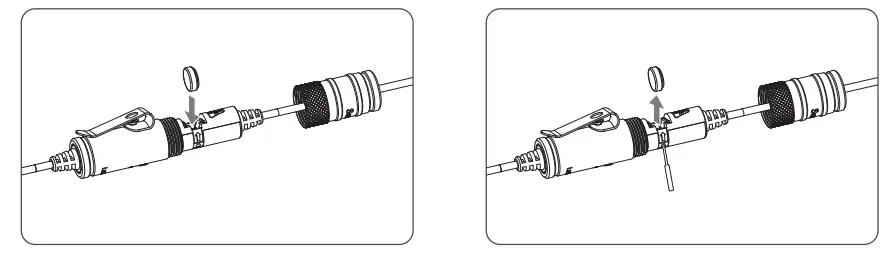
- Unscrew the battery cover.
- Insert LR626-AG4 battery into the place aligning + and – polarity as shown.
- When replacing a new battery, please use an eject pin tool insert into the small hole to take out the run-out battery, and install one new LR626 -AG4 battery to the battery compartment.
- Screw the battery cover and be ready to use again.
Packing List
One LavMicro U2 main unit
One velcro strip
One LR626 -AG4 battery (included)
One 3.5mm to 6.3mm adapter
www.saramonic.com
2019-10-12