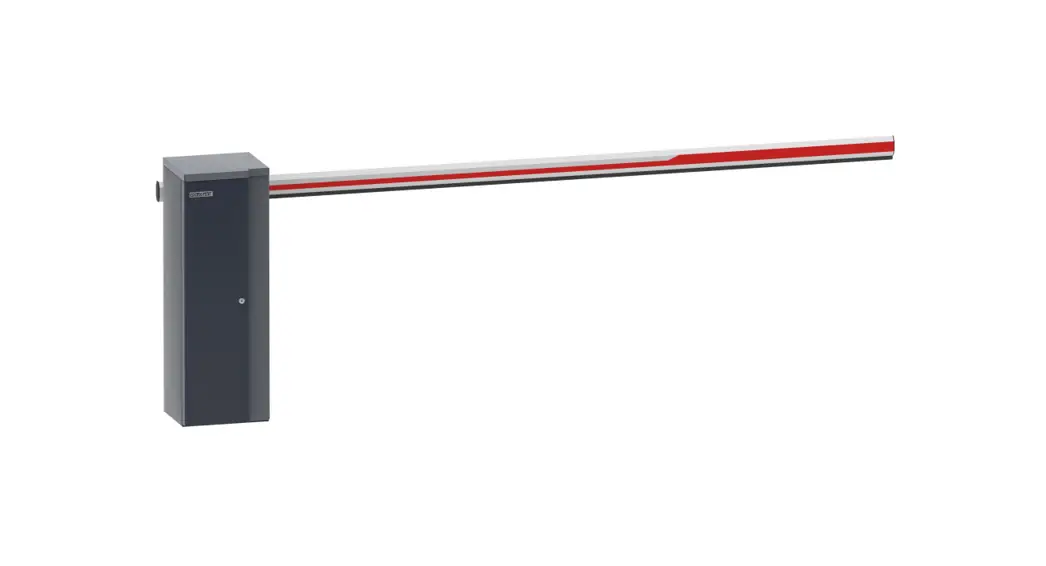
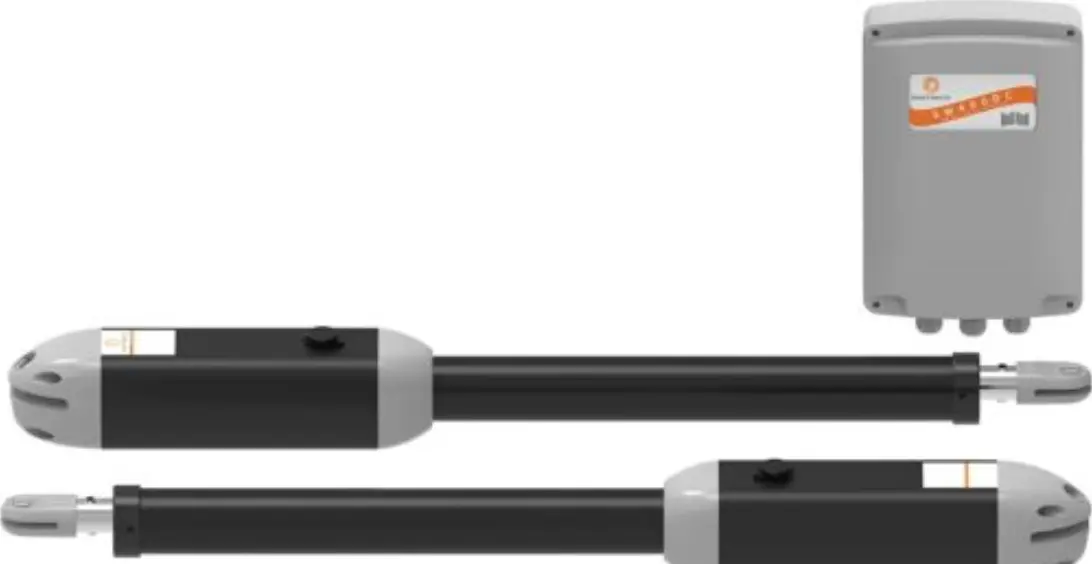
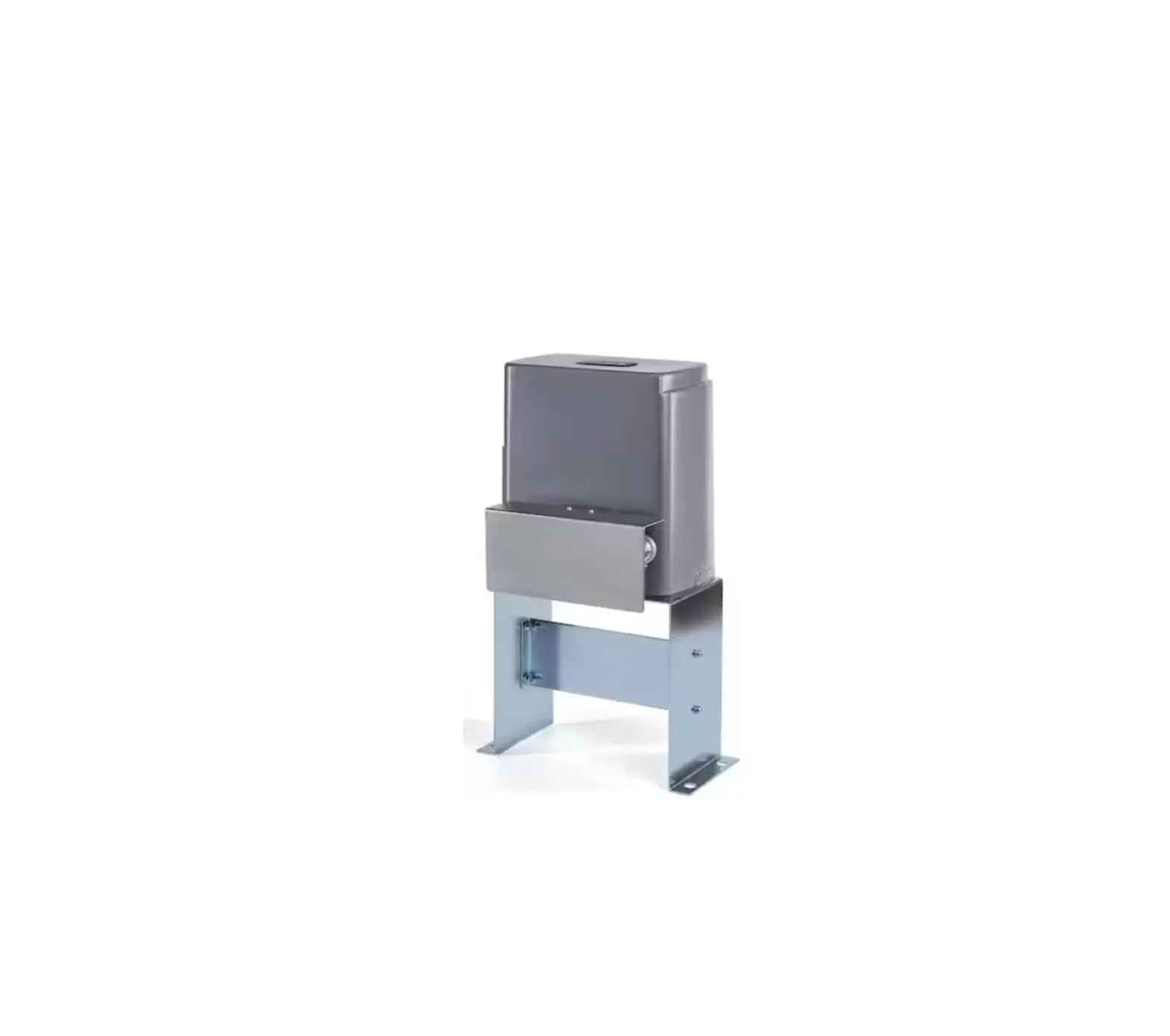
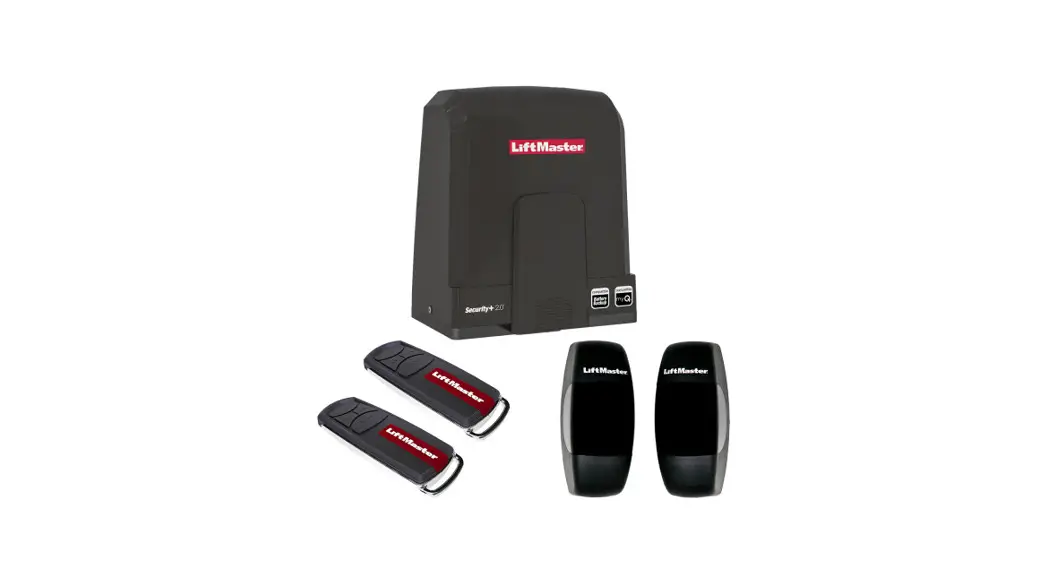
CB01SV DC Servo Barrier Gate
DC Servo Barrier Gate CB01SV User Manual
Product Information
The DC Servo Barrier Gate CB01SV is a newly-produced product
that utilizes updated electronic control technology and machinery
processing technology. It features a no limit switch design,
adjustable speed, automatic speed reduction, and other functions
that make the barrier operate more steadily and reliably. This
product is highlighted in frequency applications and longer
lifetime. Some of its key functions and features are:
- Innovative motor hand-wheel lock design
- No limit switch design
- Bi-direction boom holder design
- Self-detect after power-on, open/close speed is adjustable
- Auto-reversing on obstruction function
- Infrared photocell interface (need to install photocell
device) - Loop detector interface (need to install loop detector)
- Built-in counting function
- Built-in delay auto-closing function
Product Usage Instructions
For safety, please follow the instructions strictly to manage
this product:
- Do not open the barrier cabinet top cover or door when it is
working. - There must be a grounding connection for the barrier
cabinet. - Make sure there is no person or any obstruction under the boom
when it is falling. - Before delivery, the barrier gate spring and the boom length
are well-balanced. It is not allowed to change the boom length
randomly. If needed, please check with the technician.
To install and adjust the mechanical parts of the barrier gate,
follow the instructions below:
Installation of Cabinet
Install the cabinet according to the installation direction
definition provided in the manual. Make sure there is a grounding
connection for the barrier cabinet.
Spring Selection, Installation and Adjustment
Select the appropriate spring for the barrier gate according to
the spring selection table provided in the manual. Install and
adjust the spring according to the instructions provided in the
manual.
Mechanism Installation Direction Change
To change the mechanism installation direction, follow the
instructions provided in the manual.
Motor Hand-Wheel Lock Usage
To use the motor hand-wheel lock, lift up the boom by hand when
power off, pull the motor hand-wheel lock to lock the barrier.
Release the motor hand-wheel lock to run when power-on.
Controller Explanations and Instructions
The controller interface explanations, menu setting
explanations, function explanations, and controller auto-detect
after power-on description are provided in the manual.
Common Malfunctions and Solutions
The common malfunctions and solutions are provided in the
manual.
Warranty and Service Items
The warranty and service items are provided in the manual.
Maintenance
The maintenance instructions are provided in the manual.
Packing List
The packing list is provided in the manual.
Appendix
The appendix includes remote control coding, wiring diagram for
R&G light interface, usage of motorcade passing function, drive
requirement for main control board wire control, wire diagram for
two barrier gates work online, RS485 communication protocol, and
digital tube display character interpretation.
DC Servo Barrier Gate
CB01SV
HH Pictures for reference only,
the product prevails inkind
NO.2021.06
Contents
1. Brief Introduction
2. Functions and Features 3. Technical Data
4. Mechanism Structure
5. Installation Direction Definition 6. Mechanical Part Installation and Adjustment
6.1. Installation of Cabinet 6.2. Spring Selection,Installation and Adjustment 6.3. Mechanism Installation Direction Change 6.4. Motor Hand-Wheel Lock Usage 7. Controller Explanations and Instructions 7.1. Controller Interface Explanations 7.2. Controller Menu Setting Explanations 7.3. Function Explanations 7.4. Controller Auto-Detect after Power-On Description….. 8. Common Malfunctions and Solutions 9. Warranty and Service Items
10. Maintenance
11. Packing List
Appendix
I. Remote Control Coding
II. Wiring Diagram for R&G Light Interface
III. Usage of Motorcade Passing Function
IV. Drive Requirement for Main Control Board Wire Control
V. Wire Diagram for Two Barrier Gates Work Online VI. RS485 Communication Protocol
VII. Digital Tube Display Character Interpretation
VIII. Spring Selection Table
2 2 3 3 3 4 5 6
8 10 1c 10 1 11
2 12 13 123 1vvvvv
4 14 15 7 17
Warning! For safety, please do follow the instruction strictly to manage this
product:
1. It is forbidden to open the barrier cabinet top cover or door when it is
working.
2. There must be a grounding connection for the barrier cabinet. 3. Make sure there is no person or any obstruction under the boom when it is falling. 4. Before delivery, the barrier gate spring and the boom length are wellbalanced. It is not allowed to change the boom length randomly. If
needed,please check with the technician.
1. Brief Introduction
This is our newly-produced DC servo barrier gate, whichutilizes the updated
electronic control technology and machinery processing technology,no limit switch design, to realize non-adjust of mechanism, adjustable speed, automatic speed
reduction, ext.In this way,make the barrier operate more steadily and more reliably.
This product is highlighted in frequency applications and longer lifetime.
2. Functions and Features
2.1. Innovative motor hand-wheel lock design: lift up the boom by hand when power off, pull the motor hand-wheel lock to lock the barrier; release the motor hand-wheel
lock to run when power-on. 2.2.No limit switch design: the motor can detect the boom position automatically. 2.3. Bi-direction boom holder design: left-installation and right-installation can be exchanged easily and quickly. 2.4. Self-detect after power-on, open/close speed is adjustable. 2.5. With auto-reversing on obstruction function.
2.6. Infraredphotocell interface is available, (need to installphotocell device).
2.7. Loop detector interface is available, to avoid hitting the vehicle, and control the
boom falling down automatically after vehicle passing, (need to install loop detector)
2.8. Built-in counting function, can store the times of opening signal, deduct the times when vehicle passing the loop, boom falling down after vehicle passing through, well
improve the traffic efficiency. 2.9. Built-in delay auto-closing function, coordinated with counting function, if the
numbers of vehicle passed less than the stored numbers, the boom will fall down automatically by countdown,but will be new countdown if there is up or loop detector
signal.
2.10. Integrated RS485 communication interface, to realize control of barrier open/close by computer and barrier status query.
2.11. RJ45 network module can be added, to realize control of barrier open/close by computer network and barrier status query.
2.12. With auto-aging test, alarm against abnormal liftingboom, and motorcade passing function.
2.13. NO/NC wire control signal input are optional. 2.14. 4-digit digital tube display, display more information.
3. Technical Data
3.1. Working temperature (motor):
+ 85°C
3.2. Working Power: 220V10%, 110V
3.3. Motor Power: 150WMAX
3.4. Humidity:
RH
3.5. Distance of remote control: L>30M
3.6. Insulation Grade: F
4. Mechanism Structure
Spring Strength Regulating Screw
Spring Lock-nut –
Boom Boom Holder
Initiative Crank
Balance Spring
DC Brushless Servo Motor
Motor Hand-wheel and Lock
(Figure 1)
5. Installation Direction Definition
Whenplacing the order,please confirm “left-installed” or “right-installed”.
Figures as below:
Left-installed
Right-installed
Cabinet fixed at the left of entrance
·2·
(Figure 2)
Cabinet fixed at the right of entrance
6. Mechanical Part Installation and Adjustment
6.1. Installation of cabinet
Please select the correct type of barrier gate according to the specifications of the
place, and then fix the barrier cabinet with expansion bolts, (refer to Figure 3)
Expansion Bolts
Reference Size Cabinet Fixing Bar
(Figure 3)
(According to the supplementary size)
6.2. Spring selection, installation and adjustment
The barrier gate is well-adjusted before delivery. If need cut off the boom, please reset the menu Boom Length Selection” in the control unit to ensure the smooth
operation of the barrier.
6.2.1. Spring selection The length of spring prevails inkind, designing change without notice.
The spring selection please refer to the spring selection table in the Appendix VIII of
the Manual or which sticks on the door of the barrier cabinet.
6.2.2. Spring installation, disassembly and replacement
Dismantlement steps: Keep the boom at vertical position, see figure 1, loosen the
spring fastening nuts, unscrew the M8*140 spring adjusting screws by a hexagonal
spanner, then take off the spring.
The steps for installation and disassembly the spring are the opposite.
6.2.3. Spring force adjustment
When power off, hand up the boom at 45 degrees,if the boom can keep balance means the spring force is at best status, no need to adjust;if the boom falling down means the spring force is too weak, need to tight the spring. If the boom lifting up means the
spring force is too strong,need to loosen the spring.
3 ·
·
6.3. Mechanism installation direction change
This barrier mechanism can be both left-installed and right-installed. The users can
change the installation direction according to the actual situation. We will take the
left-installed barrier mechanism as an example. The below description is telling you
how to change from left-installed to right-installed:
6.3.1. Disassemble boom holder: take out the 10MM screw by turning 8MM Allen
wrench counterclockwise; And then push out the boom holder by turning wrench
clockwise with a 14MM* 150 screw.
6.3.2. Change the mechanism installation direction: disassemble 6 sets 8MM screws
for fixing the mechanism panel, turn the mechanism 180 degrees vertically and put
back into the cabinet. And then fix it with the 6 sets screws. 6.3.3. Assemble boom holder: assemble the boom holder back, and fix the 10MM screw by turning 8MM Allen wrench clockwise. And then the mechanism installation
direction change is finished.
Take out the 10MM screw by turning 8MM Allen wrench counterclockwise
Push out the boom holder by turning
wrench clockwise with a 14MM* 150 screw
Turn the mechanism 180 degrees vertically
Put the mechanism into the cabinet
o
Assemble the boom holder back, and fix the 10MM screw by turning
8MM Allen wrench clockwise
Disassemble 6 sets 8MM screws
©
(step 3)
(step 4)
(step 5)
6.4. Motor hand-wheel lock usage During power off, can use motor hand-wheel lock to lock. See the photo as following, pull the handle into the fixed slot to lock. When power on, pull out the handle to unlock, or the controller will display Er.6. (If displaying Er.6, need to unlock and then power on again).
©
m
·4·
(step 1)
(step 2)
Pull out the handle
Turn handle as arrow direction
Pull the handle into the fixed slot
5 ·
·
7.4. Controller auto-detect after power-on description.
The controller should be learning the position of boom after power-on: The barrier
gate will slowly open and then close one time by default. During learning process, it detects all open and anti-bumping signal interface, and it will stop learning if there is signal. Meanwhile, the digital tube displays the related signal information (refer to Appendix VI), and relearning after the signal disappears. After finish leaning, the
boom stays at the down limit position.
The digital tube will display “Er. 5” if the barrier installed spring but no boom, or
there is obstruction on the boom during up or down process, or the spring and boom in serious imbalance, need to remove the obstruction or adjust the spring, then power-on
again.
If learning mode is “Boom up only” the barrier gate will open to up limit position, and not close; during learning process of opening, if the barrier can’t open to up limit position due to obstruction, although prompted finish learning, but can’t close normally.
8. Common Malfunctions and Solutions
8.1. When power-on, press “UP or DOWN” button, there is no reaction on the boom.
8.1.1. Check up the power supply and the fuse. 8.1.2. Check if the remote controller matches the radio receiver; or check up the battery inside and then change it if it is lack of power. 8.1.3. Check whether there is co-channel interference, and press the buttons on the control board to check if can work. 8.1.4. Check up if the external protection circuit is failure or in protection status. Check up the condition of photocell and loop detector are lighting.
8.2. The barrier gate closes half and then stop learning, during
controller self-test after power-on.
8.2.1. Check up if the boom is installed, the barrier gate need to work with boom if
springs installed.
8.3. Fence boom or 6m boom lifts up automatically when closing.
8.3.1. Check up “Auto-reversing” and set it to be “3”.
9. Warranty and Service Items
9.1. Free service is offered for component parts in one year warranty time, (not
includes the barrier boom or remote) 9.2. Lifetime service with charge accordingly. 9.3. Technical questions are supported. 9.4. The below items and situations are not included in the range of free service:
9.4.1. The user does not follow the instruction and cause any damage of the product.
9.4.2. The power supply is not stable, over the range of permitted voltage or not accordant to safety electric using standard. 9.4.3. The user installs or uses the product in wrong methods, cause damage to the appearance of produucctt..
·10-
9.4.4N. aNtauturarallddisisaasstteer causeessdamage to the product.
9.4..55..WWaarrraanntytytitmimeeisisover. .
99..44..66..SSeervrviciceeitietemms saraeroeuotuotf our promises.
10. Maintenance
10.1. Keep the barrier gate clean. 10.2. Check the joints ever month in case of any loose parts.
10.3. Check the balance status of spring after the barrier gate running 1 million times; change new springs after running 3 million times, to avoid spring breaking due to
excessive fatigue.
10.4. Check the easily worn-out parts every half year and renew it. 10.5. Remote control distance will be shortened or not work in cases like big object screening,battery exhausting, extreme weathers.
11. Packing List
Name
Screws, Nuts, Flat Pad
Boom Fixing Bar
Specification Quantity
M12 * 70
2
Boom Holder Plastic Cover
Cabinet Fixing Bar
2
Expansion Screws
M16 * 150
4
Support Post
Radio Emitter
Keys
2
Remote Controller
2
Manual
Unit
sets pcs sets pcs sets pc pcs pcs pcs pcs
Application Fixing the boom Fixing the boom
Optional Fixing the cabinet Fixing the cabinet
Optional Optional For cabinet door
·i i.
Appendix I: Remote Control Coding
Two types of remote control, multi frequencies for choice. If need to add or change
remote control, methods as following:
1. Learning type
Learning method 1 Before connect power to the barrier gate, keep pressing button “STOP” then connect to power, after about 6 seconds, indicator of the receiver from lighting to flashing 4 times then off. That means learning well. (Note: during learning, please don’t loose the button, or you need to relearn). Learning method 2: Press button “UP” and “STOP” of the well learning remote controller at the same time for 4 seconds, indictor of the receiver keep lighting means entering to learning status; during 3 seconds,press button “STOP” of the not learning remote controller for 2 seconds (or press 2 times continuously), indicator of receiver flashes 4 times. That means learning well. If the remote controller doesn’t receive any effective signal, it will quit learning status. Clear the code of remote controller: take out the cover of the radio receiver, and power on, then make short circuit of the left 2 dial plate on the receiver mould, until the indicator goes out. Then the code of remote controller is cleared. 2. Fixing type: The code of remote controller and receiver should be the same. Coding method: open the remote controller, take out the battery, there is dial plate, the direction is from right to left. The solder between middle port and top port is state “1”. The solder between middle port and bottom port is state “0”. Empty is state “X”. The code as below is 10XX0X1X (Warning: please take out the battery before coding!).
H UF IDnDDDnD r Top
“1” is connected with the 1 8th DIP of the IC
L D D D U D D U D “0” is connected with Bottom the 9th DIP of the IC
8
Appendix II: Wiring Diagram for R&G Light Interface
Red Green light interface
Green Com Red Red
Connect R&G light power
Red light wire Com wire
Green light wire
-12-
(DZSV Controller)
Red light Green light
Appendix III. Usage of Motorcade Passing Function
When the motorcade need to continue to pass, the motorcade mode can be turned on: when the boom opens to the up limit position, pressing “STOP” button, the digital tube of the control box will display the “LOCK” character to indicate that the barrier is in the locked state, the barrier will not automatically close when the vehicles pass through the loop. When the motorcade passes, you can press “STOP” button to close the barrier and unlock to cancel motorcade function.
Appendix IV. Drive Requirement for Main Control
Board Wire Control
Loop detector signal —
V System open signal
( Host controller
connect to system)
O
0g[
O
n
nn
£
OOO
n nnn
Rs485 online
__
(recommended twistedpair)
Wire control online
Slave controller
o
3P o
n ^ onono
o£o
[HIn
ooo
n
o
n
n
.13 .
Input signal after power-on prompt information description Er. L0 There is STOP signal input from wire control
Er. LI There is CLOSE signal input from wire control Er. L2 There is OPEN signal input from wire control Er. L3 There is signal from loop detector
Er. L4 There is signal from photocell Er. L5 There is STOP signal from remote control Er. L6 There is CLOSE signal from remote control Er. L7 There is OPEN signal from remote control
Status display description at opening to up limit Luxx Up limit angel, xx means the angel dExx Daueltaoy-caluotsoin-gclofusnincgti,onxxismtuearnnesdcoounn)tdown time (Only displayed when the delay uPxx Times of open memories, xx means times (Only displayed when the counting Numberfuonfcrtiuonnsisditsuprnleady odne)scription at closing to down limit XXXX Number of runs,less than 10,000(number will add 1 when opening to up limit) XXX_ Number of runs, more than 10,000, “_” means 10,000. Opening/closing process display description
xx scroll up means opening, xx means opening speed scroll down means opening, xx means opening speed
means stop
Auto-reversing on obstruction prompt
Er. ob
· 16 ·
CB01SV Spring Selection Table
Boom Type
Boom Length (Meter: M)
Spring Diameter O (m m)
Link Hole Selection
[3
P8/P9 speed selection of the controller menu
3>L
4.2
Straight Boom/
^ 4>L 3
5.2
^ Articulated Boom 5>L 4
5.8
6^L^5
5.8
Fence Boom,
^ 3.5>L 2.5
5.2
Two-levels
^ 4.5>L 3.5
5.8
OL
5.8
Fence Boom,
^ 3.5>L 2.5
5.8
Three-levels
4 L 3.5
5.8
empty empty empty
5.2 5.2 5.2 5.8 5.2 5.8
1.0/2.0/3.0/4.0/5.0/6.0
(1.0)/2.0/3.0/4.075.0/6.0
(3.0)/4.075.0/6.0 5.0/6.0
(3.0)/(4.0)/5.0/6.0 (5.0)/6.0 6.0
(4.0)/5.076.0
(5.0)/6.0
3L
4.2
Midsize Straight
^4 L>3
5.2
OL (only
Boom/
for midsize
Round Boom
5.2
straight
empty empty
1.0/2.0/3.0/4.0/5.0/6.0 2.0/3.0/4.0/5.0/6.0
4.2
3.0/4.0/5.0/6.0
boom)
Spring Color Distinction
4.2
5.2
5.8
Black
Red
Blue
Spring Length: 450mm
Note: The speed selection with ( ), means the longer one in the stated boom length
range is not recommended.
·17 ·