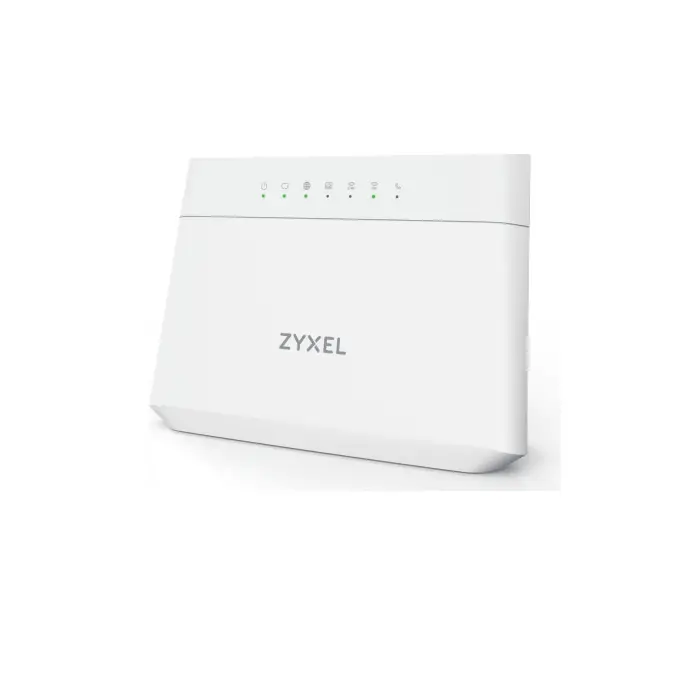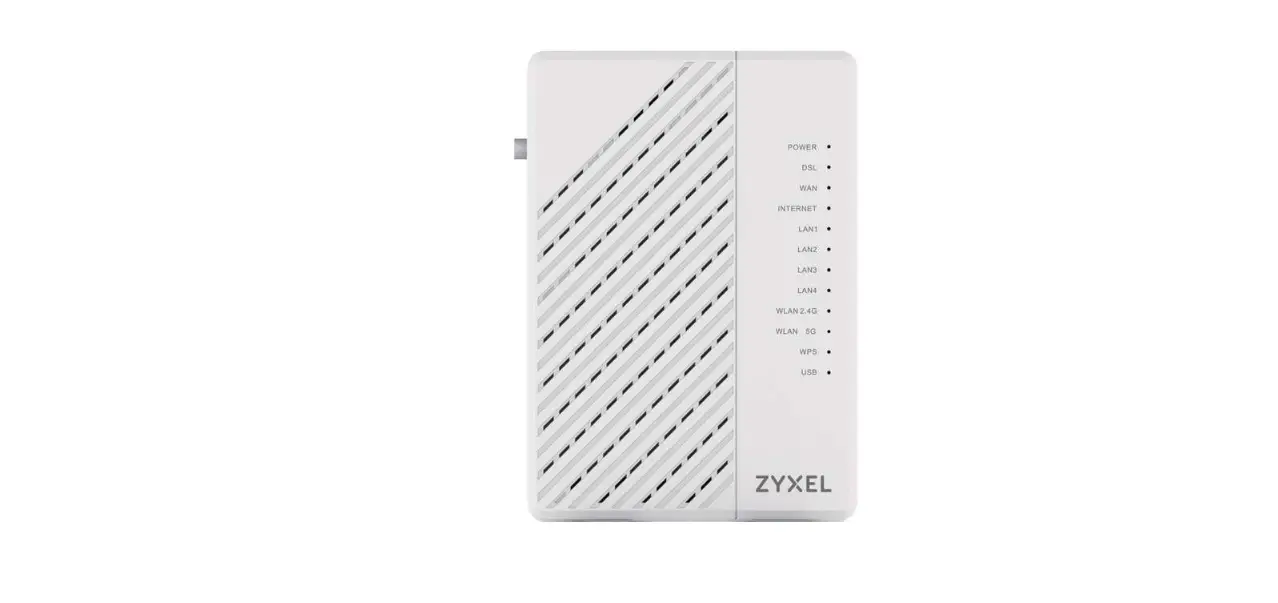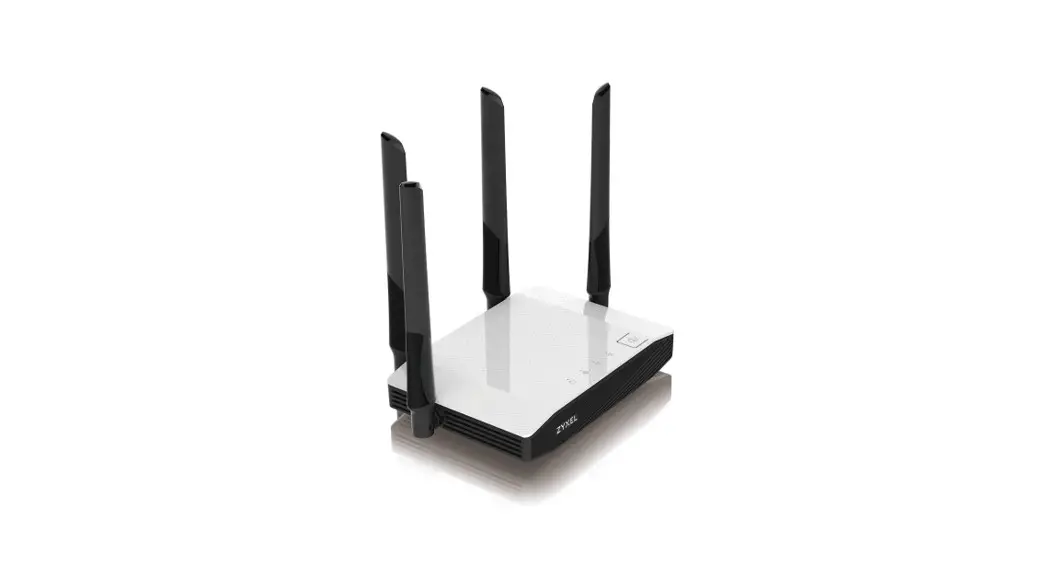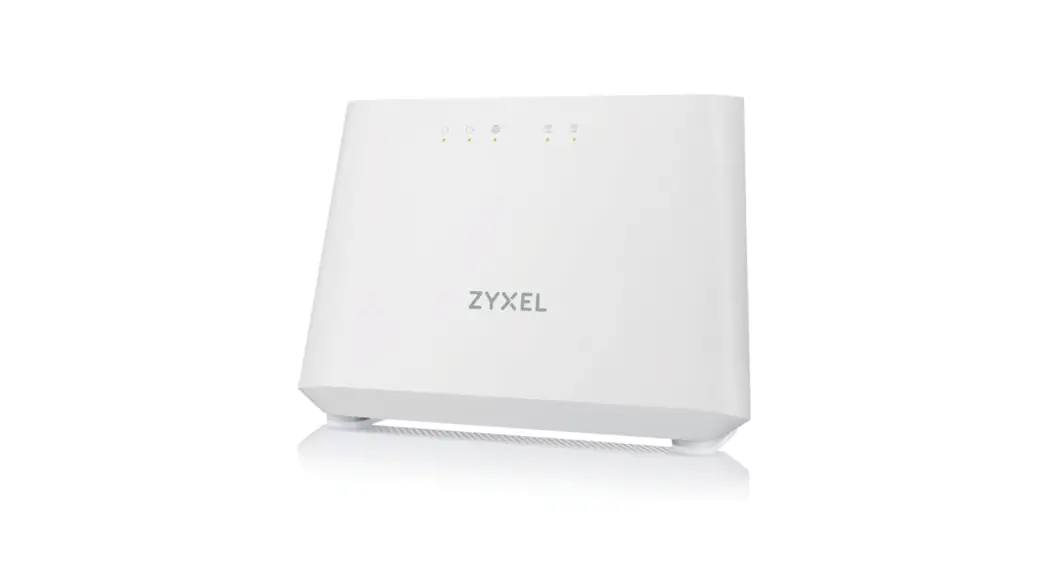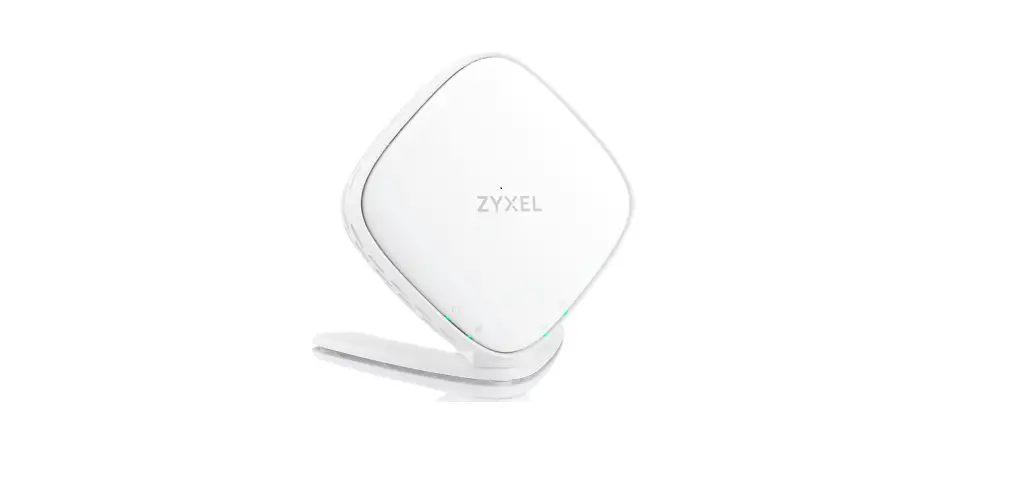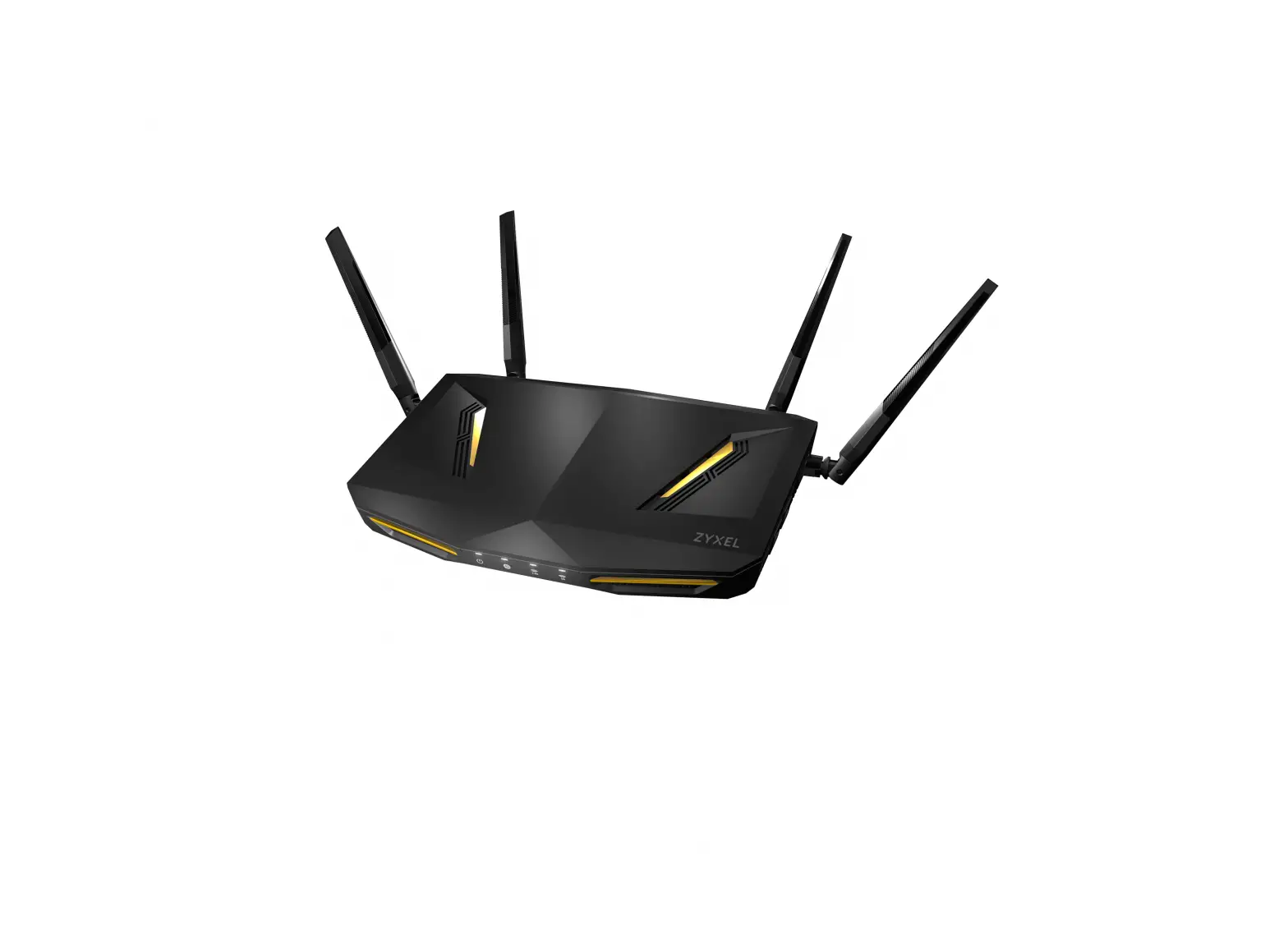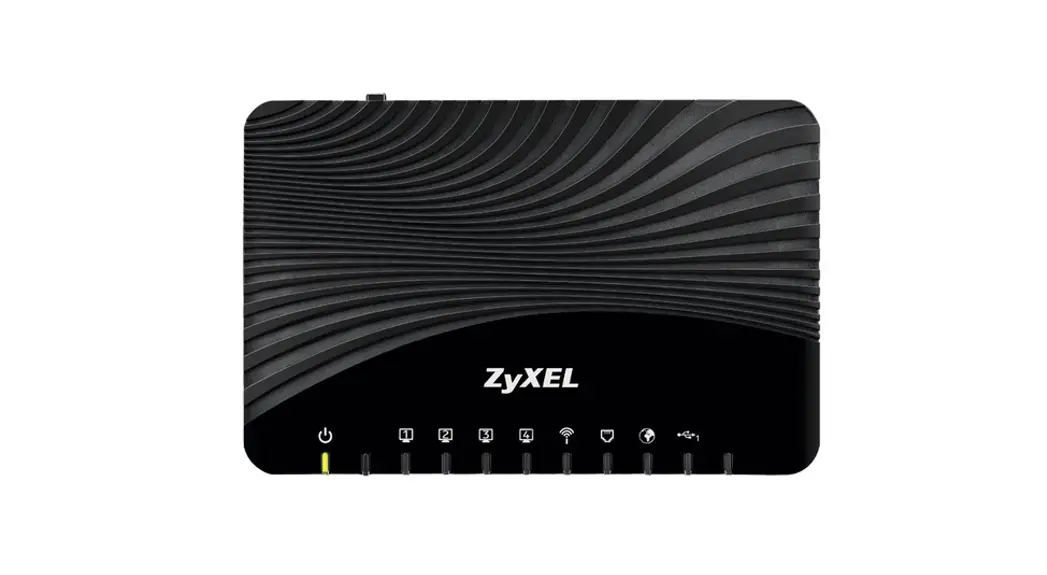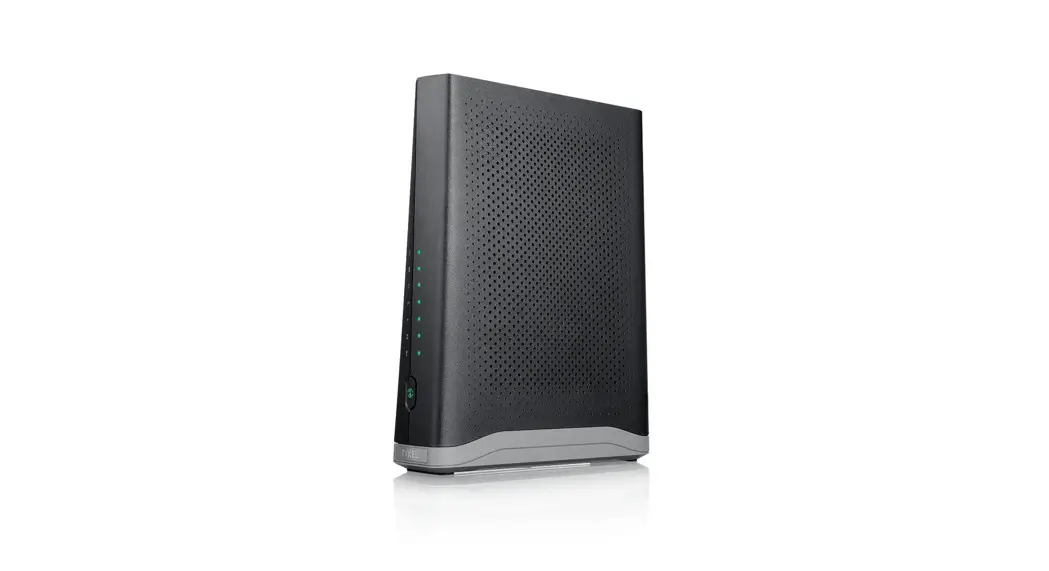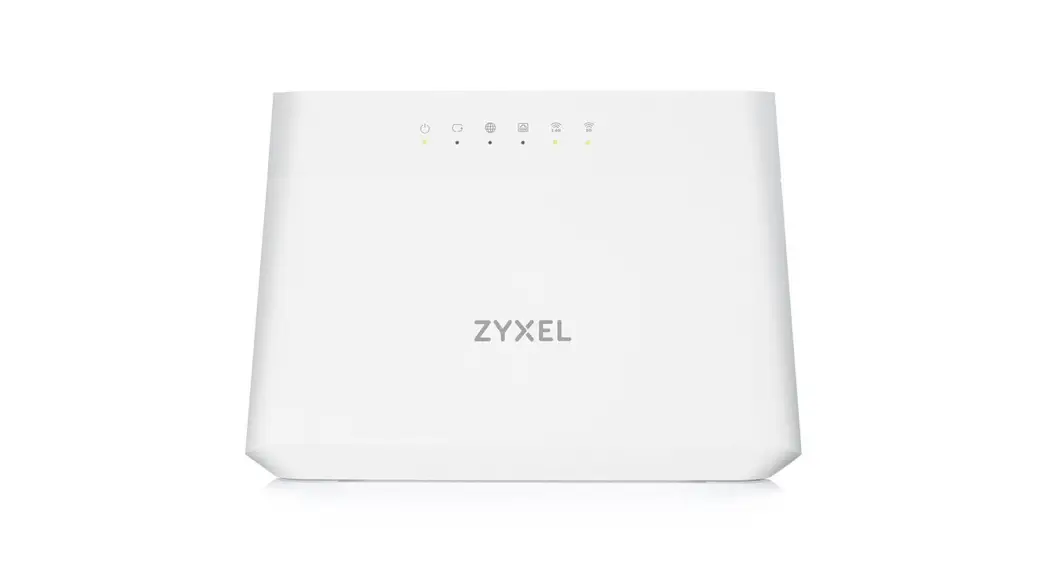

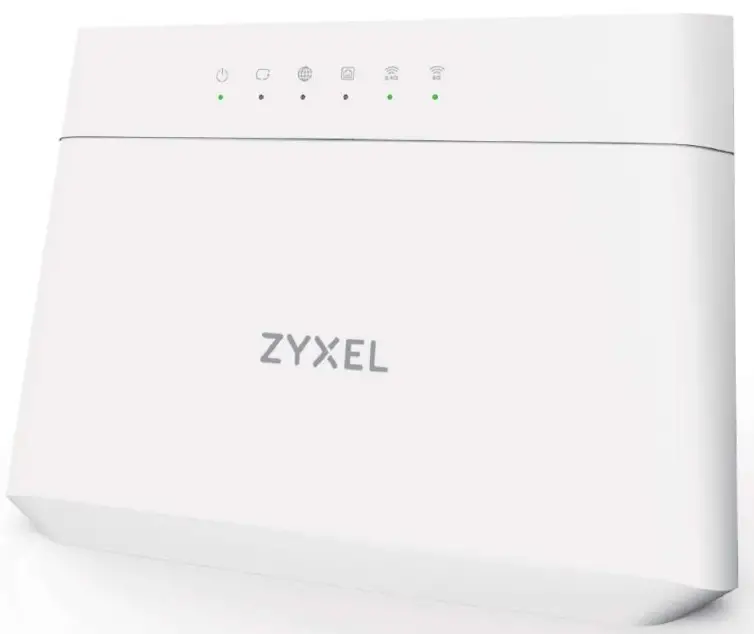
VMG3625-T5OB
Dual-Band Wireless AC/N VDSL2
Combo WAN Gigabit Gateway
 Quick Start Guide
Package Contents

Step 1 Hardware Connections
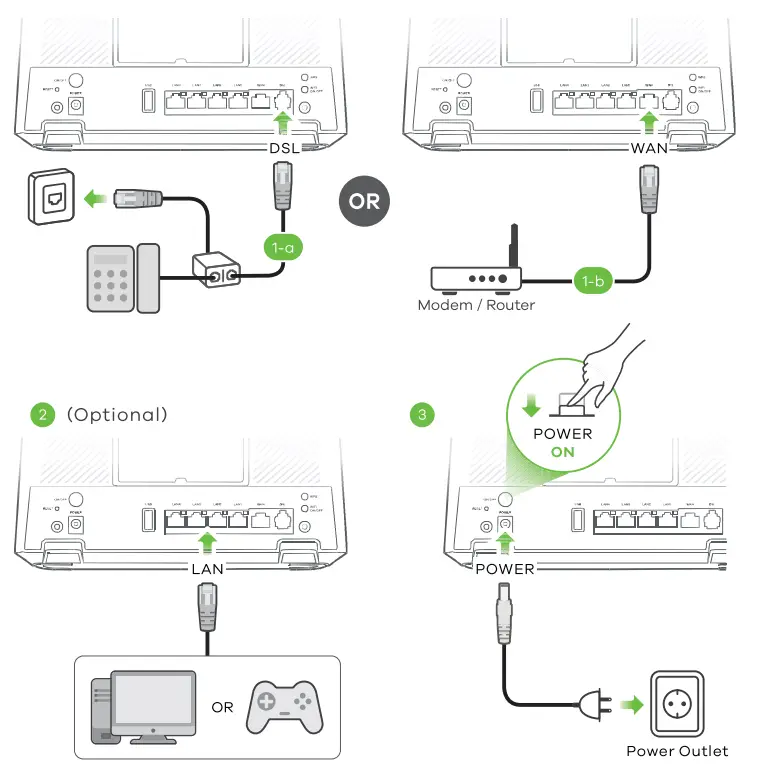 (1-a) Use the gray phone cable to connect the DSL port to a DSL splitter or directly to the telephone wall outlet.
(1-b) Use an Ethernet cable to connect the WAN port to a gateway modem.
1. Connect a computer to the LAN port using the yellow Ethernet cable (optional).
2. Connect the power cable to the VMG3625-T5OB and press the power button.
Step 2 WiFi Connection
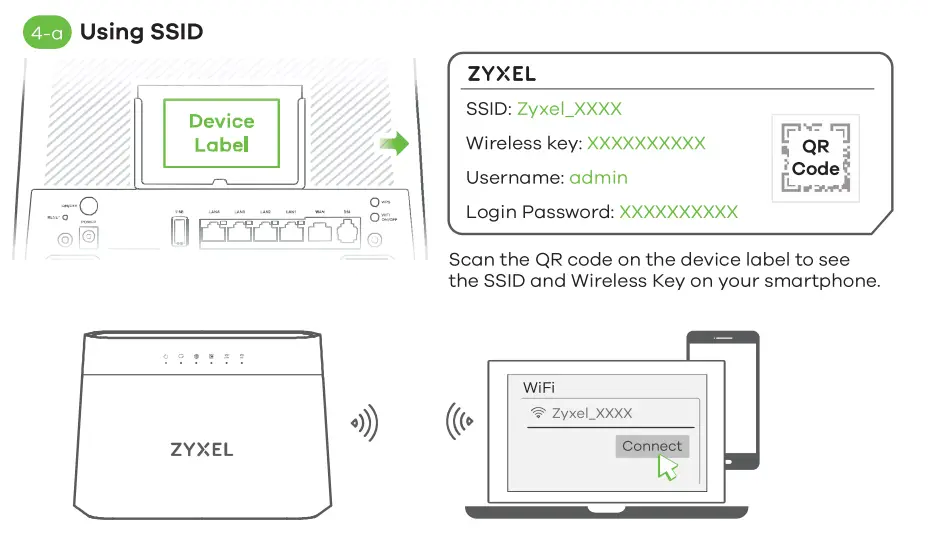 (4-a) Use the SSID and Wireless key on the device label to connect wirelessly to the VMG3625-TSOB. On your smartphone or notebook, find this SSID. Enter the Wireless key to connect
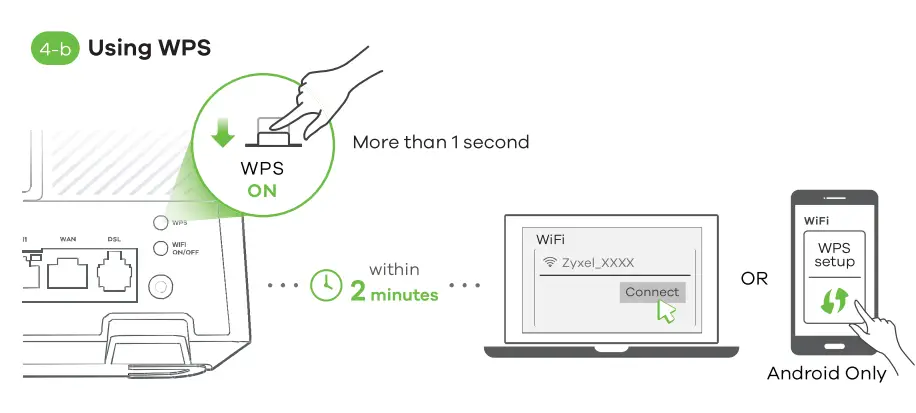
 | Amber Green | Blinking – The VMG3625-T5OB is connecting to 2.4 GHz WiFi via WPS. On – 2.4 GHz WiFi is ready. Blinking – Transmitting/receiving data. |
 | Amber Green | Blinking – The VMG3625-T5OB is connecting to 5 GHz WiFi via WPS. On – 5 GHz WiFi is ready. Blinking – Transmitting/receiving data. |
(4-b) Press the WPS button until the WiFi 2.4G and SG LEDs light up in amber. Press the WPS button on the client. If the WPS method fails, use the SSID and wireless key to set up a WiFi connection.
Step 3 Quick Start Wizard
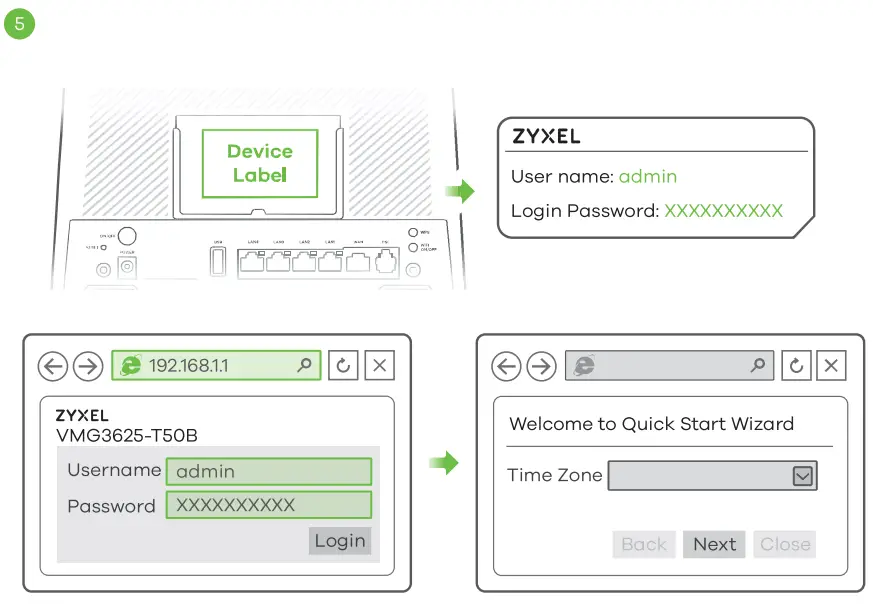 (5) Open a web browser and go to http://192.168.1.1. Enter the default User name (admin) and admin Login Password (on the device label), and then click Login. The Wizard runs. Follow the Wizard prompts to complete the setup.
Wall Mounting (Optional)
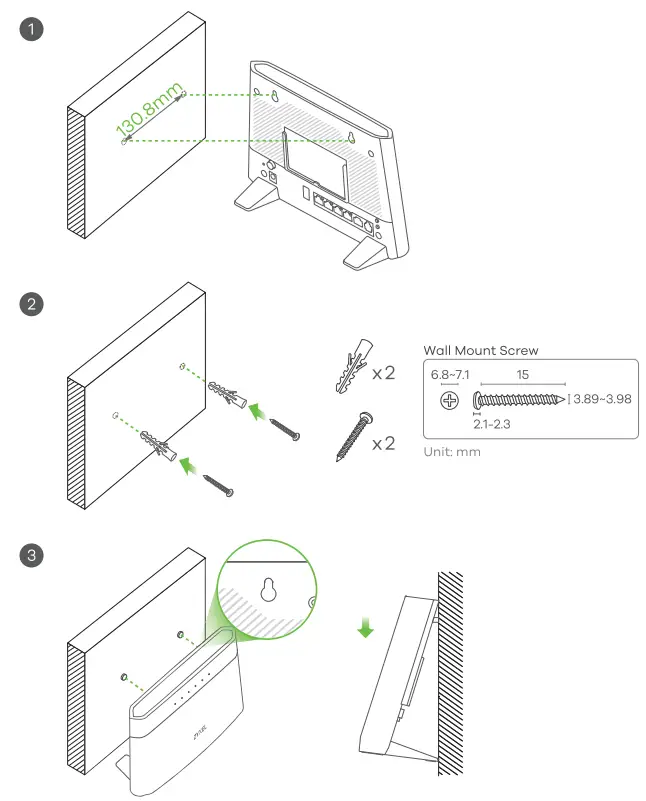 (Optional)
- Drill two holes in the wall at a distance of 130.8mm.
- Insert screw anchors and screws (not provided) into the holes.
- Place the VMG3625-T5OB so the wall mount holes line up with the screws. Slide the VMG3625-TSOB down gently to fix it into place.
See the User’s Guide at www.zyxel.com for more information, including customer support and safety warnings.
EU Importer
Zyxel Communications A/S
Gladsaxevej 378, 2. th. 2860 Soborg, Denmark.
http://www.zyxel.dk
US Importer
Zyxel Communications, Inc
1130 North Miller Street Anaheim, CA 92806-2001
http://www.uszyxel.com
Copyright 2019 Zyxel Communications Corp. All Rights Reserved.