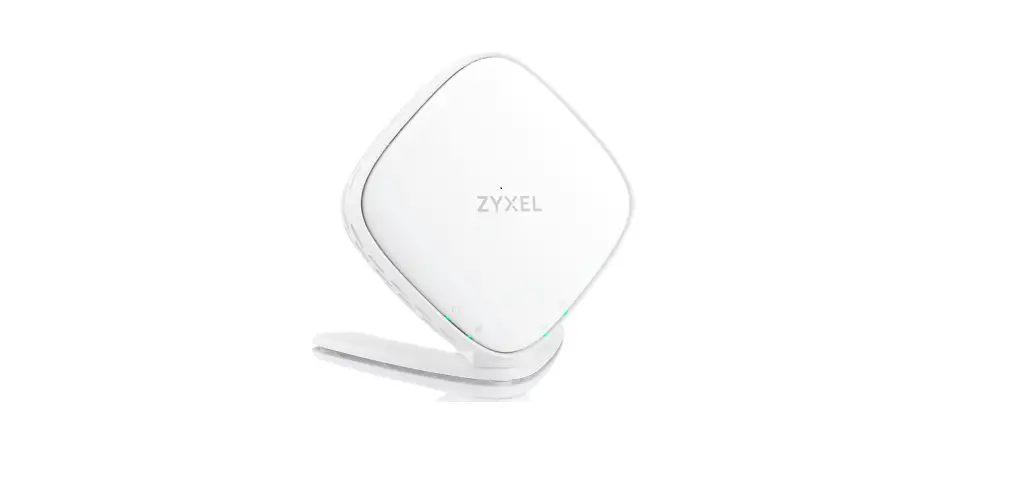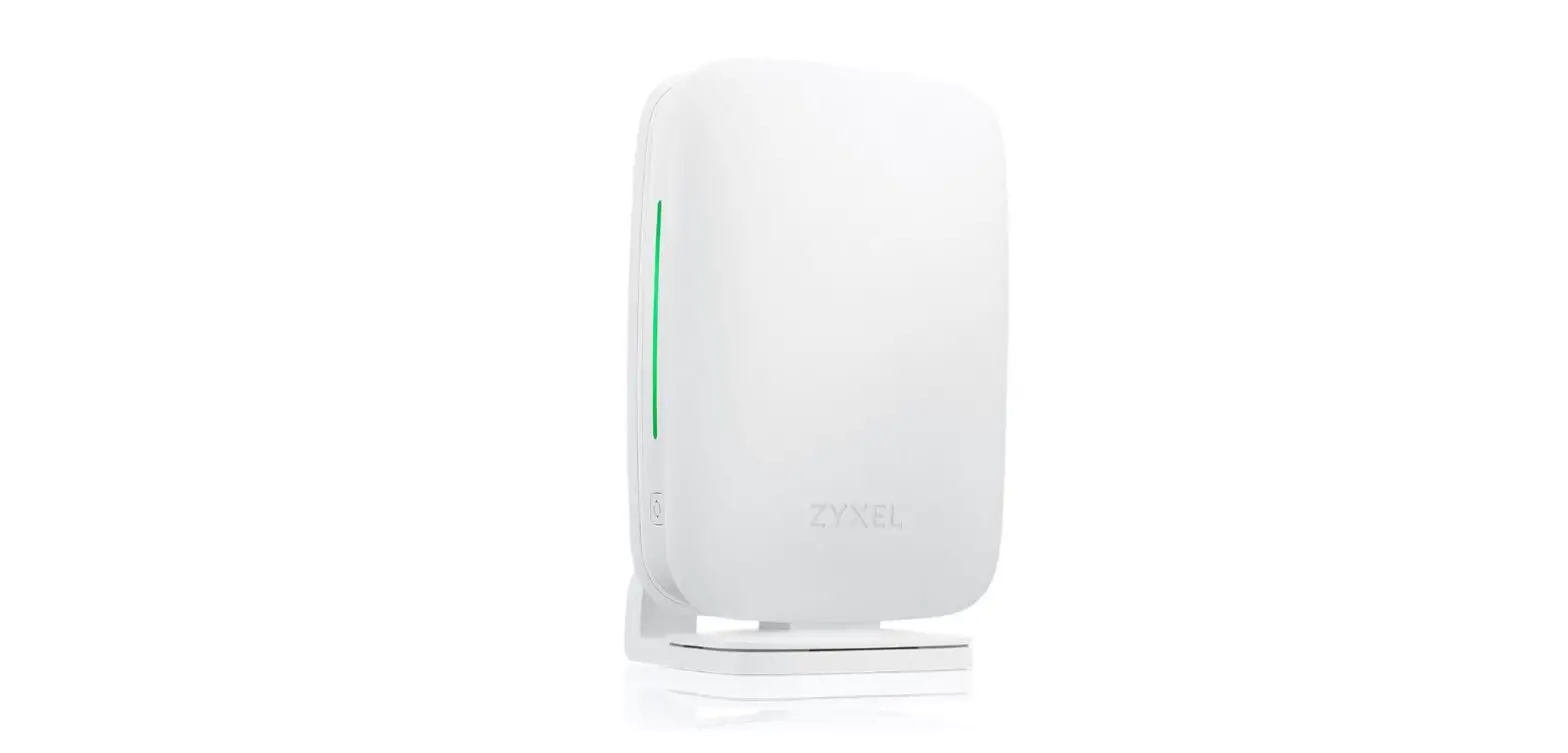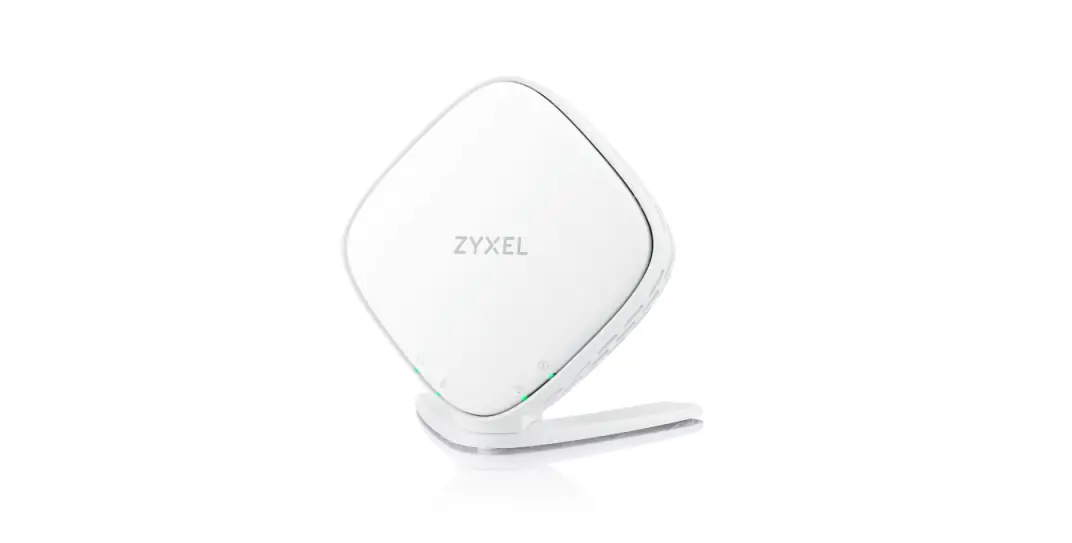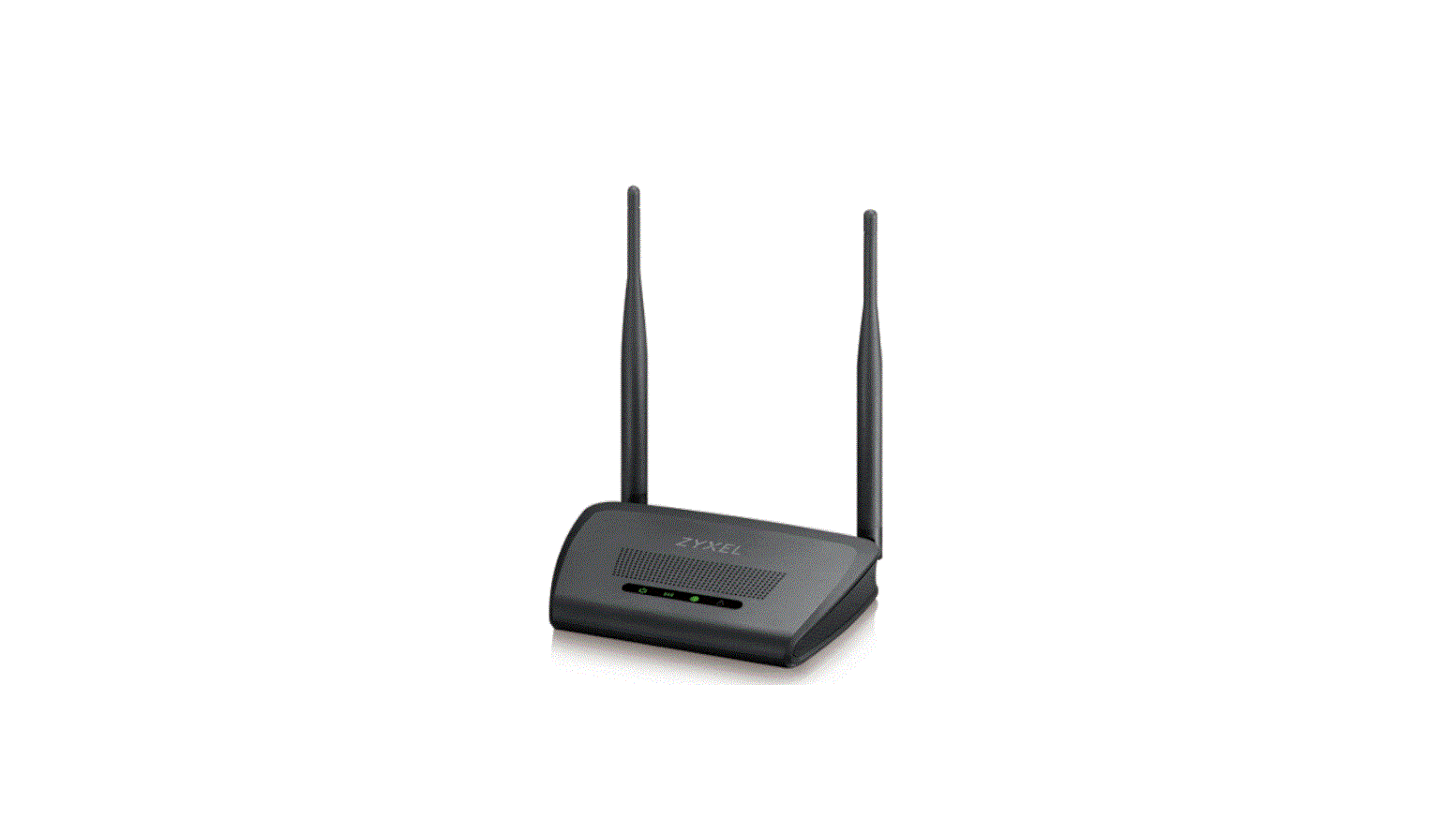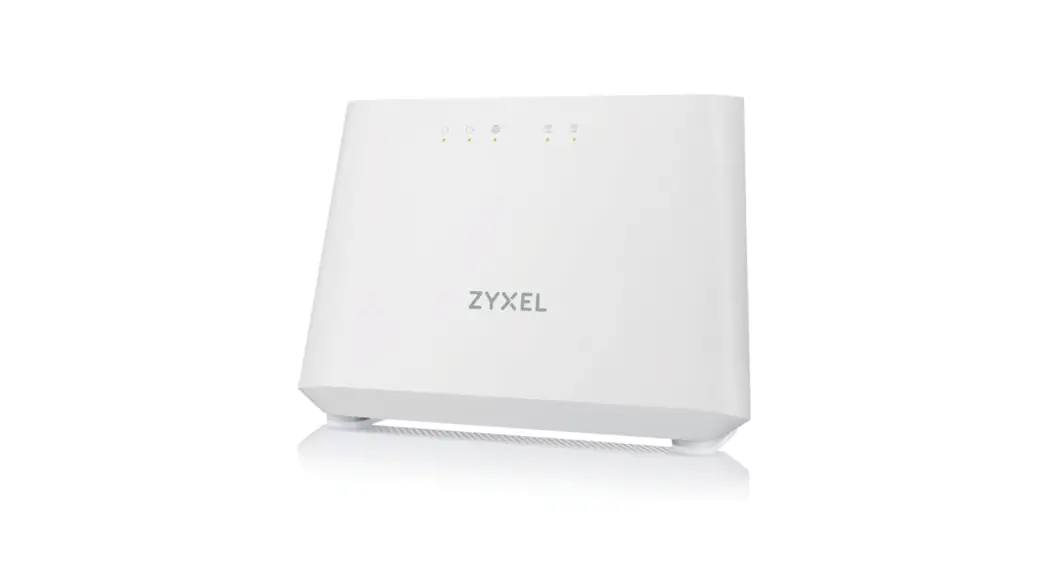
ZyXEL Wireless Gigabit Router User Manual
Game beyond limeits
- MU-MIMO technology
- 1.7 GHz dual-core processor
- AC2600 dual-band concurrent
connectivity - StreamBoostTM QoS technology · 4 adjustable high-performance
antennas - Usage Monitor
- ZyXEL eaZy123 setup wizard
- ZyXEL Photo App
- ZyXEL ONE Connect App
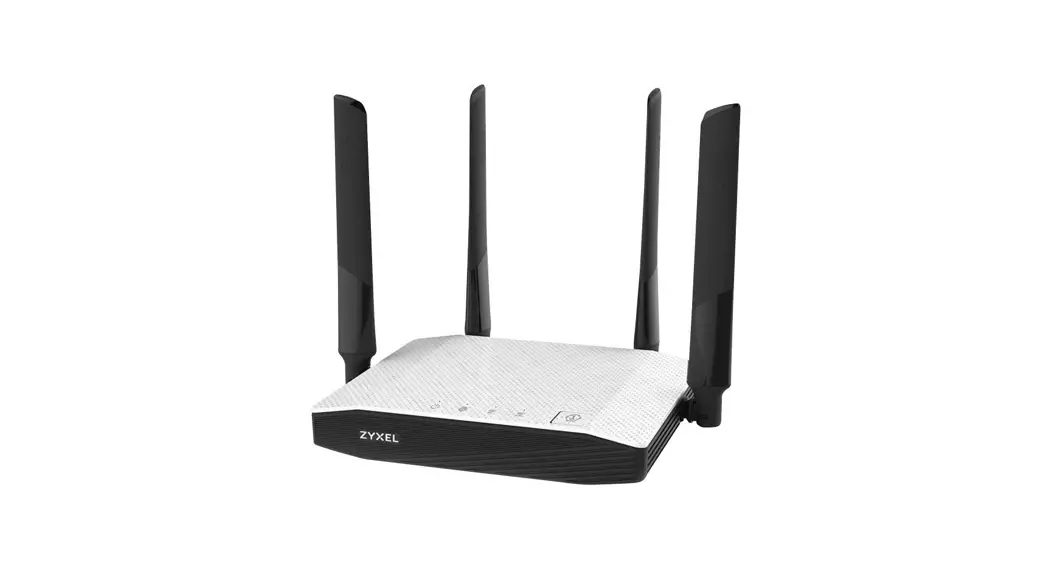
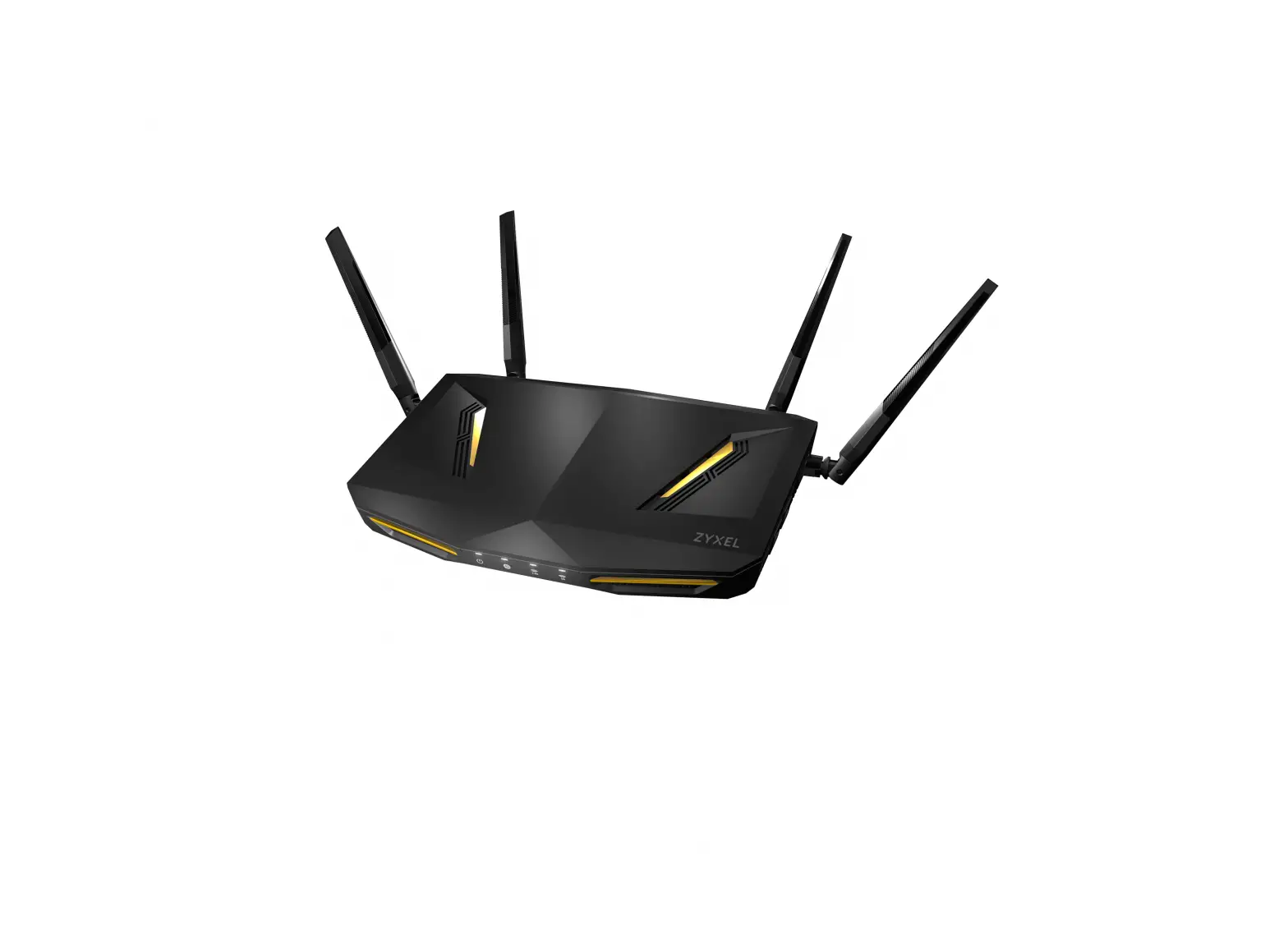
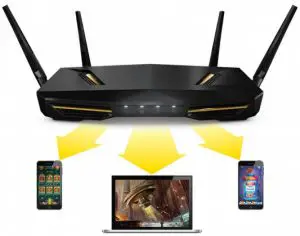
Have more devices connected to your shared Internet with ZyXEL ARMOR Z2 AC2600 MU-MIMO Dual-Band Wireless Gigabit Router. Powered by a fast 1.7 GHz processor and StreamBoostTM technology, the ARMOR Z2 allows you to experience 4K UHD video streaming and to play online games without stuttering, while to have more devices staying connected at the same time without sacrificing performance.
The ZyXEL ARMOR Z2 is equipped with the latest 4×4 MU-MIMO technology that enables it to accelerate transmission up to 4 stream wireless devices for even faster Wi-Fi speeds.
Benefits
- MU-MIMO for up to 3x faster performance
The ZyXEL ARMOR Z2 AC2600 MU-MIMO Dual-Band Wireless Gigabit Router supports the latest 802.11ac Wave 2 MU-MIMO technology to provide accelerated Wi-Fi speed for all devices. It supports 160 MHz channel bandwidth which is 2x faster than traditional one. When connected with MU-MIMO-compatible Wi-Fi devices, the ARMOR Z2 is capable of achieving up to 3x performance over traditional Wi-Fi speeds.
- Dynamic QoS with powerful processing power for the best 4K UHD experience
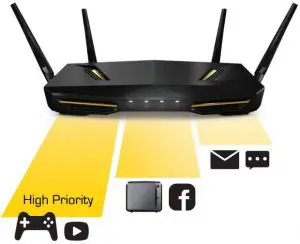
The ZyXEL ARMOR Z2 allows you to run as many networking applications as you want without sacrificing your network streaming experience or increasing online game latency. The Stream Boost TM technology intelligently provides most up-to-date gaming database and manages your Internet bandwidth for all your networking needs without the need to setup complicated QoS.
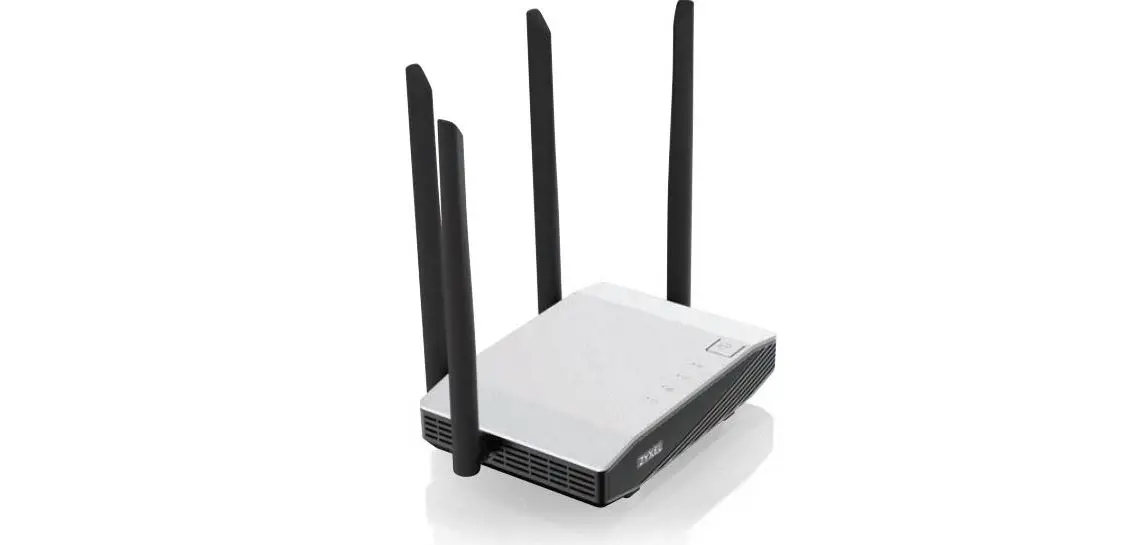
- Beamforming 4 adjustable high-power antennas
Unlike traditional wireless routers that scatter signals everywhere, ZyXEL ARMOR Z2’s four adjustable highperformance antennas with beamforming coverage pinpoint your wireless device even while you are moving around, it can track you actual location, and focus its wireless connection solely on it to enable strong wireless signals.
- Usage Monitor keeps an eye on Internet usage
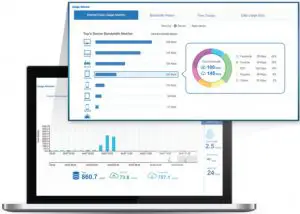
The ZyXEL ARMOR Z2’s Usage Monitor allows you to view the home network bandwidth utilized by applications and clients. If a threshold of Internet plan usage has been set, you will receive a message from the system once the limit is reached.
- ZyXEL ONE Connect App eases home network management
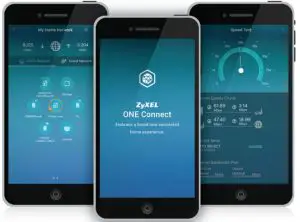
The ZyXEL ONE Connect App not only offers a completely new smart home experience, but also allows you to easily track and manage network connections as well as network status.
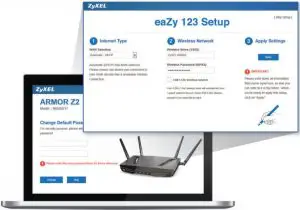
- Setup network in 3 steps with eaZy123
No PC or complicated setup steps needed, just get your Internet connection up and running featuring shared Wi-Fi quickly with the ZyXEL’s ARMOR Z2.
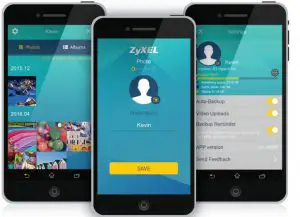
- Exclusive ZyXEL Photo App backs up your photos quickly and easily
With a USB storage connected to the ZyXEL ARMOR Z2, this free app backs up your photos from your favorite mobile devices. You can back up 30 photos (around 1.5 MB each) within just a minute.

Benefits
| System Specifications | ||
| Wireless Standard |
| |
| Wireless Speed | Transmit |
|
| Receive |
| |
| Wireless Security |
| |
| WLAN Features |
| |
| Routing |
| |
| NAT ALG and Pass-Through |
| |
| Firewall |
| |
| System Specifications | ||
| Application |
| |
| USB |
| |
| System Management | Online firmware upgrade
| |
| Operation Mode |
| |
| Hardware Specifications | ||
| CPU |
| |
| Memory |
| |
| WAN | One 10/100/1000 Mbps Ethernet RJ-45 port with auto MDI/MDIX support | |
| LAN | Four 10/100/1000 Mbps Ethernet RJ-45 ports with auto MDI/MDIX support | |
| Antenna |
| |
| USB |
| |
| LED Indicator |
.Wirless2.4G/wps | |
| Buttons |
WPS button
| |
| Power consumption |
| |
| Power |
| |
| Physical Specifications | ||
| Item | Dimensions (WxDxH)(mm/in.)
| |
Weight (kg/lb.)
| ||
| Packing | Dimensions (WxDxH)(mm/in.)
| |
Weight (kg/lb.)
| ||
| Environmental Specifications | ||
| Operating Environment | Temperature
| |
Humidity
| ||
| Storage Environment | Temperature
| |
Humidity
| ||
| Certifications | ||
| Safety |
| |
| EMC |
| |
| Packing Contents | ||
| Wireless router x1 Power adapter x1 |
| |
Information ,visit us on the web at www.zyxel.com