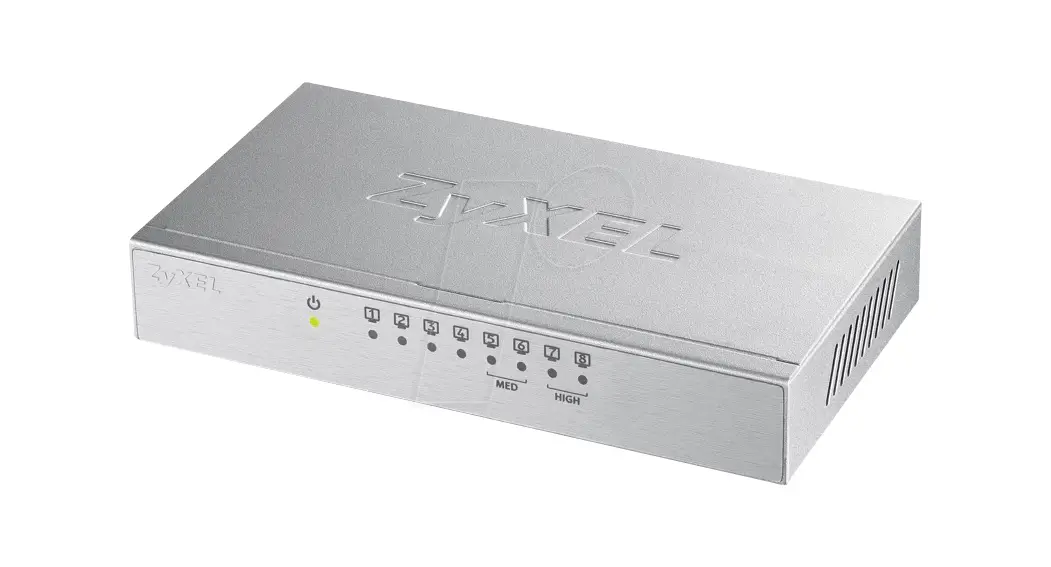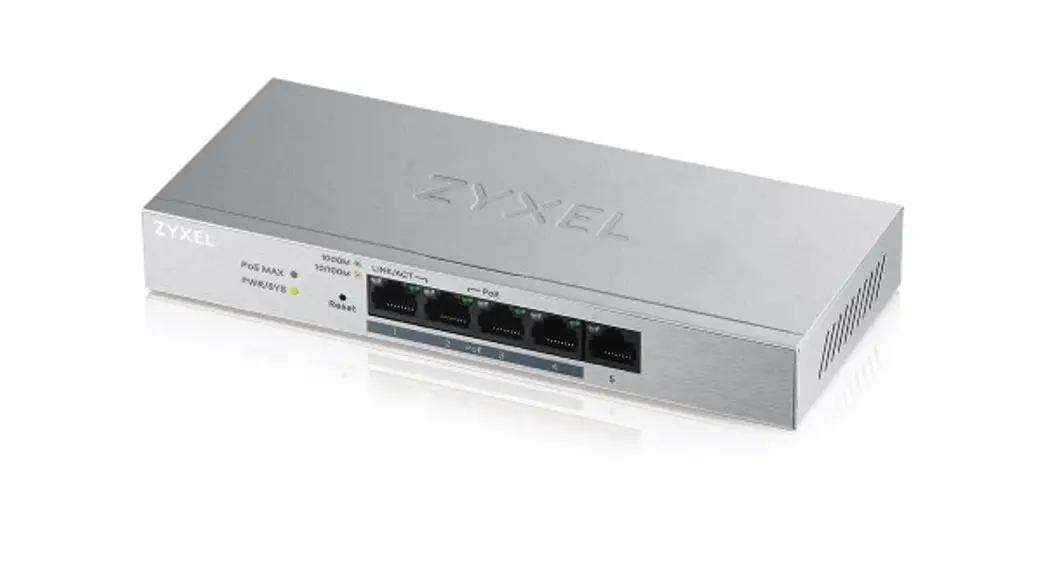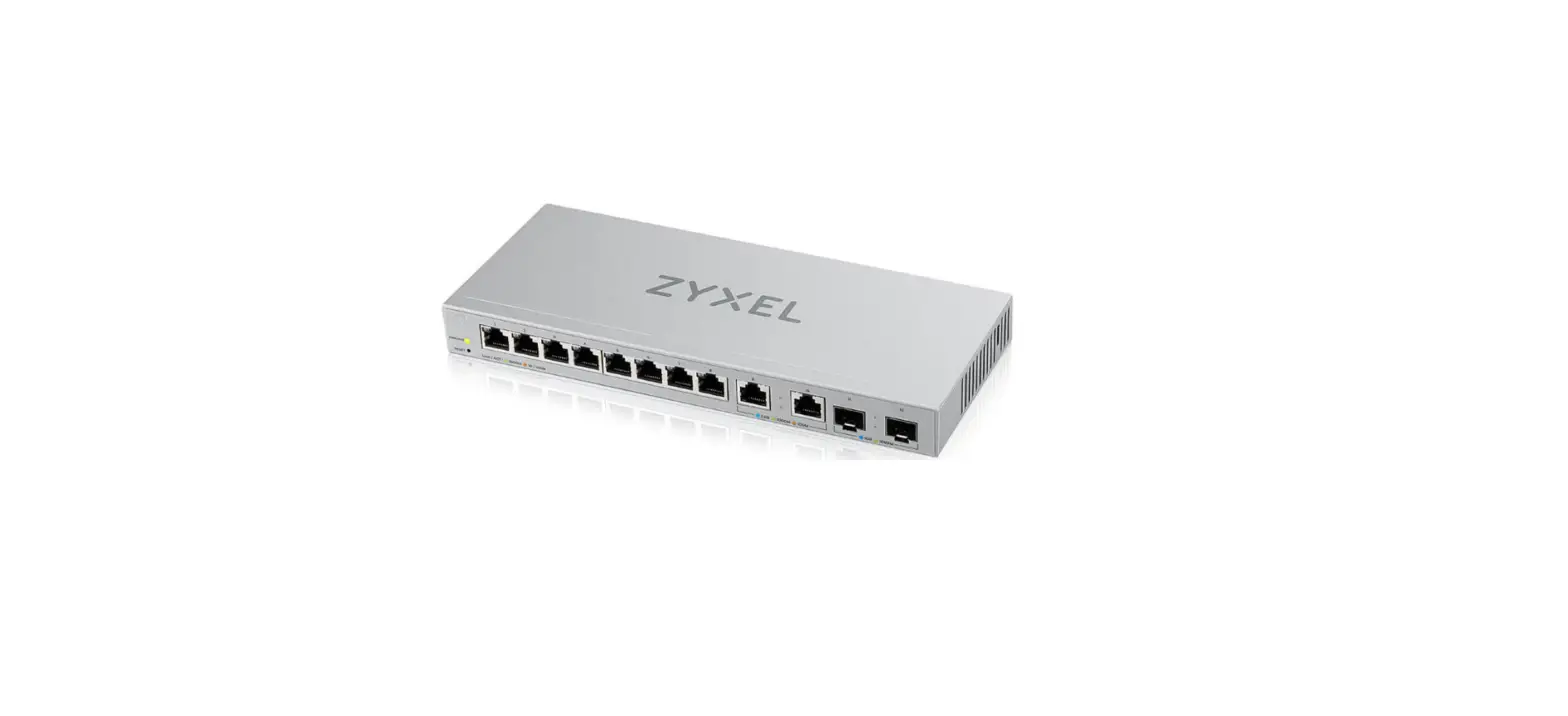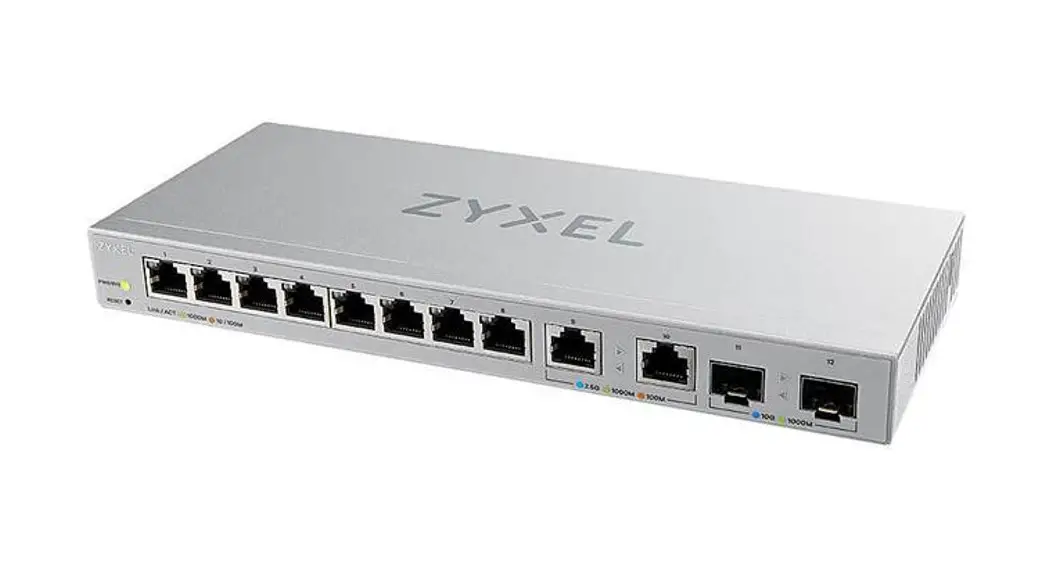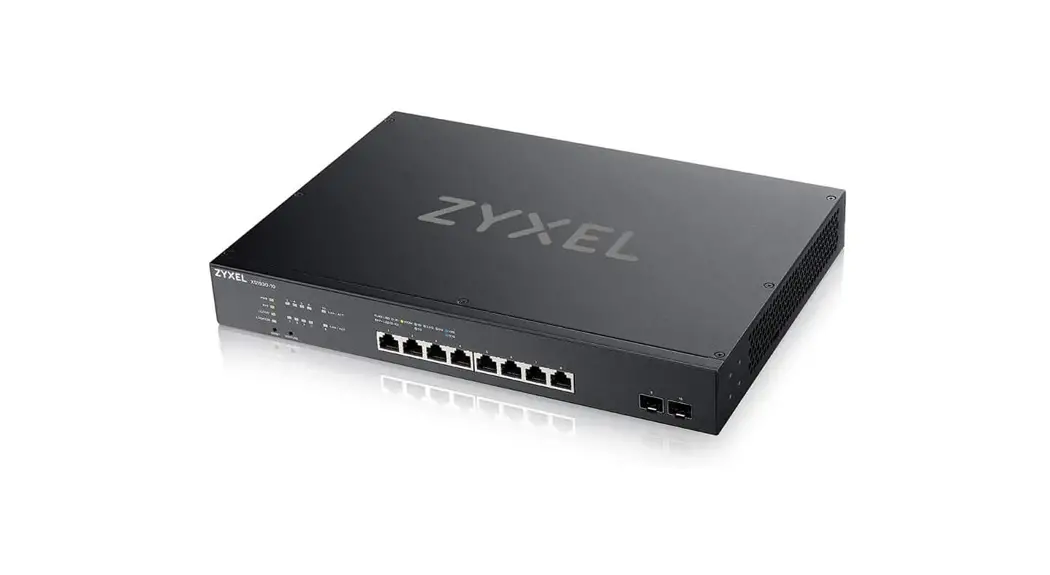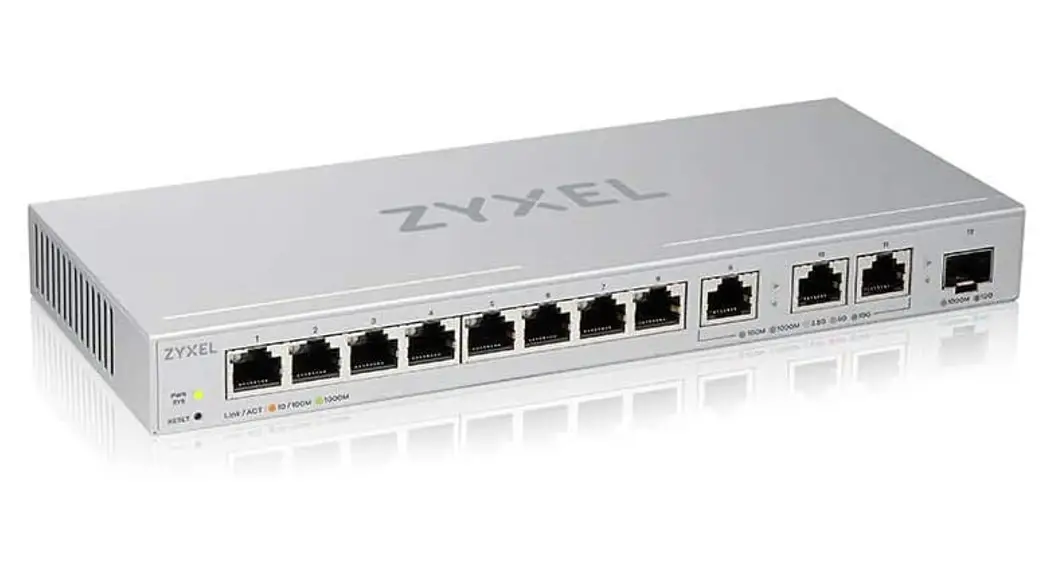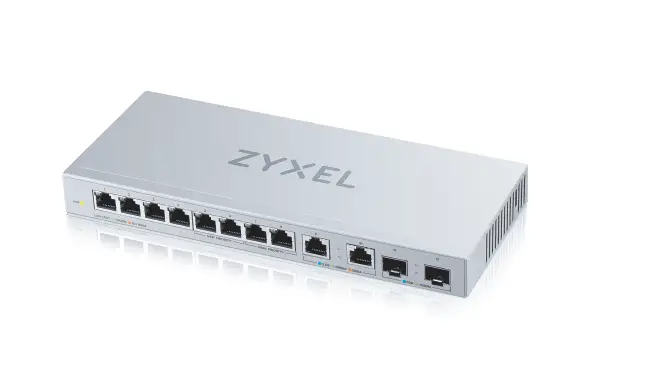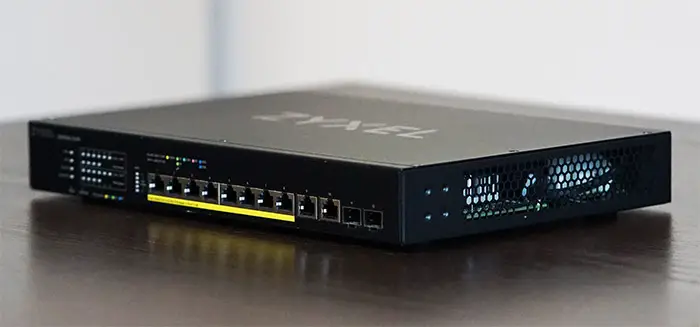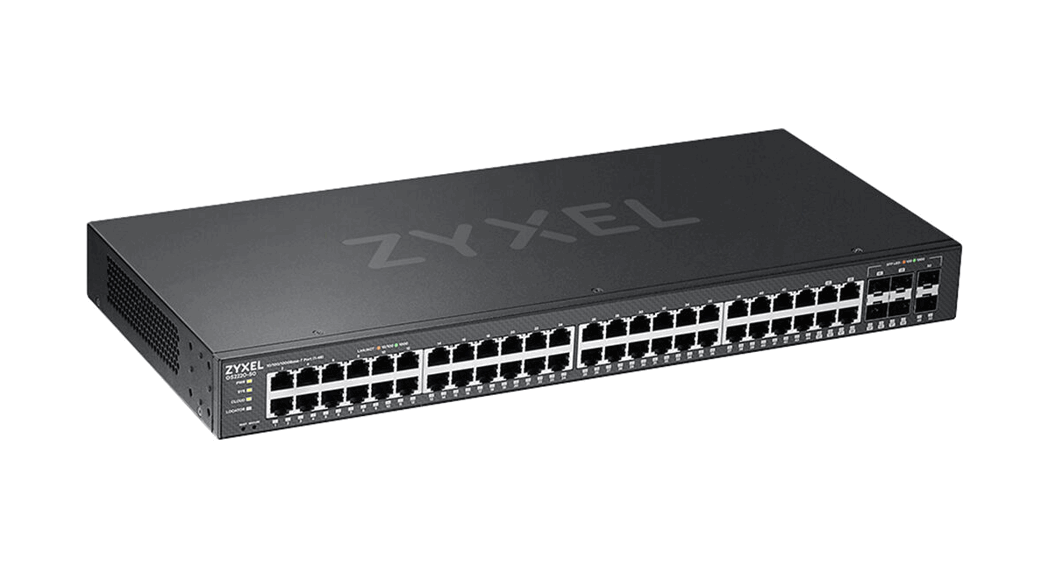
 Managed Switch with Nebula
Cloud Management
Quick Start Guide
Hardware Installation
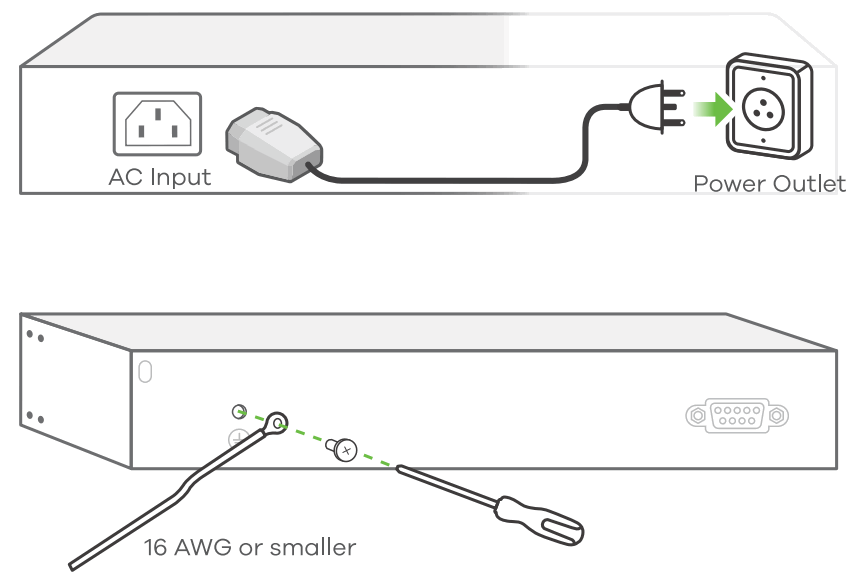
To help protect against lightning and interference functions, secure a green/yellow ground cable to the Switch.
Option A Nebula Cloud Management
Option 1: Nebula Mobile App
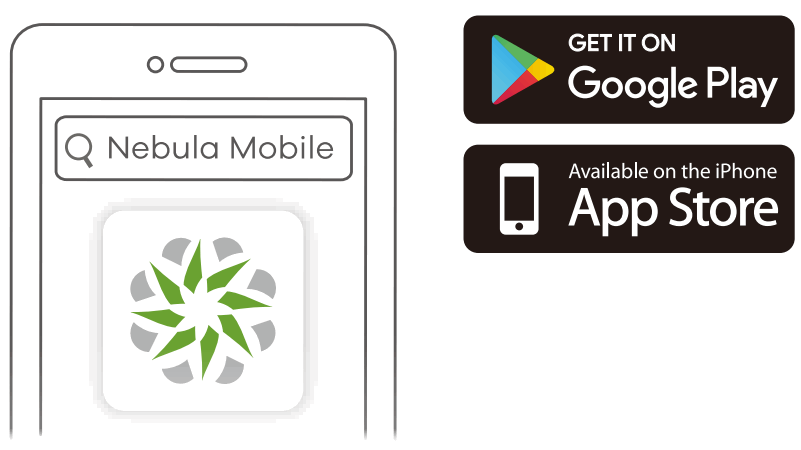
Download and use the Nebu. mobile app. Follow its procedure to complete switch onboardina to Nebula.
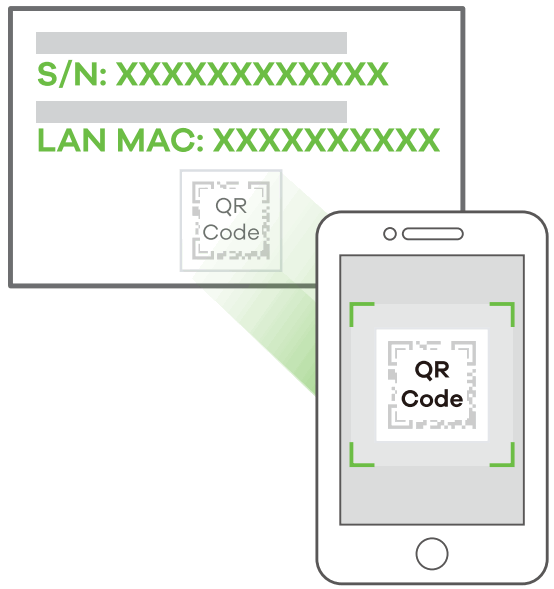
 Where to find the device QR code: Lobel on the box or device
 Onboardino with the Nebula Mobile App
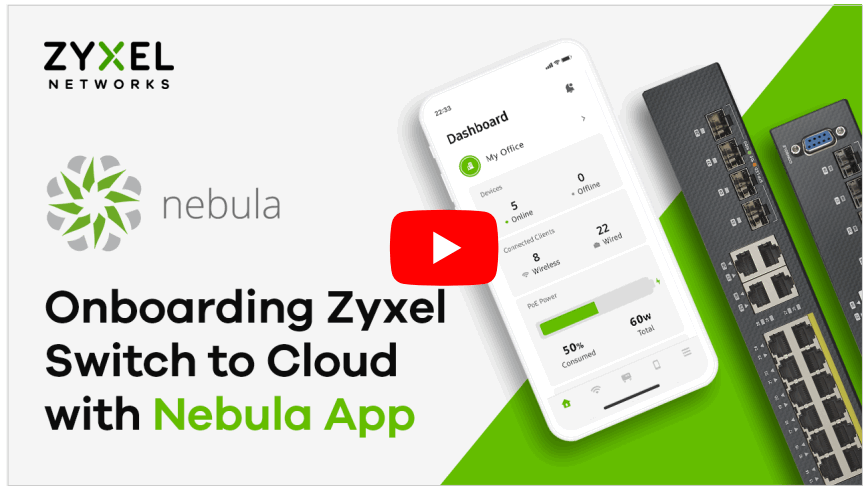
Download and open the Zyxel Nebula Mobile app. Login with your Zyxel account.
Create an organization and site or select an existing site. Scan the Switch’s QR code to add it to the site. (You can find the QR code in its web configurator or on a label on the device or its box.)
Note: The Switch will go into cloud management mode automatically after it is registered to a site.
Option 2: Nebula Portal
Go to the Nebula Control Center (NCC) website. Follow its procedure to complete switch onboarding to Nebula.
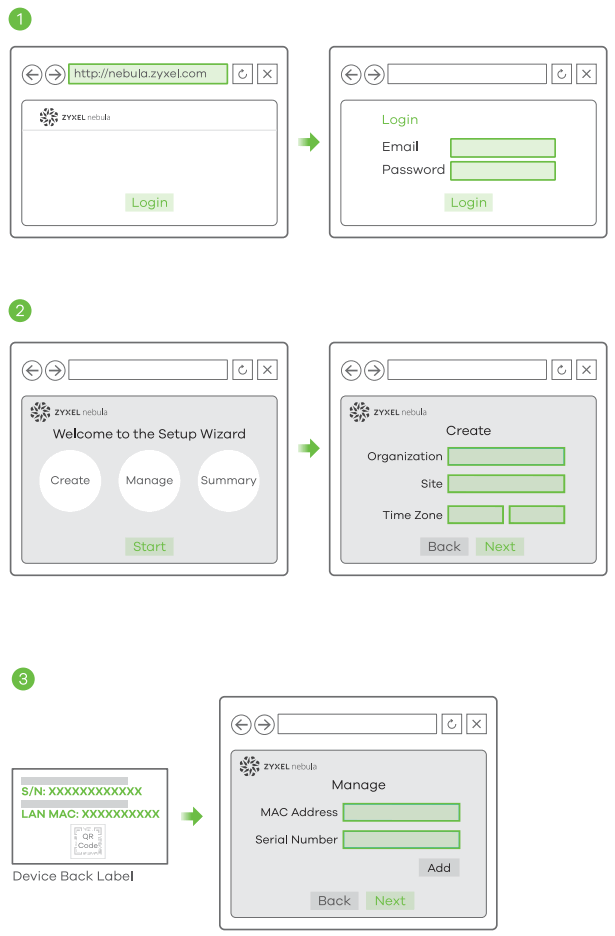
- Go to the Zyxel Nebula Control Center (NCC), and click Login to sign up for a Zyxel account or enter your existing account information.
- Use the setup wizard to create an organization and a site.
- Register the Switch by entering its MAC address and serial number.
Note: The Switch can be managed by the NCC automatically after it has been registered to a site.
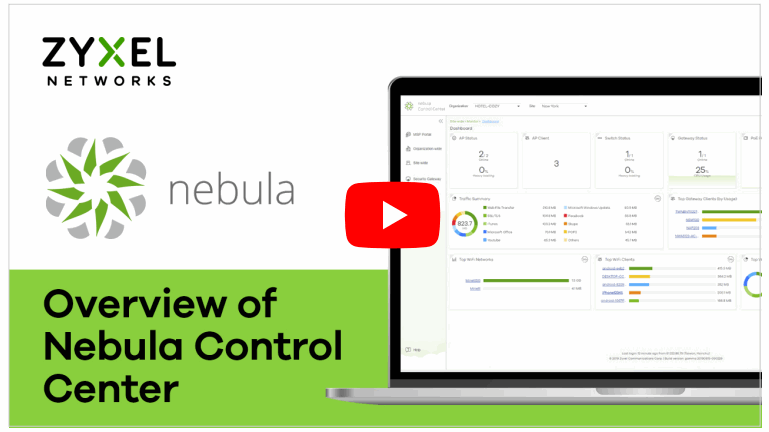
Nebula Control Center Introduction
Option B Standalone Configuration
Option 1: Configure with http://setup.zyxel for DHCP Environment
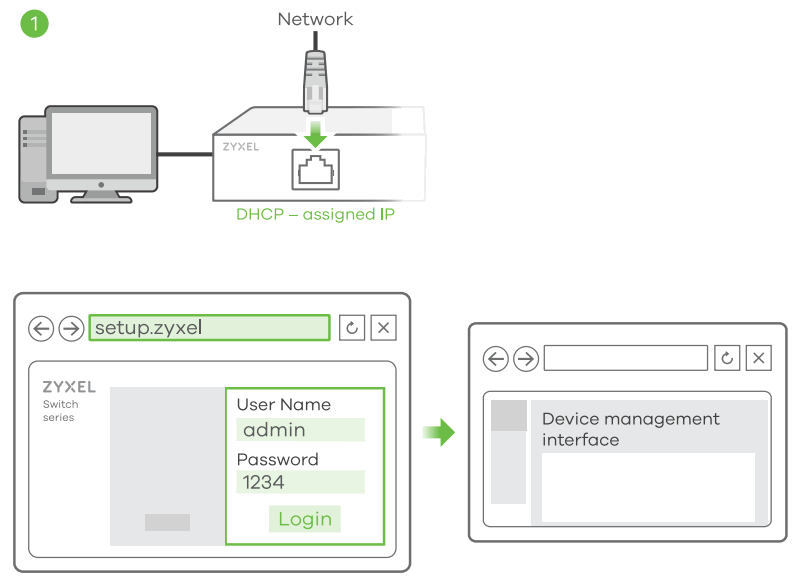
Option 2: Configure with ZON Utility for DHCP Environment
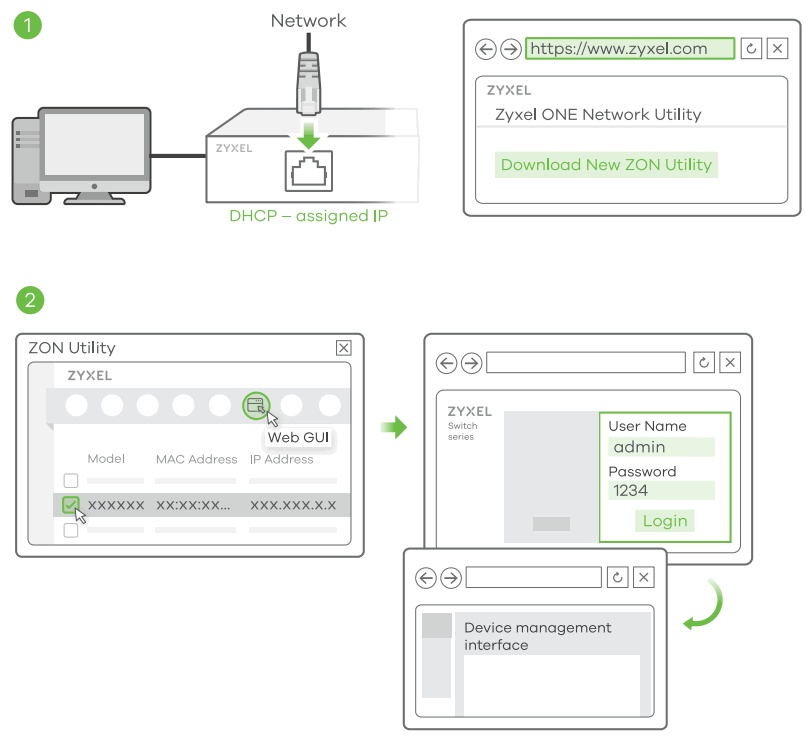
- Connect the Switch and your computer to the same network that has a DHCP server.
- Use the ZON utility to discover the Switch. Select the Switch and click the Web GUI icon to access its web configurator.
Option 3: Configure with Switch Default Static IP
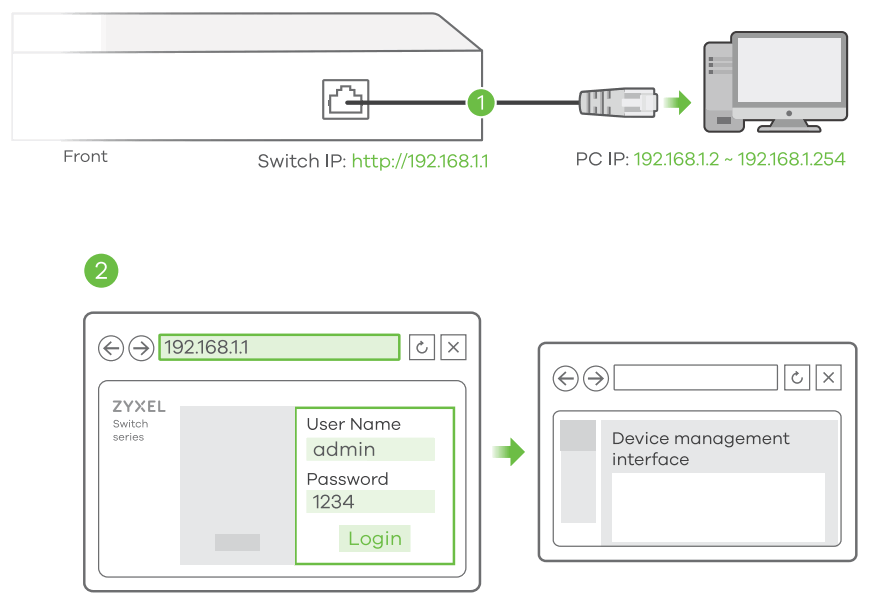
- Connect your computer to the Switch and make sure its IP address is in the same subnet.
- Launch your web browser to access and configure the Switch.
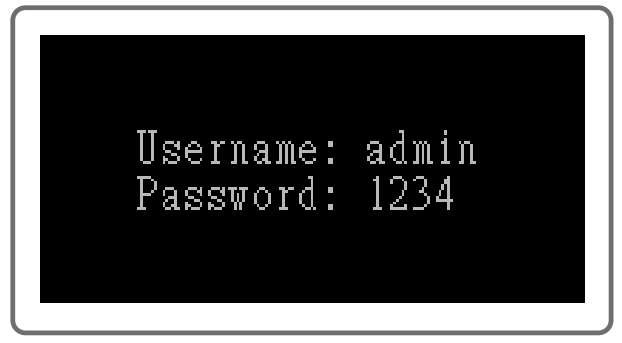
Option 4: Configure with Console Cable using either a RS232 port or USB Type-C port (depending on your Managed Switch)
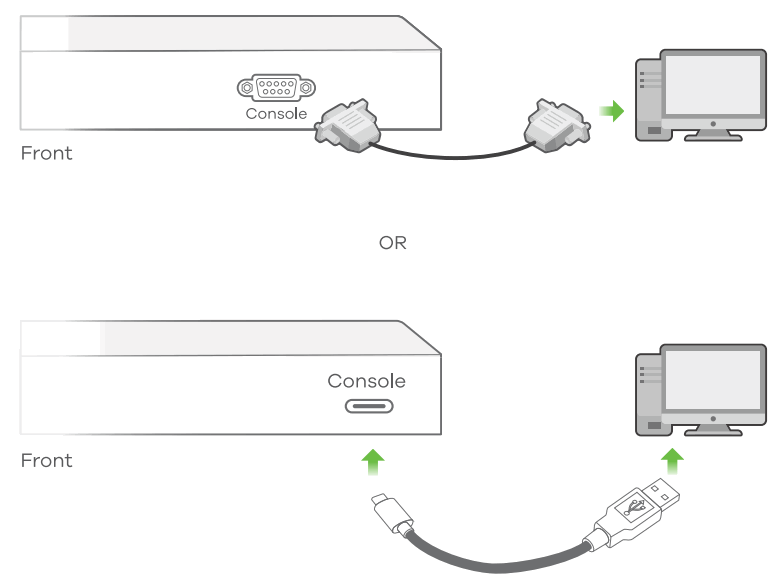
 Terminal emulator configuration:
VT100 terminal emulator 9600 bps or 115200 bps No parity, 8 data bits, 1 stop bit No flow control
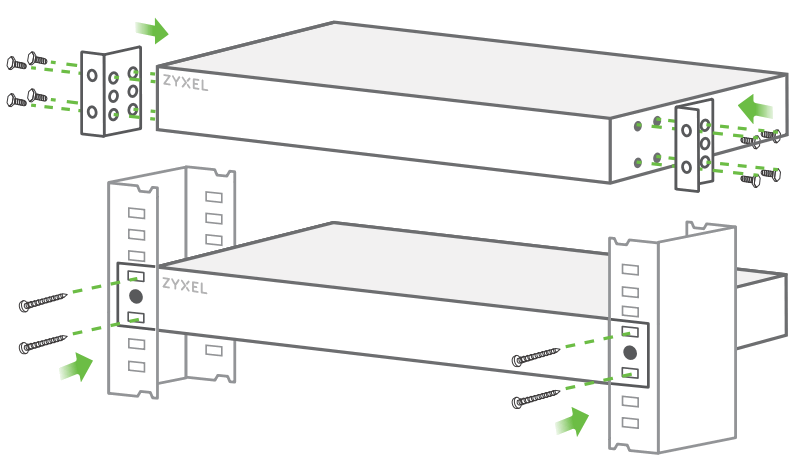
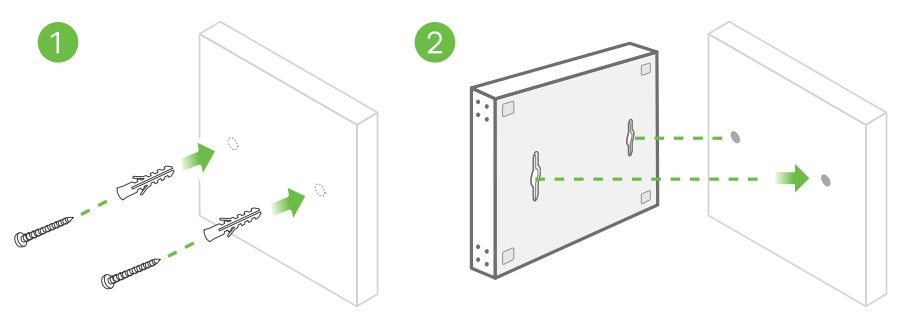
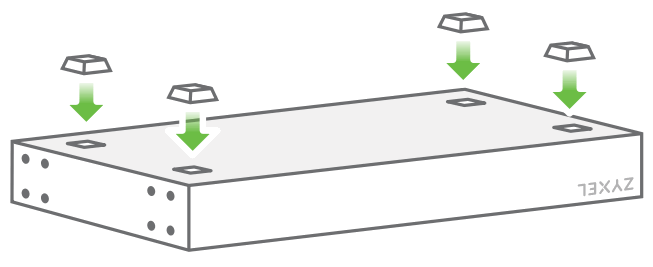
Mounting Options (by each model)
Rack Mounting
Wall Mounting
Desktop Installation
Support Information
EU httas://suanort2vxel.eu
EU, Russiahttas://suanortzvxel.eu
Taiwan + 886 2 2739 9889
 [email protected]
USA + 1 800 255 4101[email protected]
Visit the User’s Guide at www.zyxel.com for more information, including customer support and safety warnings.
EU Importer
Zyxel Communications A/S Gladsaxevej 378, 2. th. 2860 Soborg, Denmark
https://www.zyxel.com/dk/da/
UK Importer
Zyxel Communications UK Ltd. 2 Old Row Court, Rose Street, Wokingham, RG40 1XZ, United Kingdom (UK)
https://www.zyxel.com/uk/en/
US Importer
Zyxel Communications, Inc 1130 North Miller Street Anaheim, CA 92806-2001
https://www.zyxel.com/us/en/
Copyright @ 2022 Zyxel and/or its affiliates. All Rights Reserved.