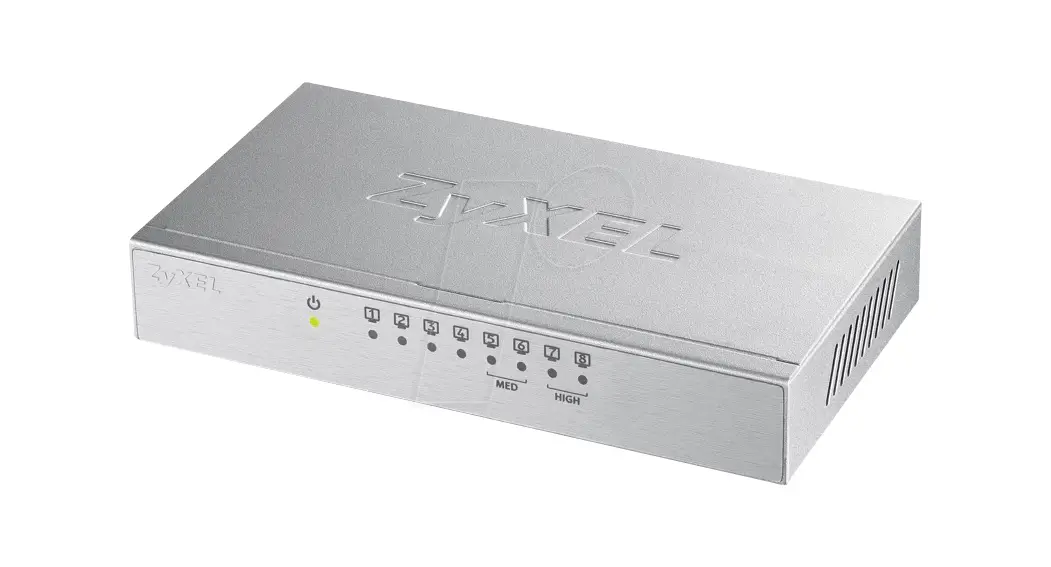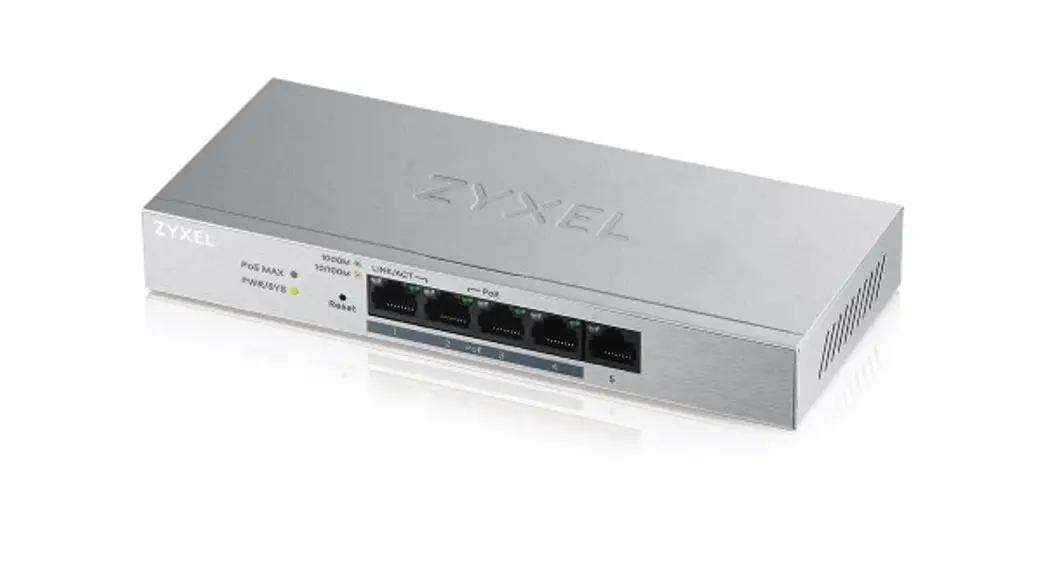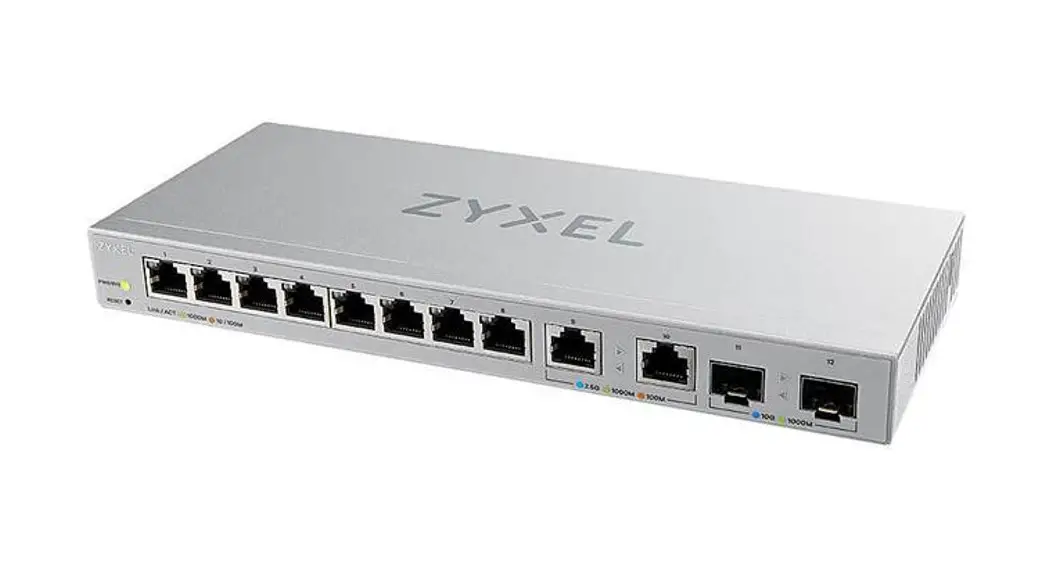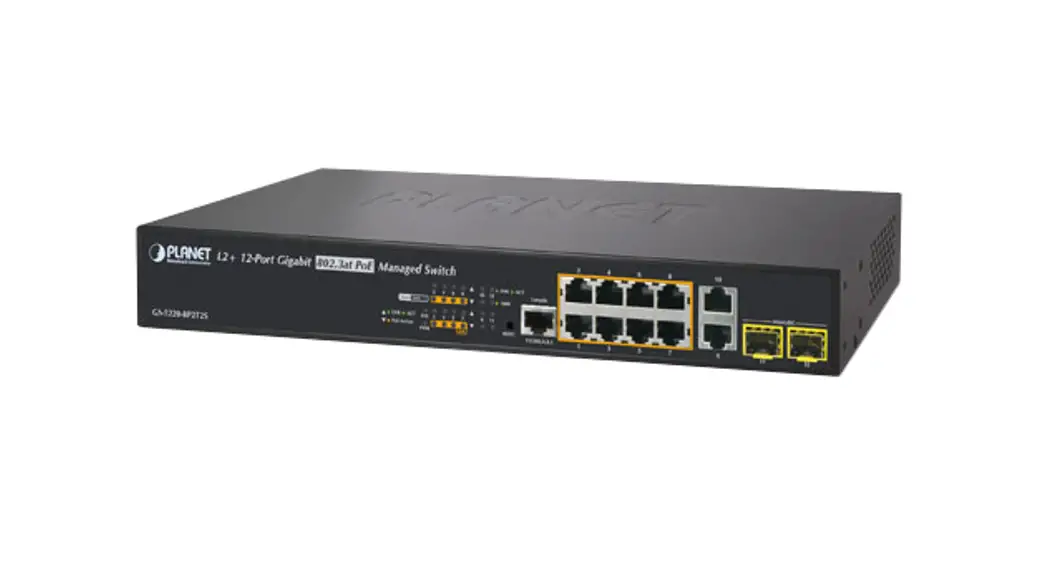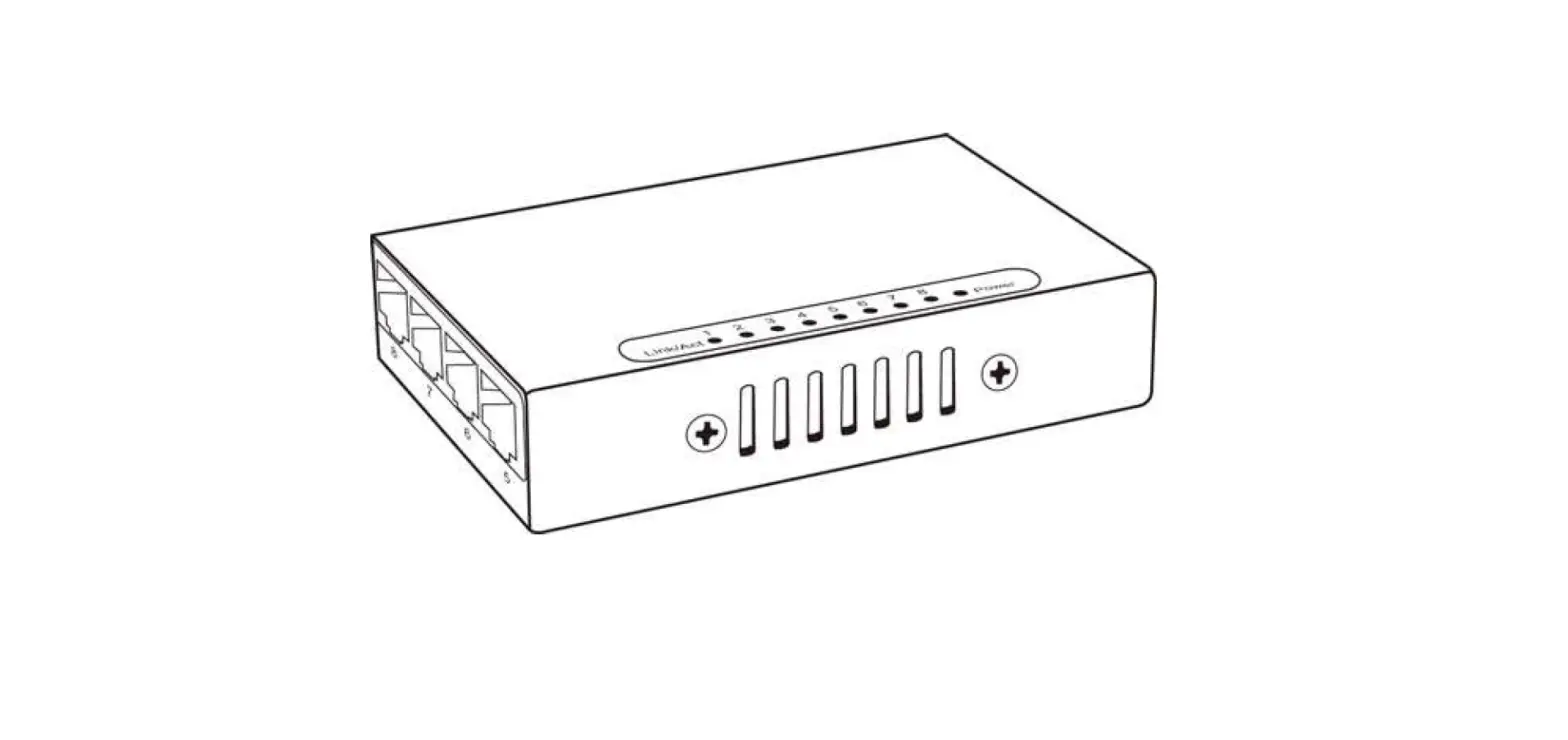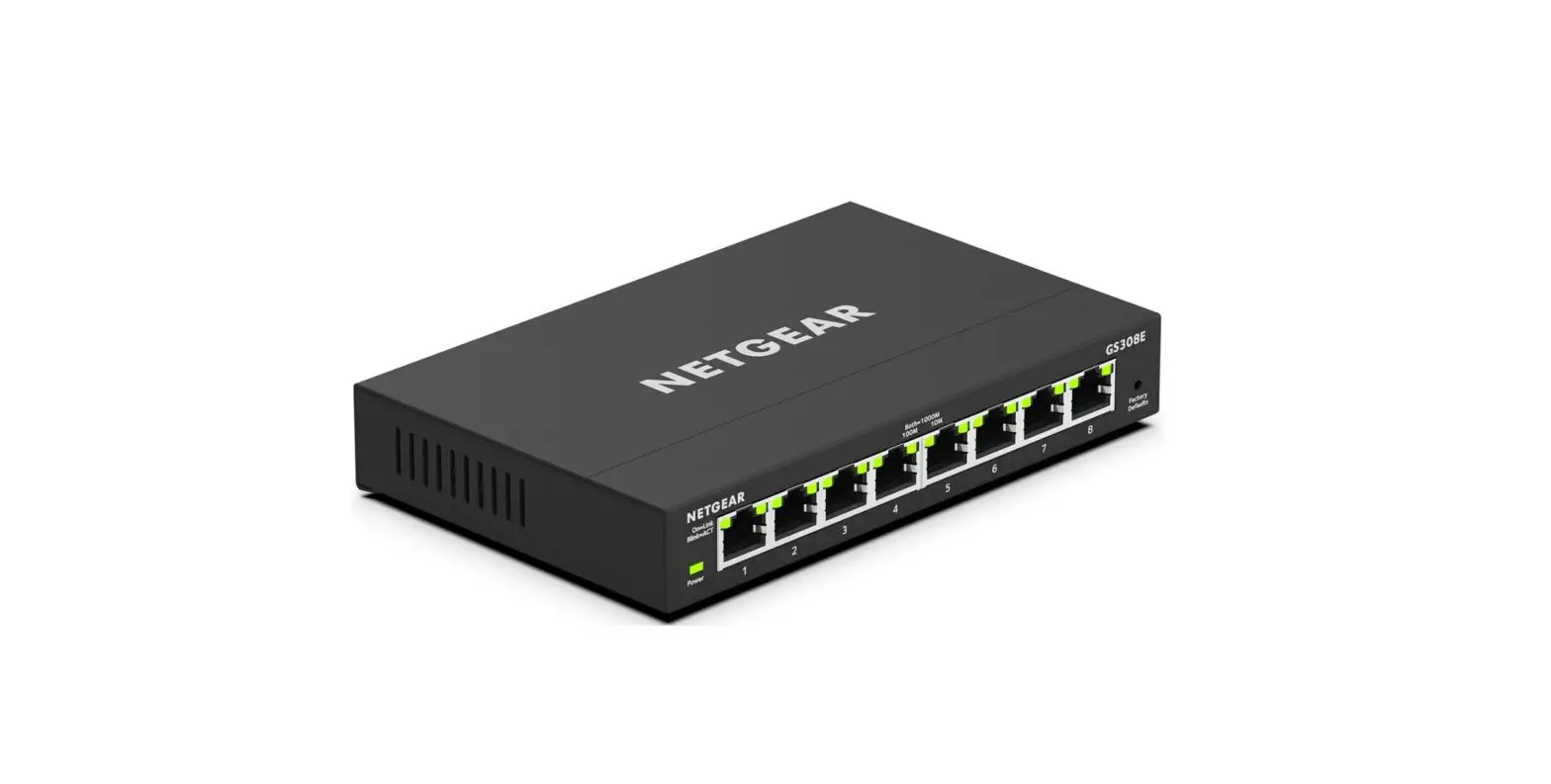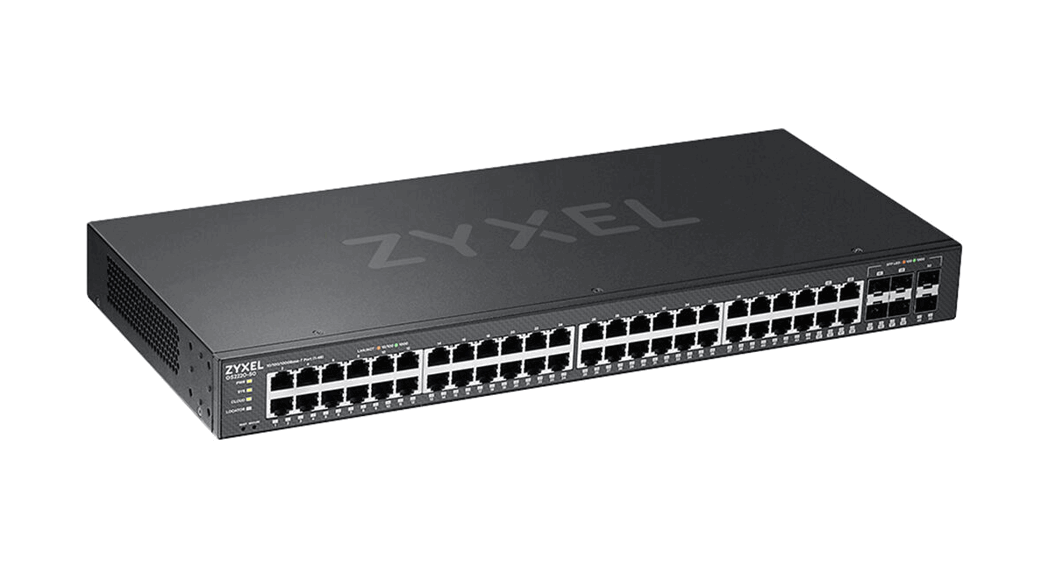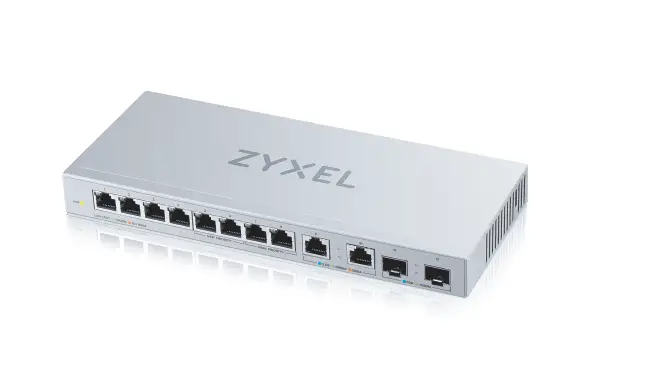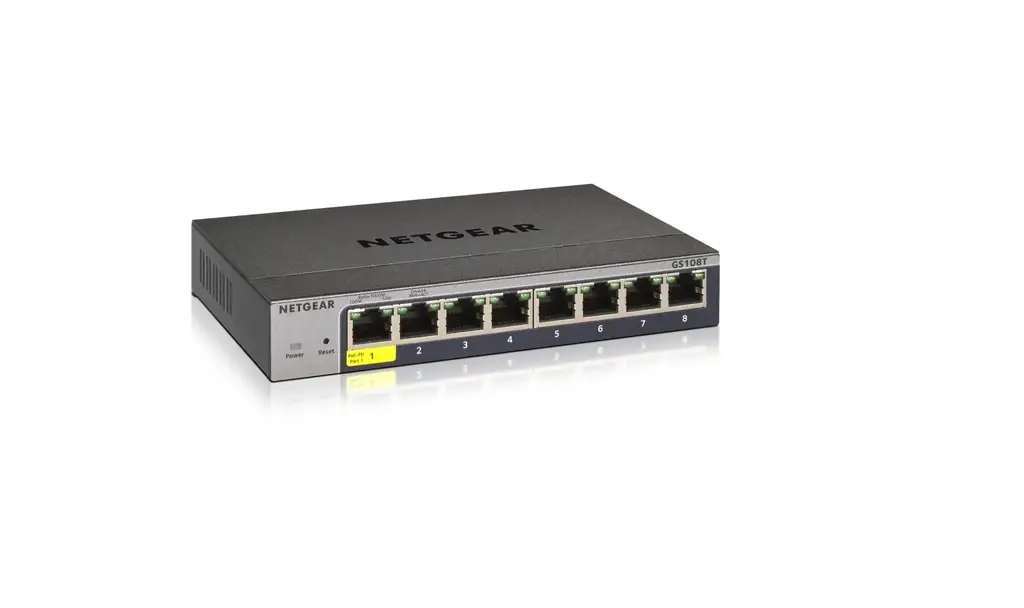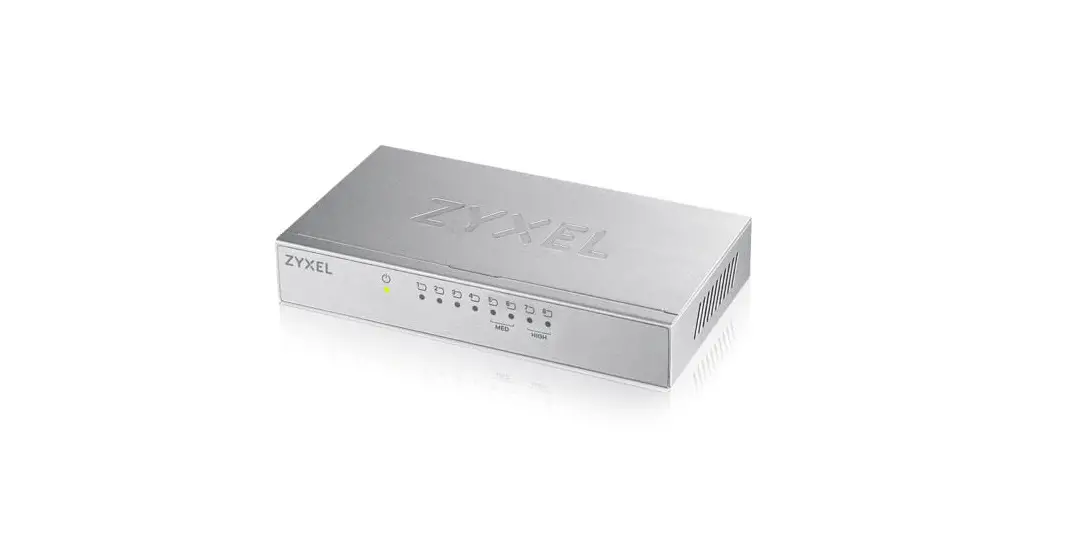

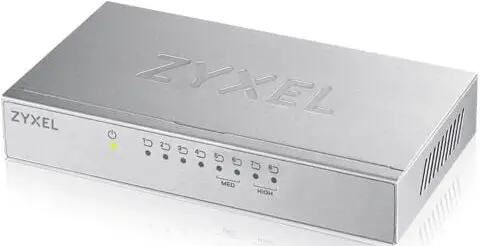
Zyxel GS-108A 8-port Desktop Gigabit Ethernet Switch
Copyright
Copyright © 2005 by ZyXEL Communications Corporation
The contents of this publication may not be reproduced in any part or as a whole, transcribed, stored in a retrieval system, translated into any language, or transmitted in any form or by any means, electronic, mechanical, magnetic, optical, chemical, photocopying, manual, or otherwise, without the prior written permission of ZyXEL Communications Corporation. Published by ZyXEL Communications Corporation. All rights reserved.
Disclaimer
ZyXEL does not assume any liability arising out of the application or use of any products, or software described herein. Neither does it convey any license under its patent rights nor the patent rights of others. ZyXEL further reserves the right to make changes in any products described herein without notice. This publication is subject to change without notice.
Trademarks
Trademarks mentioned in this publication are used for identification purposes only and may be properties of their respective owners. Interference Statements and Warnings
FCC Interference Statement
This device complies with Part 15 of the FCC rules.
Operation is subject to the following two conditions:
- This device may not cause harmful interference.
- This device must accept any interference received, including interference that may cause undesired operations.
FCC Warning
This equipment has been tested and found to comply with the limits for a Class A digital device, pursuant to Part 15 of the FCC Rules. These limits are designed to provide reasonable protection against harmful interference in a commercial environment. This equipment generates, uses, and can radiate radio frequency energy and, if not installed and used in accordance with the instruction manual, may cause harmful interference to radio communications. Operation of this equipment in a residential area is likely to cause harmful interference in which case the user will be required to correct the interference at his own expense.
CE Mark Warning
This is a class-A product. In a domestic environment, this product may cause radio interference in which case the user may be required to take adequate measures.
Taiwanese BSMI (Bureau of Standards, Metrology, and Inspection) A Warning
Certifications
Refer to the product page at www.zyxel.com.
ZyXEL Limited Warranty
ZyXEL warrants to the original end-user (purchaser) that this product is free from any defects in materials or workmanship for a period of up to two (2) years from the date of purchase. During the warranty period and upon proof of purchase, should the product have indications of failure due to faulty workmanship and/or materials, ZyXEL will, at its discretion, repair or replace the defective products or components without charge for either parts or labor and to whatever extent it shall deem necessary to restore the product or components to proper operating condition. Any replacement will consist of a new or re-manufactured functionally equivalent product of equal value and will be solely at the discretion of ZyXEL. This warranty shall not apply if the product is modified, misused, tampered with, damaged by an act of God, or subjected to abnormal working conditions.
Note
Repair or replacement, as provided under this warranty, is the exclusive remedy of the purchaser. This warranty is in lieu of all other warranties, express or implied, including any implied warranty of merchantability or fitness for a particular use or purpose. ZyXEL shall in no event be held liable for indirect or consequential damages of any kind of character to the purchaser.
To obtain the services of this warranty, contact ZyXEL’s Service Center for your Return Material Authorization number (RMA). Products must be returned to Postage Prepaid. It is recommended that the unit be insured when shipped. Any returned products without proof of purchase or those with an outdated warranty will be repaired or replaced (at the discretion of ZyXEL) and the customer will be billed for parts and labor. All repaired or replaced products will be shipped by ZyXEL to the corresponding return address, Postage Paid. This warranty gives you specific legal rights, and you may also have other rights that vary from country to country.
Customer Support
If you have questions about your ZyXEL product or desire assistance, contact ZyXEL Communications Corporation offices worldwide, in one of the following ways:
Contacting Customer Support
When you contact your customer support representative, have the following information ready:
- Product model and serial number.
- Warranty information.
- The date you received your product.
- Brief description of the problem and the steps you took to solve it.
Getting to Know Your Switch
Introduction
The switch is a multi-port switch that can be used to build high-performance switched networks. The switch is a store-and-forward device that offers low latency for high-speed networking. The switch is designed for SOHO (Small Office Home Office) businesses. Standalone Workgroup Application The switch can be used as a standalone switch to which computers, servers, and print servers are directly connected to form a small workgroup.
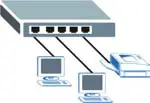
Standalone Workgroup Example
Hardware Installation
The switch is suitable for an office environment where it can be placed on a desktop.
- Step 1. Make sure the switch is clean and dry.
- Step 2. Set the switch on a smooth, level flat space strong enough to support the weight of the switch and the connected cables. Make sure there is a power outlet nearby.
- Step 3. Use only the supplied power adaptor to connect your switch to a power source. Refer to the label on the power adapter for more information.
Do not block the ventilation holes
Hardware Connection
The power and the Ethernet ports are located on the rear panel.

Rear PanelGS-105A

Rear Panel: GS-108A
Power Connection
Connect one end of the supplied power adaptor to the power port on the rear panel of the switch and the other end to the appropriate power source. The PWR LED turns on.
RJ-45 Auto-negotiating Ports
The switch comes with 5 or 8 10/100/1000M RJ-45 ports depending on the model of your switch. The auto-negotiation feature allows the switch to detect the speed of incoming transmission and adjust appropriately without manual intervention. It allows data transfers of 10 Mbps, 100 Mbps, or 1000 Mbps in either half-duplex or full-duplex mode depending on your Ethernet network.
Auto-crossover Ethernet Ports
All ports are auto-crossover, that is auto-MDIX ports (Media Dependent Interface Crossover), so you may use either a straight-through Ethernet cable or a crossover Ethernet cable for all Ethernet port connections. Autocrossover ports automatically sense whether they need to function as crossover or straight ports, so crossover cables can connect both computers and switches/hubs.
Refer to the Product Specifications section for the types of network cable used for the different connection speeds.
Front Panel LEDs
The LEDs on the front panel indicate the real-time status of the switch.
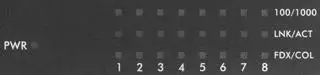
Front Panel LED: GS-108A
Table 1 Front Panel LED Descriptions
Product Specifications
Download this PDF Link: Zyxel GS-108A 8-port Desktop Gigabit Ethernet Switch User Guide