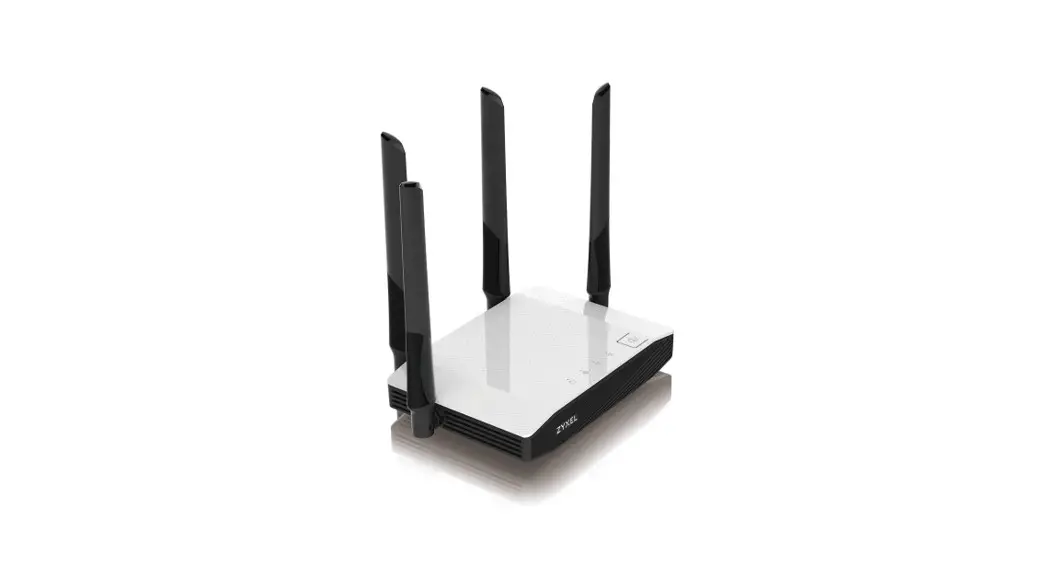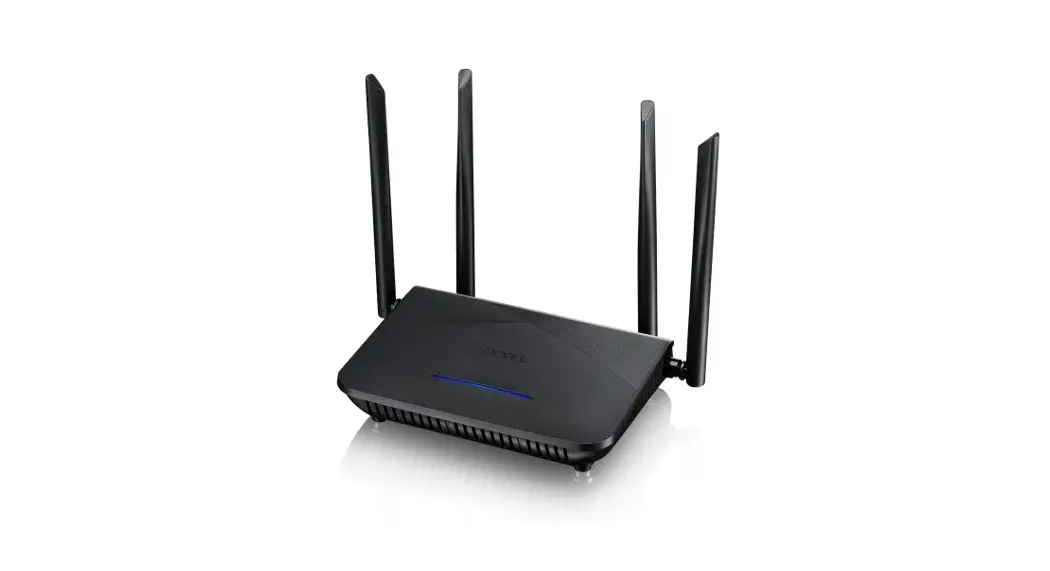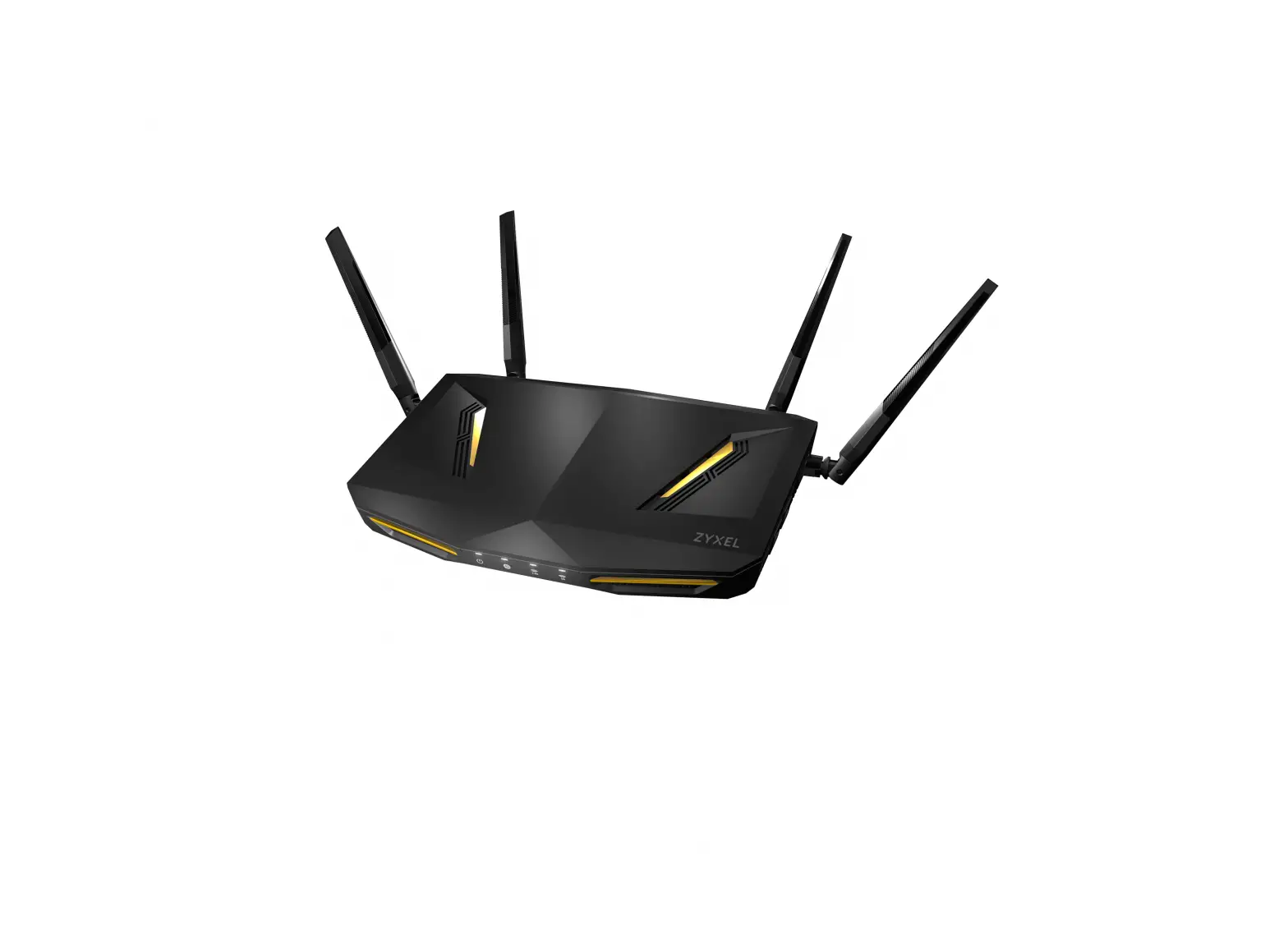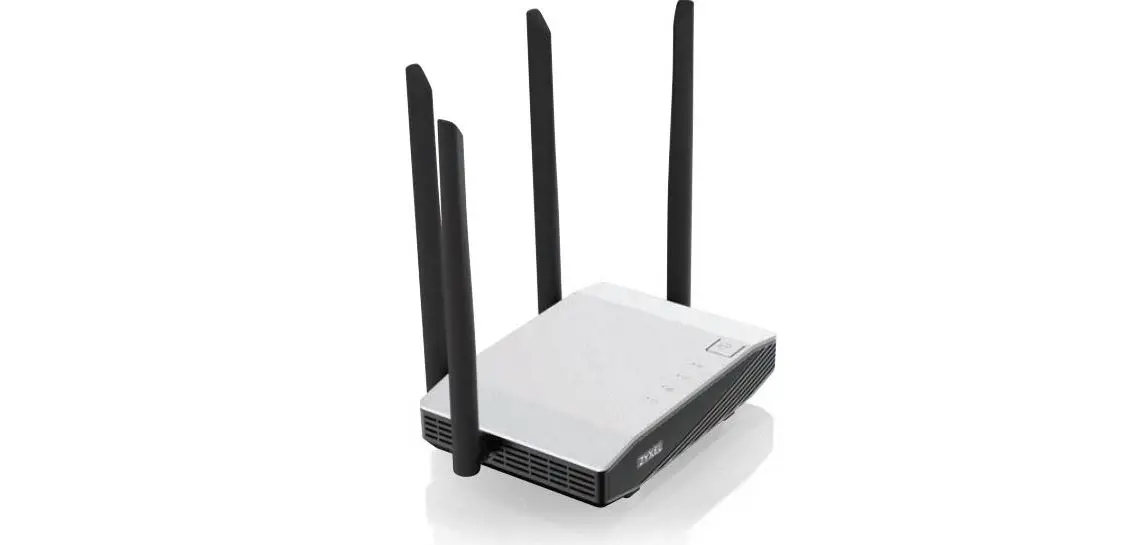
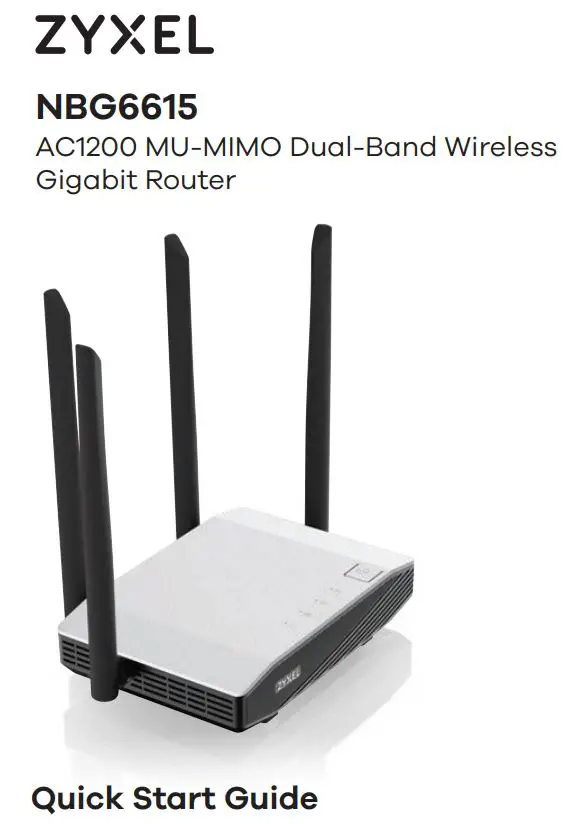
ZYXEL NBG6615 AC1200 MU MIMO Dual Band Wireless
Gigabit Router User Guide
1 Hardware Installation
2 WiFi or Ethernet Cable Connection
3 Initial Setup
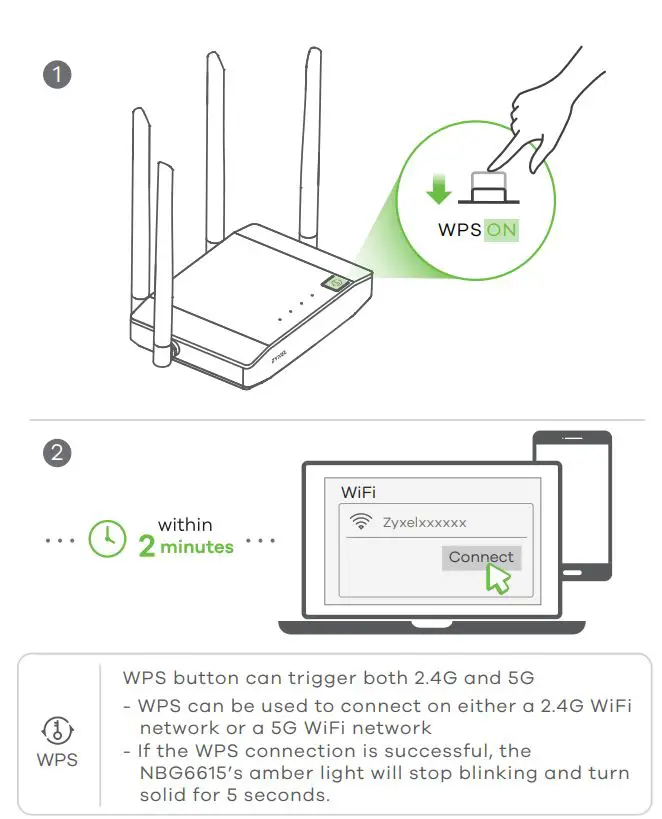
Optional Option WiFi Connection via WPS
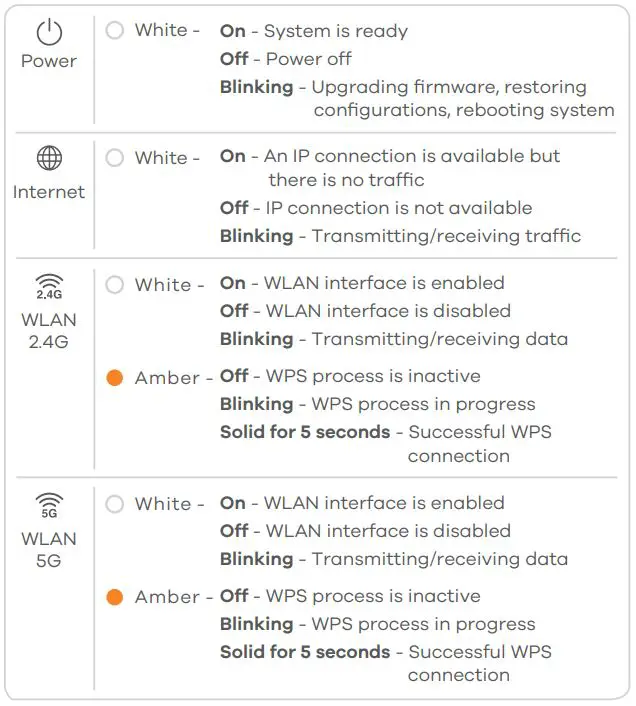
LEDs
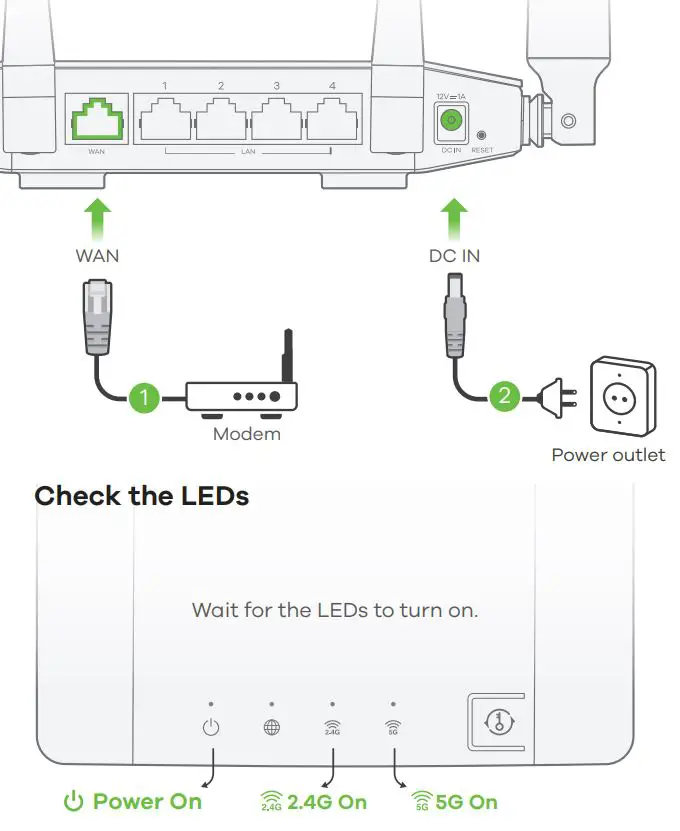
(1) Plug one end of an Ethernet cable into the blue WAN port of the NBG6615. Plug the other end into a LAN port of a broadband modem that has Internet access.
(2) Use the included power adaptor to connect the NBG6615’s power jack to a power outlet.
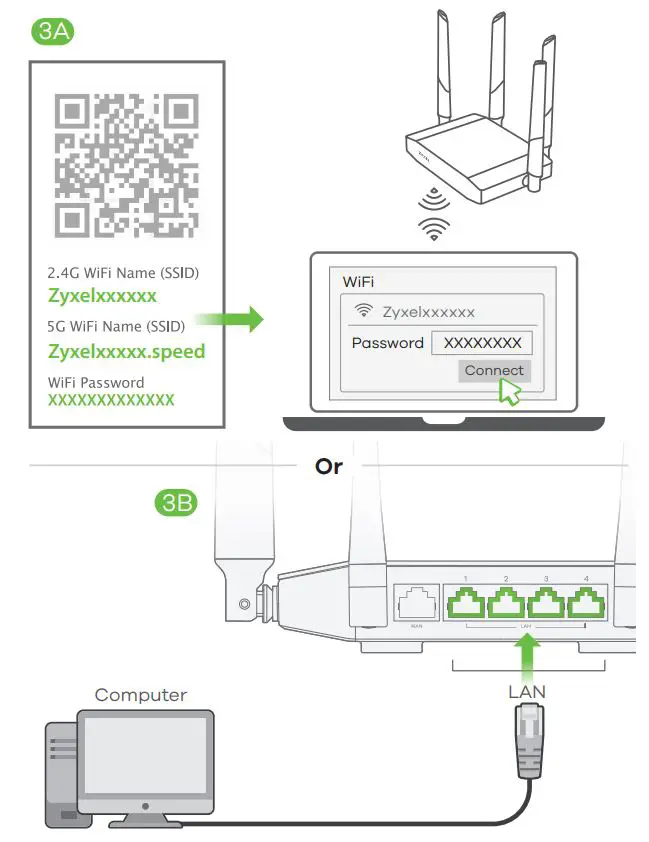
(3A) To set up a WiFi connection, use the WiFi name (SSID) and WiFi password on the cover of this Quick Start Guide.
(3B) To set up a wired connection, connect a computer to a yellow LAN port of the NBG6615.
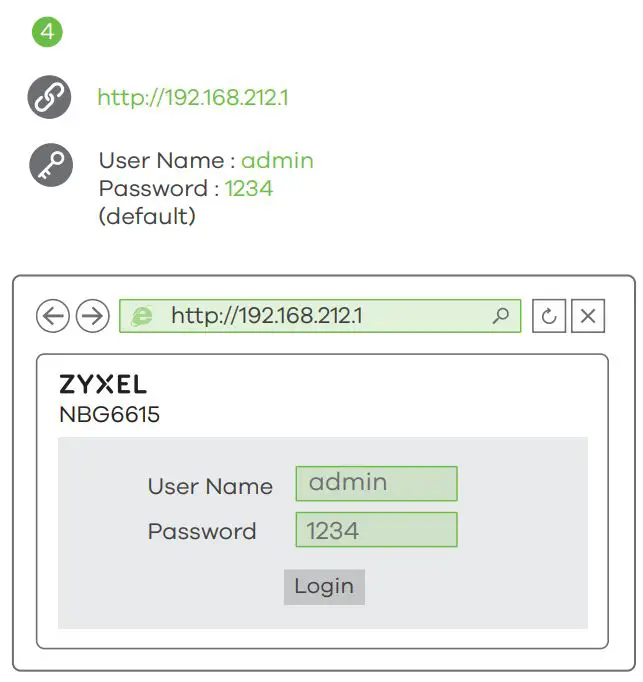
(4) To configure your Internet settings, open a web browser on your computer and type http://192.168.212.1. Enter admin as the user name and 1234 as the password. Click Login and follow the on-screen prompts to set up your Internet connection.
- Press the WPS button on the NBG6615’s front panel for about 2 seconds to activate the discovery of new devices.
- Within 2 minutes, push the WPS button on the hardware or screen of your wireless device.
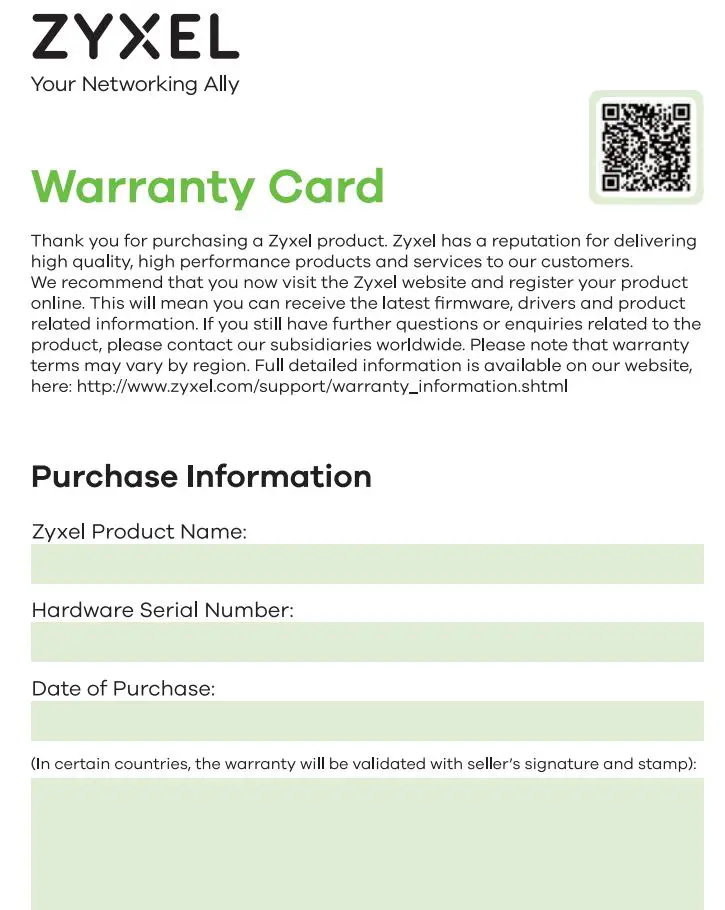
http://www.zyxel.com/support/warranty_information.shtml
Support Information
North America USA
+ 1 800 255 4101
✉ [email protected]
France
+33 (0) 892 692 610
✉ [email protected]
UK
+ 44 (0) 118 912 1700
✉ [email protected]
Italy
+ 39 011 2308000
✉ [email protected]
Germany
+ 49 (0) 2405 69 09 69
✉ [email protected]
Spain
+ 34 911 792 100
✉ [email protected]
See the User’s Guide at www.zyxel.com for more information, including customer support and safety warnings.
EU Importer
Zyxel Communications A/S
Gladsaxevej 378, 2. th. 2860 Søborg, Denmark
http://www.zyxel.dk
US Importer
Zyxel Communications, Inc
1130 North Miller Street Anaheim, CA 92806-2001
http://www.us.zyxel.com
Copyright © 2018 Zyxel Communications Corp. All Rights Reserved.
 Zyxel Networks, Your Networking Ally | Zyxel Networks
 Zyxel Networks, Your Networking Ally | Zyxel Networks
 Zyxel Networks, Your Networking Ally | Zyxel Networks
 Zyxel Networks, Your Networking Ally | Zyxel Networks