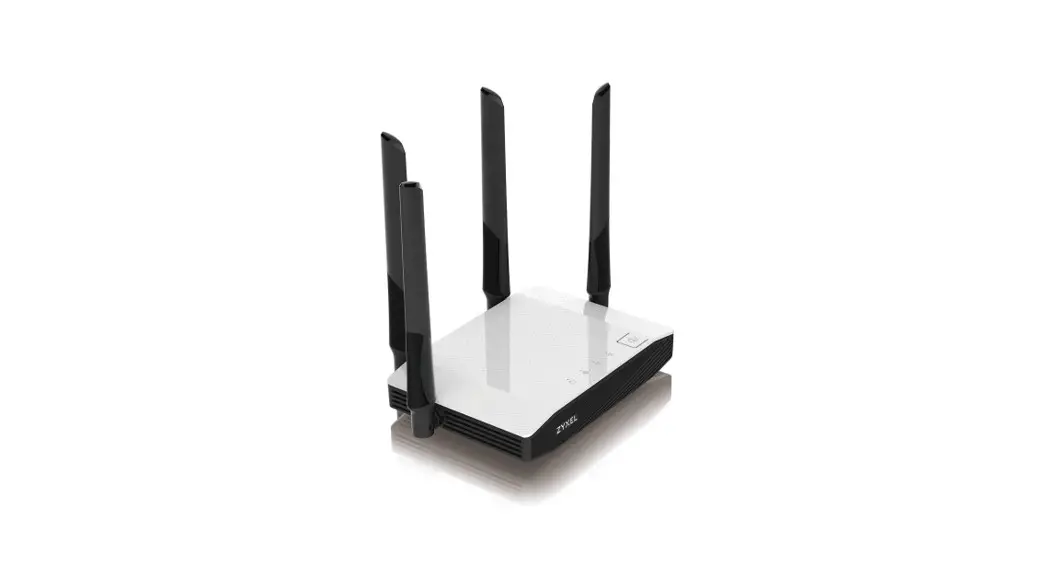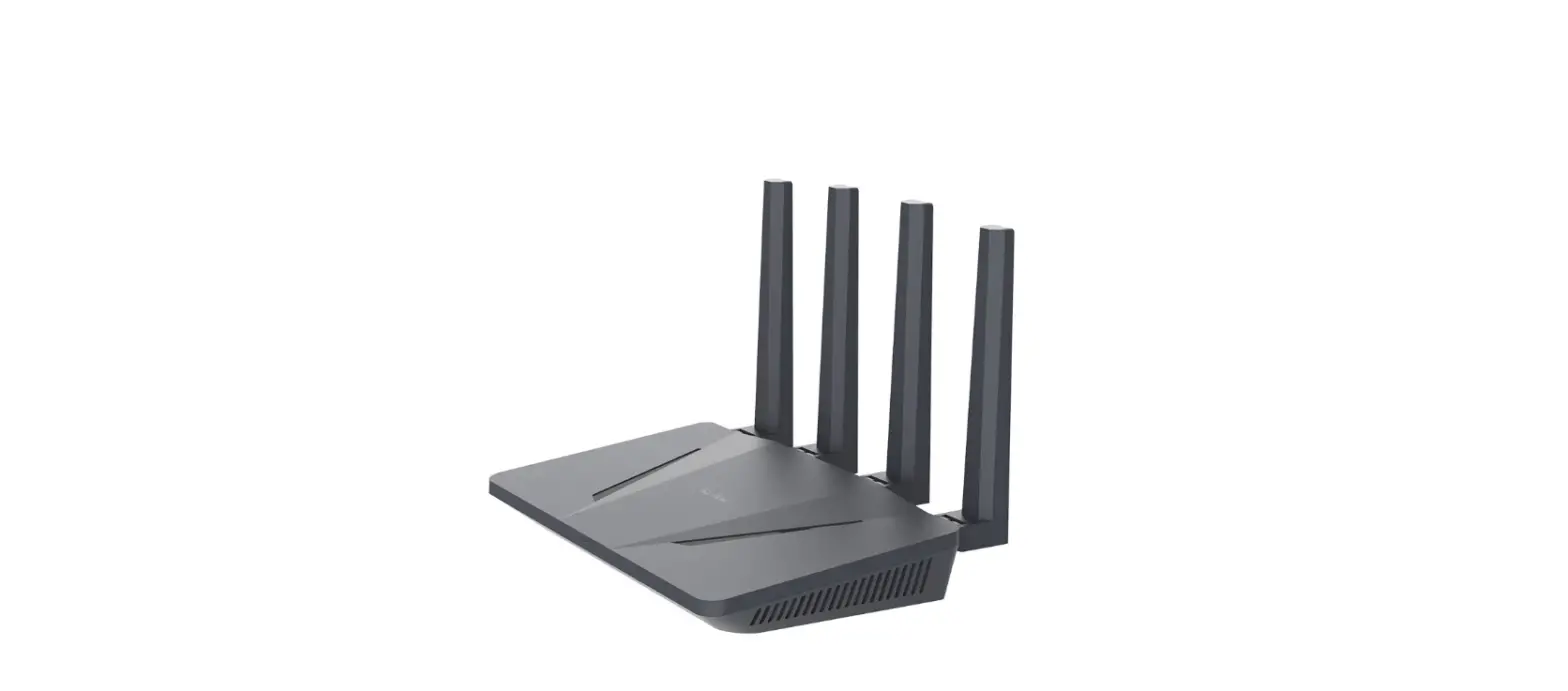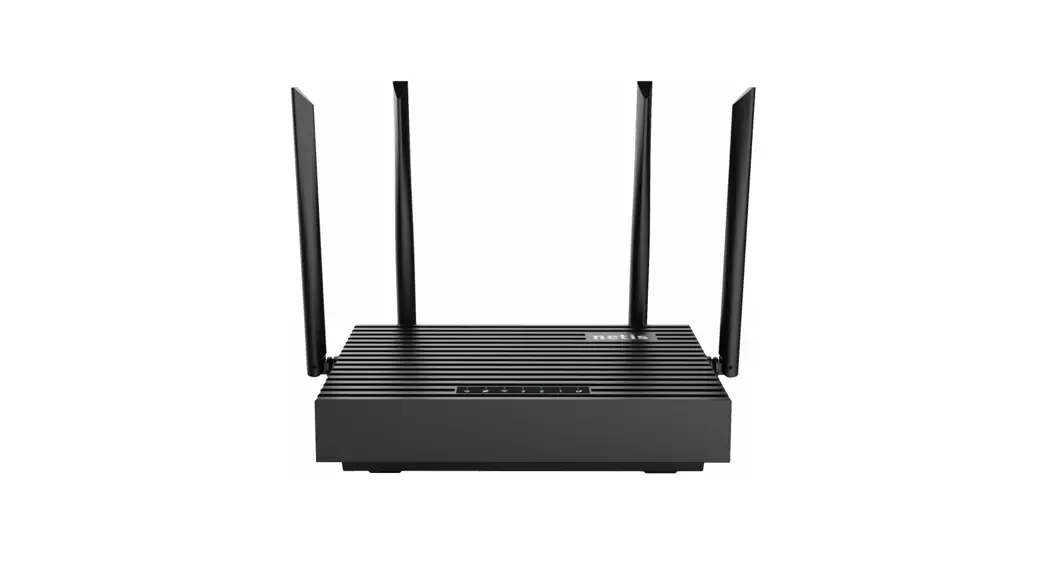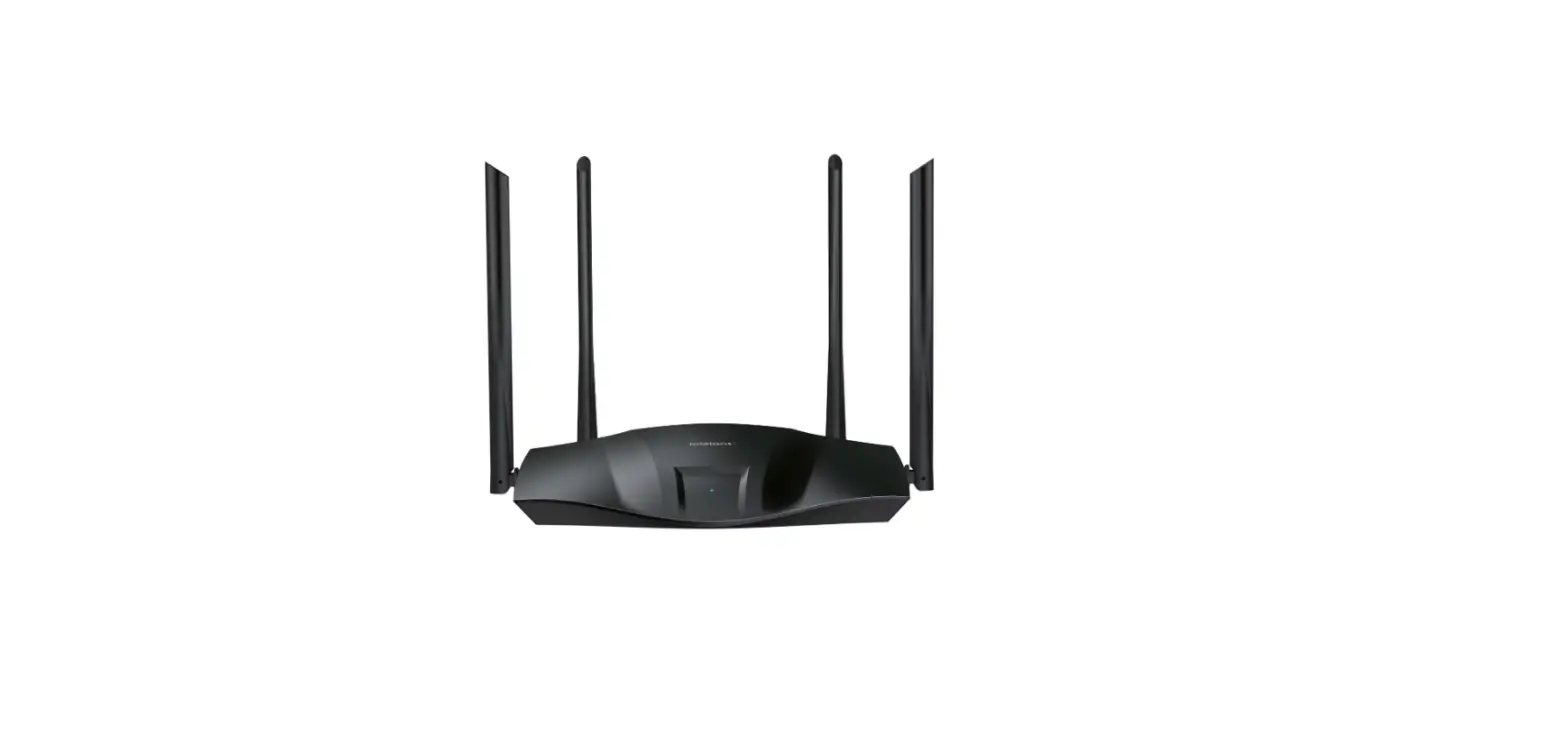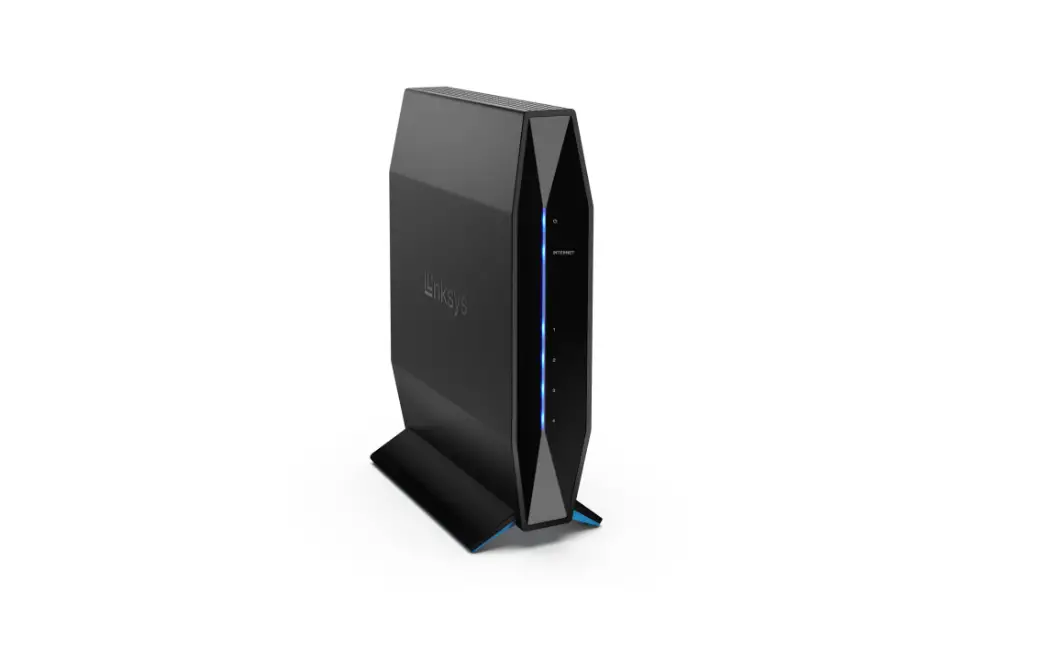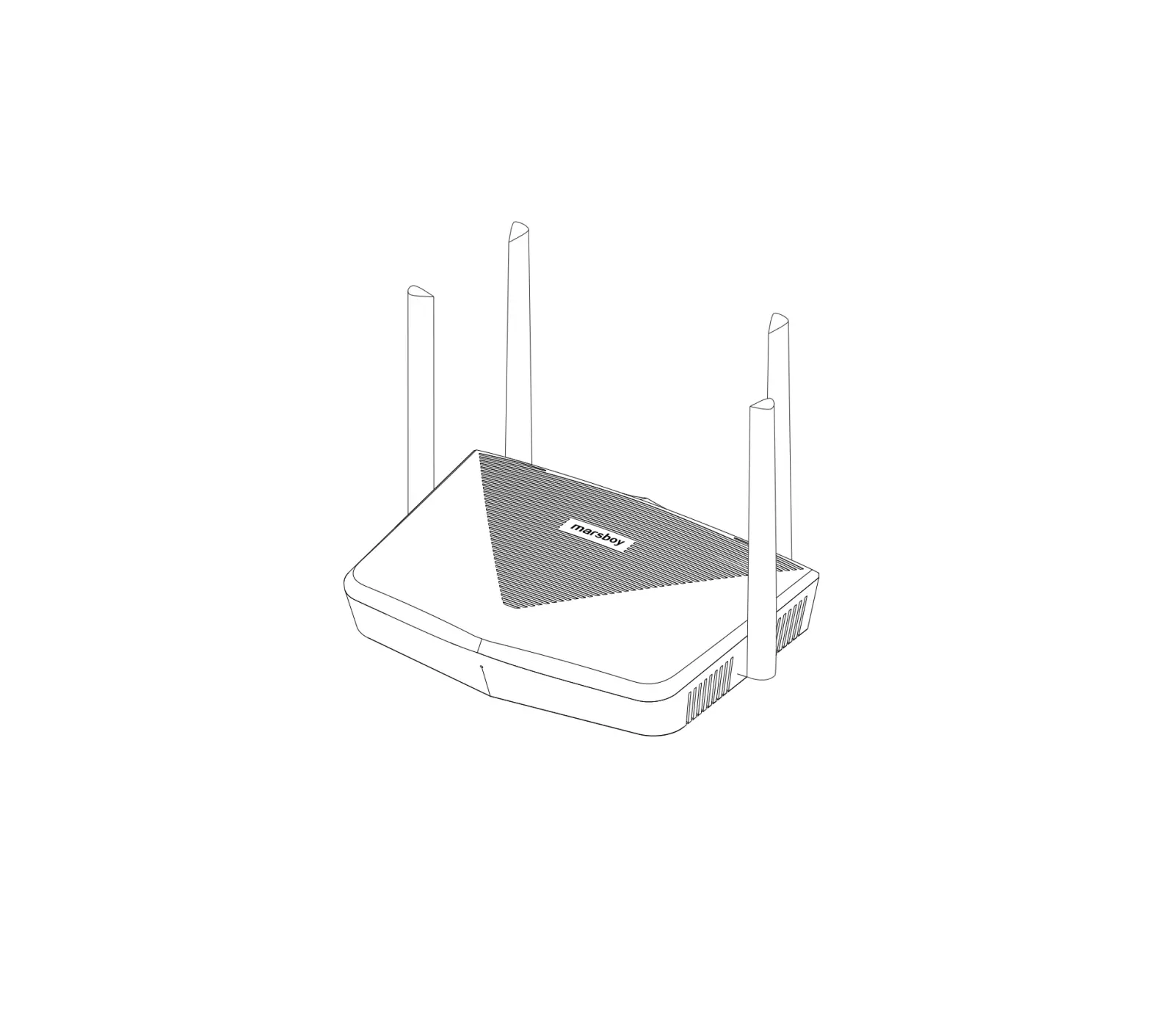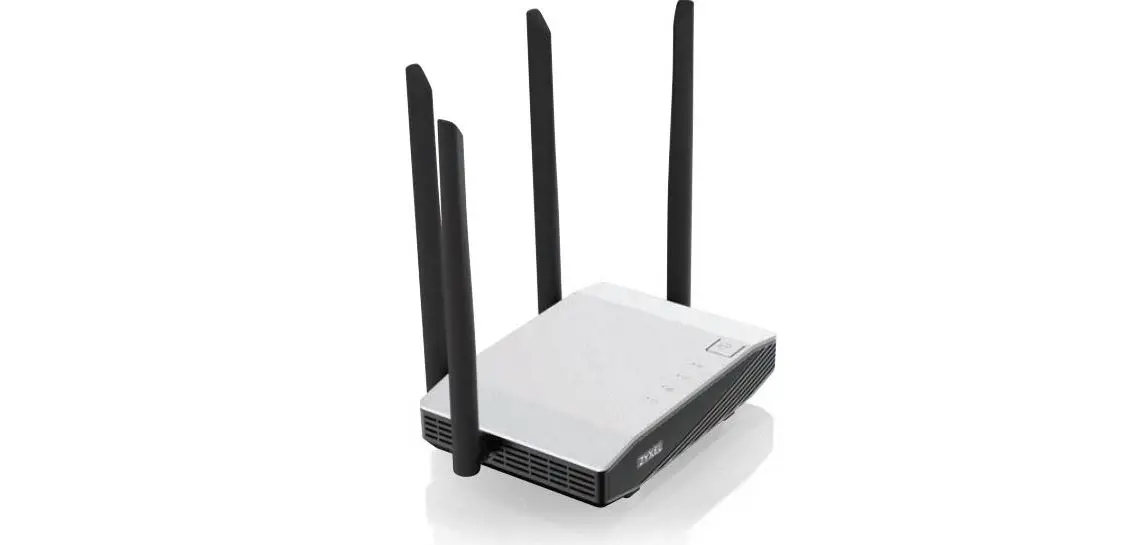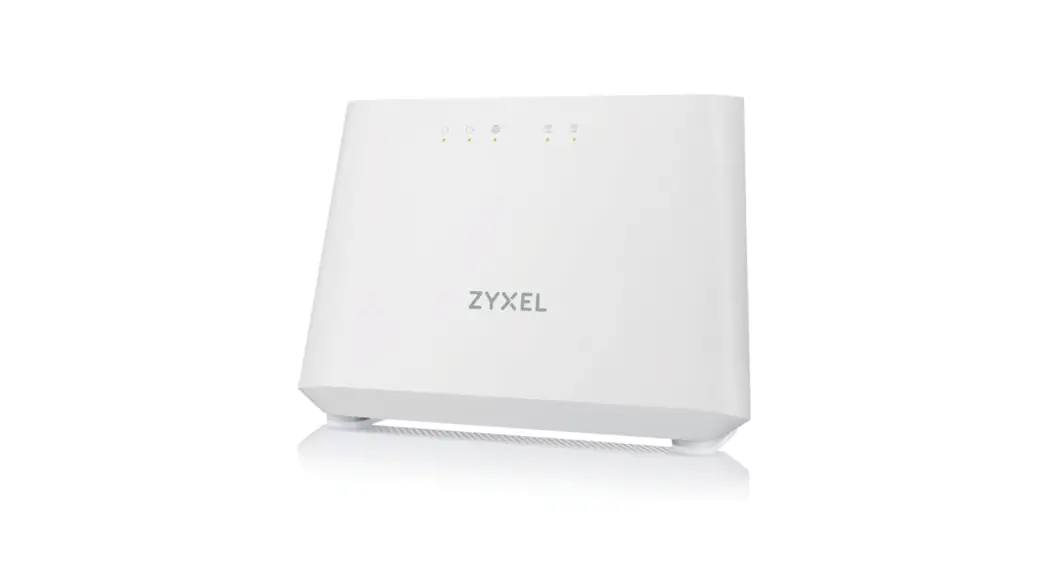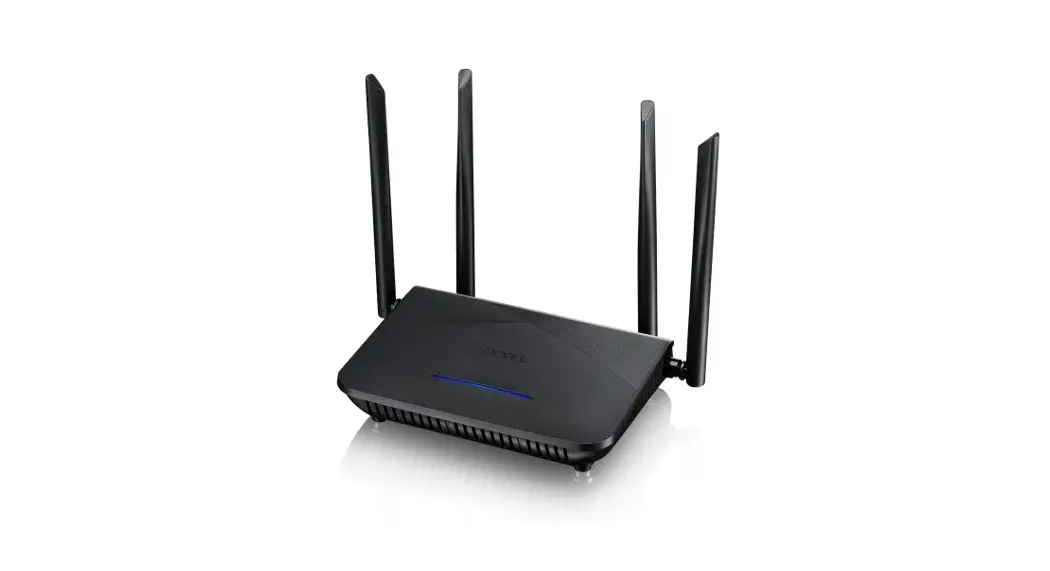

NBG751O Dual-Band WiFi 6 AX1800 Router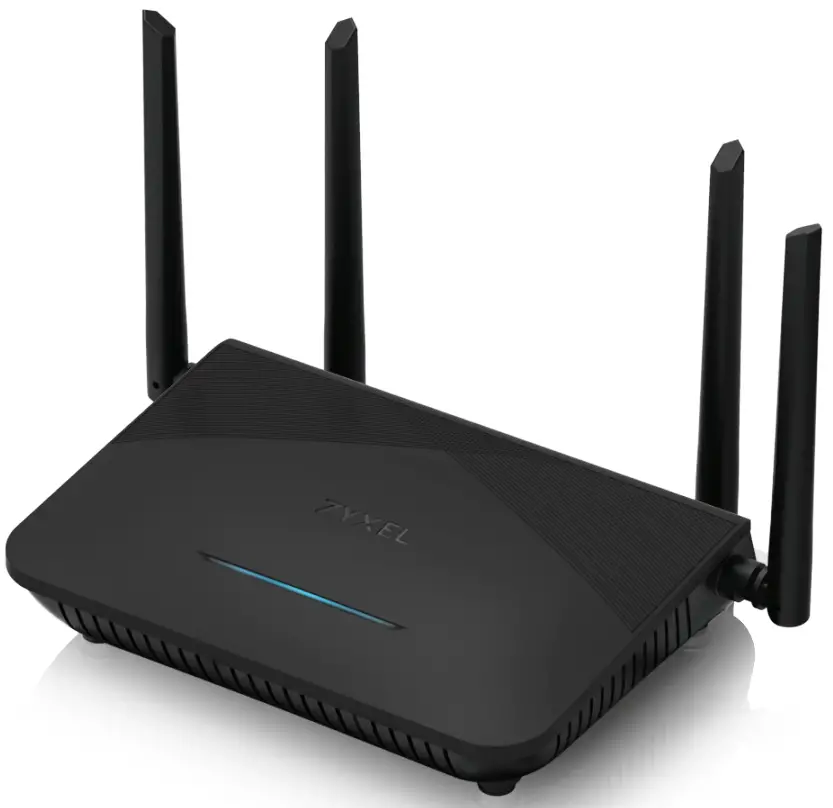 Quick Start Guide
Package Contents

Support Information

USA + 1800 255 4101
 [email protected]
 https://support.zyxel.eu
EU Importer
Zyxel Communications A/S
Gladsaxevej 378, 2. th. 2860 Seborg, Denmark
https://www.zyxel.com/dkida/
US Importer
Zyxel Communications, Inc
1130 North Miller Street Anaheim, CA 92806-2001
https://www.zyxel.com/us/en/
Copyright © 2022 Zyxel and/or its affiliates. All Rights Reserved.
Step 1 Hardware Connections

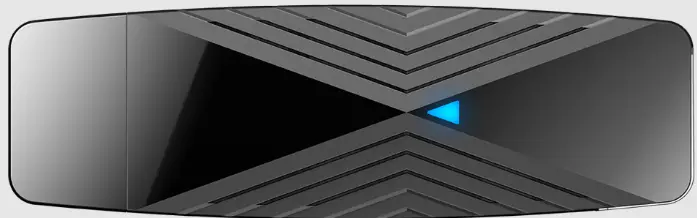
| LED Indicator | Red | Blinking – There is no Internet connection. |
| Blue | On – The internet is ready. | |
| Off – Power is off. | ||
| Red / Blue | Blinking – The Zyxel Device is resetting to factory defaults. | |
| Purple | On – The Zyxel Device is updating firmware. | |
| Blinking – WPS is in progress. |
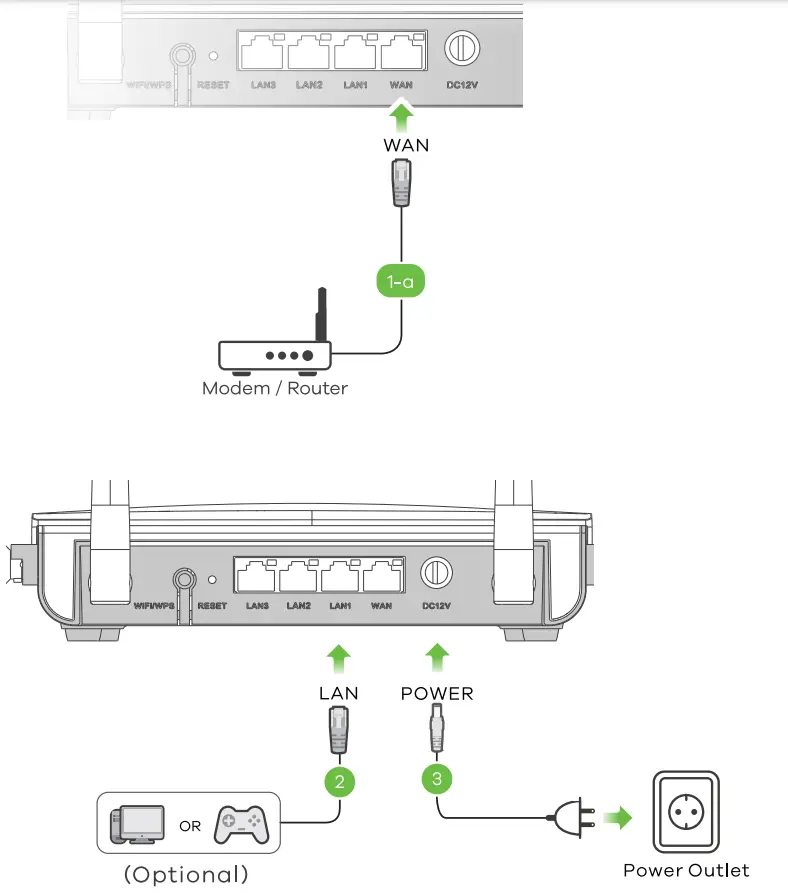
1-a. Use an Ethernet cable to connect the WAN port to a gateway modem.
2. Connect a computer to the LAN port using a yellow Ethernet cable (optional).
3. Connect the power cable to the Zyxel Device.
Step 2 Wifi Connection
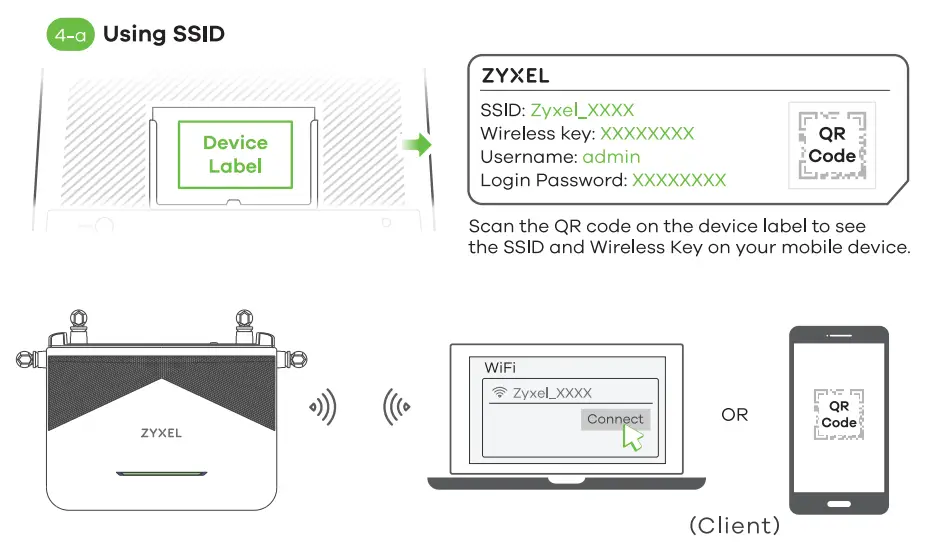
4-a. Use the SSID and Wireless key on the device label to connect wirelessly to the Zyxel Device.
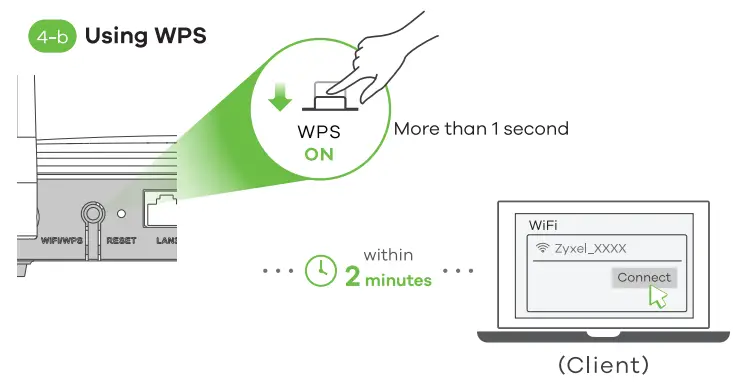
4-b. Press the WPS button until the LED is blinking in purple. Press the WPS button on the client. If the WPS method fails, use the SSID and Wireless Key to set up a WiFi connection (4-a).
Step 3 Quick Start Wizard
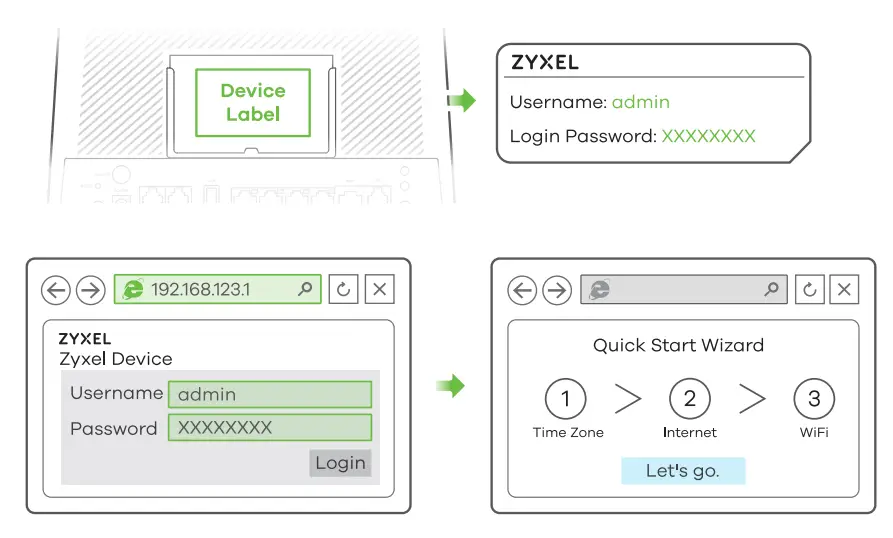
5. Open a web browser and go to http://192.168.123.1. Enter the default Username (admin) and admin Login Password (on the device label), and then click Login. The Wizard runs. Follow the wizard prompts to complete the setup. Go to www.zyxel.com to view this product’s documentation and certifications.