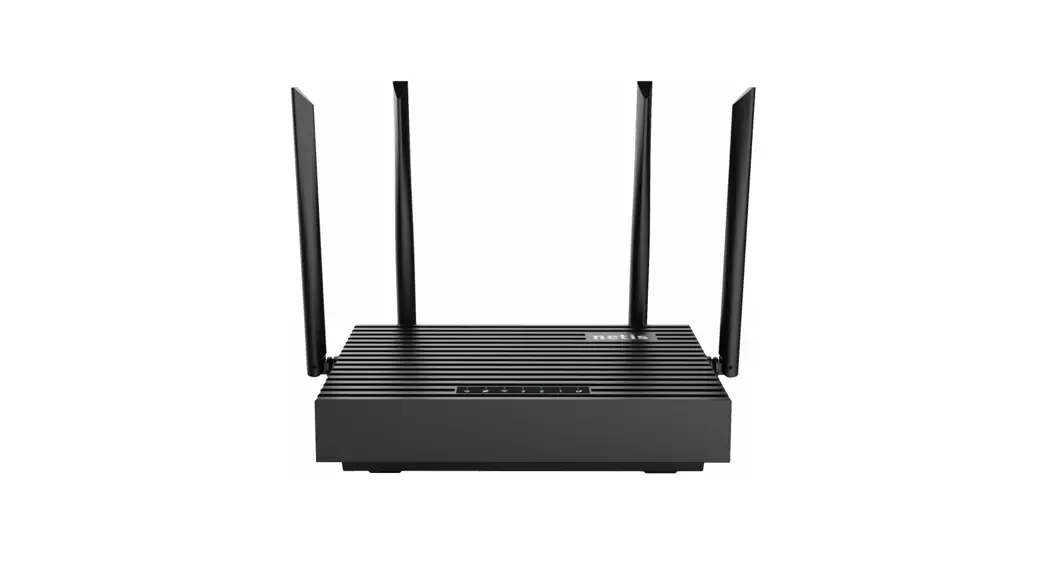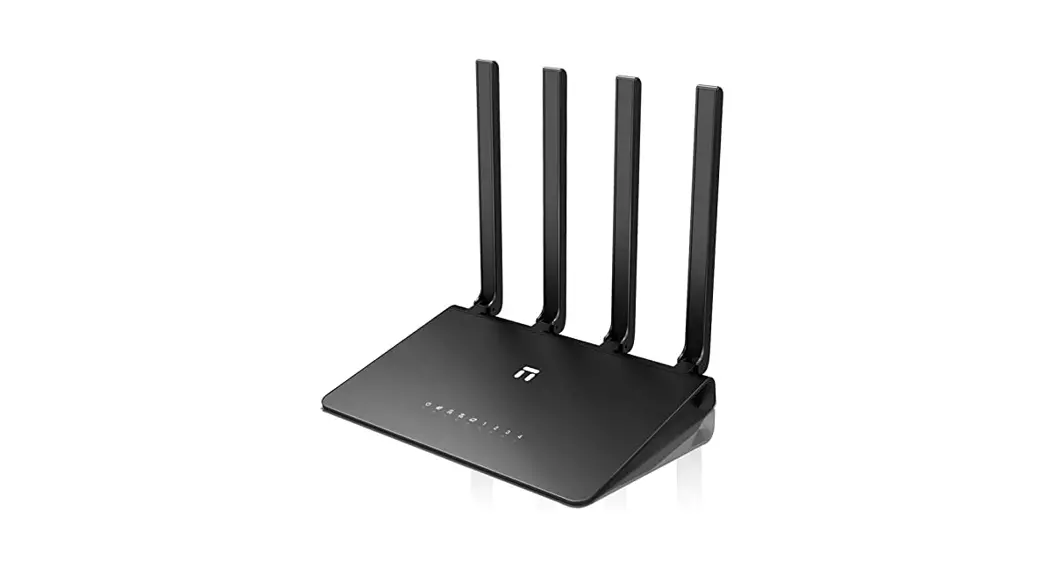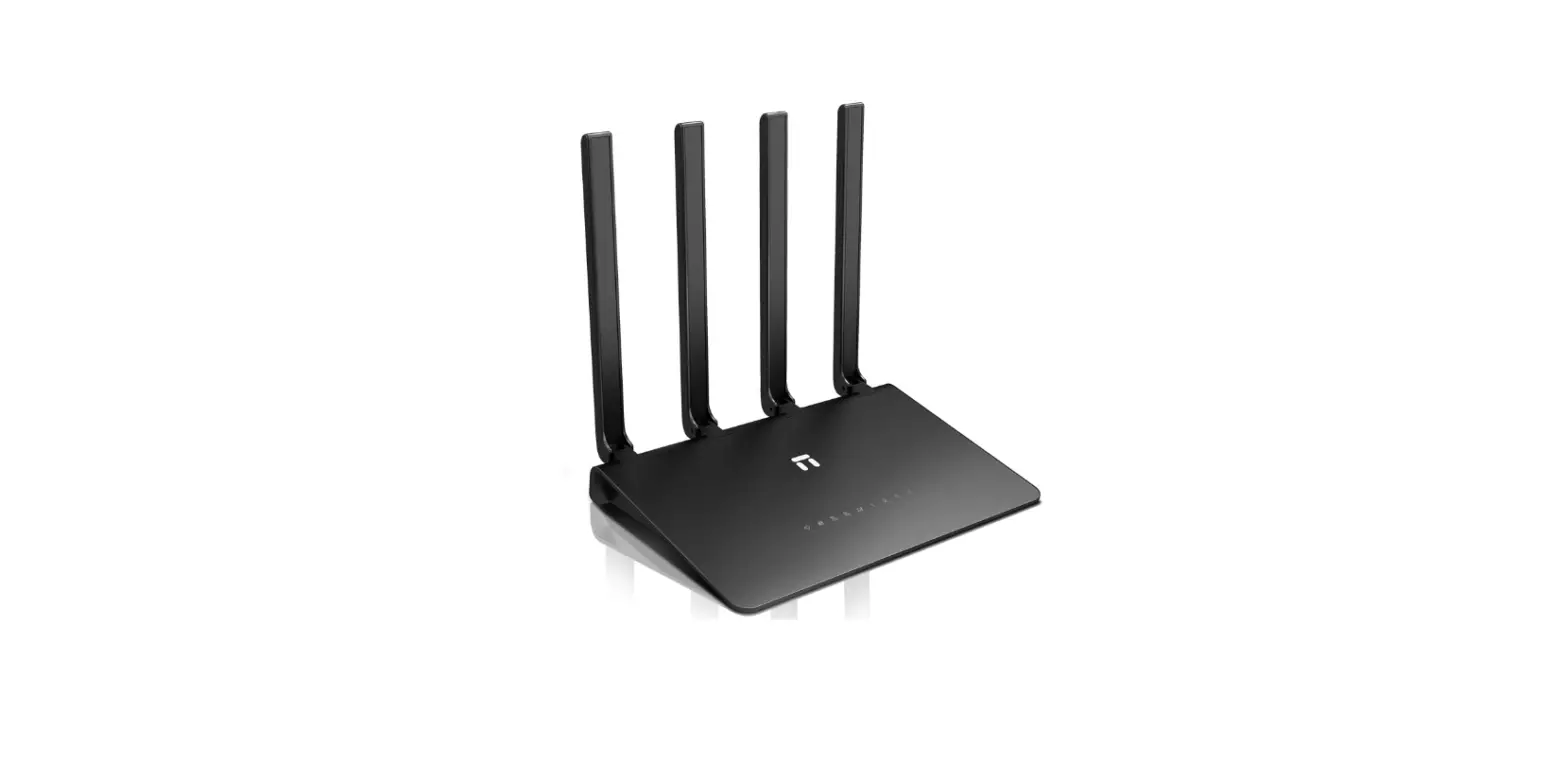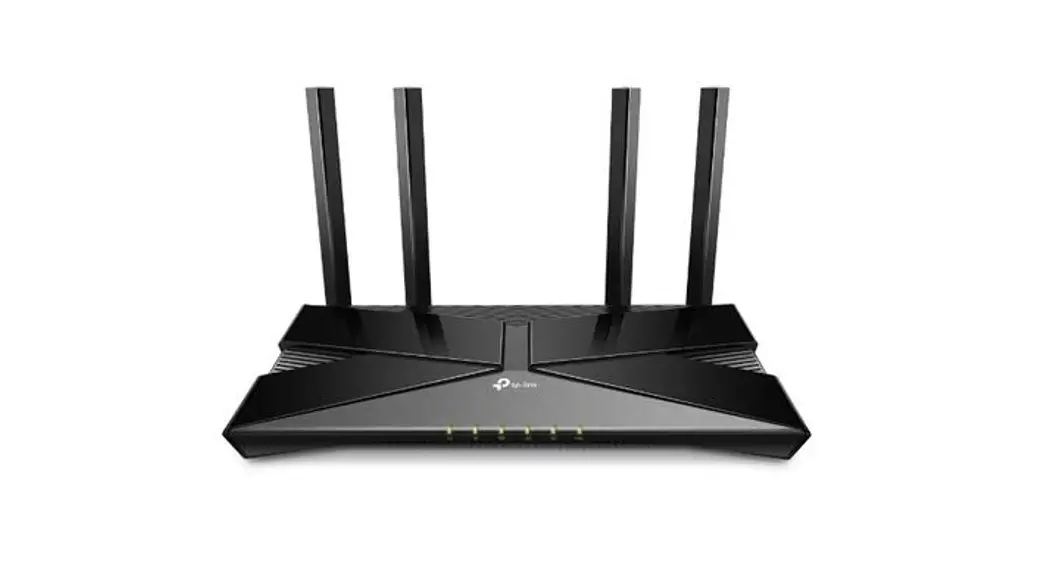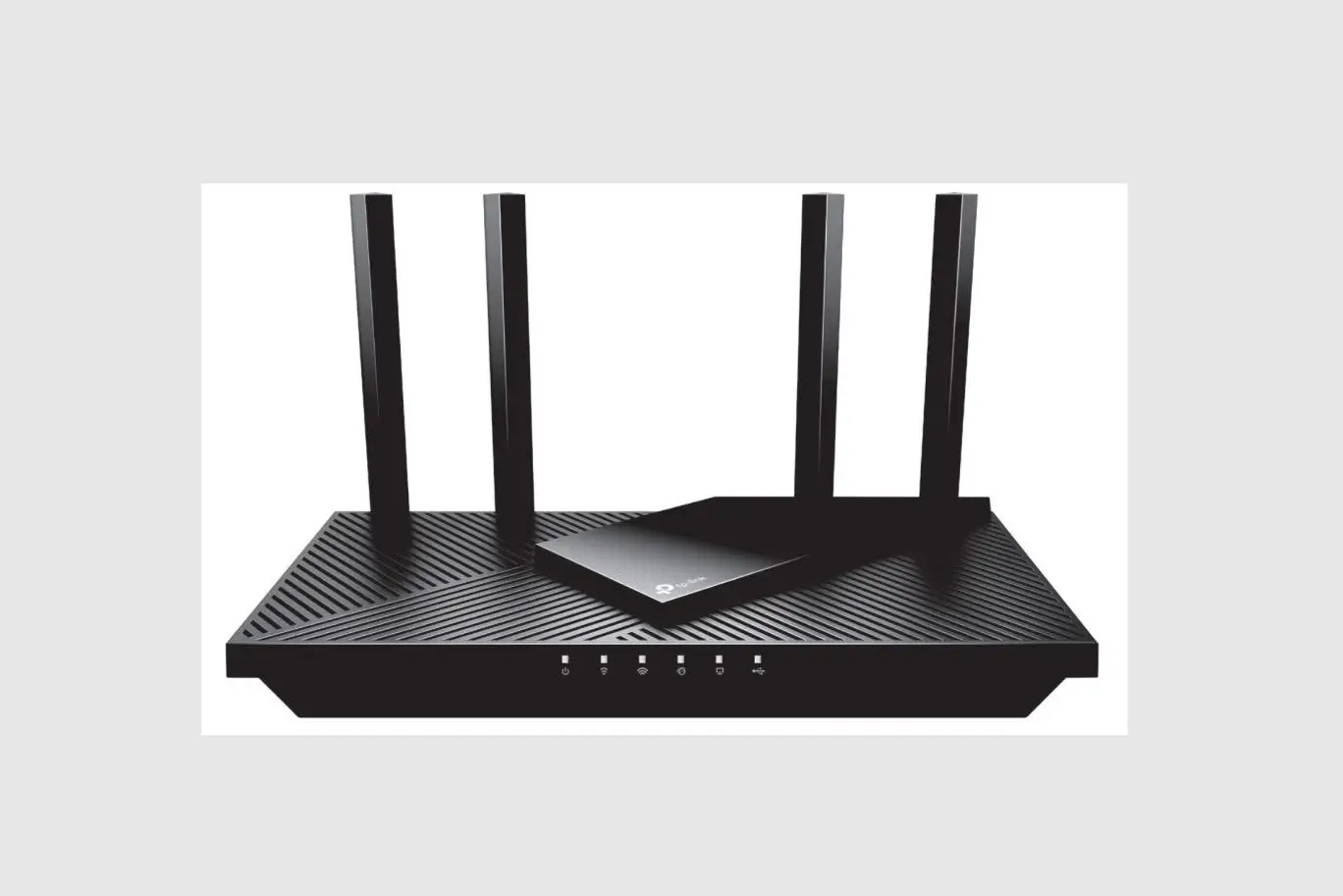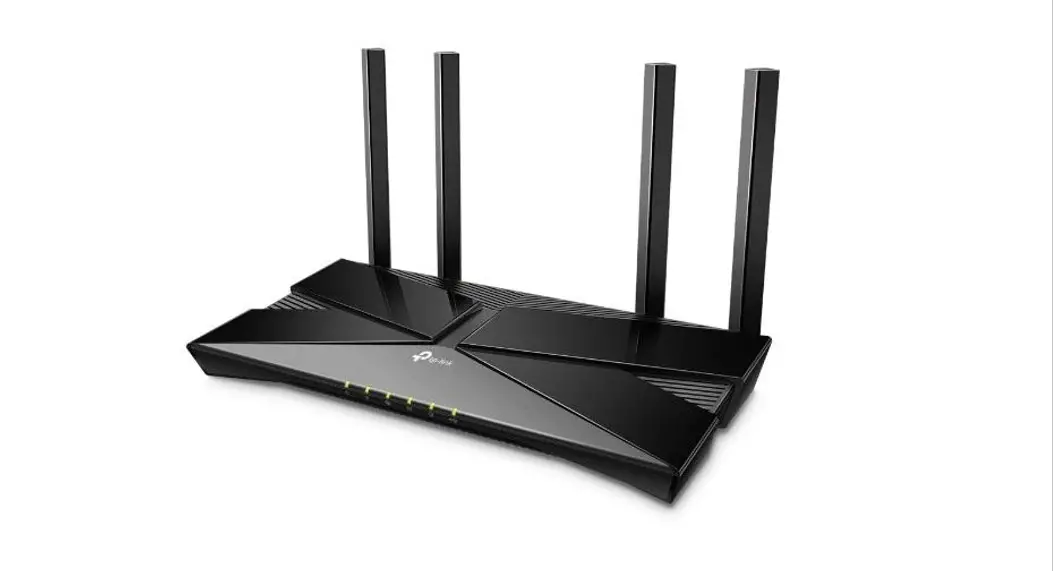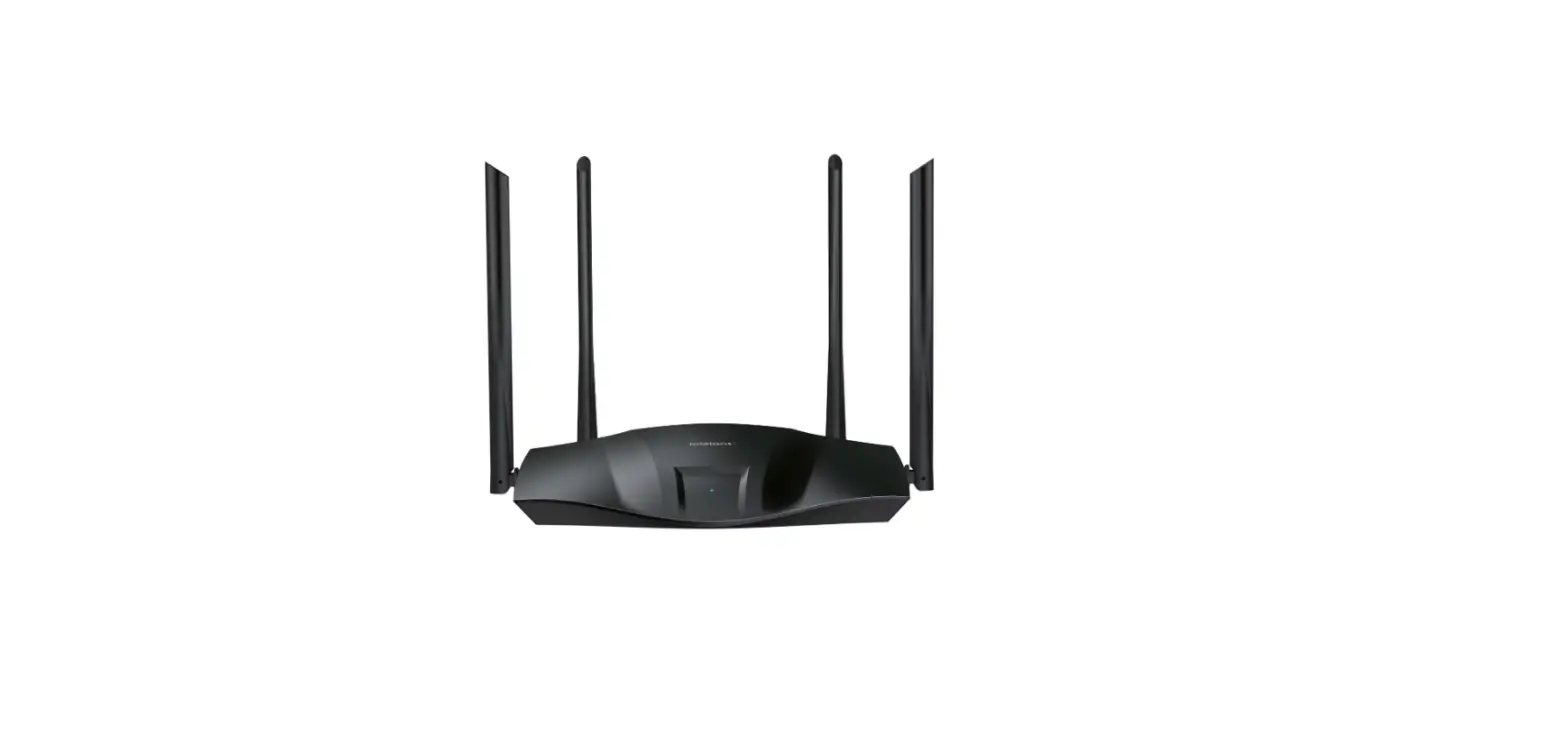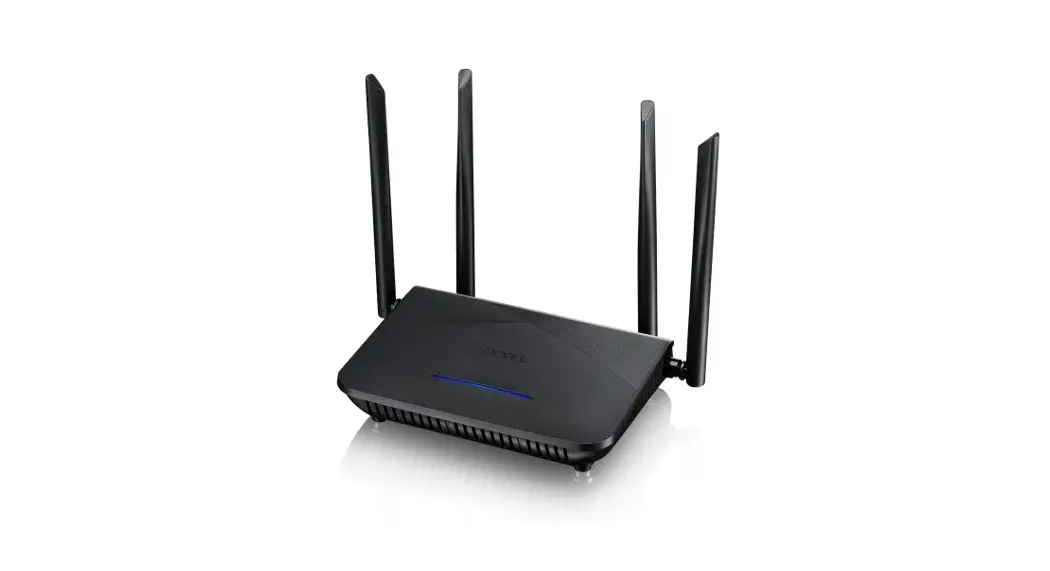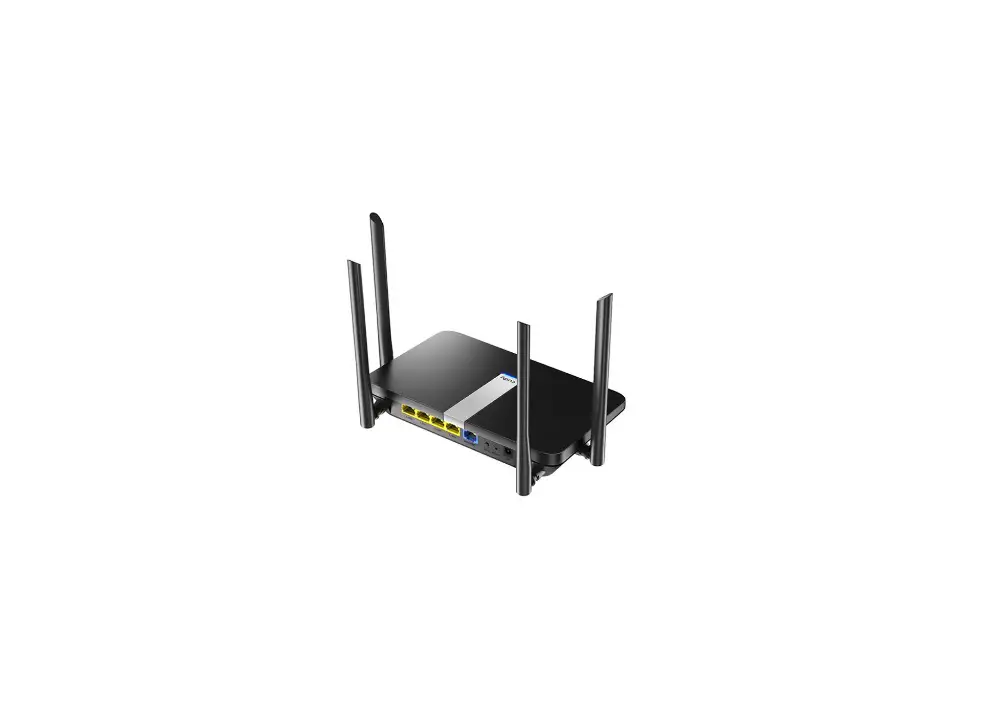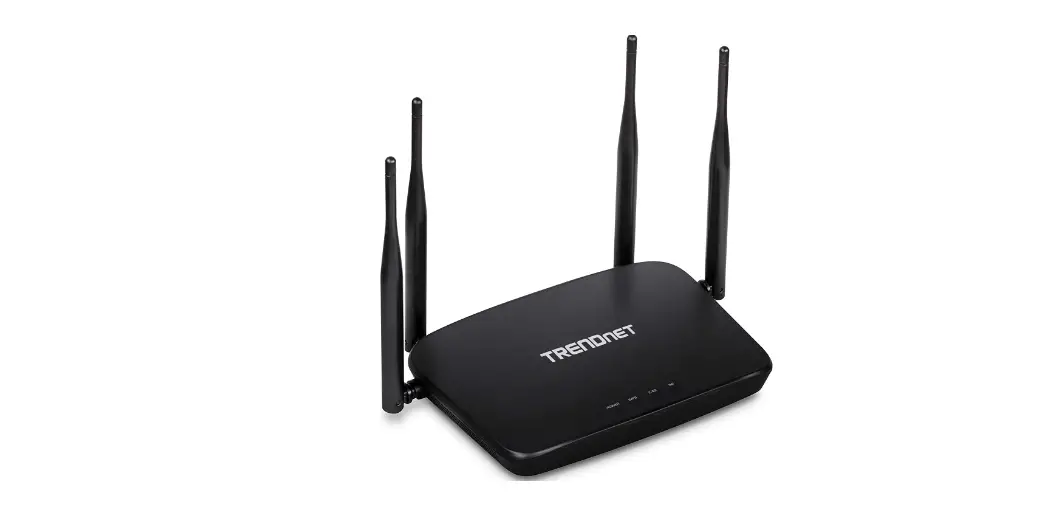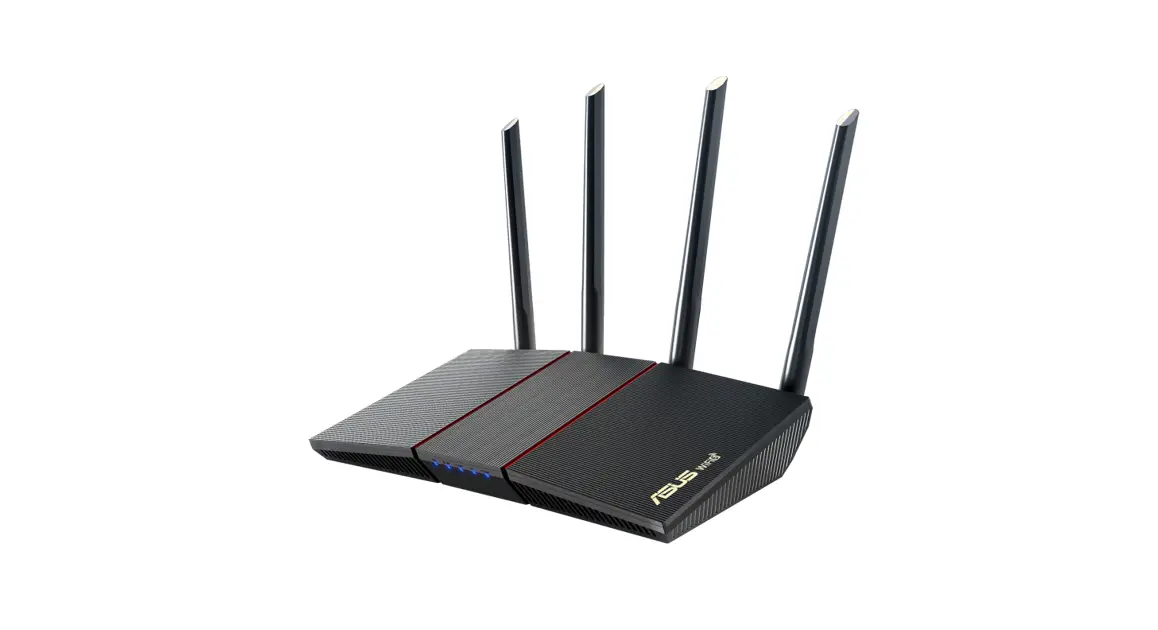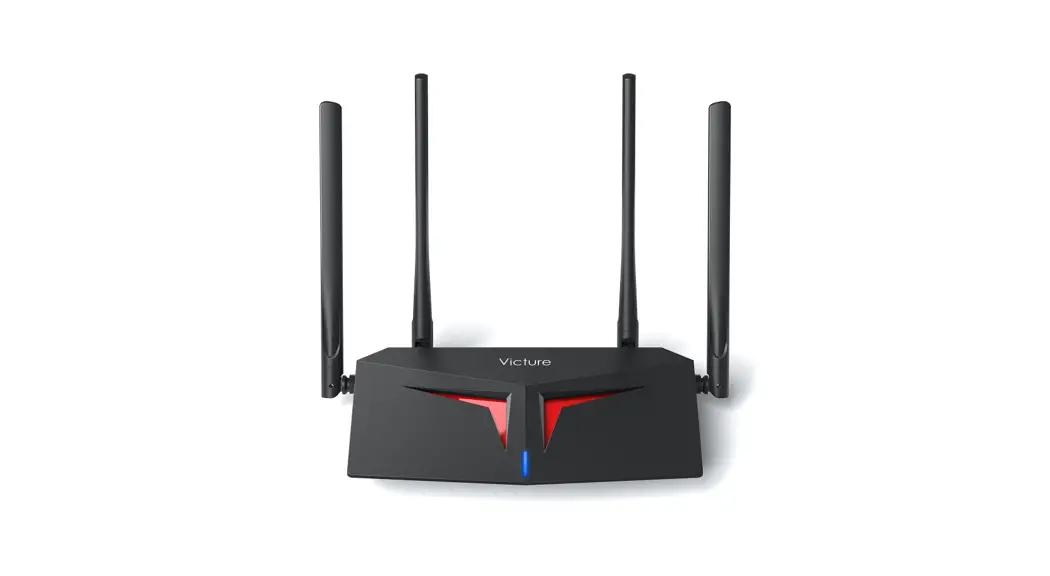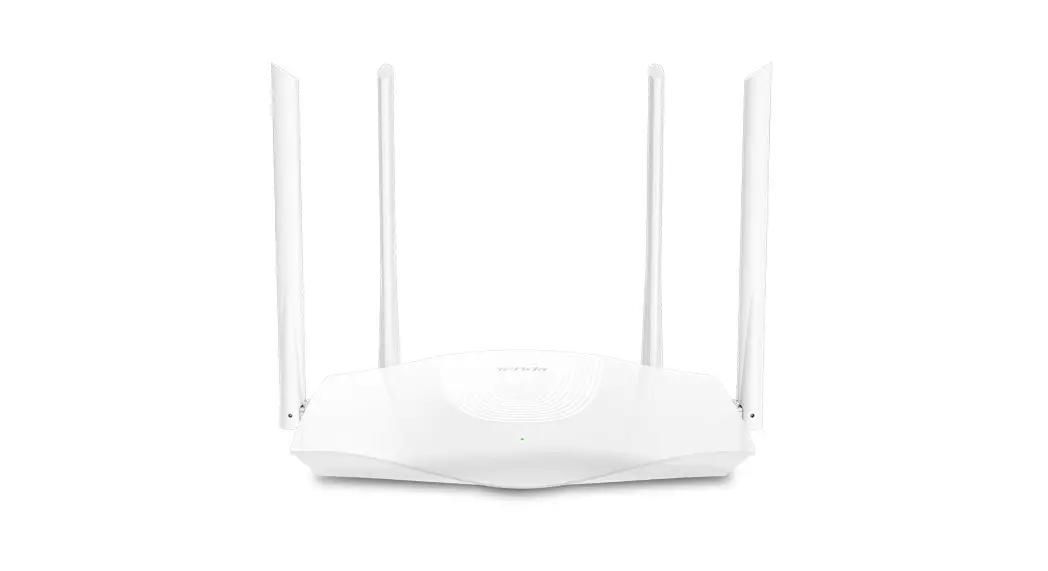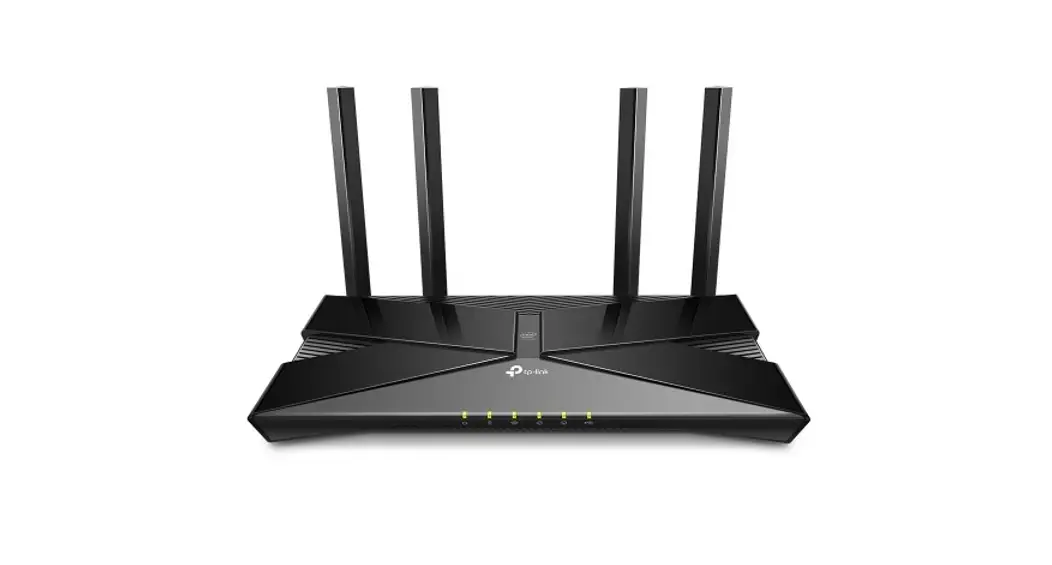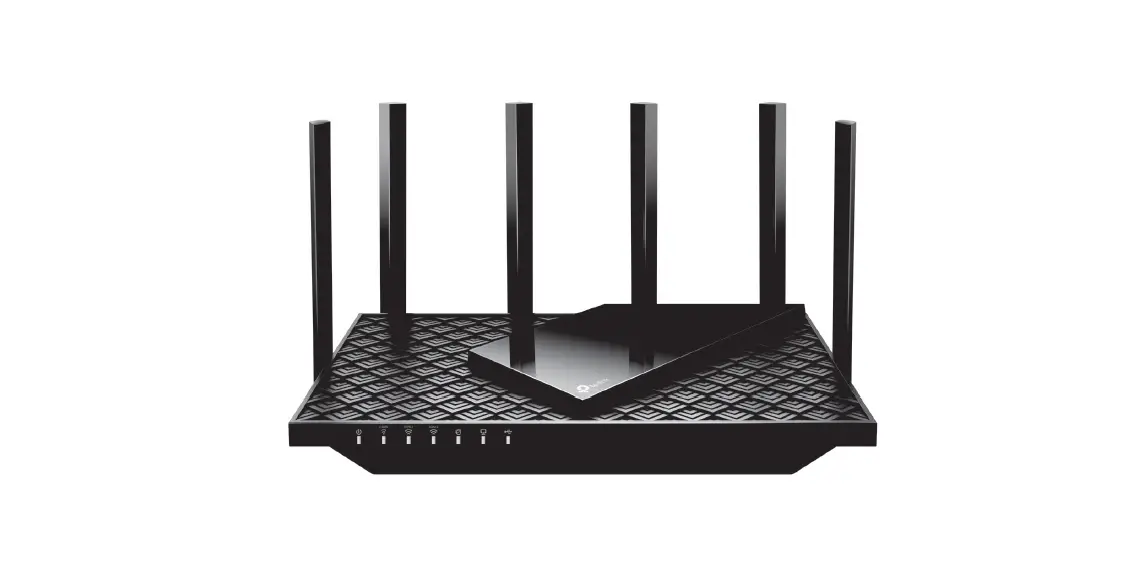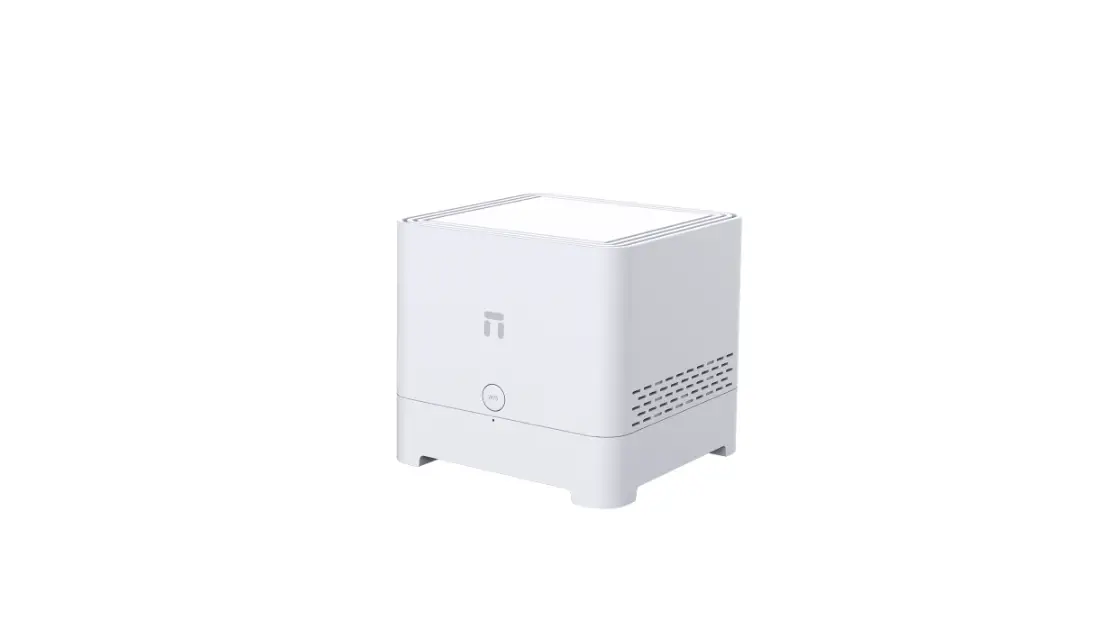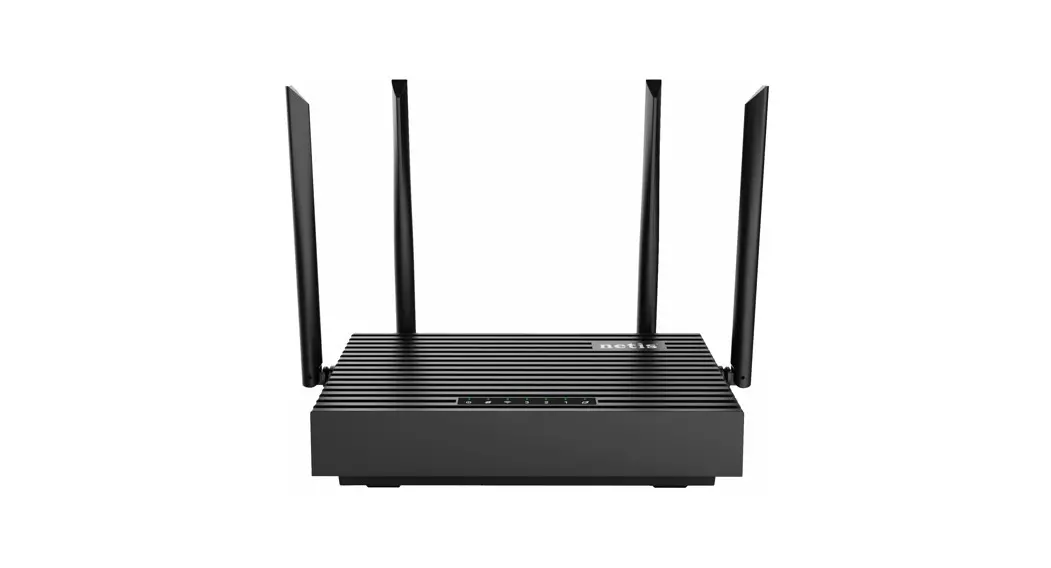

netis Wireless Dual Band Router
Quick Installation Guide

Package Contents
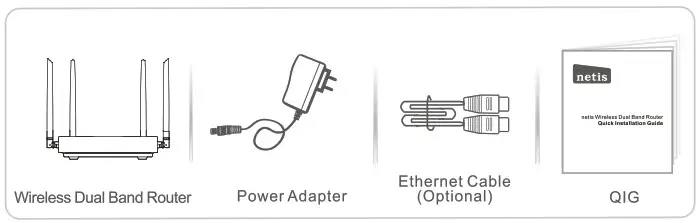
*This QIG is for netis 11AX Dual Band router.
*The product model shown in this QIG is N6T, as an example.
LED Explanation
| Name | Status | Indication |
 | Solid on | Power on |
| Off | Power off | |
 | Blinking | Mesh or WPS On |
| Solid ON | Internet-connected success | |
| Off | Internet isn’t connected or setting error | |
 | Blinking | 2.4G/5G WiFi ready |
| Off | 2.4G/5G WiFi off, please turn on | |
| LAN 3 | Solid ON | LAN3 port is connected |
| Off | LAN3 port isn’t connected or Unidentified | |
| LAN 2 | Solid ON | LAN2 port is connected |
| Off | LAN2 port isn’t connected or Unidentified | |
| LAN 1 | Solid ON | LAN1 port is connected |
| Off | LAN1 port isn’t connected or Unidentified | |
 | Blinking | WAN port connected success |
| Off | WAN port isn’t connected |
Hardware Connection
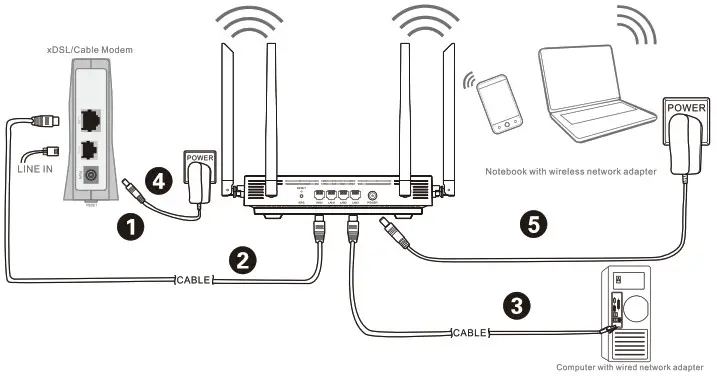
- Power off your Modem.
- Connect the WAN port on netis Router to the Modem’s LAN port with an Ethernet cable.
- Connect your computer to one of the LAN ports on netis Router with an Ethernet cable.
- Power on your Modem.
- Plug the provided Power Adapter into the PWR jack of netis Router and the other end to a standard electrical socket. Then wait for one minute.
Configure the Router via Web Management Page
- Connect your PC to one of the LAN port on router with an Ethernet cable, or connect your WiFi device to the router’s default SSID.
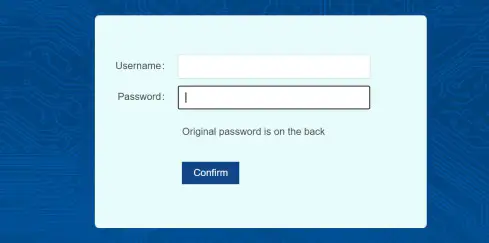
Default SSID: 2.4G SSID: Netis-XXXXXX/5G SSID: Netis-XXXXXX-5G, WiFi Password: password (“XXXXXX”: Last 6 digits of LAN MAC) - Open your browser and type http://netis.cc or 192.168.1.1 in the address to visit router’s web management page.Enter the web’s username and password to start configuration.(Default Username: admin Password: password)
Tip: You can select the language as you want is the top corner, default is English.
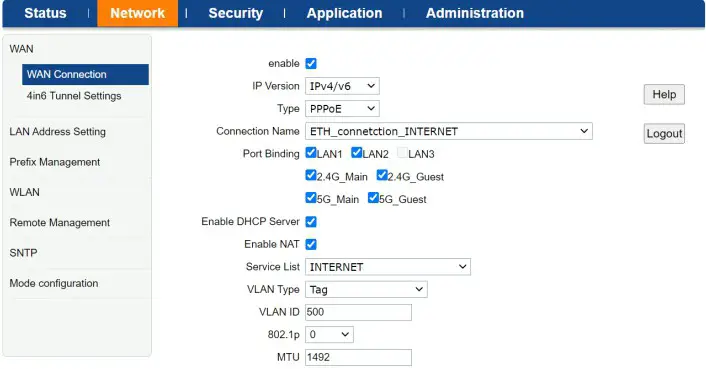
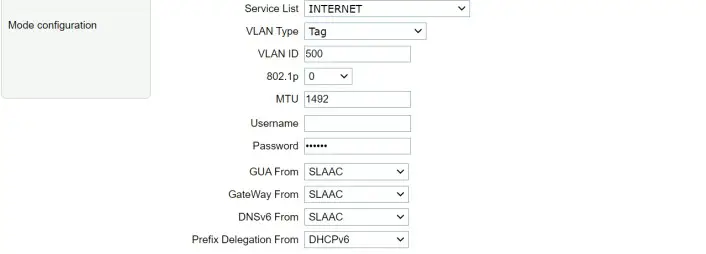
- Please select your Internet access mode as your ISP provide.


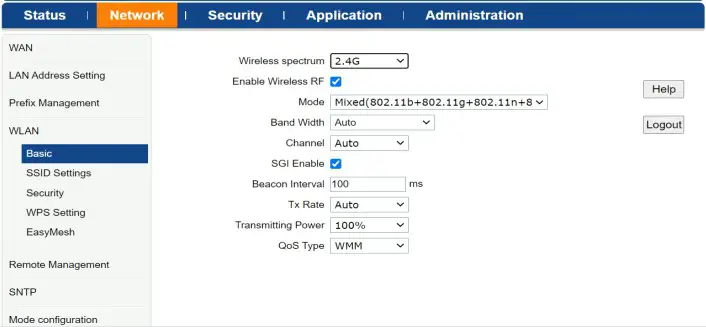
- Wi-Fi setting succeeded, you can surf the Internet now.


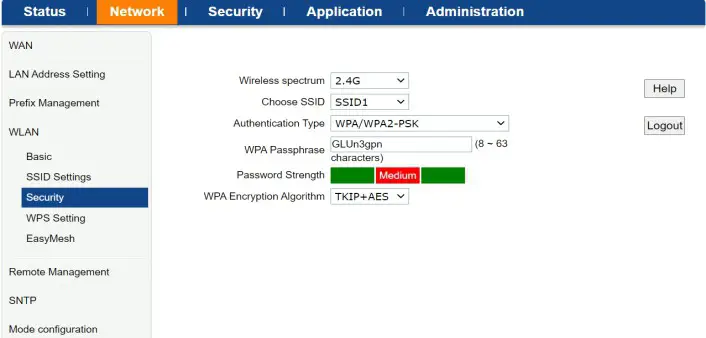
Easy Mesh
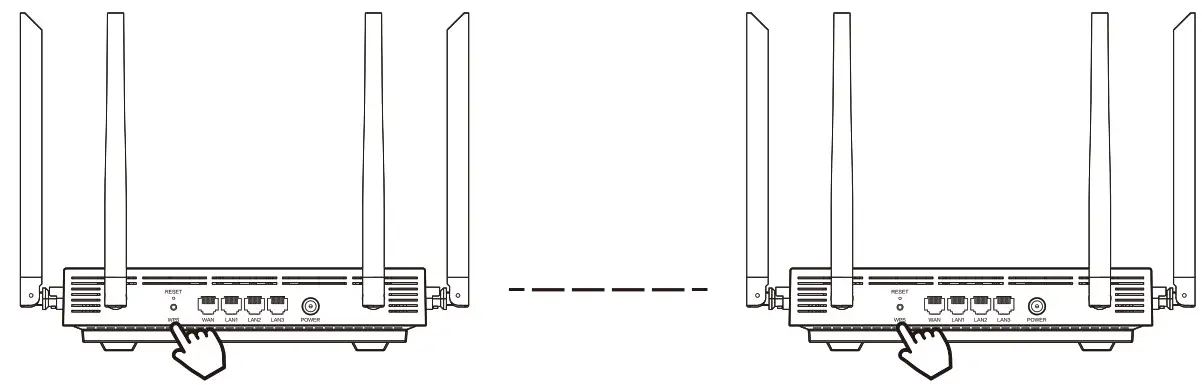
Method 1: Press the WPS button on each netis mesh router at the same time to configure mesh connection automatically.
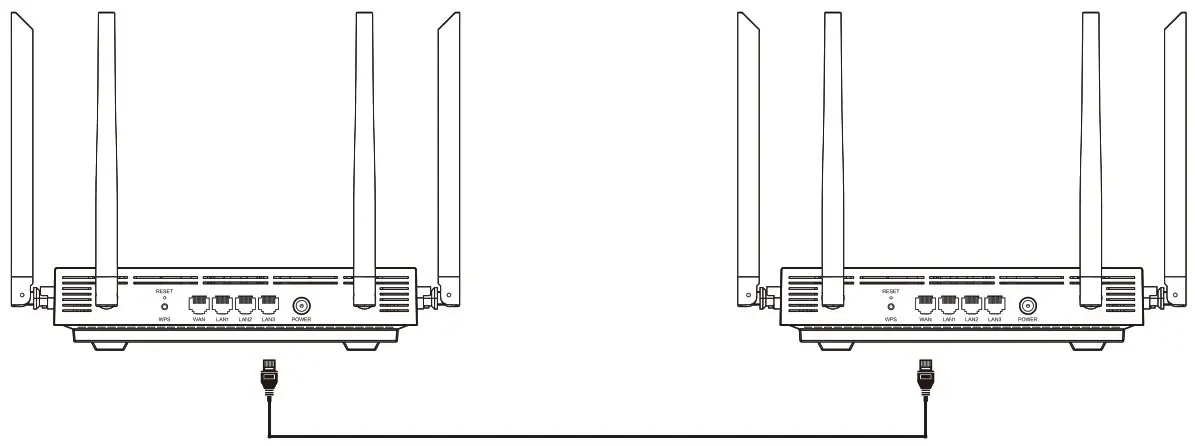
Method 2: Connect your netis mesh routers with an Ethernet cable to configure mesh automatically.
Warning
FCC PART 15.105 INFORMATION:
This equipment has been tested and found to comply with the limits for a Class B digital device, pursuant to part 15 of the FCC Rules. These limits are designed to provide reasonable protection against harmful interference in a residential installation. This equipment generates, uses and can radiate radio frequency energy and, if not installed and used in accordance with the instructions, may cause harmful interference to radio communications. However, there is no guarantee that interference will not occur in a particular installation. If this equipment does cause harmful interference to radio or television reception, which can be determined by turning the equipment off and on,the user is encouraged to try to correct the interference by one or more of the following measures:
- Reorient or relocate the receiving antenna.
- Increase the separation between the equipment and receiver.
- Connect the equipment into an outlet on a circuit different from that to which the receiver is connected.
- Consult the dealer or an experienced radio/TV technician for help.
PART 1519 COMPLIANCE INFORMATION:
This device complies with part 15 of the FCC Rules. Operation is subject to the following two conditions:
- This device may not cause harmful interference,
- this device must accept any interference received, including interference that may cause undesired operation.
15.21 /KDB784748 DO1 v08 (P4)
Caution!
Any changes or modifications not expressly approved by the party responsible for compliance could void the user’s authority to operate this equipment.
Operations in 5150-5250 MHz band is for indoor use only.
FCC Radiation Exposure Statement
This equipment complies with fcc radiation exposure limits set forth for an uncontrolled environment.
This equipment should be installed and operated with a minimum distance 20cm between the radiator and your body.
Technical Support:[email protected]
NETIS SYSTEMS CO.,LTD
www.netis-systems.com
Note:
This product is ineligible for selling in the European Union, Switzerland, The United Kingdom, Iceland and Norway.
NETIS SYSTEMS CO., LTD.
www.netis-systems.com
PKUM06975