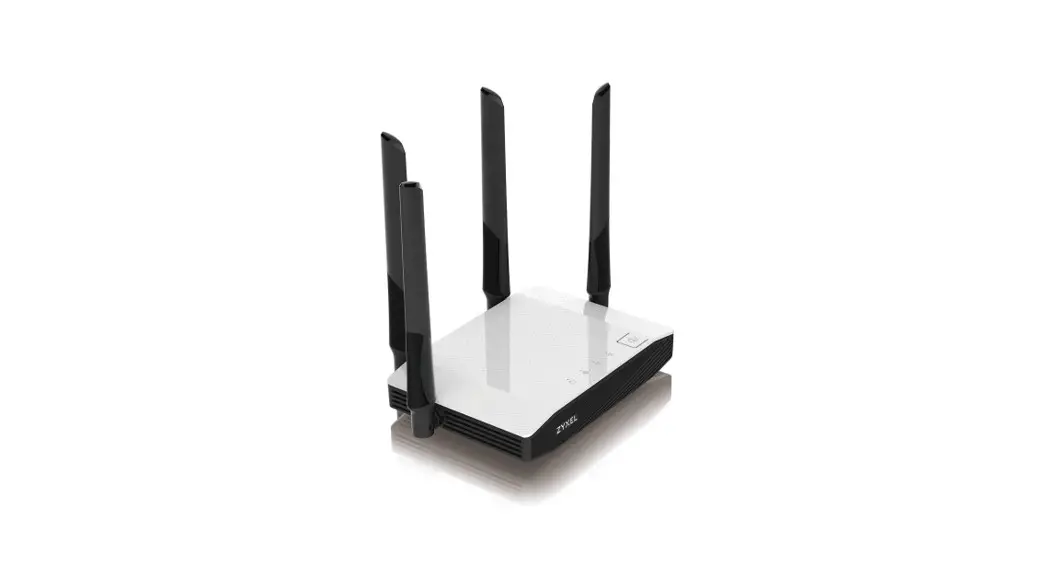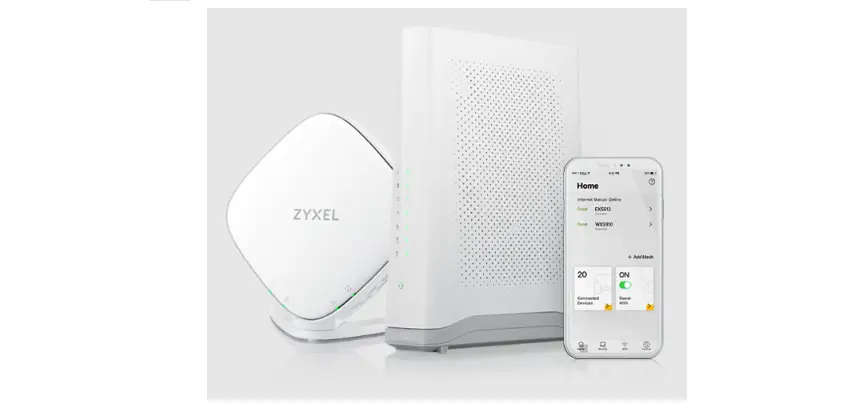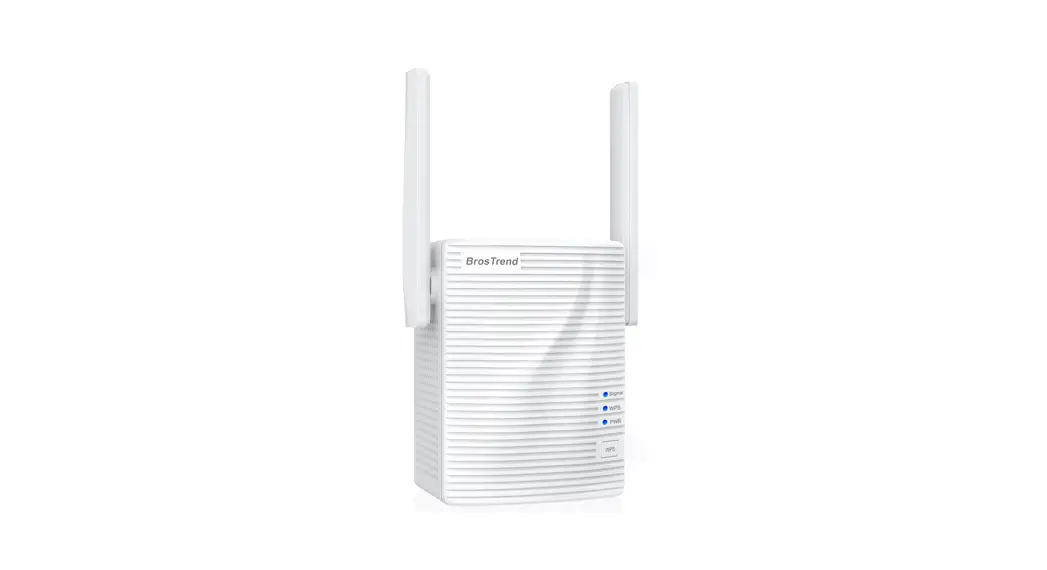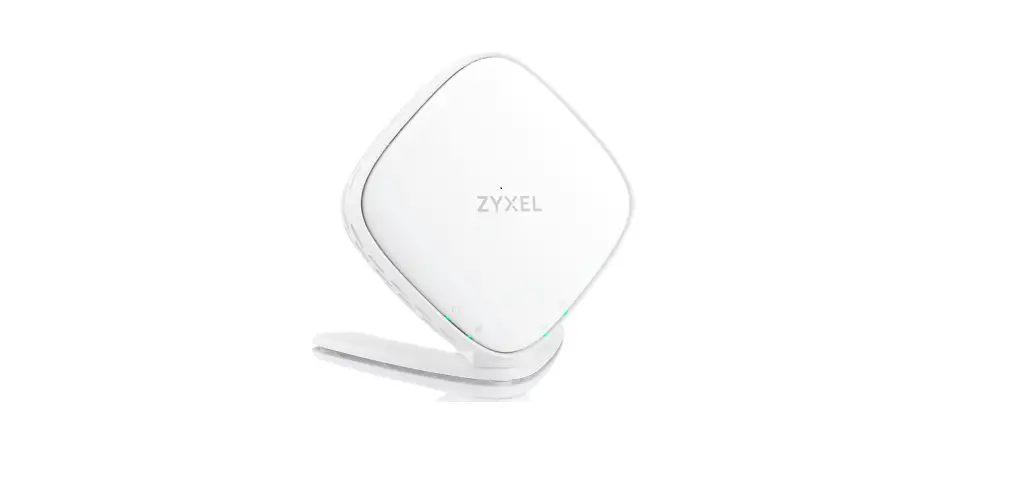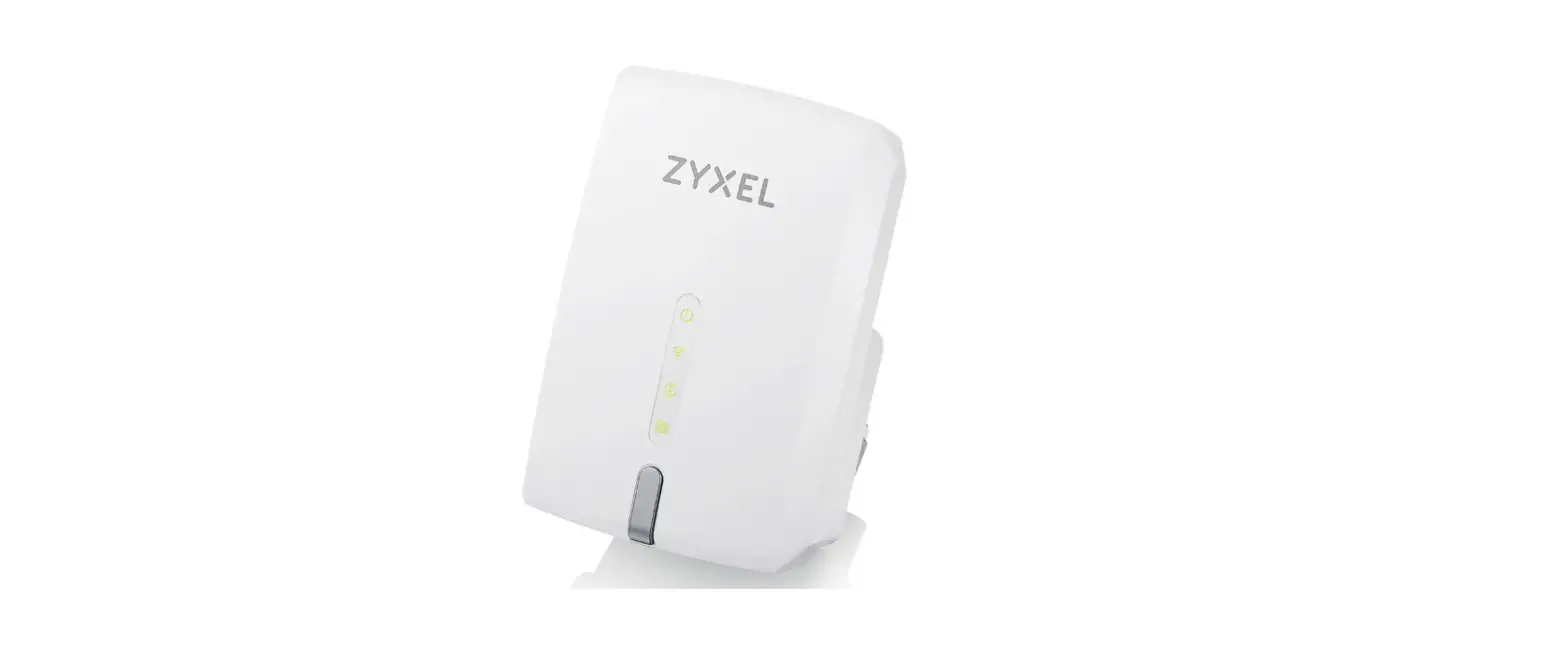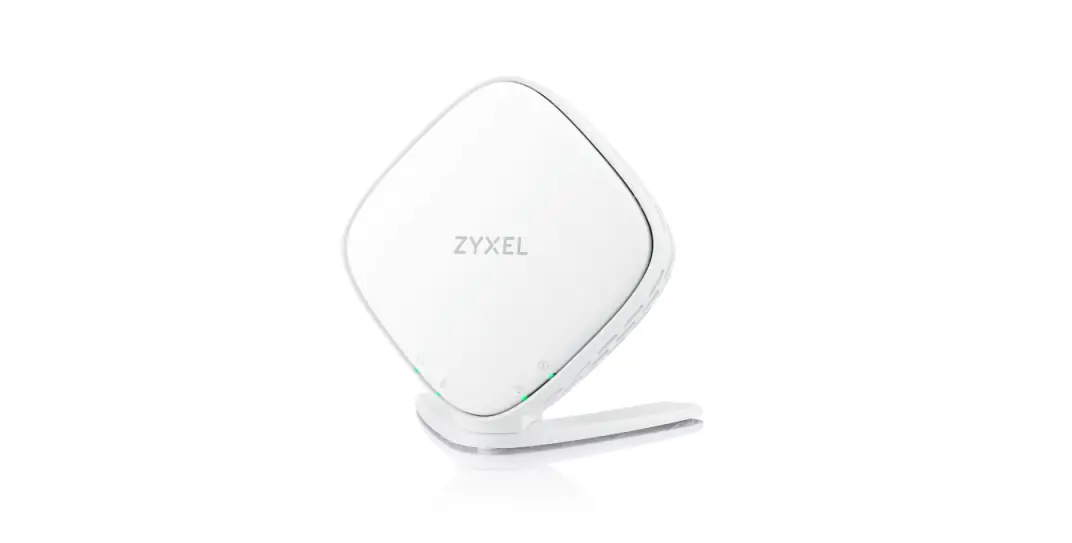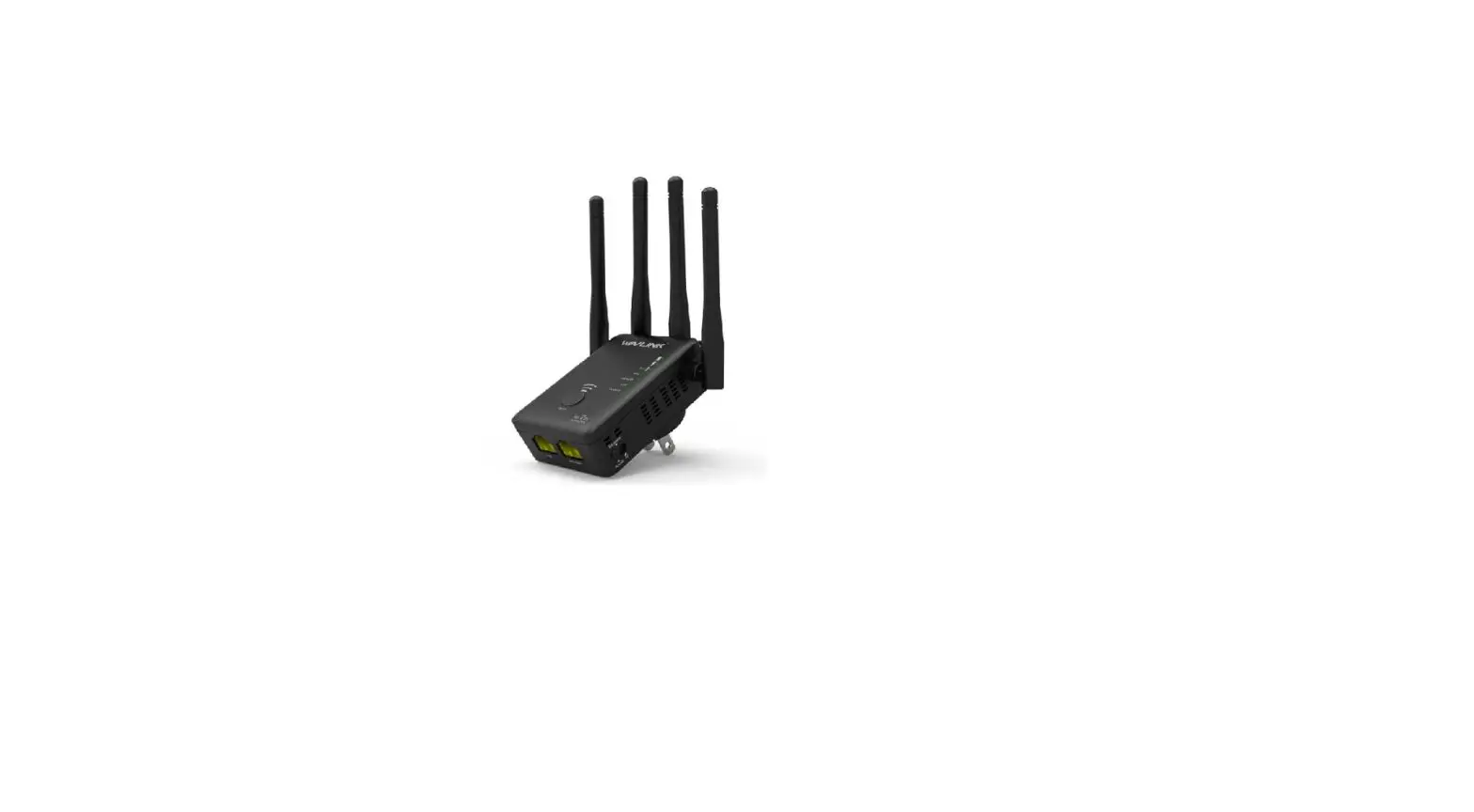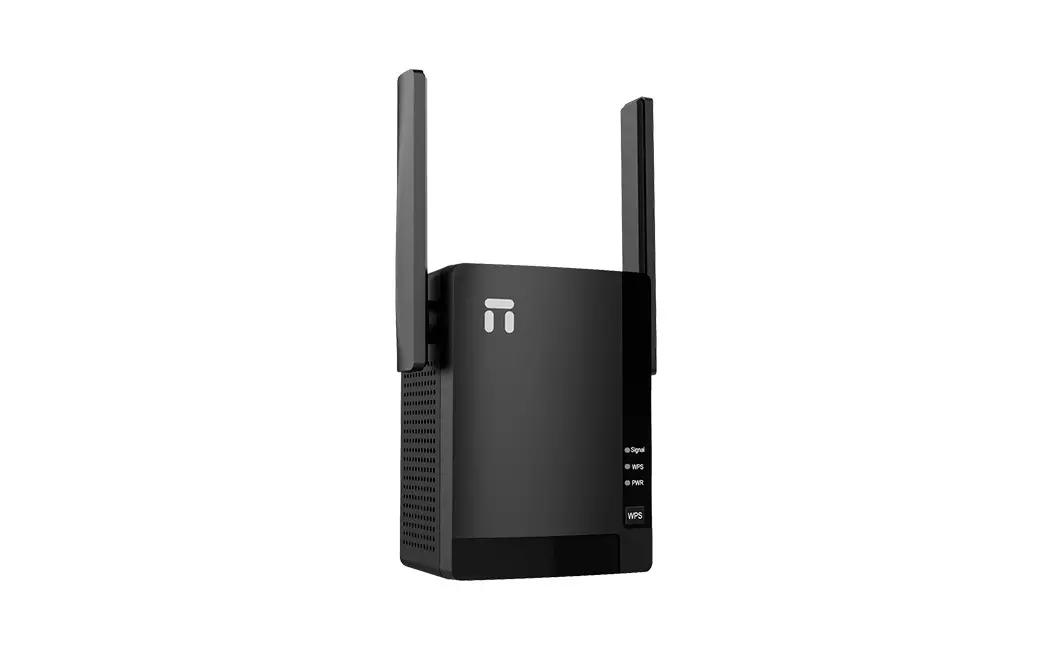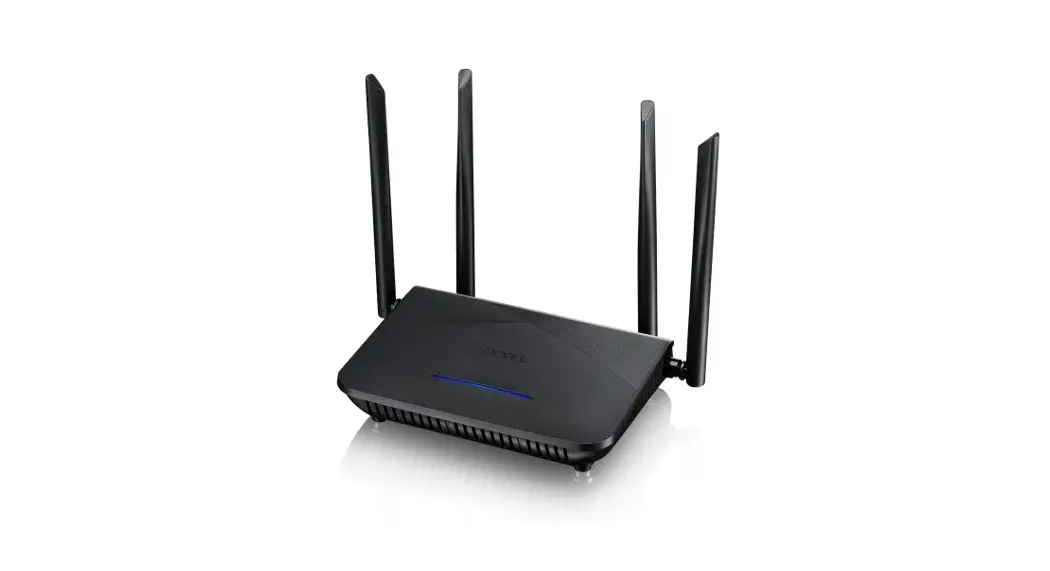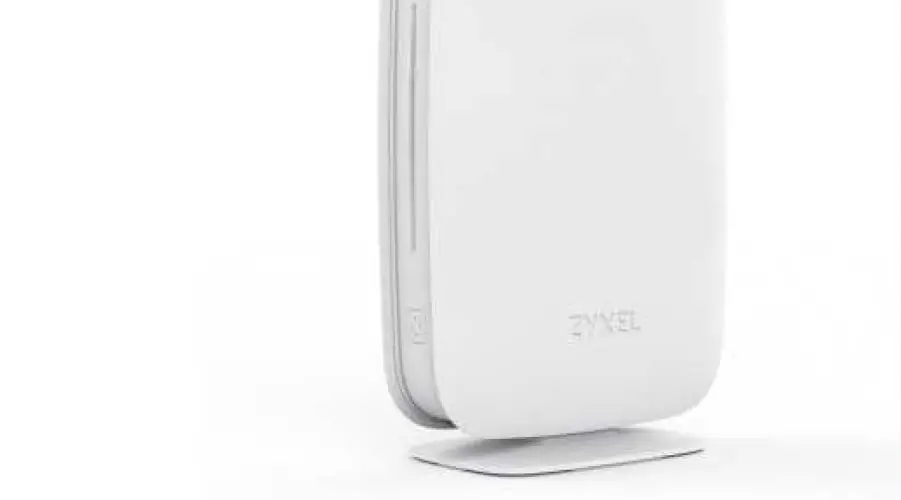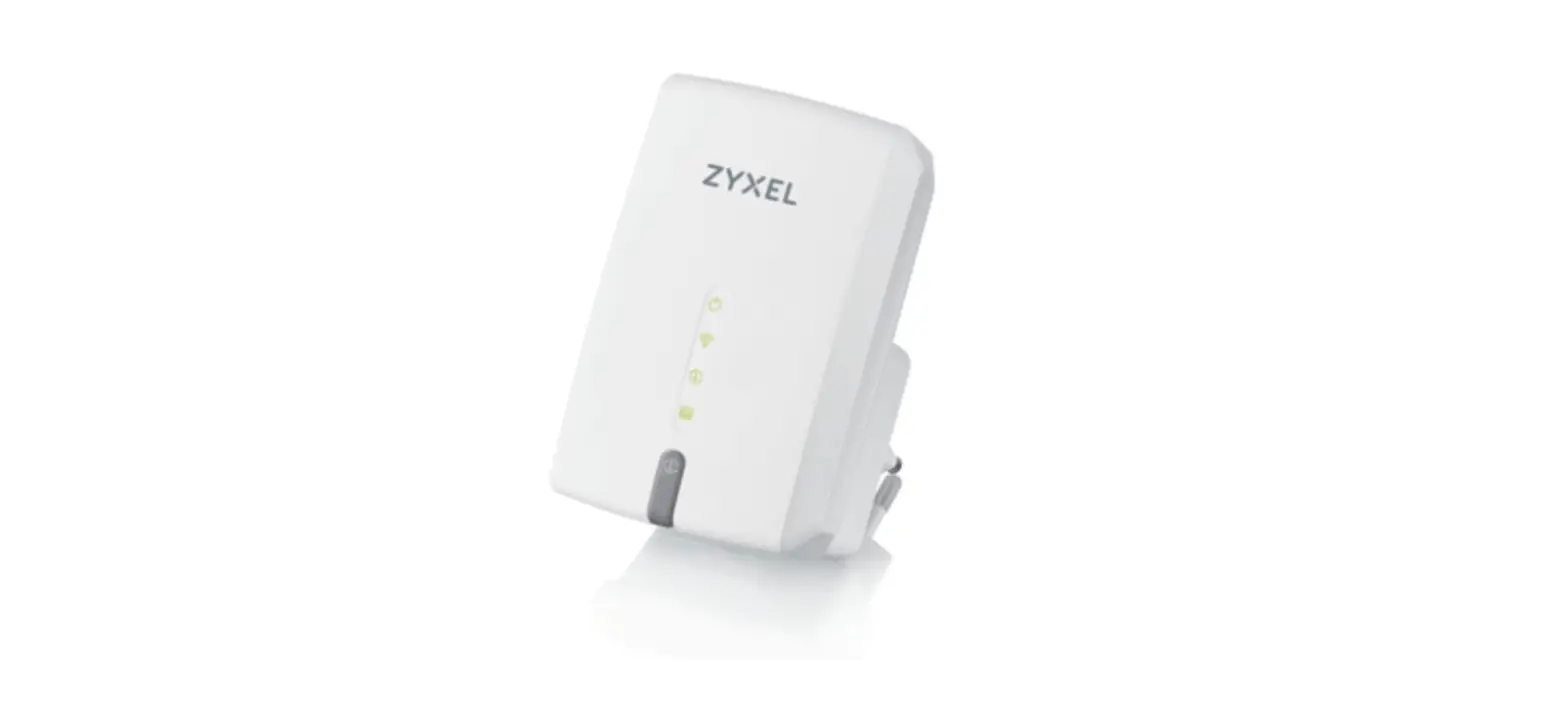

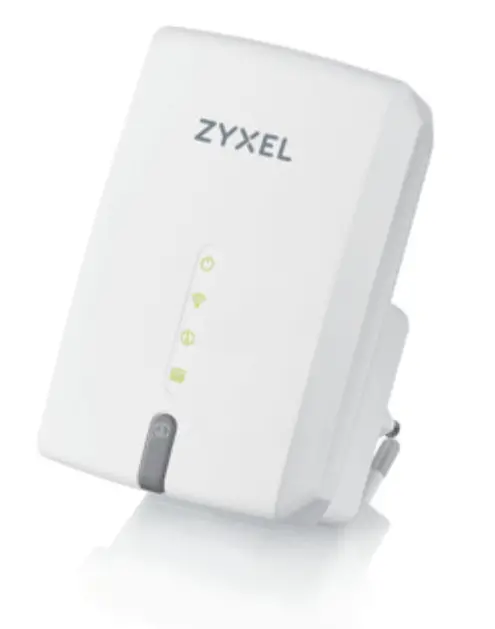
ZYXEL WRE6605 AC1200 Dual Band Wireless Extender
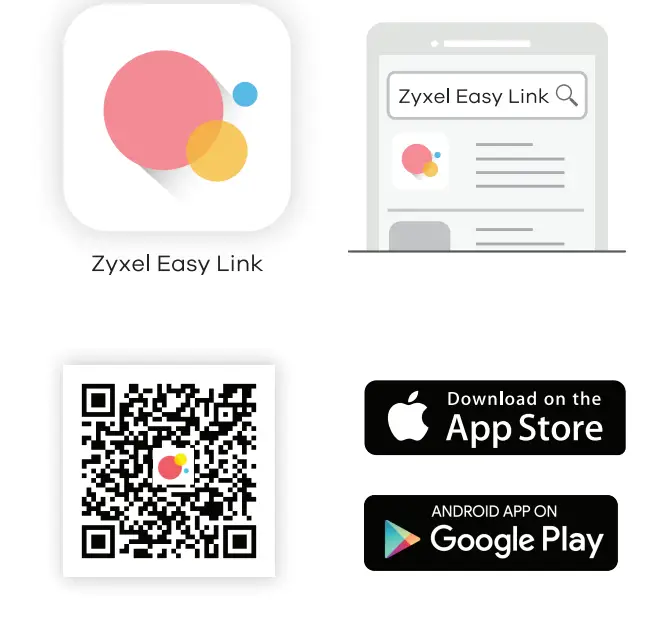
Configure with Zyxel Easy Link App
Use Easylink to:
- Check online for firmware upgrade.
- Follow a step by step installation guide to set the WRE6605 to Repeater Mode.
- In AP mode, use it to modify the WRE6605’s SSID and password.
Front Panel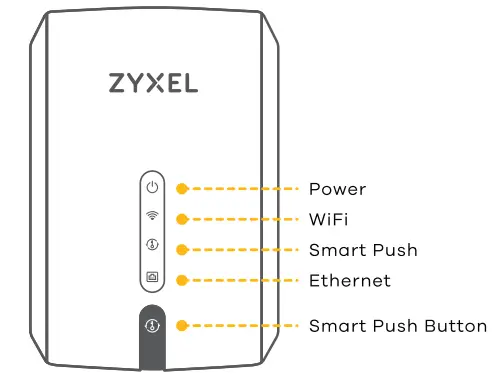
Bottom Panel 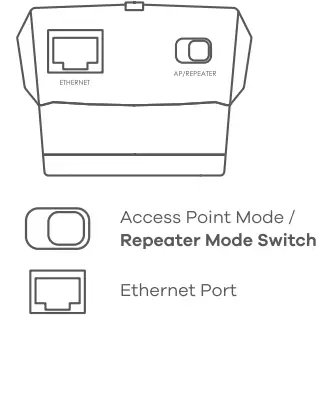
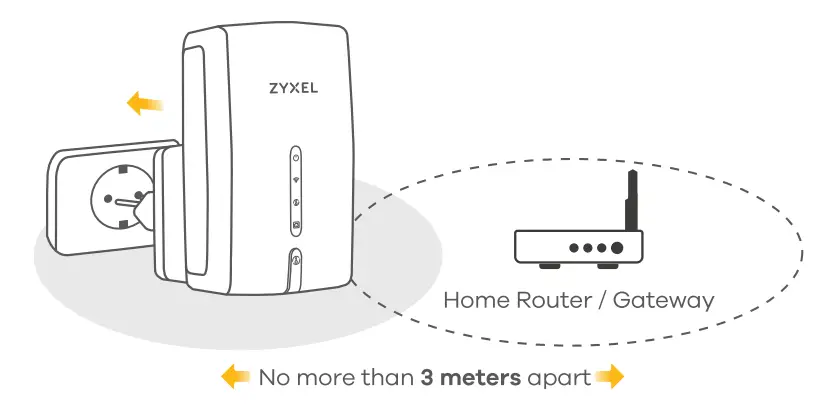
All Ready for installation 
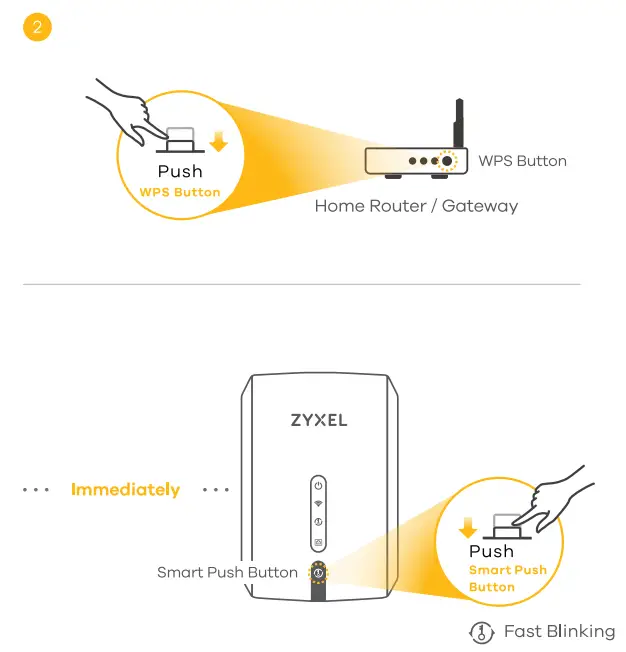
After push Smart Push Button, please wait for 2 mins until LED 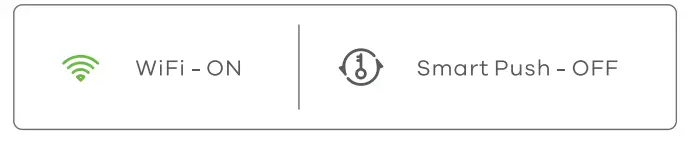
Finding the Ideal Location
Troubleshooting
I want to reset the WRE6605 to its factory default settings.
- Make sure the Power LED is on. Press the Smart Push Button for more than 10 seconds.
- Release the Smart Push Button, the Power LED begins to blink.
- The WRE6605 reloads factory-default settings and begins to reboot. Once the reboot is complete, the Power LED will turn on, and the Smart Push LED will begin blinking .
I cannot connect to the Internet via the WRE6605 in Repeater Mode.
- Try to connect directly to the wireless router or AP. If you can access the Internet, make sure the WiFi LED is on, indicating the WRE6605 has associated with the wireless router or AP. If the WiFi LED is off, try associating the WRE6605 and your wireless router or AP again.
- Make sure the wireless settings you are using to connect to the WRE6605 are the same as the settings in your wireless router or AP.
My Internet is slow or intermittent via the WRE6605 in Repeater Mode.
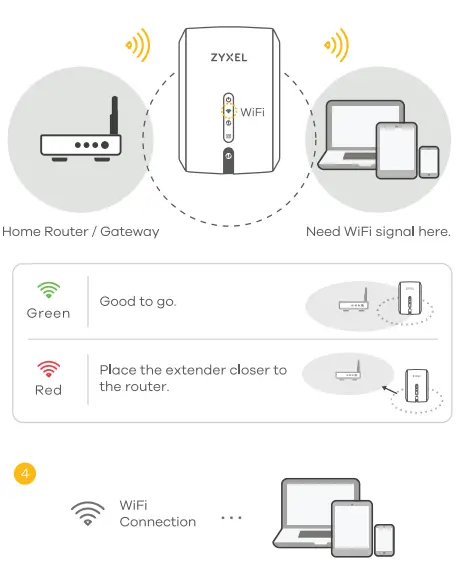
- Check the WRE6605 signal strength connection to the wireless router or AP. If your Internet is slow or the WiFi LED is red, try moving the WRE6605 closer to the AP, and check the WiFi LED again.
I want to reinstall the WRE6605 or modify its configuration settings.
- Reset the WRE6605 to its factory-default settings.
Warranty Card

Thank you for purchasing a Zyxel product. Zyxel has a reputation for delivering high-quality, high-performance products and services to our customers. We recommend that you now visit the Zyxel website and register your product online. This will mean you can receive the latest firmware, drivers, and product related information. If you still have further questions or enquiries related to the product, please contact our subsidiaries worldwide. Please note that warranty terms may vary by region. Full detailed information is available on our website, here: http://www.zyxel.com/support/warranty_information.shtml
Purchase Information
- Zyxel Product Name:
- Hardware Serial Number:
- Dote of Purchase:
- (In certain countries, the warranty will be validated with seller’s signature and stamp):
Support Information
North America USA + 1 800 255 4101 181 [email protected]
EU https://support.zyxel.eu
See the User’s Guide at www.zyxel.com for more information, including customer support and safety warnings.
EU Importer
Zyxel Communications A/S Gladsaxevej 378, 2. th. 2860 S0borg, Denmark https://www.zyxel.com/dk/do/
Copyright© 2021 Zyxel and/or its affiliates. All Rights Reserved.